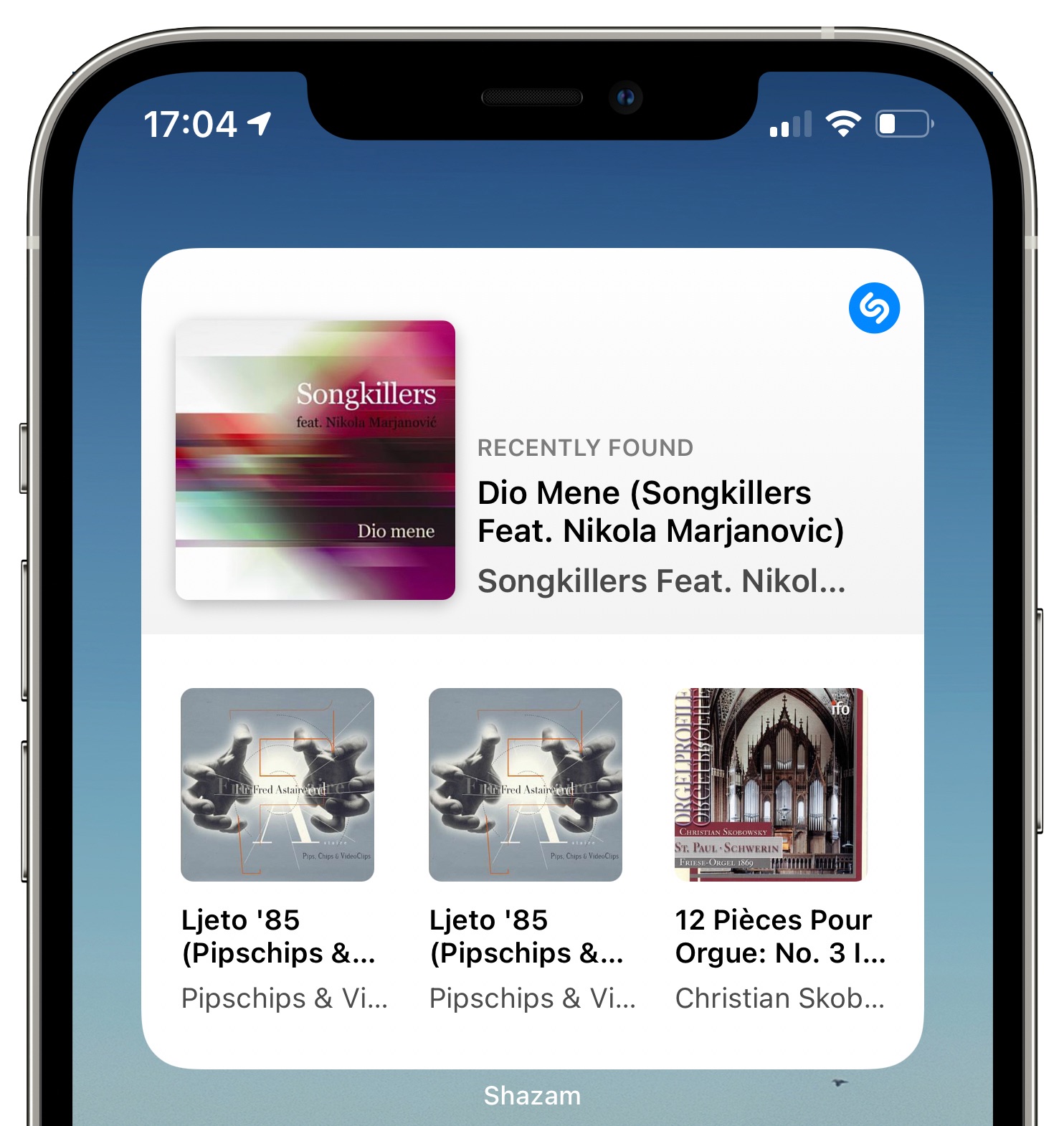
Shazam, the Apple-owned music identification service, has picked up a handy Home screen widget on the iPhone and iPad in the latest refresh to the software on the App Store.
Shazam now has a Home screen widget
Shazam, the Apple-owned music identification service, has picked up a handy Home screen widget on the iPhone and iPad in the latest refresh to the software on the App Store.
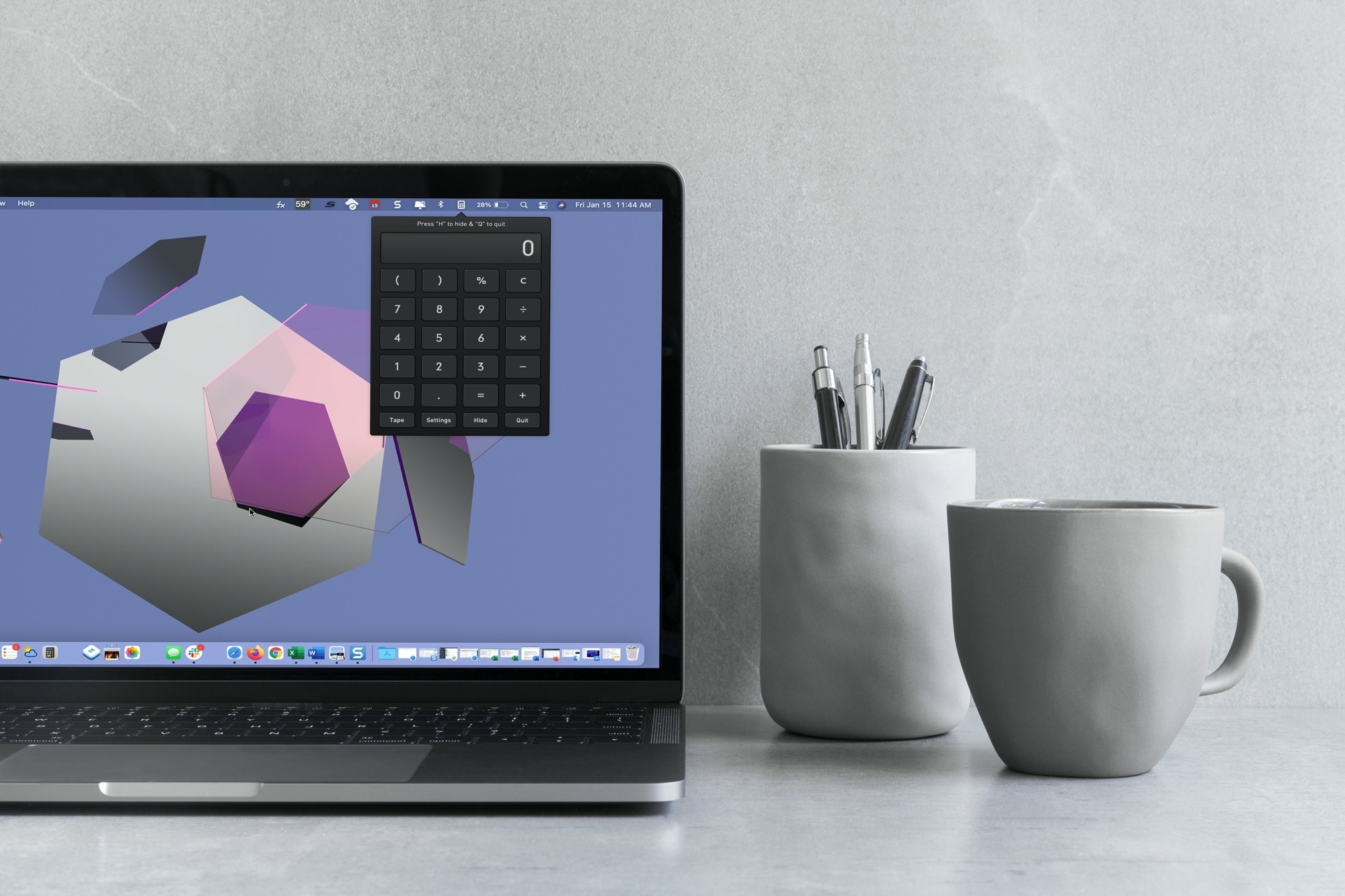
With macOS Big Sur and later, you can no longer enjoy quick access to interactive widgets in the Notification Center. Sure, you can still see widgets for things like the weather and a world clock, but you can’t perform calculations in a few clicks like before.
You can use Spotlight Search for simple equations in a hurry, but if you need a little more, you have to open the Calculator app. Since a calculator is one of those utilities you don’t want to have to hunt for, we’ll show you some alternatives to replace your missing widget.
Here you’ll find calculator apps for your menu bar along with shortcuts to open your existing Mac Calculator app from the Dock and using your keyboard. Review the options and see which one is the best fit for your needs.
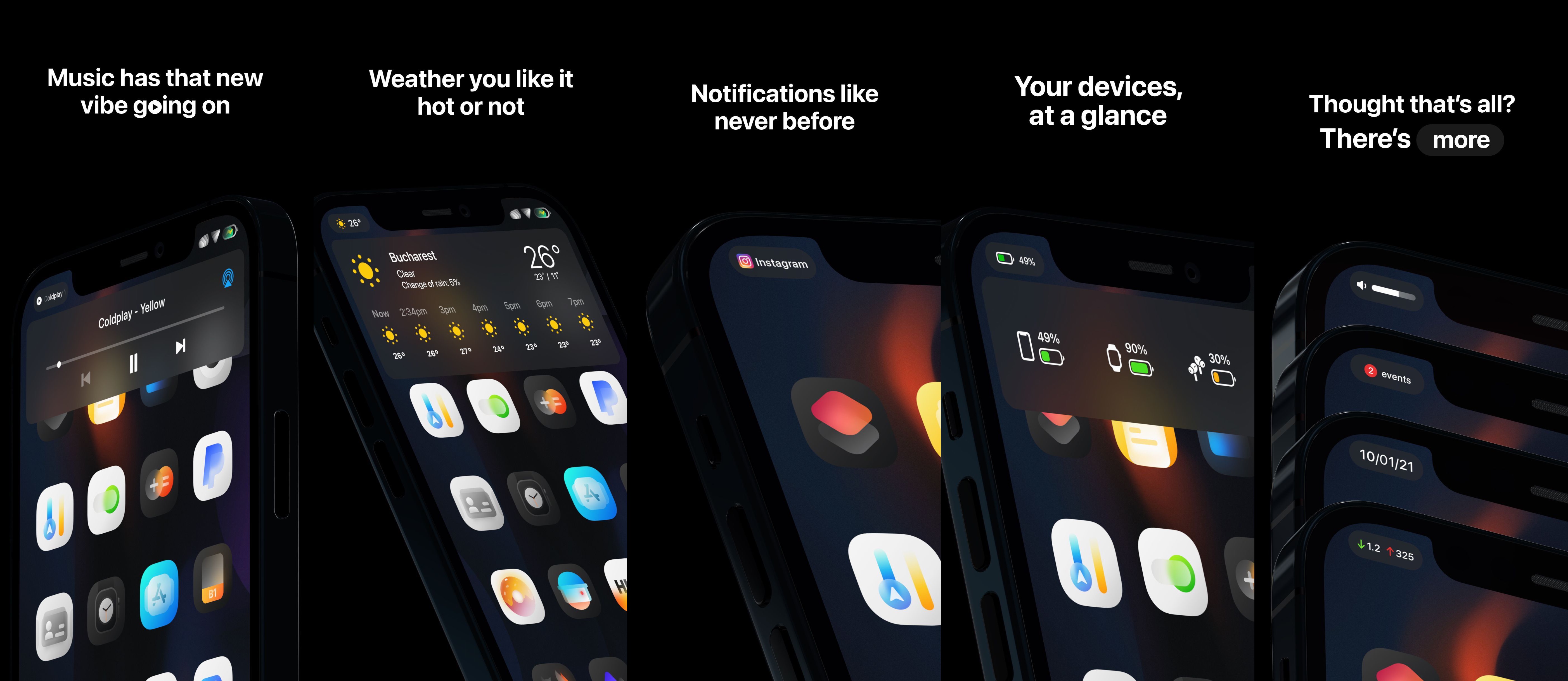
Your iPhone’s Status Bar is intended to provide useful information at a glance, and while it definitely seems to have the basics covered, Apple could have went so much further in terms of implementing an immersive Status Bar-centric user experience. Given what an iPhone costs these days, wouldn’t you think they’d give this some thought?
While it seems unlikely that Apple will be upgrading the iPhone’s Status Bar any time soon, those lucky enough to have a jailbroken handset at their disposal won’t need to put up with the stock Status Bar experience any longer. Why, you ask? Just have a look at a newly released jailbreak tweak dubbed Emerald by iOS developers LaughingQuoll and thetimeloop, and all your questions will be answered.
Those using iOS or iPadOS 14 on their daily driver handset(s) are probably keenly familiar with the upgraded widget system and how it compares with the much less intuitive widget system found on iOS and iPadOS 13.
Not only can you take advantage of much more powerful widgets than ever before, but you can even choose to seat them right next to your Home Screen’s application icons if you aren’t a fan of hiding all your widgets on a specialized page. But as nice as Apple’s upgraded widget system may be on iOS & iPadOS 14 devices, one thing Apple predictably forgot to add was a mechanism for user customization.
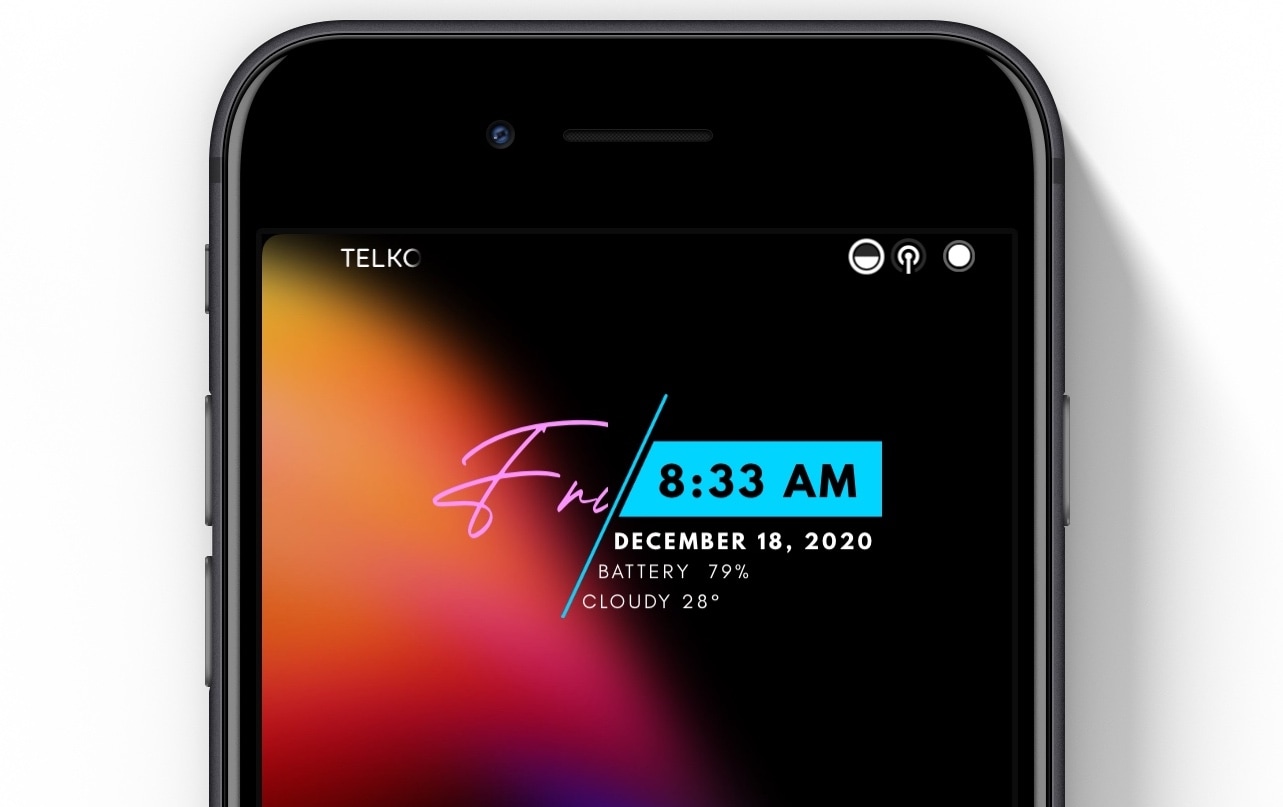
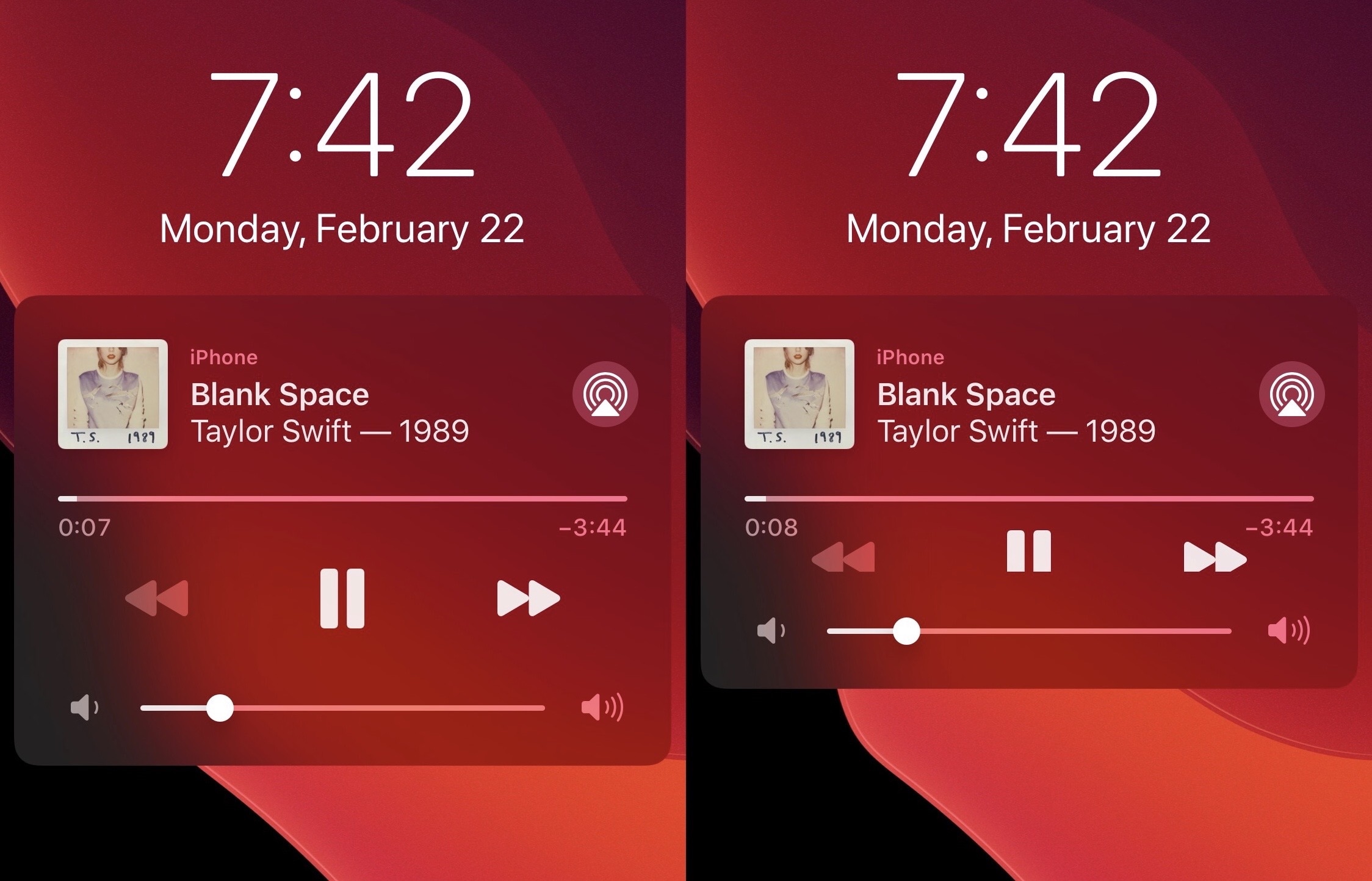
When you find yourself a bit curious as to what time it is, you might take a quick glance at your iPhone’s Lock Screen to take advantage of the massive time display iOS shows within the top half of the screen. It works, but we wouldn’t go out of our way to say it’s particularly beautiful.
If you’re interested in something a bit more eye-catching, and perhaps even more functional by way of the kind of information that gets displayed, then we’d advise checking out a newly released and free jailbreak tweak dubbed Klean by iOS developer Ali Maulana.
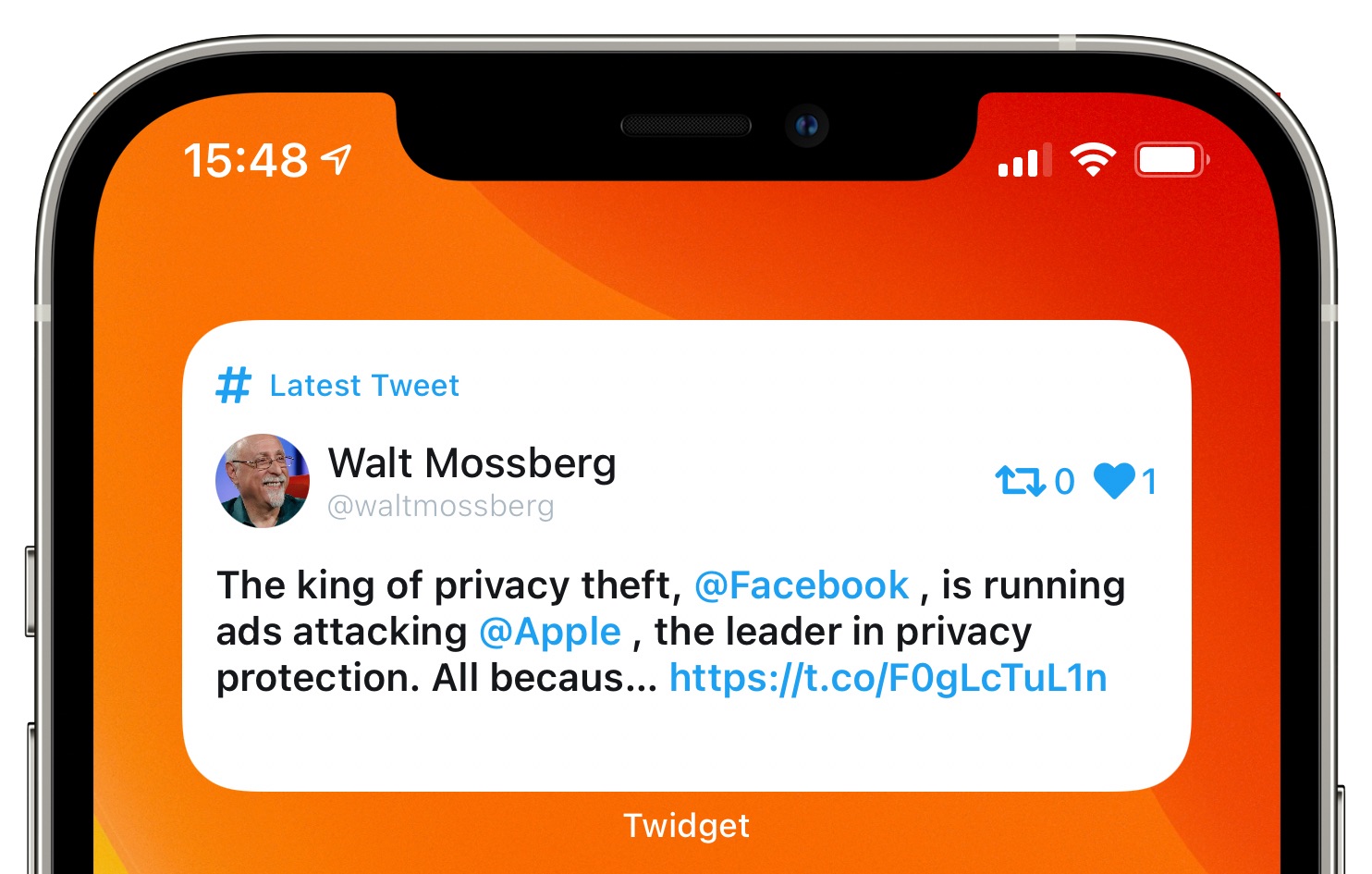
How about something entirely different? Meet Twidget, a cool app by York, England-based developer James Shaw. This free of charge piece of software is basically an iPhone and iPad widget providing an at-a-glance look at your Twitter timeline right on the Home screen.
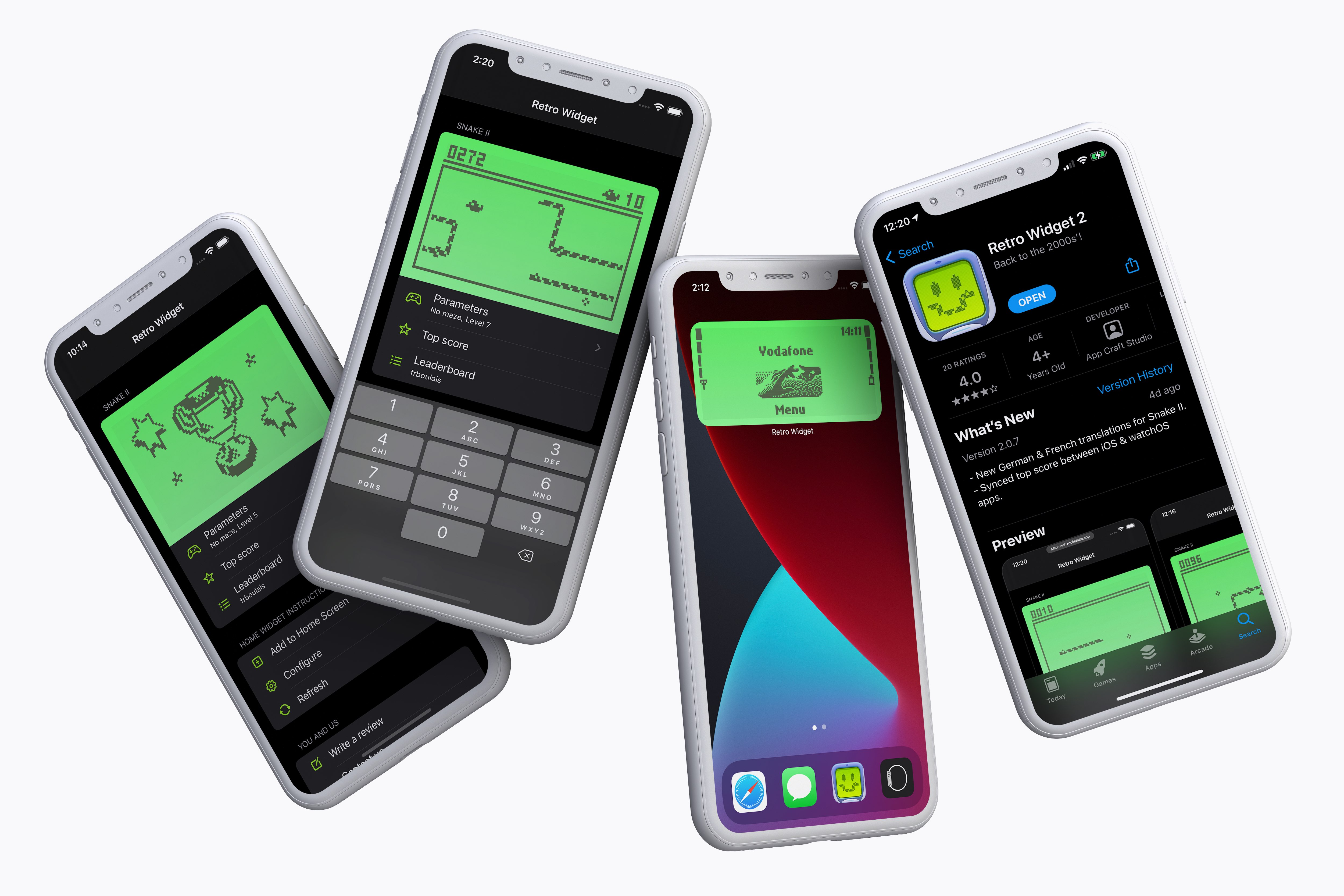
Before kids were connecting their PlayStation controllers to their smartphones to play Fortnite, they were moving a snake around a screen of their Nokia handset. But now, kids have apps like Retro Widget which brings the iconic game to the Home screen of an iPhone or iPad.
With iOS 14, Apple welcomed a more robust widget experience for the mobile operating system. And now that the software is out there in the wild, more developers are adopting the feature support for their apps.
One of the most substantial changes Apple implemented in the new iOS and iPadOS 14 software updates a couple of weeks ago involves widget functionality. Once confined to the Today page, widgets can now be integrated directly into the Home Screen user experience; furthermore, those same widgets have become more advanced and interactive than they were in previous versions of iOS and iPadOS, but they’re still far from perfect.
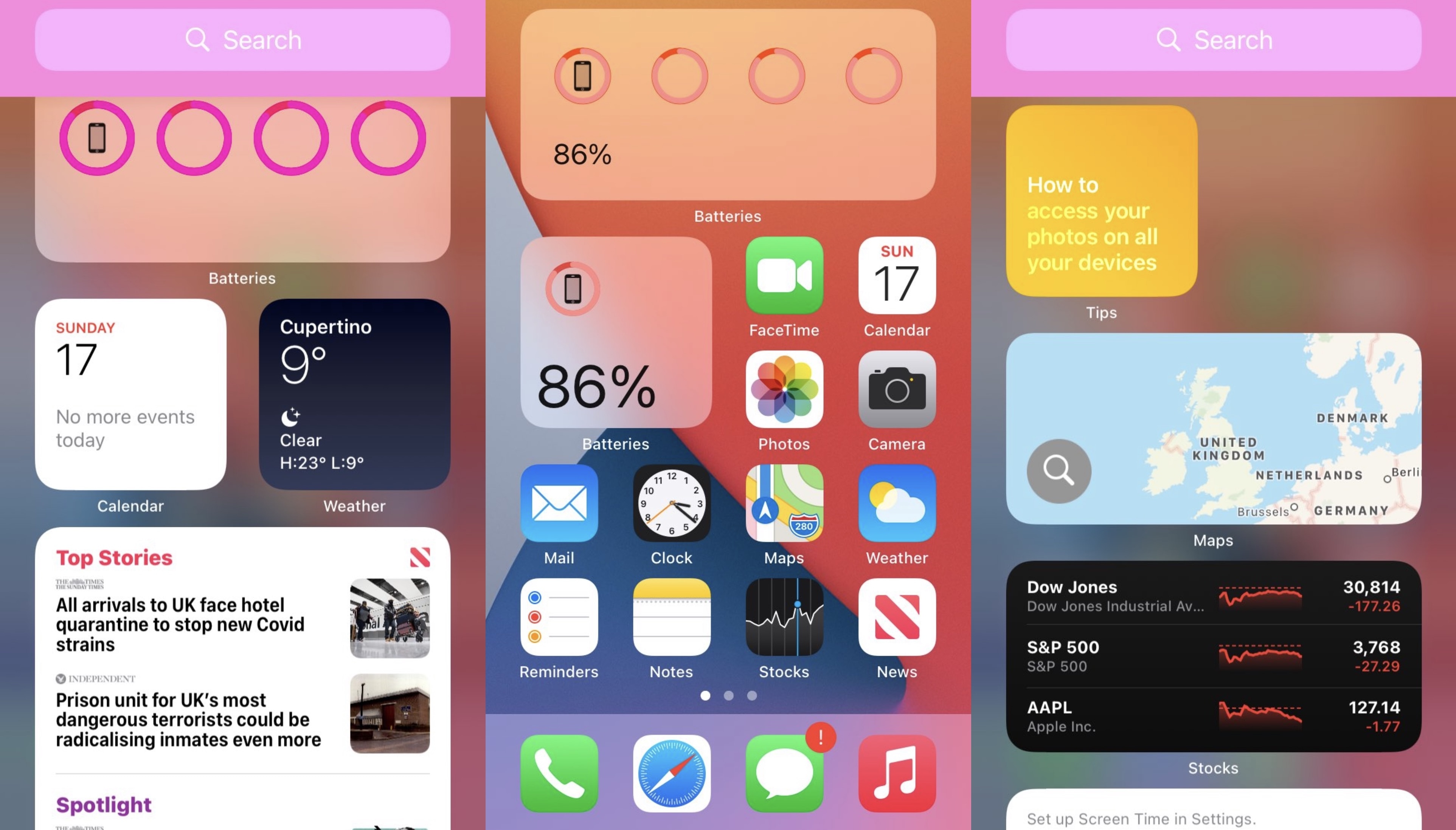
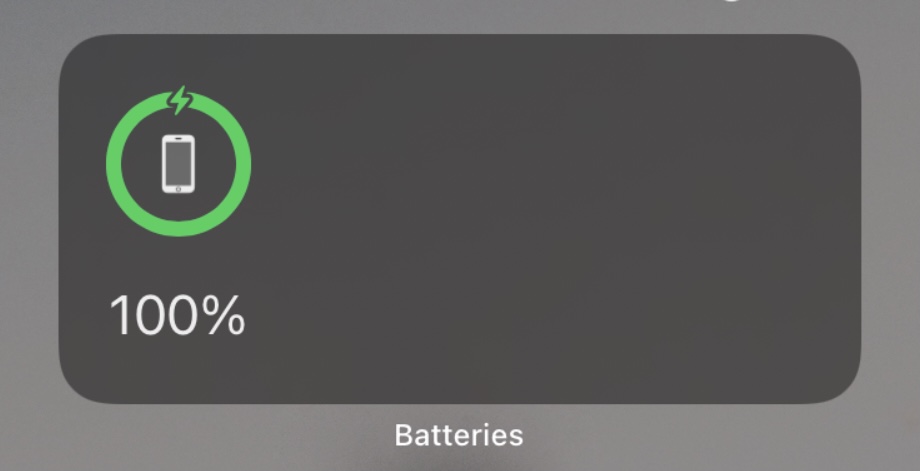
If you’re fortunate enough to have a jailbroken iOS or iPadOS 14 device at your disposal (currently only possible with the checkra1n jailbreak and an A9 or A9X handset at the time of this writing), then you may now take advantage of a newly released and free jailbreak tweak dubbed Centauri by iOS developer MTAC to unlock new features specifically designed for iOS and iPadOS 14’s native Batteries widget.
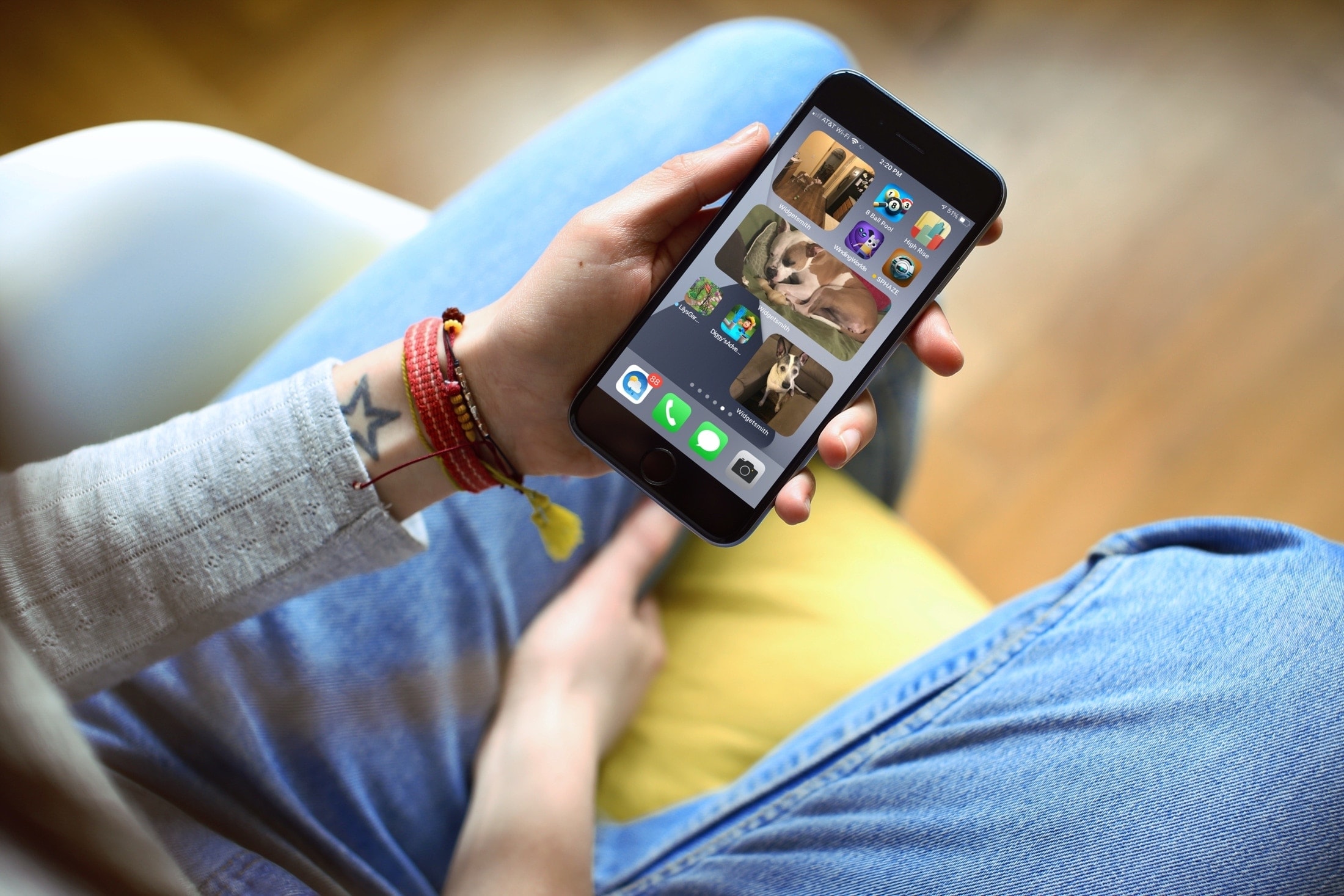
Learn how to add a photo widgets to your iPhone or iPad Home Screen so you can get a glimpse of memorable pictures without going inside the Photos app.
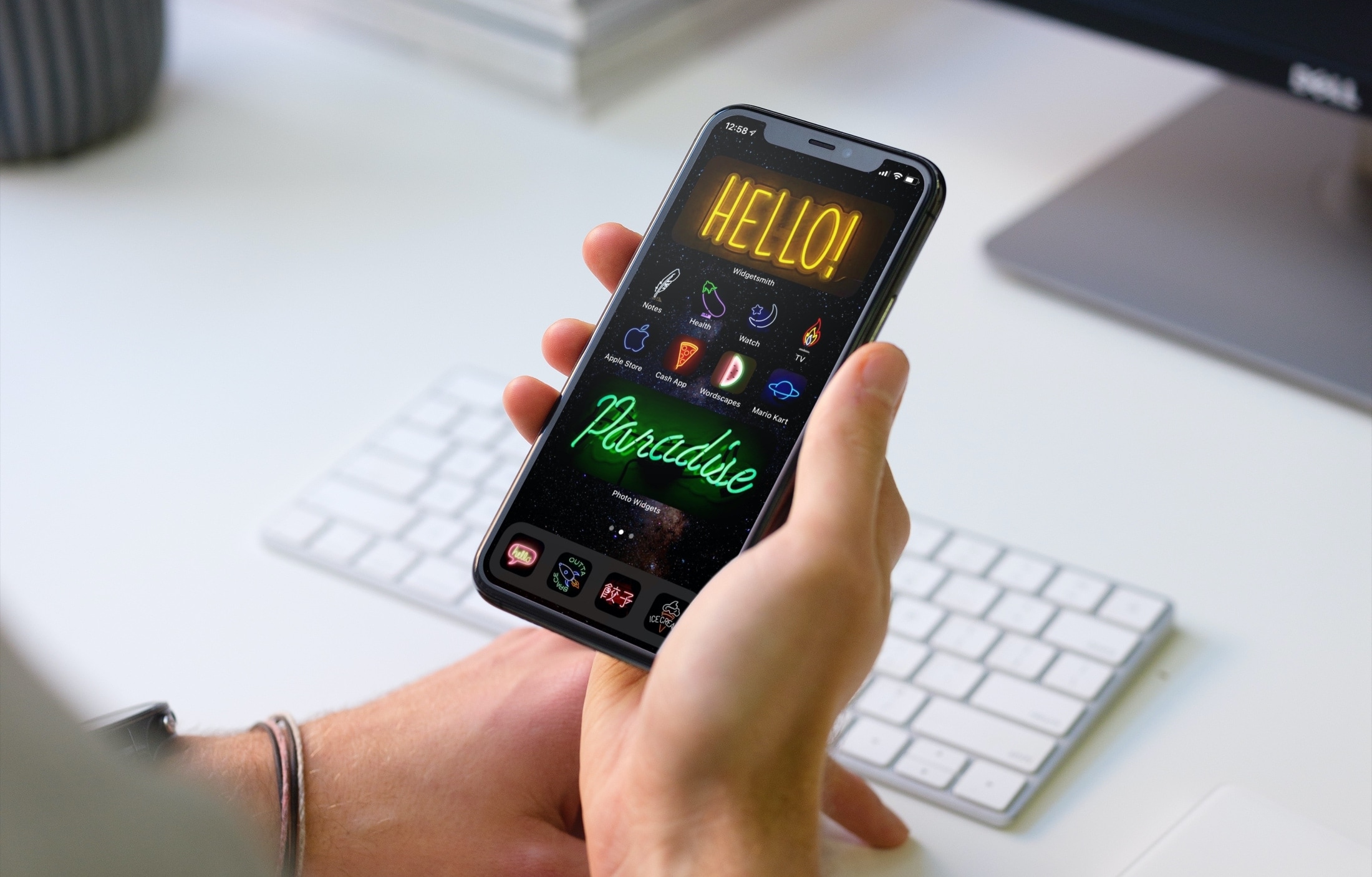
Looking for a little help or ideas for personalizing your device? With these tips, you can take your Home Screen to the next level. Whether you love animals, games, or characters and want to change widgets, icons, or wallpaper, here are great ways to customize your iPhone Home Screen.
At the time of this writing, there aren’t very many devices that can be jailbroken on iOS 14 and/or iPadOS 14, except of course for the A9 and A9X varieties which received newfangled iOS and iPadOS 14 support by the checkra1n jailbreak earlier this week. But if you’re lucky enough to have one of these devices at your disposal and you’re interested in making a positive change to Apple’s latest and greatest mobile operating system, then you’re in luck.
BatteryWidgetLabels by iOS developer Dylan Duff is one of the first jailbreak tweaks to be released for improving the iOS and iPadOS 14 user experience, and it does so by adding numeric battery percentages to the brand-new Batteries widget that users can take advantage of right out of the box.