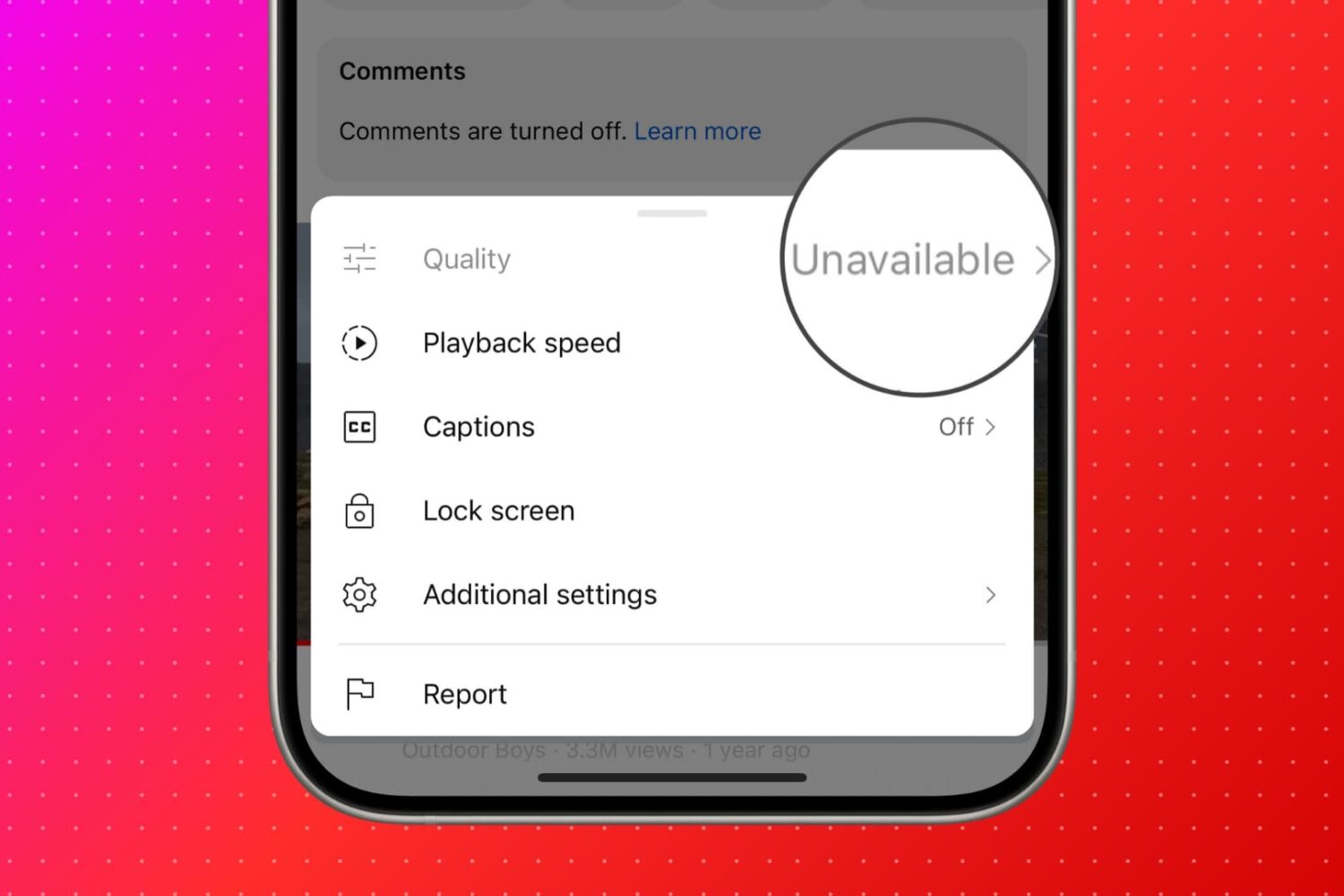
Find out what to do if you see "Quality Unavailable" in the YouTube app or website when you hit the gear icon to select the preferred video quality.
How to fix “Quality Unavailable” in the YouTube app and website
Learn how to master your Apple devices with our comprehensive tutorials. From iPhone and iPad to Mac, Apple Watch, AirPods, and more, our expert guides will help you unlock the full potential of your Apple products. Discover new features, tips, and tricks each day to enhance your user experience.
Find out what to do if you see "Quality Unavailable" in the YouTube app or website when you hit the gear icon to select the preferred video quality.

Learn how to cross-publish the same photo, video, or text post to both Twitter (X) and Mastodon in one go. The method outlined here will also work if you want to post to other social platforms like Facebook, LinkedIn, YouTube, Instagram, TikTok, or Pinterest at the same time.

Learn how to remove movies and TV shows from your Netflix and Amazon Prime Video watch history on your iPhone, iPad, Android phone, or computer.
Just in case you haven’t been paying attention to the community recently, Misaka project lead developer @straight_tamago recently released a new dedicated TrollStore installer for iOS & iPadOS 14.x-15.8.1 devices called TrollMisaka.
Learn how to use Apple's SharePlay feature on an iPhone or iPad to watch YouTube clips together with friends and family during a FaceTime video call.

Learn how to manage and delete your YouTube history comprising the videos and shorts you've watched and searched for on your iPhone, iPad, Android phone, and computer.
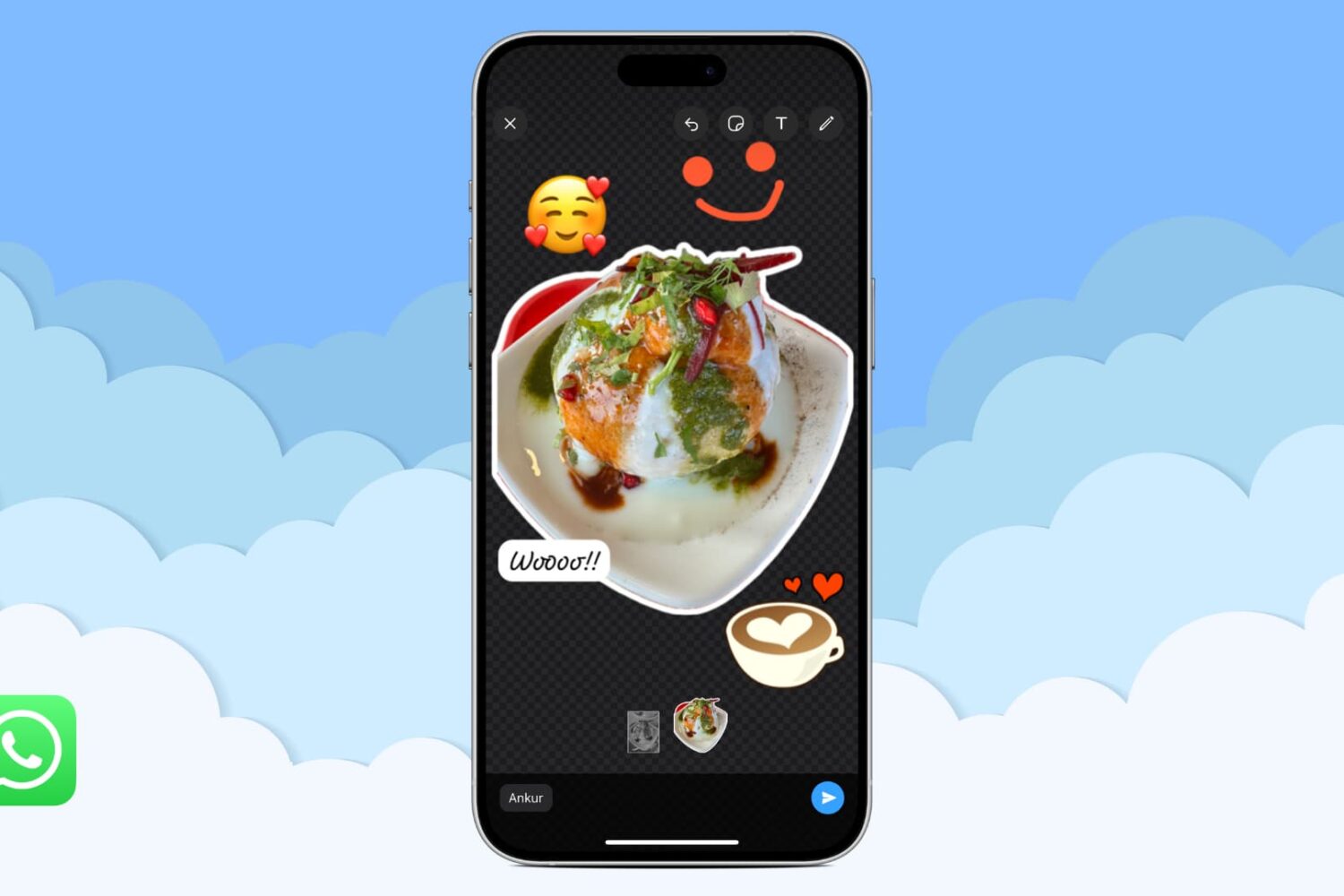
In this tutorial, we will show you how to use WhatsApp to turn a photo into a sticker and send it in a chat or save this custom sticker for future use.

In this tutorial, we will explore some handy tips to organize your iPhone and iPad Photos app. These tips will ensure you do not have to struggle to find the desired pictures at the right time, even if your photo library has thousands of images and videos.
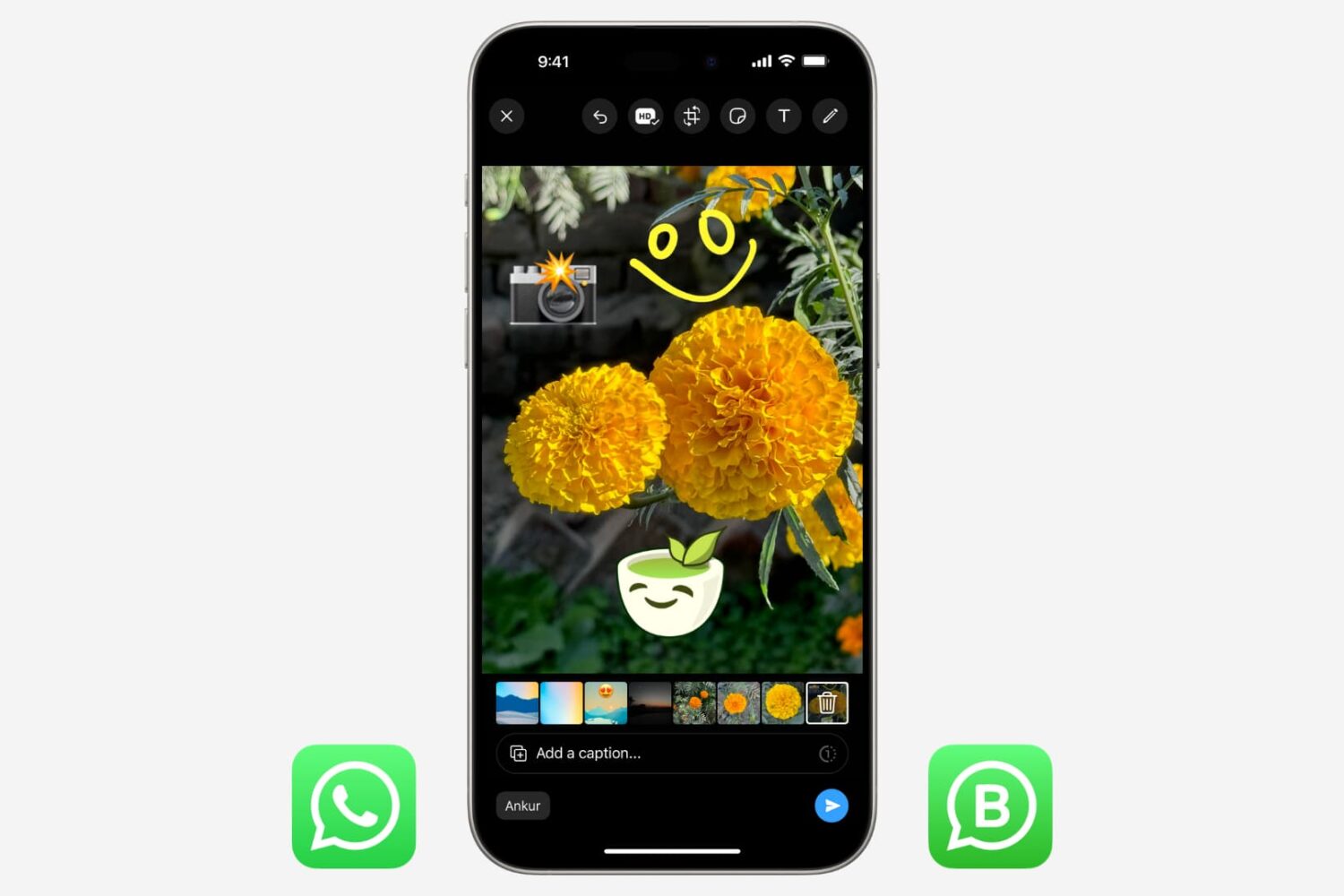
In this tutorial, we will show you how to crop a photo or video, pixelate sensitive parts, and add text, sticker, emoji, or drawing over the media before sending it to a person or group using WhatsApp or WA Business on your iPhone.
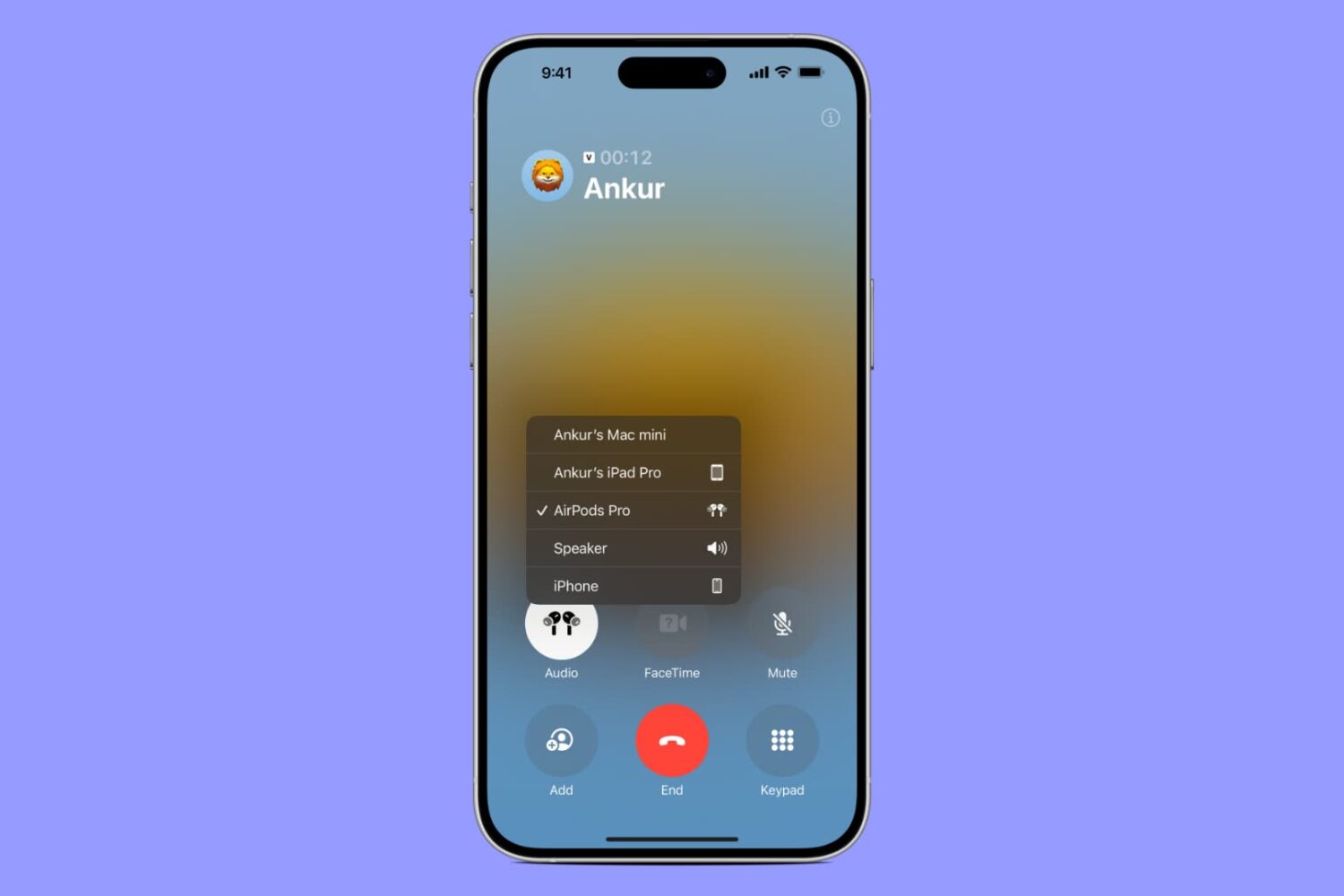
This troubleshooting guide explores all the solutions to ensure your AirPods, AirPods Pro, or AirPods Max do not disconnect from your iPhone when you are on a phone call.
Learn how to temporarily deactivate or permanently delete your Threads account using your iPhone, Android phone, or web browser without deactivating, deleting, or affecting your main Instagram account.

In this tutorial, we will share some tips to keep your Slack status active to ensure your colleagues know you're online and available.