Learn how to change the mouse and trackpad pointer color on your Mac to customize its appearance and make it easier to see on the screen.
How to change Mac’s mouse and trackpad pointer color

Learn how to master your Apple devices with our comprehensive tutorials. From iPhone and iPad to Mac, Apple Watch, AirPods, and more, our expert guides will help you unlock the full potential of your Apple products. Discover new features, tips, and tricks each day to enhance your user experience.
Learn how to change the mouse and trackpad pointer color on your Mac to customize its appearance and make it easier to see on the screen.
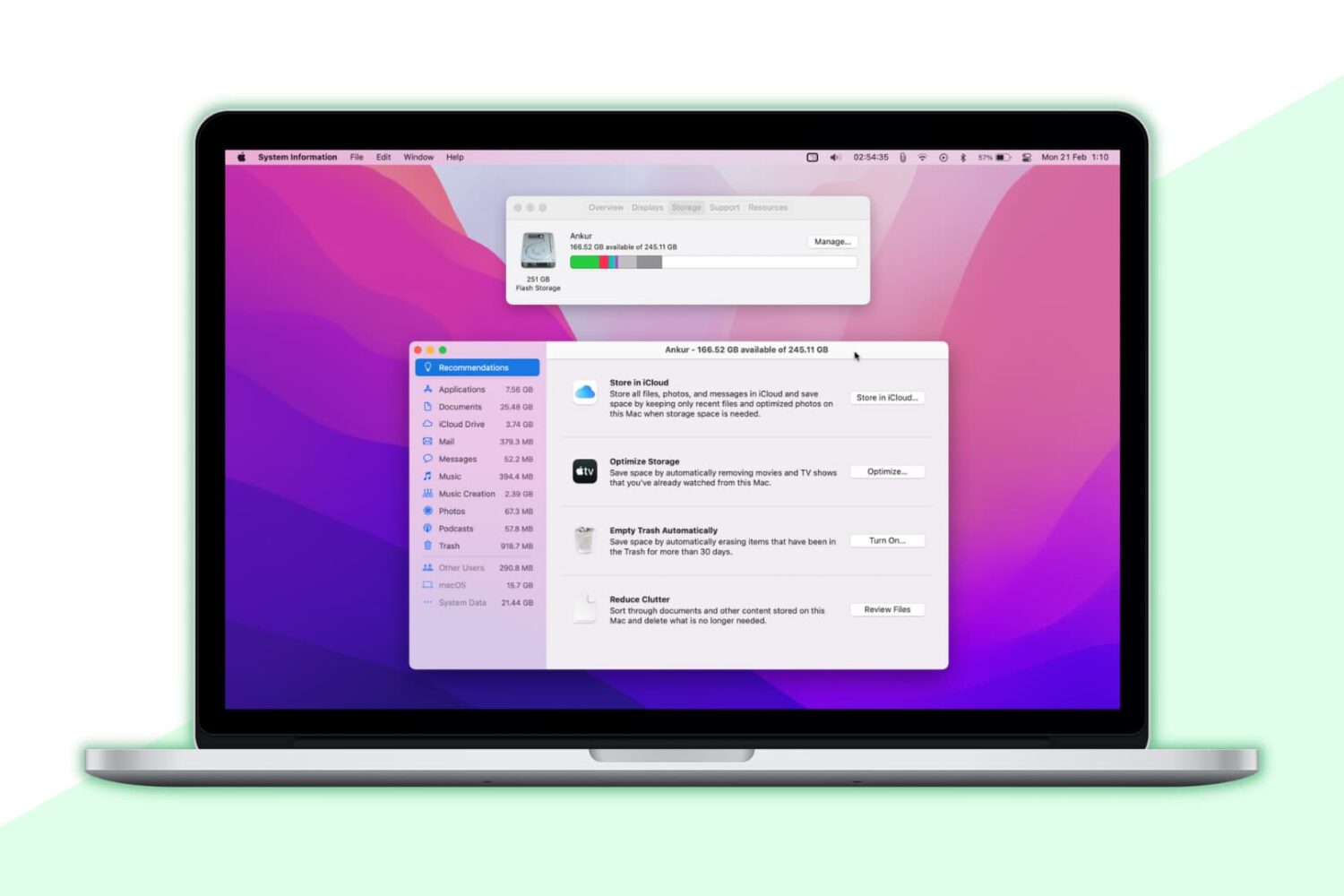
Go through these tips to remove unnecessary files and reclaim lots of storage on your Mac desktop or MacBook’s internal SSD if you’re running out of space.
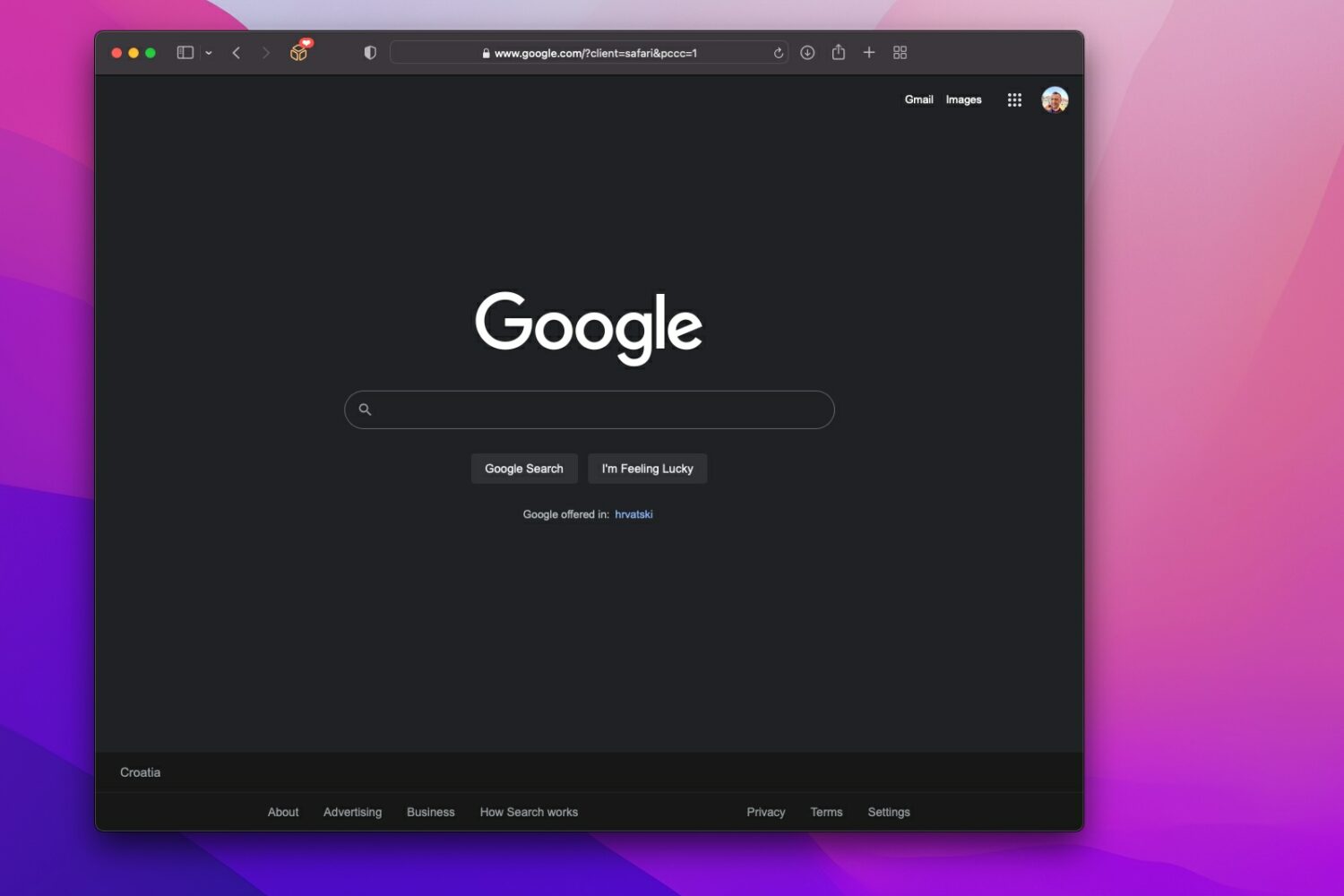
Learn how to enable the new Google dark mode which replaces dark gray areas with true blacks for starker contrast and better battery life.
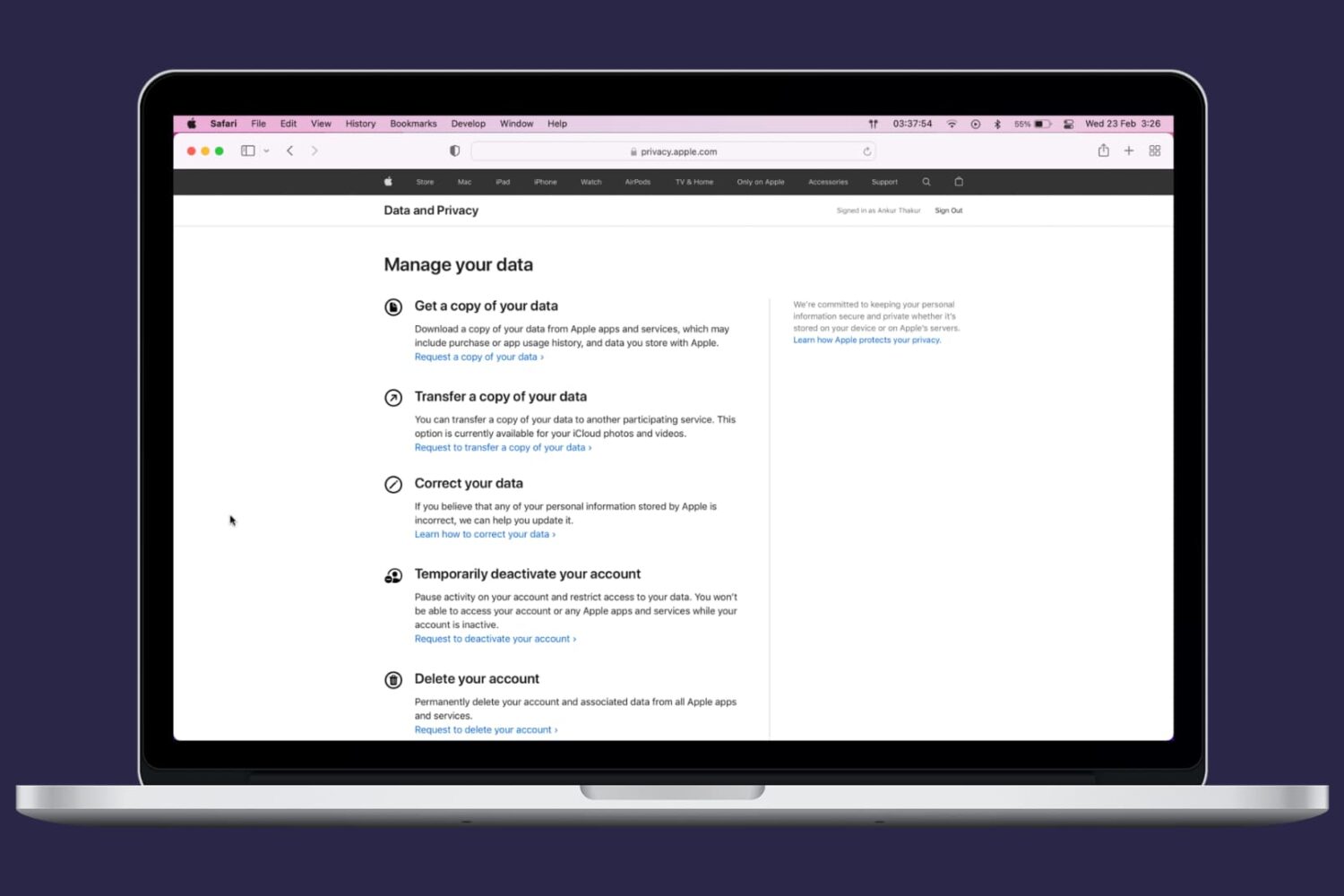
No longer want or need an Apple ID? In this step-by-step tutorial, we'll show you how to permanently delete your Apple account or your iCloud account.
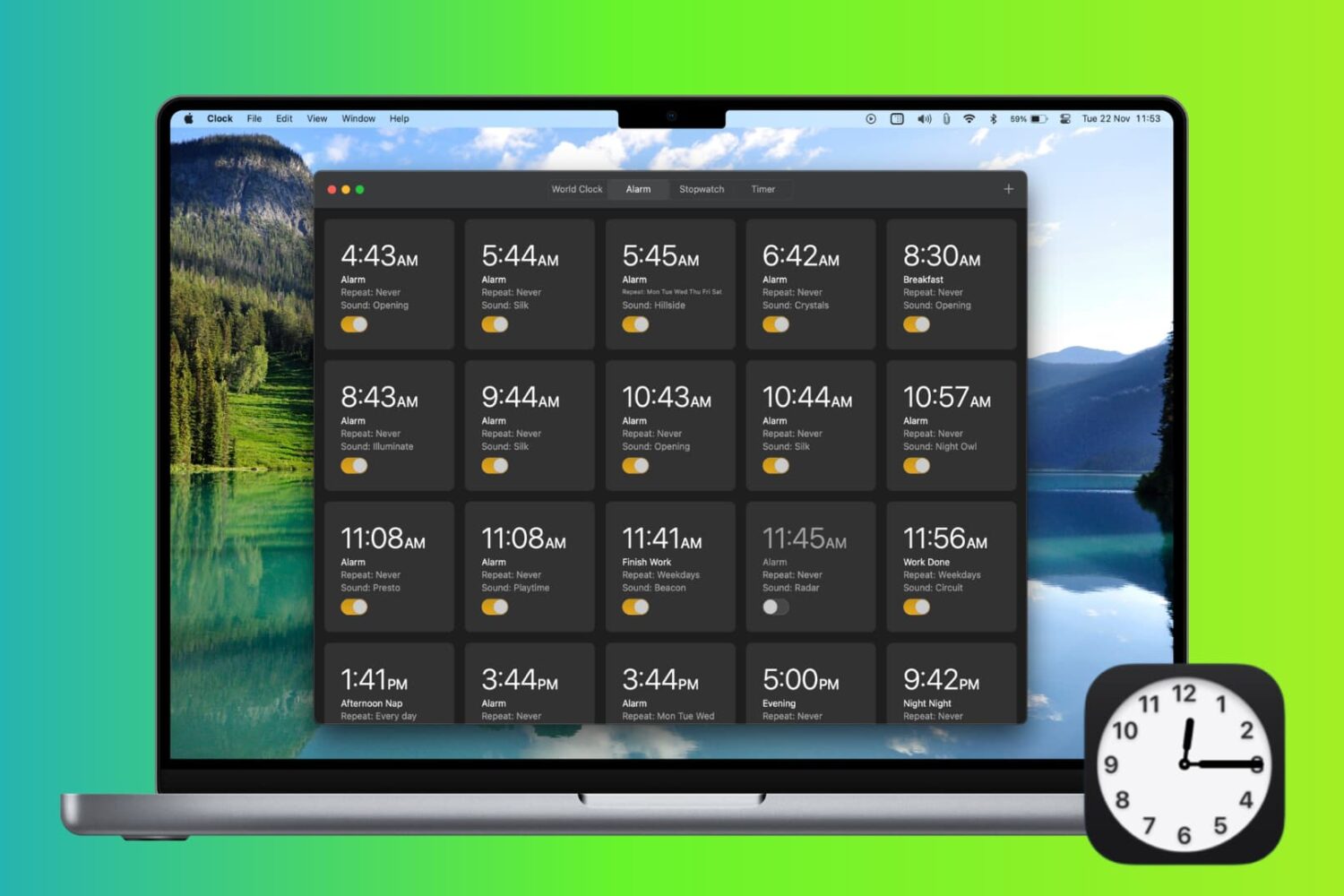
Check out 4 easy ways to create an alarm on Mac and have it alert you at the specified time.

Learn how to hide all apps from your iPhone Home Screen to create an empty Home Screen, giving you an unobstructed view of your wallpaper.

Learn how to pin X (formerly called Twitter) conversations to the top of the inbox for quick and convenient access to chats of up to six important people.
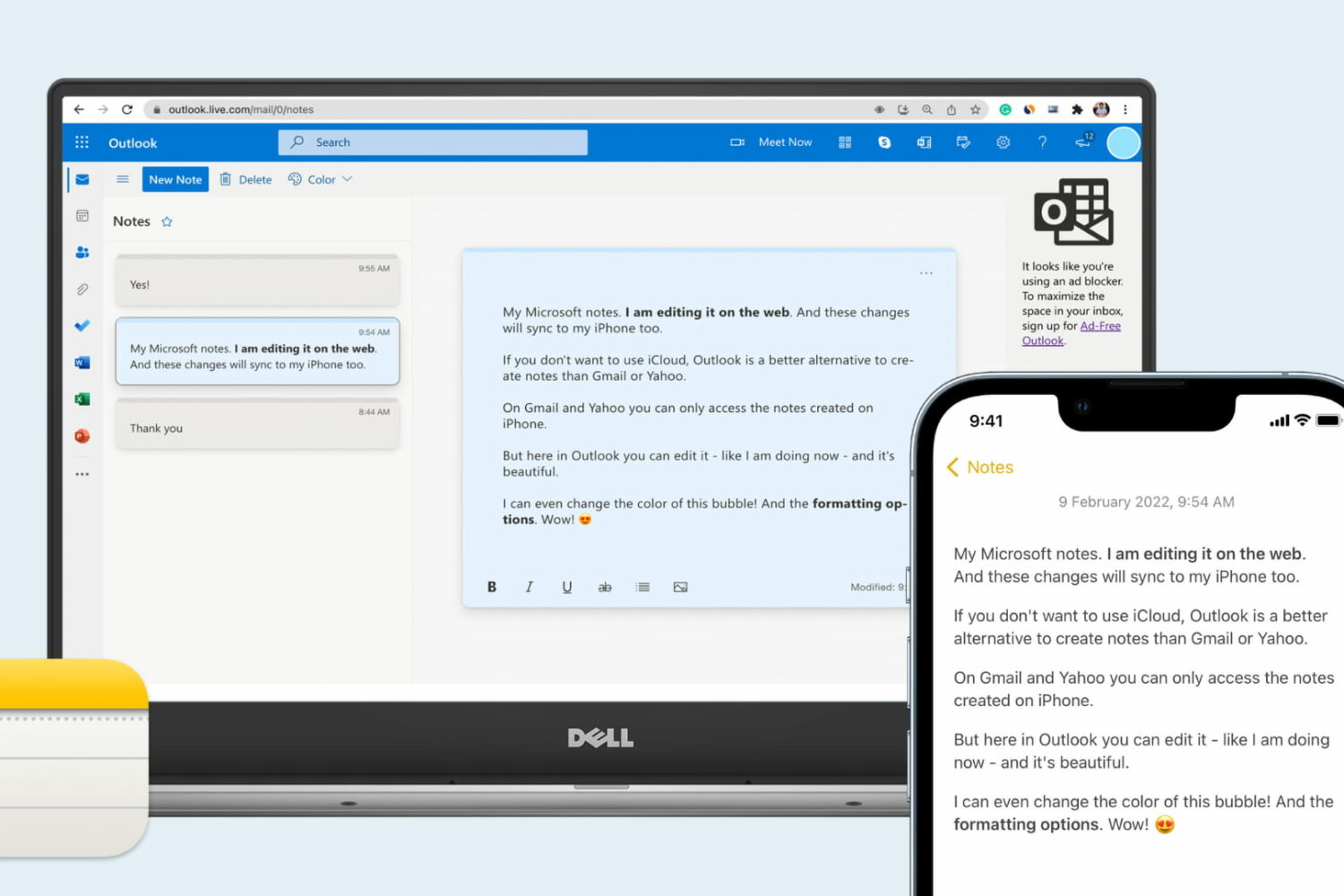
Want to access your Apple Notes on a PC? In this tutorial, we'll show you how to create, edit, move, delete, and work on your iPhone notes on a Windows computer.
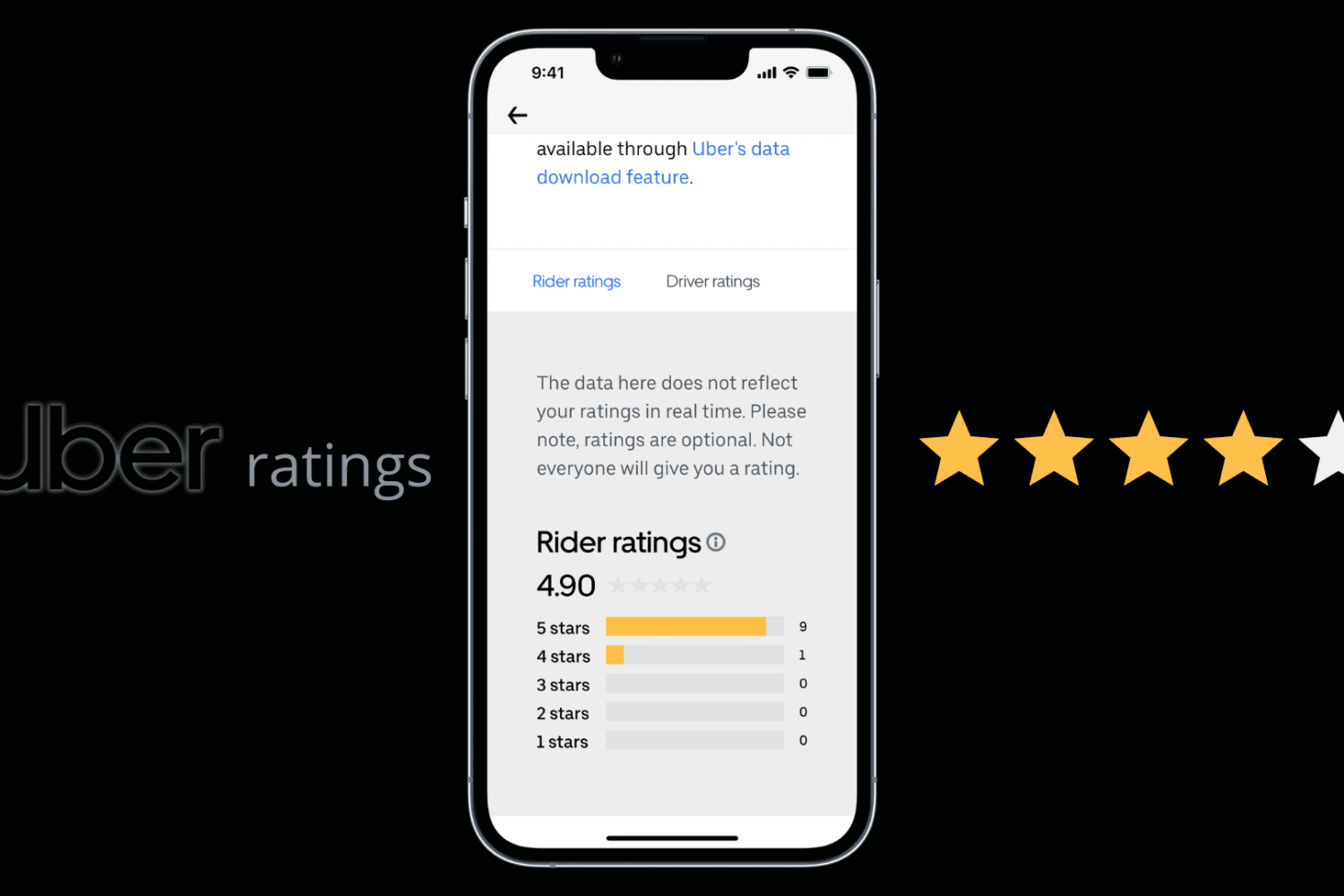
Learn how to easily check your Uber rider rating and view the number of 5, 4, 3, 2, and 1 stars you’ve received from Uber drivers.

It’s not uncommon for people to lose their jailbreaks, and as we always say, those who aren’t jailbroken should always stay on the lowest possible firmware to ensure jailbreak eligibility. This is good in practice, but sometimes jailbreaks drop for newer versions of iOS or iPadOS than what you’re currently running, and when Apple stops signing that newer firmware, you might not be able to update to it before jailbreaking.
Learn how to set Google Chrome, Firefox, Microsoft Edge, Brave, Opera, or some other app as the default web browser on your Mac.