BlizzardBoard is a new app for jailbroken and non-jailbroken iPhones that can be installed by way of TrollStore to theme Home Screen app icons.
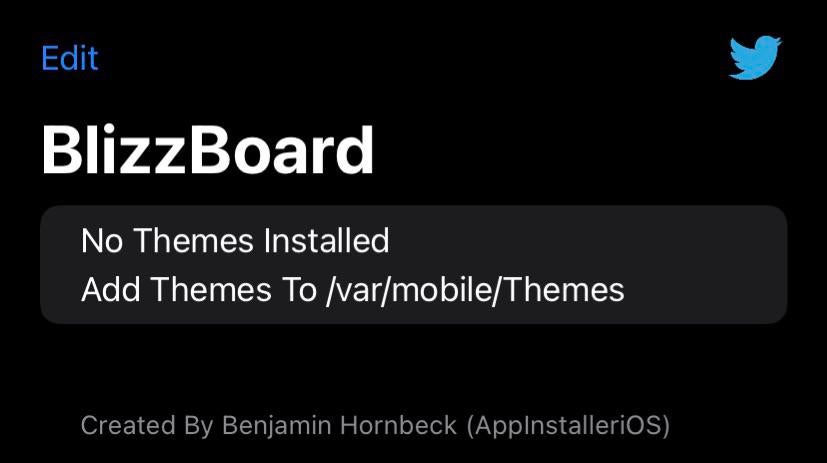
BlizzardBoard is a new app for jailbroken and non-jailbroken iPhones that can be installed by way of TrollStore to theme Home Screen app icons.
If you’re keen on using Apple’s Shortcuts app to make short work of tasks that you would normally have to perform yourself, and you also happen to be a fan of opa334’s new TrollStore perma-signing utility for iOS & iPadOS 14.0-15.1.1, then we’ve got just the niche piece of news to put you in a good mood.
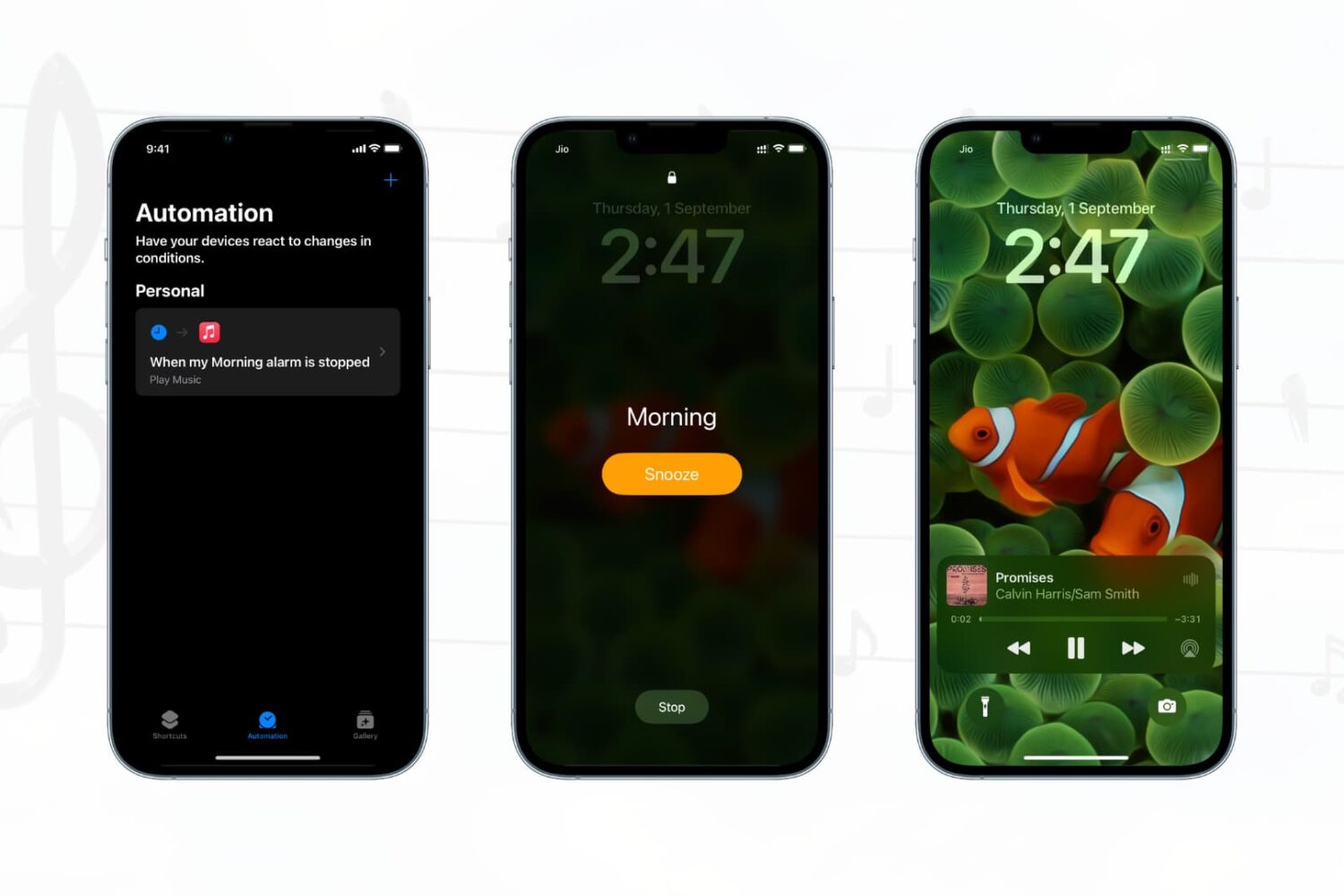
Have you ever wanted your favorite songs to start playing automatically when you turn off your morning alarm? In this quick tutorial, we’ll show you how to do that on your iPhone or iPad using the built-in Apple Shortcuts app.
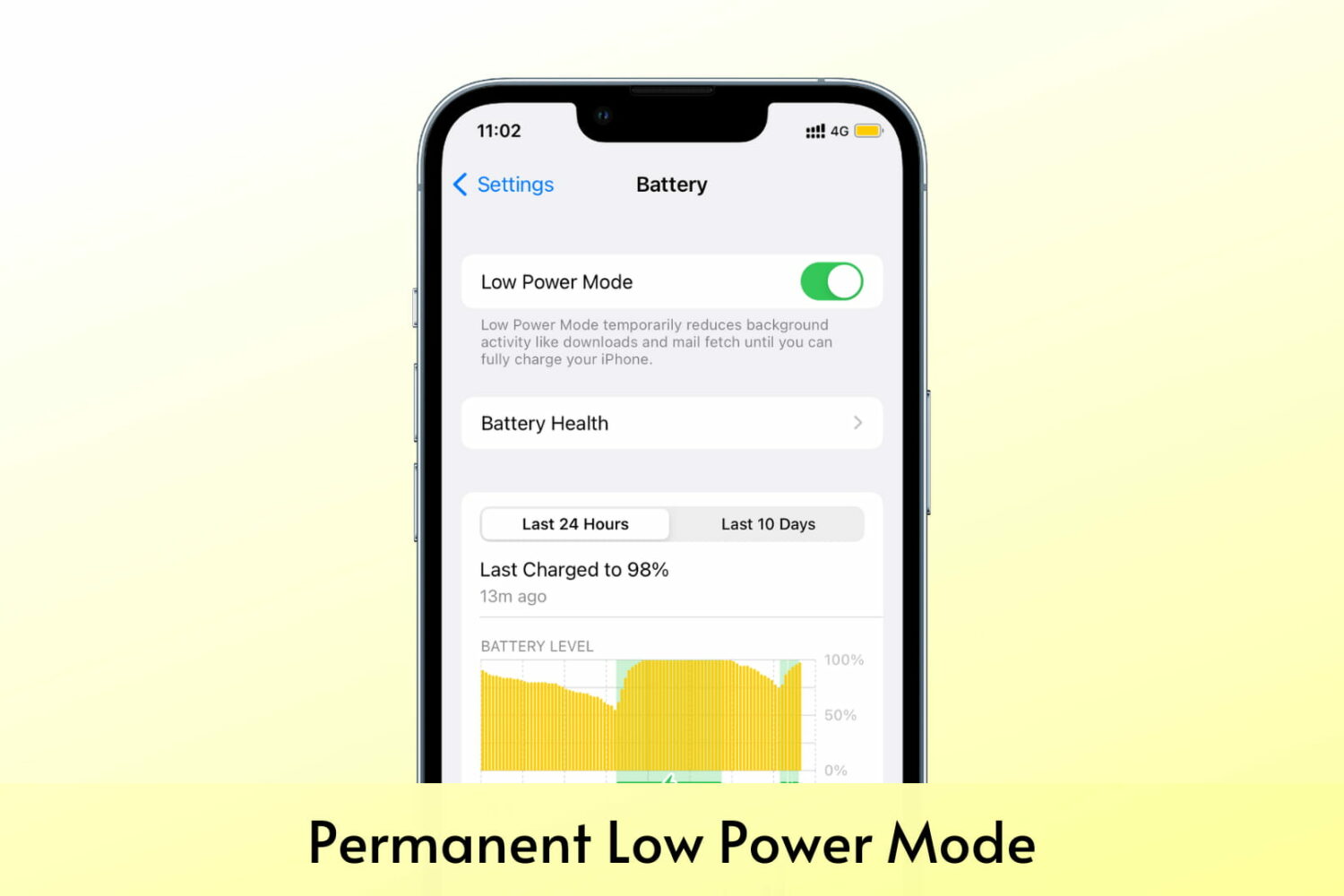
Check out a quick way to prevent your iPhone from coming out of Low Power Mode when it reaches 80% battery or even when you try to turn it off manually.

Learn how to run a shortcut on your Mac with the Terminal command line interface instead of the usual graphical user interface.
In this tutorial, we tell you about some of the best free ways to convert a Word document (.doc or .docx) into a PDF file on your Mac, iPhone, and iPad.

The Shortcuts app is a powerful tool for iPhone and iPad users alike, as it lets users create, add, or use handy automations that can be invoked with just a tap.

If you’re looking to make the best use of your iPhone’s jailbreak, then your probably looking beyond the scope of jailbreak tweaks. More specifically, lots of jailbreakers use themes to give their handset a sleeker aesthetic than what it comes with right out of the box.
Looking at the same wallpaper every day can be boring for some. If you feel the same, you can spice things up by having your iPhone automatically change the Home Screen and Lock Screen wallpaper daily.
Plus, you can customize it to auto-change the wallpaper when you plug or unplug the charger or put the device in Airplane Mode and many other such conditions. Here's how.

The Shortcuts app is especially useful when you want to make certain behaviors easier, or even automate them. Unfortunately, Apple exercises a level of control over this feature that some users might find intolerable.
iPhone and iPad users have gotten more and more in tune with the native Shortcuts app since it can be incredibly useful for running advanced actions with a tap.
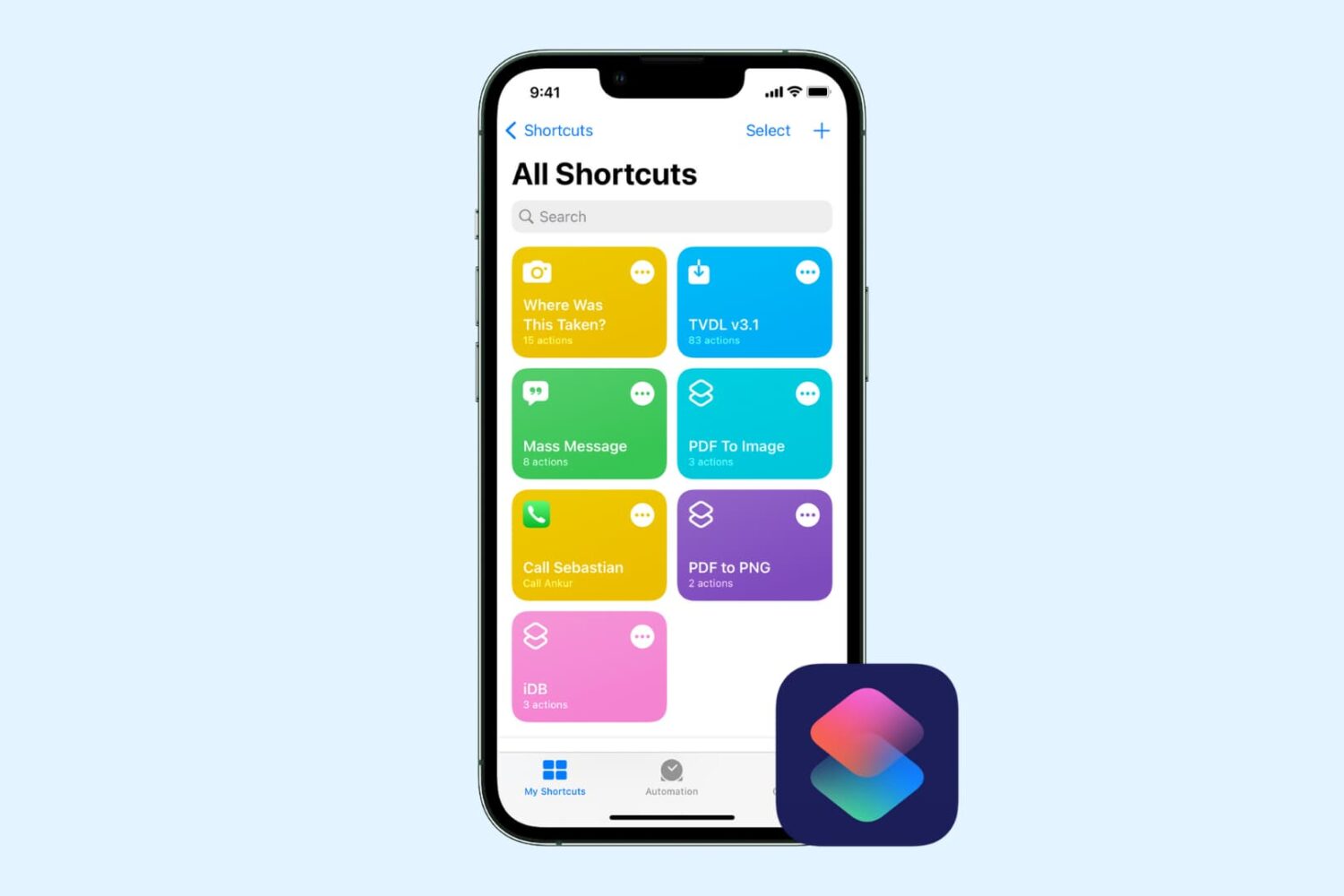
Check out this comprehensive guide to fix iOS shortcuts not working on iPhone or iPad, leaving you confused and unable to perform certain tasks.