Learn how to fix Pages, Numbers, and Keynote on your Mac if they crash on launch or while in use, preventing you from working on your documents, spreadsheets, and presentations.
How to fix Pages, Numbers, and Keynote apps crashing on Mac

Learn how to fix Pages, Numbers, and Keynote on your Mac if they crash on launch or while in use, preventing you from working on your documents, spreadsheets, and presentations.
Learn how to prevent Pages, Numbers, and Keynote from automatically saving files to iCloud Drive with these easy steps.
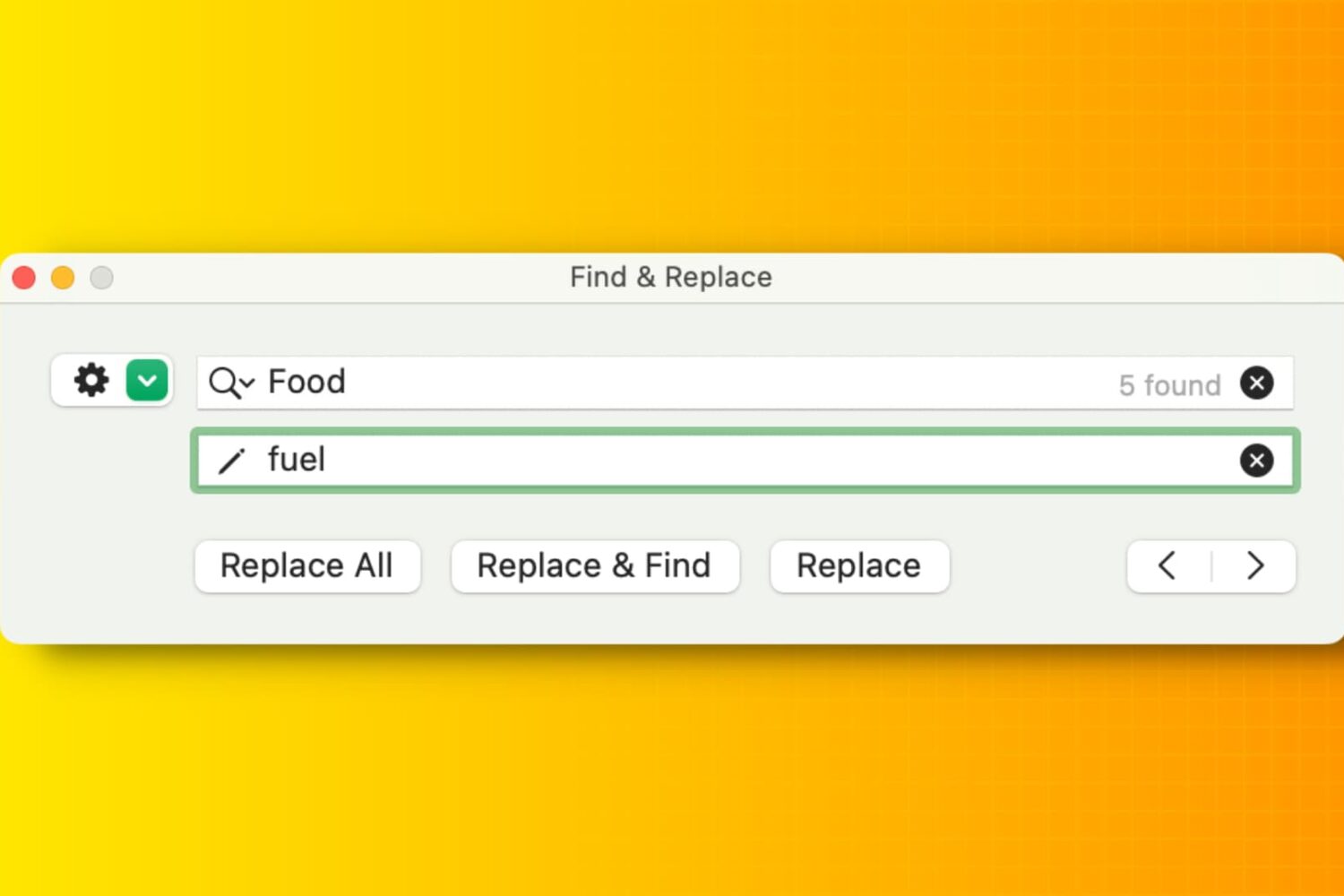
Learn how to efficiently manipulate text on your Mac using Find and Replace, simplifying tasks and boosting productivity in popular apps like Notes, Pages, Numbers, Google Docs, etc.
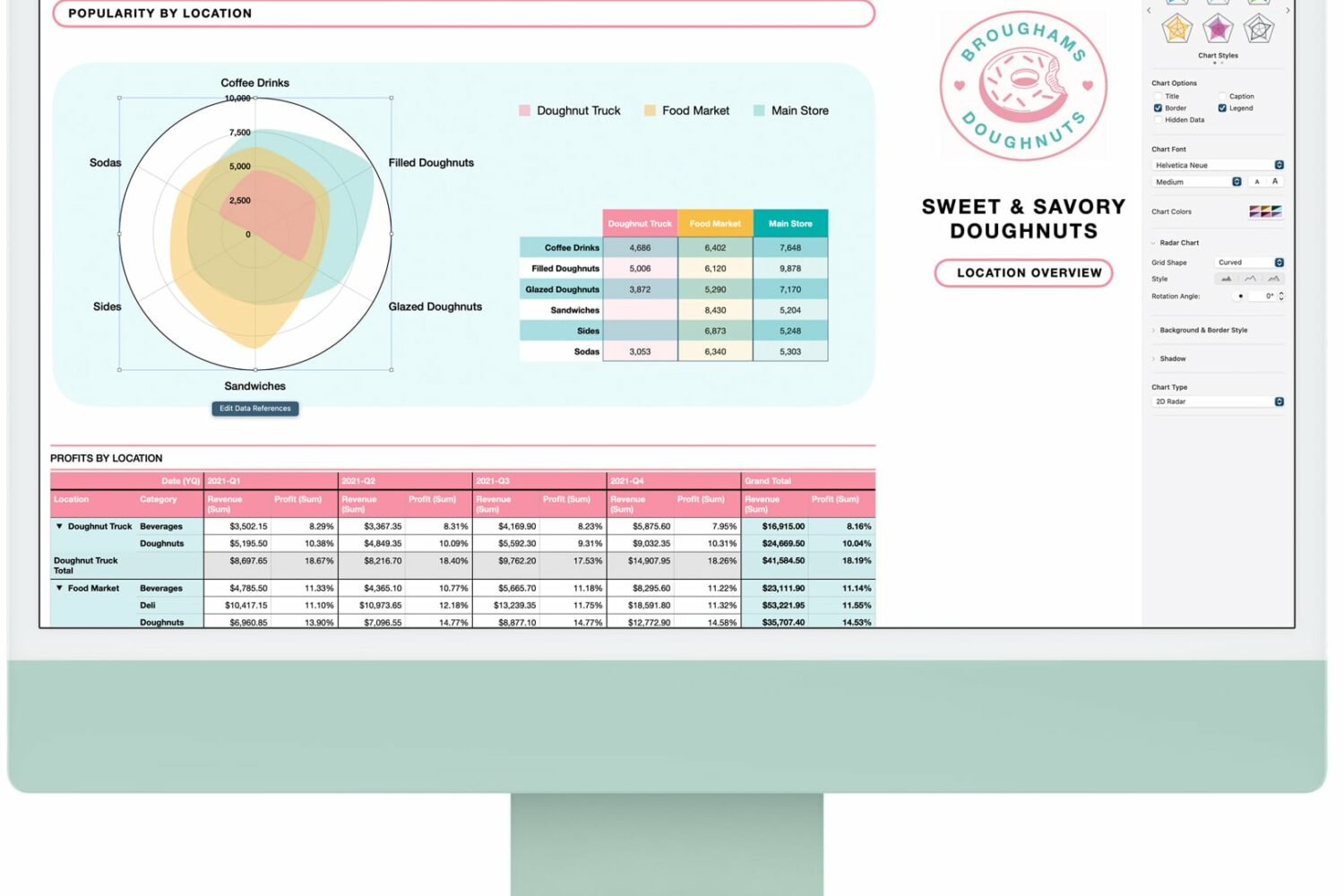
Apple's iWork productivity suite—Pages, Keynote and Numbers—has received a few new features and smaller improvements across the iPhone, iPad and Mac.
Apple has announced a set of new iWork features for productivity, collaboration and more with 11.2 updates to Pages, Numbers and Keynote across iOS, iPadOS, macOS and the web.
Sometime in the near future, Apple is going to launch the next major update to its desktop operating system. With macOS 12 Monterey, the company is welcoming plenty of changes to the software. Including some tweaks to the user interface and overall aesthetic. And that will apparently be the case for the iWork app icons as well.

Learn how to draw vector shapes and lines in the Apple Pages, Numbers, and Keynote productivity apps on your iPhone, iPad, and Mac.

Learn how to add photos, music, or movies to your Pages, Numbers, or Keynote documents easily by using the Media Browser on Mac.

Learn how to share your Pages, Numbers, or Keynote document when you finish it right from the app you created it in.

Learn how to collaborate in Pages, Numbers, and Keynote on your Mac, iPad, or iPhone to work seamlessly on documents with friends and teammates.
In this tutorial, we’ll show you how to zoom in and out in Pages, Numbers, and Keynote apps on your Mac, iPad, and iPhone for better visibility and control over your documents and presentations.

Learn how to add a check box, star rating, slider, stepper, or pop-up menu in the Numbers app on your Mac, iPad, and iPhone for better data visualization and interaction.