Learn how to quickly insert the current date and time in your Numbers spreadsheet without manually typing them, and change their format to one that works best for you.
How to insert the current date and time in Numbers app
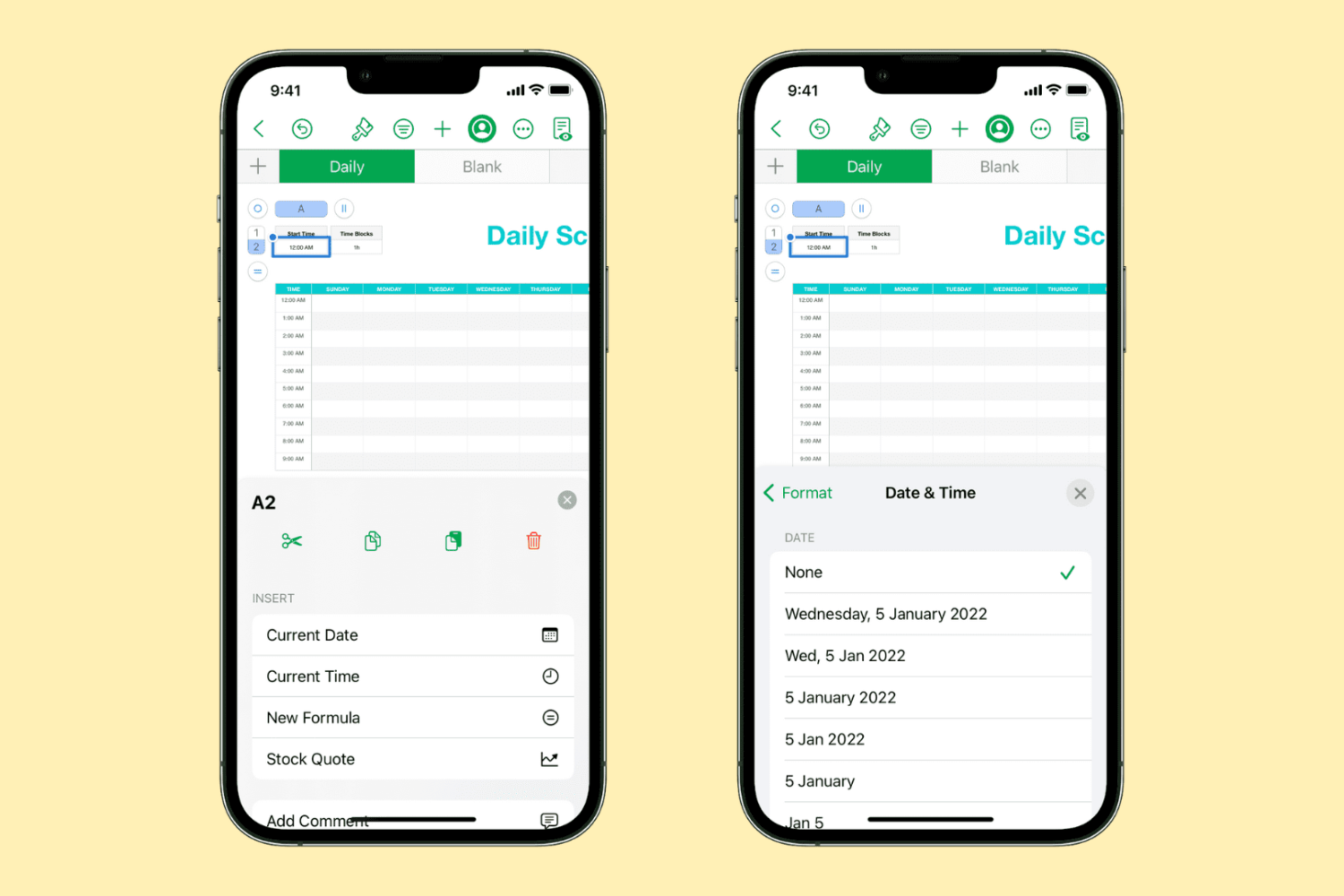
Learn how to quickly insert the current date and time in your Numbers spreadsheet without manually typing them, and change their format to one that works best for you.
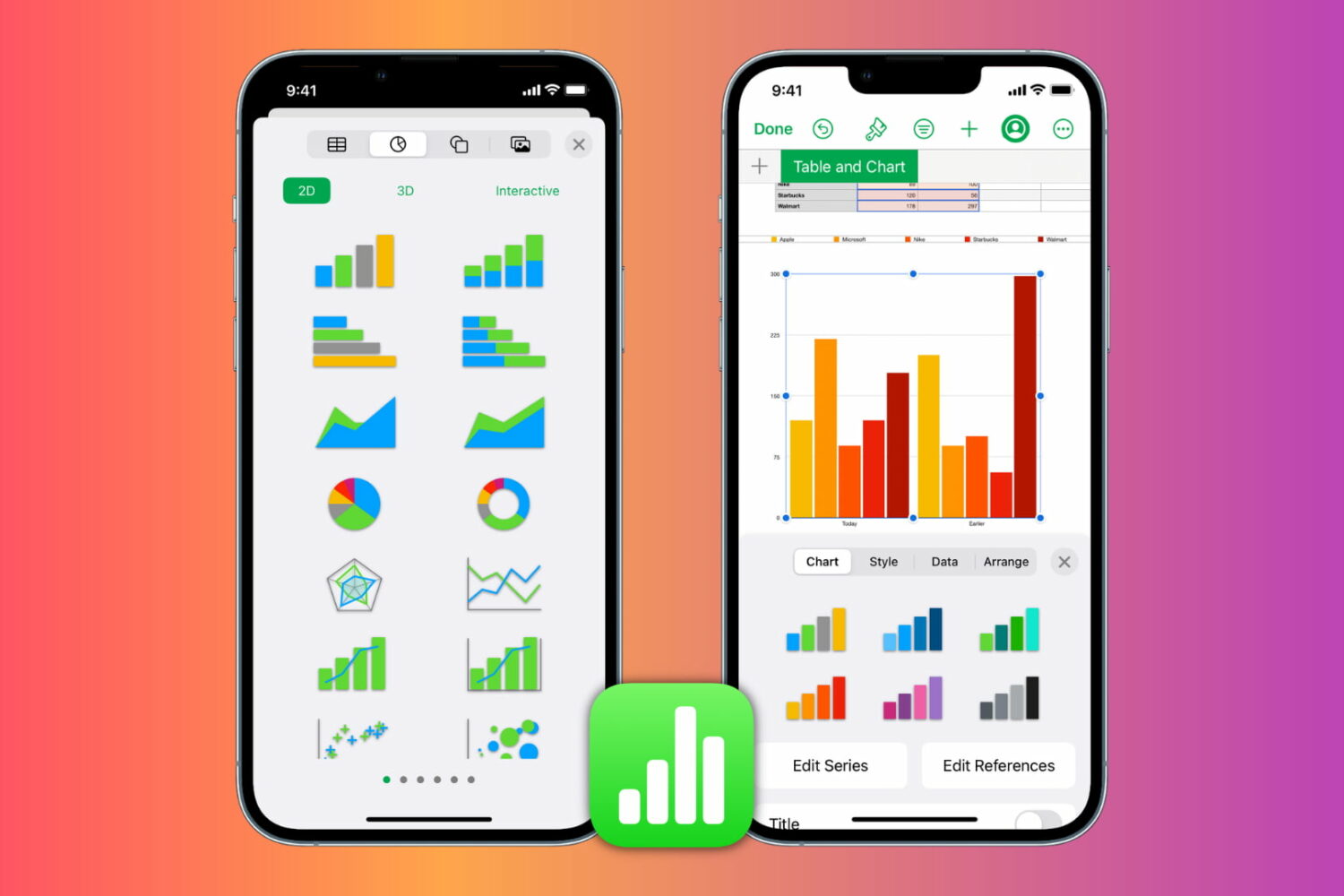
Learn how to insert, format, and edit graphs and charts in the Apple Numbers app on your iPhone, iPad, and Mac to present your information clearly and make your spreadsheets stand out.
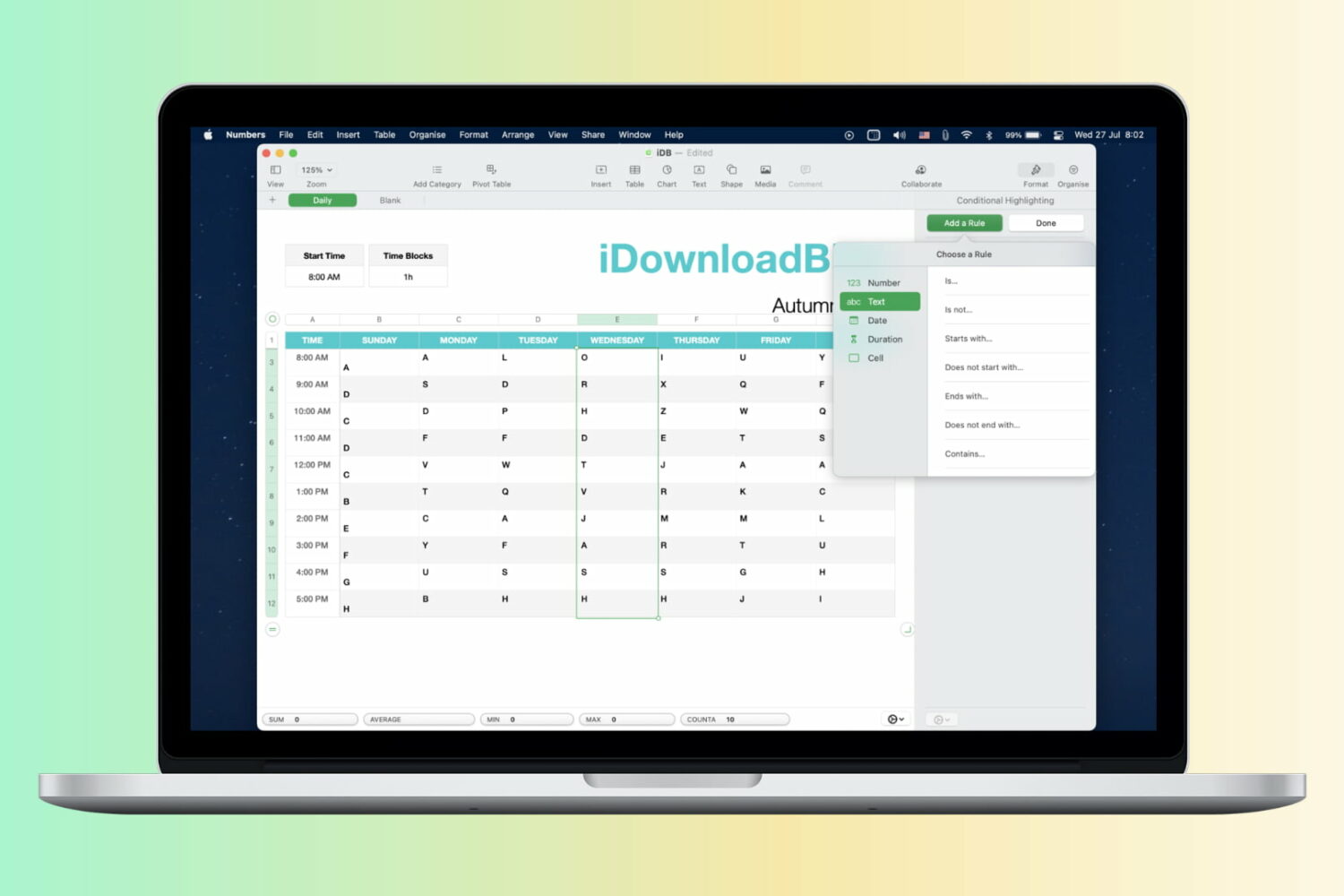
Learn how to automatically format cells in your spreadsheets based on rules by using conditional highlighting in the Apple Numbers app on Mac, iPad, and iPhone.
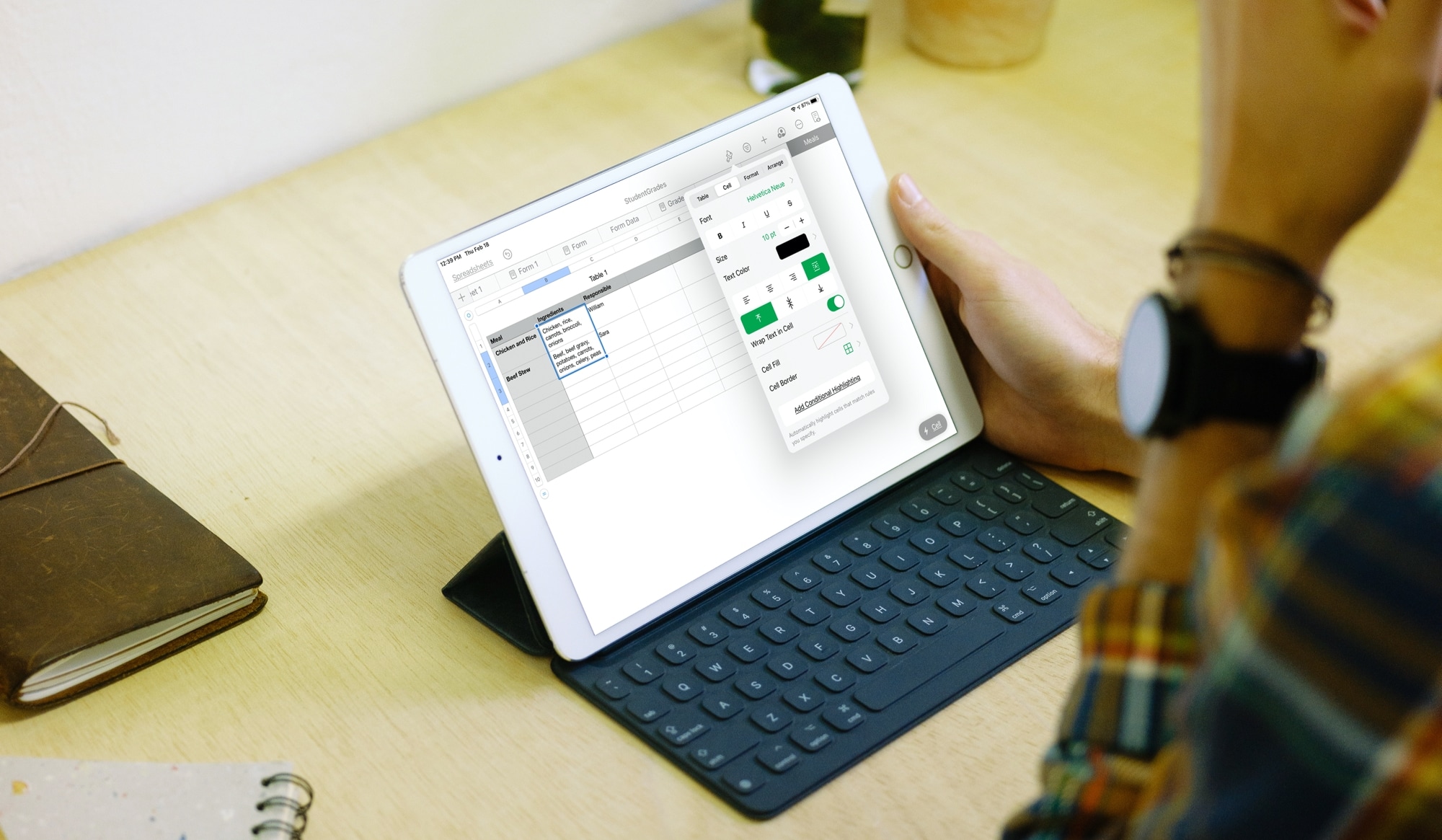
Learn how to wrap text in a cell, group of cells, or the whole table of the Numbers app on your iPhone, iPad, and Mac so you can display all your data without missing anything.

Learn how to color every other row in the Apple Numbers app on Mac, iPhone, and iPad to make a table in your spreadsheet easier to read.

Learn how to add stock quotes to a spreadsheet in the Apple Numbers app for Mac, iPhone, and iPad to keep track of your investments in the stock market.
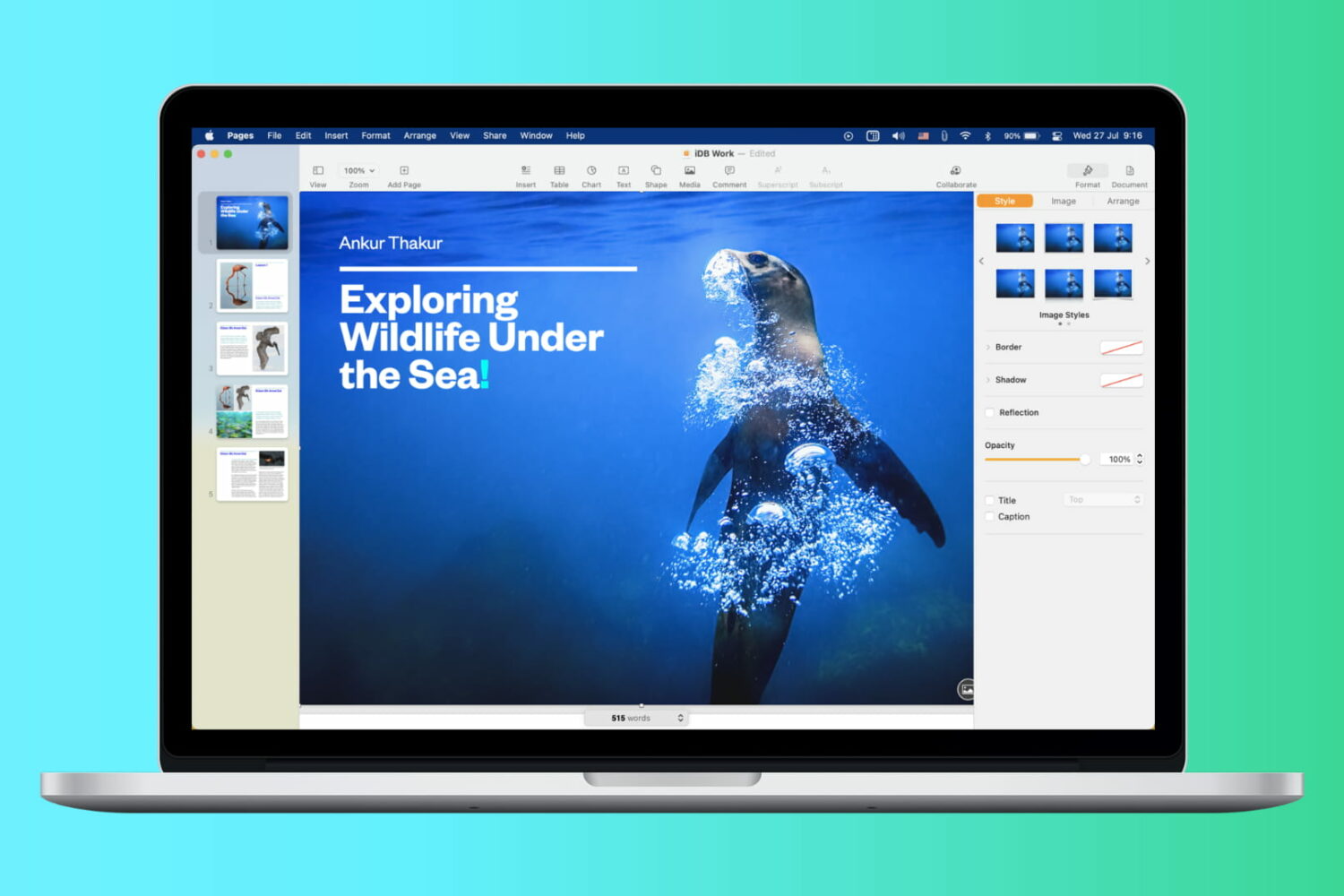
Have you ever received or downloaded a document that you wanted to grab an image from? It could be your company logo in a Pages document, a photo of a location in Word, or an instructional image in a Keynote or PowerPoint presentation.
For the most part, extracting a photo or image from Apple and Microsoft applications is universal, which is nice. Here, we’ll show you how to extract a photo or image from various document types.
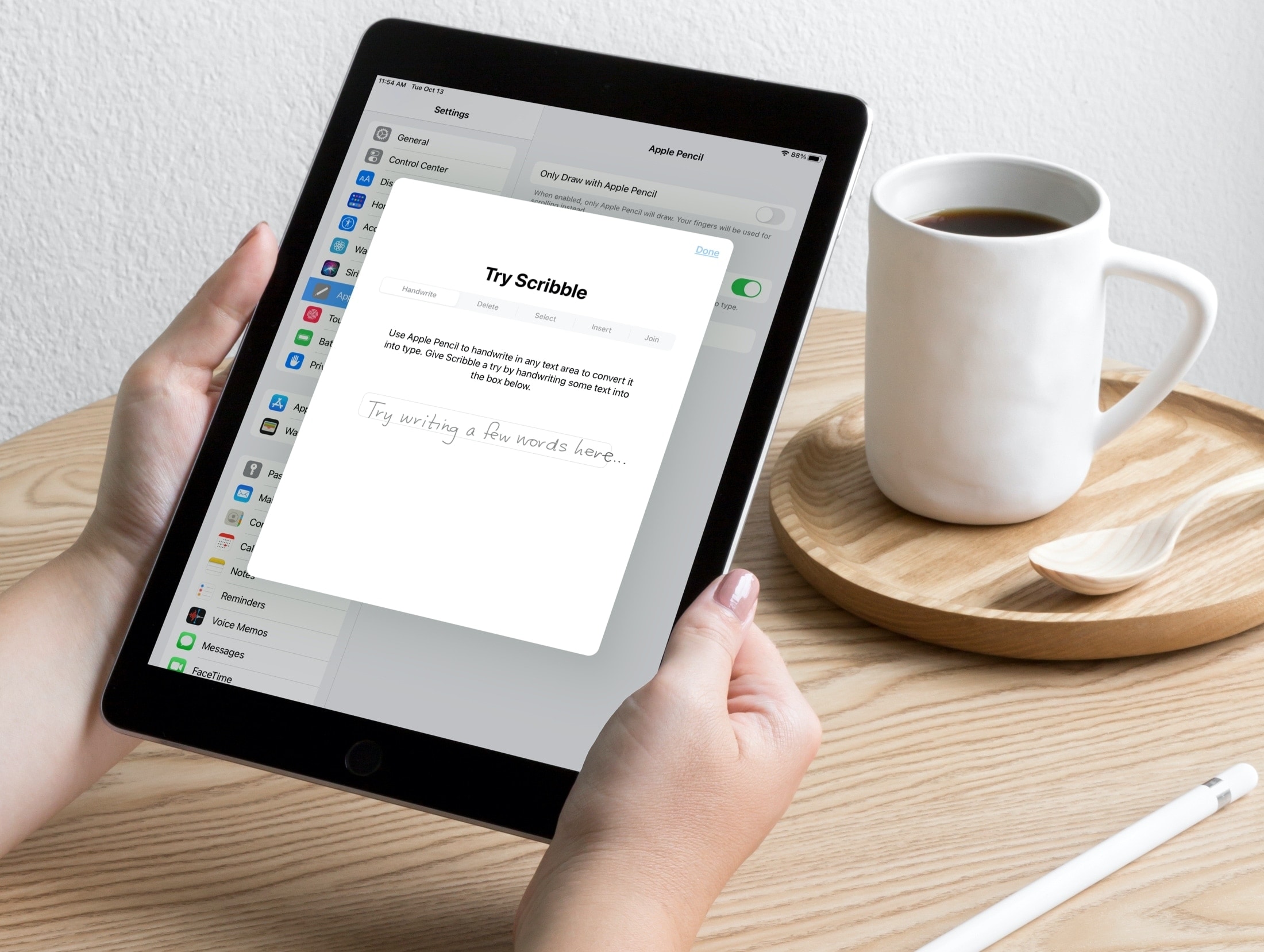
Scribble is a terrific tool for jotting down notes on your iPad with an Apple Pencil. With iPadOS 14, you can do things like turn handwriting into typed text and use handwriting in text boxes like search fields.
So when it comes to being productive with Pages, Numbers, and Keynote on iPad, you can use Scribble to get things done quickly. Here are some tips for using Scribble in those apps with your Apple Pencil so you can make the most of the feature.

In this very cool tutorial, we’ll show you how to add, edit, animate, and work with a drawing inside a document, presentation, or spreadsheet in the Pages, Keynote, or Numbers app on your iPhone and iPad.
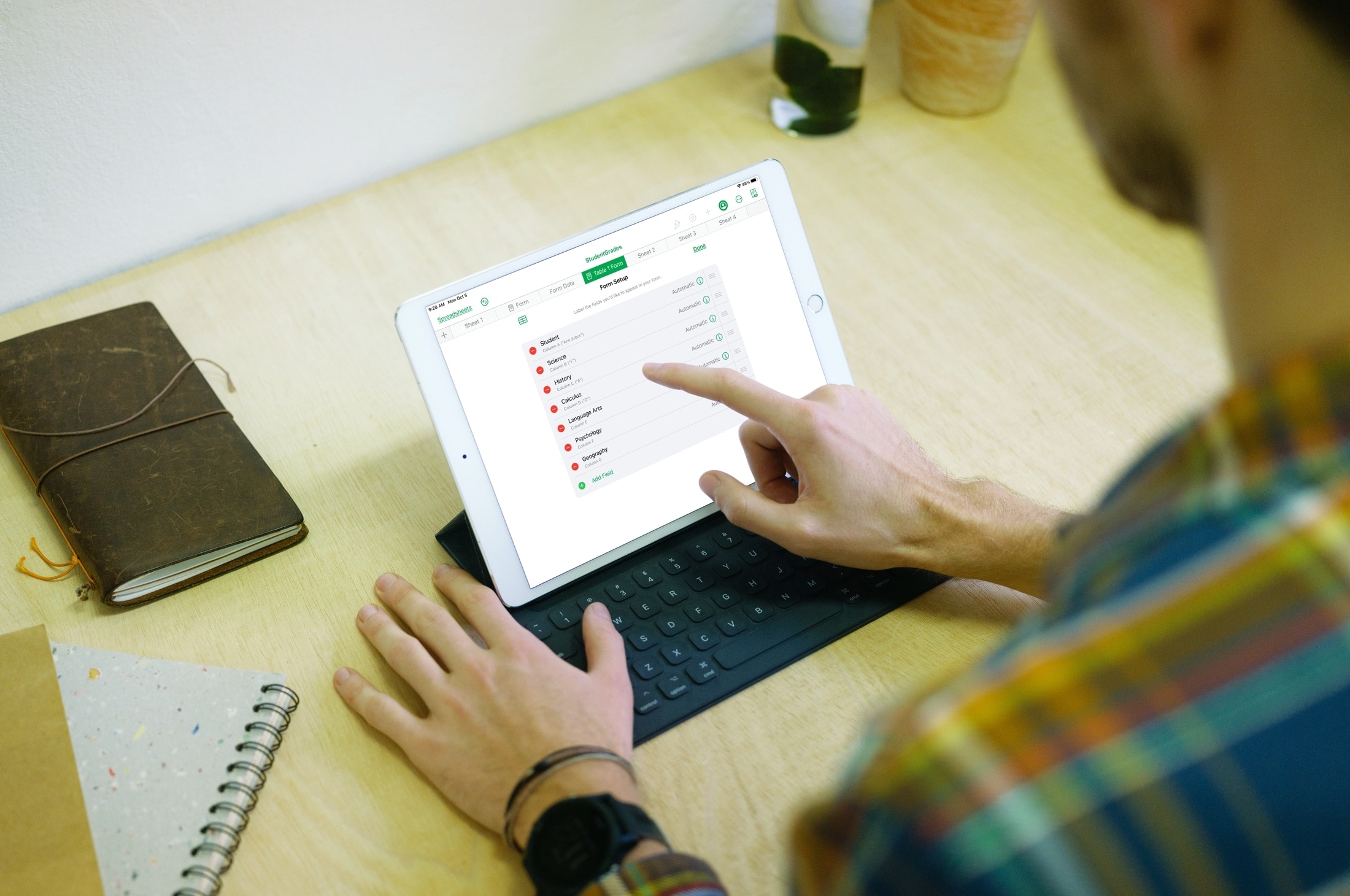
This tutorial shows you how to create and use forms in the Numbers app on iPhone and iPad to quickly and easily enter data in your spreadsheets.

Do you use Microsoft Excel on your Mac instead of or in addition to Apple Numbers? If so, knowing some keyboard shortcuts for Excel on Mac can save you time when performing basic tasks in your spreadsheets and workbooks.
As Microsoft products, Excel, Word, and PowerPoint have some of the same shortcuts. But most below are specific to using Microsoft Excel and will make managing your data a breeze.
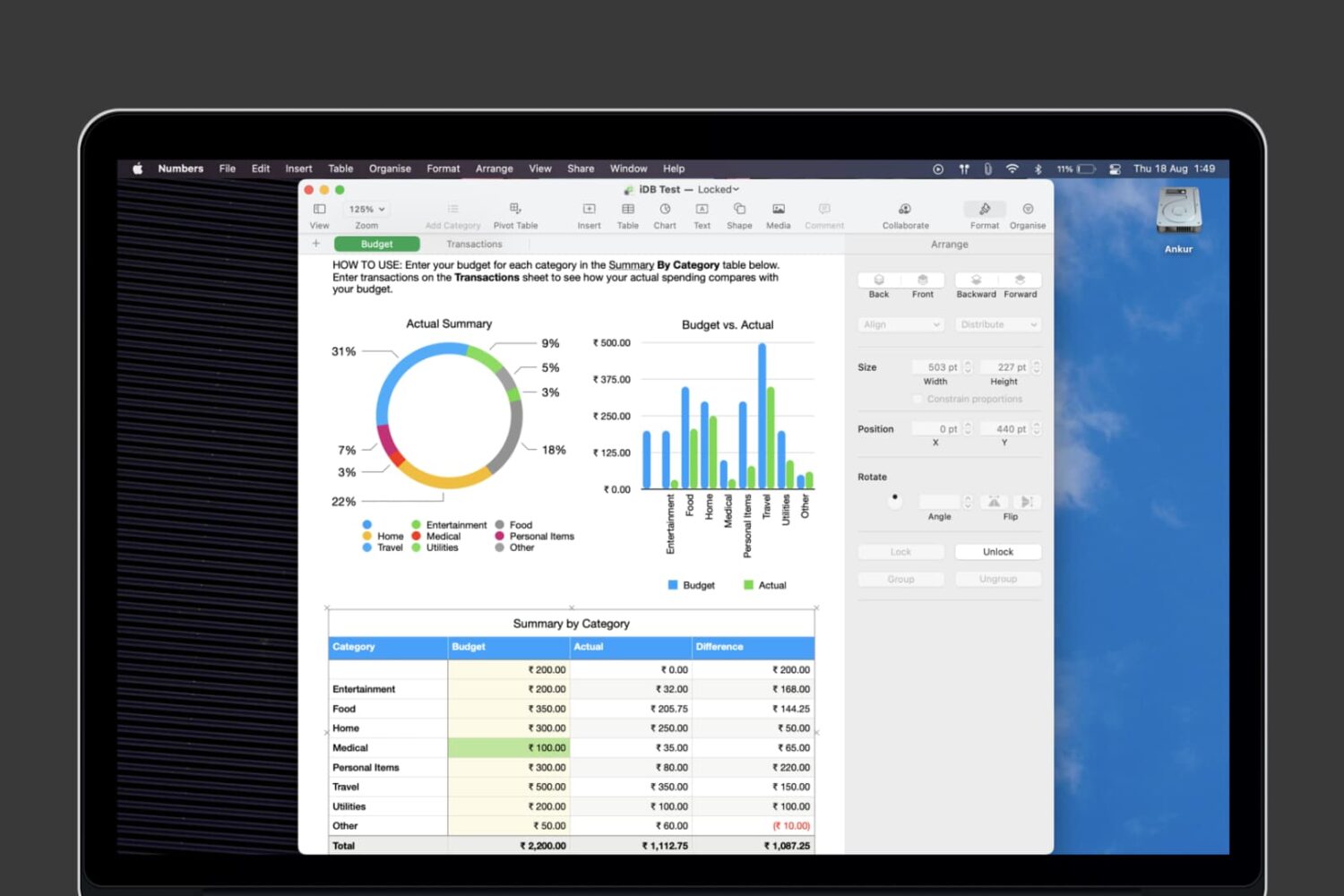
Learn how to lock individual tables or the entire workbook in the Apple Numbers app on your Mac, iPad, and iPhone to prevent unwanted changes to your spreadsheet.