Take advantage of your Mac’s built-in search feature to find things faster and easier than ever with these Spotlight search tips.
Find things faster with these Spotlight search tips for Mac

Take advantage of your Mac’s built-in search feature to find things faster and easier than ever with these Spotlight search tips.
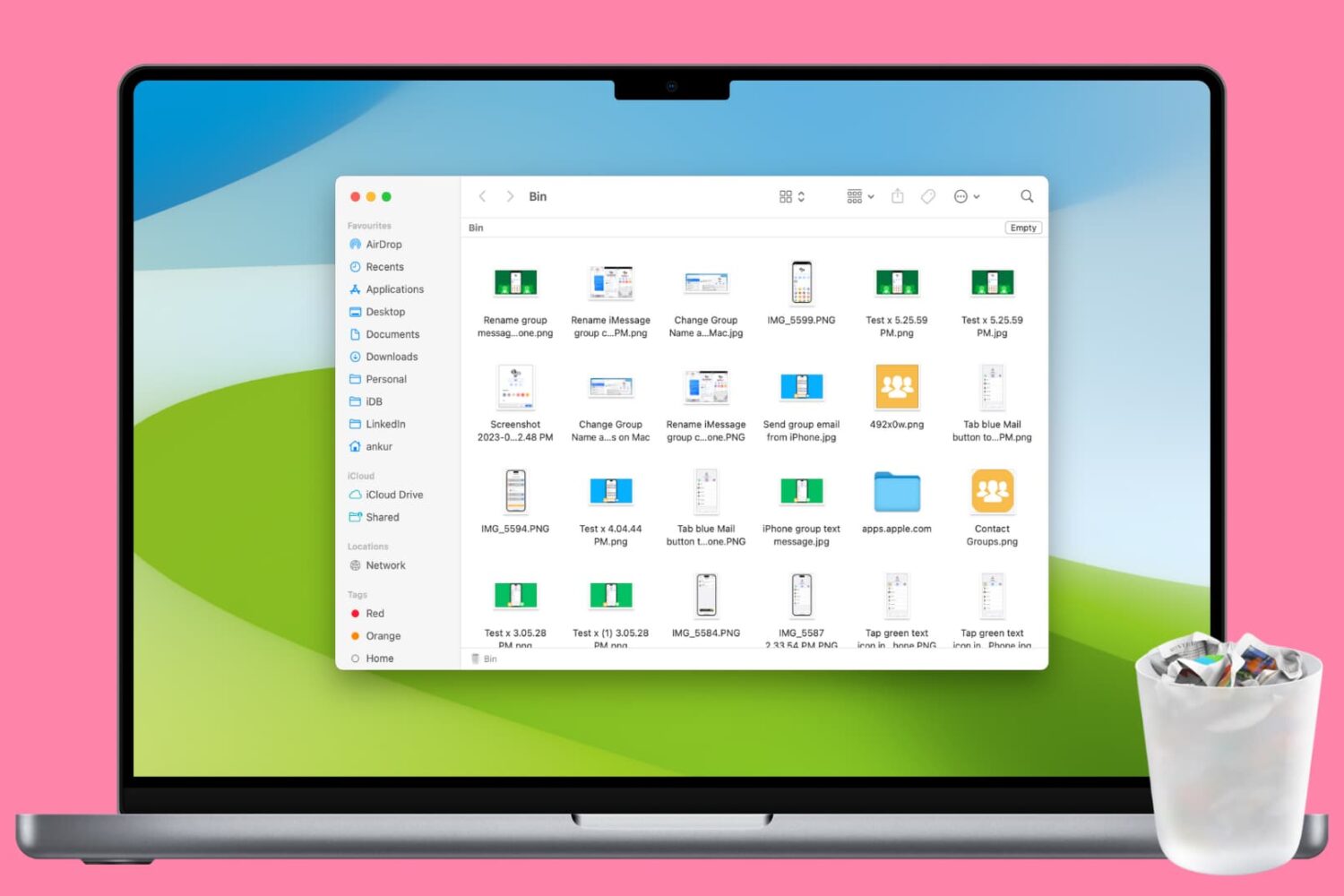
Clean up your Mac and regain valuable storage space by mastering these 10 ways to delete all or selected items from the Trash folder.
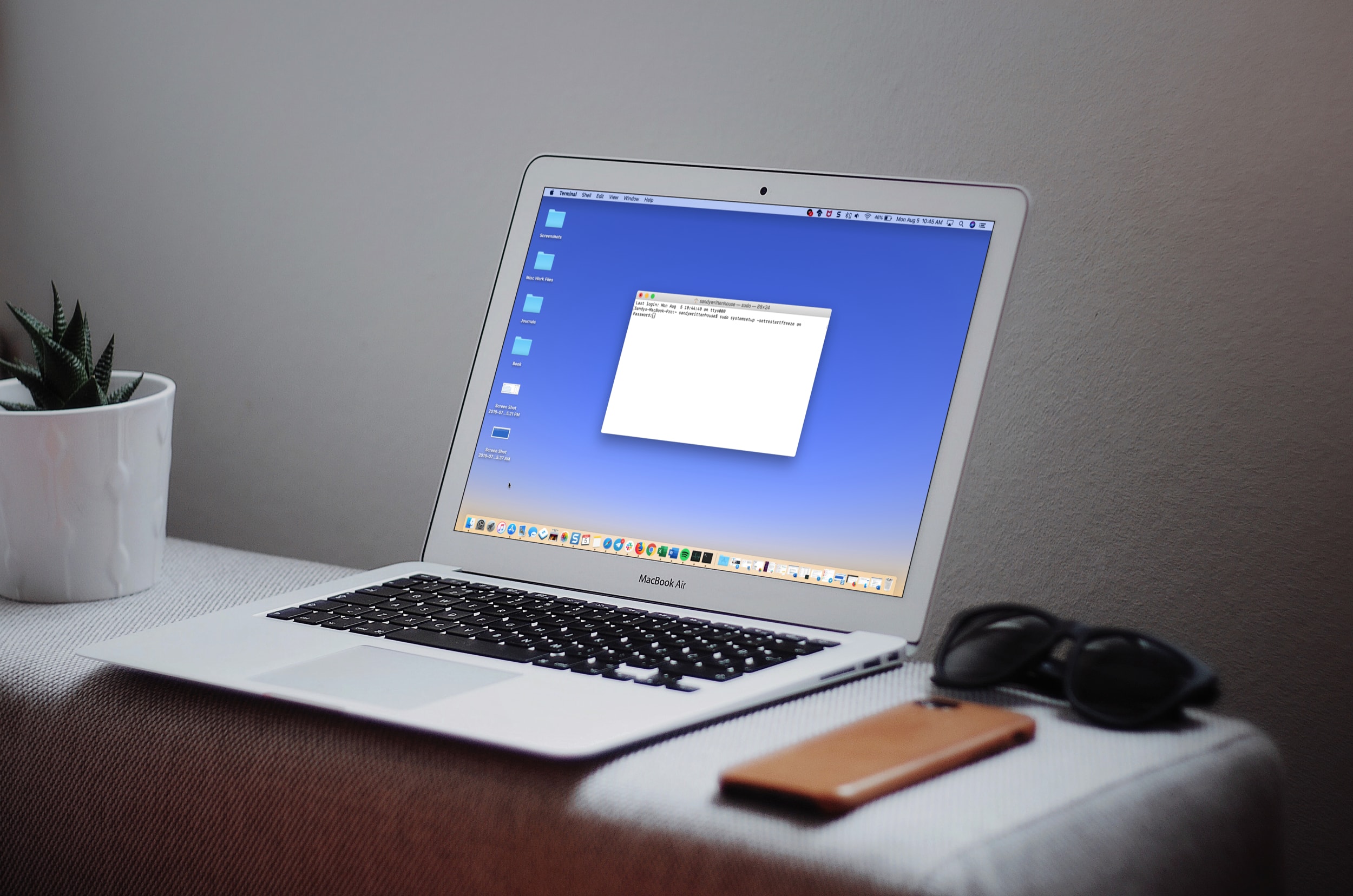
Learn how to make your Mac restart automatically itself after a system crash or power outage to minimize downtime and disruptions to your workflow.

In this simple guide, we’ll walk you through 5 easy ways to change your Mac’s wallpaper, so you can breathe some new life into your computer’s aesthetics. You can use your own photos or select from Apple’s stock wallpaper collection.
Stop the frustration of files automatically saving to iCloud on your Mac by following this guide on disabling the default setting.
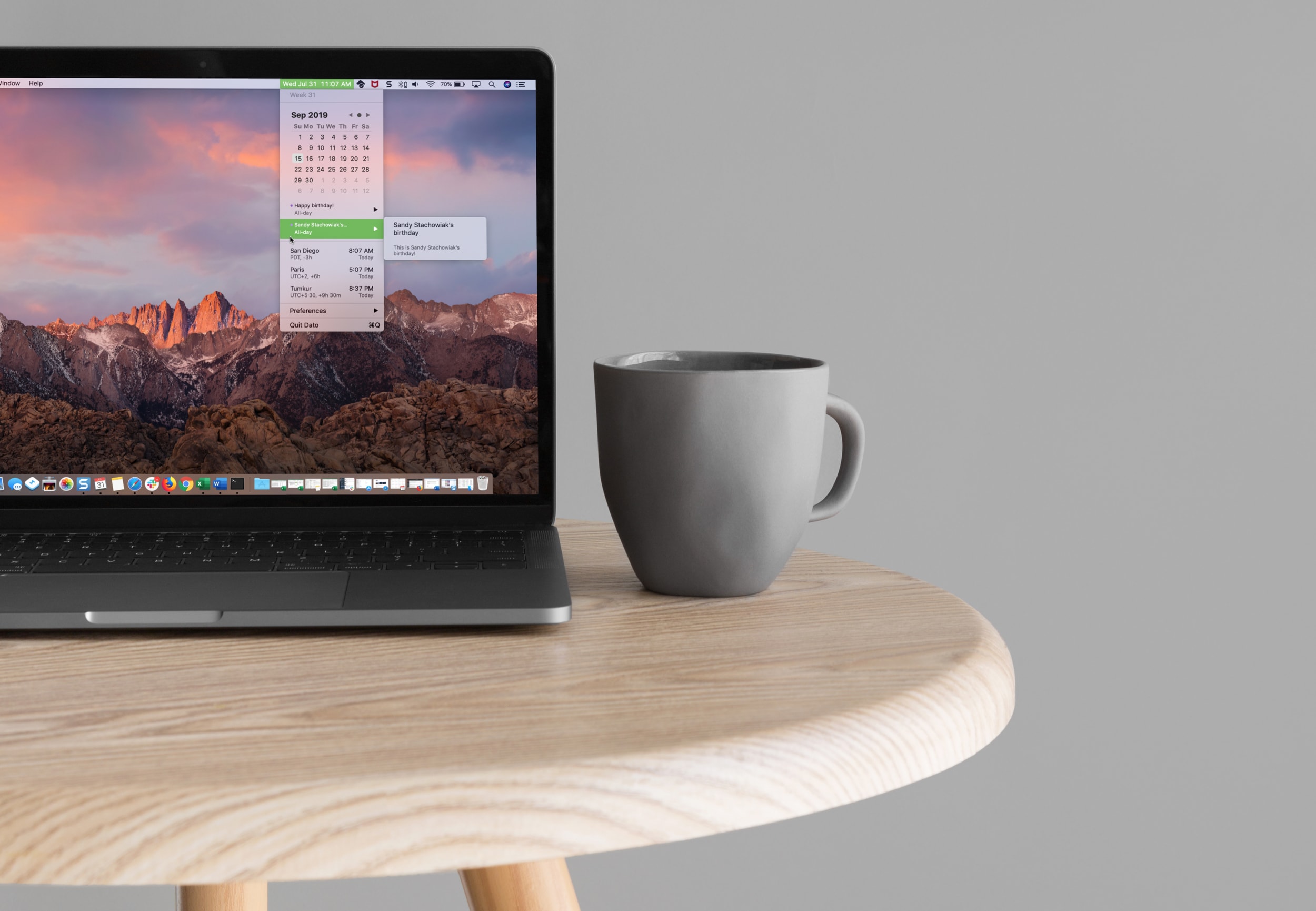
Learn how to easily add a calendar and multiple time zones to your Mac Menu Bar in order to improve your productivity and organization using the Dato app.
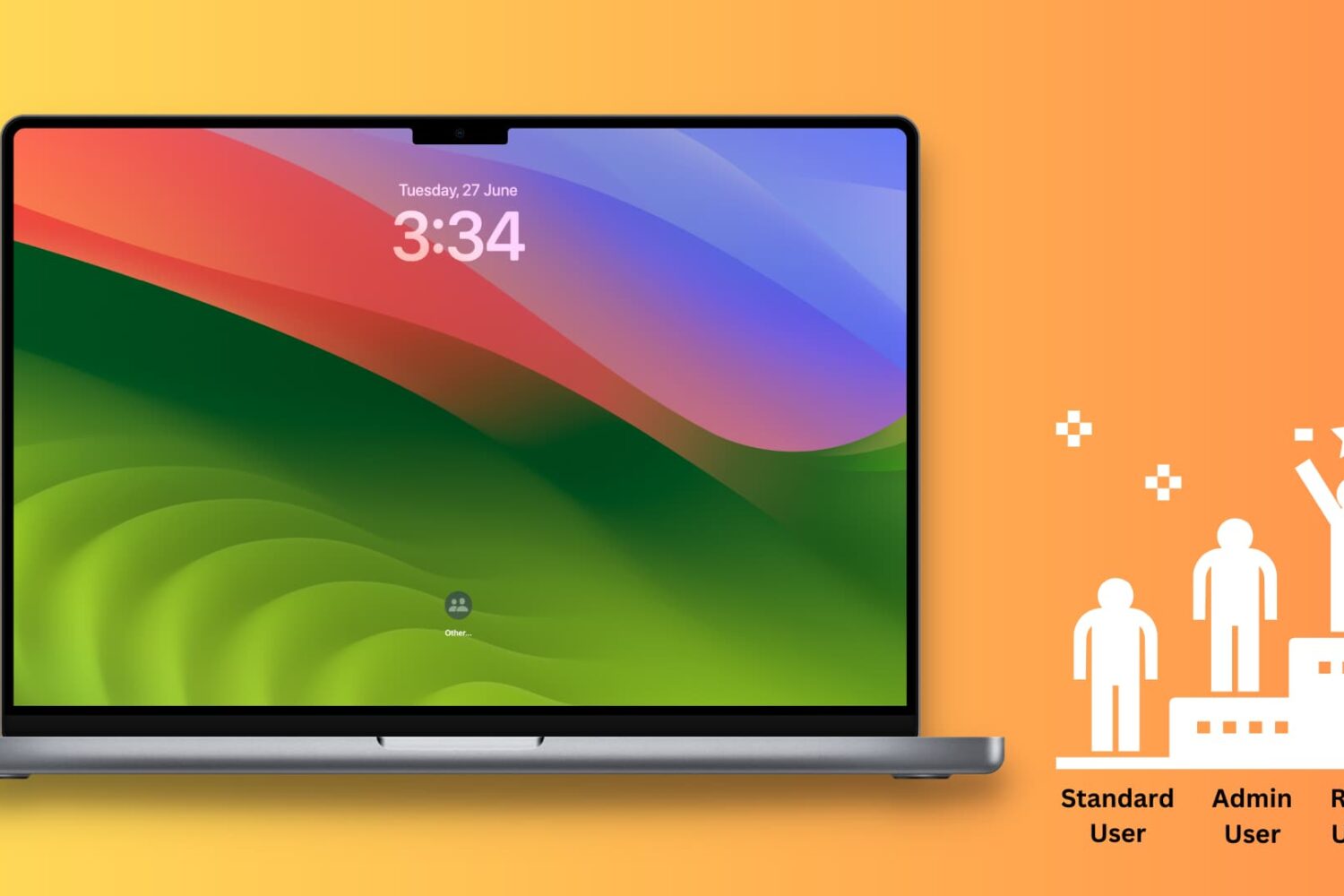
This tutorial shows you how to enable root user on your Mac, log in to it, use it, change its password, and finally disable it.
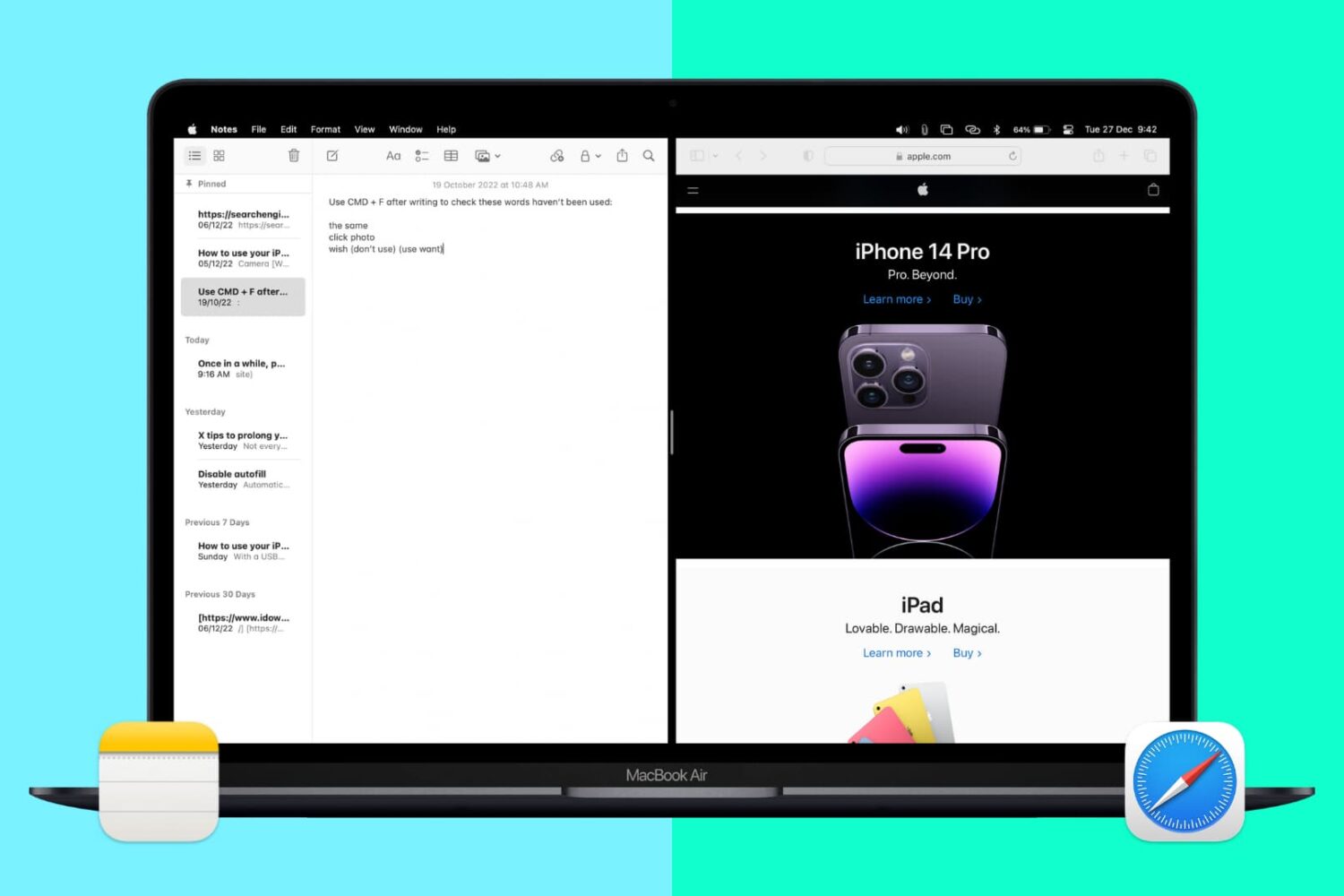
Split View lets you put two apps side-by-side on the same screen. It’s super easy to invoke or exit and makes working on your Mac more efficient. Here’s how to use Split View, or split screen, on your Mac desktop or MacBook.
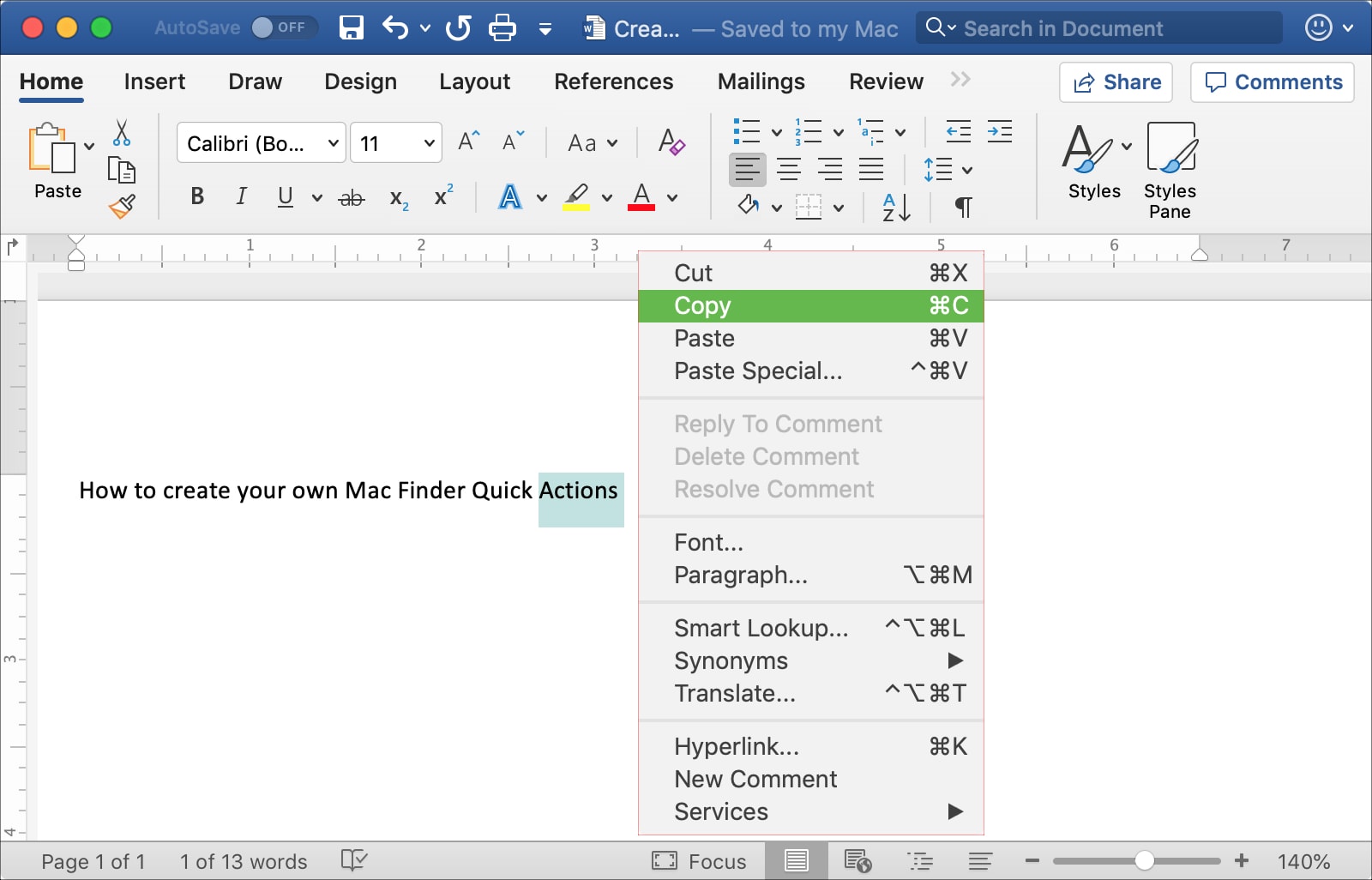
This tutorial shows you three different ways to copy and paste text on Mac using a keyboard shortcut, your mouse or trackpad, and from the menu bar.

In this tutorial, we explain all the practical ways to right-click (also known as secondary click or Control-click) on your Mac using a mouse, trackpad, or keyboard.
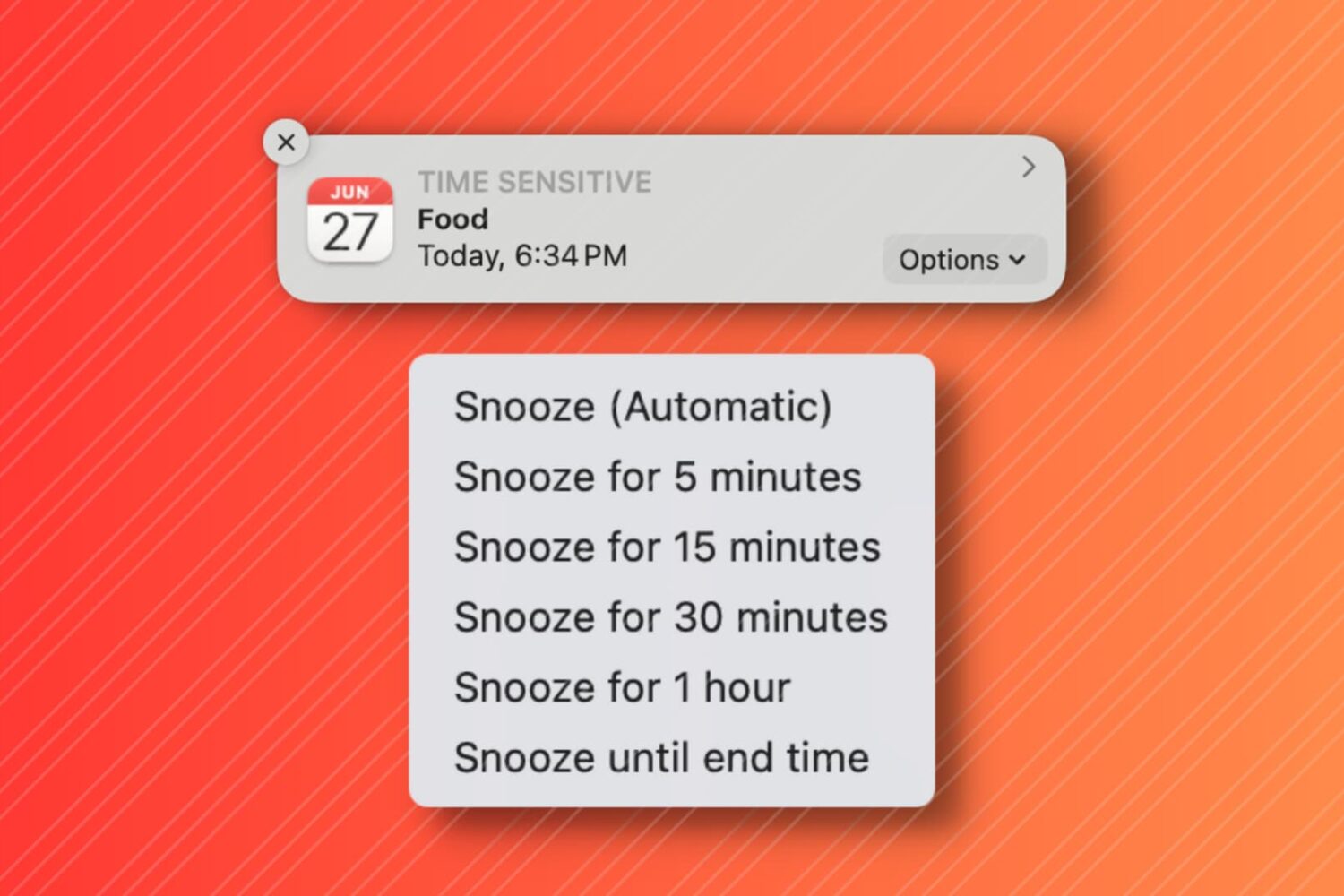
In this tutorial, we'll show you how to snooze your Mac Calendar events for longer than the default snooze time.

Learn all the ways to quickly switch between open apps on your Mac and multitask like a pro.