Apps

Seize more control over the official Twitter app with Twitter Labs

The App Store is home to a plethora of third-party alternatives to the official Twitter app; they exist in response to some of the official app’s shortcomings. But if you have a jailbroken iOS device, then you can often tweak the official Twitter app to get precisely what you want out of it.

Enter Twitter Labs, a new free jailbreak tweak by iOS developer Chloee that gives jailbreakers access to a multitude of settings and features that one could only dream of accessing on a stock device.  

This tweak lets you move Twitter’s new Tweet composition button wherever you want

In a recent update to the official Twitter app, the social network now requires mobile users to tap a floating button at the bottom-right of the screen to compose a Tweet.

Unfortunately, Twitter doesn’t let users move the floating Tweet composition button out of its default location, but with a new free jailbreak tweak called MovableTweetButton by iOS developer Chloee, you can finally drag it out of your way.

iCab Mobile review: a different web browser for your iOS device

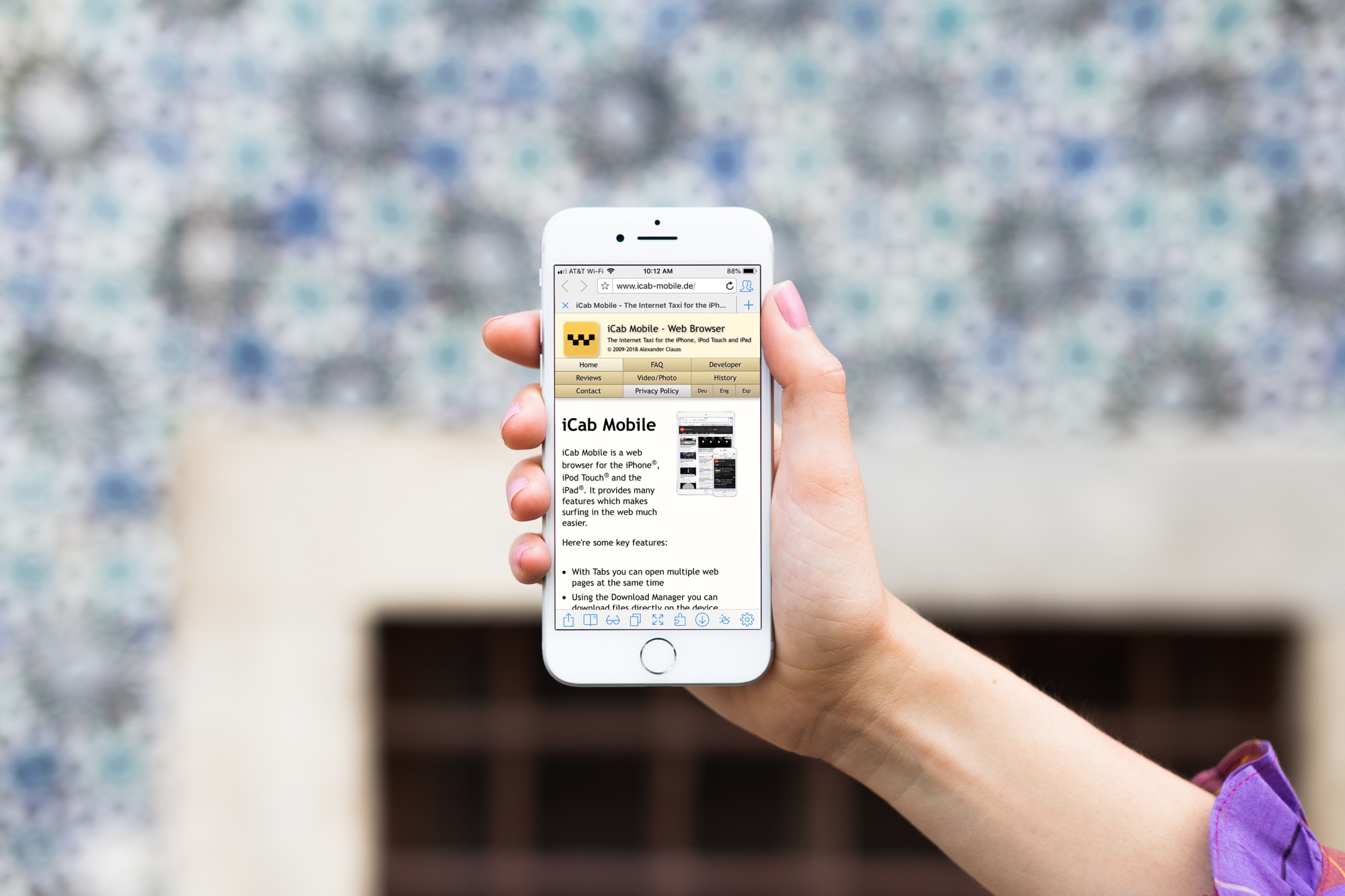
iCab Mobile App on iPhone

If you’re tired of the same old web browsers on your device; Safari, Firefox, Chrome, maybe it’s time for something new.

You may want more flexibility with your browser interface, more options with your settings, or just something you can completely customize. If so, the iCab Mobile web browser is one option you might want to check out. The app isn’t new on the scene, but after a reader suggested it, we had to give it a try. Here’s what we found.

How to quickly hide the App Drawer in the Messages app

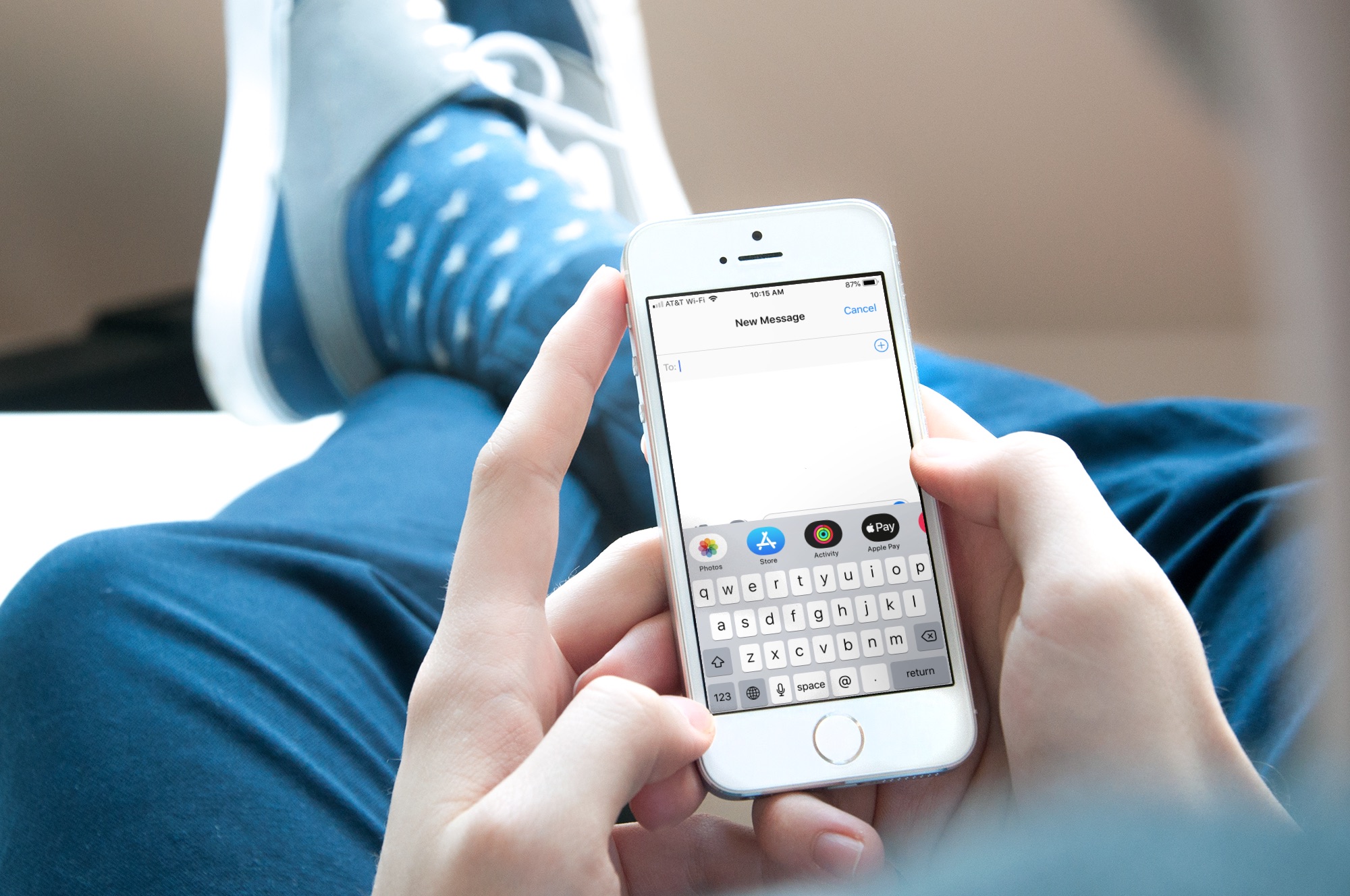
Messages App Drawer iPhone

The App Drawer at the bottom of your conversations in the Messages app can be quite convenient. You can share stickers from your favorite apps, send money with Apple Pay, send Digital Touch messages, and so much more.

But, if you would rather have the full view of the conversation screen and keyboard without the App Drawer, you can simply put it away.

Here’s how to hide the App Drawer for your conversations in the Messages app.

FlickType Keyboard: An easy way to type messages on your Apple Watch

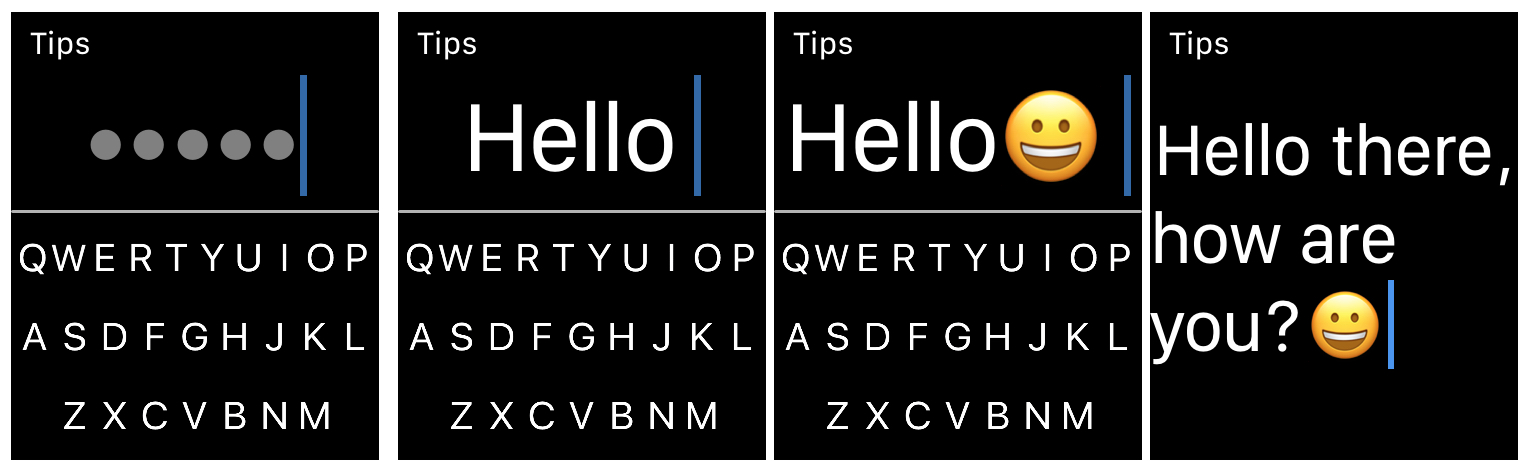
FlickType Keyboard on Apple Watch

When it comes to typing on your Apple Watch, you likely use the quick replies in Messages and Mail, simply because they’re the easiest. But there is now a new way to type right from your wrist.

FlickType Keyboard is handy app that makes typing on your device as simple as a flick. And, it’s now available on Apple Watch in addition to iPhone and iPad. Here’s how you can use FlickType Keyboard on your wrist.

How to send voice messages from iPhone, iPad, and Mac

Audio messages on iPhone

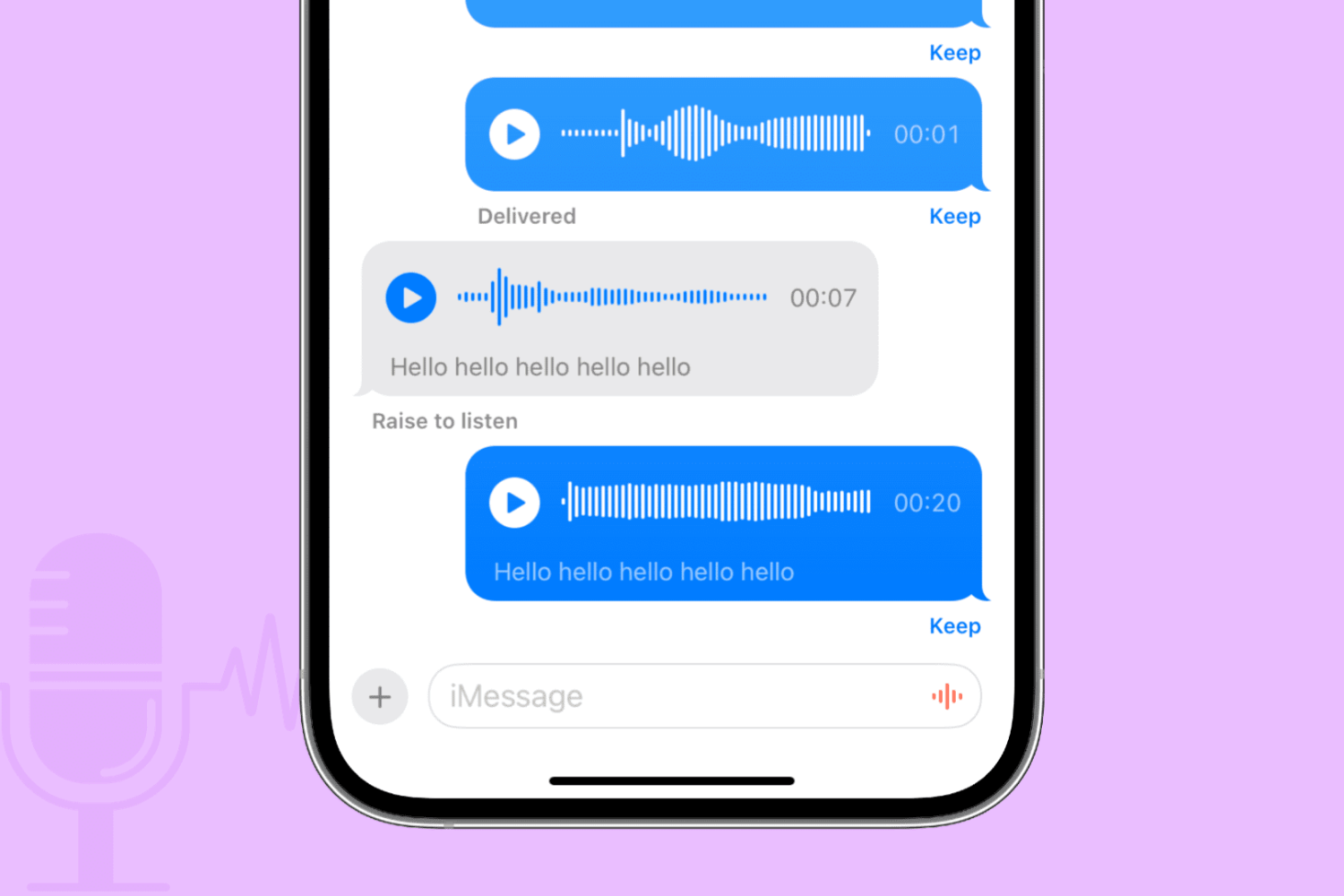
Apple Messages on iPhone, iPad, Mac, Apple Watch, and Vision Pro lets you send and receive audio messages via iMessage that recipients can optionally keep in the app. Audio messages bring that unmistakable personal touch.

Maybe your toddler just uttered his first words. Perhaps you want to send a business colleague a soundbite from an important meeting. Or maybe you’d like that special person in your life to hear a heartfelt message spoken aloud with your own voice.

Learn how to send audio messages to your iMessage friends when you don’t have the time for typing or want to tell them something in your own voice.

How to post longer videos to your Instagram Stories

Post long videos to Instagram story

If you sometimes upload videos to your Instagram stories, you have probably run into the 15-second limitation. That means that no matter what the length of the video you're posting to your story, Instagram will automatically crop it to a maximum duration of 15 seconds.

This is great for shorter videos, but what happens if you want to post a video that is longer than this 15-second limit?

DayView: A dashboard to start your day on Apple TV

DayView on Apple TV

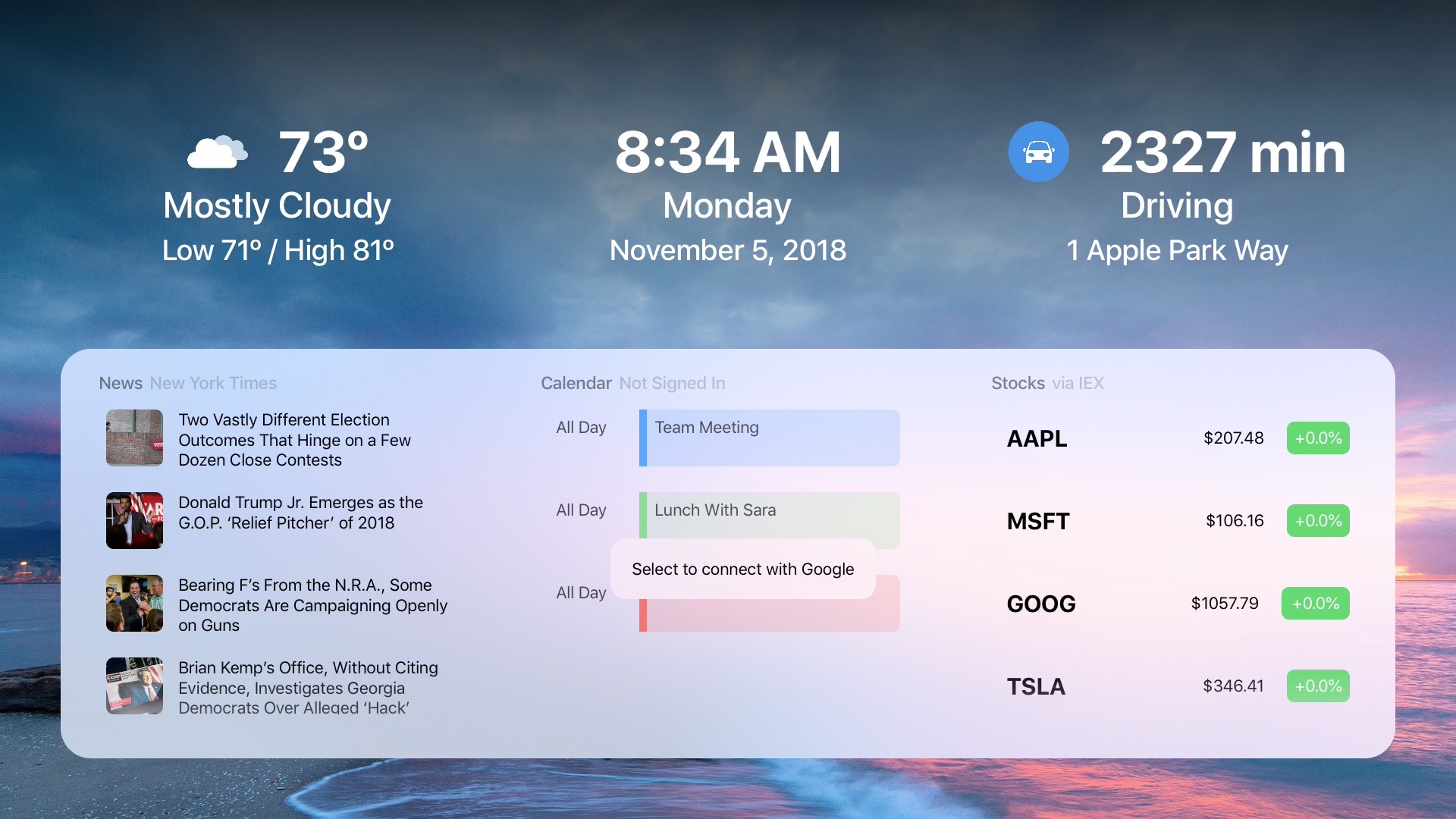
When you get up in the morning, you don’t have to flip through channels or apps to see what your day looks like. To see the weather, news, calendar events, stocks, and more, just pop on your Apple TV and the DayView app .

The DayView - Personal Dashboard gives you everything you need to start your day.