Apple TV

Stay up-to-date on the latest Apple TV news and learn how to get the most out of your device with our comprehensive tutorials and guides. Discover new features, troubleshoot issues, and explore the best apps and games for your Apple TV.

Preview: Infuse for Apple TV + developer interview

As an Apple TV believer since its inception, I'm ashamed to admit that I've never jailbroken my device even though the lack of downloadable media player apps that would let me play “foreign” video file types has been driving me nuts.

When the latest Apple TV launched, I immediately got in touch with James Abeler, better known as prominent jailbreak developer FireCore, who happens to be the brains behind the ultimate Apple TV jailbreak, aTV Flash Black, and the creator of a versatile iOS media player, called Infuse.

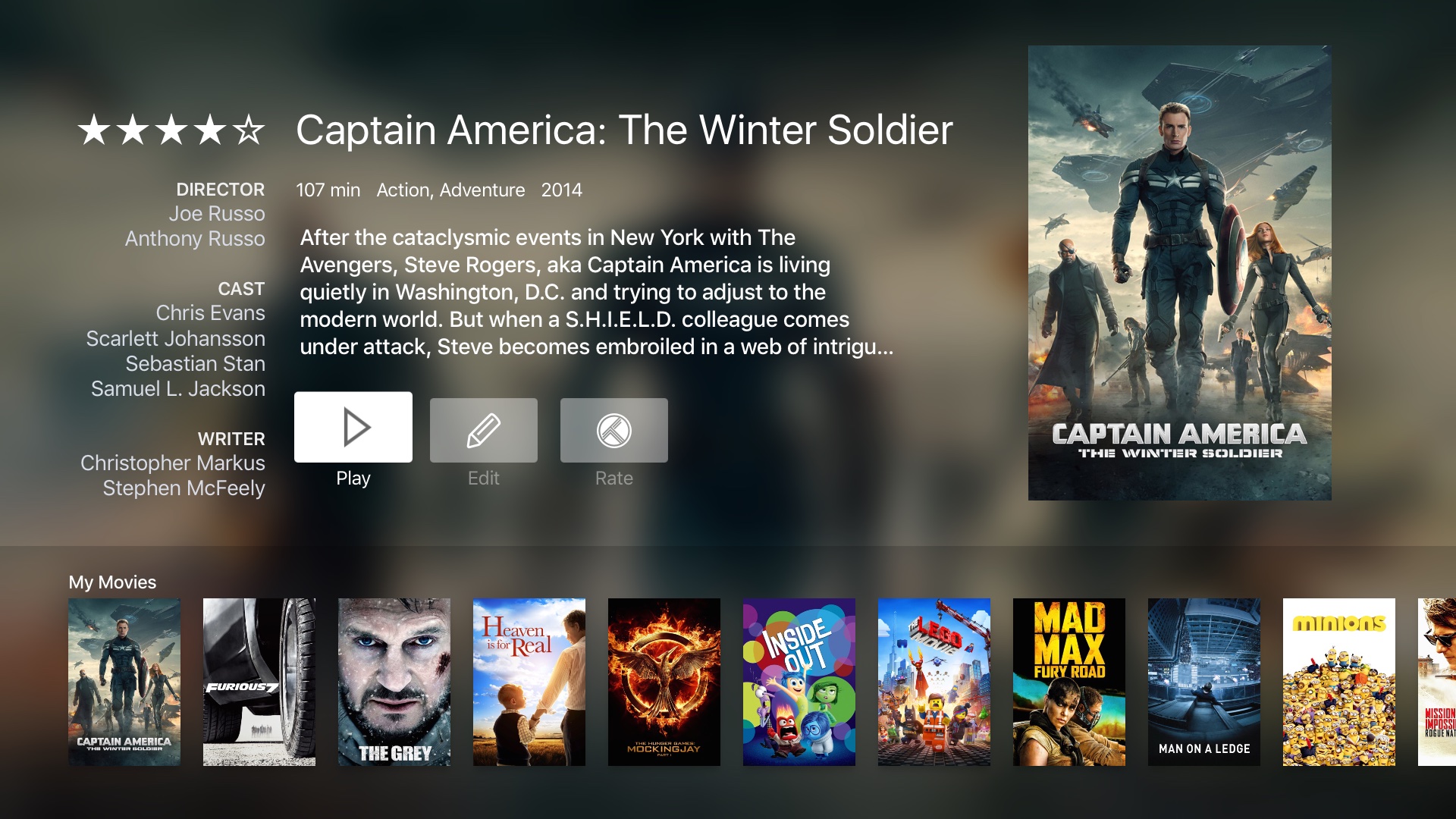
As someone who has been pretty much cheerleading Infuse since its April 2013 debut, I was extremely impatient to find out if an Apple TV edition of Infuse would be on par with its iOS counterpart.

James was kind enough to add me as a beta tester so I was able to play with Infuse for Apple TV for about a week, and here's what I was able to gather.

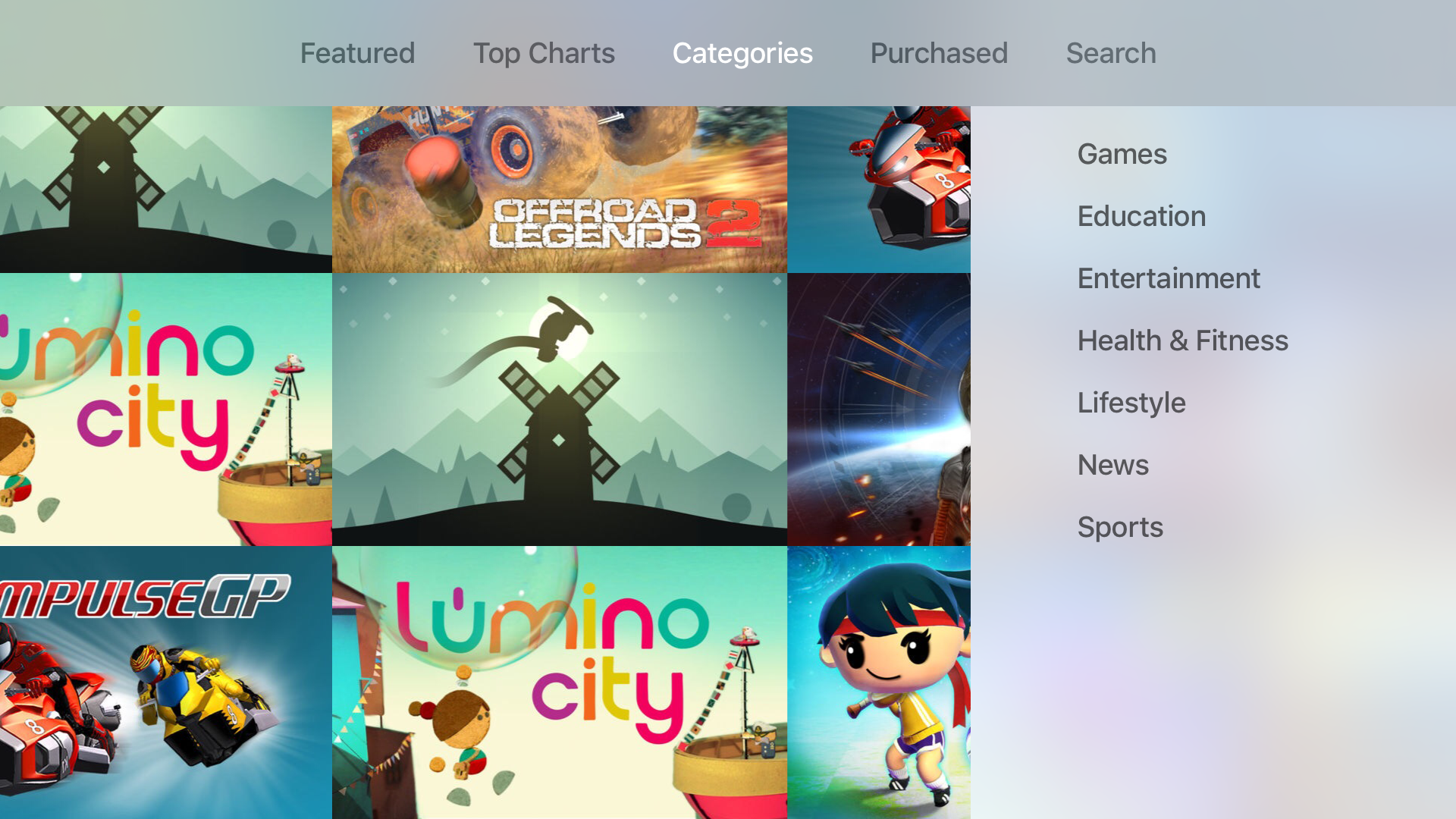
Several new App Store categories, including News and Education, appear on the Apple TV

After being limited to just two app categories for the past few weeks, several new categories have appeared to help flesh out app discovery on Apple's recently released set top box. Along with the Games and Entertainment categories, users will now find Education, Health & Fitness, Lifestyle, News and Sports categories.

To view the new categories, simply launch the App Store app on your Apple TV. The new categories may still be propagating, though it may be worth trying a reboot if they don't show up immediately.

How to bring back old password-entry grid on fourth-generation Apple TV

To me, the new software keyboard in tvOS is absolutely the biggest pain point and a major step back from the old password-entry grid on previous Apple TV models.

As ridiculous as it sounds, Apple has opted to put all the characters in a single line, two-row layout. This isn't just odd from a user experience standpoint, the new keyboard design in tvOS is a lot slower and clunkier to maneuver than the previous grid-style one.

And with the amount of passwords needing entering in third-party video apps, it's especially annoying and cumbersome. But as it turns out, there's a way to bring back the old password-entry grid to speed up typing those passwords.

This flexible mounting system attaches Apple TV and Siri Remote to the back of your telly

A United States company called Innovelis today announced that its brand new flexible mounting system for the fourth-generation Apple TV set-top box and Siri Remote is available for purchase exclusively via Apple's retail and online stores around the world.

Retailing for just $29.95, this useful accessory is especially convenient for Apple TV fans with a wall-mounted TV.

Dubbed the TotalMount Pro, it attaches your Apple TV directly to the back of a television set, helping eliminate both the clutter and the need to tunnel the HDMI cable through the wall from your TV area.

Beat Sports review: turn your Apple TV into a Wii, sort of

With the fourth-generation Apple TV now available, we are getting a glimpse at the types of apps and games that are being developed for our living room. One surprising addition to the gaming world comes from Harmonix (creators of Guitar Hero and Rock Band).

Beat Sports is a rhythm-based sports game. Players use their Siri Remote control as a sort of Wii style motion-based remote to swing away at oncoming balls. We've got a full game review of Beat Sports for your reading enjoyment.

Apple posts new Apple TV ad highlighting the Watch ABC app

Right after posting several new advertisements highlighting apps on the Apple TV, Apple has launched yet another new ad, this time highlighting the popular Watch ABC app.

Yesterday, Apple published five new ad spots for various apps on the platform, including Disney Infinity 3.0. Crossy Road, HBO Now, Asphalt 8, and Netflix. Not content with that onslaught of promotion, Apple has added an additional new 15-second video to its YouTube channel in an effort to showcase ABC's streaming video offering.

tvOS 9.1 beta 3 now available to developers

In addition to releasing iOS 9.2 beta 4 to developers and public beta testers, Apple on Wednesday also released a third beta of tvOS 9.1 to developers, its operating system for the fourth-generation Apple TV.

The tvOS 9.1 beta 3 update (build number: 13U5077a) is available over-the-air on the new Apple TV to developers who are on a prior tvOS beta, as well as a standalone download through Apple's portal for developers.

Airfeed for Twitter lets you view your feed on your Apple TV

As if we didn't already have enough ways to check in on Twitter, now we have TV to help us satiate our narcissistic tendencies. A new third-party Twitter client has popped up exclusively on the fourth-generation Apple TV so you can see what your friends are talking about.

Airfeed for Twitter sends the most recent tweets in your feed directly to your TV screen so you don't have to, you know, get out your iPhone. We've got a hands-on review of Airfeed for Twitter for you today.

Apple posts new ads highlighting apps for Apple TV

Tim Cook has said in numerous interviews that apps are the future of TV. Apple's marketing department seems to be taking that statement to heart, releasing five new Apple TV ad spots on their YouTube channel today. In these ads, Apple is showcasing both content and games, from a variety of creators.

All of the ads feature a slick introduction from the moment the app starts to when the actual apps are shown. No users of the Apple TV are shown, but instead Apple is focusing only on the content of the apps themselves.

Read this if your new Apple TV is messing up your TV or receiver

Strange things started happening to my TV since first plugging in my new Apple TV a couple weeks ago, and while I didn't immediately connect the dots, it quickly became apparent that the new device was the culprit. After a bit of digging and a lot of commonsense, I figured out my problems and how to fix them. As often, the solution was just at the click of a button.

Review: Apple TV Remote Loop

The Apple TV Remote Loop is a $12.99 accessory for the Apple TV Siri Remote, and it essentially functions as a lanyard to keep the remote securely within your grasp. This can be important when using the Siri Remote to play games, as some titles may require you to wave the remote around, sometimes aggressively, to control certain on screen elements.

But the Remote Loop is sold separately, and doesn't come bundled with the Apple TV. With this in mind, should you consider buying it? Is it a wise decision for gamers who'll be using the Siri Remote's sensors to play Wii-inspired games? Read our full review to find out the answer.