Apple Watch

Stay up-to-date on the latest Apple Watch news, and learn how to get the most out of your device with our comprehensive tutorials. From updates to features to troubleshooting tips, we’ve got you covered.

10 most wanted Apple Watch jailbreak tweaks

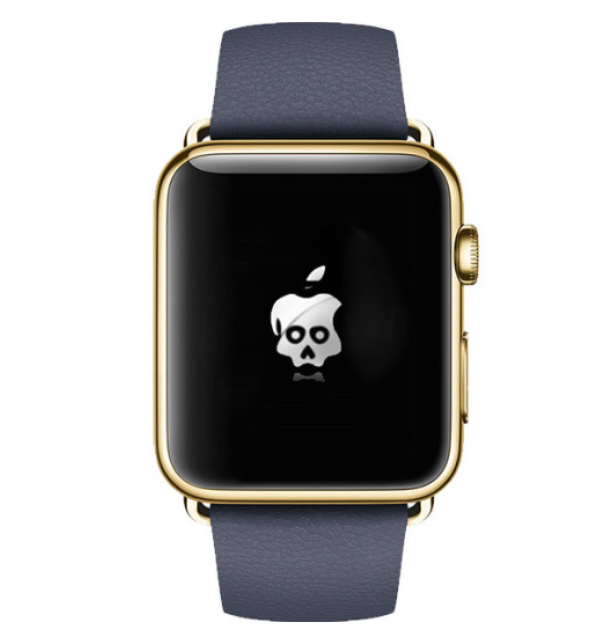
It officially launched less than a week ago, but many people are already thinking about jailbreaking the Apple Watch. I've seen prominent hackers and developers talk about jailbreaking Apple's new wearable device, and I've heard it mentioned several times on some prominent podcasts.

The question is, why are so many people interested in jailbreaking Apple's new hardware? The answer is mixed, but there are lots of similarities to iPhone OS and the early iPhone hardware. When the iPhone first launched back in 2007, it was severely limited. You couldn't copy and paste, you couldn't have custom wallpaper, there was no App Store, etc. Jailbreaking eventually allowed early users to do all of those things.

Similar to the early iPhone software, Watch OS 1.0 won't allow users to do things like use custom watch faces, or run native apps. Jailbreaking could, in theory, allow for both of these features. But that's not all. Jailbreaking Watch OS opens up a whole new realm of possibilities.

WSJ: slow Apple Watch rollout due to faulty Taptic Engine

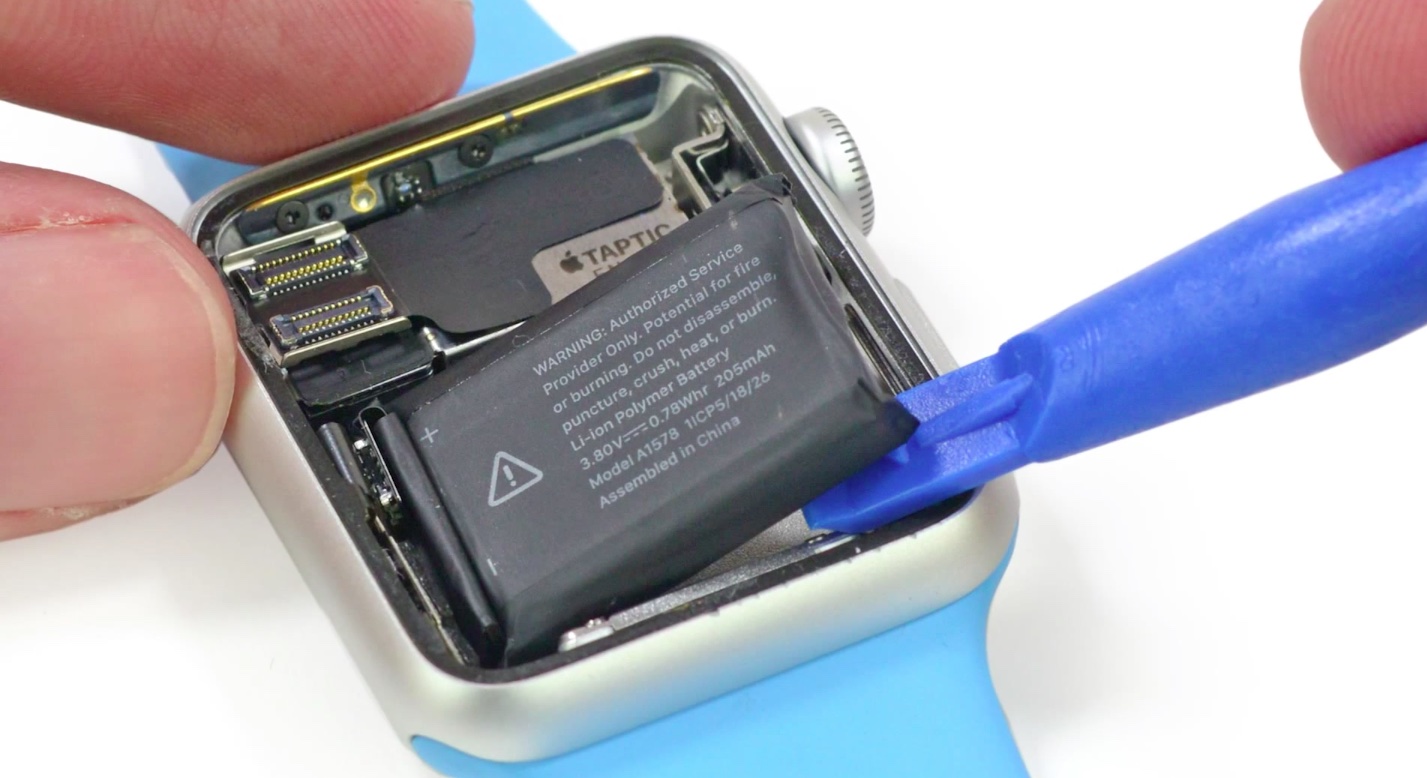
Faulty Taptic Engines may be behind the extremely limited availability of the Apple Watch, The Wall Street Journal reported on Wednesday. Citing sources familiar with the matter, the publication says that after mass production of the Engines began in February, quality testing found some of them to be unreliable.

The component, which Apple uses in its Watch to produce the sensation of being tapped on the wrist, is made by two suppliers: AAC Technologies Holdings Inc. and Nidec Corp. Apparently some of AAC's Taptic Engines were found to break down overtime, so Apple has moved a majority of its production over to Nidec.

Tattoos reportedly confusing Apple Watch heart rate sensor, Wrist Raise feature and more

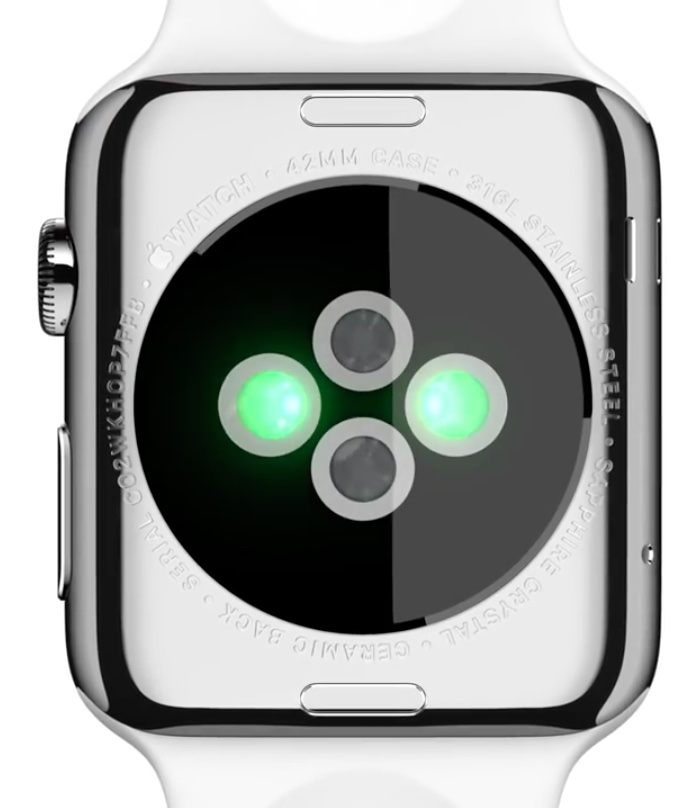
Your Apple Watch can wake to the watch face, or your last activity, when you raise your wrist. Called Wrist Raise, this handy feature uses the heart rate sensor, which requires skin contact.

But according to users on social media channels like Twitter and Reddit, tattooed wrists fool the Apple Watch into thinking it's not on a wrist in the first place, causing all sorts of issues.

For starters, the Activate on Raise Wrist function may stop working or may perform erratically. More problematic than that, people with tattooed wrists may stop receiving notifications. In addition, inaccurate heart rate readings have been reported, too, as dark tattoos can throw off Apple Watch's heart rate sensor and cause the Workout app to pause every now and then.

And because the sensor interferes with dark-inked tattoos, the device will request your passcode after mistakenly thinking it's lost skin contact. Another side-effect: Apple Pay, another feature that requires skin contact, gets disabled, causing you to re-enter the security PIN.

Griffin’s WatchStand now available for order, ships in two weeks

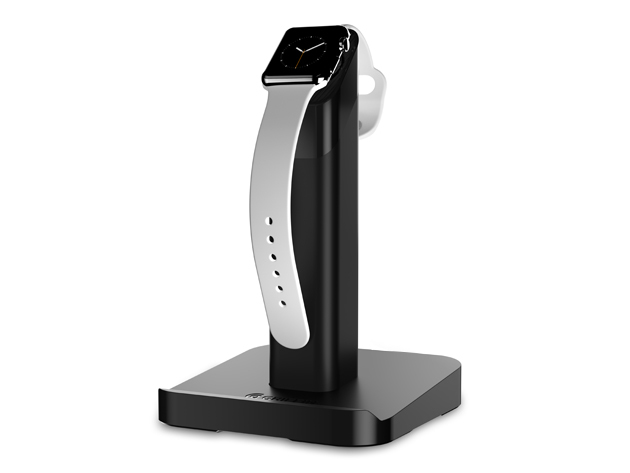
Griffin Technology's curious WatchStand, which holds both an Apple Watch and your iPhone, is now available to order from the company's webstore for $29.99 a pop, or with a 10 percent discount via iDownloadBlog Deals. The Nashville, Tennessee headquartered accessory maker will start shipping first WatchStand units to customers in two weeks.

The sleek accessory docks your Apple Watch and iPhone while charging them at the same time, with the Watch cradle conveniently keeping your device at a viewable angle.

Twelve thoughts on Apple Watch

I've had an Apple Watch for almost a full work week now, and I've formed a variety of opinions. What I can tell you up front is that I really like this device, and have no buyers remorse. The Apple Watch does a lot of things really well, and a few things not-so-well. Here are twelve personal observations about the Apple Watch that I'd like to share with you.

You shouldn’t shower with your Apple Watch

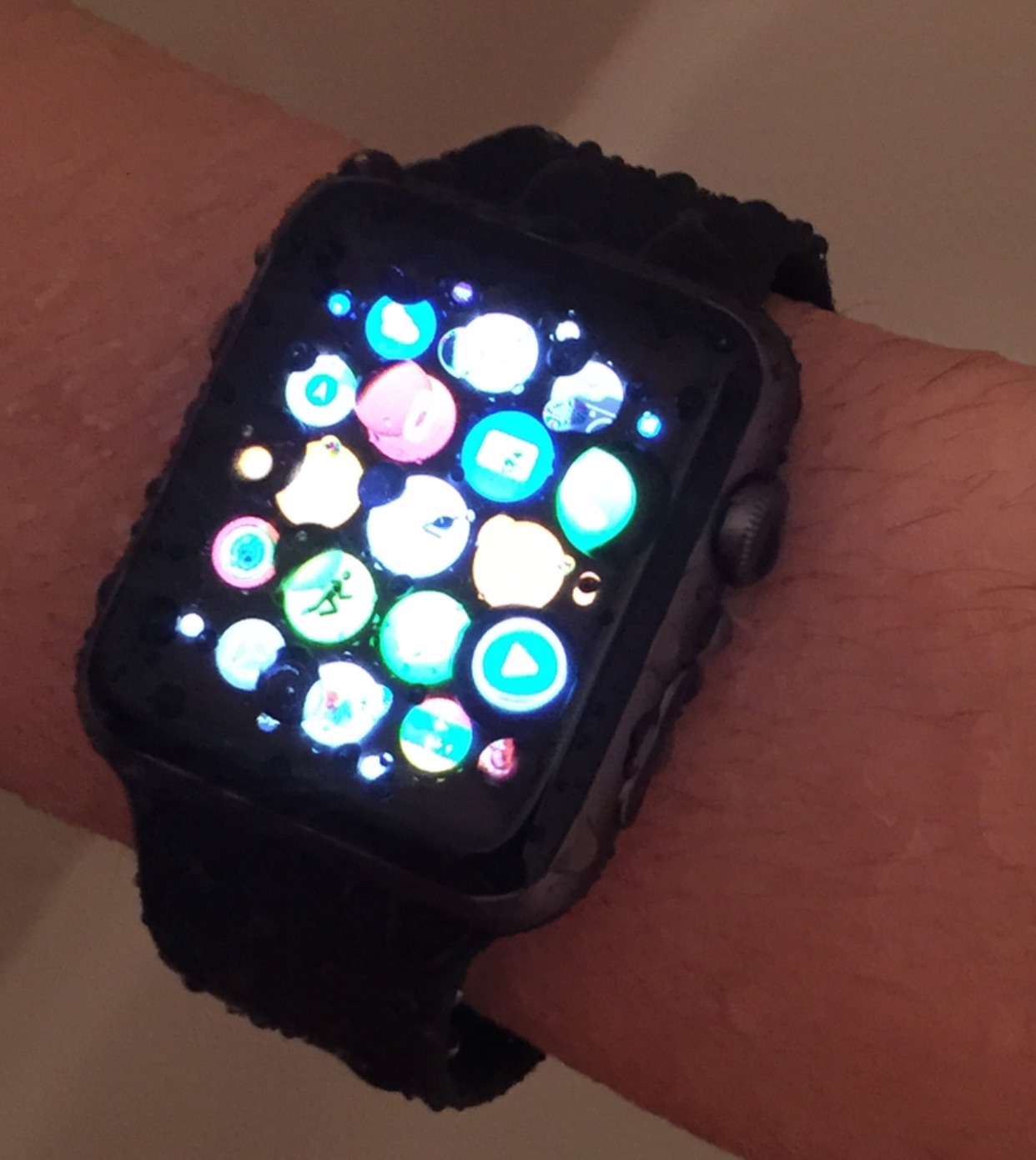
Despite the videos that may suggest otherwise, it's not a good idea to shower with your Apple Watch. How can I say this for sure? I tried it out for myself.

Showering produces high pressure jets of water (relatively speaking)‚ and the high pressure can cause water to venture into places on the Apple Watch that it should not.

Although the Apple Watch is IPX7 certified, which means that it is water resistant and can stand up to hand washing, sweat, and rain, it doesn't mean that you can just do whatever you want with the watch as long as it fits within the technical definition of IPX7 certification.

Unsurprisingly, Apple says ‘no’ to custom faces, fart apps and time-telling Watch apps

Apple on Tuesday updated the official App Store Review Guidelines, officially taking a stance against third-party applications for the Apple Watch whose sole purpose is to tell the time, as first discovered by developer David Smith.

A newly added clause of the agreement guiding third-party development now explicitly states that Watch applications which simply tell the time will be flatly rejected.

“Watch Apps whose primary function is telling time will be rejected,” reads the document. Moreover, the same principles appear to apply to custom watch faces and flatulence apps.

It's worth mentioning that these rules have been enforced since the onset as there has never been a single time-telling Apple Watch app, or a fart app, (or a custom face for that matter) available on the App Store.

Display expert explains why Apple Watch sapphire crystal degrades image quality

After putting the stainless steel Apple Watch through a barrage of excruciating screen benchmarks, display expert Raymond Soneira of DisplayMate Technologies has determined that its sapphire protection actually degrades image quality.

But it's not Apple's fault, really. Even though sapphire is the second-hardest transparent material after diamond, the substance suffers from a higher reflectance versus a less expensive ion-strengthened glass utilized on the entry-level aluminum Apple Watch Sport as well as the iPhone 6 and iPhone 6 Plus devices.

How to sync podcasts with Apple Watch

While you can sync music from your iPhone library to your Apple Watch, there is currently no way to sync podcasts, which is something Apple will likely address in a future update. In the meanwhile, podcast listeners must still be tethered to their iPhones to enjoy podcasts on the go with the help of Overcast, which apparently is the only podcast app with support for Apple Watch at this time. But again, it's not really a solution as you have to have your iPhone nearby to listen to podcasts via Overcast on Apple Watch.

However, there is a workaround that allows you to sync podcasts with Apple Watch. Like all workarounds, it's not very straightforward, and to be honest, a bit cumbersome, but if you want to listen to podcasts on your Apple Watch without an iPhone, this is currently your only option. In this post, we'll show you how to sync podcasts with your Apple Watch.

Diamond-testing Apple Watch sapphire screen

After quite literally subjecting the Apple Watch Sport’s Ion-X glass to the knife in a  recent scratch test video, YouTuber 'Unbox Therapy' is back with another cool test.

This time around, he's evaluating the Apple Watch's sapphire-coated screen with a diamond tester and comparing it to the Apple Watch Sport, LG's G Watch R, the iPhone 6 and a high-end analog watch by Tissot, which uses sapphire for protection.

He came away fairly impressed with Apple's sapphire, concluding it does match those of classic sapphire watches. Sapphire, for those wondering, is the second-hardest transparent substance after diamond. Have a look at the video and tell us what you think in the comment section.