Apple Watch

Stay up-to-date on the latest Apple Watch news, and learn how to get the most out of your device with our comprehensive tutorials. From updates to features to troubleshooting tips, we’ve got you covered.

How to take a screenshot on Apple Watch

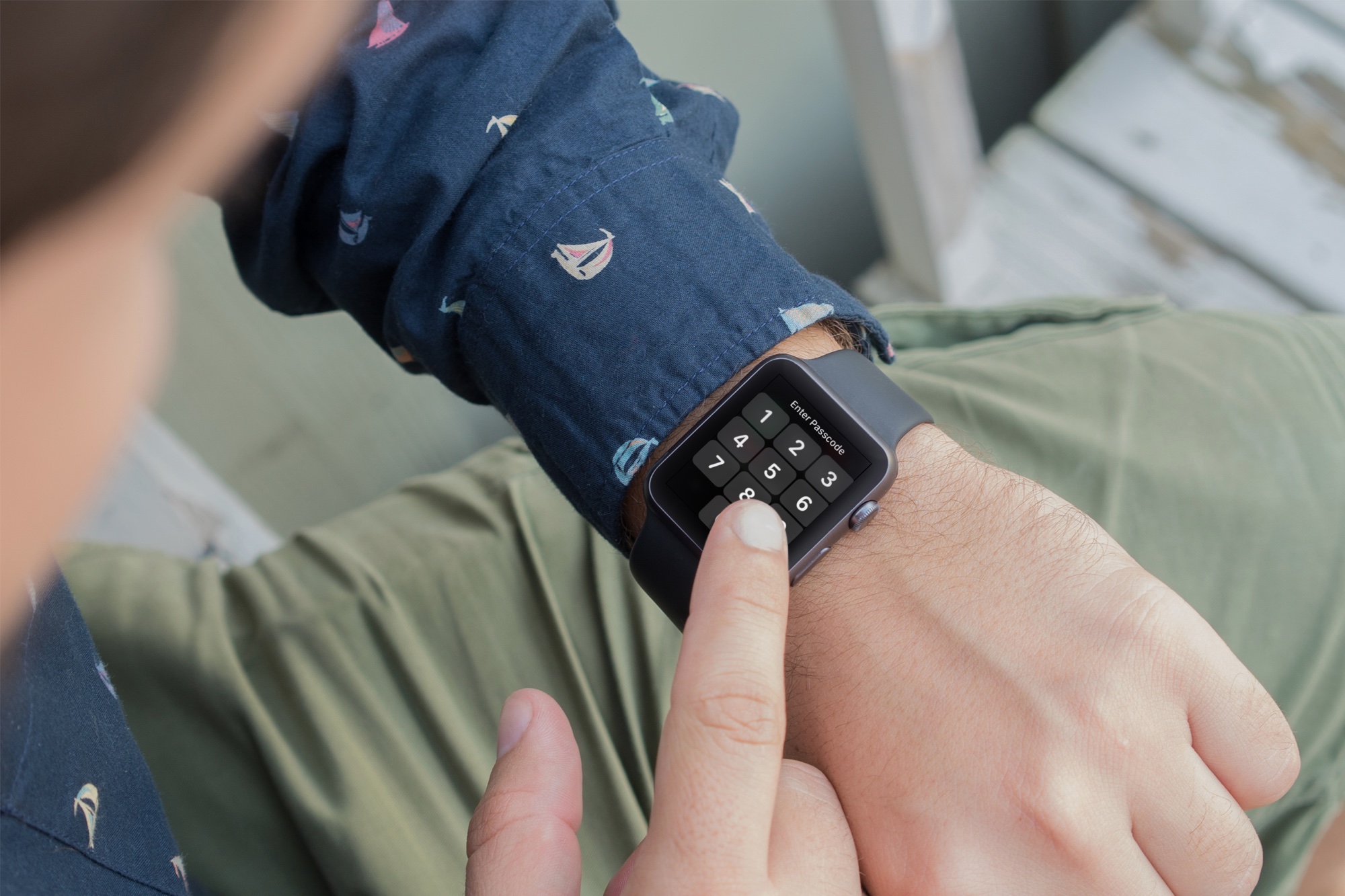
Apple Watch showing how to take screenshot

If you want to take screenshots of your Apple Watch screen, you must first turn this feature on. Here are the steps to enable screenshots. And after that, we will show you how to take a screenshot on the Apple Watch running any version of watchOS.

Why I recommend the 42mm Apple Watch over the 38mm version

Apple Watch Sport collection vs Apple Watch Sport, Milanese Loop vs Leather loop. There are lots and lots of choices when it comes to configuring an Apple Watch. There are even two sizes to choose from—38mm and 42mm.

Choice is good, and there's certainly a lot of decisions to make when it comes to Apple Watch configuration. But when it comes to size, I would recommend the 42mm. Unless you have really small fingers, and a really small wrist, I think that you should at least try on the 42mm version to test it out.

Why am I so high on the 42mm Apple Watch? It's because I've tried them both. At first I didn't think that the difference would be that big of a deal, but after going hands on with both, I'm leaning more heavily towards recommending the larger version

Apple planning to rollout Apple Watch to more countries in June

During Apple's fiscal second quarter conference call on Monday, Tim Cook conceded that the demand for Apple Watch has been much greater than supply, but the company is working hard to remedy that.

"I think we're in a good position," he said. "And sometime in late June we currently anticipate being in a position where we could begin to sell the Apple Watch in additional countries. That's our current plan."

Real-time rain and lightning alerts launch in Weather Channel for Apple Watch, iPhone and iPad

The Weather Channel today announced bringing new real-time rain and lightning alerts to the iPhone, iPod touch, iPad and Apple Watch via an updated iOS app. The refreshed mobile software lets you receive the exact alerts for rain, snow and lighting strikes that are relevant to you and based on your location.

In addition, you can now set up fully customizable notifications based on personal preferences so you can receive timely alerts tailored to your preference.

Getting to know the Status icons on the Apple Watch screen

Although the Apple Watch doesn't feature a traditional status bar like the iPhone or the iPad, from time to time you will notice a status indicator icon at the top of the screen. Apple Watch contains a variety of status indicator icons, and they all mean different things. In this post, we'll talk about some of the status icons that you may encounter during your usage of Apple's new wearable.

How many Watches did Apple sell?

While Apple is set to announce quarterly earnings later today, it won't be breaking down Watch sales for competitive reasons. This hasn't stopped analysts from making educating guesses in terms of Watch sales since the device's April 24 debut.

Estimates range from as low as 631,000 units to as high as 1.7 million units, with second-quarter shipments expected to hit nearly four million units as Apple's suppliers resolve manufacturing issues with the Watch's AMOLED display and Haptic Engine.

Seven cool things Apple Watch can do without its paired iPhone

Designed as a versatile companion to the iPhone, the Apple Watch uses the GPS and Wi-Fi in your iPhone to give you the full experience. That's why the very first step before you can start using the Watch is pairing it to an iPhone in iOS's Apple Watch application.

But even though the wearable device wasn't conceived as a standalone product, it can still do a few tricks on its own, without having a paired iPhone in range. Here are seven different things the Apple Watch can do without being tethered to an iPhone.

Is Apple Watch draining your iPhone’s battery too fast? This may help

Contrary to popular belief, the Apple Watch has a pretty remarkable battery, a notion driven home by even the toughest of critics and reviewers.

Now that first shipments have arrived into the hands of consumers, and people have spent a day or two with their device, reports are coming in that the wearable device is in some cases dramatically draining the battery of an iPhone it's paired to.

Our own Oliver Haslam has underscored the phenomenon in his hands-on with the Watch based on his first 24 hours with the device, as did others including former Engadget editor Ryan Block. What gives?