Sebastien and Cody talk about the arrival of the all-new iPhone 12 Pro. The pair discusses everything from the pickup to the setup process, and their observations made in the first few days of usage.
Let’s Talk iOS #367: 100% success rate
Sebastien and Cody talk about the arrival of the all-new iPhone 12 Pro. The pair discusses everything from the pickup to the setup process, and their observations made in the first few days of usage.
Apple has used the color blue to accentuate buttons, sliders, and more for as long as I can remember. But if you have a favorite color besides blue, then you might find it disappointing that Apple doesn’t offer any way to customize these color accentuations out of the box.
That’s where a newly released jailbreak tweak called Twister by iOS developer SouthernGirlWhoCode can help. This tweak provides users with the option to change iOS’ default accentuation color for the aforementioned interface elements, and it does so in a fashion that looks and feels like it was made Apple themselves.
The addition of dark mode support was perhaps one of the biggest new features of last year’s iOS 13 release, and it’d be an understatement to say that Apple delivered a wonderful dark mode-centric user experience. On a stock device, dark mode can be toggled on or off from the Settings app, or via Control Center if the user has added the dark mode toggle module.
But for those who are too lazy to deal with either of the above options, a newly released and free jailbreak tweak called FloatingDarkMode by iOS developer Ethan Whited brings an always-accessible dark mode toggle button to jailbroken handsets that floats over any user interface.
If you’ve poked your nose in the jailbreak community’s trending news lately, then you’ve undoubtedly caught wind about a developing jailbreak for iOS 13.5-13.7 devices. Software security researchers associated with FreeTheSandbox first announced plans to release such a jailbreak at the end of September, and there have been a number of other teasers since then.
Just this afternoon, the @FreeTheSandbox Twitter account generated more excitement among jailbreakers after it turned to the community in search of potential testers. The Tweet, shown below, appeared seek users of certain types of devices running iOS 13.5.1 through 13.7, as these will be the handset and firmware combinations that the jailbreak supports when released.
As has become par for the course with any new iPhone, the camera is one of the major selling points. That's certainly the case with the iPhone 12 lineup, which adds quite a bit to the camera's capabilities this year.
Not too long ago, Microsoft confirmed that it planned to rollout full trackpad support in iPadOS before the end of 2020 for Word, Excel, and PowerPoint. And the company has kept its word.
Apple's first 5G-enabled iPhone models are here, with the iPhone 12 and iPhone 12 Pro available since last Friday and the iPhone 12 mini and the iPhone 12 Pro Max arriving next month. Whether you already have a new iPhone or are planning on buying one soon, here's a selection of useful tips and tricks for making the most out of your shiny new Apple handset.
Our videographer Harris Craycraft has managed to get his hands on a brand new iPad Air 4 in a beautiful blue finish that Apple markets as Sky Blue. Harris is big on the iPad, he uses his Apple tablets for everything from studies to work to entertainment and so forth, so we thought our readers might appreciate a handful of tips and tricks for efficient use of the new iPad Air.
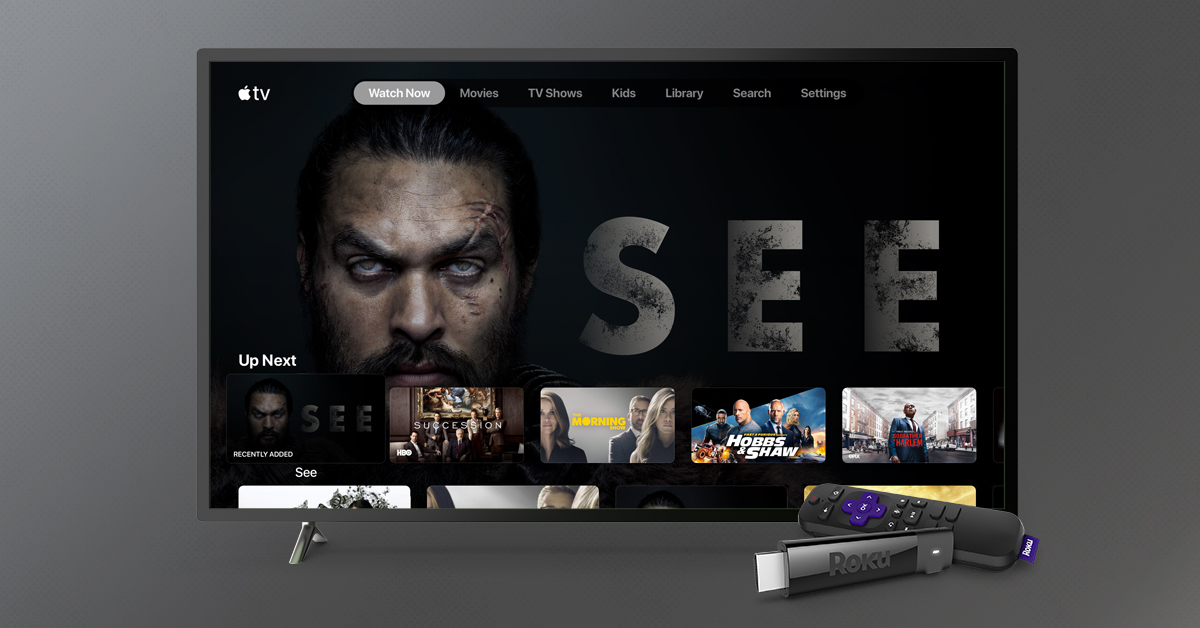
Apple TV+ has a pretty wide range of content available to watch, and the streaming service is getting a couple new kid-friendly shows before the end of 2020 as well.
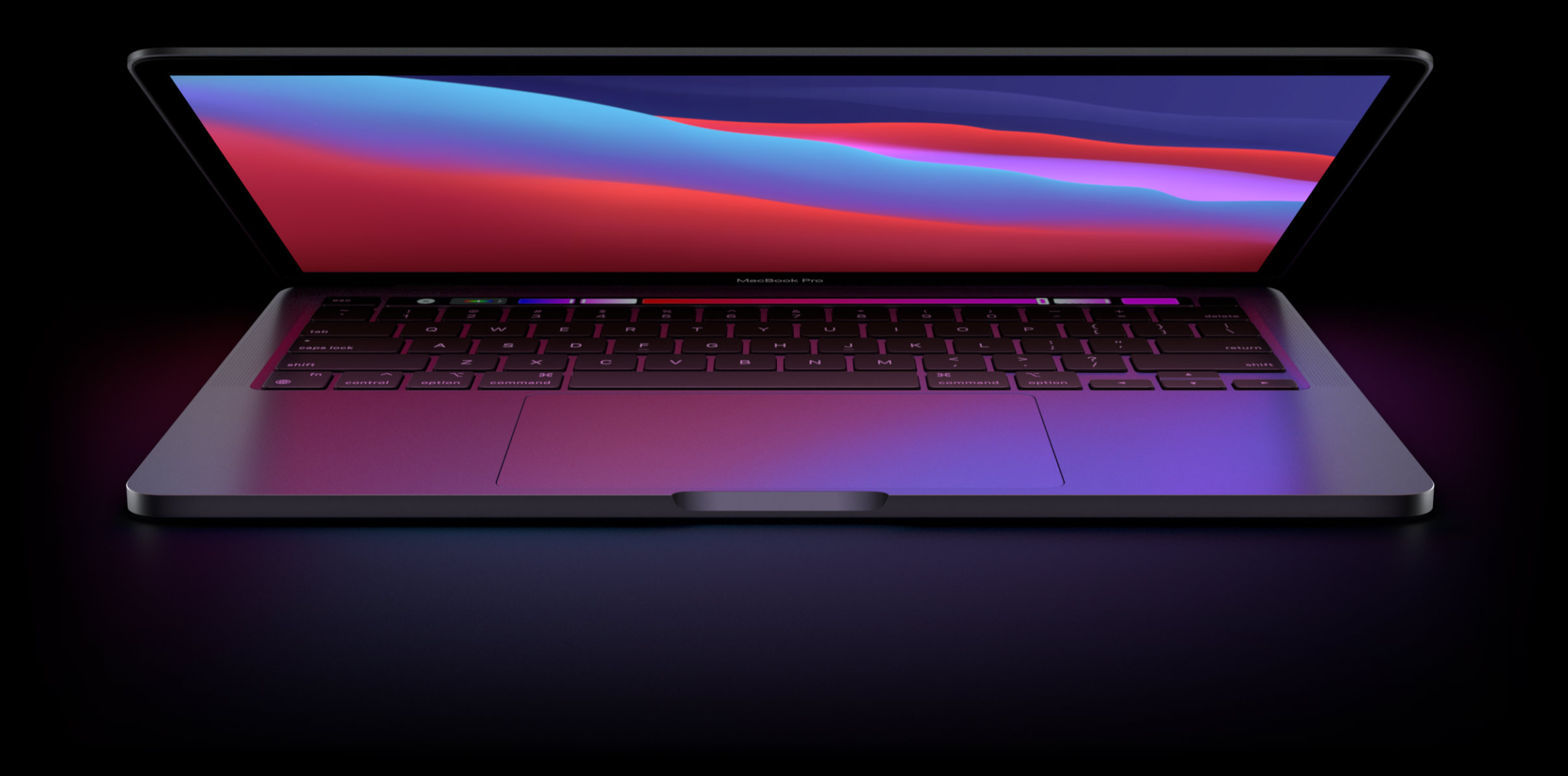
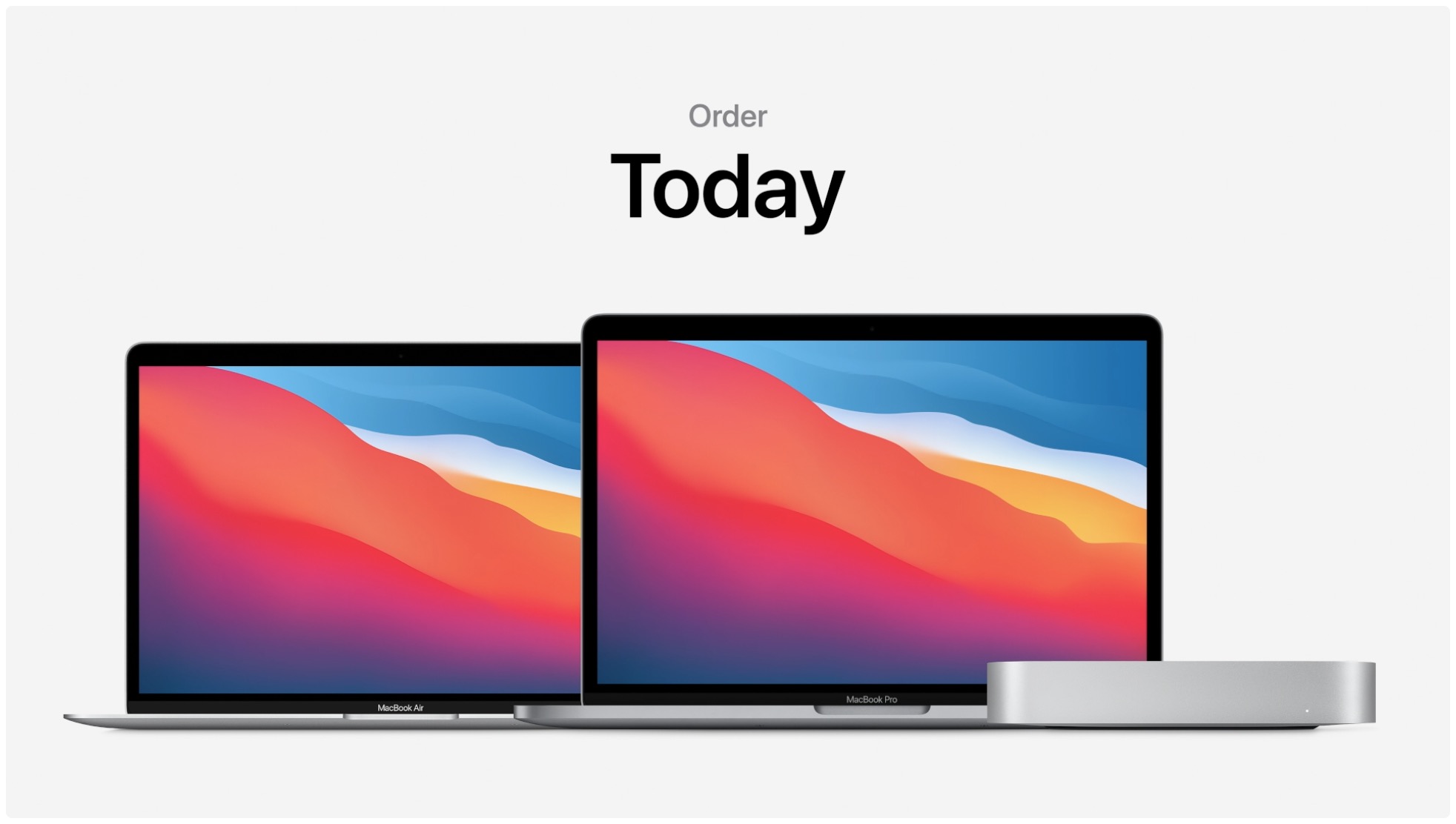
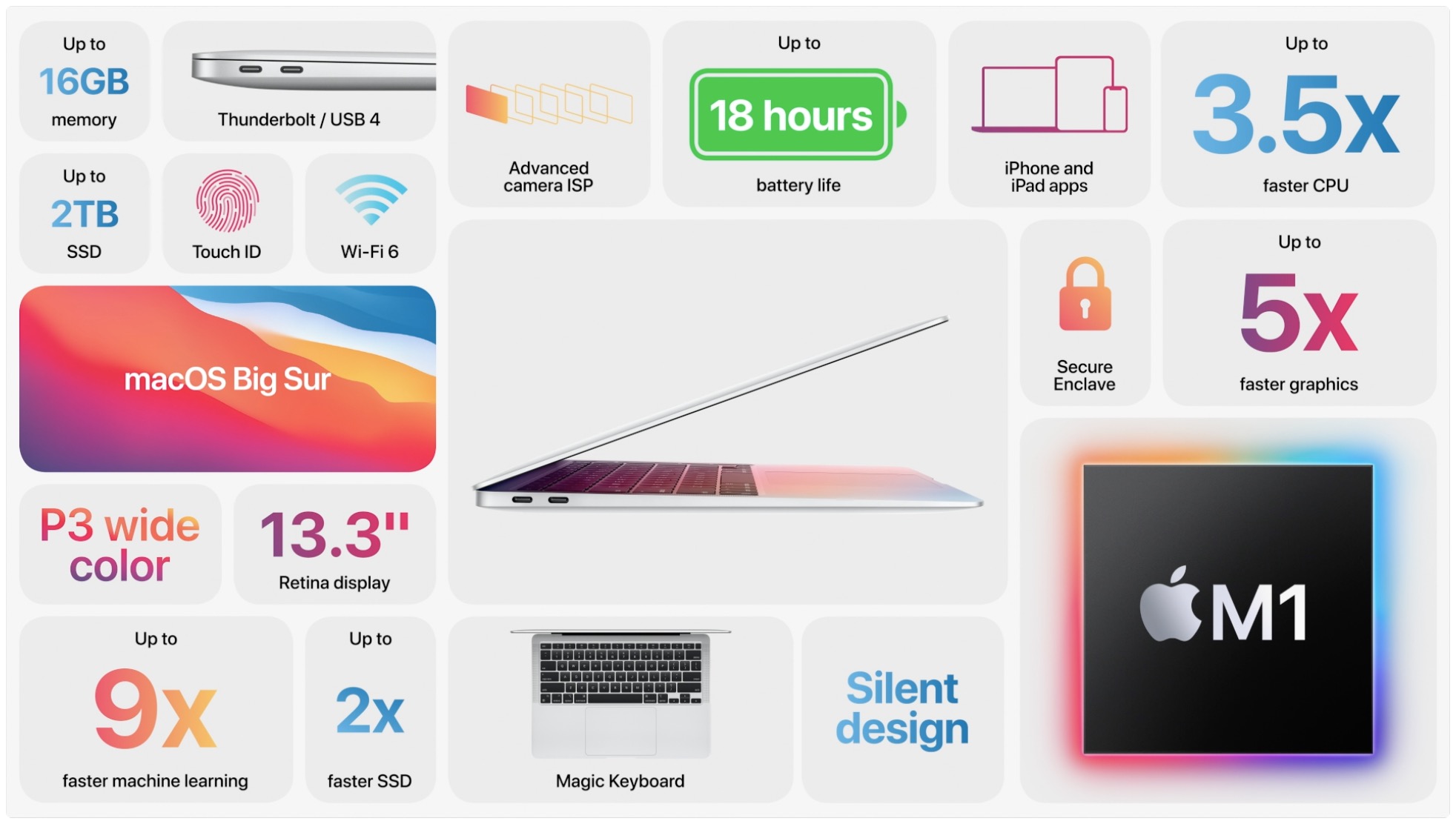
We already know that Apple is going to launch a new Mac of some kind before the end of 2020. And it may be a 16-inch MacBook Pro.
Chicagoans can now use Apple's Express Transit feature to pay for bus rides and rides on the “L” train system with Apple Pay without having to wake or unlock their iPhone, or open an app.
With the arrival of the iPhone 12 came an alphabet soup of abbreviations and different 5G icons in the iOS status bar, ranging from 4G masquerading as 5G to 5G Ultra Wideband. Follow along with our tutorial to learn the meaning of all those iPhone 5G icons.