Apple welcomed the first beta of iOS 14.3 in November. Now, the company continues to move forward towards the public update with yet another beta.
Apple seeds third betas of iOS 14.3, iPadOS 14.3, tvOS 14.3, and watchOS 7.2 and to developers
Apple welcomed the first beta of iOS 14.3 in November. Now, the company continues to move forward towards the public update with yet another beta.

Accomplished security researcher Ian Beer, known for releasing a host of iOS exploits used by modern jailbreak tools, dropped a bombshell on Twitter late Wednesday evening after sharing a detailed blog post about a jaw-dropping radio proximity exploit affecting up to and including iOS and iPadOS 13.5.
The blog post summary goes on to explain that the hacker can remotely trigger kernel memory corruption through the execution of arbitrary code. Furthermore, it can force affected iOS and iPadOS devices in radio proximity to reboot with no user interaction needed or put privacy at risk by breaching user data or utilizing cameras and microphones without the user’s knowledge. Scary indeed…

While Apple made it possible for developers to access "Announce Messages with Siri", it's still not readily available in third-party apps. But it looks like the tide might be changing, at least a little.
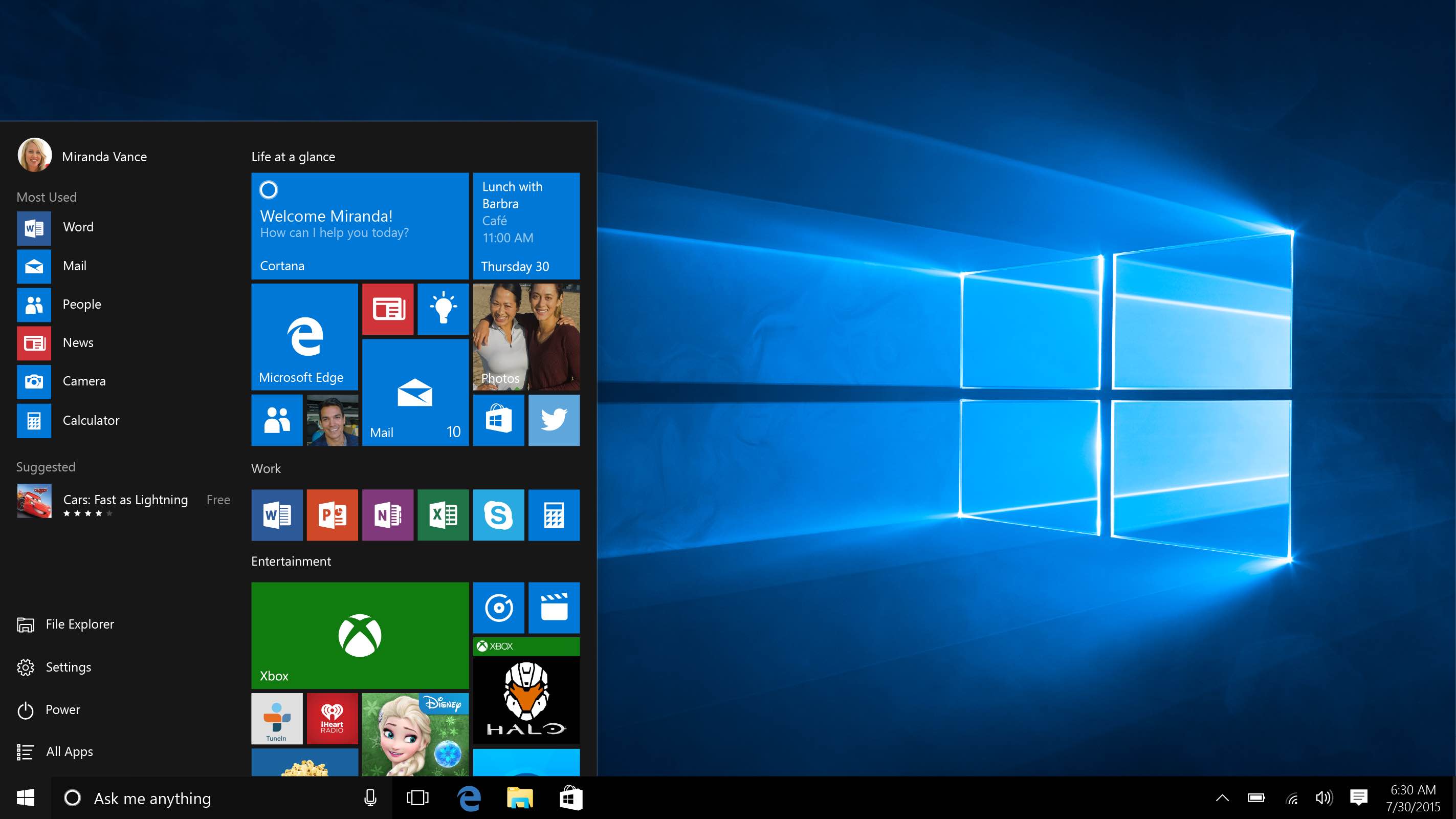
While we're waiting for Windows virtualization solutions from the likes of Parallels, Docker and others, 19-year-old YouTube producer and checkra1n tinkerer Martin Nobel jumped through hoops to virtualize the ARM edition of Windows 10 on Apple's new Mac mini with the M1 chip.
England entered a four-week national lockdown on November 5, but now shoppers are returning to stores under the country's new tier system after non-essential retailers such as Apple have reopened their doors. The Cupertino company has reopened all of the 32 stores it operates in the country and has allowed the iPhone Upgrade Program to resume.
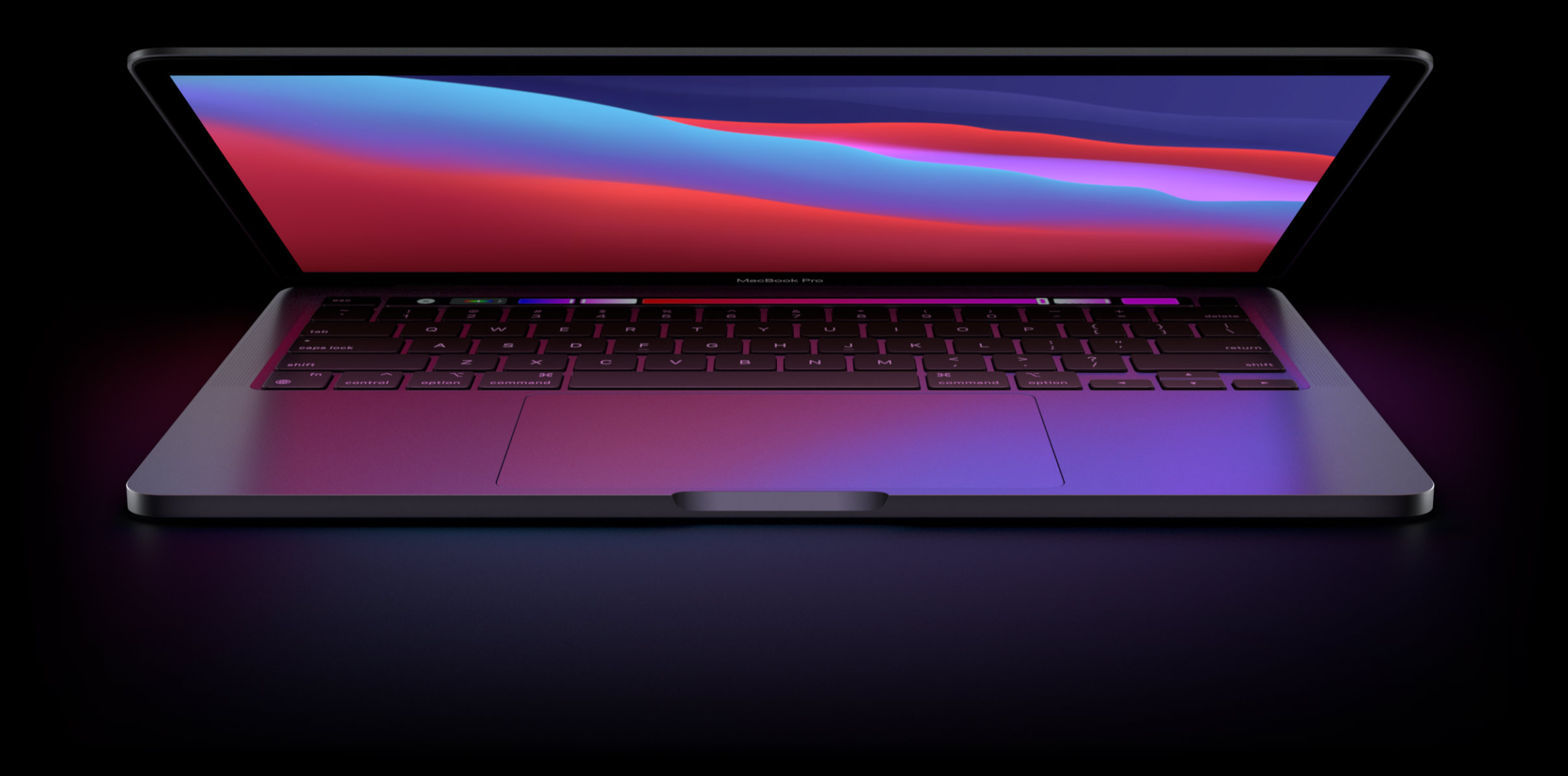
Apple is predicted to release a pair of new MacBook Pro notebooks in 2021 featuring an overhauled appearance, with a more affordable MacBook Air model to follow in 2022. All models are expected to use Apple's own chips and the rumored mini-LED backlighting tech.
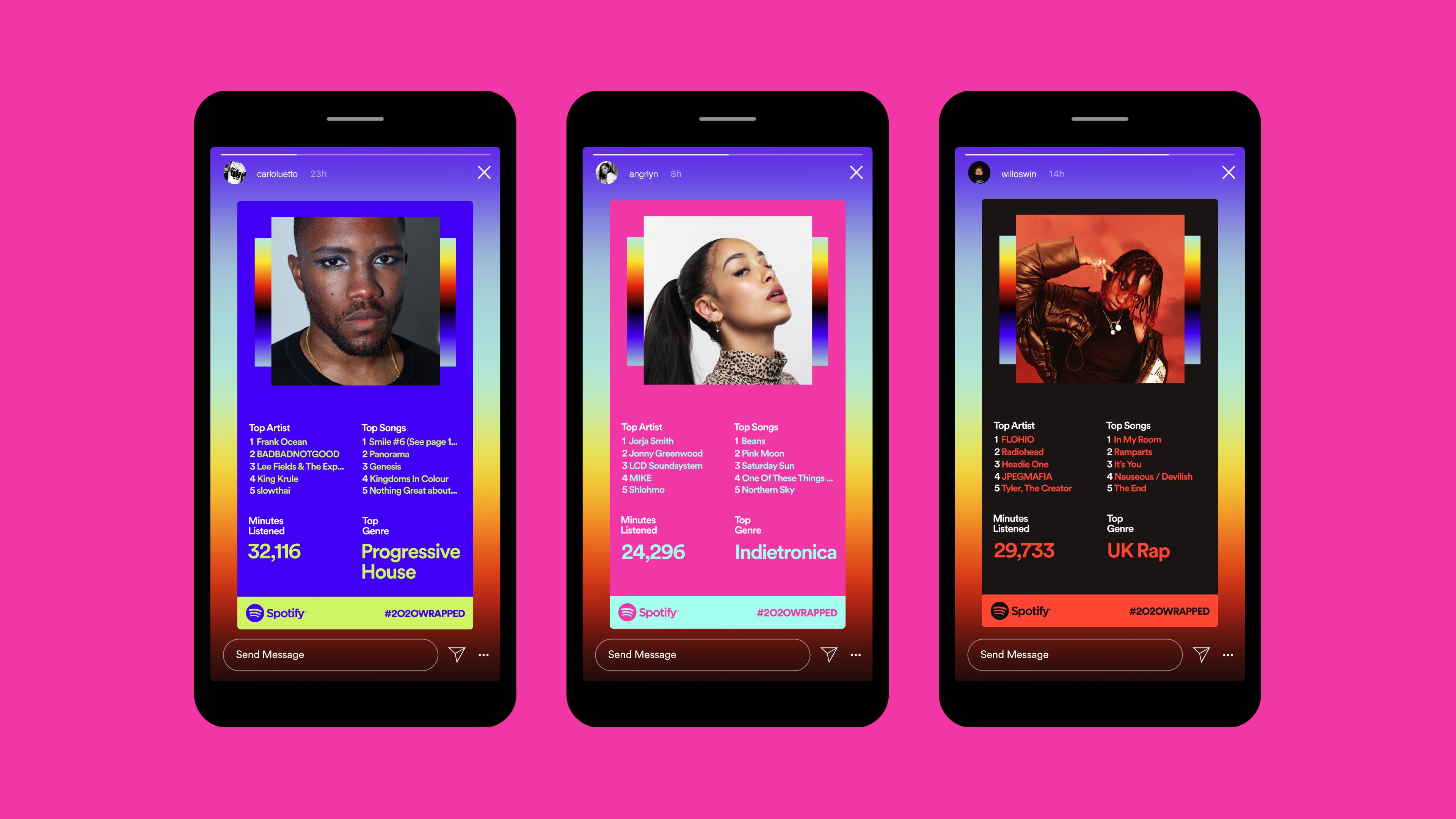
Spotify today announced its annual Wrapped feature, highlighting the music you've been listening to on the service over the year. With Spotify's year-in-review roundup, you can easily see your most listened to songs, artists and albums over the last eleven months in the Spotify app, in a Stories-style format.

Although Apple's official release notes for the iOS 14.2 software make no mention of any significant FaceTime improvements, Brazilian blog MacMagazine has managed to discover that the update enables support for FaceTime video calling in crisp 1080p resolution (1,920-by-1,080 pixels) over Wi-Fi on all iPhone models from the iPhone 8 onward.
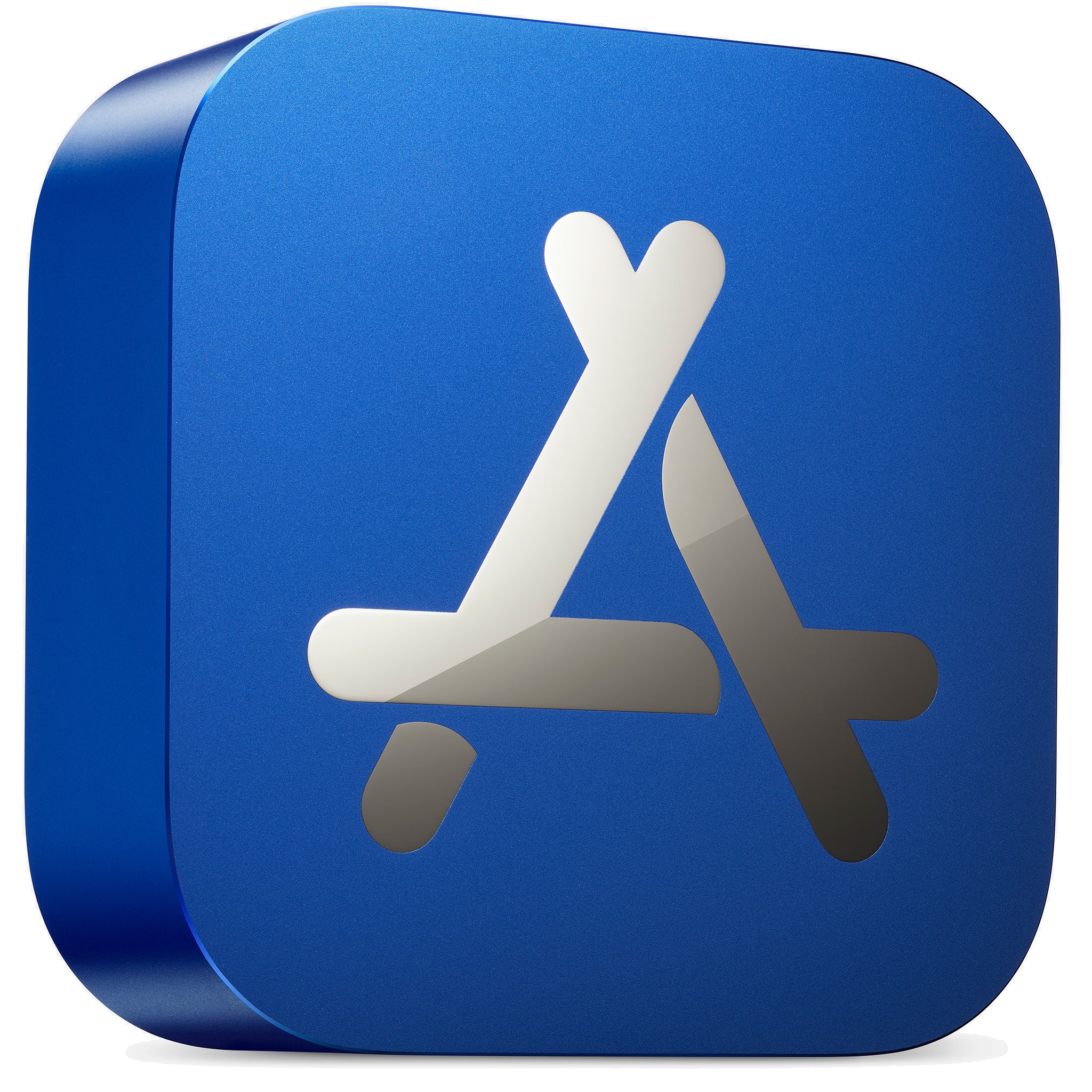
Apple today celebrated fifteen of the App Store apps and games for the iPhone, iPad, Mac, Apple TV and Apple Watch devices that inspired the world in 2020. And in doing so, it also introduced a physical award in form of an App Store icon made from 100 percent recycled aluminum, with the winner’s name engraved on the other side.
As iOS 12-using jailbreakers might recall, the Chimera Team issued a new public beta of its Chimera jailbreak tool earlier this week with Procursus bootstrap and full libhooker tweak injection integration and a plethora of backported improvements from the iOS & iPadOS 13-centric Odyssey jailbreak tool.
Early Wednesday morning, however, the Odyssey Team took to Twitter to announce that Chimera version 1.5 had been officially released to the general public without the ‘beta’ asterisk attached to the name:

In this tutorial, we will show you how to customize the settings for VoiceOver announcements and hints on your Mac to fine-tune your experience.
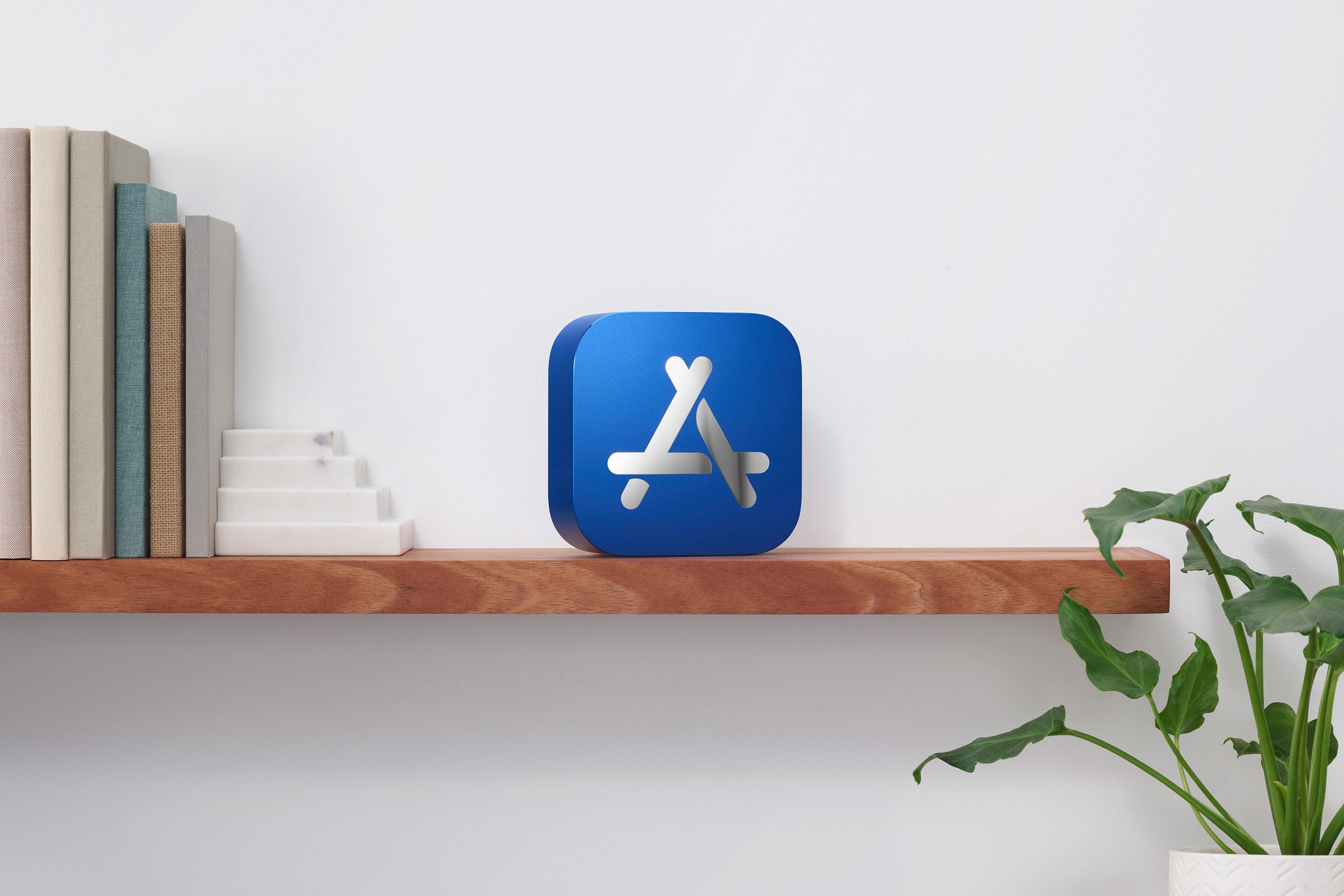
Following its picks for the best books, audiobooks and podcasts of 2020, Apple today unveiled this year's top 20 most downloaded apps and games across the iPhone, iPad, Mac, Apple TV and Apple Watch, as well as its picks for the best titles across those platforms.