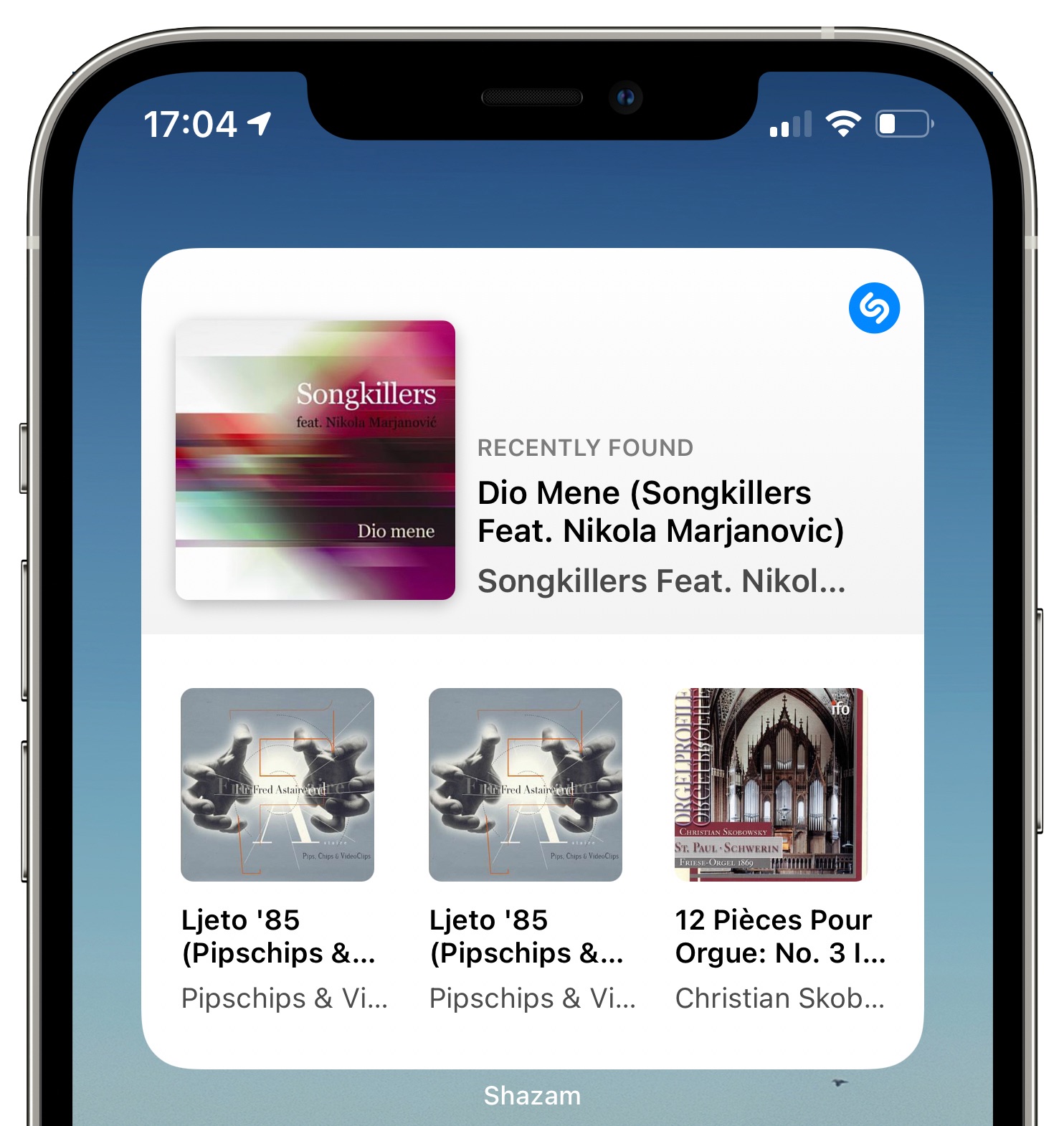
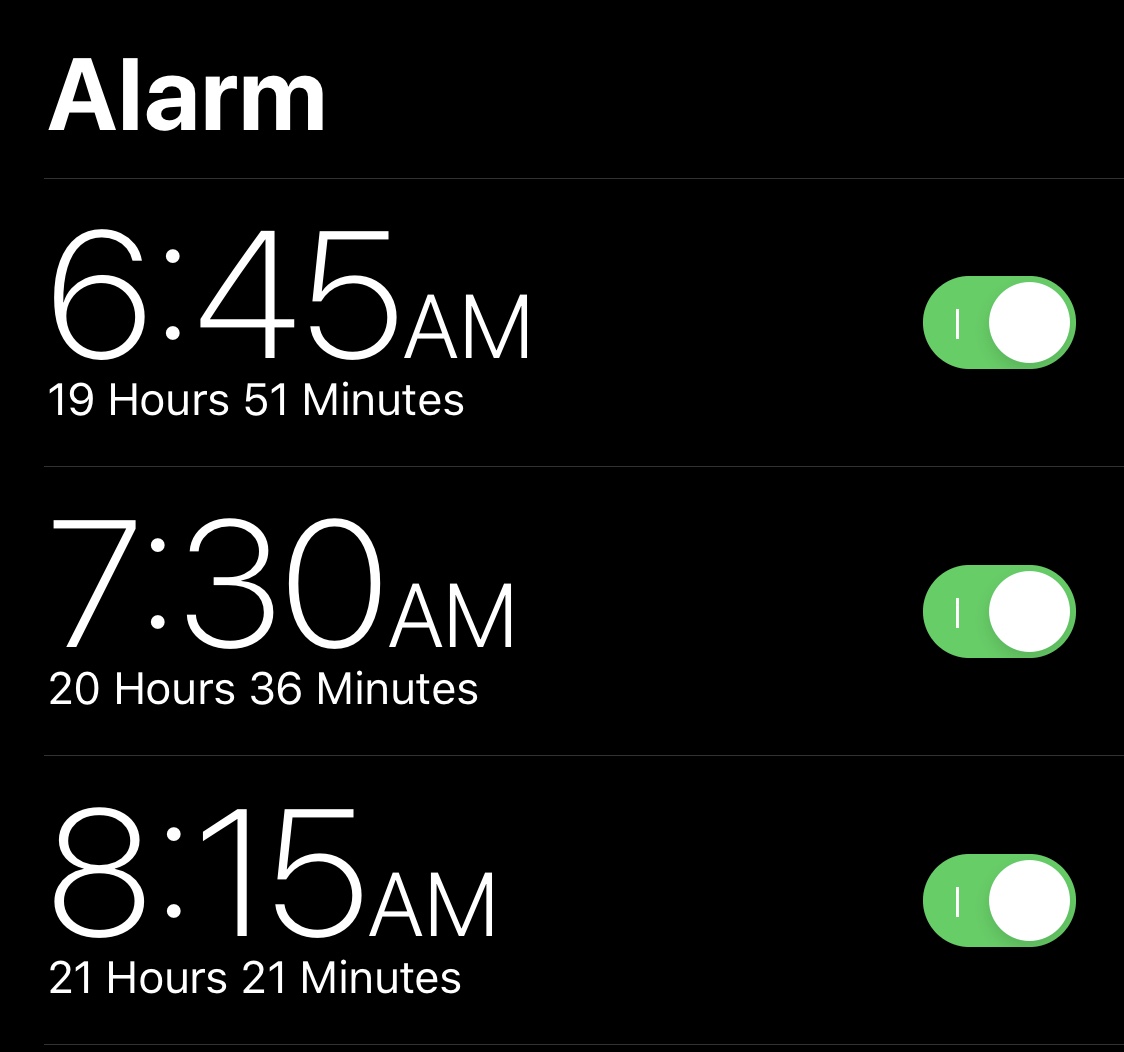
Croutons13 makes iOS’ breadcrumb links look more aesthetically pleasing

It used to be that when iOS jolted you from one app to another, you’d then need to open the App Switcher to return to what you were doing in the first app. That all changed after Apple introduced Status Bar-based breadcrumb links starting with iOS 9 and later.

To put it briefly, a breadcrumb link appears in the Status Bar as a string of text with a left-pointing arrow beside it. You’ve probably seen one after tapping on a link in an app, as this usually kicks you into either the App Store or Safari, but other apps may also apply in certain circumstances.

Land to space wallpapers for iPhone

On the iDB Wallpapers of the Week collection, we tend to post a set of images that fit a similar genre. Space, galaxy, stars, and planetary themes are always popular, when it comes to total visits and download numbers. Today's set fits within this exact genre and spans from land to space and the stars. Utilizing clever gradients for a pop of color in an otherwise colorless vacuum, these minimal images will make great additions to your collection.

Jailbreak tweaks of the week: FreePIP, Emerald, KBAppDock, & more…

There have been a lot of head-turning jailbreak tweak releases lately, and if you have a pwned iOS or iPadOS 13 or 14 device at your disposal, then you’ve likely taken notice.

Today, we’ll be sharing a comprehensive roundup of all the latest jailbreak tweak releases and jailbreak-oriented news in an effort to help keep the community apprised of all the newest developments. As usual, we’ll kick things off by talking about our favorite tidbits, and then we’ll wrap things up with an outline of everything else at the end.

How to use AI-powered templates in the Luminar image editor [sponsor]

Achieve amazing results as if you had an entire graphics department working for you is easy with templates in the Luminar AI image editor. By leveraging artificial intelligence to understand the strengths and weaknesses of every image, templates make it easy to automatically correct common capture problems and apply enhancements across multiple images at once. In this tutorial, we'll show you how to use templates in Luminar AI.