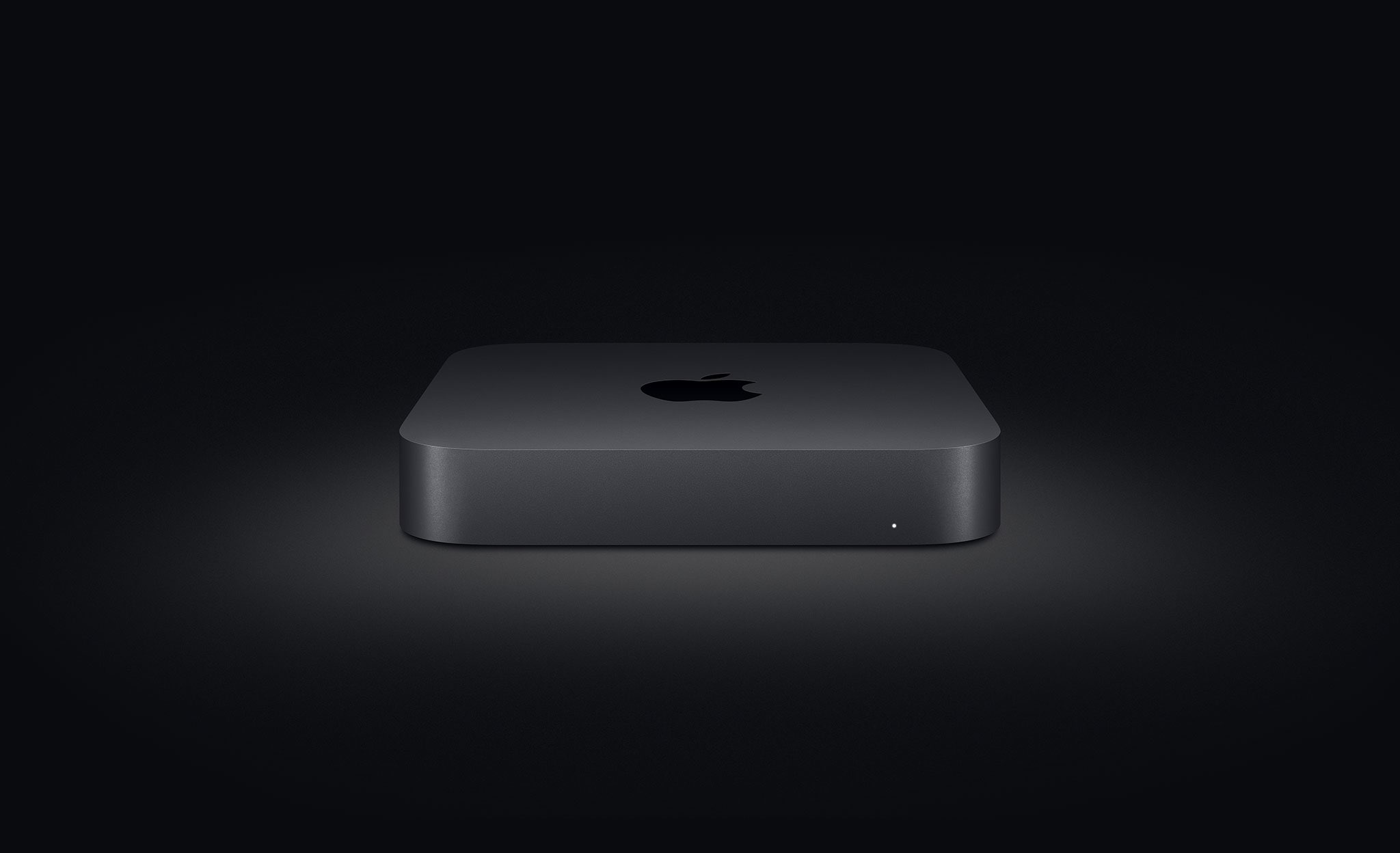
Developers who have loaned a Developer Transition Kit (DTK) Mac mini should return their computer to Apple by March 31, 2021, according to an email to registered developers.
STORY HIGHLIGHTS:
Apple bumped $200 promotional code to $500.
The credit can be used to buy an M1 Mac.
It doesn't apply to Apple Gift Cards and AppleCare+.
A $500 credit
The message reminds developers that they have until March 31, 2021 to return their loaned DTK Mac mini to Apple if they wish to receive a $500 redeemable credit.
Now that the new MacBook Air, Mac mini and MacBook Pro powered by the Apple M1 chip are available, you'll need to return the Developer Transition Kit (DTK) that was loaned to you as part of the program. Please follow the instructions below to return the DTK, at no cost to you.
Originally set at $200, Apple' has boosted the value of the one-time promo code to $500 following developer backlash. It can be used toward the online purchase of a new Apple silicon Mac or other Apple products, but not to fund Apple Gift Cards and AppleCare+ warranties.
“Developer Steve Troughton-Smith, who lives in Europe, notes carrier DHL will begin to collect the devices in his region without prior warning starting March 8,” AppleInsider notes. “That stands in contrast to US protocols, which simply require developers to print out a prepaid shipping label and send the unit out via UPS.”
He has now deleted that tweet.
What is DTK Mac mini?
Apple unveiled its Universal App Quick Start Program in the WWDC 2020 online presentation to help developers optimize and test their apps for the company's own M1 laptop chip.
The kit consists of a custom version of the Mac mini powered by Apple's A12Z Bionic chip from the 2020 iPad Pro and running a version of macOS and the Xcode development tools that were optimized for Apple silicon. The computer also had 16GB of RAM, 512GB of flash storage, a pair of USB-C ports, two USB 3.0 ports, an HDMI 2.0 port and Gigabit Ethernet.
It used to be available to developers in more than 30 countries.
Per the Universal App Quick Start Program website, Apple values the machine at $500.
Applications are no longer being taken for the program because the Cupertino firm now offers M1-powered Mac mini and other models. For further information, read the Universal App Quick Start Program terms and conditions on Apple's website.
Apple is expected to continue rolling out its own chips across the Mac platform, with a redesigned iMac all-in-one desktop in the works along with 14 and 16-inch MacBook Pro notebooks and a half-size Mac Pro—all expected in 2021, running faster versions of the M1.