Cellular Continuity allows for phone calls on iPads even when your iPhone is off

Last week, it was reported that cellular Continuity would be making its way to iOS 9. The first carrier to support cellular Continuity is T-Mobile, which is unsurprising; it was the first to adopt Wi-Fi calling on iPhone as well.

Cellular Continuity allows you to use the Continuity features that debuted with iOS 8, features such as the ability to answer phone calls destined for your iPhone on Macs and iPads, without needing the involved devices to be connected to the same Wi-Fi network.

That means that you'll be able to leave your iPhone at home, and still receive phone calls on your iPad or other valid device while away from home and connected to the Internet via cellular or Wi-Fi.

But it goes deeper than that. After testing out this new feature on the iOS 9 beta, the Continuity features appear to be truly bound at the cellular network level. In fact, I could receive phone calls on my iPad while my iPhone was completely turned off. Watch our video demonstration for more insight.

You can now watch Apple’s WWDC 2015 keynote on YouTube

It's taken a week, but Apple has finally uploaded this year's WWDC keynote to YouTube. The replay has been available as an embedded video on Apple's website, but it required that you be on a device with QuickTime installed to watch it.

So folks who missed Apple’s WWDC keynote last week, or would just like to watch it again, things have just been made much easier. You can now view it within YouTube's desktop or mobile web app, or via the native mobile YouTube app.

Apple posts four new ‘Shot on iPhone 6’ videos

Apple has added four new clips to the World Gallery films section of its "Shot on iPhone 6" microsite. The company launched the Shot on iPhone 6 campaign earlier this year, showcasing beautiful photos and videos taken with its latest smartphones.

The new videos are very similar to the previous ones, in that they are 15 seconds long and accompanied by an analogous soundtrack. They were captured by photographers from countries around the world, including the US, Australia and Norway.

Apple seeds OS X 10.10.4 beta 6 to developers, public testers

Apple on Monday seeded the sixth beta of the upcoming OS X Yosemite 10.10.4 software to both developers and public testers. The update, labeled build 14E36b, is available through the Update tab in the Mac App Store, and the Dev Center for all registered Mac developers.

OS X 10.10.4 has been in testing since mid-April, and we have yet to see it bring about any significant user-facing changes or new features. It appears that the release will be more of a maintenance update, as Apple attempts to iron out remaining bugs and other known issues.

Facebook releases Moments for iPhone, a brand new private photo-sharing app

Billed as a private way to share photos with friends and an easy way to get all the photos of yourself trapped on your friends' phones, Moments for iPhone by Facebook is now available for download in the App Store.

Following a few futile attempts to unseat Snapchat in the ephemeral messaging space, Facebook gave up and went to the drawing board to conceive a different take on private sharing where images won't disappear after being viewed.

Their new iPhone app lets you organize and sync multiple photos in private albums that can be shared directly on Facebook or Instagram, and sent via Messenger. Using facial recognition, Moments groups your photos based on who's in them and when they were taken. Your friends can then contribute to the synced moment with their own photos.

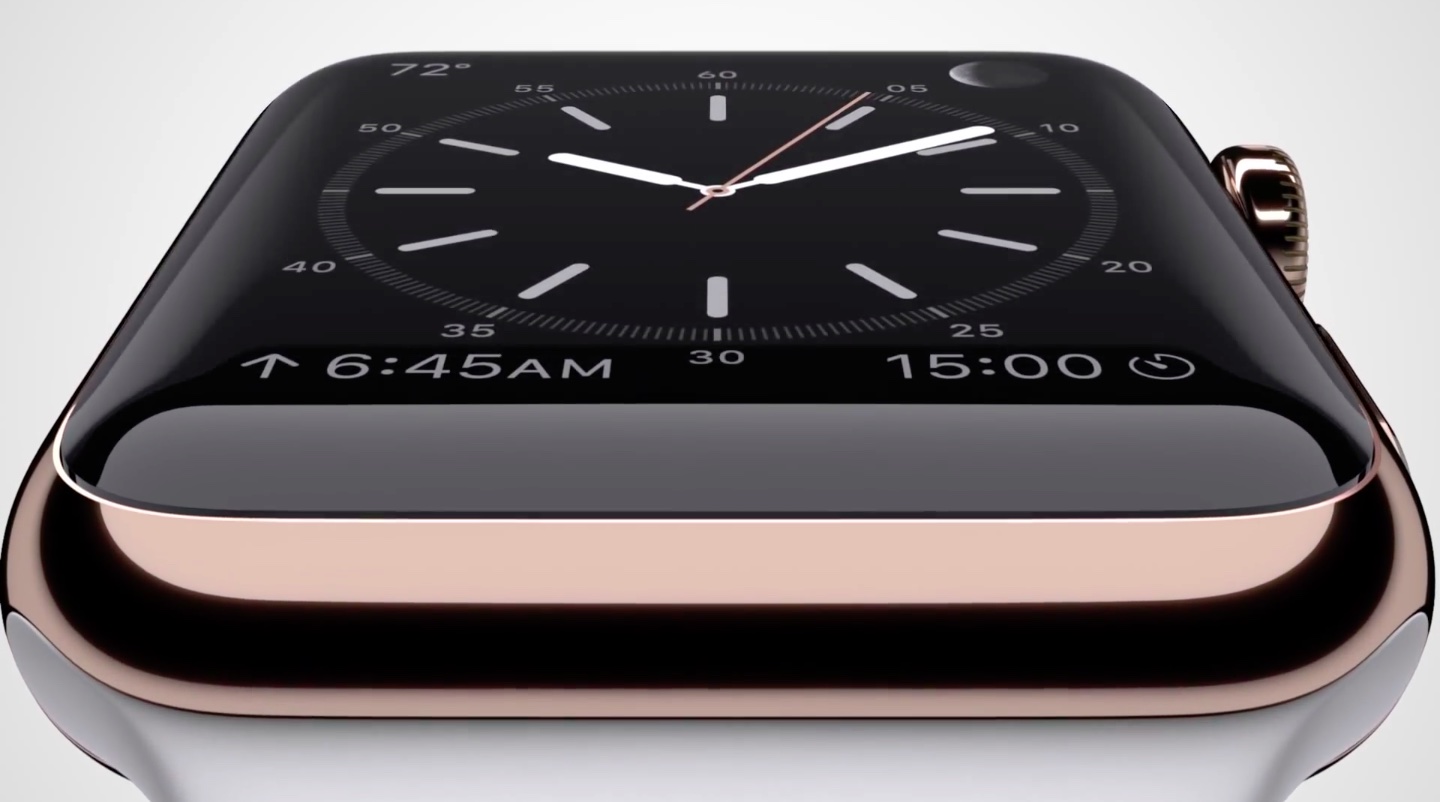
How to set up and use Apple Pay with Apple Watch

The Apple Watch has built-in NFC, which stands for Near-Field Communication, for making wireless payments on the go. And in a typical Apple fashion, the watch doesn't even have to be in the range of its paired iPhone, nor does it have to establish a network connection, to make the payment.

Before you can start making payments with a flick of your wrist, you're going to need to set up Apple Pay on your Apple Watch. In this tutorial, I'm going to lay it all out for your and explain how to set up, manage and use Apple Pay with your Apple Watch.

iOS 9 reinvigorates iPad power users

WWDC 2015 was filled with shock and awe, at least for me, a former iPad user. In the past, I've tried my best to use my iPad for productivity, namely writing blog posts and the like. While this can be achieved with relative success, the iPad as we currently know it still lacks from a productivity standpoint.

The iPad that we know today doesn't have the ability to truly multitask—i.e. run two apps at the same exact time, and interface with those two apps at the same exact time. Although some prominent bloggers, most notably Mac Stories' Frederico Viticci, are able to aptly make due with this limitation, it's always been something that's pushed me back to my MacBook.

No matter how hard I've tried, and trust me, I've tried dozens of times, I always end up abandoning my plans of creating an iPad workflow that genuinely works for me. With WWDC 2015, and the release of iOS 9, I finally feel like we're on the precipice of something great.

The iPad Air 2, in particular, heavily benefits from iOS 9, but all iPads will benefit in a major way. Here are 6 outstanding new productivity features that promise to supercharge the workflow of those of you who use the iPad as a work machine.

How to find great quotations without visiting any Google Search results

The Internet is the perfect place to research some of the greatest quotes from the world's most insightful people, but often searching for a quote feels like finding a needle in the haystack. What if you could find great quotations without having to click through a bunch of links in search results like an animal? Well, now you can as Google has quietly rolled out handy Quotes cards that inject your search results with—you guessed right—quotes.

In this post, I'm going to teach you how to retrieve quotations on your Mac, iPhone, iPod touch or iPad without visiting any Google Search results.

Bethesda releases Fallout Shelter for iOS

In addition to announcing Fallout 4 for the Xbox, PlayStation 4 and Windows PC coming this November, publisher Bethesda Softworks today released Fallout Shelter for the iPhone and iPad, officially the first iOS game set in the Fallout universe and the very first Bethesda title on Apple's mobile platform.

The game puts you in control of a state-of-the-art underground Vault from Vault-Tec. Fallout Shelters challenges players to build their own fallout shelter and keep its dwellers happy and safe from the dangers of the Wasteland.

Hidden ‘iPad Pro’ like keyboard in iOS 9 scales to larger screen sizes with additional keys

In addition to an all-new predictive touch technology and two times better touch-to-display latency in iOS 9, another clue of a rumored 'iPad Pro' comes in the form of a hidden software keyboard in iOS 9.

As discovered by iOS developer Steve Troughton Smith, it was designed to cater to bigger screen sizes with a wider key appearance, some new keys and a brand new row of symbols that are normally invoked with specific keystroke combinations.

iOS 9 introduces predictive touch technology that should be crucial for rumored Apple stylus

Coincidentally or not, iOS 9 has introduced a trio of notable enhancements in the multi-touch department that could be viewed as laying the groundwork for a rumored Apple-branded stylus thought to arrive later this year alongside a larger twelve-something-inch 'iPad Pro' model.

As one of the WWDC 2015 session videos details, the Cocoa Touch framework in iOS 9 has gained brand new predictive touch capabilities. Not only that, but iOS 9 now has a drawing engine and features vastly improved multi-touch performance, a significant boon for apps that let you draw with your finger or a stylus.

Sproggiwood review: a roguelike of adorable proportions

Some of my most beloved and hated games are rogeulike. I love the adventure of crawling through level after level of dungeons, looting gold and killing baddies. However, I hate permadeath.

Sproggiwood is a roguelike that will make you want to pull your hair out whenever you die, but is too dang cute to get mad at. We've got a game review of Sproggiwood for you today.