Pegasus: a tweak that brings Picture in Picture mode to all iOS 9 devices

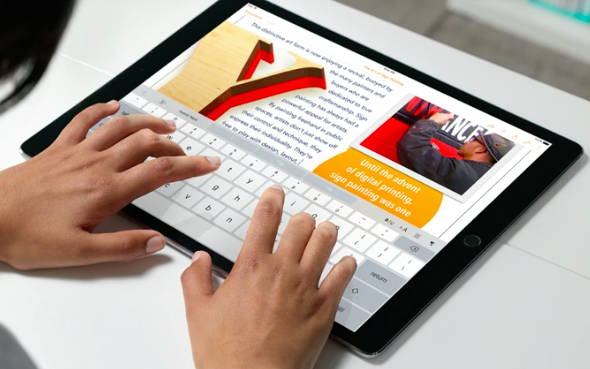
The iPad has a leg up on other devices in the iOS family, because later model versions can take advantage of iOS 9's new Picture in Picture mode for video multitasking. Picture in Picture mode lets you watch videos or conduct FaceTime calls in a smaller window while using other apps at the same time.

Unfortunately, for those of you on iPads that predate the iPad Air, along with iPhone and iPod touch users, Picture in Picture mode is not available. That's unless you decide to jailbreak and install Pegasus, a tweak by developer Evan Swick. Pegasus is a new jailbreak tweak that enables Picture in Picture mode on previously unsupported devices. Have a look at our full video walkthrough to see how it works.

Microsoft folds Sunrise functionality into much-improved Outlook for iOS app

Developers of Microsoft-owned calendar app, called Sunrise, announced in a blog post that the app won't be receiving updates going forward as the team has worked hard on integrating Sunrise functionality into the Windows maker's much-improved mobile Outlook client for iPhone and iPad.

Sunrise Calendar was last updated in the App Store more than four months ago, adding integration with Office 365 events. Just yesterday, Outlook for iOS received a fresh new look alongside a brand native Apple Watch app built on watchOS 2.

At the same time, Microsoft announced that the mobile Outlook app has gone from a couple hundred downloads to more than thirty million installs on smartphones and tablets.

New Apple TV lacking Siri search for Apple Music and App Store apps

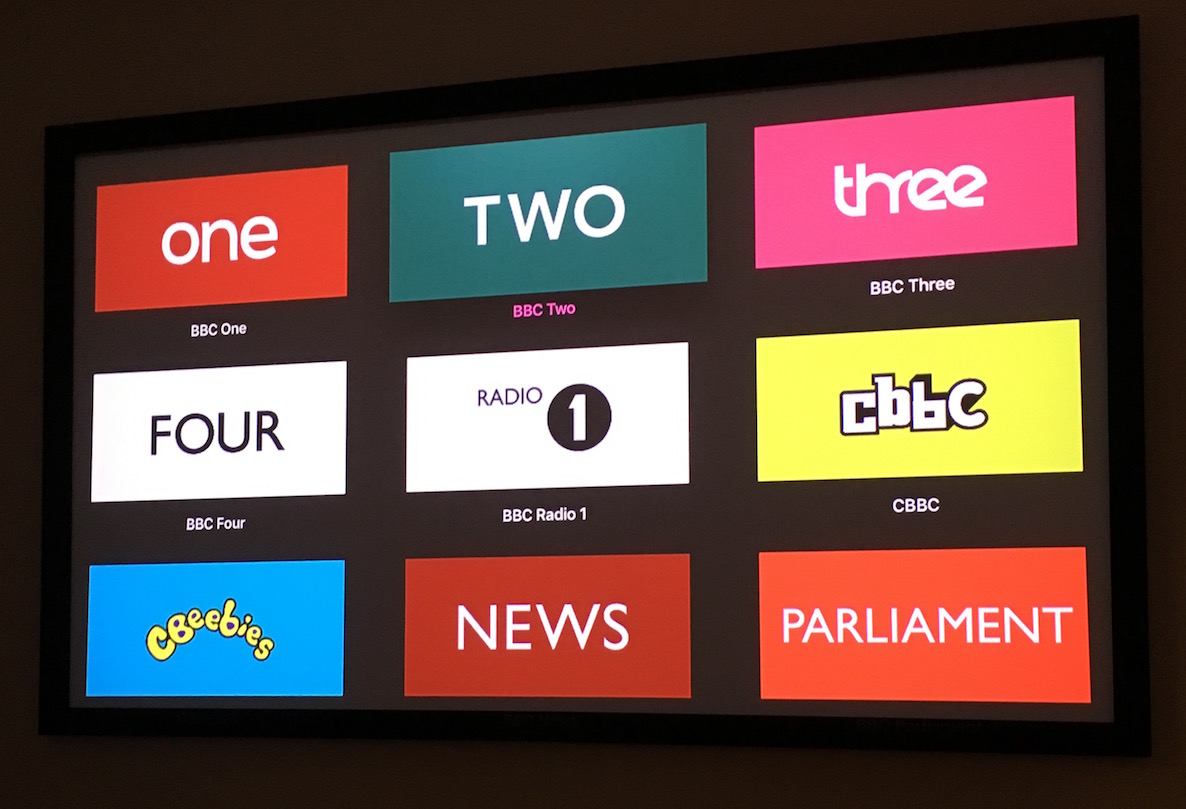
As the new Apple TV is scheduled to hit Apple's retail stores tomorrow, first reviews are now in. Journalists who were given a chance to spend some quality time with review units are praising evolutionary improvements to the living room experience while highlighting untapped potential for the refreshed $149 device.

One of the common complaints focuses on Siri and its inability to search apps for the Apple TV in a dedicated App Store. In addition, reports are noting that users won't be able to search Apple Music with their voice at launch, the omission Apple claims will be addressed with a software update due at the beginning of next year.

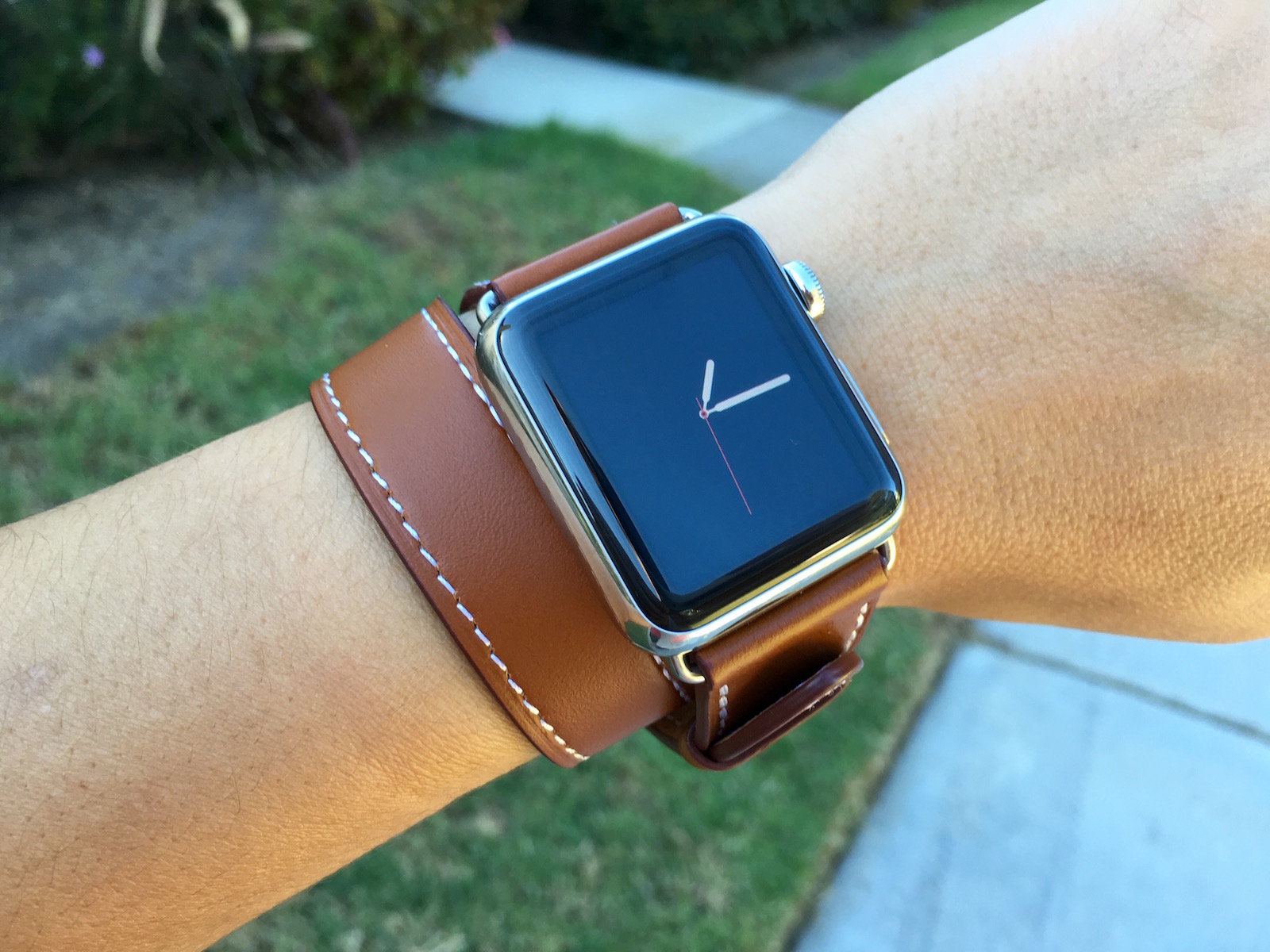
This app lets you create custom Apple Watch faces

So, you want a little more variety than what Apple has to offer for watch faces. And, you want them to be more personal than the specially designed images that Apple Faces provides. But you don't like using any old picture from your Photo library without being able to give it a little more Apple Watch-i-ness.

Watch Faces is a customizable photo app that specializes in making images for Apple Watch. You can use whatever photo you want, and with customizable layers, you can turn a random photo into an Apple Watch face.

This pico projector is smaller than your iPhone 6s

While nothing is a perfect substitute for a full projector, having a miniature, mobile version can really get you out of a spot. It is especially cool if it plays nice with iOS, no special cables needed.

FAVI's J6-LED-PICO projector is a good fit for size and price. Plus, it wirelessly connects to your iPhone 6s using AirPlay so you don't have to invest in additional cables.

Nintendo announces Miitomo, its first smartphone game

As expected, Nintendo has announced its first app for mobile devices. Entitled Miitomo, the free to play game is based in the Mii universe, and will be released next spring.

According to a Wall Street Journal live blog, Miitomo will allow users to design their own Miis, virtual avatars, which first appeared on the original Wii console. Nintendo has characterized Miitomo as a "Friendly Conversation Starter". By asking and answering questions, gamers will be able to find out unknown aspects about friends along with things that you share in common.

Mobile Terminal now works on jailbroken iOS 9 devices

Good news for all of you Mobile Terminal fans, or for anyone interested in easily changing their jailbroken iOS device's root password. Saurik just pushed an update for PAM Modules on Cydia, which was a prerequisite for terminal access.

All you need to do is go out to Cydia and update to PAM Modules 36.1. Cydia should automatically prompt you for the update, since this package is installed by default. Once you update, you can download Mobile Terminal, or any terminal emulator on Cydia that you prefer.

New in iOS 9.2 beta: a look at Safari View Controller updates

Yesterday, Apple released iOS 9.2 beta 1 to developers. As we explained, the update ushered in a couple of new features to iOS 9's Safari View Controller.

In iOS 9.2 beta 1, Safari View Controller gets a bit more powerful. It now has the ability to request a desktop site directly from the view controller, disable content blockers, and it can interface with Action Extensions, such as the 1Password extension.

In the video that follows, I showcase both new features, and compare them with an older version of iOS 9.

How to go into and exit Split View multitasking mode from within Mission Control on your Mac

macOS has a nifty little productivity boost that makes it both easy and fun to run two apps side-by-side in your Mac's native full-screen mode.

This can be indispensable when focusing on specific tasks at hand while disregarding everything else, like online research and taking notes, or blogging and writing, or reading news while keeping tabs on your Twitter feed and so forth.

This mode, called Split View, is normally activated by dragging an app to either side of the screen by its window's upper left green button, and then choosing another app to fit the other half of the screen.

But the multi-step process is often a tad confusing for novice users, especially those accustomed to Windows 7's effortless window snapping. Thankfully, your Mac supports creating Split Views right within Mission Control, which in macOS has been tidied up and made clearer and more obvious.

In this tutorial, you'll learn how to go, and exit, Split View just by dragging app windows inside your Mac's Mission Control.

Tutorial: how to jailbreak iOS 9 on Mac

About two weeks after releasing the first version of their jailbreak tool for iOS exclusively for Windows, the Pangu Team has now released its utility for the Mac. The process is roughly the same between both platforms, but for the sake of completeness, we are going to post instructions on how to jailbreak iOS 9 with Pangu for Mac.

Pangu for Mac can only be used to jailbreak all iOS 9-compatible devices running iOS 9, iOs 9.0.1, and iOS 9.0.2. The latest version of Pangu can also jailbreak 64-bit devices running iOS 9.1.

Temporarily unavailable: the App Store is down for some users [u]

Update: Looks like everything is back to normal.

If you're trying to download or update an app from the App Store right now, you might be greeted with the unpleasant message that "this feature is temporarily unavailable," inviting you to try again later. If you are experiencing this issue, know that you aren't the only one as many have been reporting the exact same problem for over an hour now.

Apple’s marketing honcho discusses pursuit of perfection, intense team collaboration and more

Phil Schiller, 55, is a man of many superlatives, not least of which is the famous 'can't innovate anymore, my ass' message to Apple haters during the unveiling of the radically revamped Mac Pro workstation.

And as a guy who oversees Apple's marketing initiatives across the globe and acts as the steward of the company's relationship with developers, it's his nature and his job to promote collaboration between engineers, designers and executives.

In a rare and interesting interview with Mashable editor-at-large Lance Ulanoff (Mashable? This is the new Apple, get used to it), Schiller talks in detail about internal collaboration that makes radical products like the new 12-inch MacBook possible.

He and John Terns, who is Vice President of Mac and iPad engineering, also touch on a bunch of topics that are dear to the hearts of Apple's many fans, including an upcoming flying saucer-shaped campus, hybrid computing devices, Apple's design processes and much more.