Apple today announced a seventh-generation iPod touch media player featuring the in-house designed A10 Fusion processor that made its debut in the iPhone 7 range back in 2017.
Apple unveils the new iPod touch with 2016’s A10 Fusion chip and more
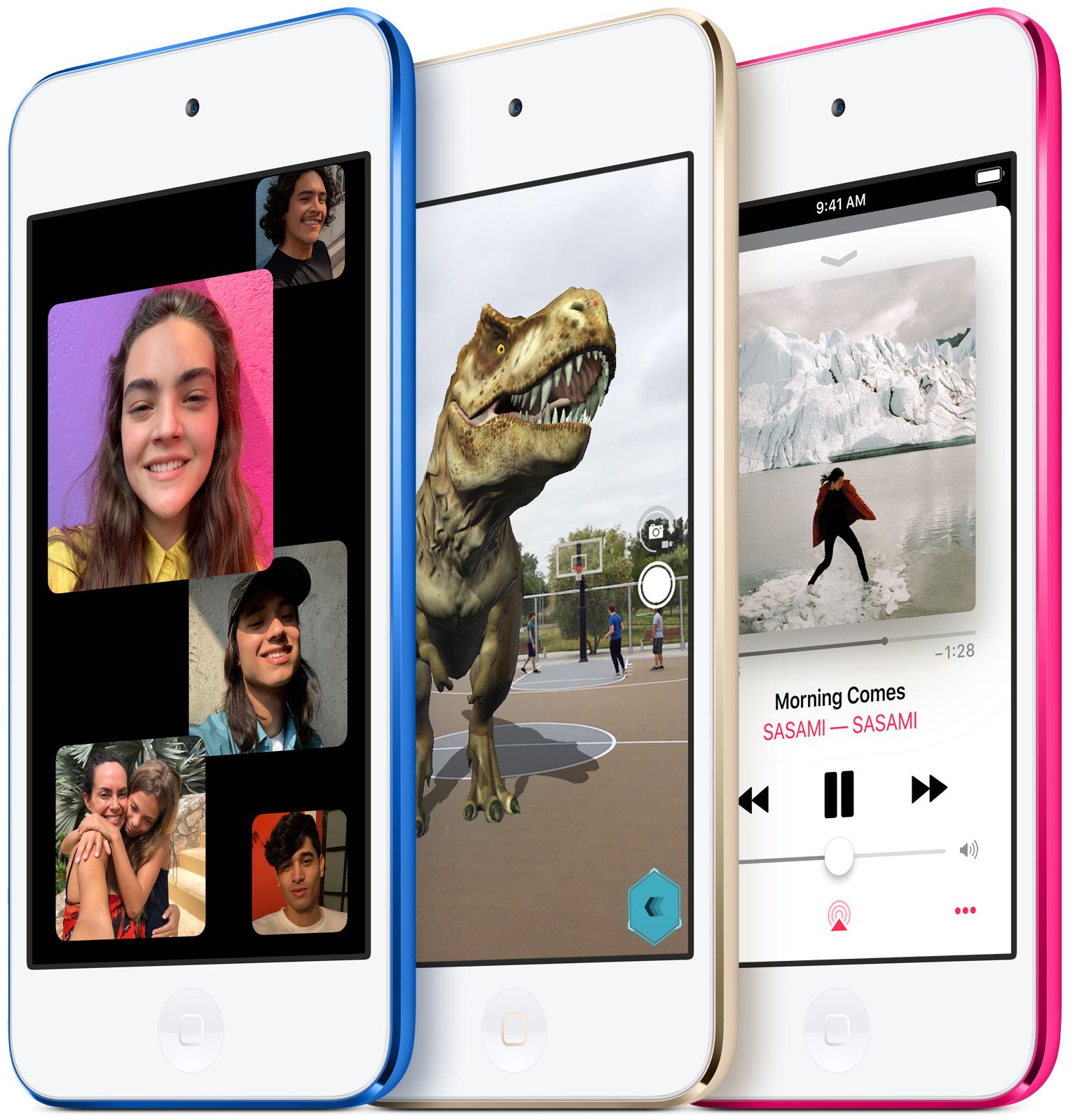
Apple today announced a seventh-generation iPod touch media player featuring the in-house designed A10 Fusion processor that made its debut in the iPhone 7 range back in 2017.

If you’re like me, then you probably don’t appreciate it when someone grabs your iPhone and tries to guess your passcode. Fortunately, a free jailbreak tweak called Hidden Cam by iOS developer Baw Apple can help you determine who’s doing this when you aren’t looking.
Hidden Cam works by snapping a selfie every time your passcode gets entered incorrectly. This method is incredibly efficient because it won’t use any system resources if your passcode or biometric authentication succeeds.
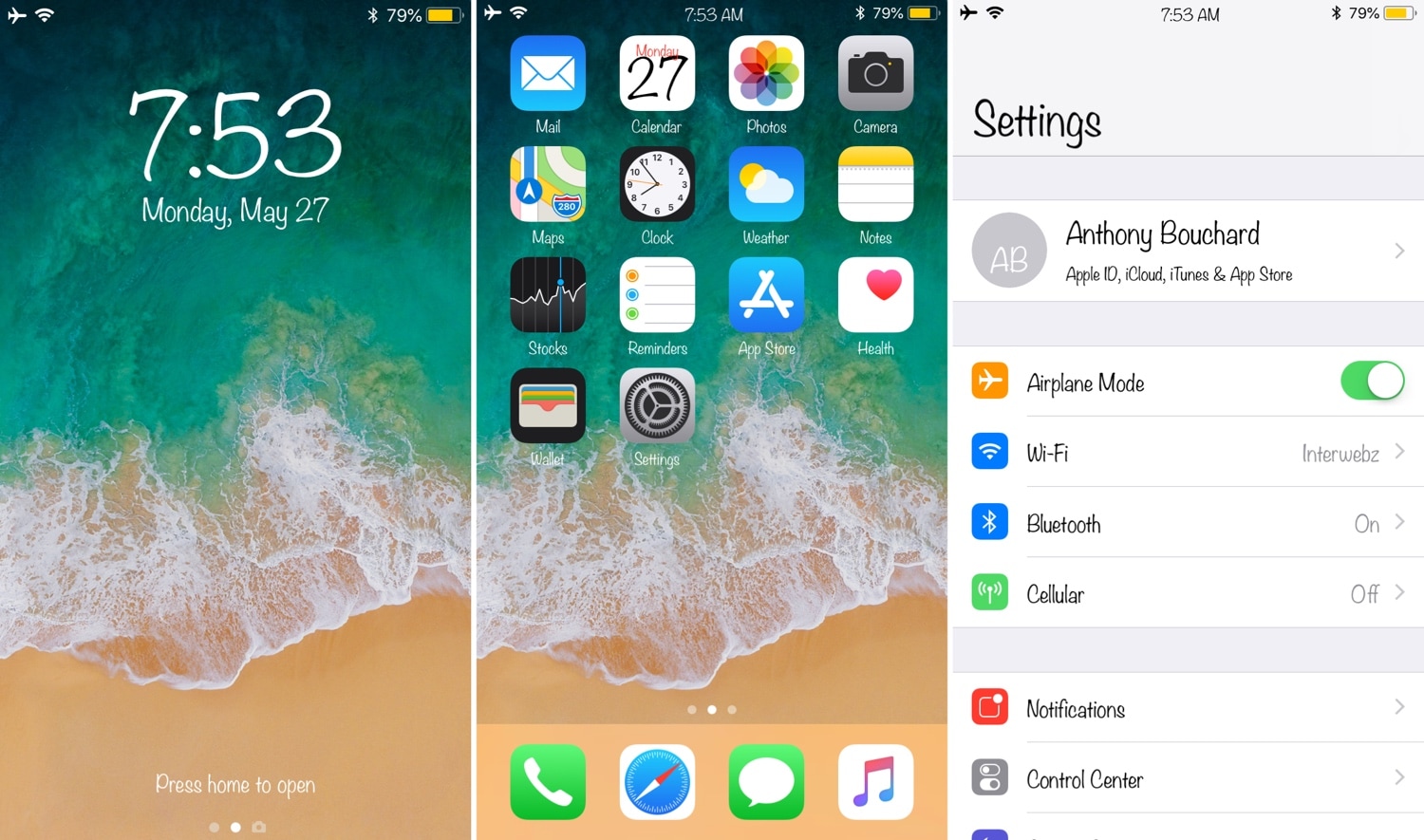
One of the coolest things you can do with a jailbroken device is to change the system font to something a bit more exotic than what you’d typically observe on a stock handset. But not all font-swapping tweaks support Apple’s latest A12(X) handset varieties.
Here to help with the dilemma above is a new free jailbreak tweak release called A-Font by iOS developer Baw Apple.
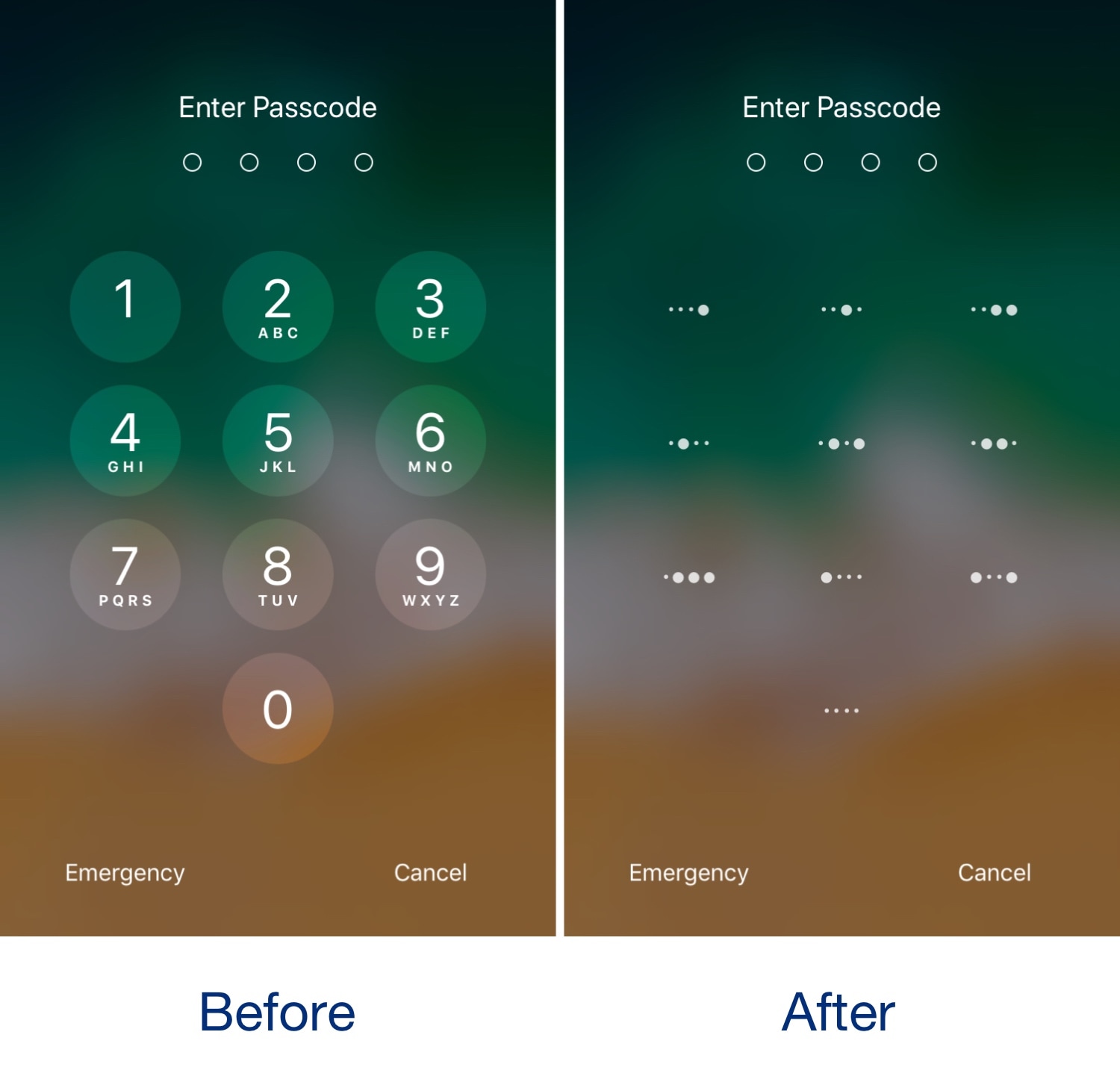
It was only yesterday that we showed you a free jailbreak tweak called CodeScrambler 12, which randomized the positions of the number keys on your Lock screen’s passcode entry screen. But while we’re on the topic of obfuscating the passcode entry screen, why not check out a new free release dubbed BinaryPasscode by iOS developer eskimo_dev?
As shown in the before and after screenshot examples above, BinaryPasscode replaces the typical numbers that appear inside each of the passcode entry buttons with binary-centric dot patterns. BinaryPasscode should look familiar if you’ve ever used a similar tweak such as BinaryKeypad before.
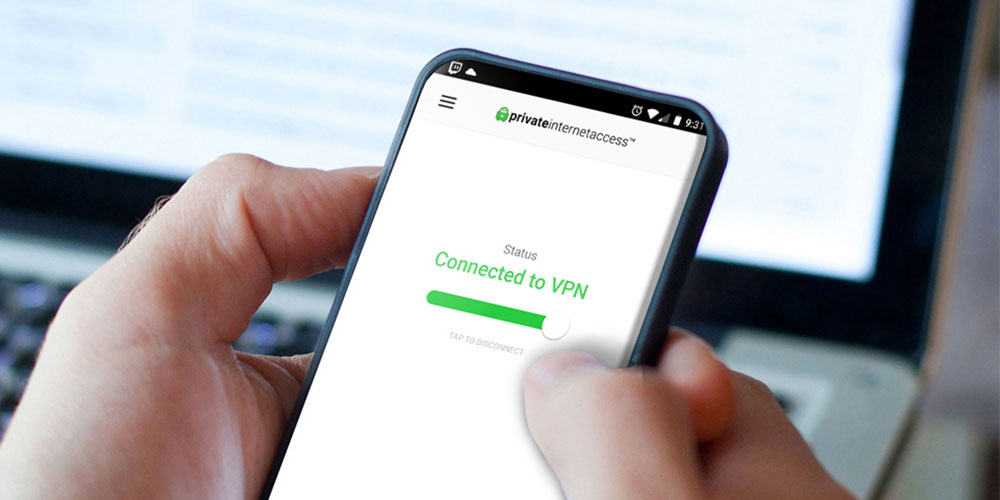
If you’re still browsing the Web without the protection of a VPN, you’re leaving your devices open to an increasingly large number of powerful cyber attacks that can enable hackers to grab everything from your banking information to your browsing history.
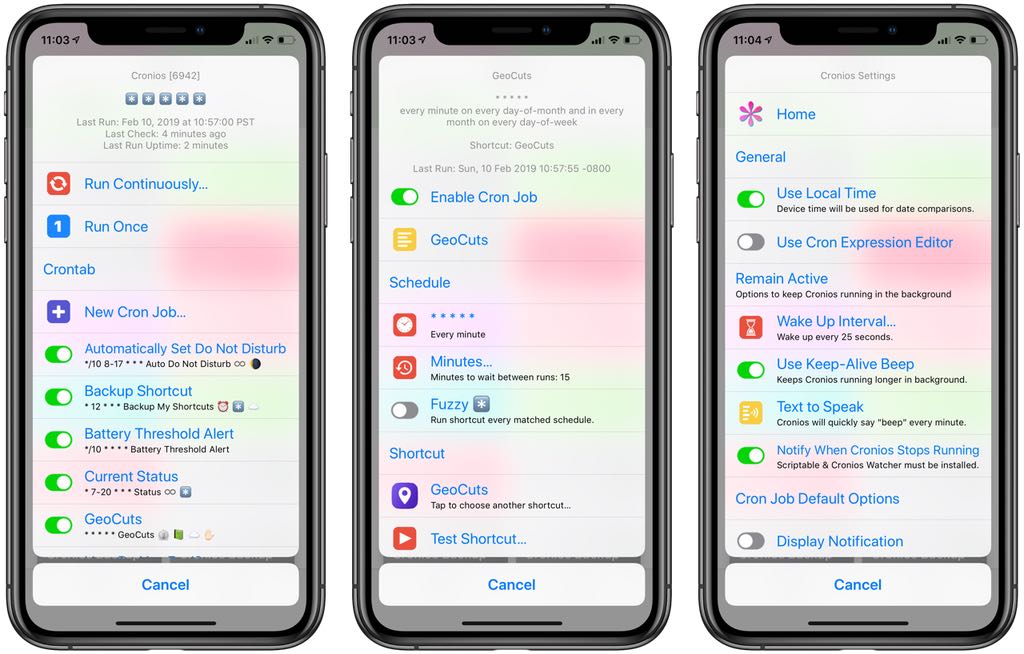
Wouldn't it be great if your shortcuts could run on an automatic schedule, in the background, without any further intervention on your part? Cronios makes that possible by bringing some impressive scheduling powers to your iOS automation scripts.
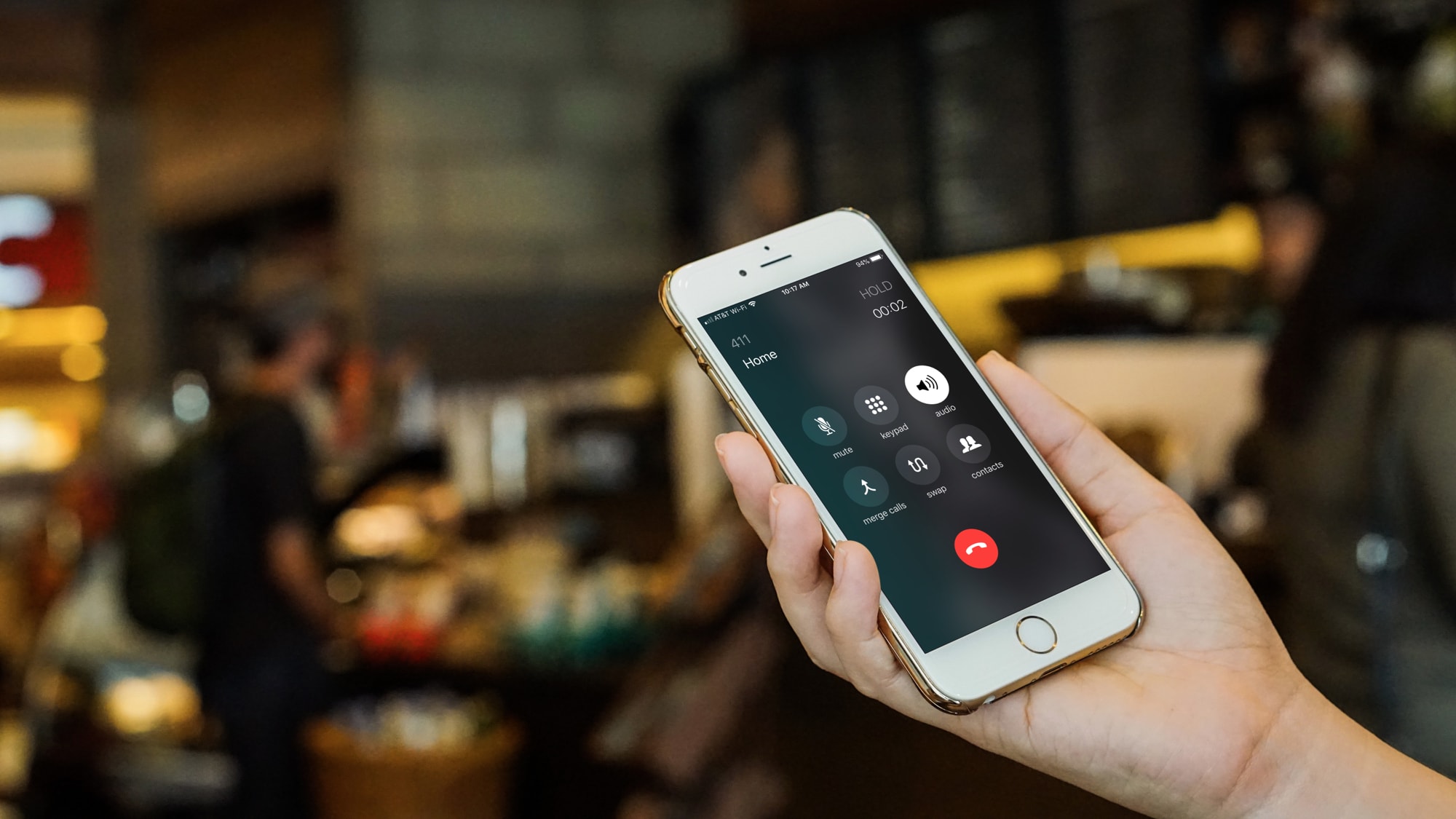
Whether you're working remotely, collaborating with your team or staying in touch with your loved ones, making a conference call on your iPhone can make your life easier. In this article, we'll take you through the simple steps on how to start a conference call on your iPhone.

Apple Canada announced Monday that its specialized data-collection vehicles will be starting surveying the country beginning this summer.

Apple under Tim Cook's leadership has turned protecting user privacy into one of its missions. The company takes a holistic approach to security and privacy that starts at the semiconductor level. British publication Independent today published a rare insight into a secretive facility on Apple's campus in which expensive machines are abusing in-house designed chips to see whether they can withstand hacking and whatever other types of assault anyone might try on them when they make their way into new iPhones.

As you interact with the Lock screen’s passcode entry interface, you’ll notice that the number keys are always in the same place. This makes entering passcodes easier, but it also makes it effortless for nosy folks to glance over your shoulder and watch the numbers you dial in to unlock your device.
Here to help with this problem is a free jailbreak tweak called CodeScramber 12 by iOS developer eskimo_dev. As you might’ve already deduced from the tweak’s name, CodeScrambler 12 randomizes the locations of the passcode’s numeric keys every time you try to unlock your handset, as shown above.
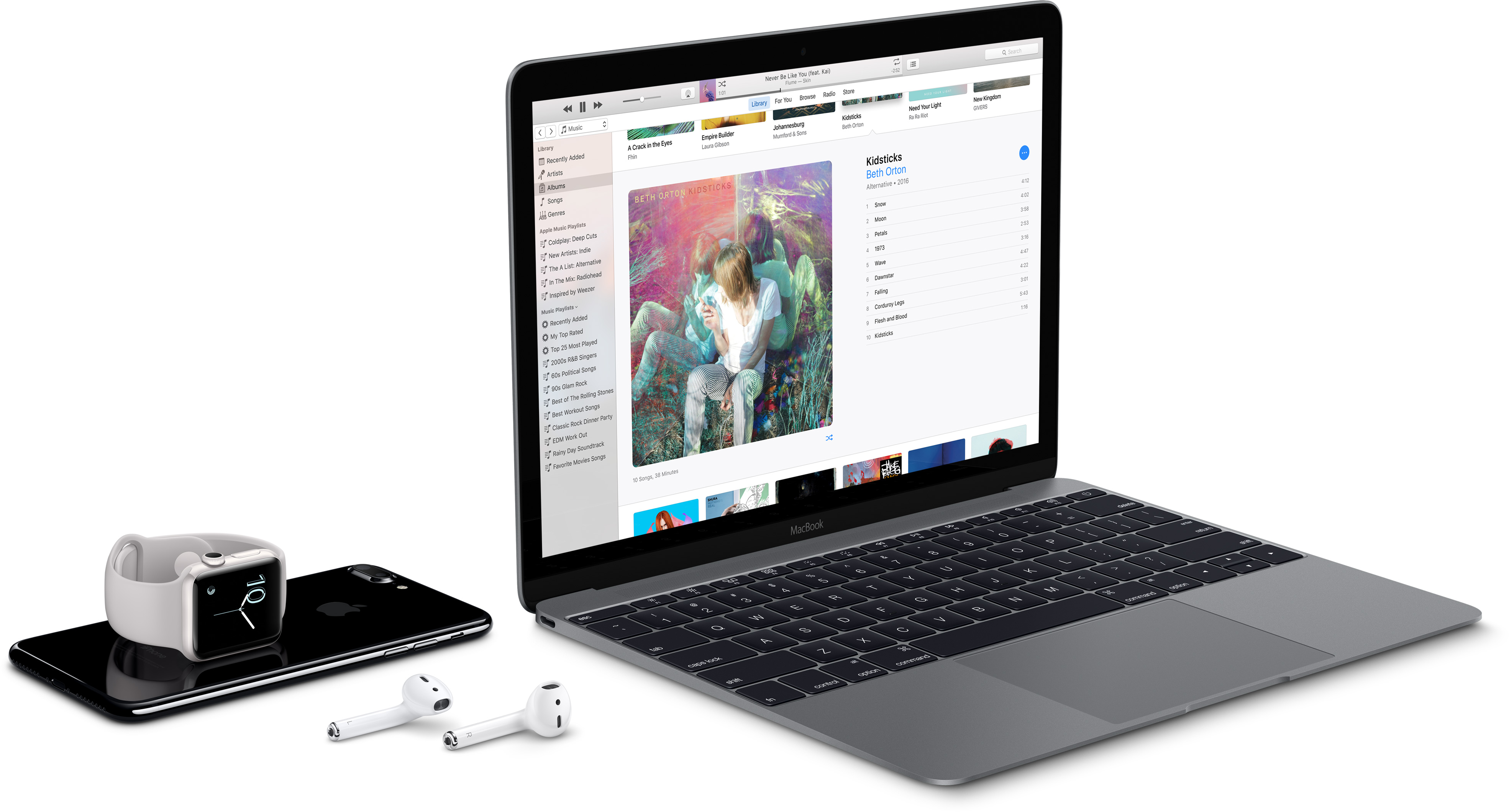
One or more iPhone models slated for release later this year could allow customers to connect two Bluetooth devices at the same time, like two pairs of wireless headphones.
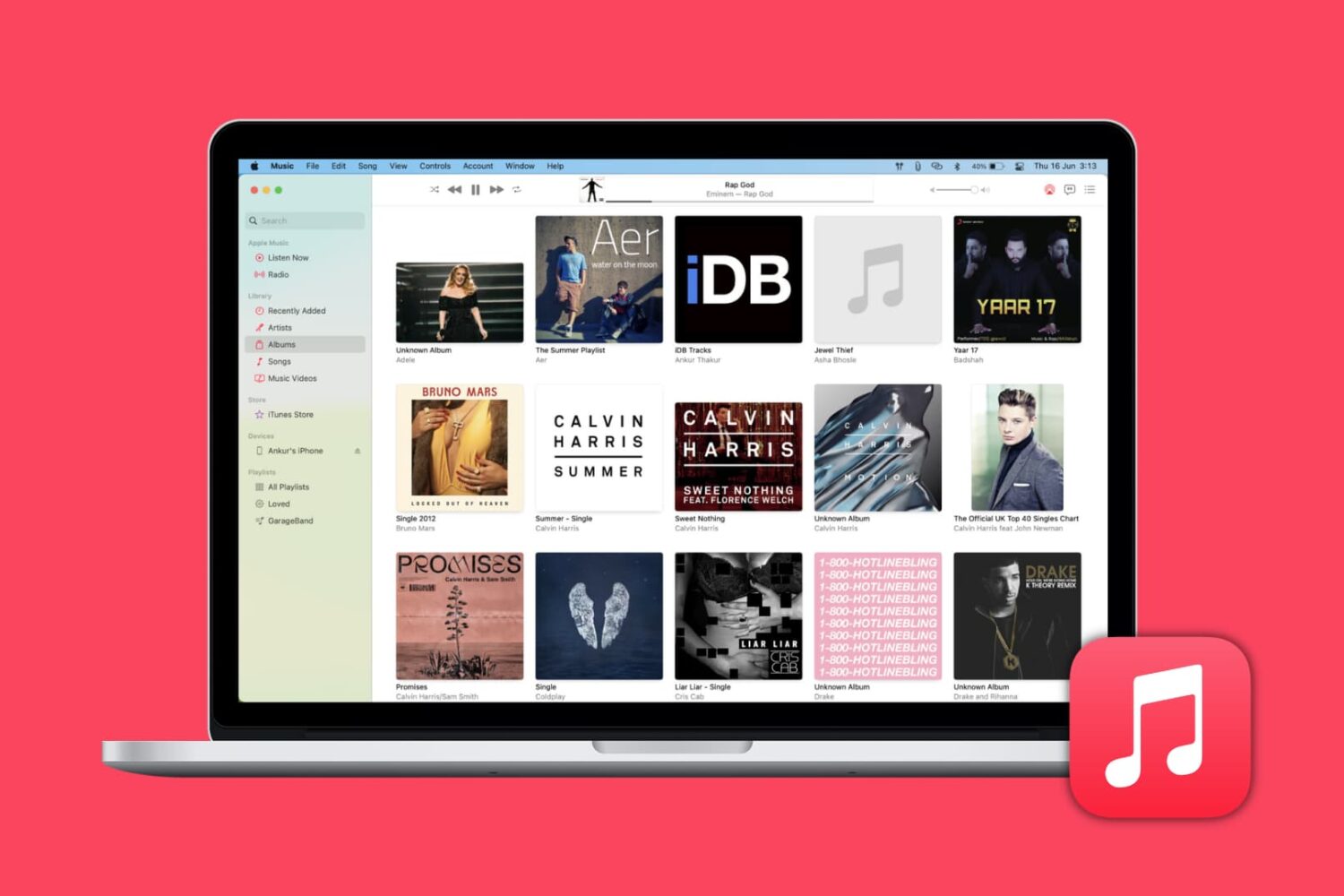
Learn how to automatically download missing album artwork from Apple or upload custom cover art in the Apple Music app on your Mac or Windows PC.