Explore this handy list of time-saving keyboard shortcuts for the Pages app on your Mac to control the window, open documents, navigate within a document, move through the sidebar, and more.
50+ useful keyboard shortcuts for the Pages app on Mac
Explore this handy list of time-saving keyboard shortcuts for the Pages app on your Mac to control the window, open documents, navigate within a document, move through the sidebar, and more.
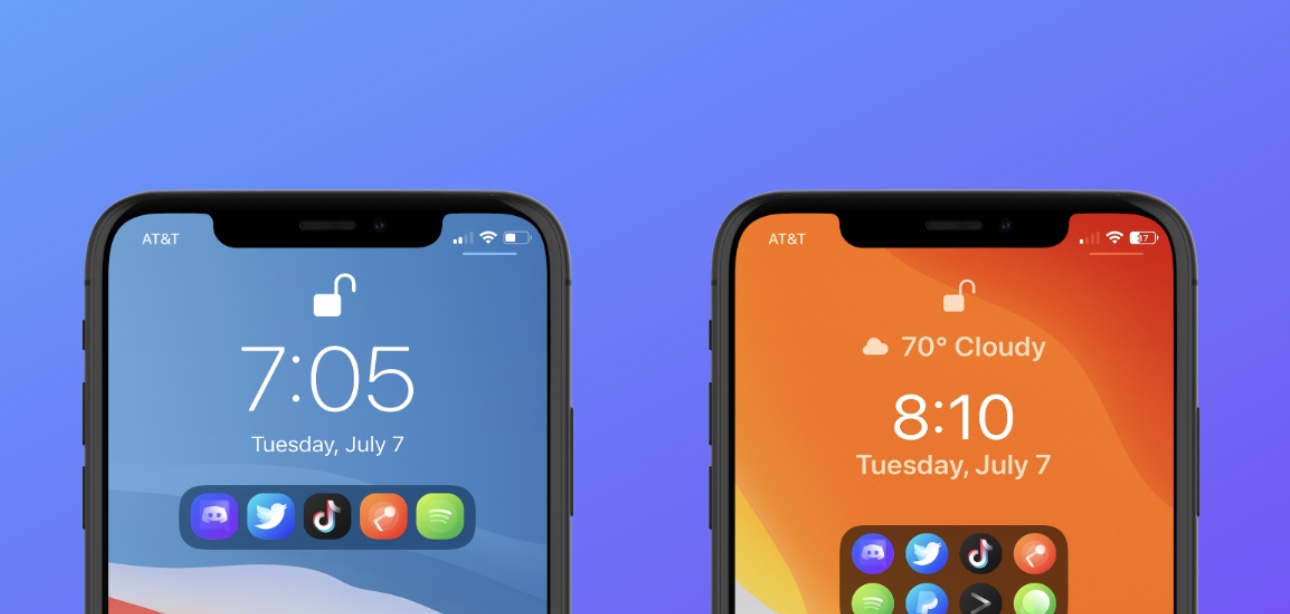
If there’s anything to be said about app launcher concepts, it’s that they’re a cornerstone of the jailbreak community’s existence. There’ve been literally countless app switcher concepts released as jailbreak tweaks over the years, and even today, they continue to materialize. One of the latest of such tweaks is one called Aperio by iOS developers burrit0z and Thenatis.
As you might’ve discerned already from the screenshot examples, Aperio is a Lock Screen-based app launcher interface that comes with different display modes to appease both minimalists and power users alike. If you’re more of a minimalist, then you’ll probably opt for the compact interface option, whereas power users will likely go for the more crowded interface.

In light of everything changing due to the novel coronavirus pandemic, which has forced so many to start working from home, Apple continues to evolve its own plans as it relates to its physical retail stores and offices located in the United States.
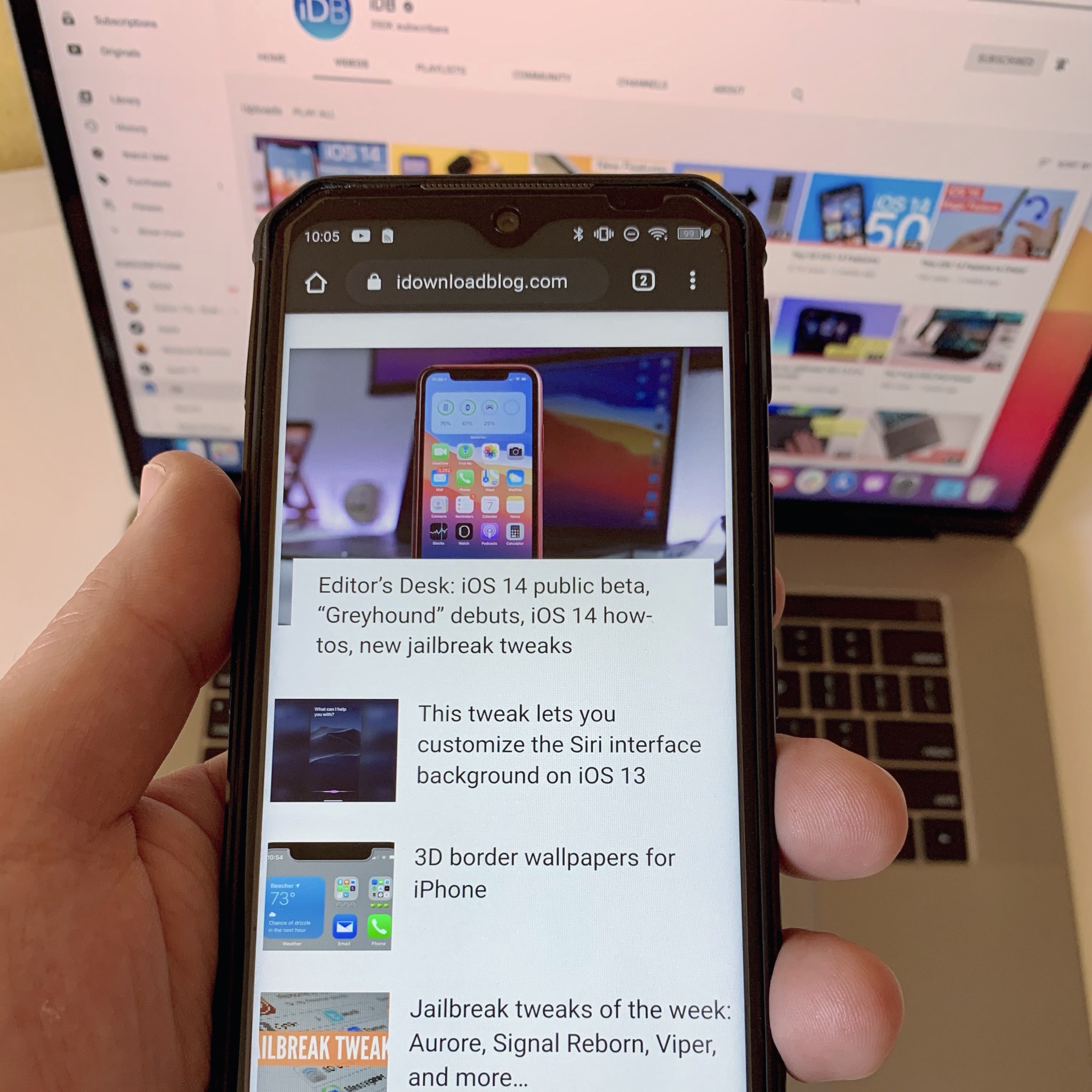
Doogee, a prolific maker of shockproof smartphones, kindly sent me their S95 Pro rugged smartphone with some useful add-ons for review. I've been using this device alongside my iPhone XS Max on an everyday basis for almost two months now. From my vantage point of an iPhone user for more than a decade, I can honestly say that I came away pretty impressed.
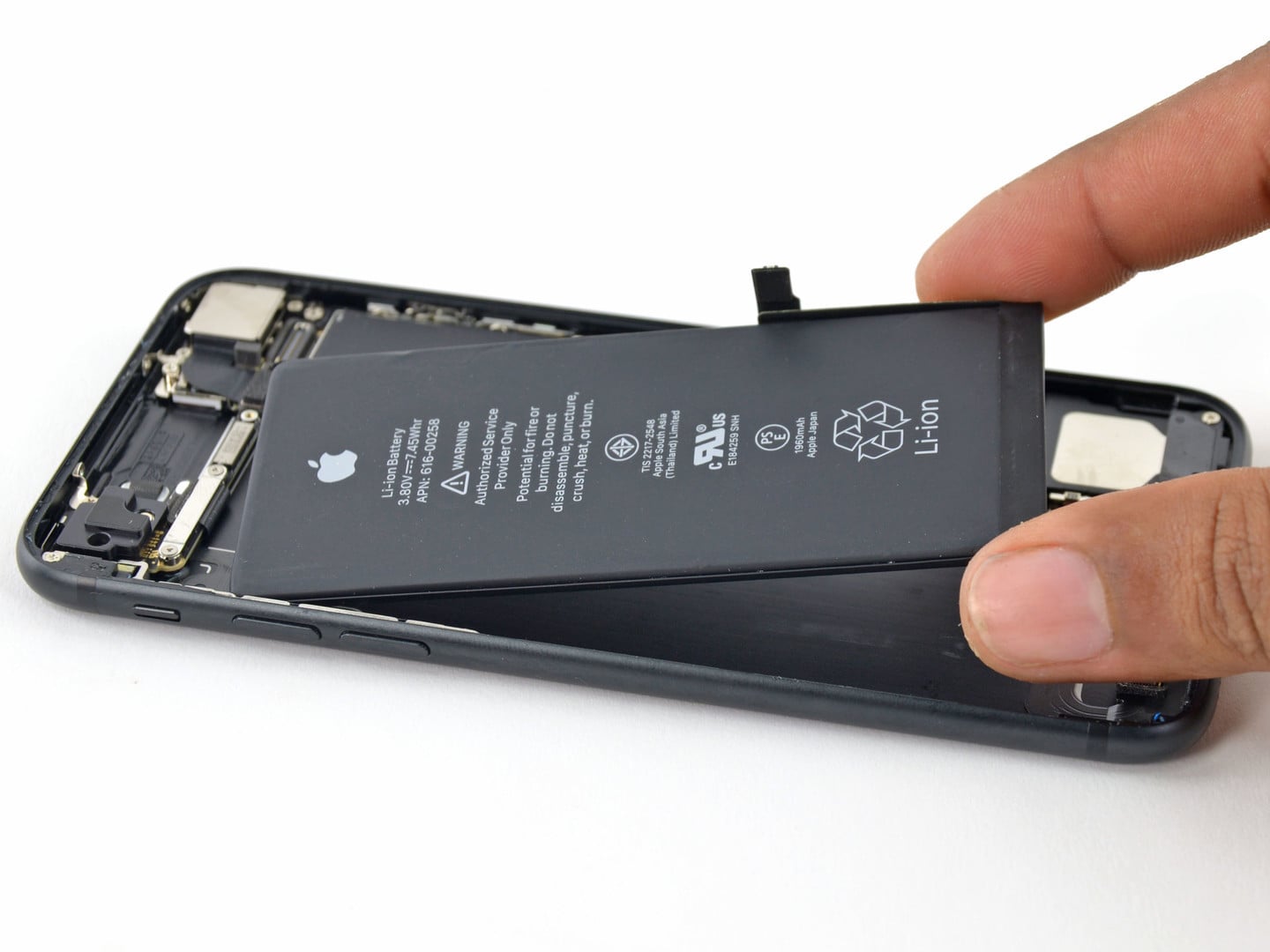
Apple ran into issues a couple of years ago when it took it upon itself to throttle battery life on some iPhone models. The ensuing fiasco was called “batterygate”, and, earlier this year, Apple agreed to a settlement on the matter worth millions of dollars.

Working from home is a reality for a lot of people these days in light of the ongoing coronavirus pandemic, and Apple continues to show how its range of products can help with productivity.

It's only a matter of time before Apple, and Apple TV+, has worked with every big name in Hollywood, and now we can officially add Idris Elba's name to the list.

Apple announced today on its Investor Relations website that it will be reporting its third fiscal quarter earnings (which corresponds with the second calendar quarter) on Thursday, July 30.
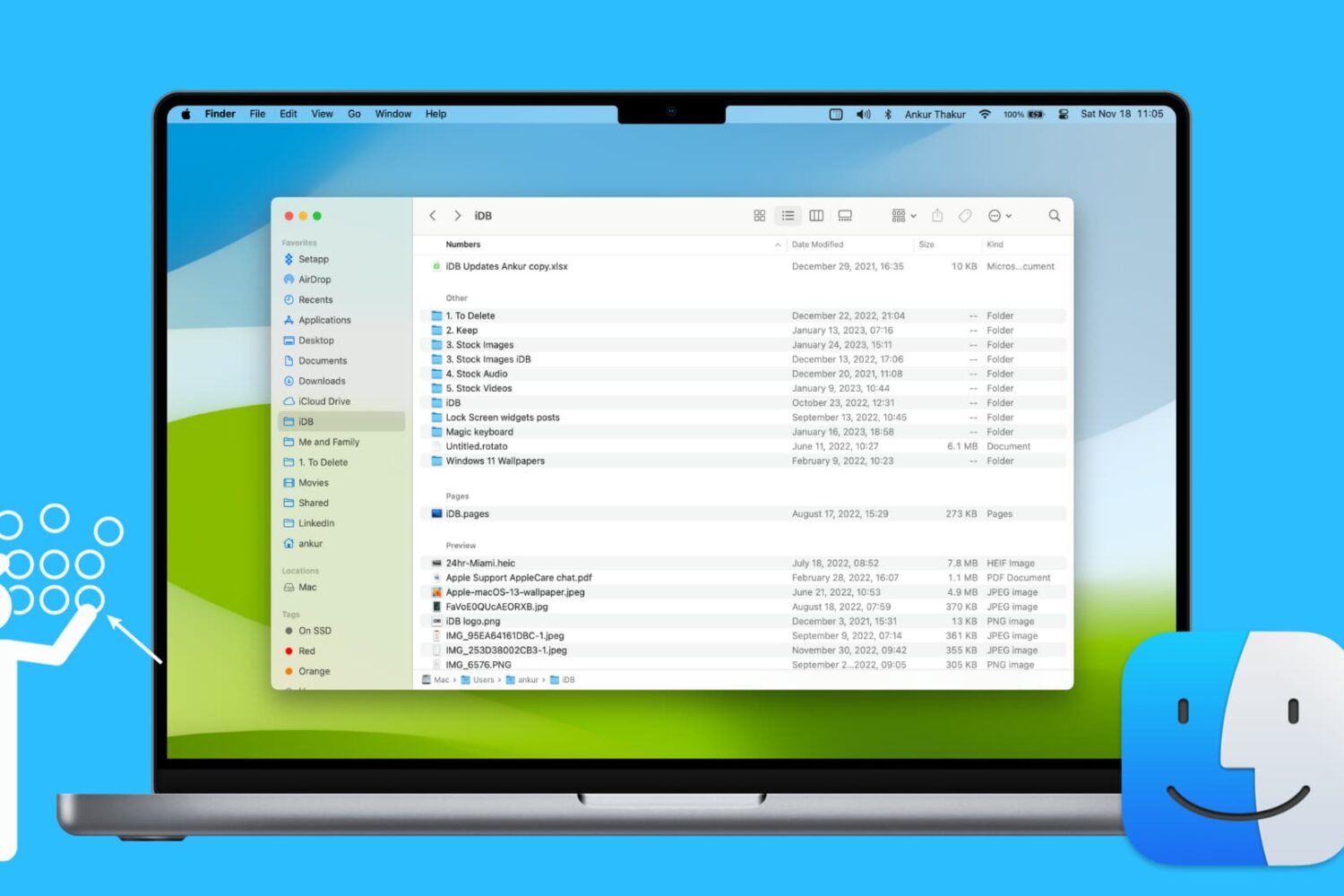
Learn how to use groups in Finder on your Mac to easily sort and manage files for a more streamlined and efficient experience.

Apple announced today that it had earmarked more than $400 million toward affordable housing projects and homeowner assistance programs in California this year.
Want to view your spreadsheet data in different ways? In this tutorial, we will show you how to use basic categories in the Numbers app on your Mac.
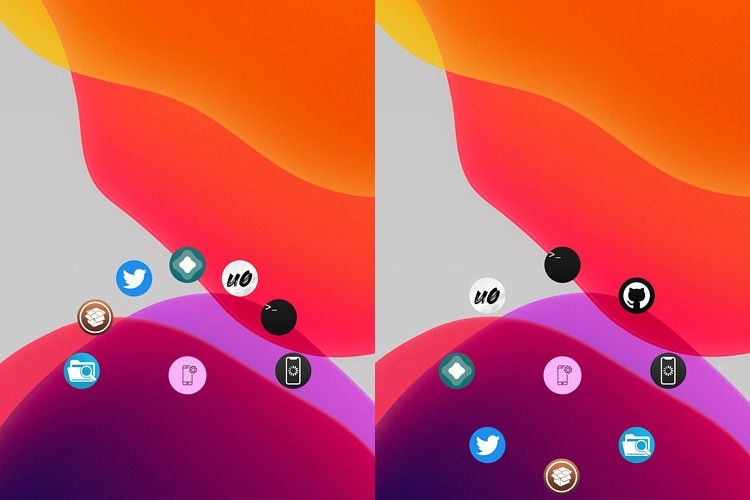
The Lock Screen serves as a secure barrier between the user and the Home Screen, but there are sometimes instances where you might want faster access to certain apps without the delay of unlocking your device and browsing the Home Screen.
Enter FastAppLS, a newly released and free jailbreak tweak created by iOS developer Dcsyhi that puts a user- configurable app shortcut interface at the bottom of the Lock Screen so that users can more quickly access their favorite apps in a pinch.