News

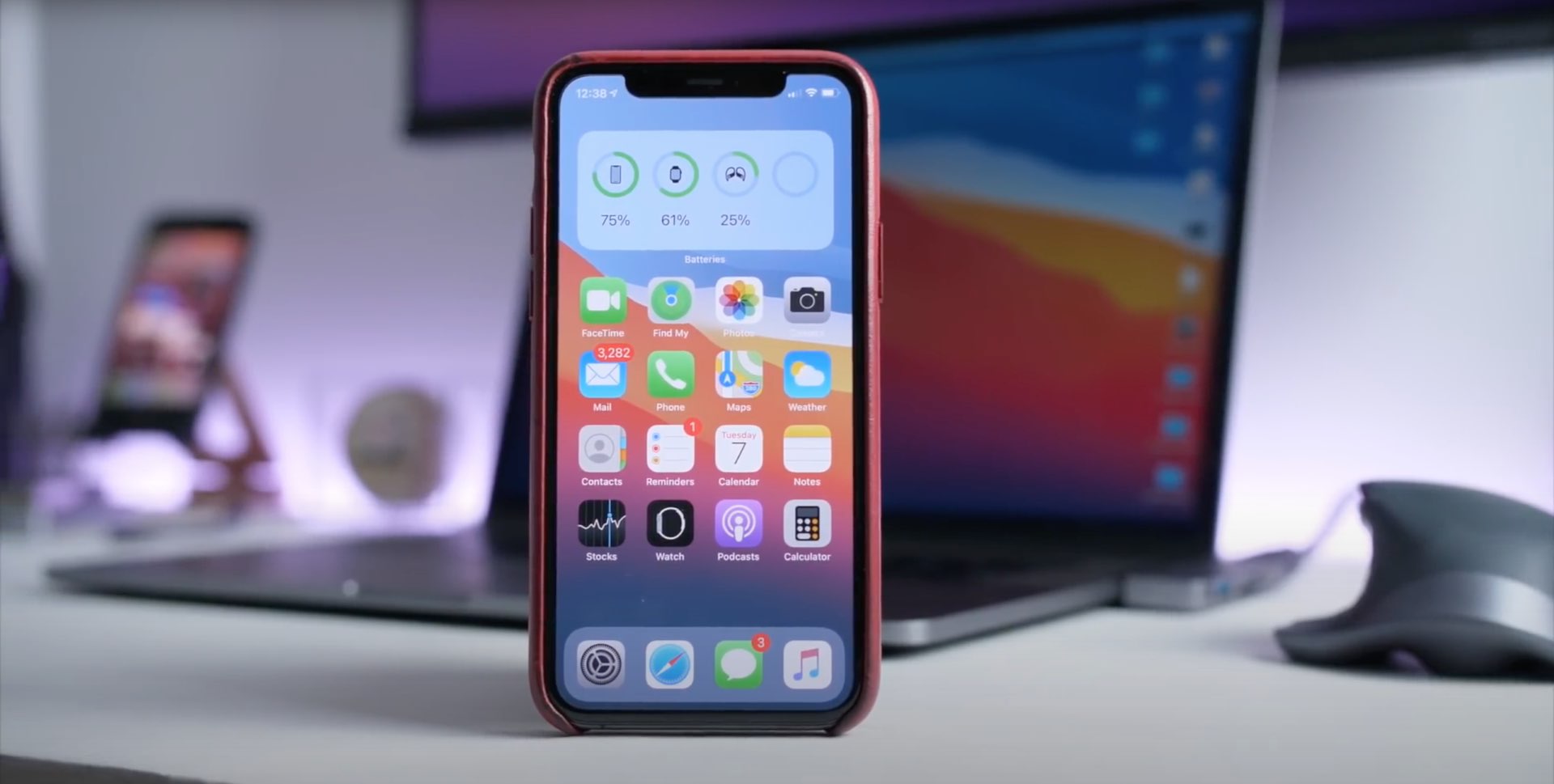
Video: Here are 10 awesome but hidden features for your iPhone in iOS 14

Apple yesterday dropped the iOS 14 public beta. Now tinkerers, power users, enthusiast or just about anyone, really, can take the software for a spin and check out all the goodies (an iDB video recently highlighted the 50 major new features in iOS 14). Since iOS 14 ended up being packed with a myriad of quality-life improvements, we've decided to put together another video highlighting ten great new hidden features that Apple didn't discuss at the WWDC.

Valentine brings iOS 14’s updated Calendar icon to jailbroken devices

Apple first demoed iOS 14 at WWDC 2020 and showcased a number of the operating system’s upcoming changes. Hiding behind the scenes, however, were a plethora of smaller changes that were seemingly too tiny to mention on stage. One of those changes included an updated and more aesthetically pleasing Calendar app icon.

If you’re jailbroken on iOS 13, then you’re probably hesitant to upgrade to iOS 14 this Fall, and understandably so. Fortunately, the community is bringing several of iOS 14’s unique features to pwned iOS 13 devices. One of the latest of such add-ons is a free jailbreak tweak dubbed Valentine by iOS developer ArtikusHG, which ports iOS 14’s new Calendar app icon to jailbroken iOS 13 handsets.

How to track changes in Apple Pages on Mac

Pages Mac Comments and Changes Pane Connect

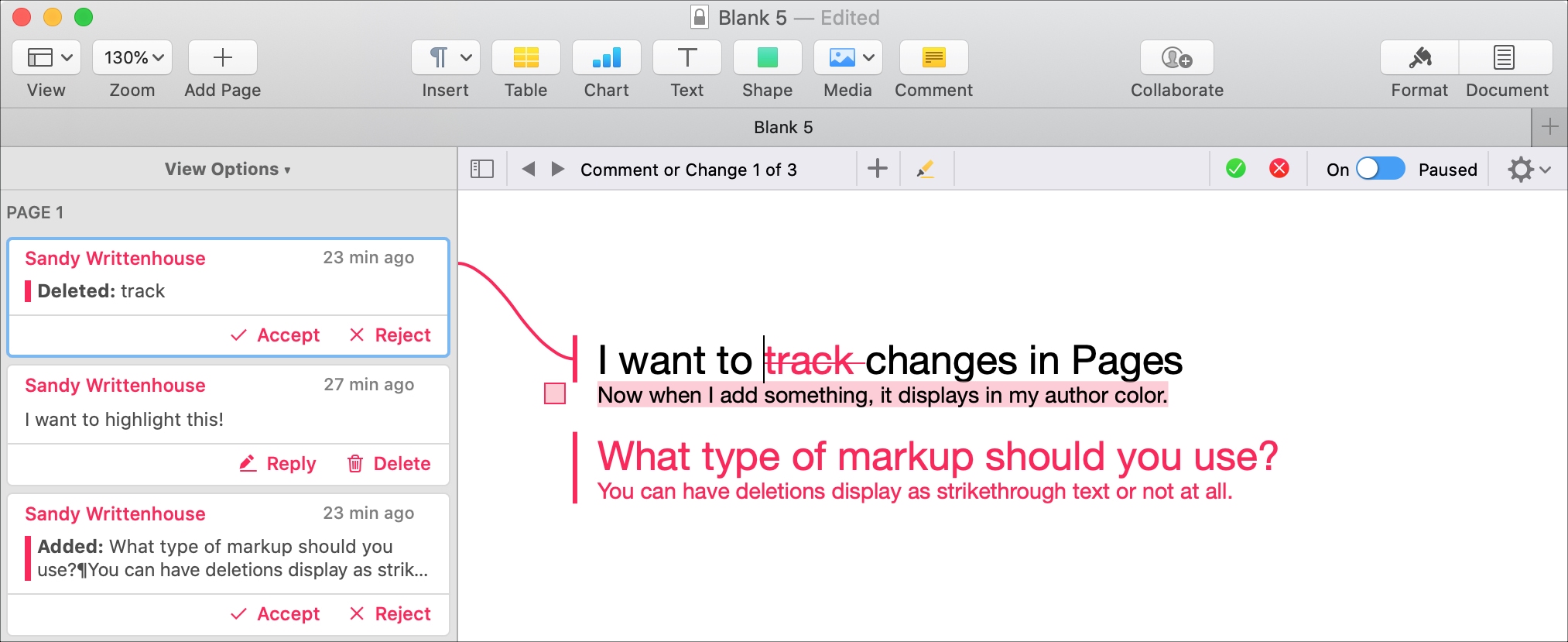
If you and your coworker are collaborating on a document in Pages, using the feature to track changes can be helpful. This will display the text from each person adding or changing the document in a different color. So, you can easily see who does what.

In addition, you can see comments, replies, and changes in a handy sidebar and accept or reject individual or all changes to the document. If you’re using this feature for the first time, we want to help. Here’s how to track changes in Pages on your Mac.

Viper supercharges the Home & Lock Screens on jailbroken iPhones

While Apple does its best to keep the iPhone’s user interface simple by design, sometimes it takes things to such extremes that it actually handicaps the smartphone’s potential user experience. If you, like many others, wish your handset’s Home Screen and Lock Screen were a bit more capable, then you may want to do yourself a favor and look into the likes of a newly released jailbreak tweak dubbed Viper by iOS developer Esquilli.

Viper augments the iPhone’s Home Screen and Lock Screen interfaces in more ways than one. Not only does it bring interactive widgets to the Home Screen, but it also incorporates an App Drawer for faster app access and more informative Lock Screen interface with both Weather and time information. Examples of some of Viper’s features are depicted in the screenshot examples above and below.