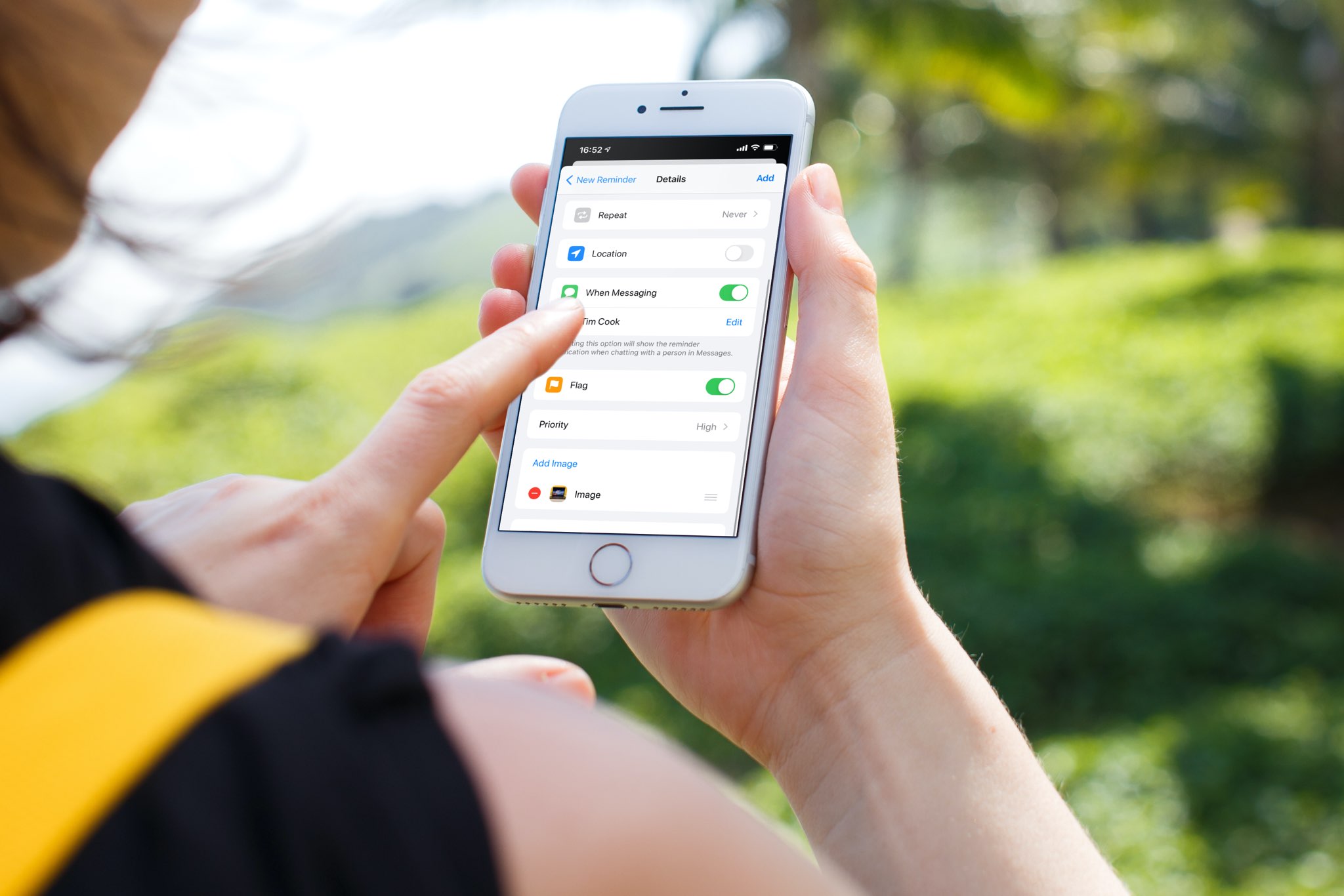
Learn how to request Siri for a personal update of your day that includes the news, weather, traffic, reminders, and calendar appointments.
How to ask Siri for your personalized daily briefing

Learn how to request Siri for a personal update of your day that includes the news, weather, traffic, reminders, and calendar appointments.
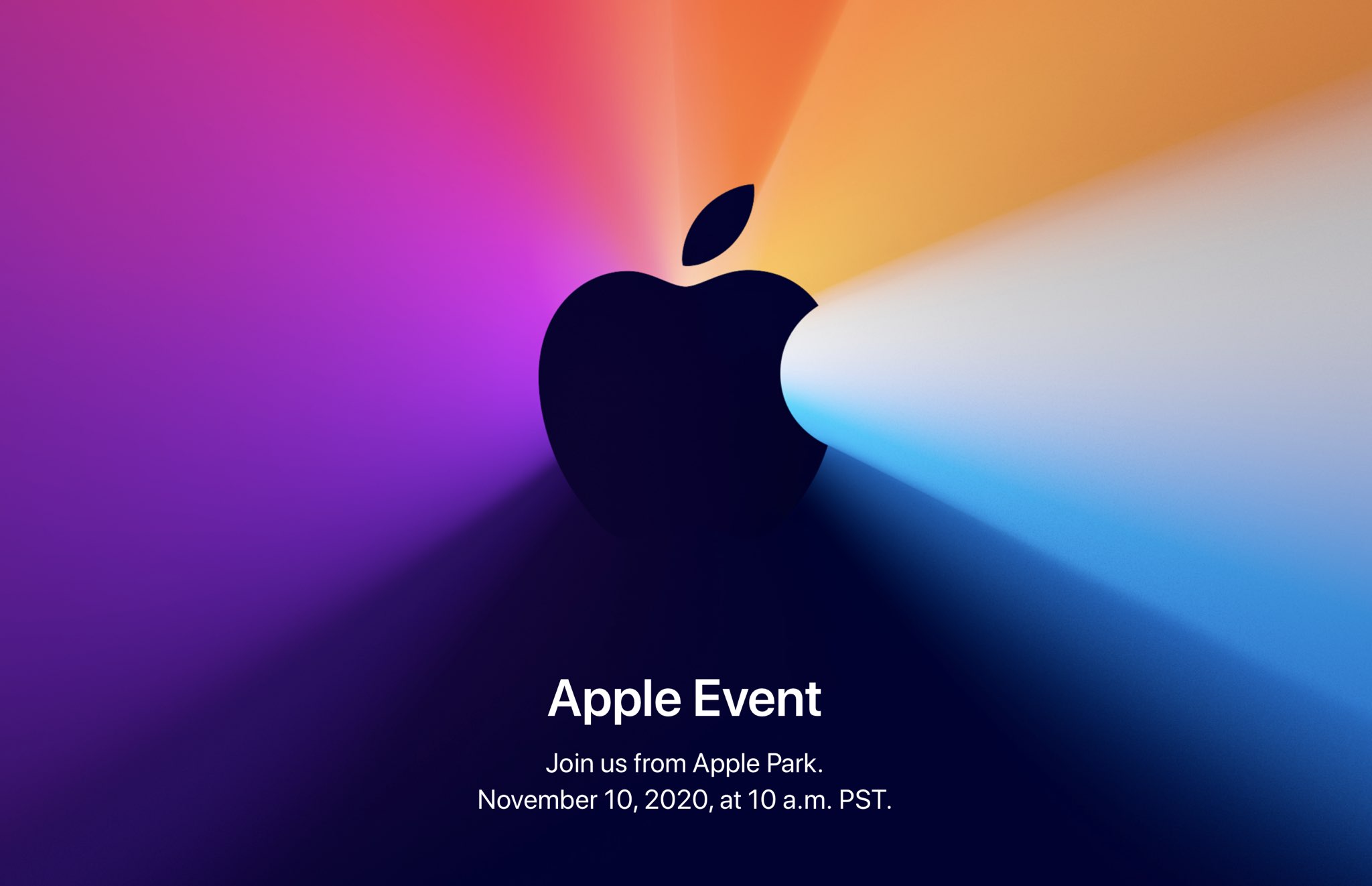
Apple is holding its last media event this year tomorrow, November 10, 2020, at 10am PDT. The "One more thing" event is pre-recorded due to the COVID pandemic and work-from-home measures. Here is how you can follow Apple's upcoming product presentation and see the company's first Apple Silicon-powered Mac models, regardless of where you live and which platforms or devices you may happen to be using for the moment.

Learn how to adjust Auto FPS settings for your iPhone or iPad camera, and improve video quality when shooting in low-light conditions.
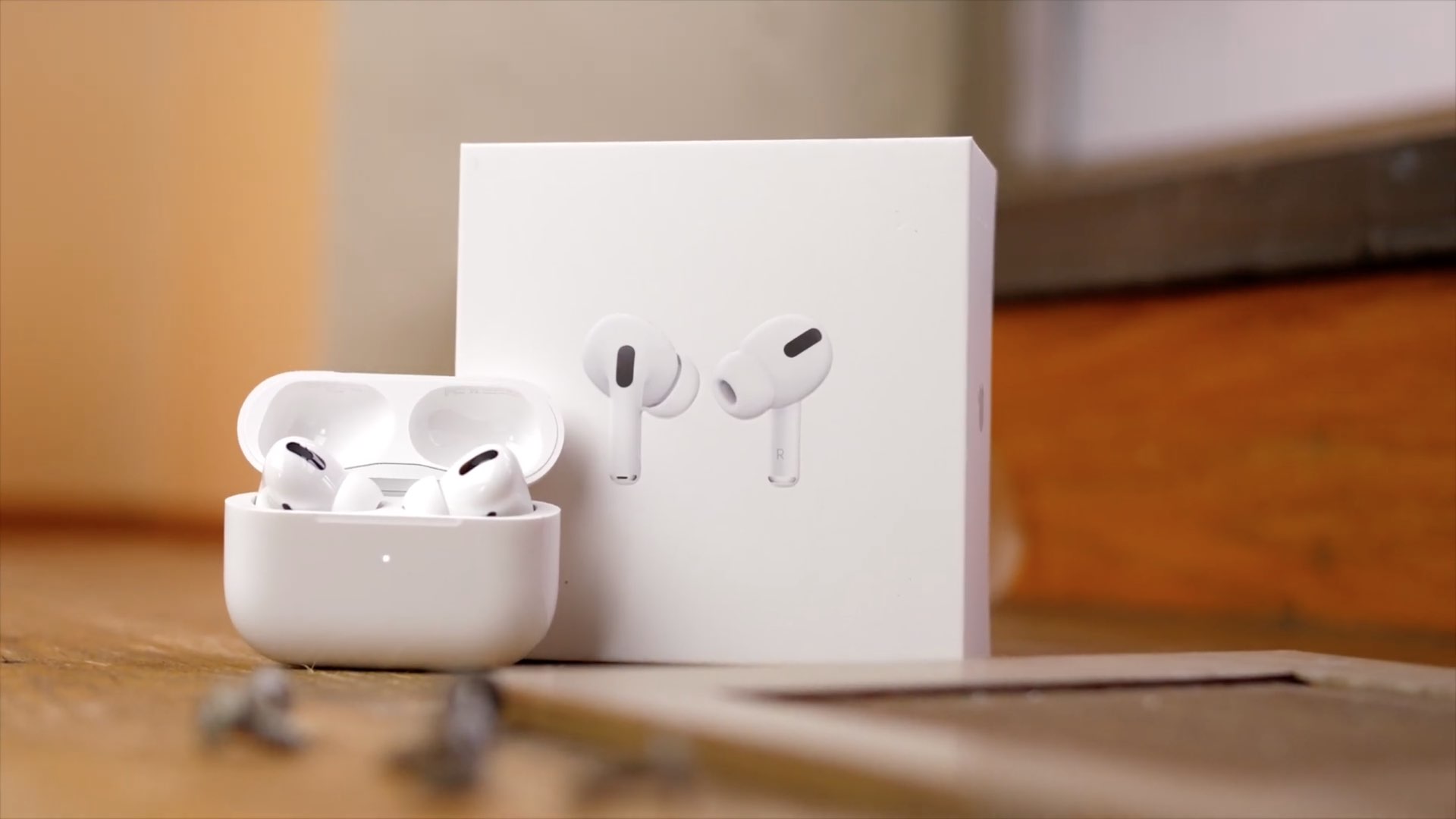
Learn how to use the AirPods Optimized Battery Charging feature to slow down battery aging by delaying charging past 80% until needed.
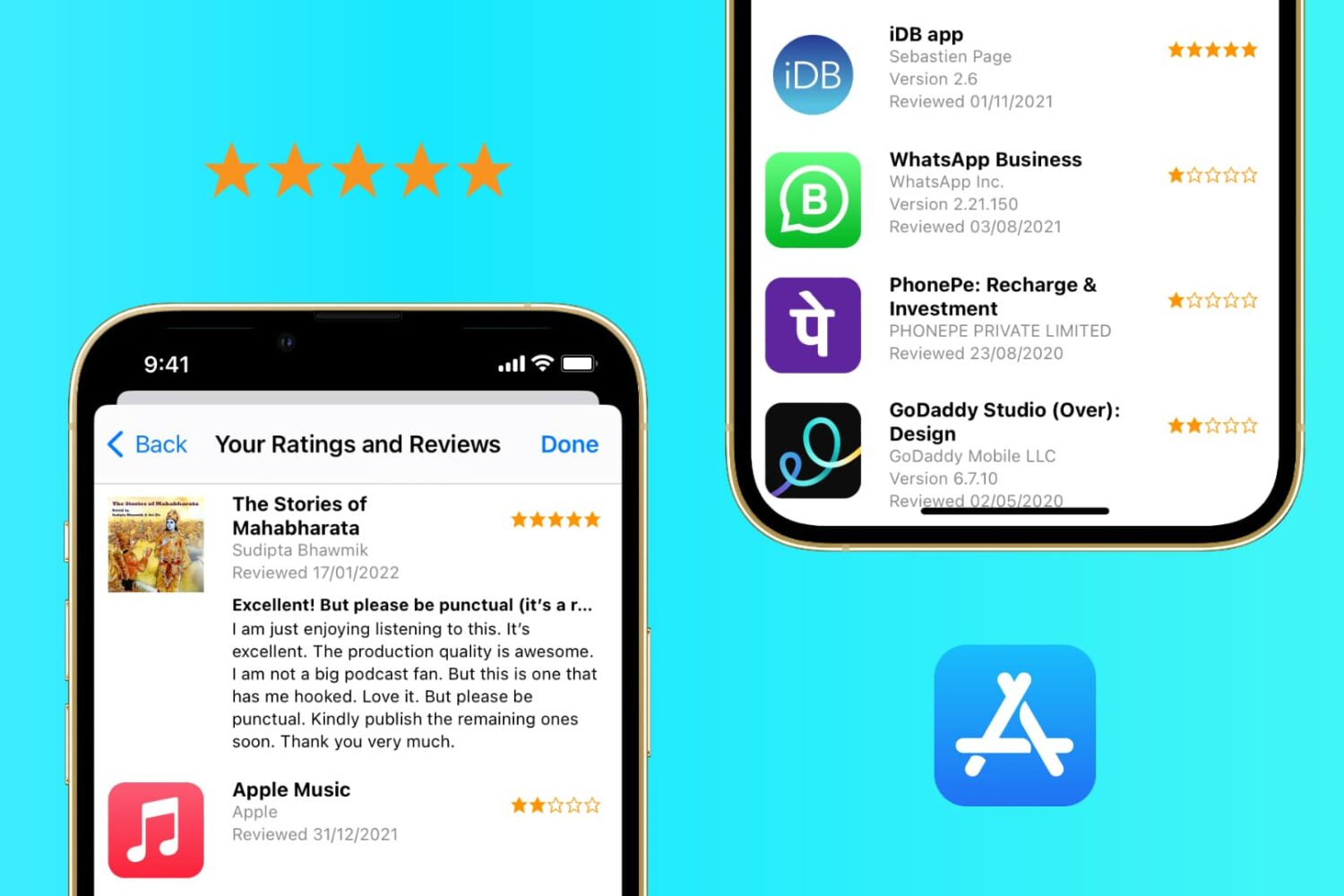
In this tutorial, we’ll show you how to view and manage your App Store ratings and reviews on your iPhone, iPad, or Mac.
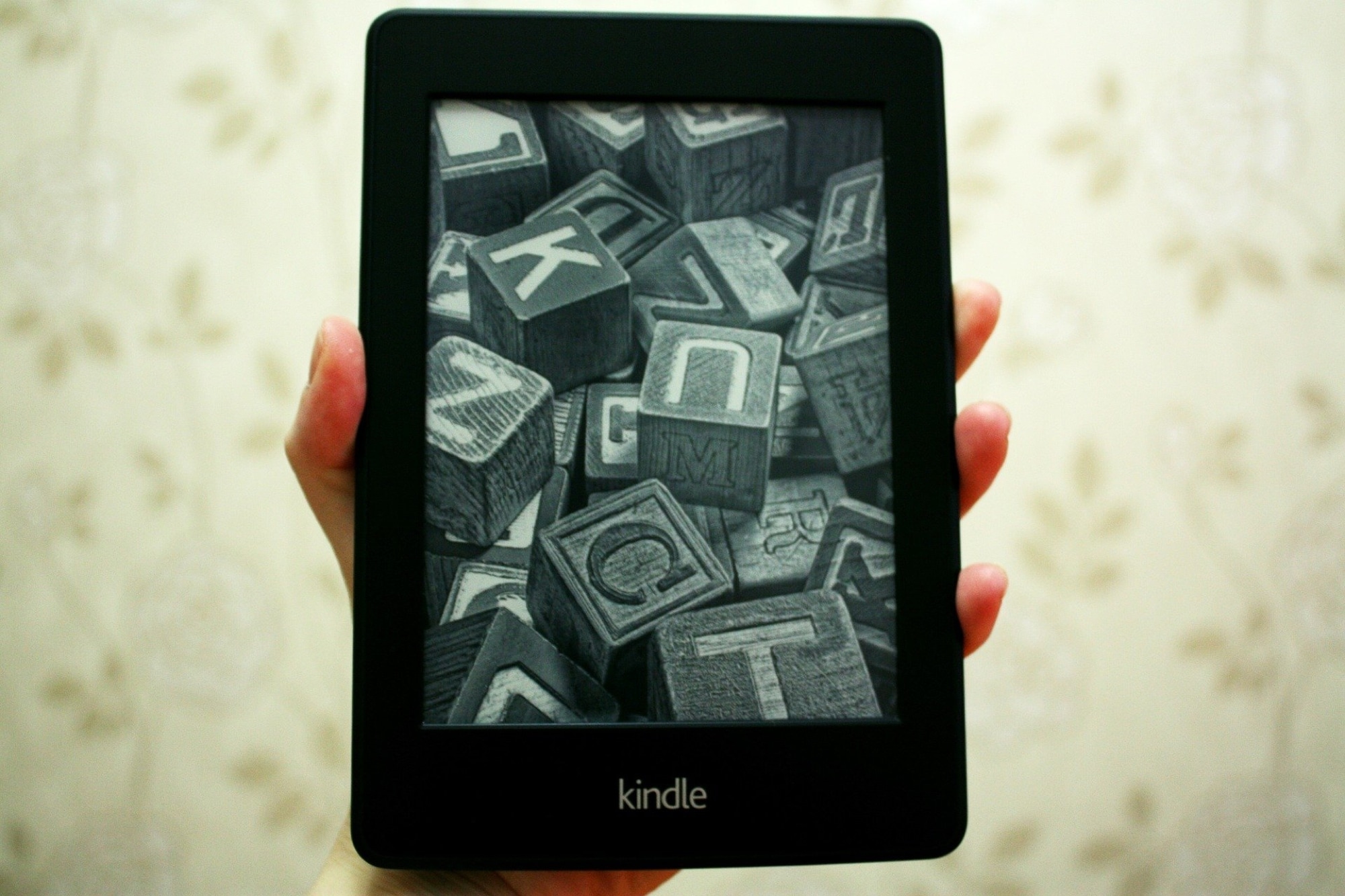
Learn how to change your Kindle Paperwhite name on the device or from Amazon's website so that you can easily identify it.
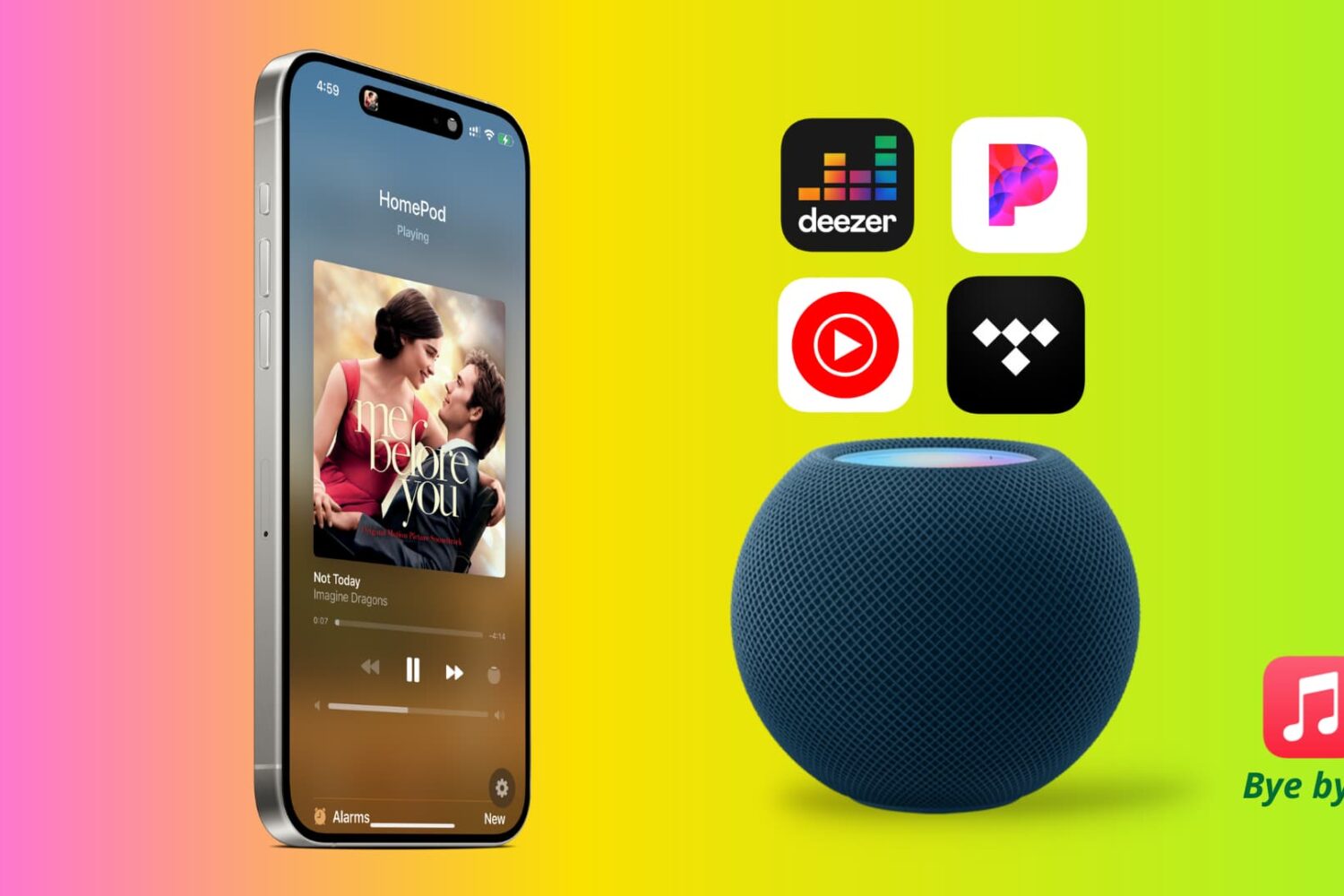
In this tutorial, we will tell you all about changing the default music service on your HomePod from Apple Music to something else such as YouTube Music, Pandora, Deezer, Tidal, etc.
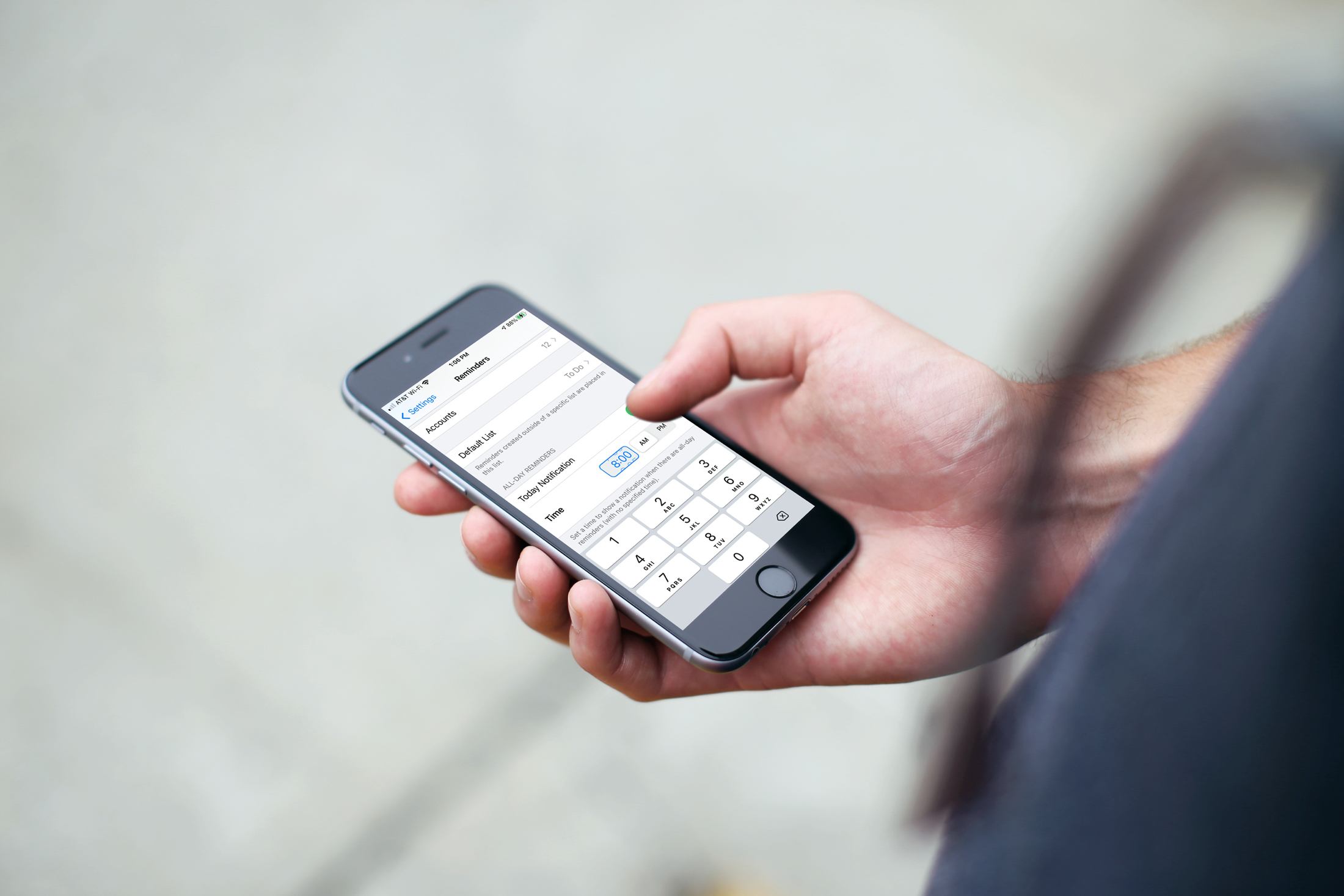
Learn how to set a default alert time for all-day Reminders on iPhone, iPad, and Mac, so you still receive notifications even if you forget to set a time.

In this tutorial, we will show you how to manage app windows with VoiceOver on Mac. You can use these tips to enter full screen, switch between apps and windows, and resize or move a window.
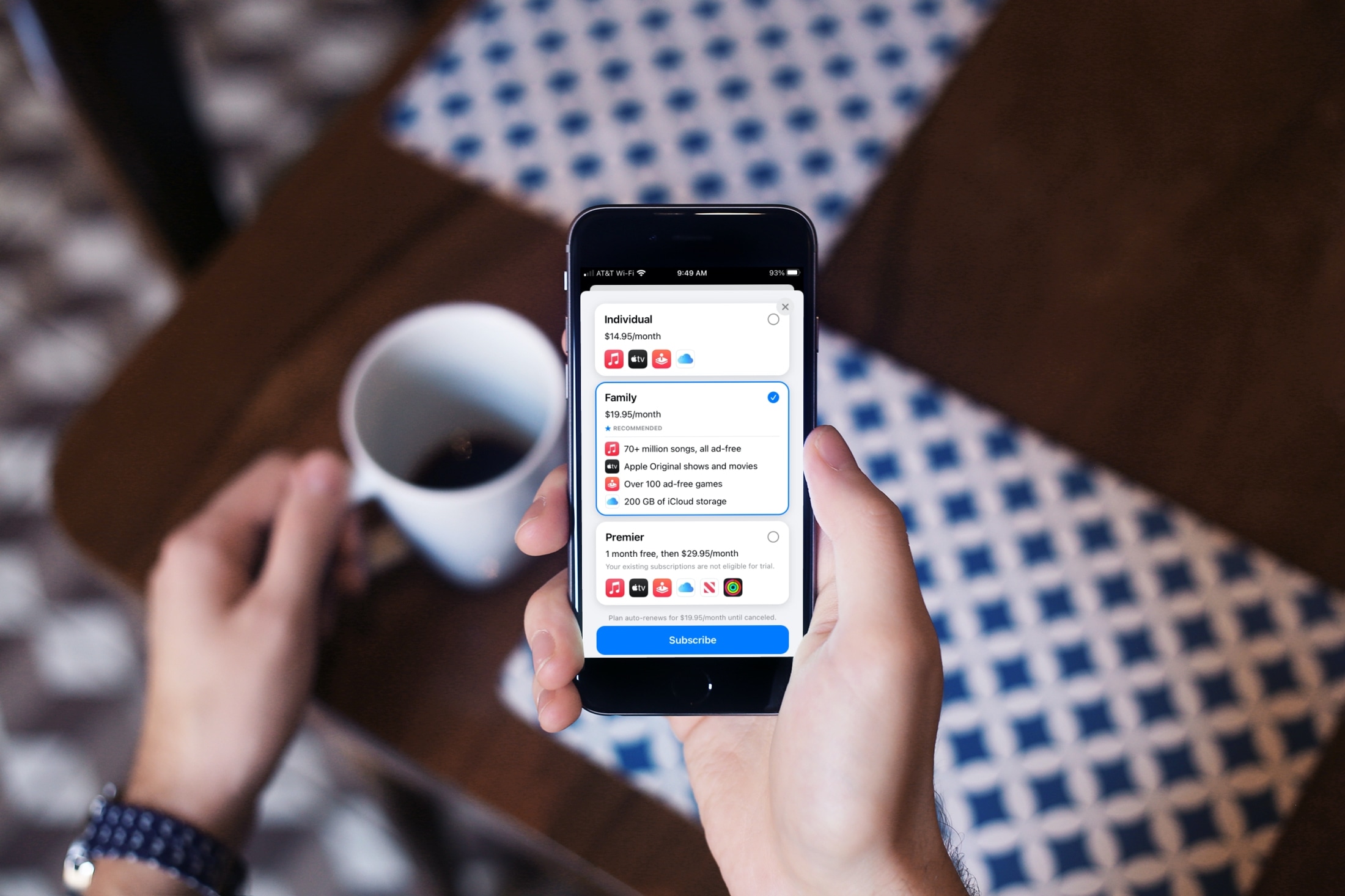
Apple offers some terrific services for music, games, storage, and more. And if you’re a current subscriber to one or more, then checking out the Apple One plans is definitely worth your time. You can save some money by paying one monthly price for a service bundle.
We’ve walked you through the Apple One plans available and how to subscribe. But if you’re a current subscriber to things like Apple Music, Apple Arcade, and iCloud storage, you may be wondering how to upgrade from your existing plans and what happens to those subscriptions.
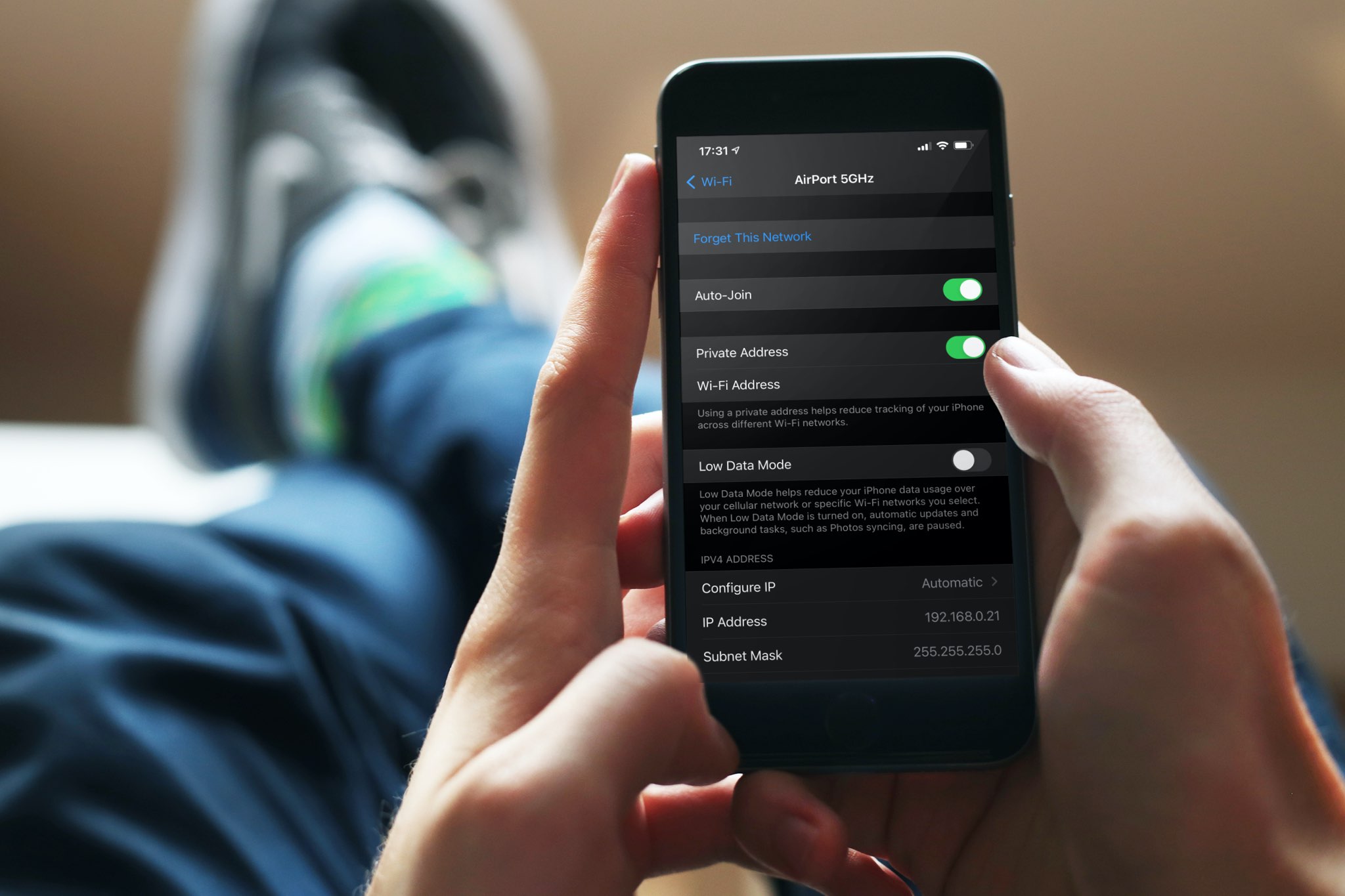
A private Wi-Fi address protects your privacy by reducing the tracking of your iPhone, iPad, Mac, and Apple Watch across different wireless networks. In this tutorial, you’ll learn how to enable a private Wi-Fi address on your Apple devices to enhance your privacy.