Learn how to quickly insert the current date and time in your Numbers spreadsheet without manually typing them, and change their format to one that works best for you.
How to insert the current date and time in Numbers app
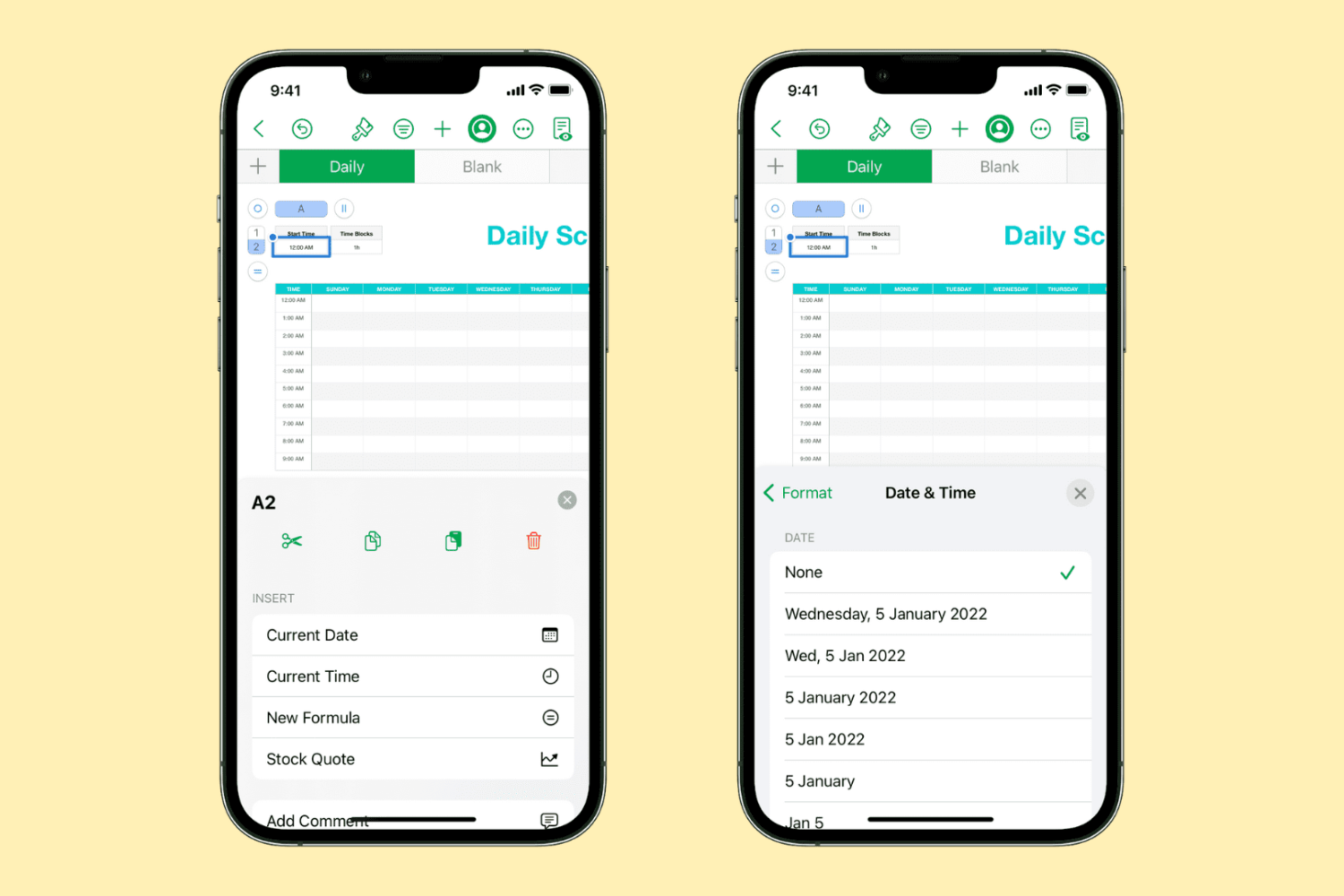
Learn how to quickly insert the current date and time in your Numbers spreadsheet without manually typing them, and change their format to one that works best for you.

In this tutorial, we’ll show you multiple ways to share files between two or more Macs. You can go through all these tips and use the ones that are most convenient for you and your setup.

In this tutorial, we'll show you how to pick a different theme for your Keynote presentation on Mac, iPad, and iPhone without starting over.
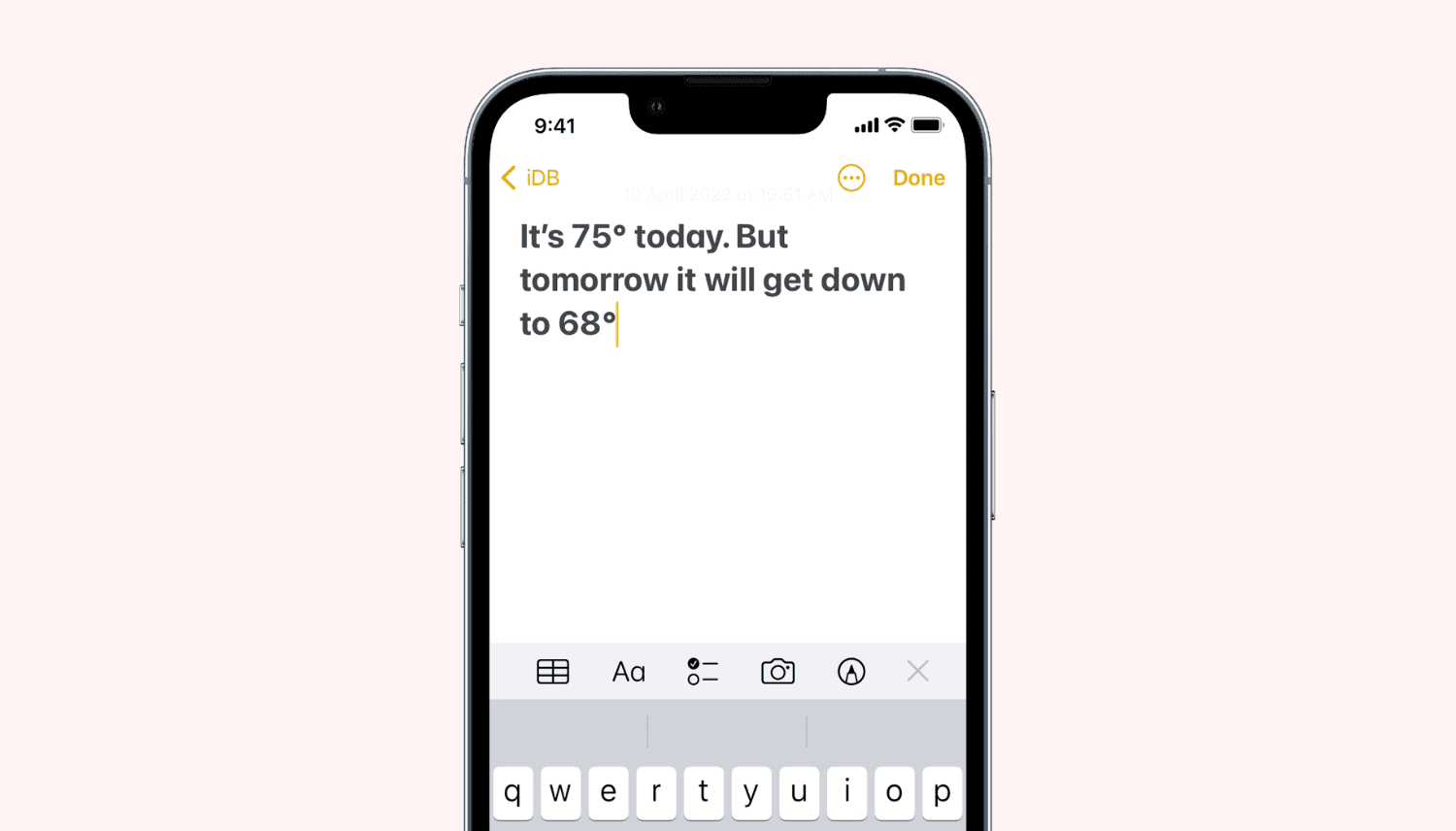
In this quick tutorial, we’ll show you how to insert the degree symbol (°) anywhere on your iPhone, iPad, and Mac without copying & pasting it off the internet. You don’t even have to use a third-party app!

Learn how to create and manage a list of Close Friends on Instagram, and share your story with only the people on this list.
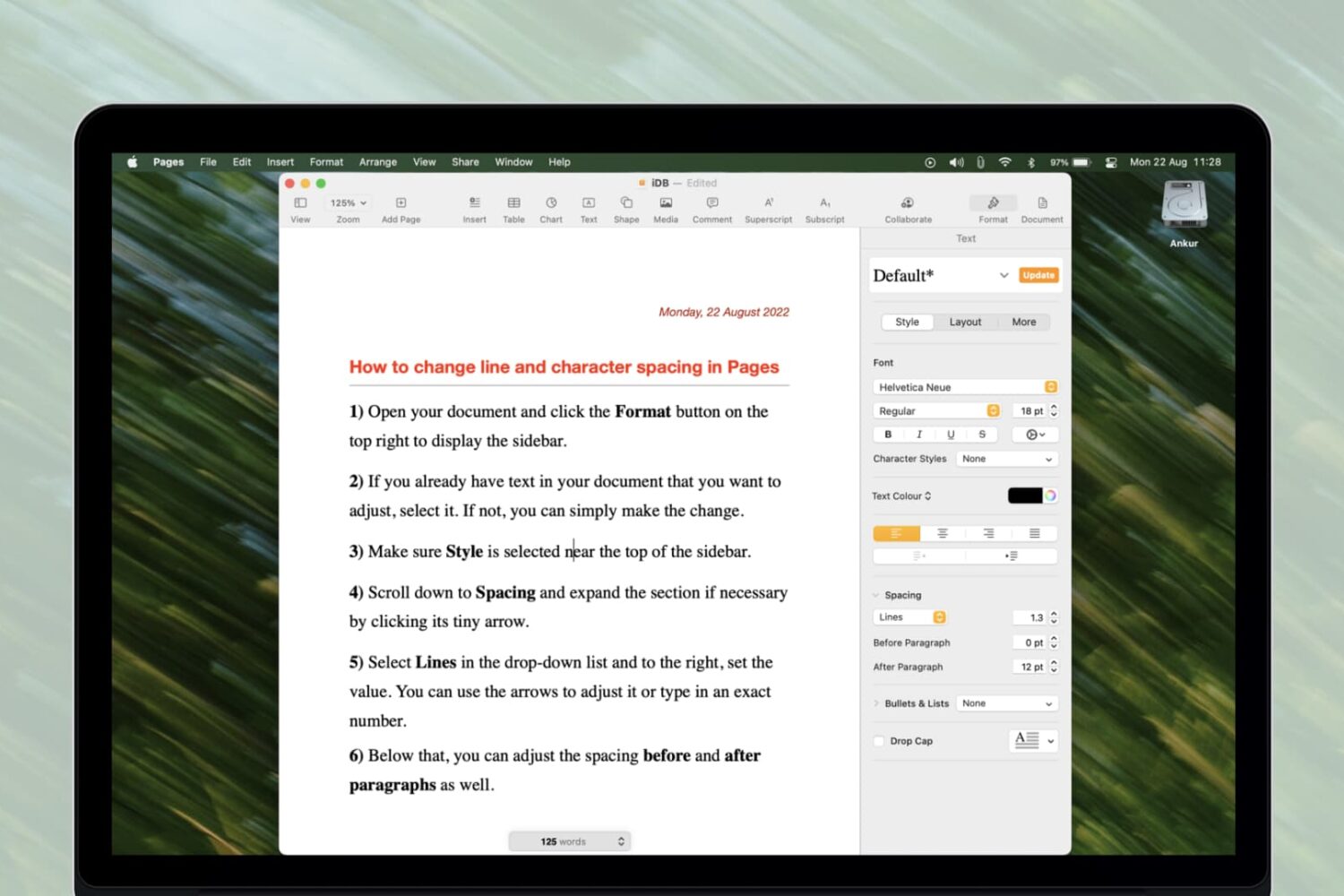
Learn how to change line spacing along with the space between characters in the Apple Pages app on your Mac, iPhone, and iPad for a more polished and readable document.
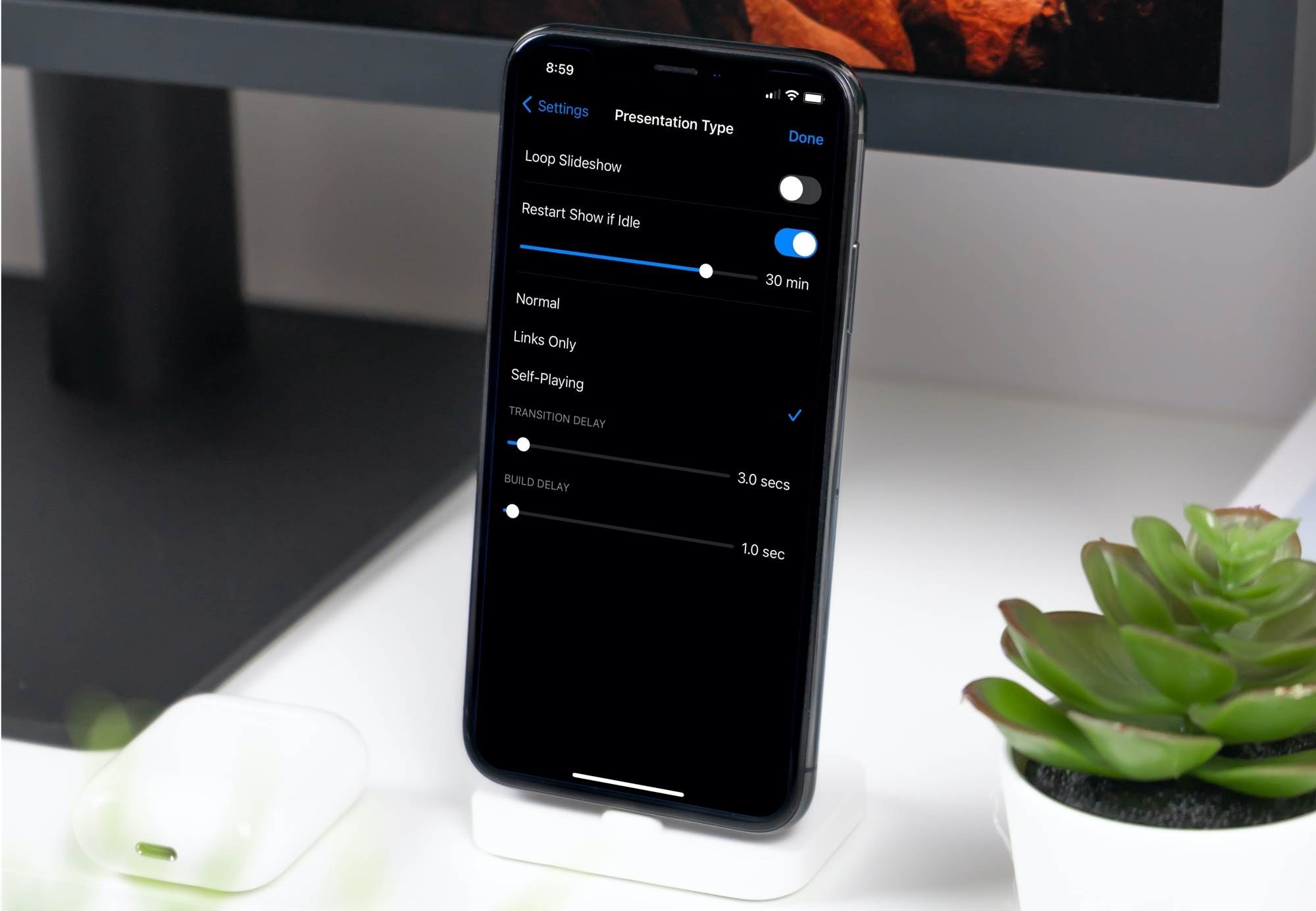
Learn how to set up your Keynote slideshow to play, loop, and restart automatically so your presentation keeps going without you having to interact with it continuously.

Learn how to reduce the amount of time you spend on Instagram by seeing your daily usage and setting a daily time limit. Once you cross that limit, the app will remind you to close it.
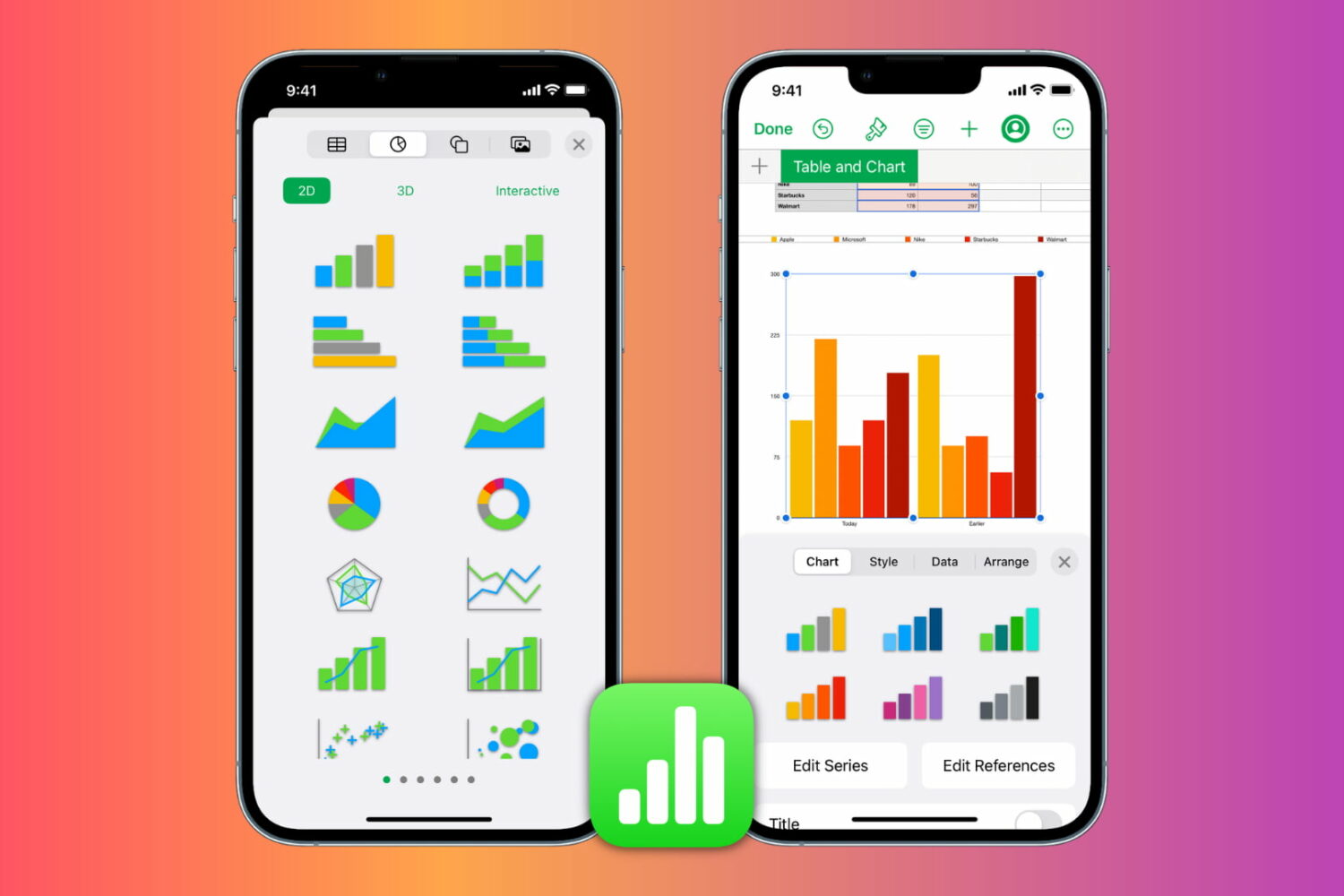
Learn how to insert, format, and edit graphs and charts in the Apple Numbers app on your iPhone, iPad, and Mac to present your information clearly and make your spreadsheets stand out.

Getting too many or too few notifications or emails from Instagram? Learn how to explore your Instagram notification settings and customize them to pause all alerts or get only the ones that matter to you.
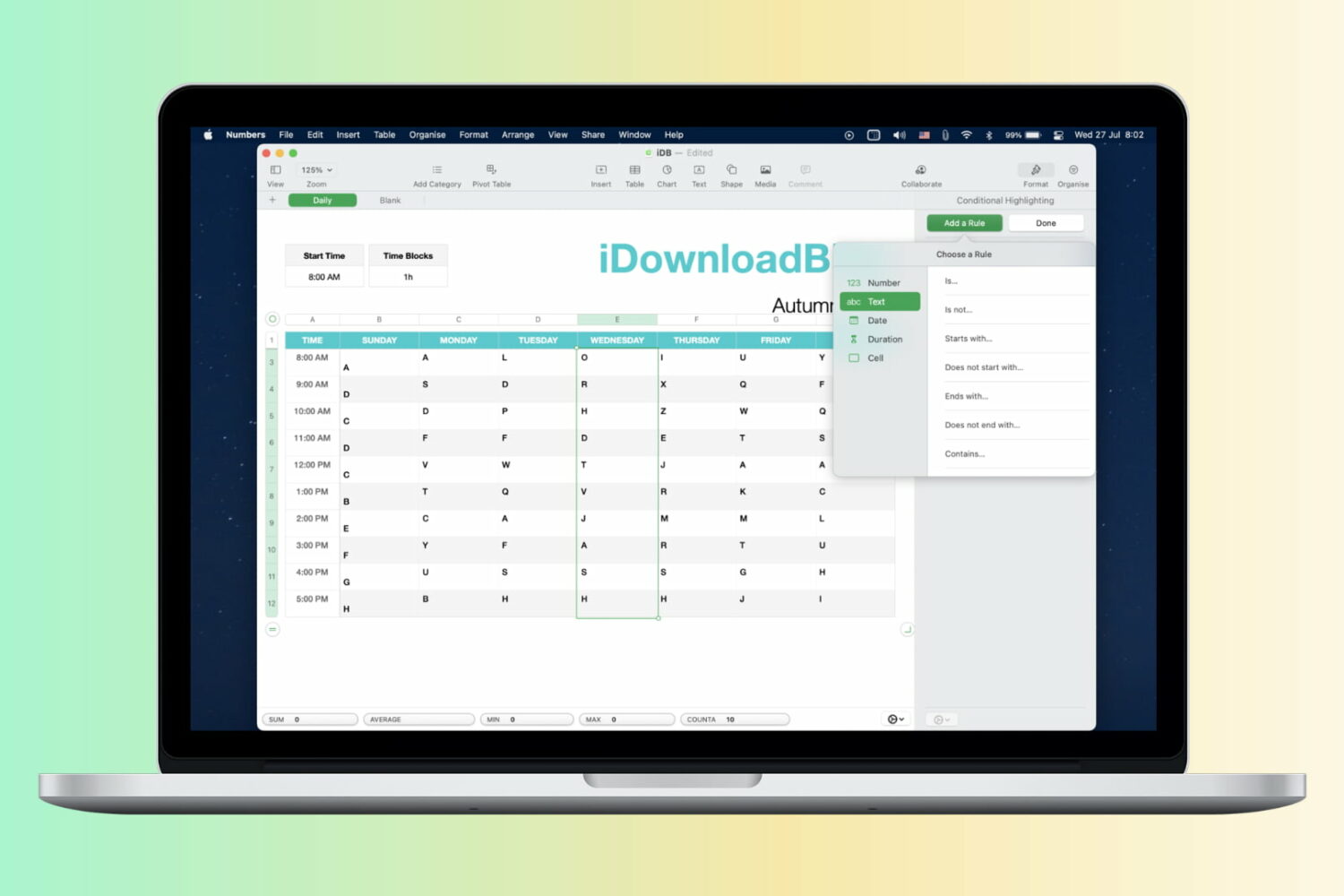
Learn how to automatically format cells in your spreadsheets based on rules by using conditional highlighting in the Apple Numbers app on Mac, iPad, and iPhone.
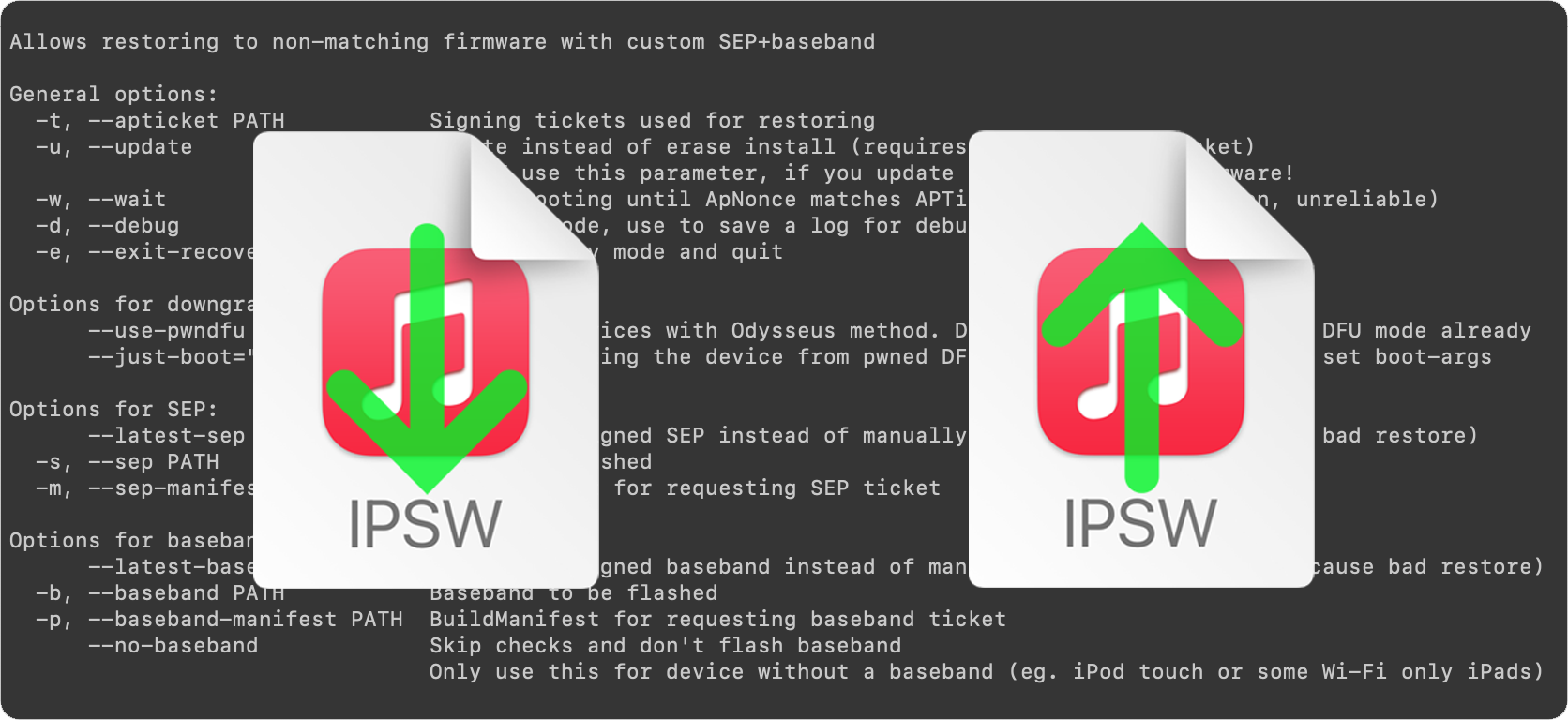
This is an introductory article which explains what futurerestore is and how it works, as well as how to follow our futurerestore guides to upgrade/downgrade your device.
Before attempting any of the guides, everyone should read this article. It explains whether the guides apply to you, and if they do, which ones you should follow, as well as making sure that you fulfil the requirements for it to work. Not everyone can use futurerestore.