Learn how to insert charts in the Apple Pages app and format them with data to make your documents stand out on Mac, iPad, or iPhone.
How to insert and format charts in the Apple Pages app

Learn how to insert charts in the Apple Pages app and format them with data to make your documents stand out on Mac, iPad, or iPhone.

In this step-by-step tutorial, we'll show you how to add music to your Instagram story to enhance your content with your favorite tunes.
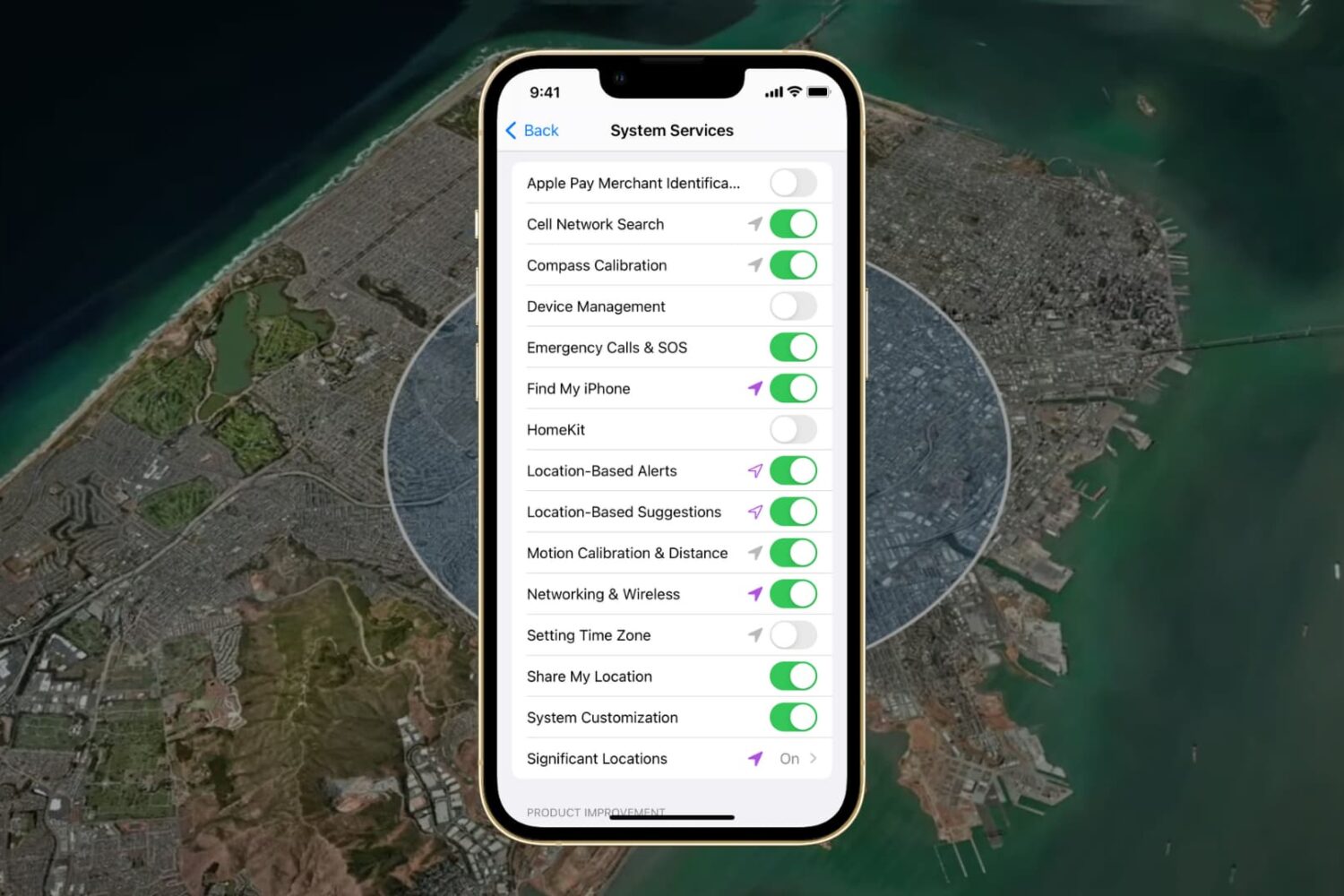
In this guide, we go over all the important options in your iPhone or iPad’s Location System Services section and help you decide whether to turn them off or leave them on.
Learn how to convert a PDF file into a Kindle book format and then send the book to your Kindle Paperwhite so you can read it comfortably whenever you want.
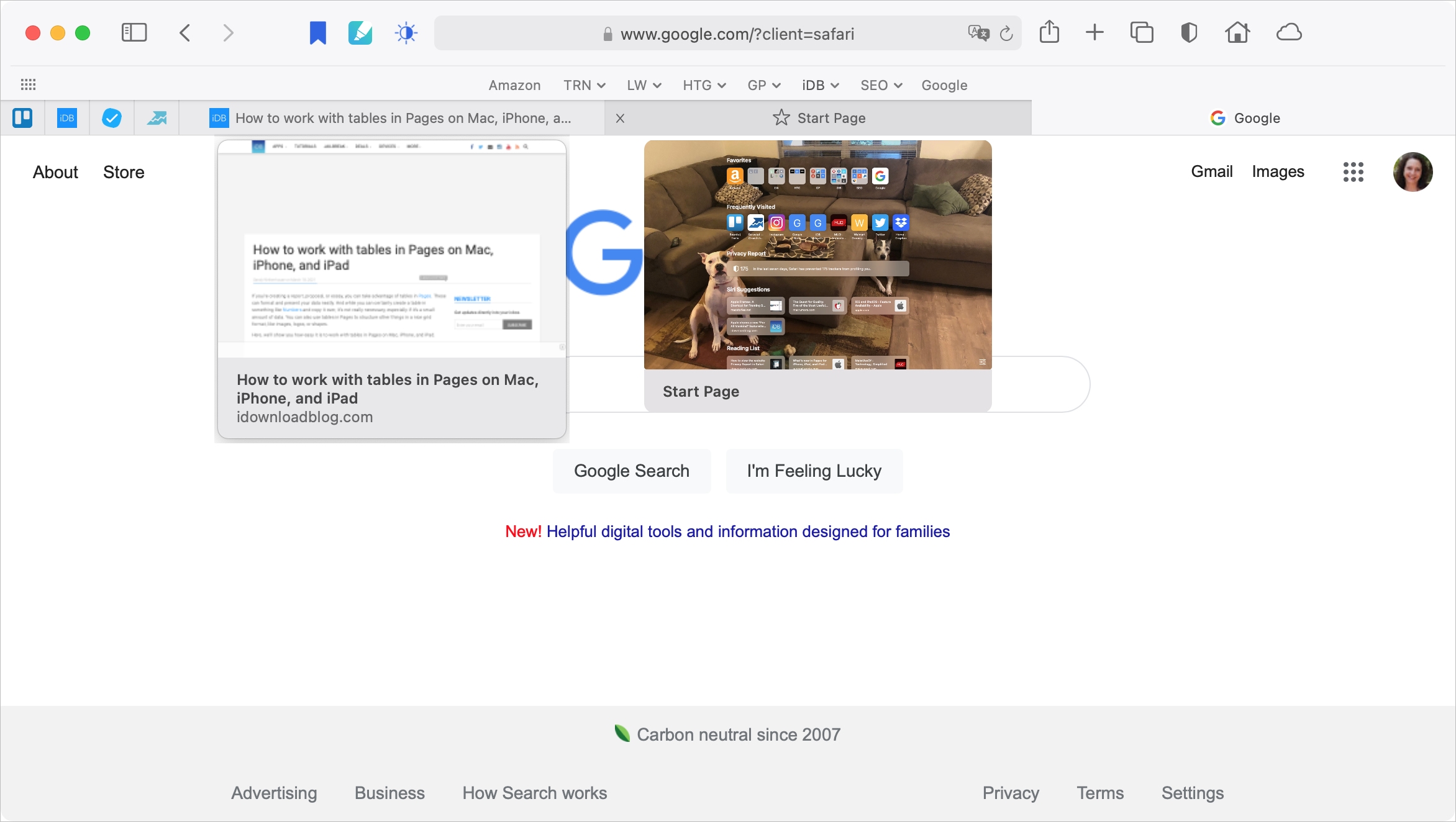
With Safari 14 on Mac came a cool feature for tab previews. This allows you to see a tiny snapshot of a webpage you have open in another tab when hovering your mouse over this tab. The thing with this feature is, it’s simply not for everyone. Some find it distracting. If you fall into this group, we’re here to help. Here’s how to disable the Safari tab previews on your Mac.

Learn how to group slides in Apple Keynote on your Mac, iPad, and iPhone to organize your presentation and arrange slides like an expert.

While many find suggested Instagram posts on their Timeline helpful for expanding their interests, others find them less than useful and even distracting. If you'd like suggested posts to stop appearing on your Instagram feed, we have good news and bad news. Have a look.
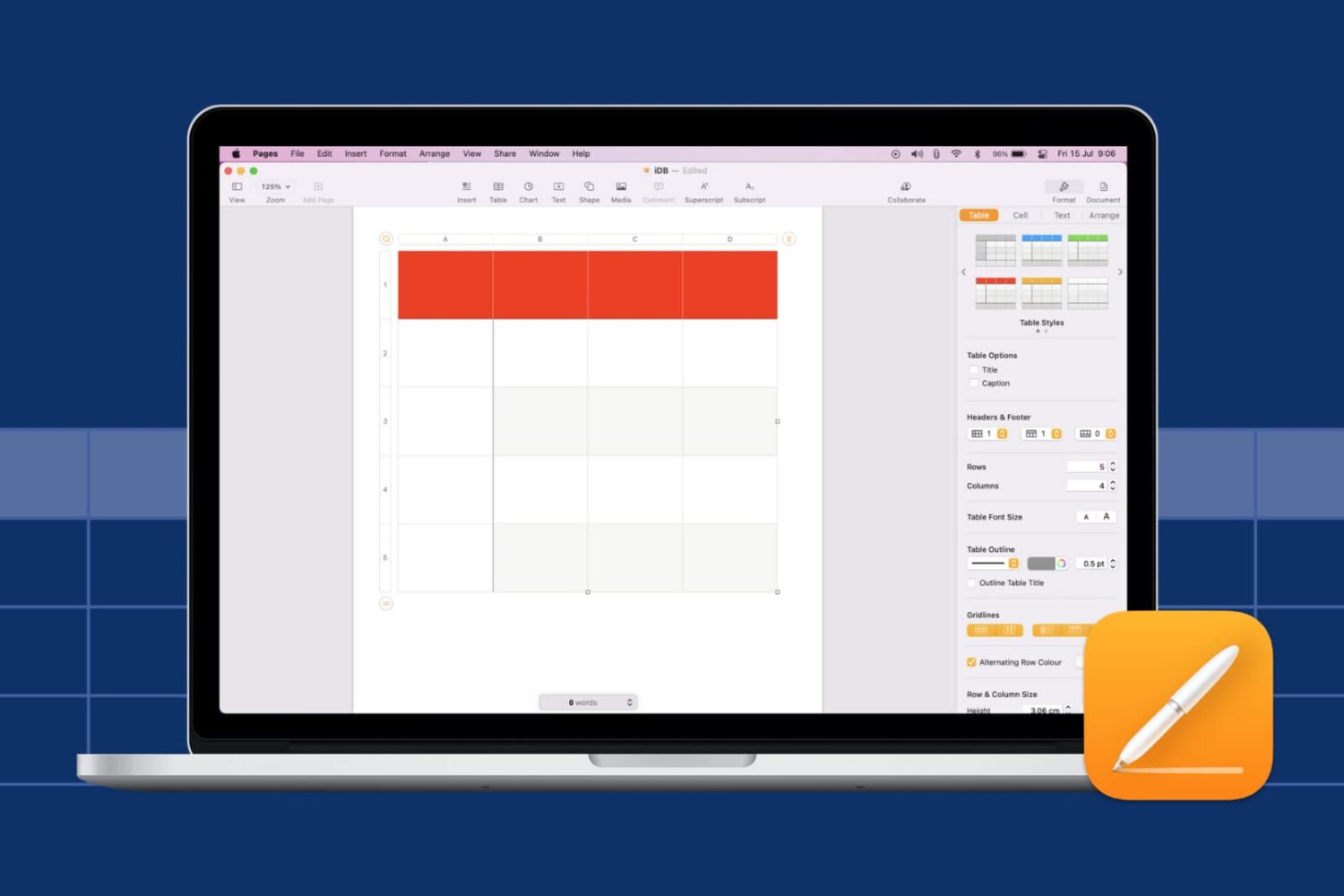
Learn how to insert and format tables in the Pages app on Mac, iPad, and iPhone to organize data and other items in your reports and documents.
When you jailbreak your iPhone or iPad with checkra1n or unc0ver, the tool automatically installs the tried-and-true Cydia package manager by default. What you decide to do or install from that point on is up to you, whether you choose to install Zebra, Installer, or even Sileo. That’s right… we said it.
Sileo has long been thought of as a proprietary package manager for CoolStar’s jailbreaks such as Chimera and Odyssey. But now that Sileo is officially open source, it’s likely that we’ll see a lot more happening with Sileo in the foreseeable future. One such example would be Sam Bingner's Sileo fork, which makes installing the Sileo package manager on unsupported jailbreaks incredibly easy.
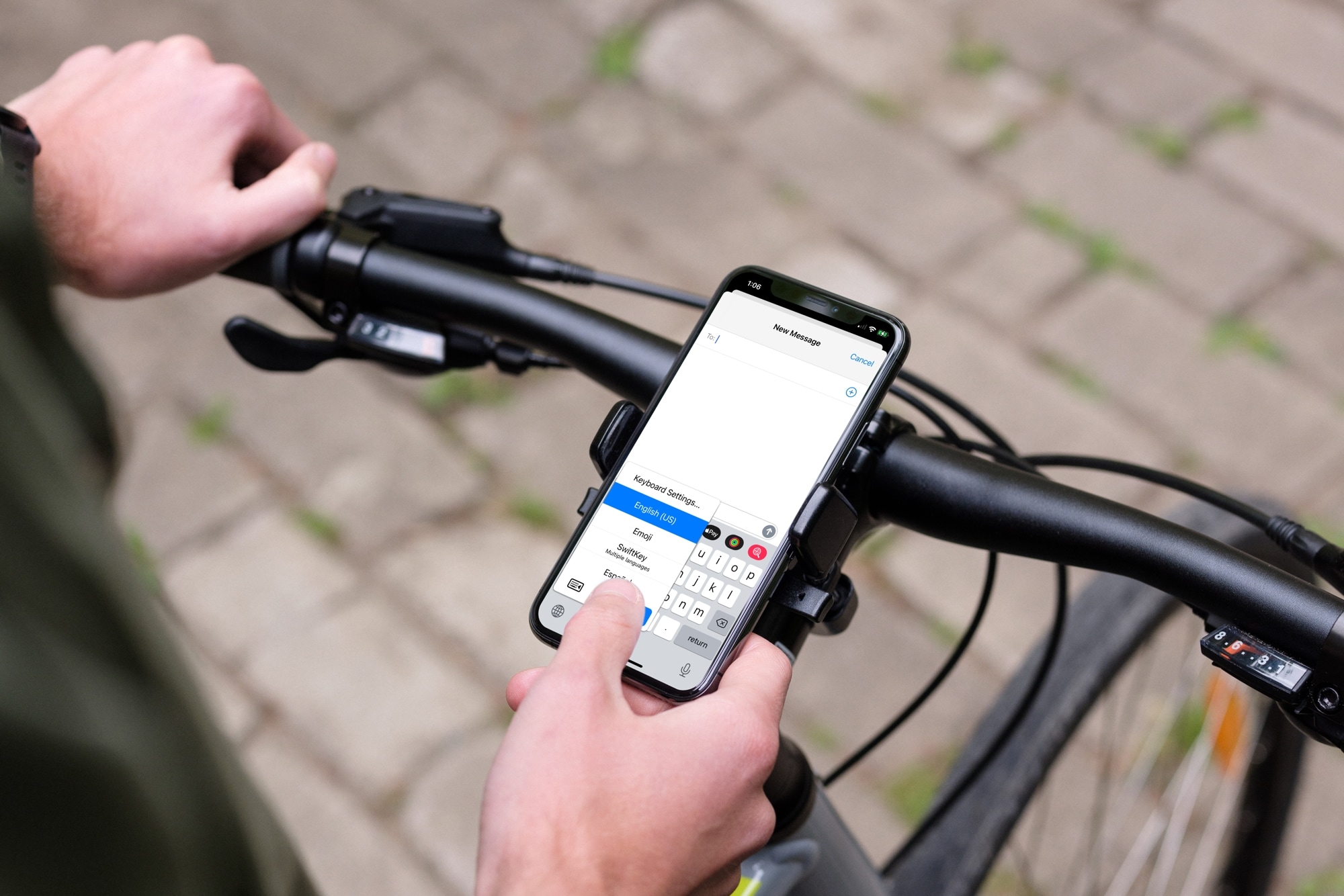
Check out these seven handy tips to use your iPhone keyboard like a pro and start typing faster than ever!

Learn how to add a check box, star rating, slider, stepper, or pop-up menu in the Numbers app on your Mac, iPad, and iPhone for better data visualization and interaction.

Learn how to use the archive feature on Instagram to move your published posts to a hidden section that's only visible to you and nobody else on the platform.