Learn how to close all open Finder windows on your Mac in one fell swoop and save time instead of closing them one by one.
How to close all Finder windows at once on your Mac

Learn how to close all open Finder windows on your Mac in one fell swoop and save time instead of closing them one by one.

Adding tweets and Twitter videos to your website can add an interactive and engaging element to your content. In this tutorial, we will walk you through the simple process of embedding tweets and Twitter videos onto your blog or website, allowing you to enhance your content and engage your audience.

I don't think anyone takes more screenshots than an Apple blogger. They're particularly convenient when doing an app review where you want to illustrate the post with proper screenshots showing the app in action. Oftentimes, we like to put screenshots side by side to give an even better overview of the app, which isn't always a straightforward task.
Up until now, my workflow consisted of AirDropping screenshots to my iMac, and using a combination of Keyboard Maestro shortcuts and Pixelmator stitching. Painful! But thanks to a new app called LongScreen, this workflow is now considerably streamlined.
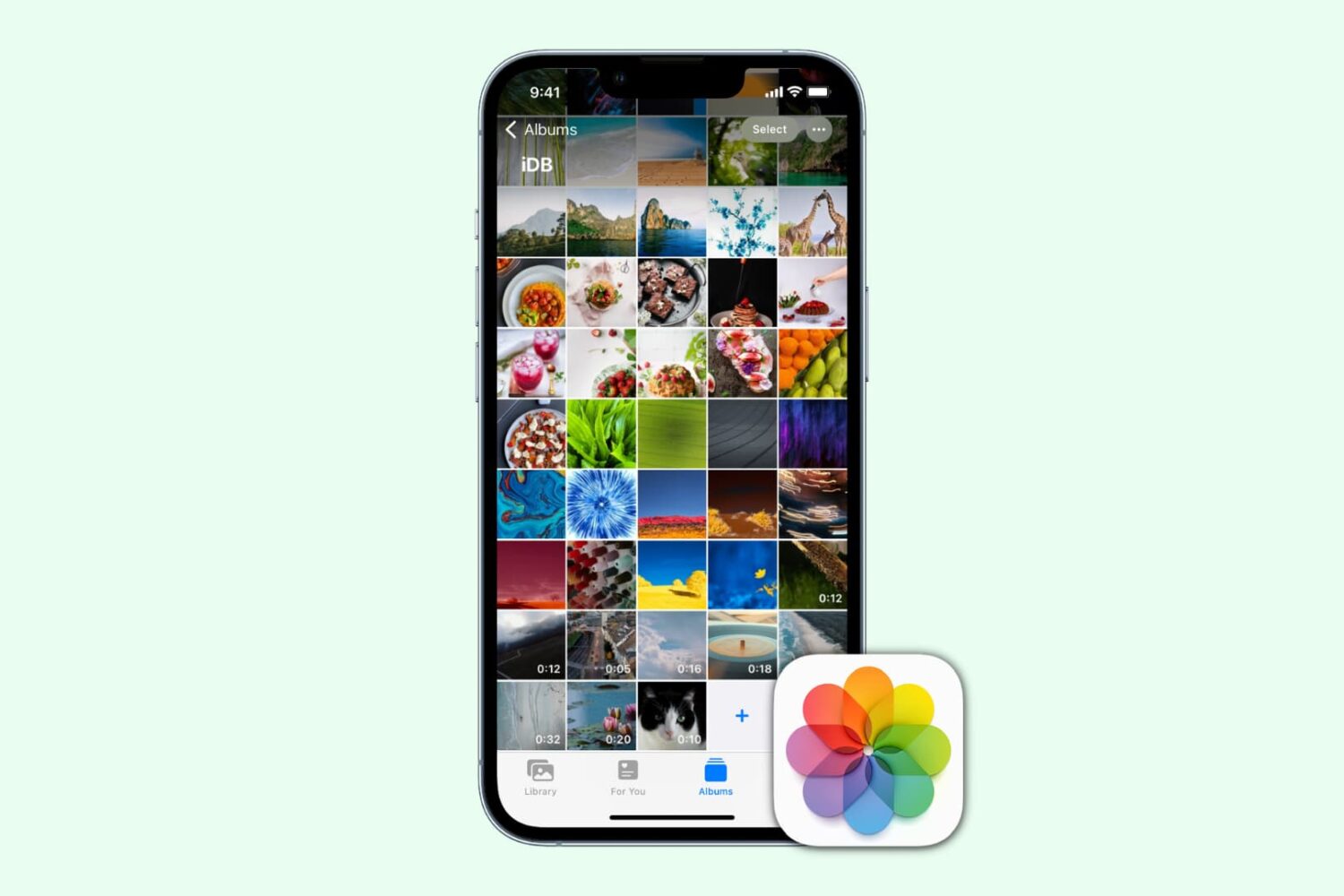
Do you have a massive number of photos in your iPhone’s Camera Roll? Do you wish you could quickly delete that series of pictures you took while watching your niece’s ballet recital but want it to be easier than selecting them individually and then throwing them away?
Well, you are in luck. Third-party iOS apps can delete photos from your Camera Roll for you. All you have to do is find the app you like the best to accomplish that. Here's a list of apps that we think are the best for mass deleting photos from your iPhone or iPad.

The ability of apps to work together by means of the new extensions feature in iOS 8 is one of the best new additions to Apple’s mobile operating system.
Like any new and highly anticipated feature, developers have begun to jump on the ability to add support to their apps. While there is no shortage of apps that feature extensions on the App Store, I’ve created a list of five extensions that I think are really great. Not only are they useful, but they highlight the power of inter-app communication.
Inside, I’ll show you five great extensions for iOS 8. Check out the video overview after the break.

If you participate in the digital information age through blogging, then you know how difficult it is to keep up with your daily posts. Whether you are just too busy, or don’t want to sit in front of your computer after your workday is over, writing and publishing can be a daunting task.
There are a handful of excellent mobile apps that make it easier to stay active in the blogosphere while on the go. We’ve got a list of what we think are the best blogging apps for the iPhone and iPad for you today.

In this guide, we’ll show you how to remove recent and other email addresses from the recipient autofill field in the Apple Mail app on your iPhone or iPad.

Diabetics must pay close attention to the things they do and don’t put into their bodies. Keeping track of important data can be a daunting task.
We’ve got a list of what we think are the best apps for diabetics. Check them out to see if one of them is right for you.
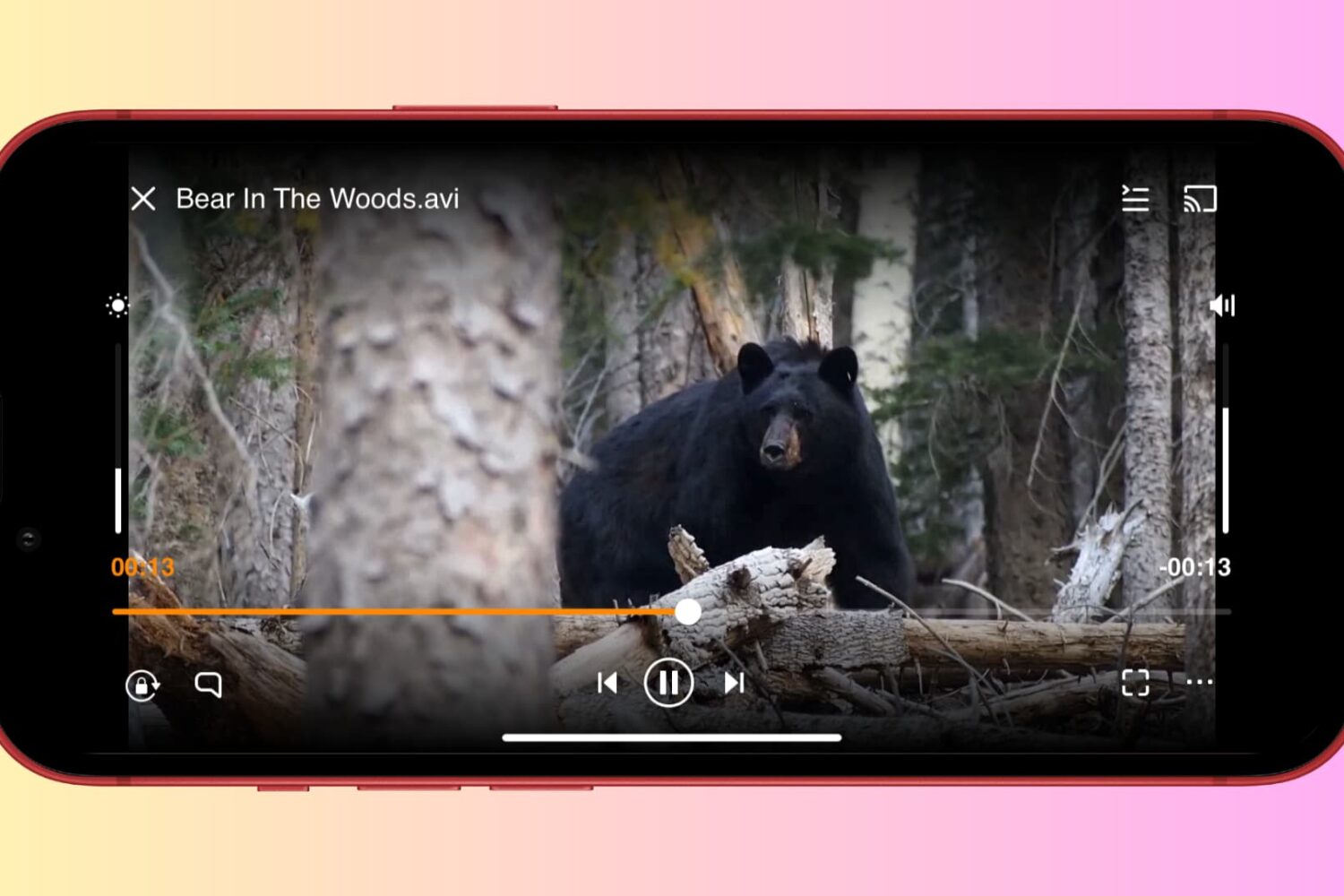
Find out how to watch videos and movies in AVI format on your iPhone, iPad, or Mac using free video player apps, as Apple’s own media apps don’t support AVI natively.

Learn how to remove the GPS location data from your photos directly from your iPhone or iPad to prevent accidentally disclosing it when you send it to someone via email, AirDrop, and more.

Unlock a wealth of information hidden within your iPhone photos, including EXIF and GPS data, by learning how to view their metadata.

We recently published a post about how to send a group email from your Mac, so we figured we would have a similar one about sending group emails on iPhone as well. Of course, some of you may think it's easy to send a group email on your iPhone. Just fire up the Mail app, and add every contact you want to send the email to.
That sure works, but it's not very practical, especially if you want to send a group email on a regular basis to 20 contacts, for example. We do have a better solution to offer, and in this post, we will show you how to send a group email from iPhone.