Apps

How to stop ‘Up Next’ videos from autoplaying on YouTube

One of my pet peeves with YouTube is how after completing a video, the service shoves a new video down your throat with a feature called "Up Next," which gives you a 15-second time frame to click the "X" button at the top right of the video before the next video starts to play.

Sounds familiar? If you feel the same way, then you've stumbled upon the right tutorial, because we're going to be showing you how you can disable this feature right from the YouTube website without installing any plug-ins, hacks, or other crazy stuff.


Be more productive in Mail with these 3D Touch shortcuts

Apple's Mail is a great place to start trying out iOS's time-saving 3D Touch interactions on your iPhone. With 3D Touch, not only can you create a new email and jump to your inboxes right from the Home screen but manage your emails more efficiently with in-app Peek and Pop gestures.

In this tutorial, you will learn about all the ways Mail takes advantage of 3D Touch to make you more productive by letting you preview emails, contacts, web links, as well as embedded dates and times, airline codes, package tracking numbers and more.

The best ways to store your iPhone photos in the cloud

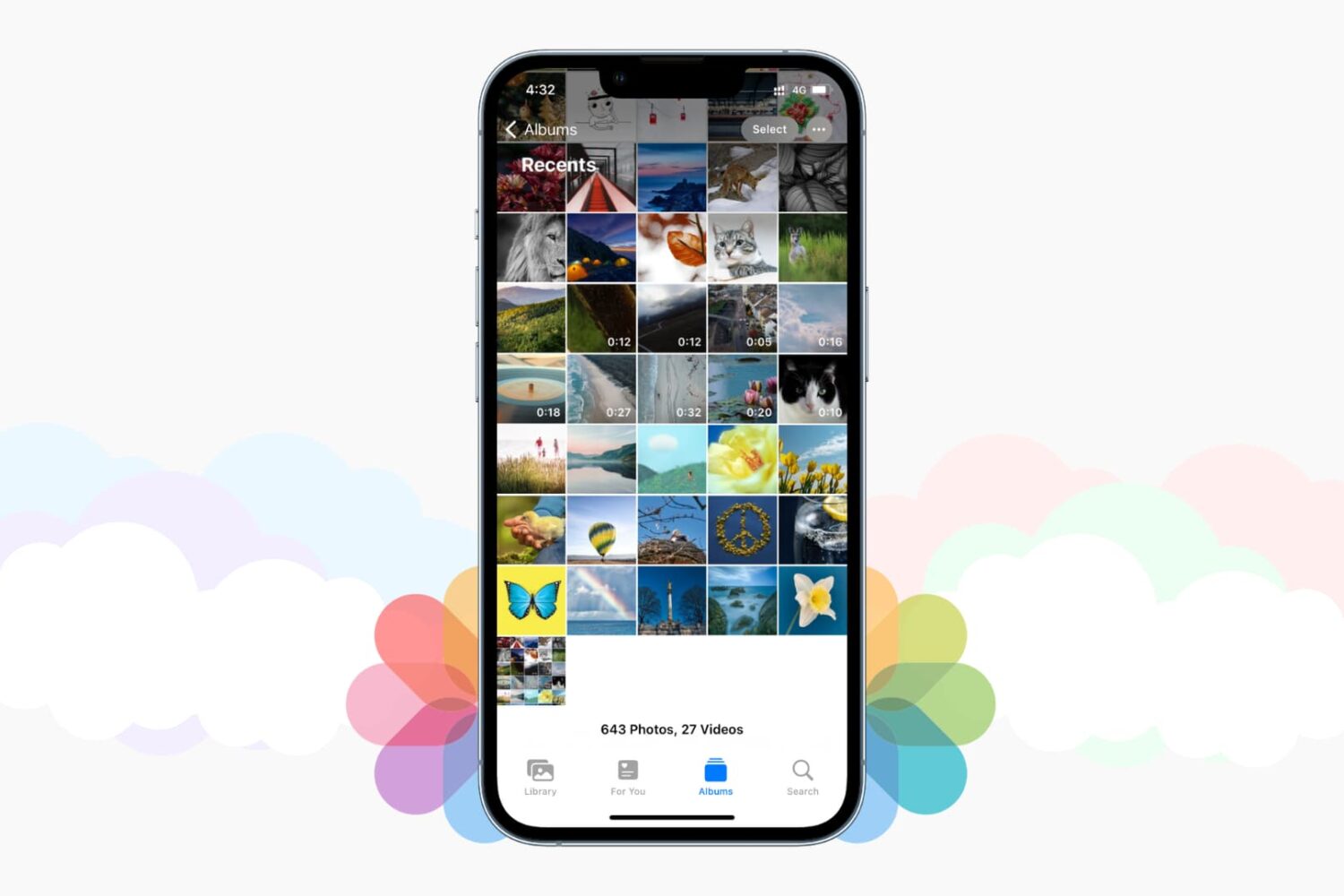
Save iPhone photos to best cloud storage options

Those high-quality snaps and videos you take on your iPhone, iPod touch or iPad can pretty quickly eat up all of the available storage space on your device.

There are a number of techniques to increase your free storage, like deleting apps you no longer use, emptying system caches and so forth, but they all pale in comparison to the simplest of solutions—actually moving storage-hungry photos and videos off your device to safely store them in the cloud.

In this post, we'll tell you all you need to know about the most popular cloud storage solutions. We're going to detail backing up your media to each of them and discuss recommended strategies for freeing up as much storage space as possible without destroying your personal memories or changing your workflow much.

9 ways 3D Touch can make you more productive in Safari

Safari, one of the most popular stock applications on your iPhone, iPod touch and iPad, has gotten some sweet 3D Touch love in iOS.

If you own an iPhone 7 or later, you can Peek and Pop web links, bookmarks, Shared Links and Reading List items, enter Safari's private-browsing mode or open new tabs right from the Home screen, and then some more.

In this post, we'll take you through the nine ways you can use 3D Touch in Safari to browse the web faster and access popular features with fewer taps than without it.

How to mute tabs in Safari on your Mac

Like pinned tabs, tab muting isn't a new idea, as it's been implemented in other web browsers in the past. But starting with OS X 10.11, Apple has brought native tab muting to the Safari browser.

The ability to mute tabs at will brings more control to the user. It's especially beneficial when encountering those annoying auto-playing advertisements.

In this video walkthrough, I'll show you how to use Safari tab muting, and explain its ins and outs.

How to change or reset your iPhone voicemail password

When iPhone first came out in 2007, it was the first device to include Visual Voicemail, a feature that allows users to view their voicemails, scroll through them, and of course listen to them, directly from the device. With Visual Voicemail, no need to dial a number and go through an automated message system to listen to your voicemails.

Since everything is now handled directly on the phone, you can also change your voicemail password directly from your iPhone.