Check out these must-know keyboard shortcuts for the Apple Mail app on Mac so you can streamline your workflow and speed things up.
10 useful keyboard shortcuts for the Mail app on Mac

Check out these must-know keyboard shortcuts for the Apple Mail app on Mac so you can streamline your workflow and speed things up.

In this piece, I will share my top five macOS apps that I have configured to start up automatically when I power on my Mac.
From accessing online resources to resolving network issues, this guide will show you how to use Safari when you enter macOS Recovery or Internet Recovery Mode on your Mac.

Check out ten simple commands you can perform with Terminal that could be of use to you now or in the future.
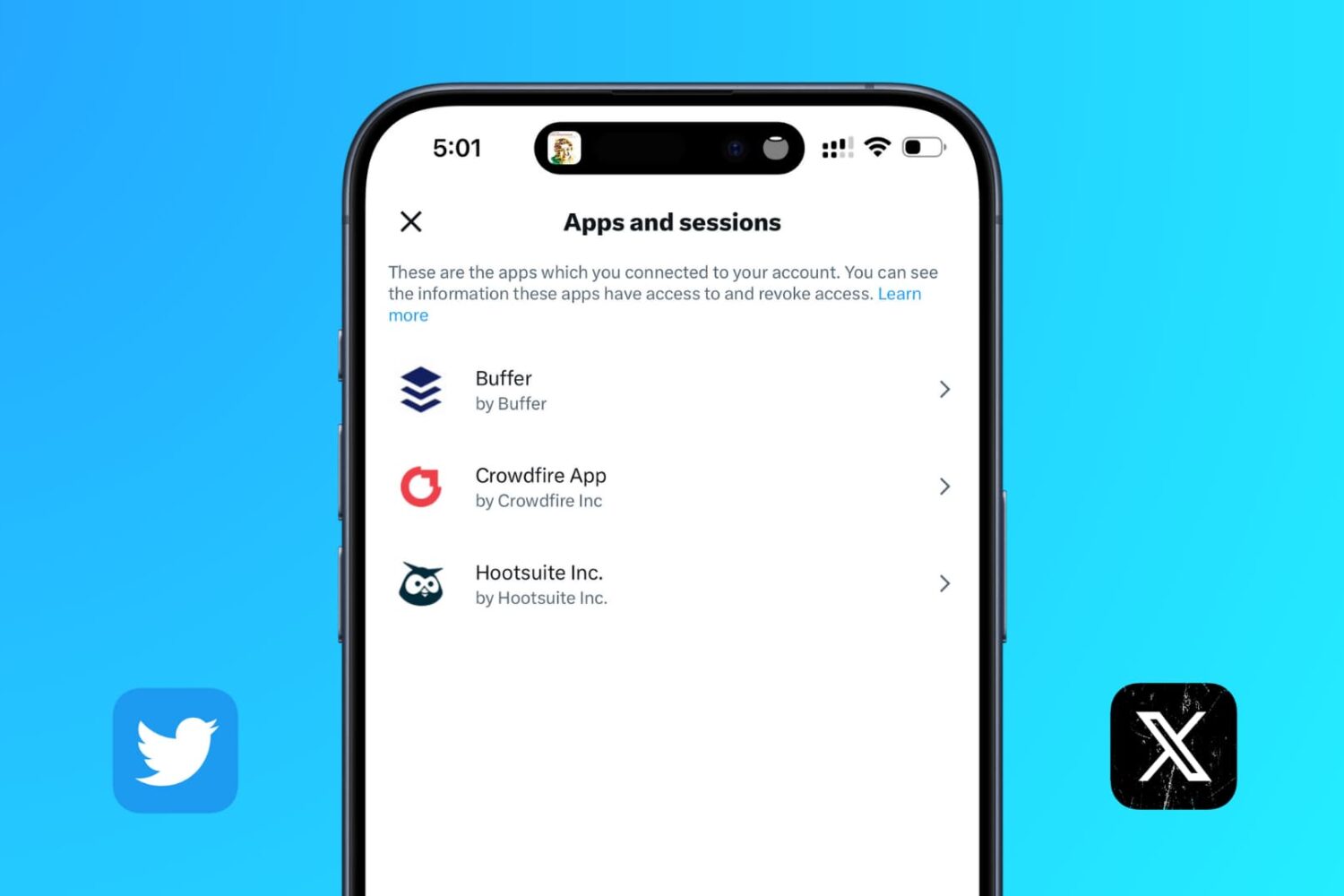
Learn how to revoke permission for apps connected to your X (formerly called Twitter) account so you can clean it up and remove old, unnecessary apps from having access to your account.
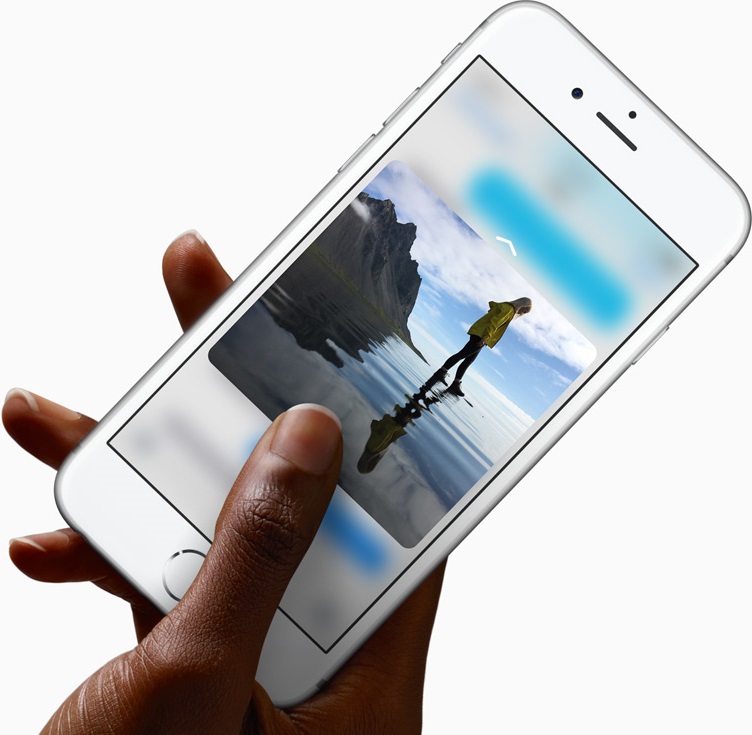
We have covered dozens of the best 3D Touch uses in Apple's most important apps, like Messages, Safari, Mail, Camera, Maps and a few others. Today, we explore how 3D Touch on the iPhone elevates your experience in Photos, one of my favorite stock apps.
With 3D Touch, you can animate a Live Photo and make your wallpaper come alive with a deep press, peek at your photos and videos within the stock Photos app, go to your best photos and see what you were snapping up this time last year, right from the Home screen, and much more.

Twitter recently unveiled a new feature that lets you elect to have the service surface new and interesting content at the top of your timeline since your last visit.
Called “Show me the best tweets first,” it's a staggered release so not everyone may have it at the same time although the majority of Twitter's user base should now see this option in their settings.
This post will take you through the steps you need to take in order to enable this feature in Twitter's mobile apps and in the desktop interface, so that you never miss important updates from people you follow.

In this tutorial, we show you two easy ways to temporarily keep your Mac from falling asleep, dimming the display, or showing a screensaver for as long as you need to.

Although neither Apple's Safari nor Google's Chrome browser can extract files from ZIP archives on iOS, it has been discovered that Apple's Notes app lets users view the contents of ZIP files by taking advantage of iOS's built-in file attachment viewers.
Starting with iOS 9, Notes has received several new features, among them support for adding content to a new or existing note through iOS's multi-purpose Share menu in apps like Safari, Maps, Pages and more.
As it turns out, you can also use iOS's Share menu in conjunction with the “Open In” feature to add a downloaded ZIP file to a note on your iPhone, iPod touch or iPad.
The quest for internet privacy and security is no game these days; hackers with malicious intent are really out there and they want your valuable personal information.
One way to protect yourself is with a virtual private network (VPN), but there are lots of VPN options out there to choose from – both free and paid. Picking a VPN that's right for you can be tough, and many people are concerned about their privacy while online.
In this piece, we'll be giving you our opinion on the Private Internet Access VPN; a paid VPN service that holds a solid reputation among its many users.

Whenever an awesome photo opportunity presents itself, I instinctively grab my iPhone, launch the Camera app and press the shutter button.
But boy, way too many times did I find myself in the wrong camera mode. One time, I would realize I was shooting video instead of taking a great picture. Other times I would snap a selfie, whereas I wanted to take a quick photo of my neighbor's dog jumping in the air catching her frisbee.
3D Touch can help avoid such distractions when you're in the middle of your photography moment. With a little help of 3D Touch shortcuts and gestures, iPhone owners will hopefully never miss that important shot again.
3D Touch lets you take a selfie or start shooting video from the Home screen, review the photos you’ve taken without leaving the Camera app, play Live Photos with a press and more. In this tutorial, we'll take you through every 3D Touch-enhanced feature that's available to iPhone photography fans in Apple's built-in Camera app.

Heavy Mac App Store users will download, install, and delete apps from their Mac all the time. It may be because you're interested in experimenting with new utility releases, downloading games to get a thrill, or checking out the productivity apps that developers claim to be the "best" out there.
Through all this downloading, installing, and deleting, you may want to check out one of the apps you remember using from a long time ago to see if it got any cool new updates, and sometimes you don't particularly remember what the name of said app might be.
Fortunately, the Mac App Store comes with a way to see your purchase history, allowing you to see all of the apps you've ever downloaded from the Mac App Store whether they were free or paid ones. In this tutorial, we'll show you how to see your Mac App Store's download history.