Want to take a screenshot without touching any physical buttons on your iPhone? In this quick tutorial, we’ll share some easy ways to do just that.
4 ways to screenshot on iPhone without using buttons

Want to take a screenshot without touching any physical buttons on your iPhone? In this quick tutorial, we’ll share some easy ways to do just that.
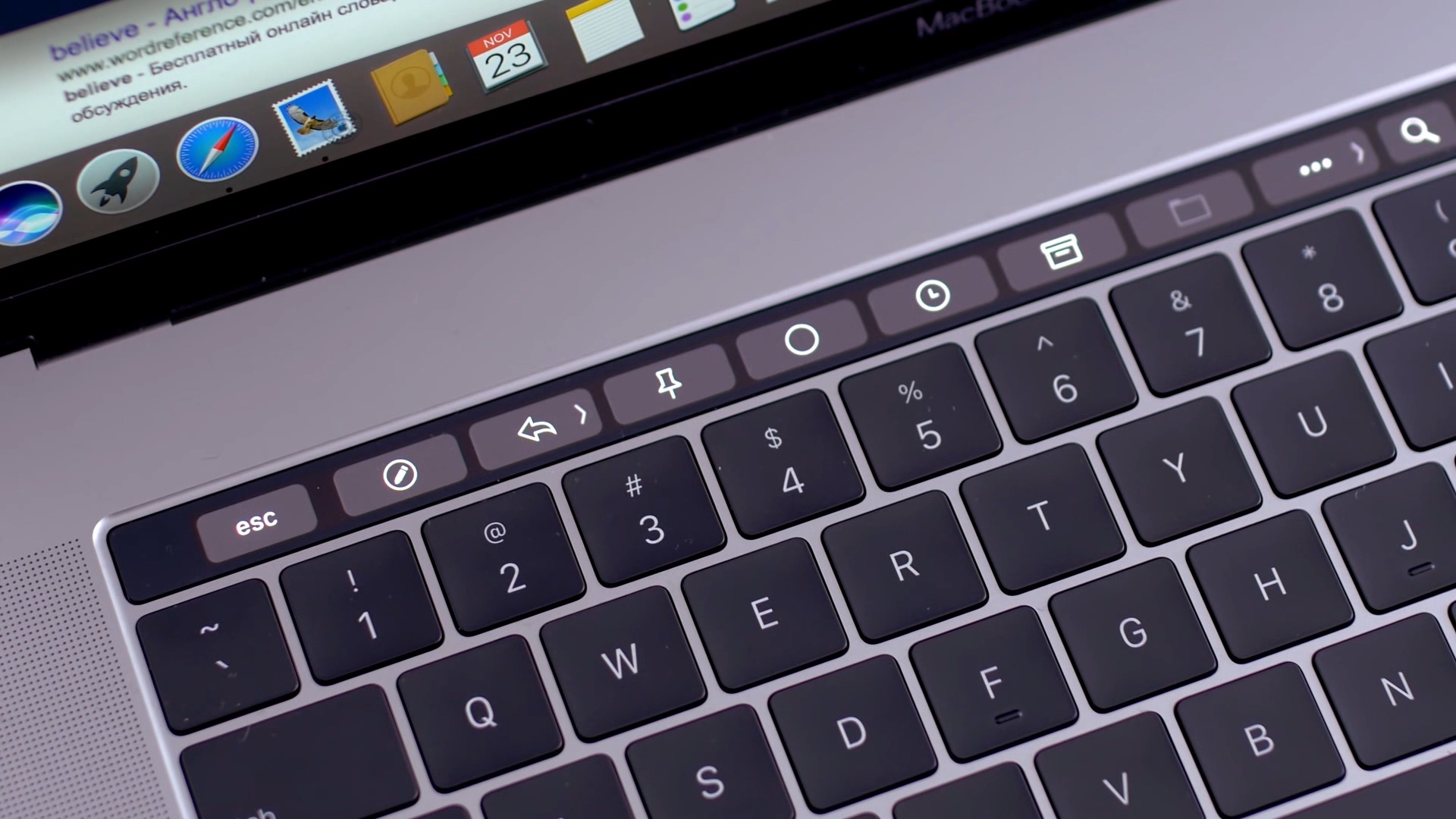
Apple introduced the Touch Bar on the MacBook Pro in 2016, and it's been included on the 13-inch as well as 15-inch model ever since. The OLED touch strip on top of the keyboard replaces the Function keys, but adds plenty of extra features. The Touch bar will adapt to the app that you're using and provide shortcuts and best controls for that app. Some people love the Touch Bar, but there are some who don't like it.
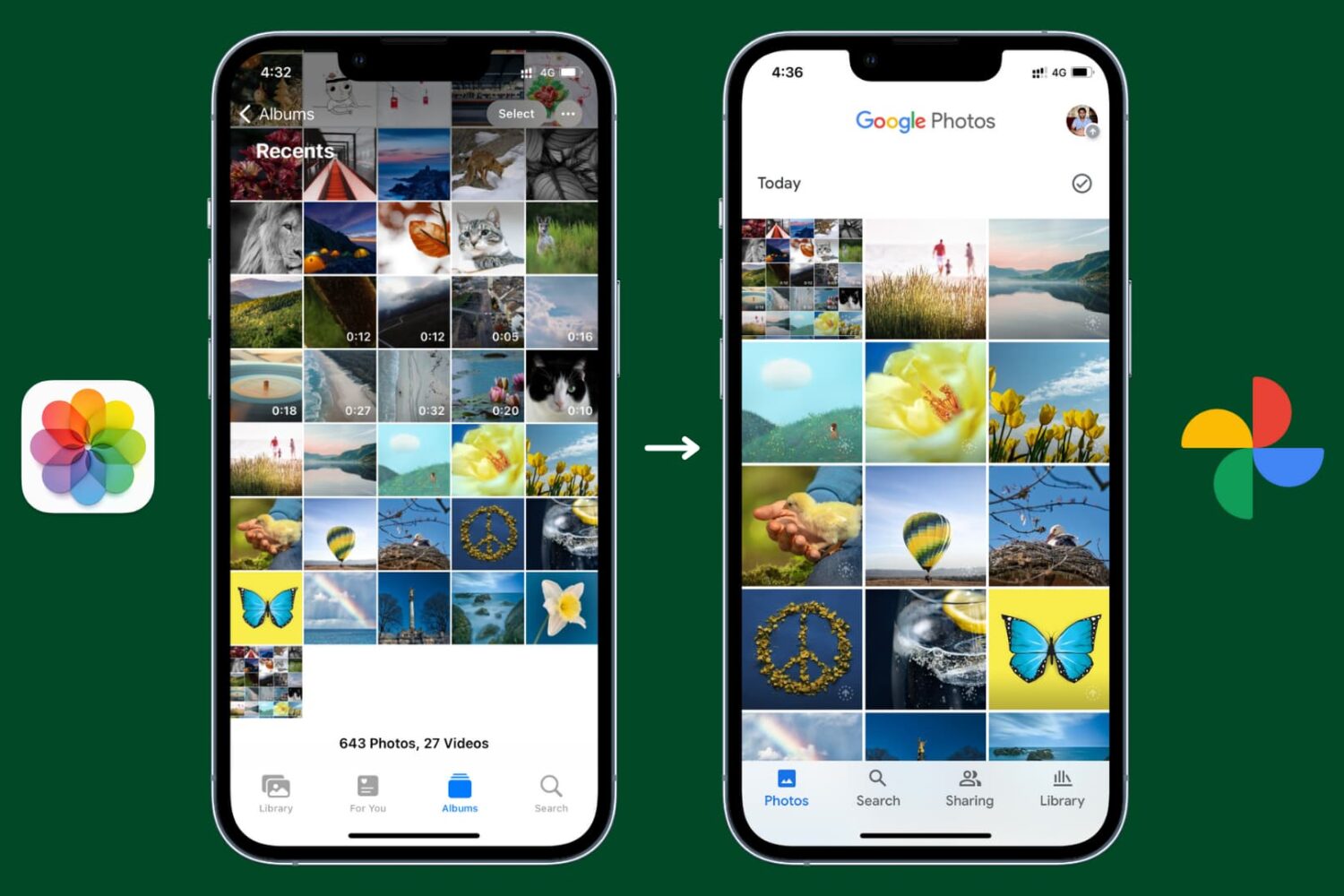
Learn how to back up your pictures and videos with Google Photos for iOS, which offers much more free storage and clients for all major operating systems, instead of Apple's iCloud Photos.
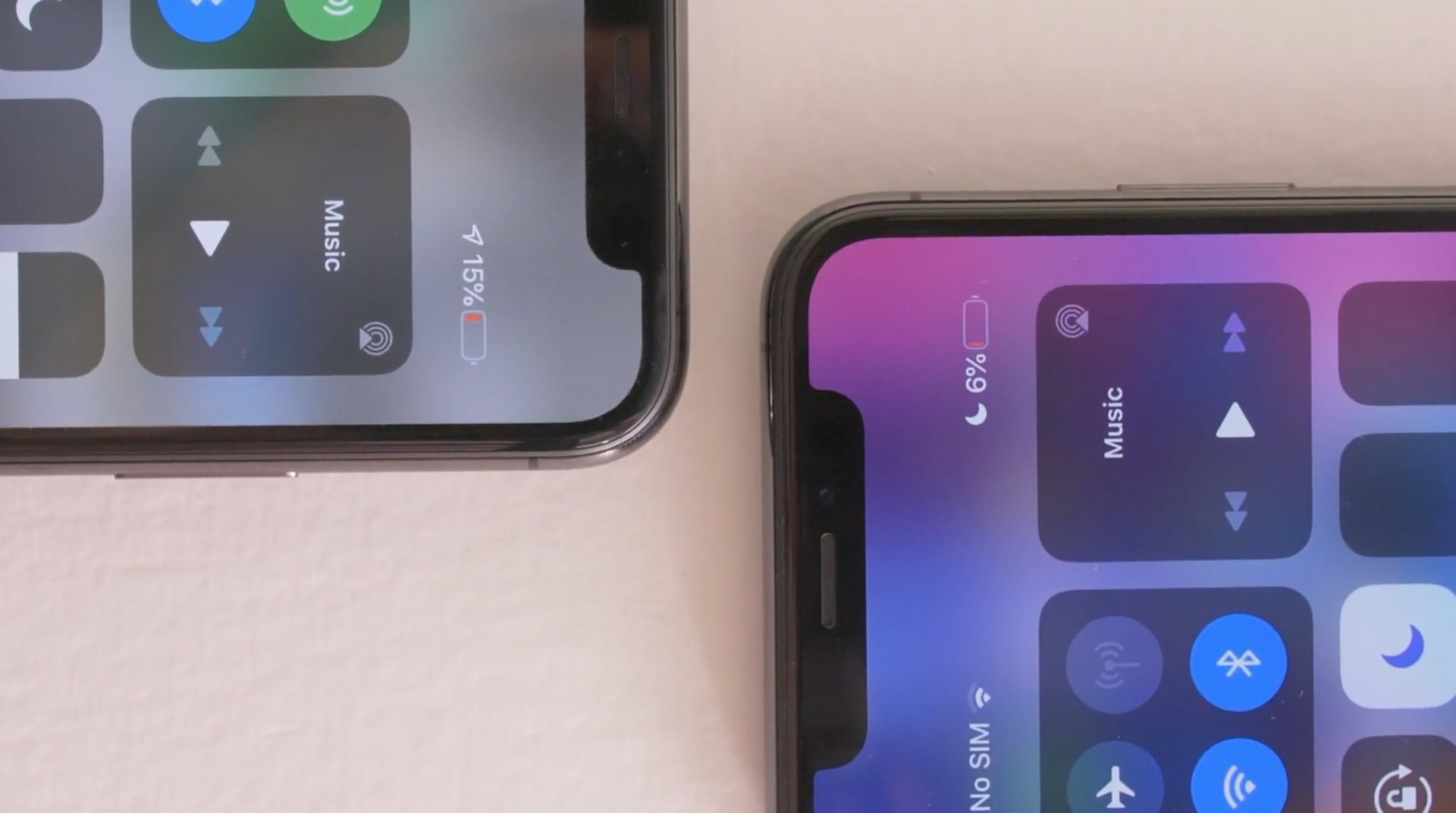
With the release of iOS 14.5, Apple brought a fix for iPhone 11 users who were facing inconsistent information regarding battery health. The update will recalibrate the battery on iPhone 11, iPhone 11 Pro, and the Pro Max models. Due to the issue, users faced sudden battery drains, and reduced performance, despite nothing being wrong with the battery.
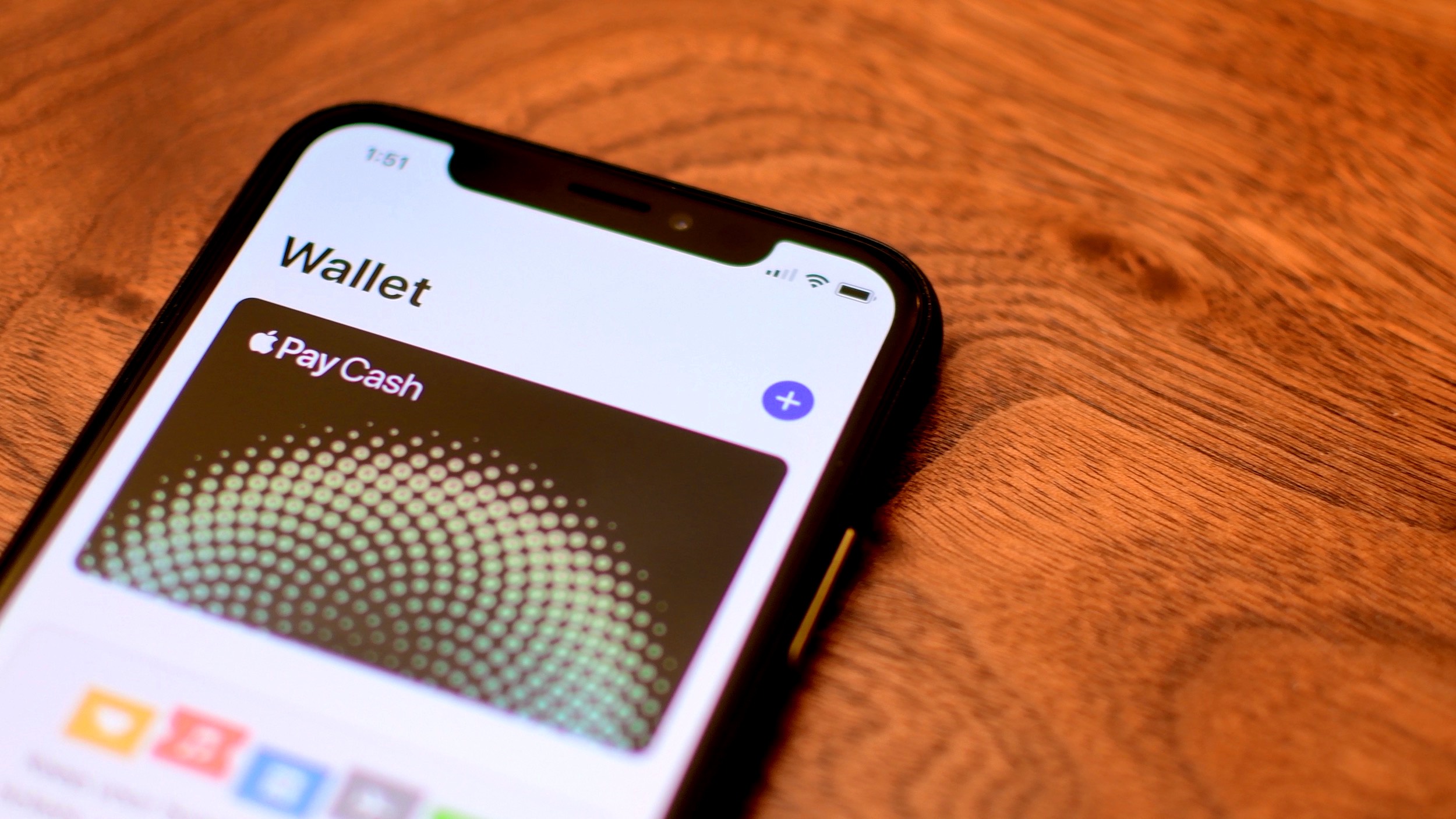
Learn how to disable Apple Pay remotely if you have misplaced your iPhone and don’t want to leave even a slight chance of the thief using your money.

Learn how to enable and use Low Data Mode on your iPhone to save data, extend battery life, and manage app data usage efficiently.
Learn how to screenshot the full page in any iPhone app to capture everything in a single tall image instead of taking multiple screenshots.

If you're a budding programmer with a new Mac, and want to start coding, then you may be wondering how to install Git on macOS. Git is an open-source version control system that's used by coders, developers, and programmers all over. You will be able to use Git to maintain a code log, collaborate with other coders, track errors, and more.
Here's how you can install Git on macOS and get started with coding. Of course, before we begin, make sure you have a Mac machine and know how to use the Terminal.

Check out two easy methods to turn off the warning pop-up you see when you change the extension of a file in Finder on Mac.

Check out these four easy ways to share Wi-Fi password from your iPhone or iPad to an Android device, such as a phone or tablet.

Check out 3 effective ways to locate a lost or misplaced Apple Pencil using your iPad in this detailed guide.

Learn how to use vanish mode on Instagram to send messages that automatically disappear as soon as they’re seen and you leave the chat.