Learn how to get persistent notifications for an app on iPhone or iPad so its alerts don’t disappear automatically from the screen and stay there until you dismiss them.
How to make app notifications persistent on iPhone and iPad
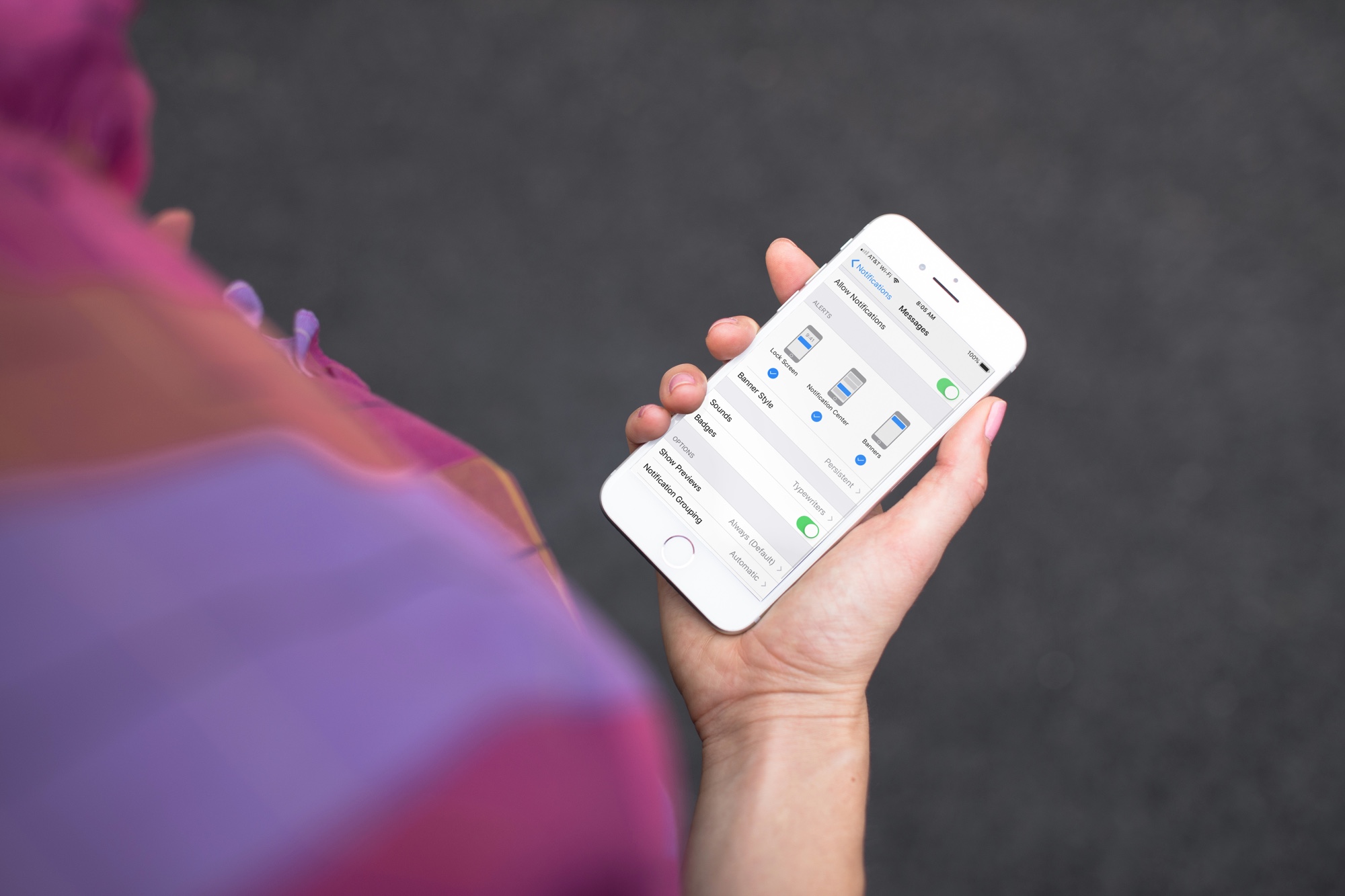
Learn how to get persistent notifications for an app on iPhone or iPad so its alerts don’t disappear automatically from the screen and stay there until you dismiss them.
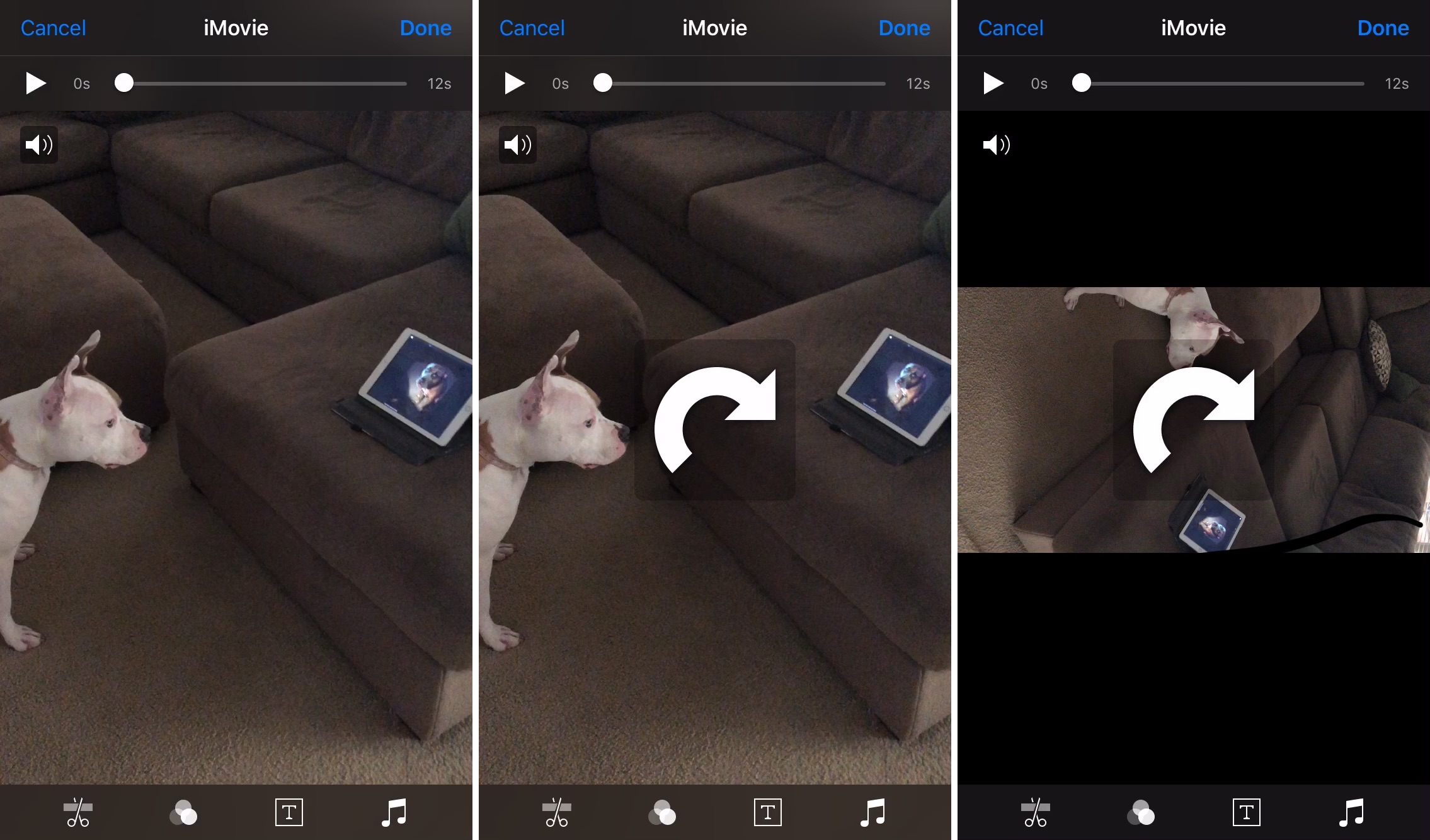
Learn how to rotate landscape or portrait videos on your iPhone or iPad using the Apple Photos app to ensure they’re perfectly oriented and look their best.

Find out how to add an iCloud Drive shortcut to your Mac desktop and Dock for faster access to your online files, folders, and documents.
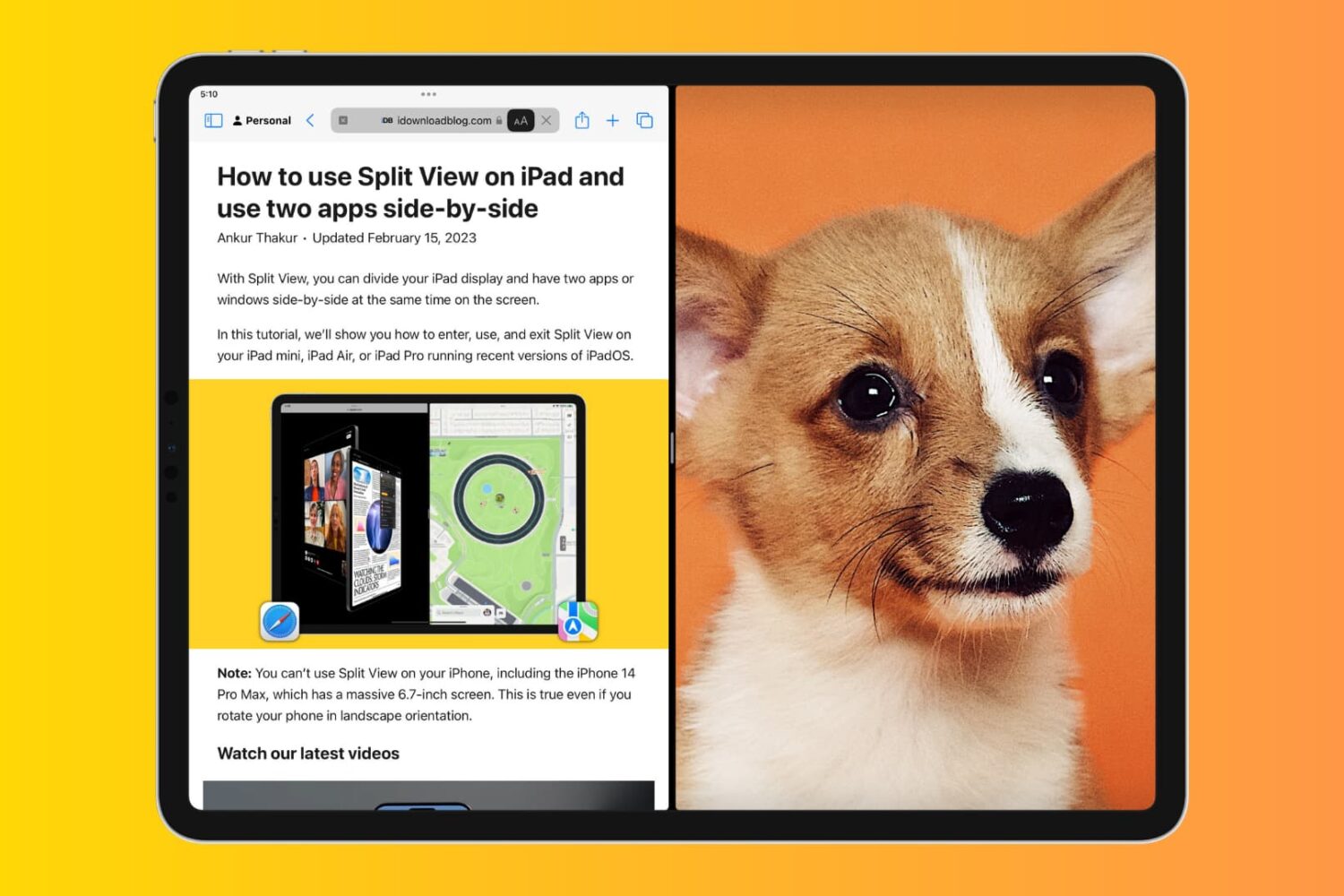
Learn how to block the Split View and Slide Over multitasking features on your iPad if you never use them, and they accidentally get in the way, causing distraction and confusion.
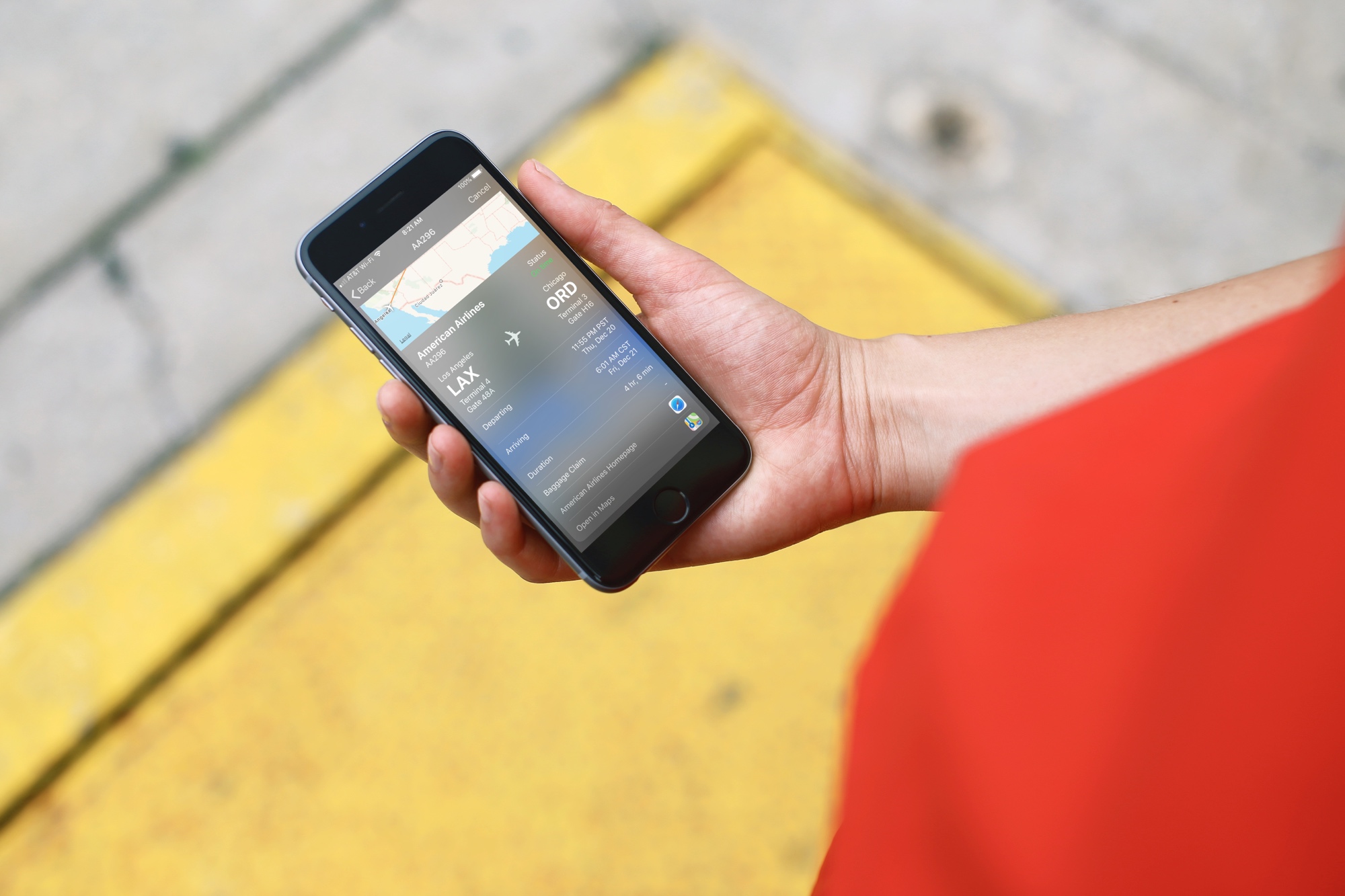
Whether you’re preparing to jump on a plane or just waiting for a friend to fly in, you may think that you have to download a special app to track those flights. And, while a specific flight tracking app is certainly a great way to go, especially if you’re a frequent traveler, there is another way.
Here’s how to quickly track flights from anywhere with your iPhone and all you need is the flight number.

Learn how to add one or more quick-access shortcuts for specific websites to the Dock of your Mac, letting you open them with a single click anywhere in macOS.
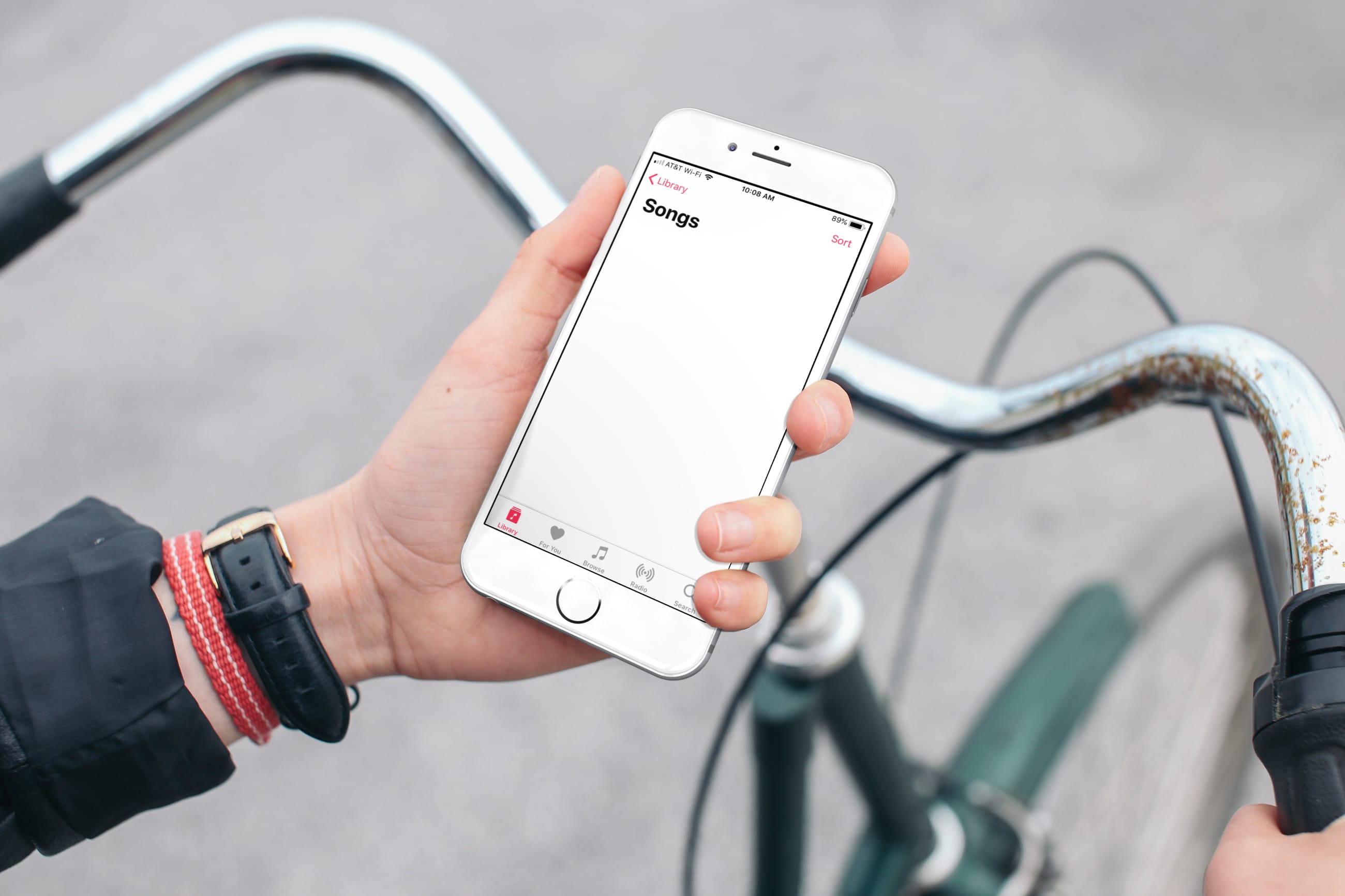
Find out what to do if the Apple Music app on your iPhone or iPad has removed all your songs or if it automatically deletes some downloaded songs from the local storage.

Learn how to hide suggested and recent applications from your iPad Dock to keep it tidy and prevent the Dock from changing its size or displaying apps you don’t want there.
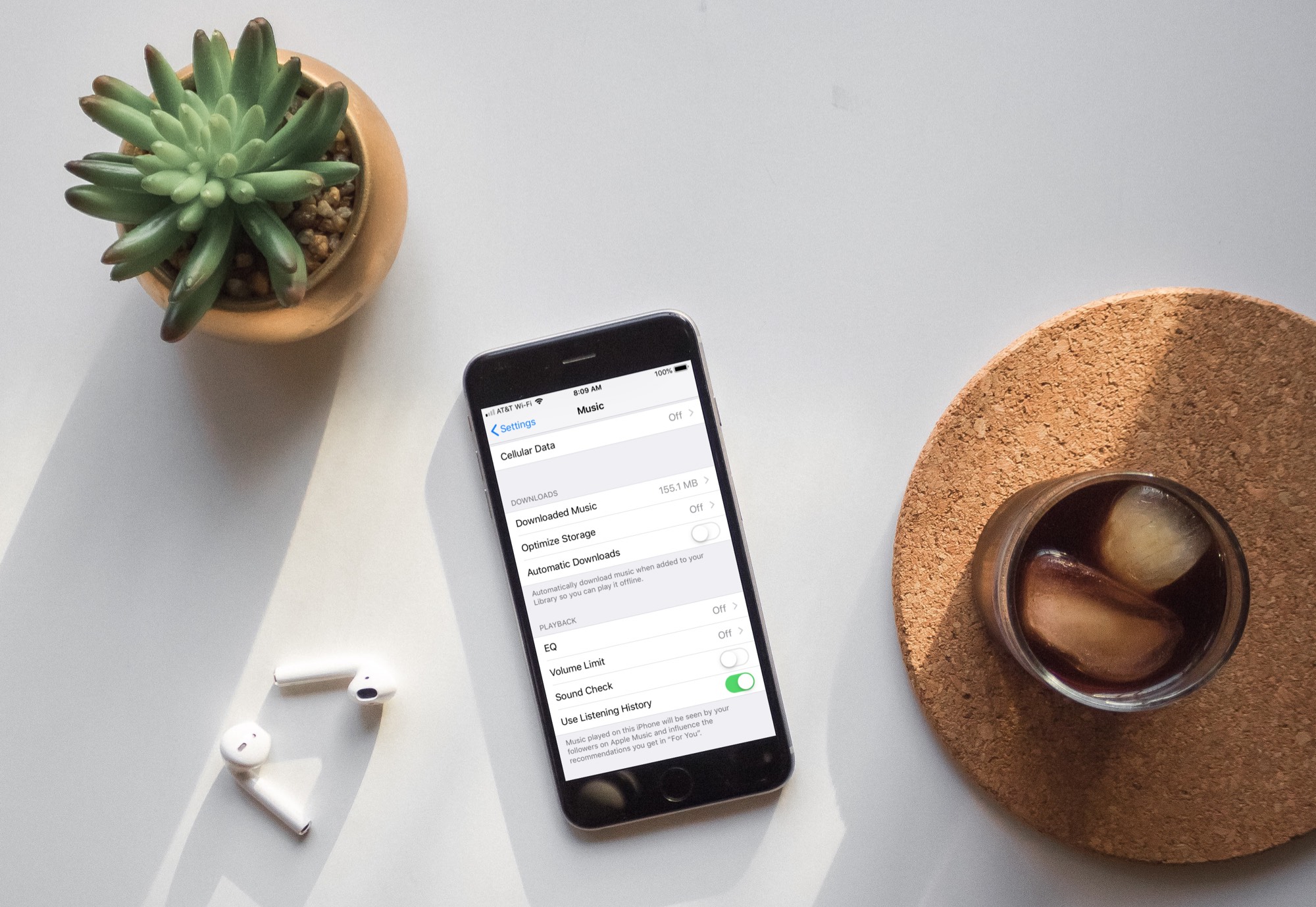
Learn how to turn off automatic downloads for Apple Music on iPhone, iPad, or Mac to stop the Music app from downloading every song, album, or playlist you add to your library.

Learn about these cool Gmail tracks if you'd like to disguise your email address or have an easier way to triage and filter your inbox.
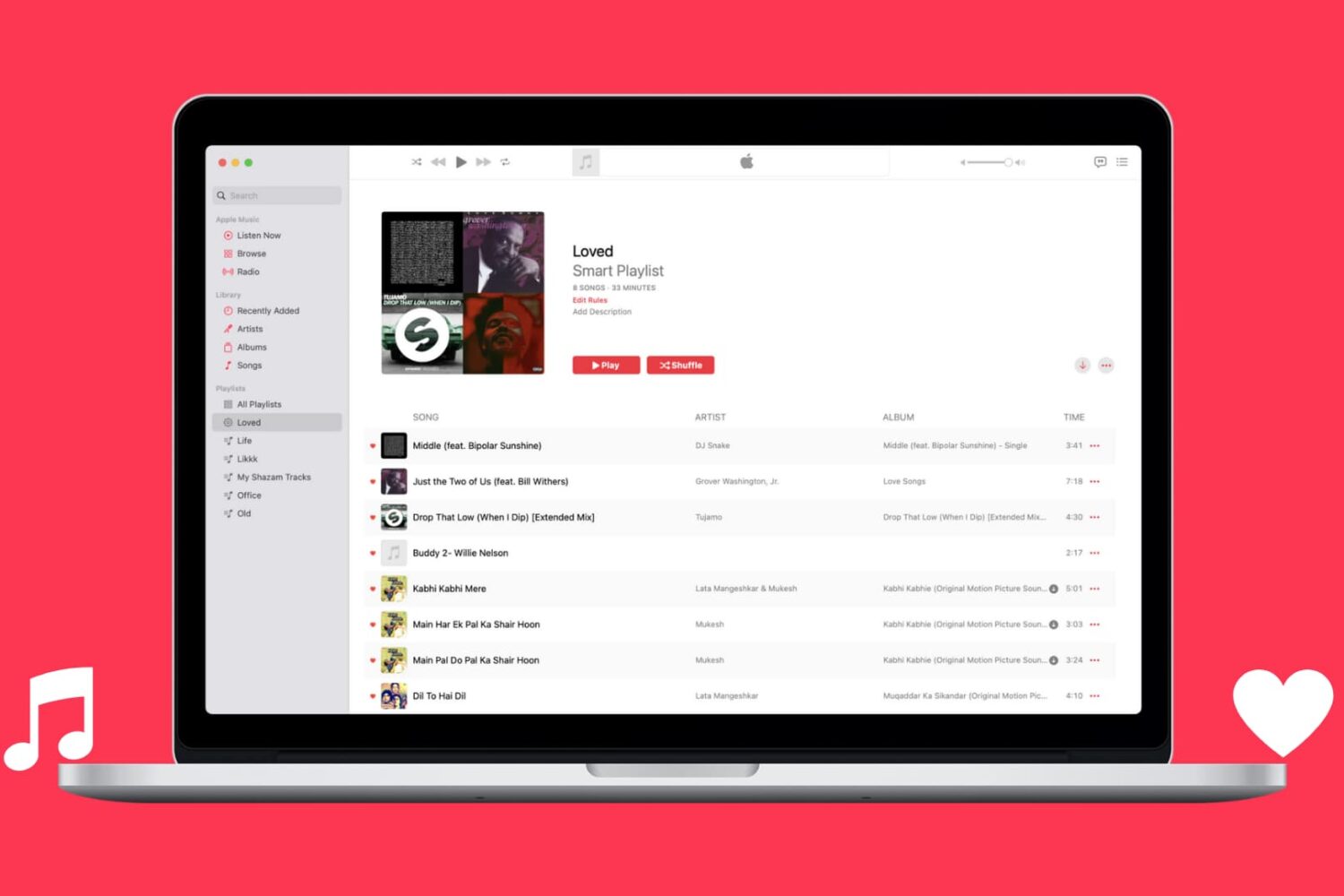
Learn how to automatically capture all Apple Music songs you've loved or favorited in a single spot by creating a special smart playlist.

Learn how to cancel an already-initiated software update if you don’t want to update your iPhone and iPad to the latest version of iOS after all.