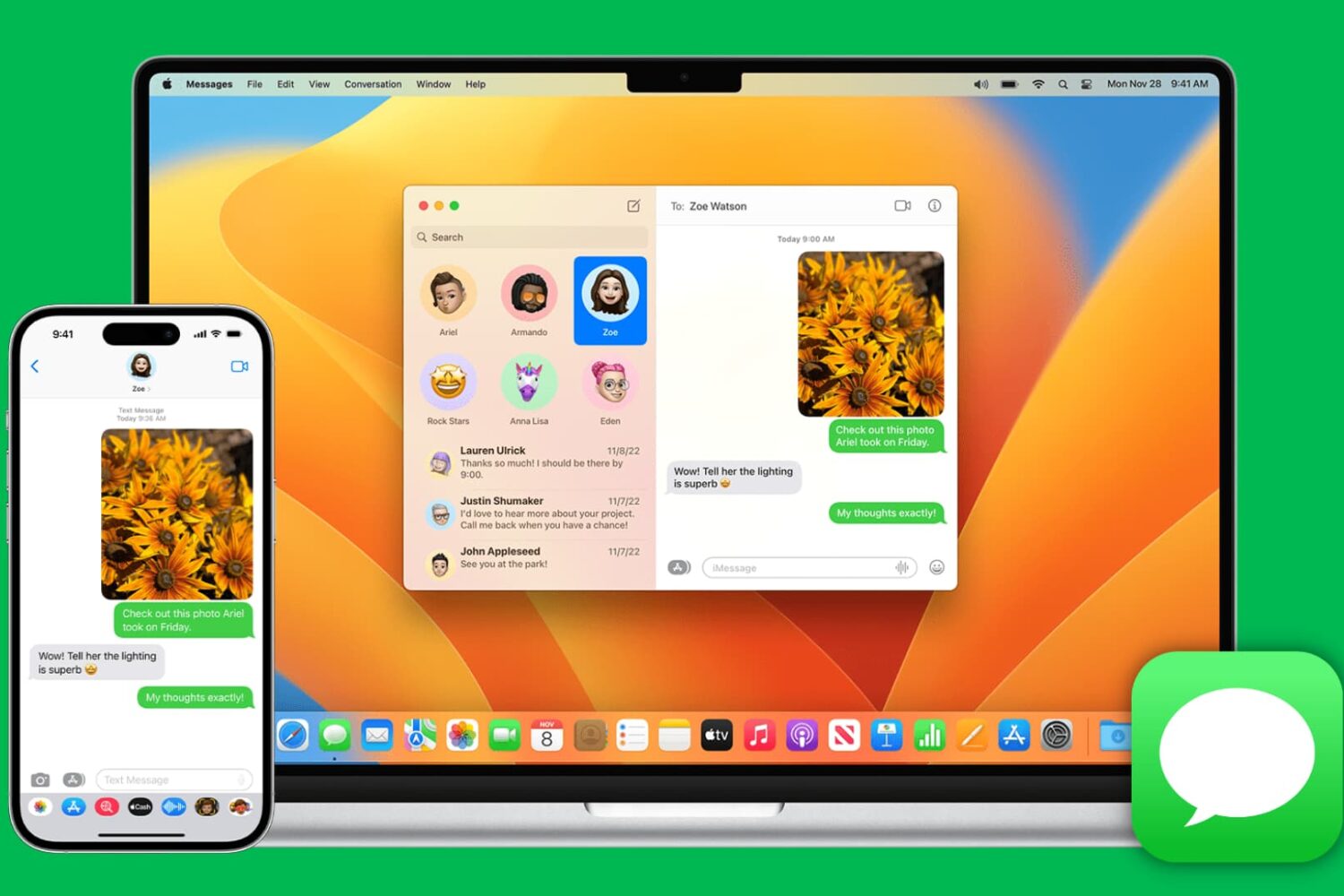
Learn how to stop your iPhone or iPad from listening for the “Hey Siri” or “Siri” wake phrase to disable hands-free voice activation, either temporarily or permanently.
How to temporarily or permanently disable “Hey Siri” on iPhone

Learn how to stop your iPhone or iPad from listening for the “Hey Siri” or “Siri” wake phrase to disable hands-free voice activation, either temporarily or permanently.
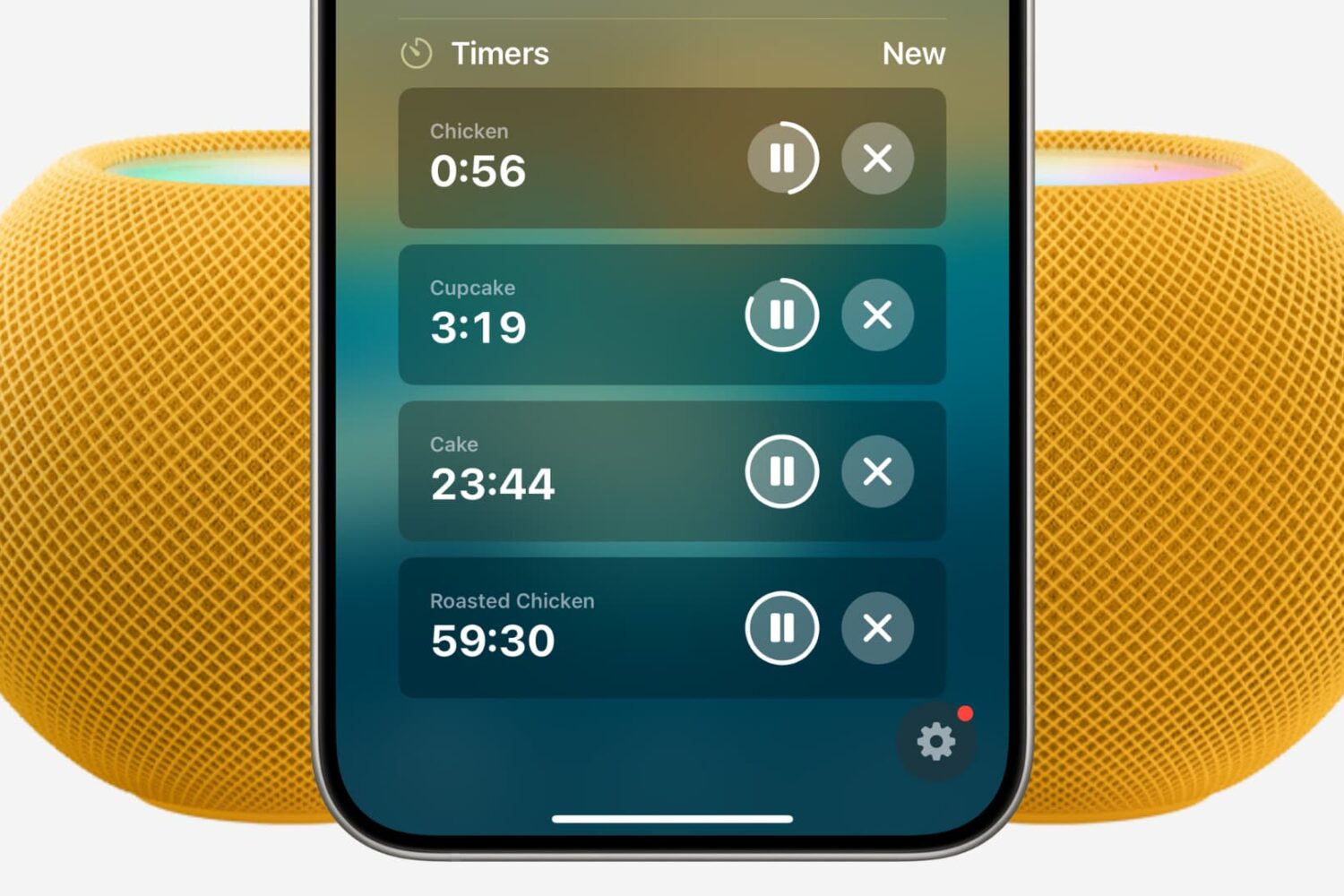
Find out how to set multiple timers on your HomePod using Siri or the Home app on your iPhone, iPad, and Mac.
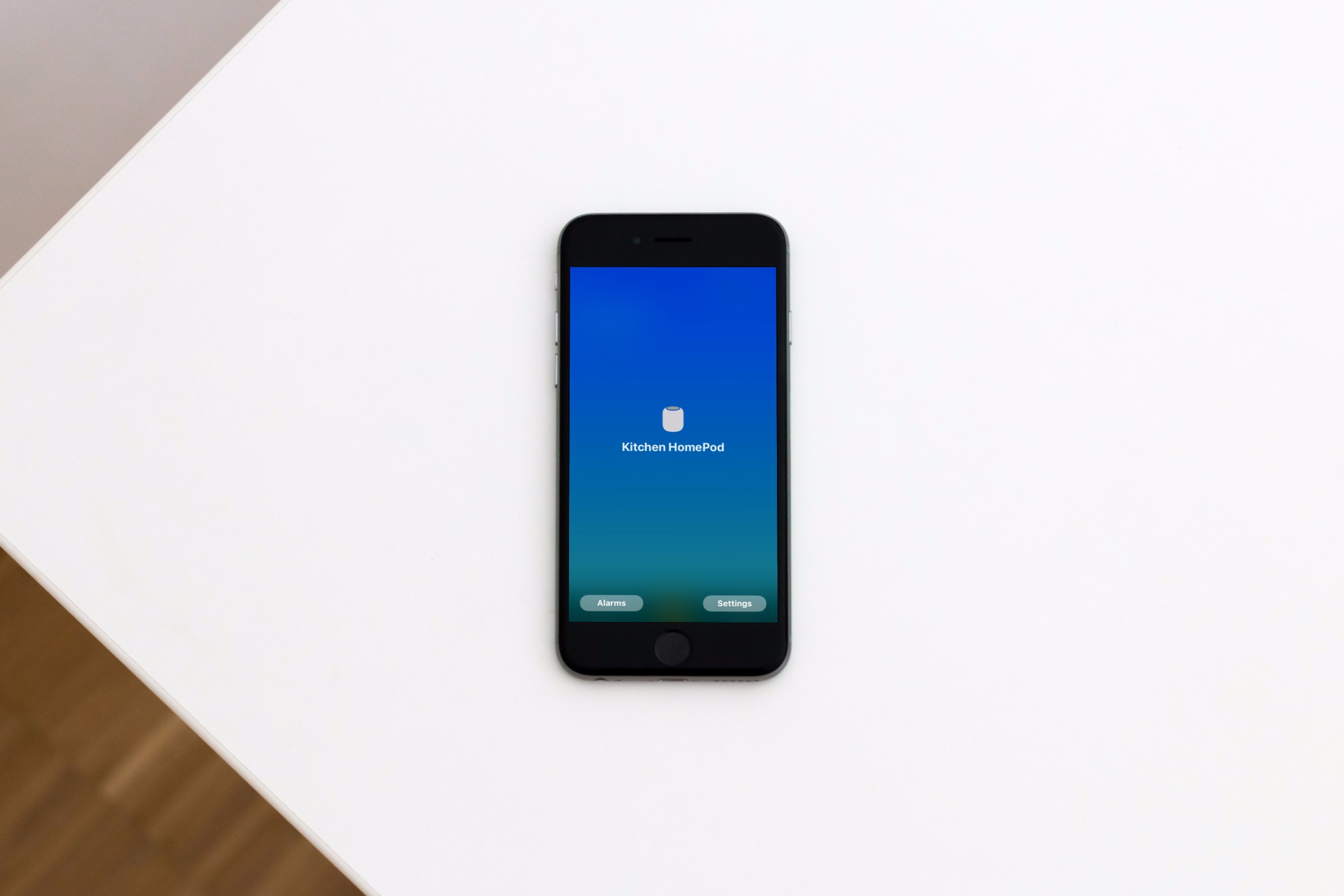
Learn how to view the Wi-Wi network your Apple HomePod or HomePod mini speaker is using for easier troubleshooting of internet connectivity issues.
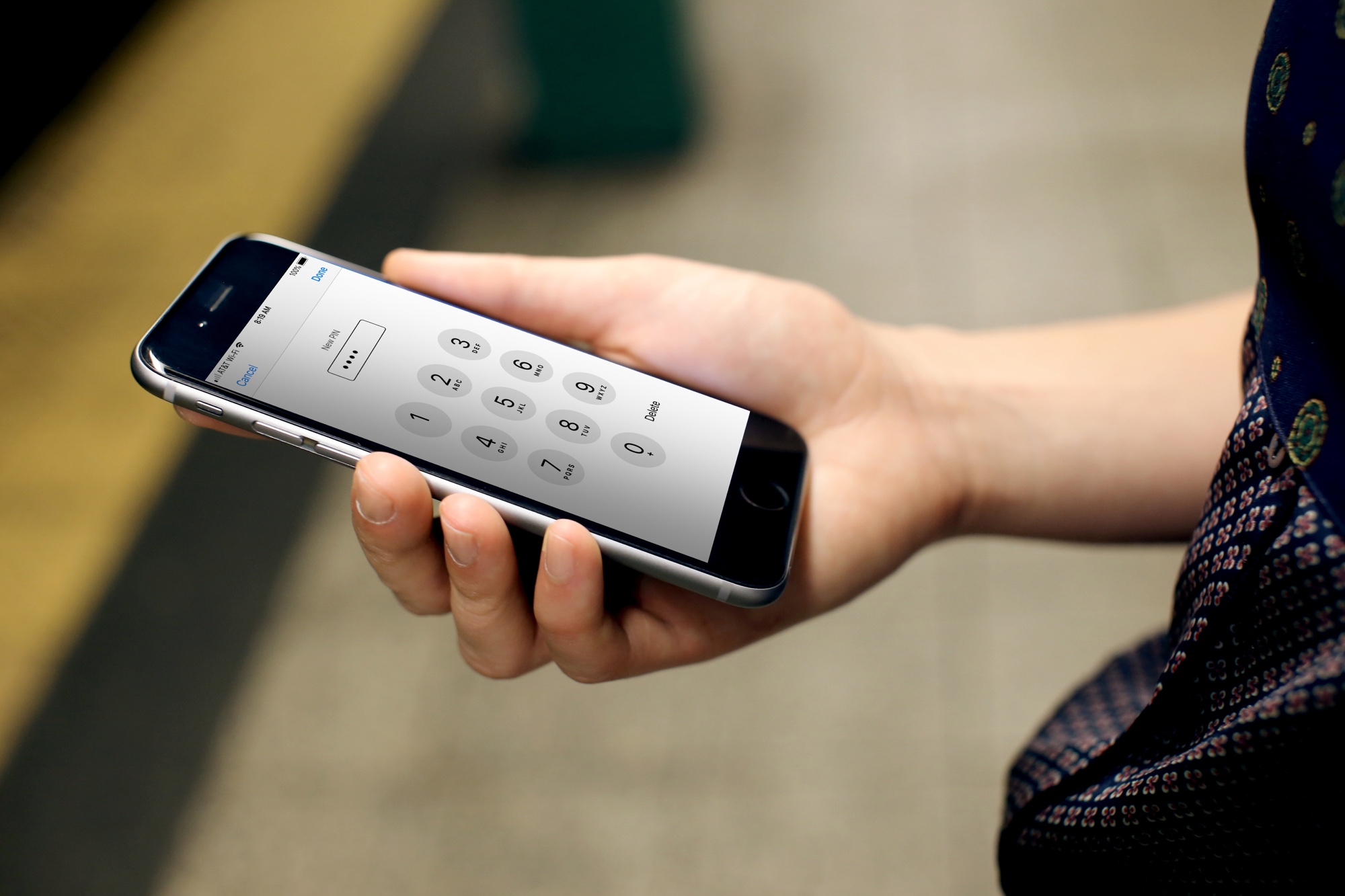
Learn how to quickly change your current SIM or eSIM PIN on iPhone for added security and privacy.
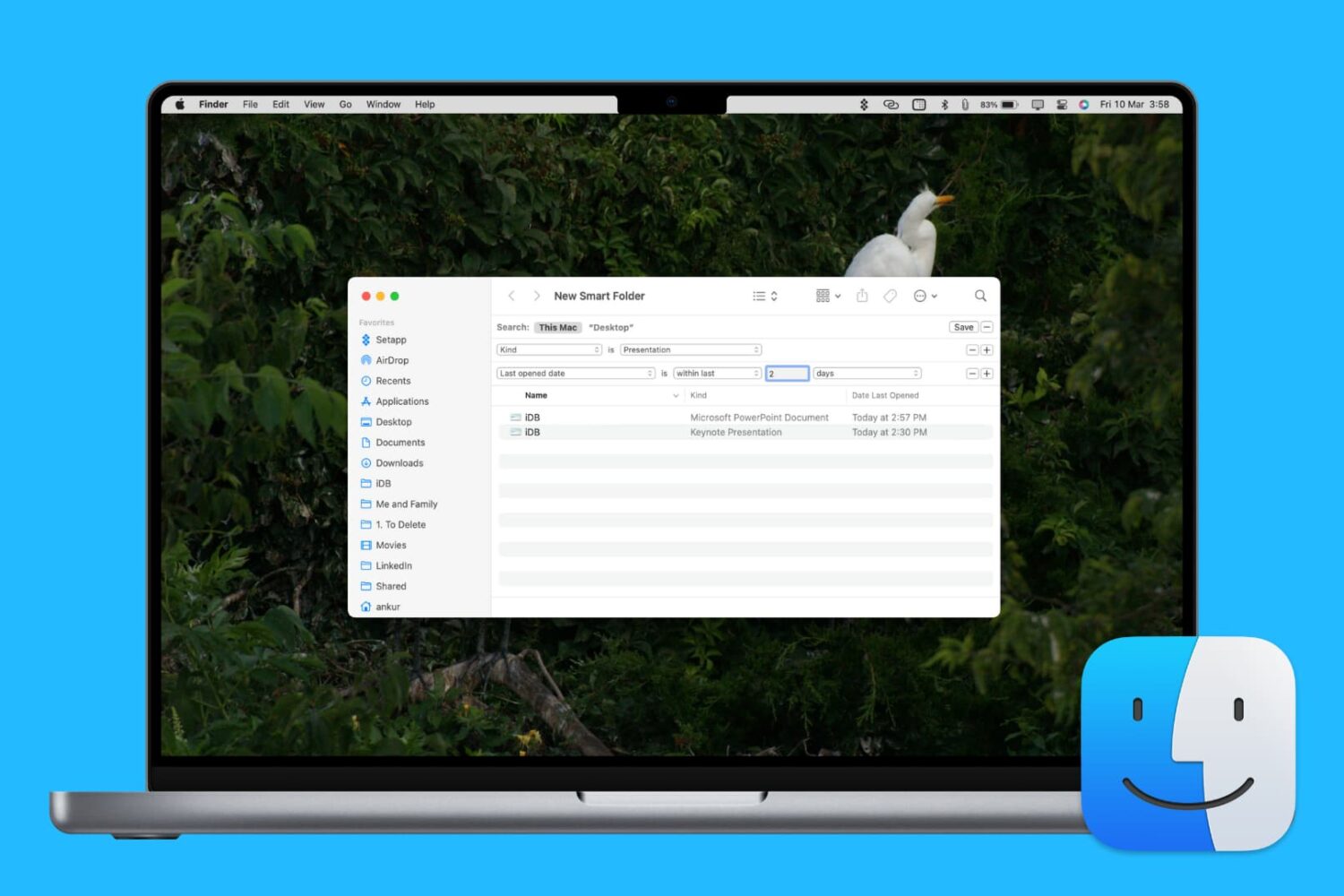
Learn how to enhance your Mac’s organization and boost productivity by creating and using Smart Folders in Finder.

Learn how to type accented letters on Mac keyboards to accurately spell out international names and write foreign words in your documents, emails, messages, and more.

When you download items in Safari, they are all easily accessible from the toolbar. You can see them, pause and resume them, and clear them away.
Here’s how to manage and remove download items in Safari for Mac.

Learn how to set Finder on your Mac to show external hard drives, SSDs, thumb drives, and more in its sidebar for easier access.
While you may work and create your spreadsheets in Numbers, there may be a time when you need one of those documents in the Microsoft Excel file format.
You can easily export spreadsheets into different formats for viewing and editing with other applications. Here’s how to convert a Numbers file to Excel on Mac, iPhone, and iPad.
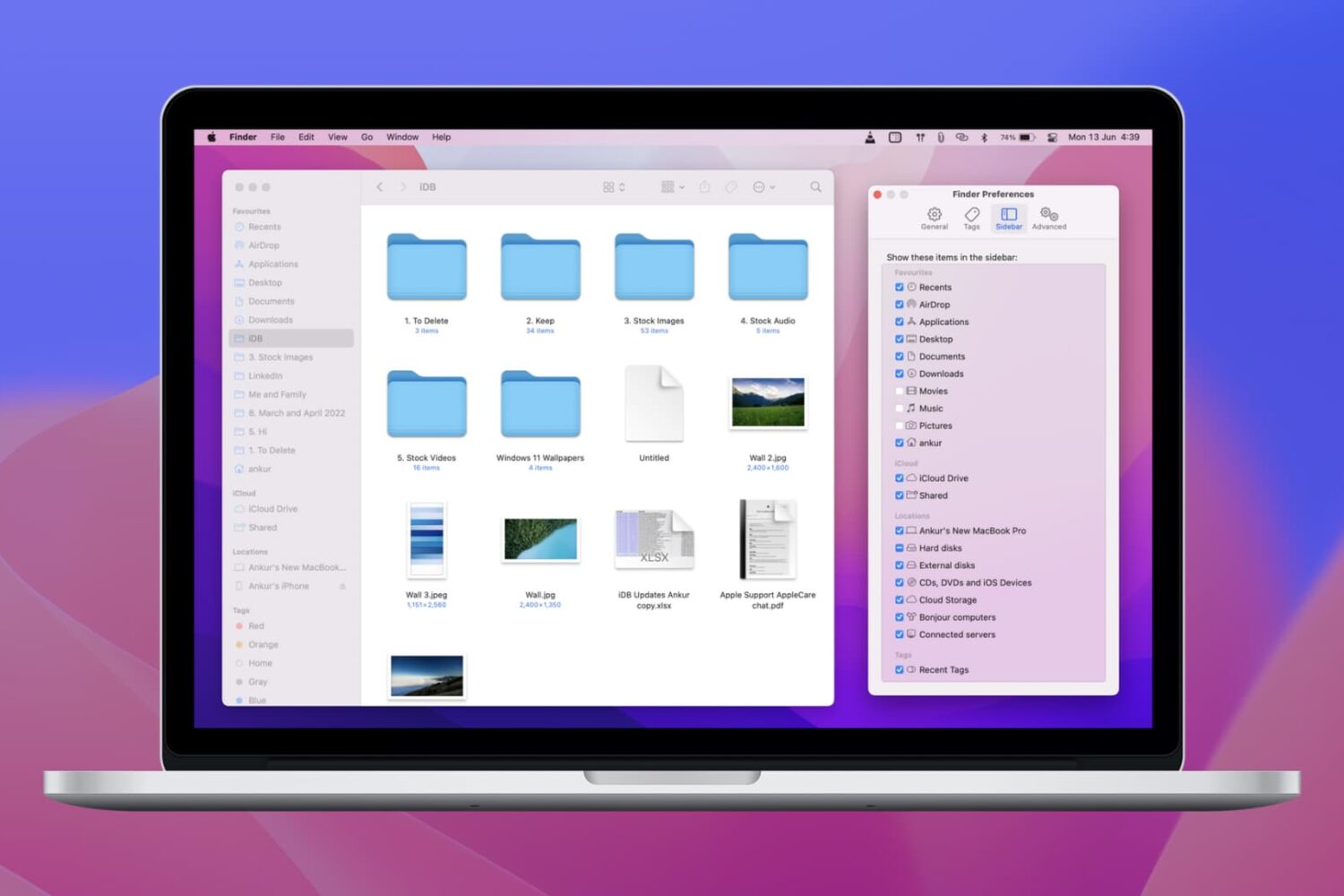
Learn how to customize the Finder sidebar on your Mac and make it your own with handy shortcuts to your drives, folders. network shares and more.
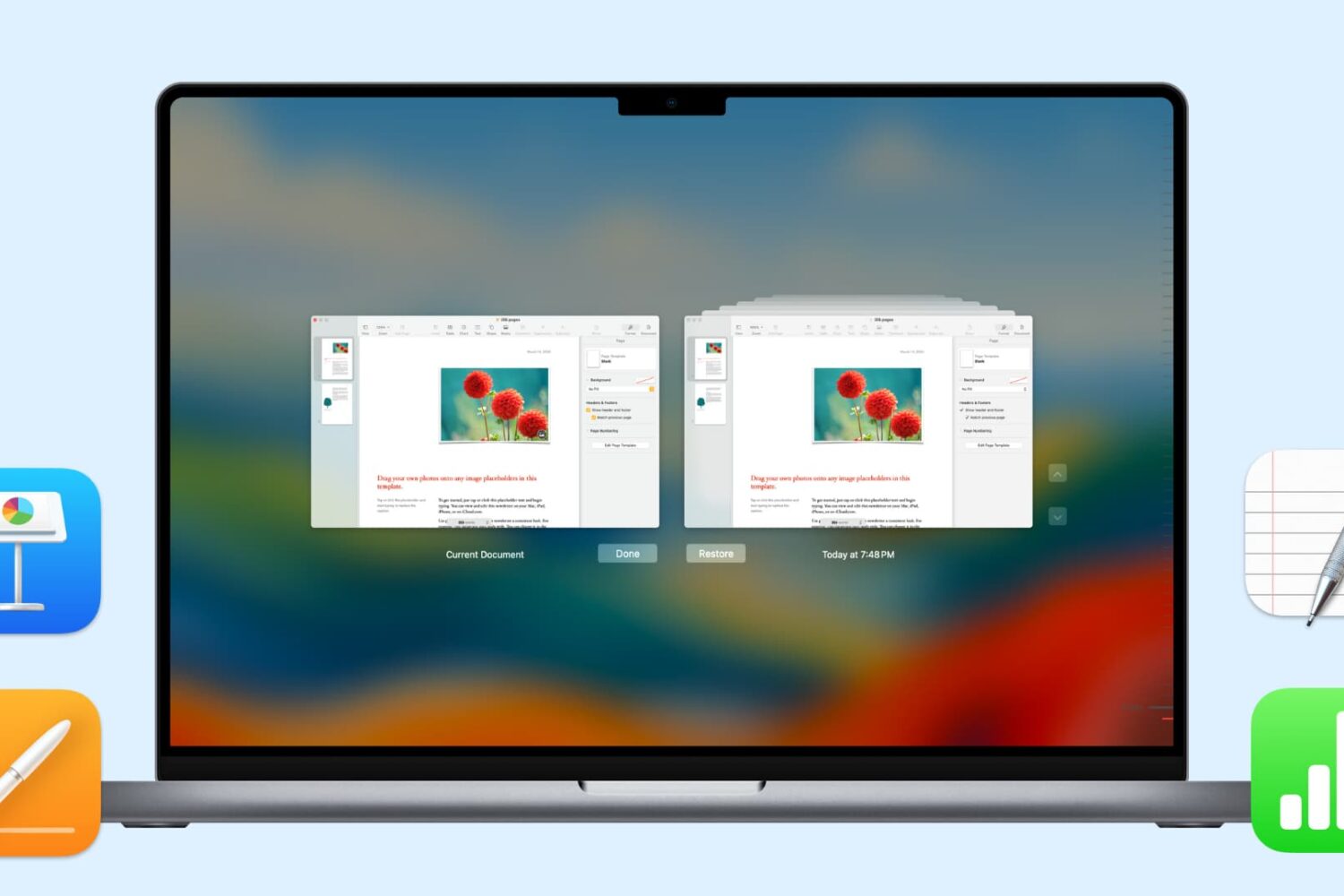
In this handy tutorial, we’ll show you how to browse and restore previous versions of documents in Pages, Numbers, Keynote, Text Edit, and Preview on your Mac.