Check out four free methods to extract an audio track from a video clip on your iPhone, iPad, or Mac and save it as a separate file in the MP3 or M4A format.
How to extract audio from video on iPhone, iPad, and Mac
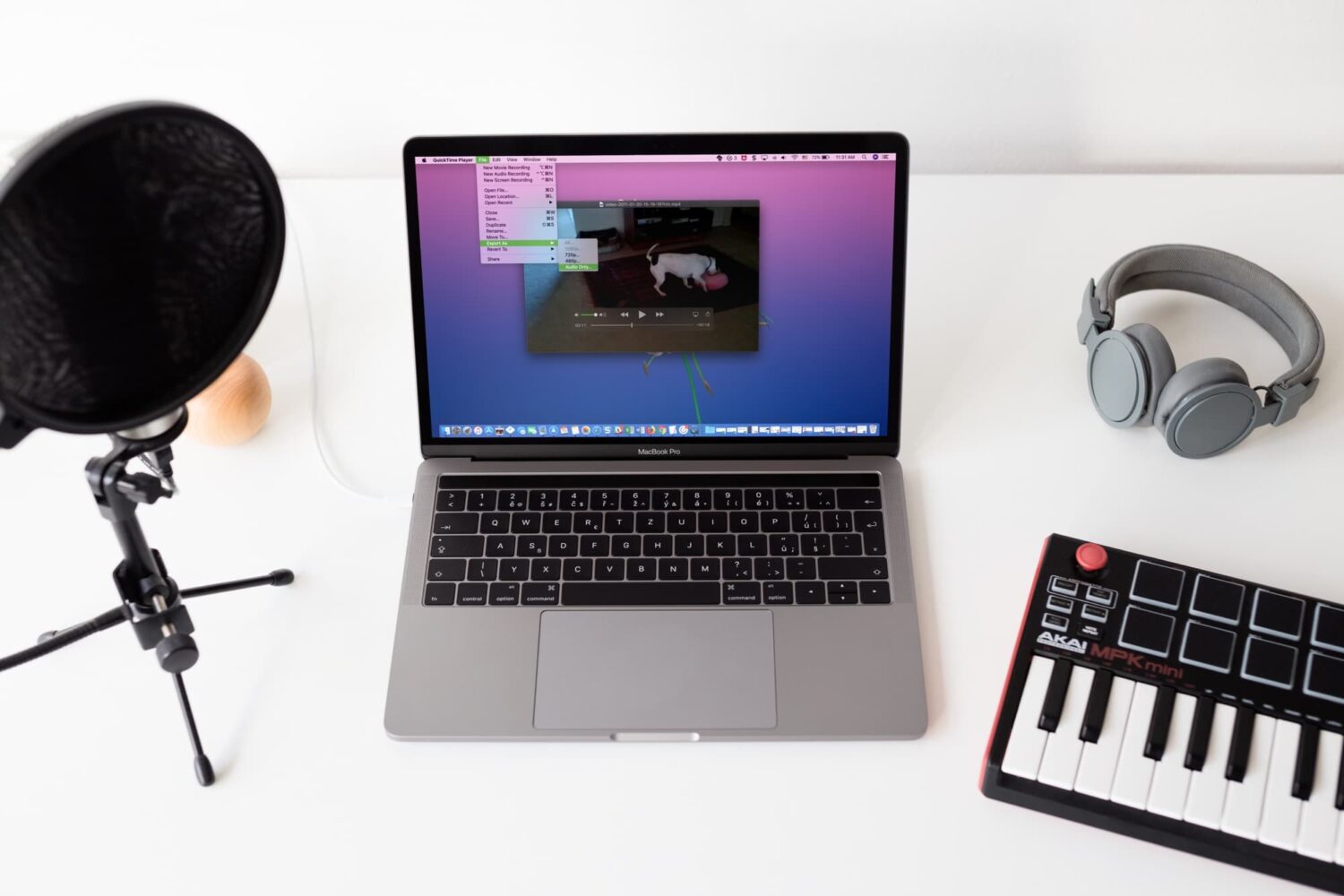
Check out four free methods to extract an audio track from a video clip on your iPhone, iPad, or Mac and save it as a separate file in the MP3 or M4A format.

Learn how to configure irregular heart rhythm notifications on your Apple Watch, which is the first step in identifying a heart condition called atrial fibrillation (AFib).
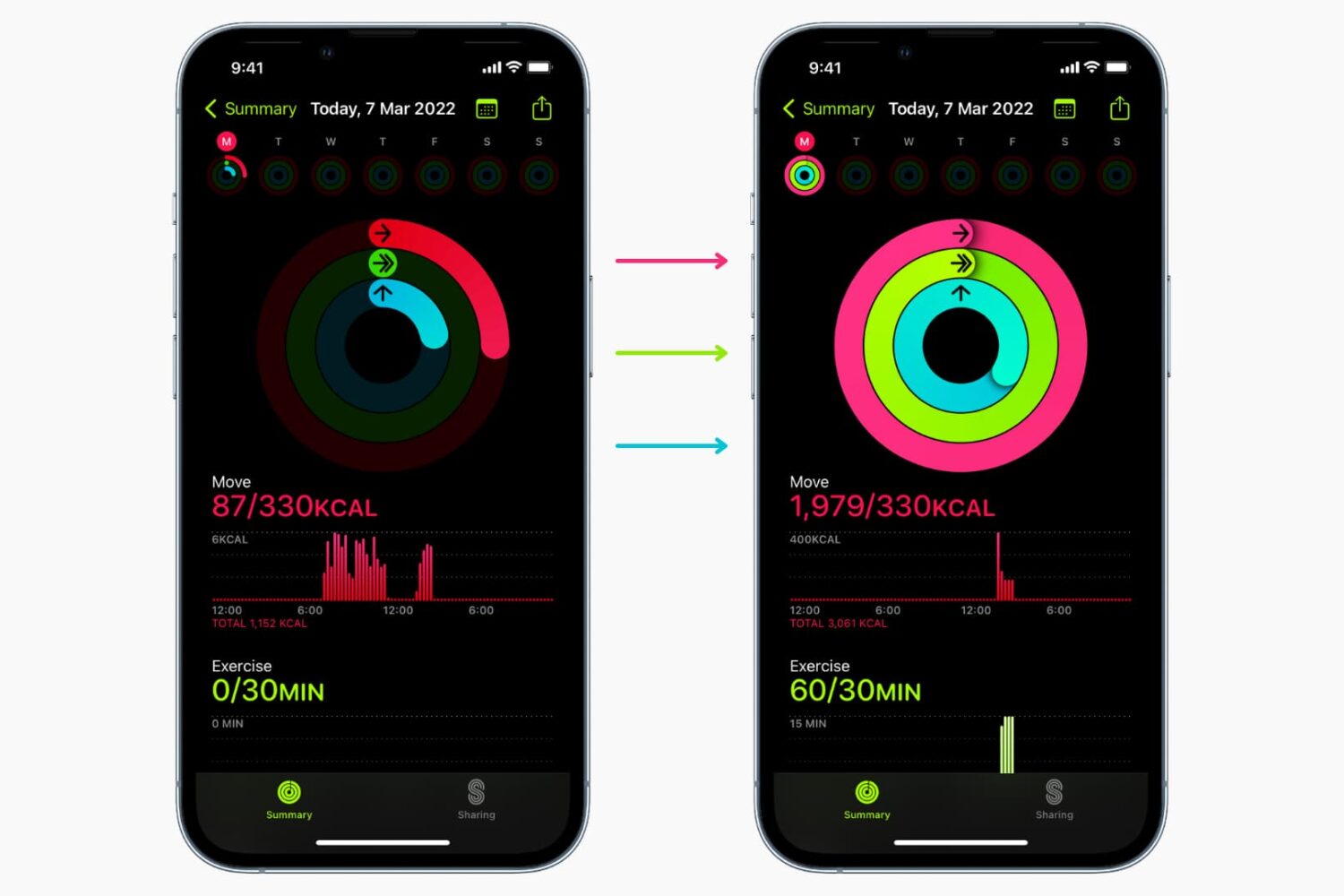
Learn why and how to close all three rings in the Activity and Fitness apps on your Apple Watch and iPhone by manually adding data to it.
If you need to write in another language that you also speak yourself, using spell check in that other language is convenient for avoiding errors.
Here’s how to use a different spell check language on iPhone, iPad, and Mac.
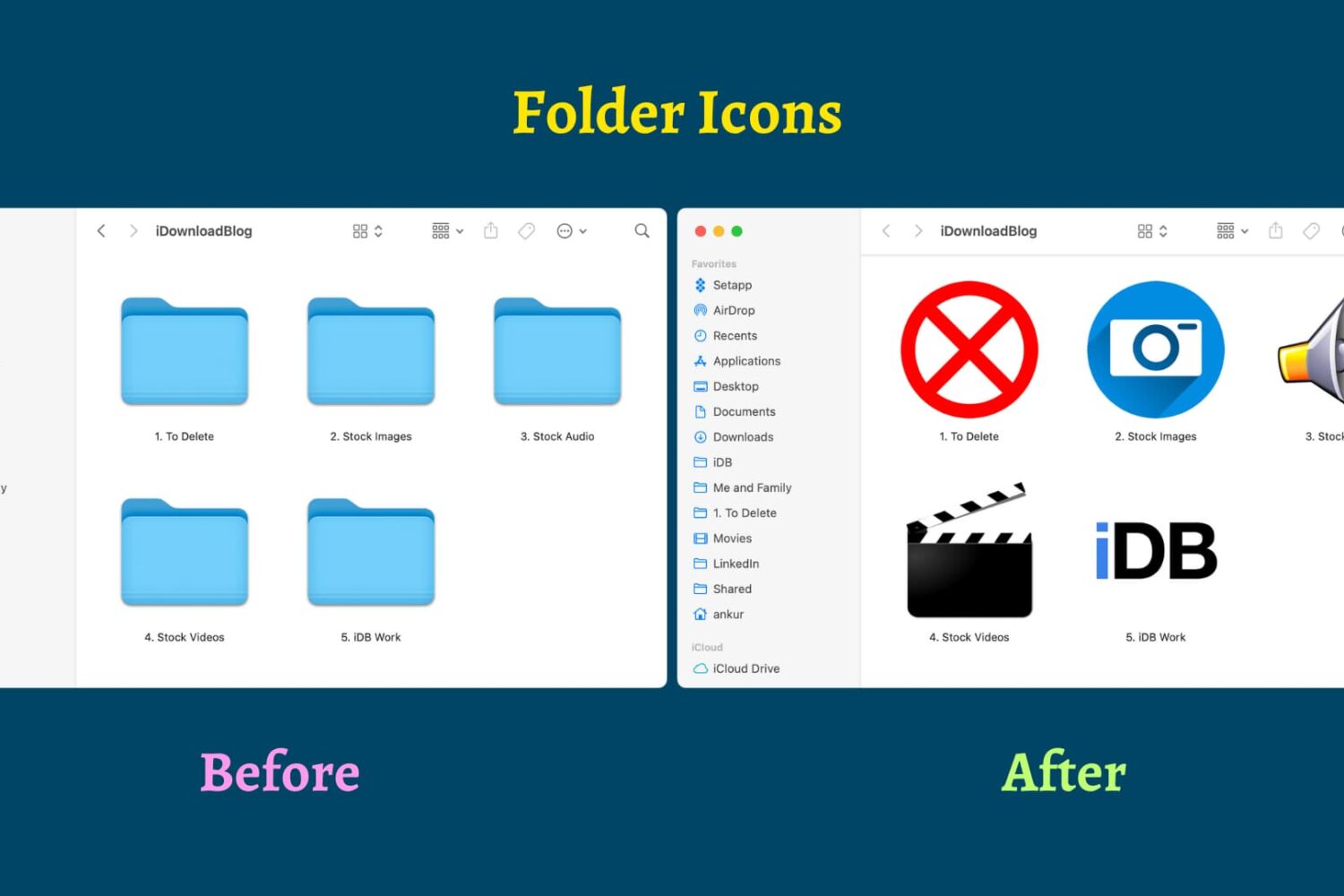
Find out how to replace the default folder icon with a custom photo or logo to personalize your Finder experience on Mac.

Learn how to pinpoint the exact dates and times you updated Mac apps or installed macOS updates to figure out when an issue first started occurring.

In this tutorial, we’ll show you how to download all or selected Flickr photos and videos, which can be helpful if you have decided to move away from Flickr or simply want to back up your items to your computer or another cloud storage.

While falling asleep at night comes easy to some, it can be a struggle for others. You may still have thoughts about your day running through your mind, feel stressed or full of anxiety, or simply have trouble relaxing when it’s time for bed.
These types of situations are the perfect times to use technology to your advantage. Here are the best apps to help you fall asleep.

Learn how to switch your Mac keyboard layout from QWERTY to AZERTY or even Dvorak so you can type faster and more comfortably in a layout that you’re familiar with.
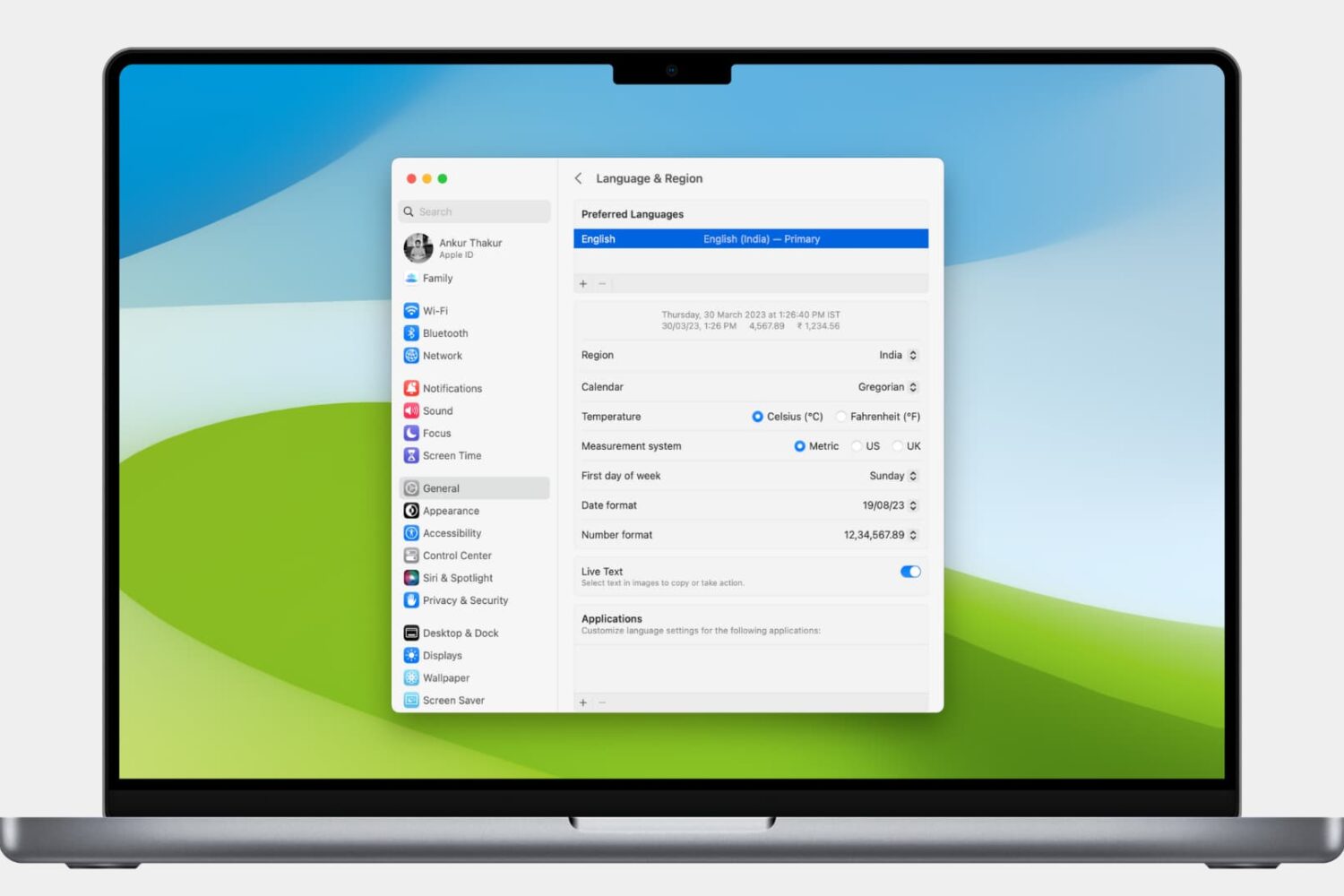
Learn how to customize the date and time formats on your Mac, and change the currency type or measurement units for a localized macOS experience.

Learn how to search through your Safari tabs on iPhone and iPad to quickly find the sites and pages you have opened without much manual scrolling.
