Learn how to make your Mac restart automatically itself after a system crash or power outage to minimize downtime and disruptions to your workflow.
How to make your Mac automatically restart after a crash or power outage
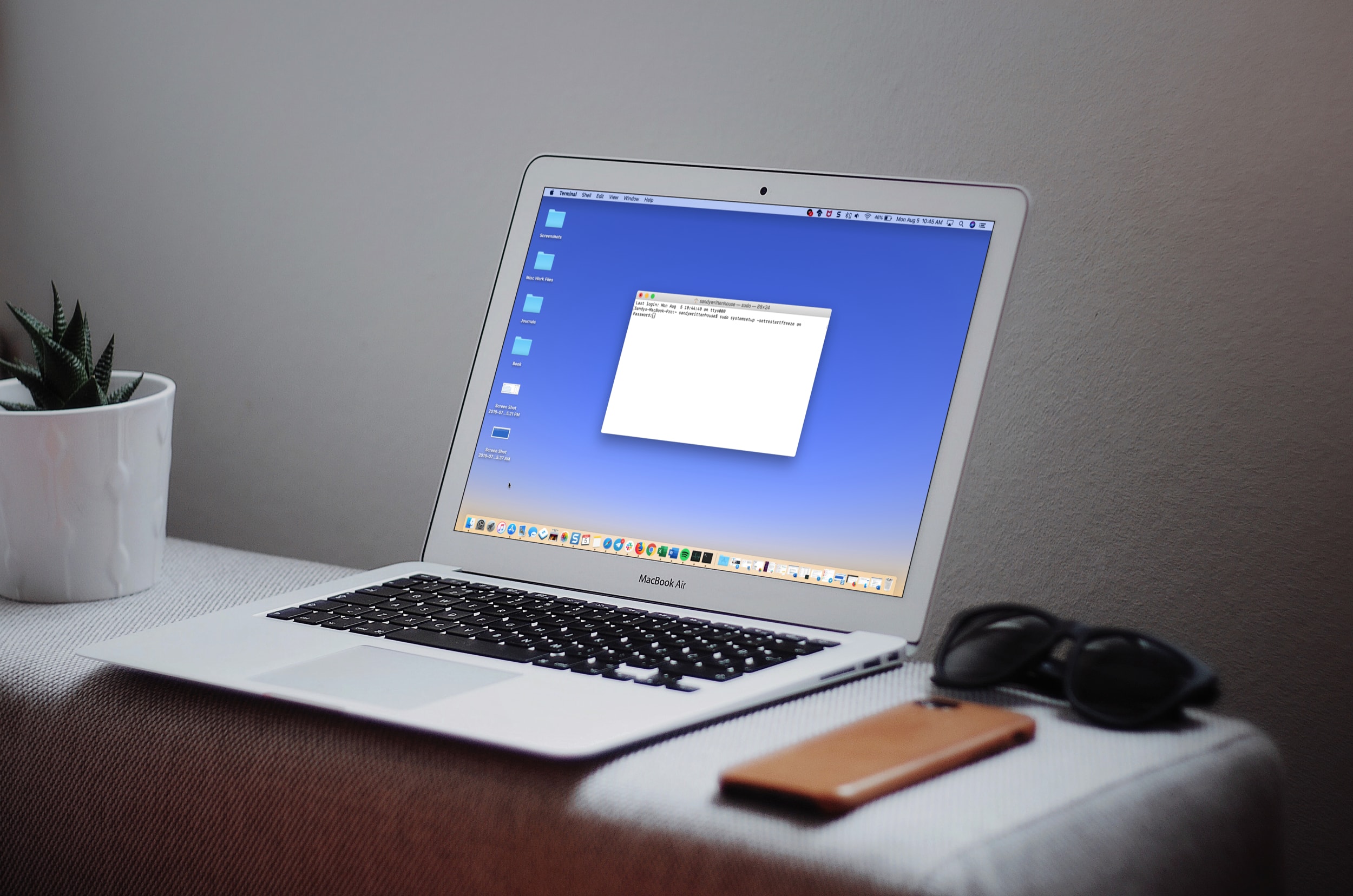
Learn how to make your Mac restart automatically itself after a system crash or power outage to minimize downtime and disruptions to your workflow.

In this simple guide, we’ll walk you through 5 easy ways to change your Mac’s wallpaper, so you can breathe some new life into your computer’s aesthetics. You can use your own photos or select from Apple’s stock wallpaper collection.
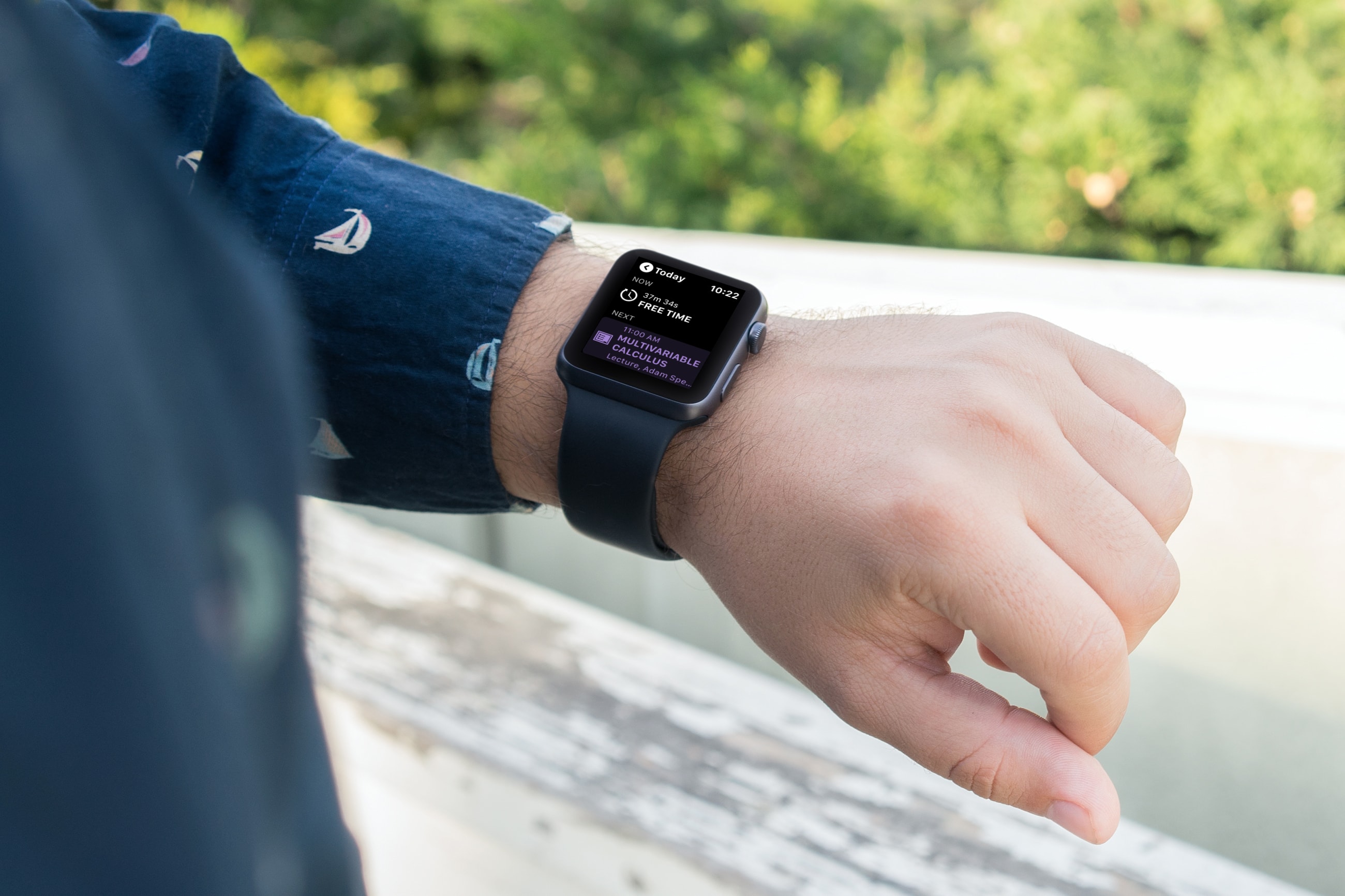
When it’s time for school to start up again, it’s important for students to plan their day and schedule their week. And there’s no handier way to do it than with apps for Apple Watch. With the wearable and right apps on your wrist, you can see which class starts when, what assignments are due, and when free time begins.
Here are some of the best Apple Watch apps for students to plan their schedule.
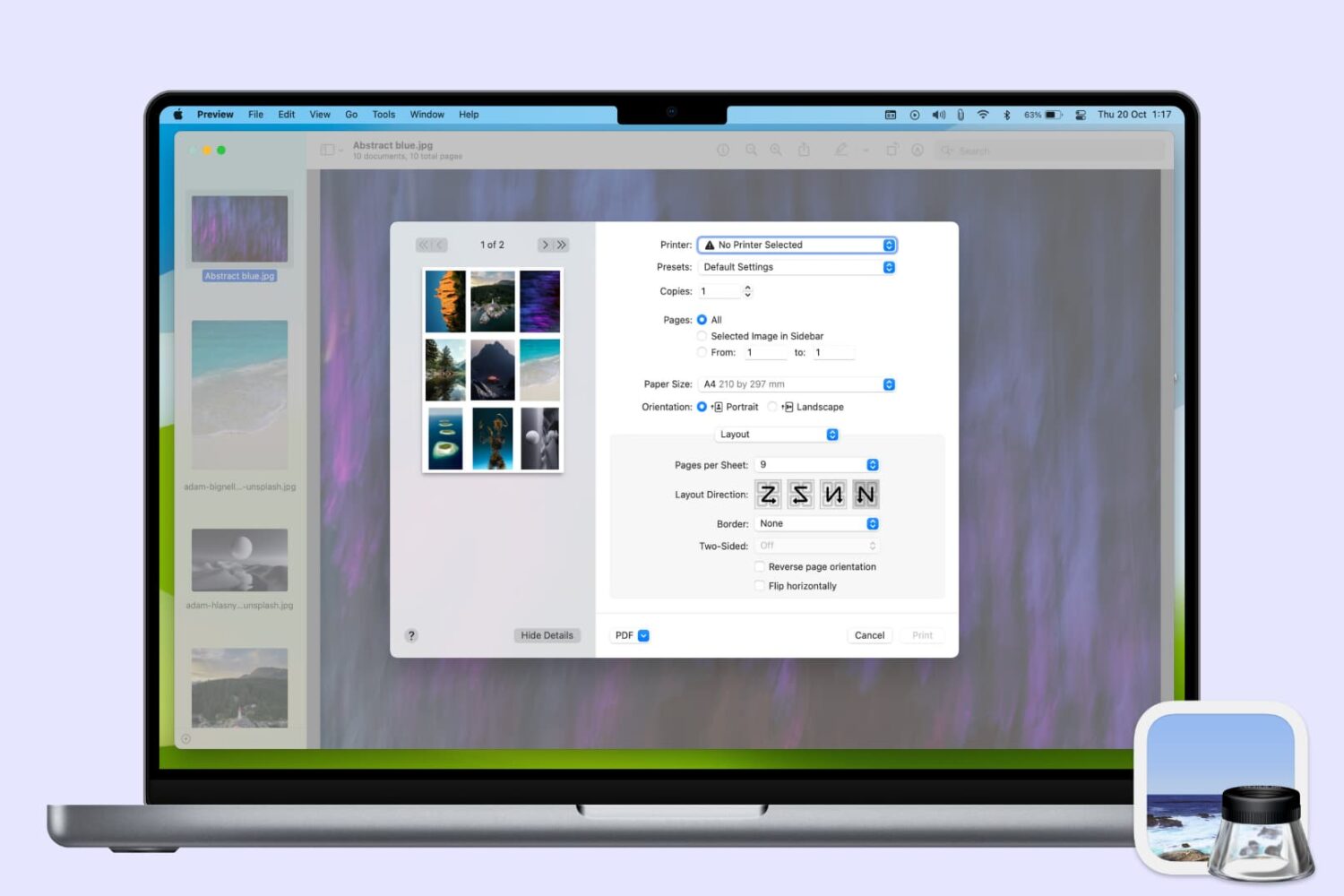
Learn how to use the Preview app on your Mac to print multiple photos on a single page, maximizing paper usage and minimizing waste.

Stop the frustration of files automatically saving to iCloud on your Mac by following this guide on disabling the default setting.
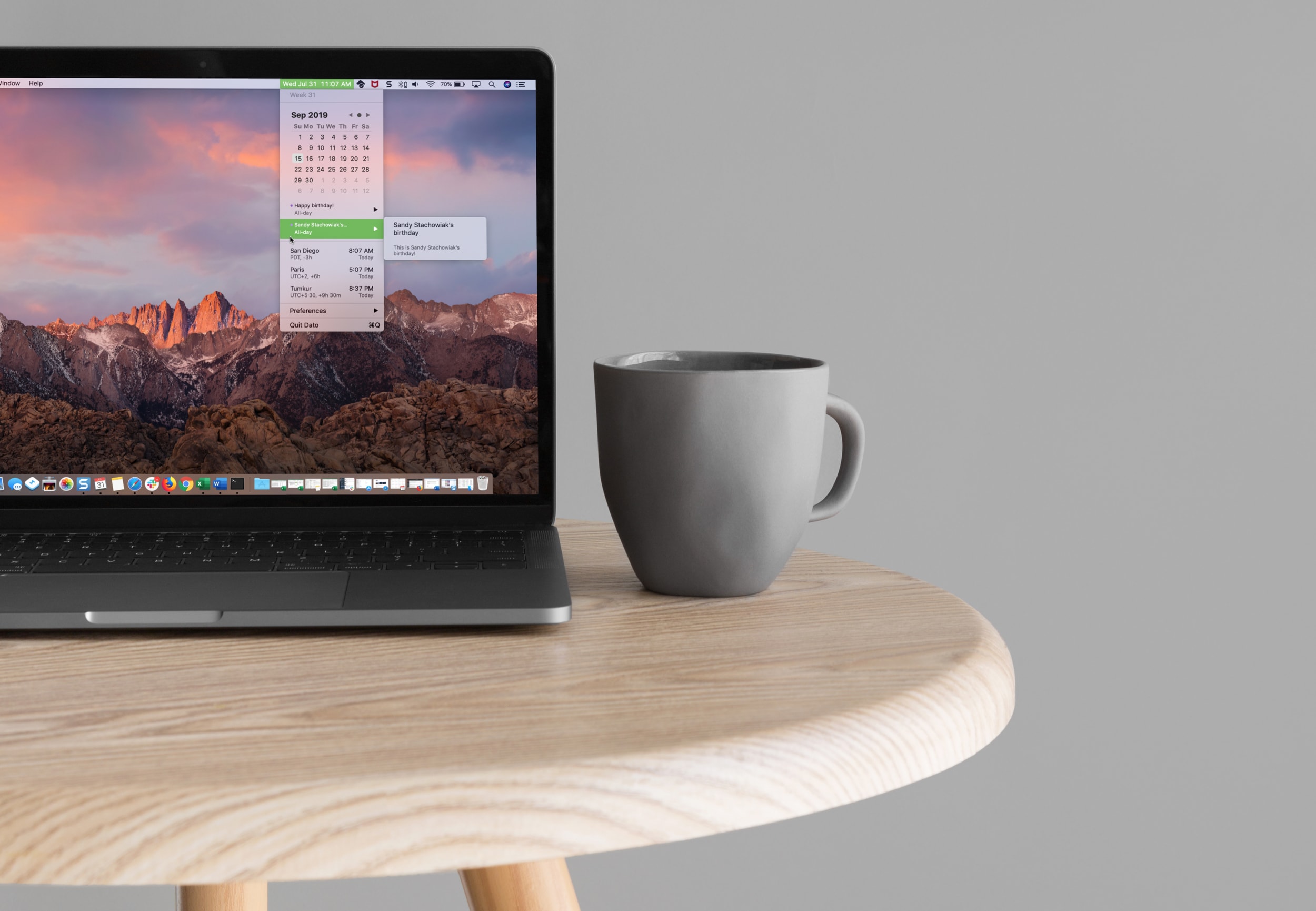
Learn how to easily add a calendar and multiple time zones to your Mac Menu Bar in order to improve your productivity and organization using the Dato app.

The People album in the Photos app is a pretty cool collection that’s assembled for you to quickly view pictures of the people in your life. So when someone new enters that you start snapping photos of, you might want them in that People album too. Unfortunately, they may not show up there as quickly as you might like.
Luckily there is a really easy way to add a new person to the People album in your Photos app or iCloud Photos library. Here’s how.

Learn how to save all open tabs in Apple's Safari browser at once as bookmarks, so you can revisit those links easily on your iPhone or iPad.
This tutorial shows you how to enable root user on your Mac, log in to it, use it, change its password, and finally disable it.
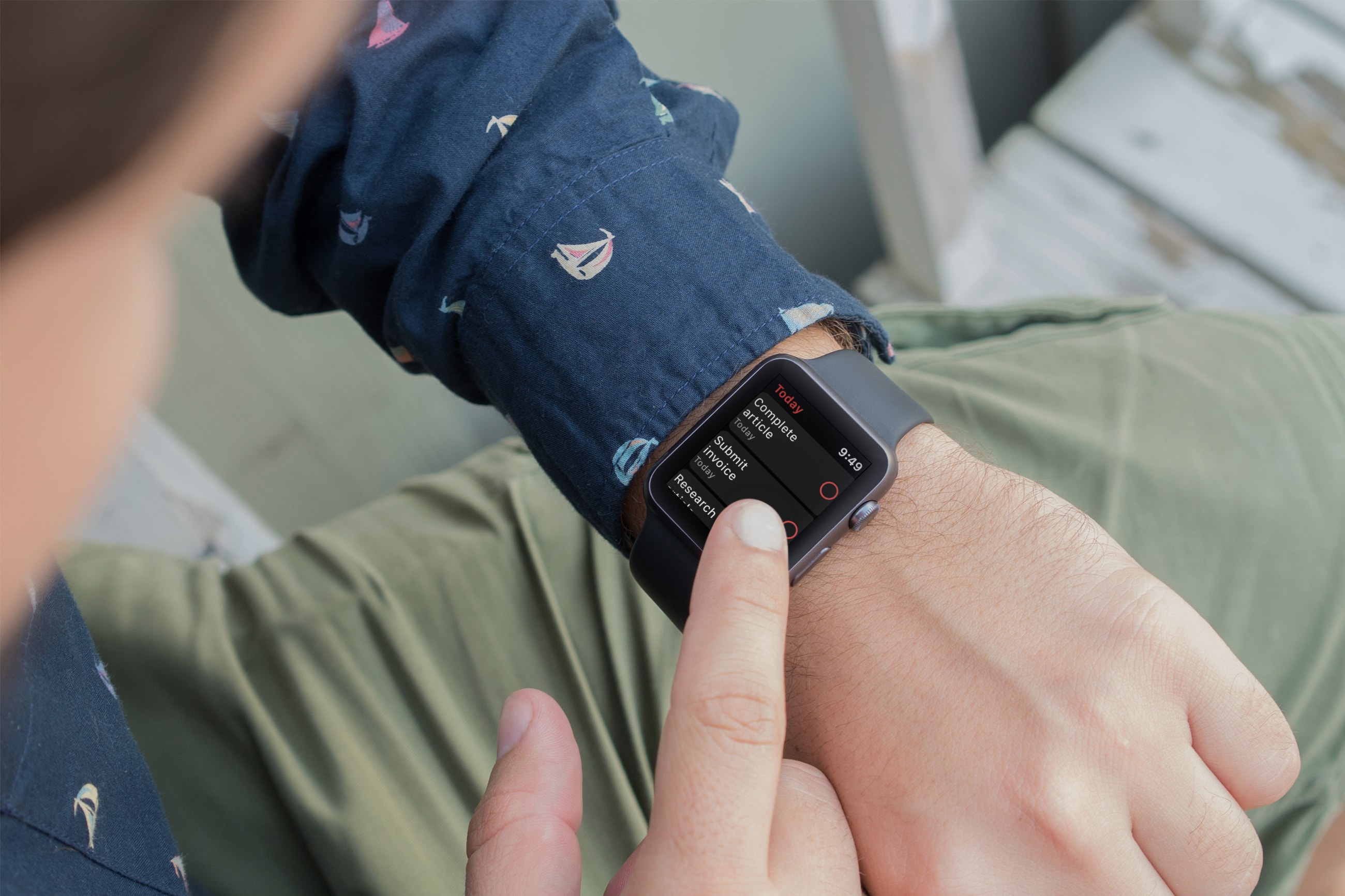
Using an app to keep track of tasks is one of the most useful ways to use your devices. And if you own an Apple Watch, being to see your to-dos and mark them as complete is really convenient. There are plenty of task list tools on the App Store and many work with your Apple Watch, but which ones don’t cost a fortunate and are worth the effort?
These are three of the best free Apple Watch to-do list apps for getting things done.
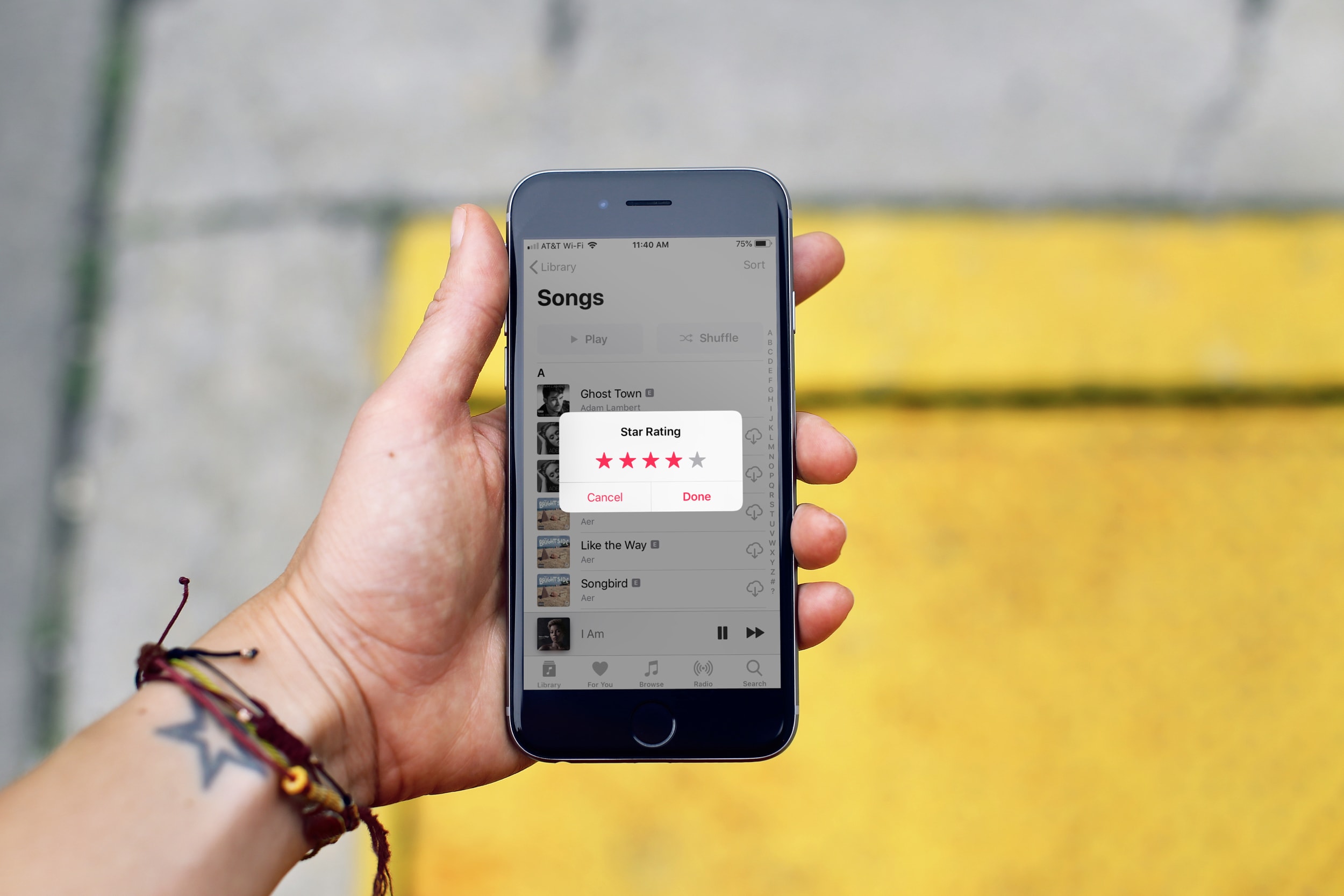
In this tutorial, we’ll show you how to rate songs in your iPhone, iPad, or Mac’s music library on a scale of one to five stars and then create smart playlists based on these rated songs.