Sandy Writtenhouse

With her BS in Information Technology, Sandy worked for many years in the IT industry as a Project Manager, Department Manager, and PMO Lead. She then decided to follow her dream and now writes about technology full-time.

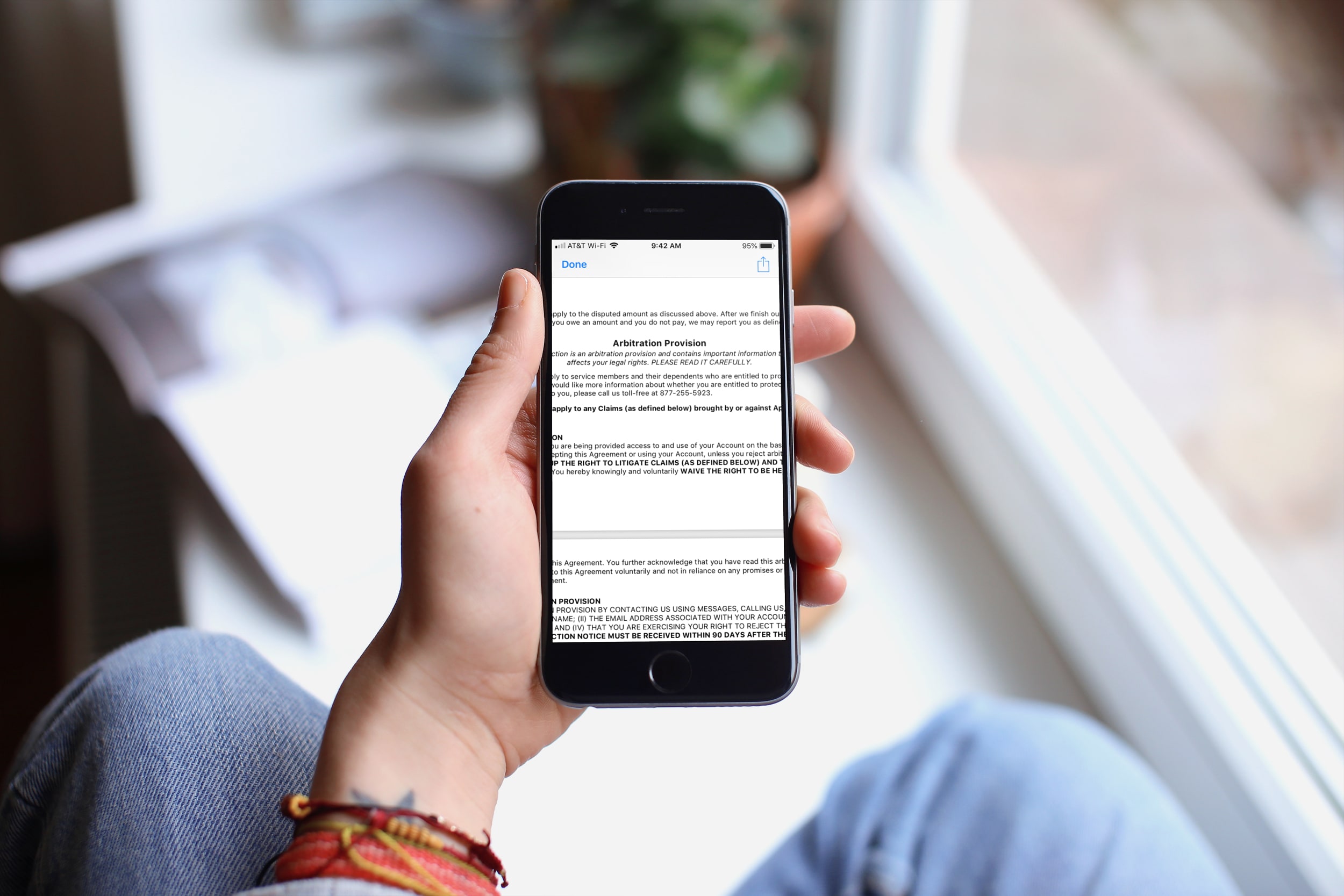
Why and how to opt out of the Apple Card arbitration clause

Apple Card Arbitration Clause iPhone

While you should always read the consumer agreements and policies that contain a lot of "small print" before you sign them, how often do you actually read them, especially in their entirety? Yes, some people do read them, others scan them, and still more just scroll down and tap Agree.

In this article, we’re talking about the Apple Card Customer Agreement, and specifically, the arbitration clause.

You can Google the term if you’re unfamiliar and find plenty of resources that explain an arbitration clause and arbitration process in full detail. But in a nutshell, the arbitration clause in a contract states that the parties will resolve disputes through an arbitration process which presents the evidence in front of a neutral third party.

So now let’s take a look at what exactly the arbitration provision in the Apple Card Customer Agreement states and how you can opt out of it.

How to add and edit movie titles in iMovie on Mac, iPhone, and iPad

iMovie with Title Mac

The title is an important part of the movie you create in the iMovie app on Mac, iPad, or iPhone. Whether it's short and sweet or long and descriptive, the title, as you know, lets others know what the overall movie is about.

You can add a title to your movie at any point during its creation, and you have some terrific tools for making the title appear as you like. This tutorial shows you how to add and edit a title in iMovie on your Mac, iPad, or iPhone.

How to create a new project in iMovie on iPhone, iPad, and Mac

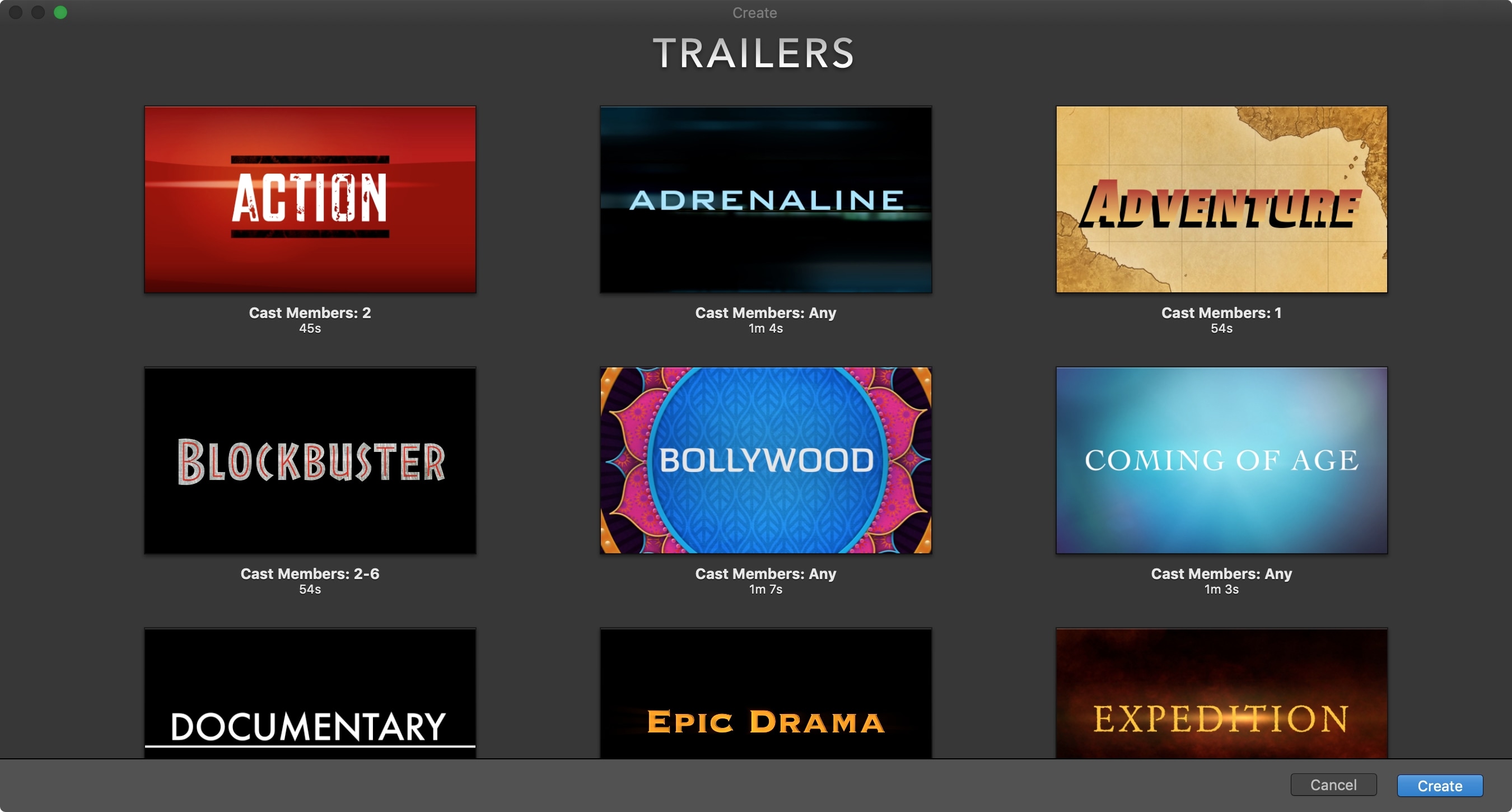
iMovie New Trailer Project on Mac

The iMovie app on iOS and Mac is one of those apps you only open if you really need it. And many people delete it just to save storage space. But if you are interested in creating some movie magic on your device, then there’s no better way than with iMovie.  And the best place to start is with how to create a new project. So, open iMovie on iPhone, iPad, or Mac and follow along!

The best Apple TV apps for cooking and kitchen skills

Cooking apps for Apple TV

We can’t all be Chef Ramsay in the kitchen, and for many people cooking is a struggle. So if you own an Apple TV and are ready to learn some basic skills, find easy dishes to create, or just brush up on baking or grilling, you came to the right place.

These are the best Apple TV apps for cooking and kitchen skills.

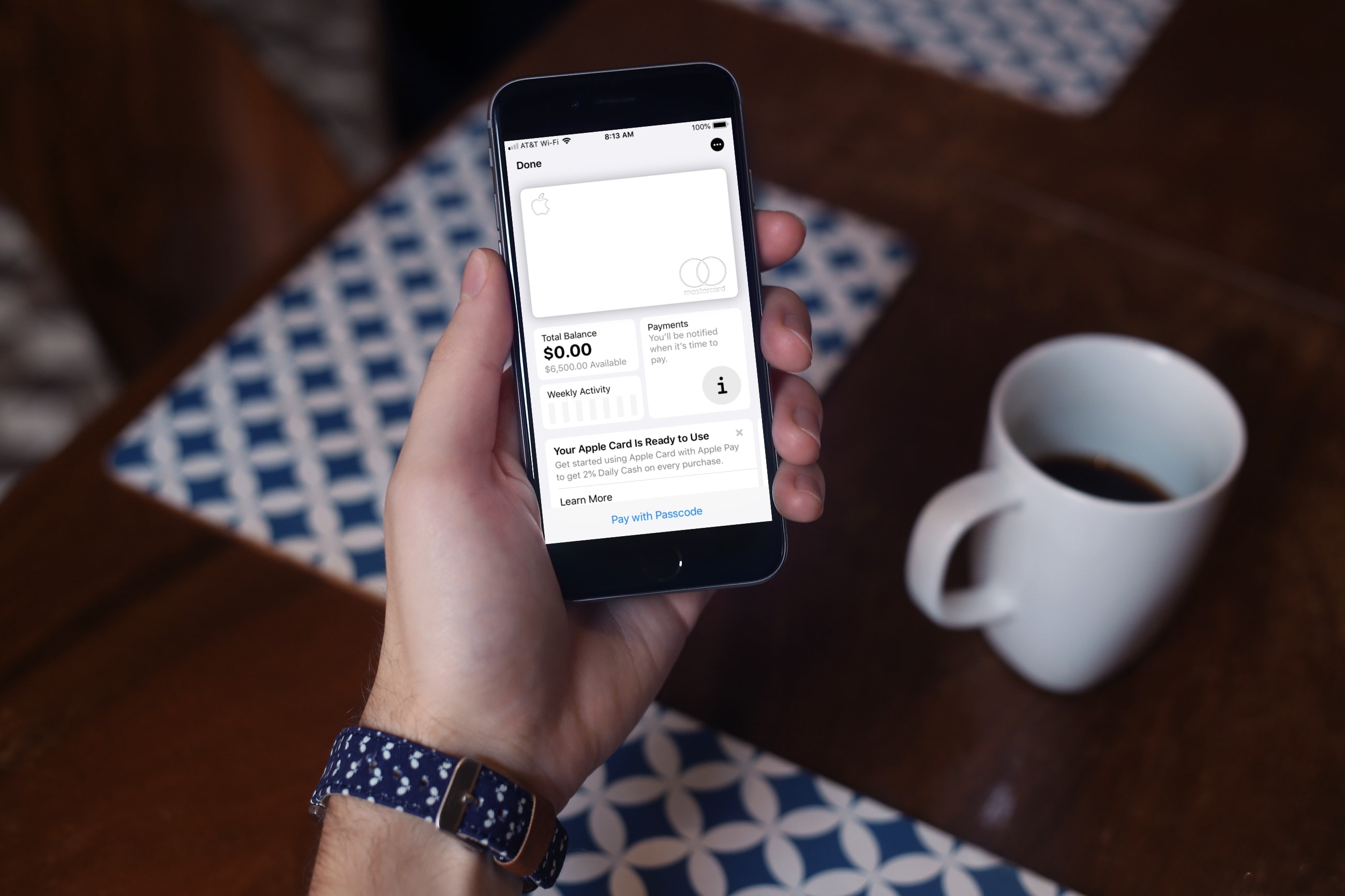
How to apply for Apple Card

How to apply for Apple Card

Earlier this year, Apple announced the launch of their first credit card. Appropriately named, the Apple Card works like a regular credit card, offers Daily Cash, and sits nicely in your Wallet app for Apple Pay in addition to offering a physical card.

Pro tip: You can sign up to be notified when the card is available, and select users will receive an email invitation to apply early. To do so, visit the Apple Card page on Apple's website, click the Notify Me link in the upper right, and enter your email address. A few of us at iDB have confirmed that entering your email address to get notified is a good way to receive an invite early. After entering your email address, you should receive an invite within a few days.

So whether you fall into this group or are one who’ll wait a bit longer, here’s how to apply for the Apple Card when you’re ready.