Learn how to block adult, sensitive, or distracting websites on a Mac with built-in Screen Time parental controls or allow only specific ones to keep your child safe online.
How to restrict or allow specific websites on Mac
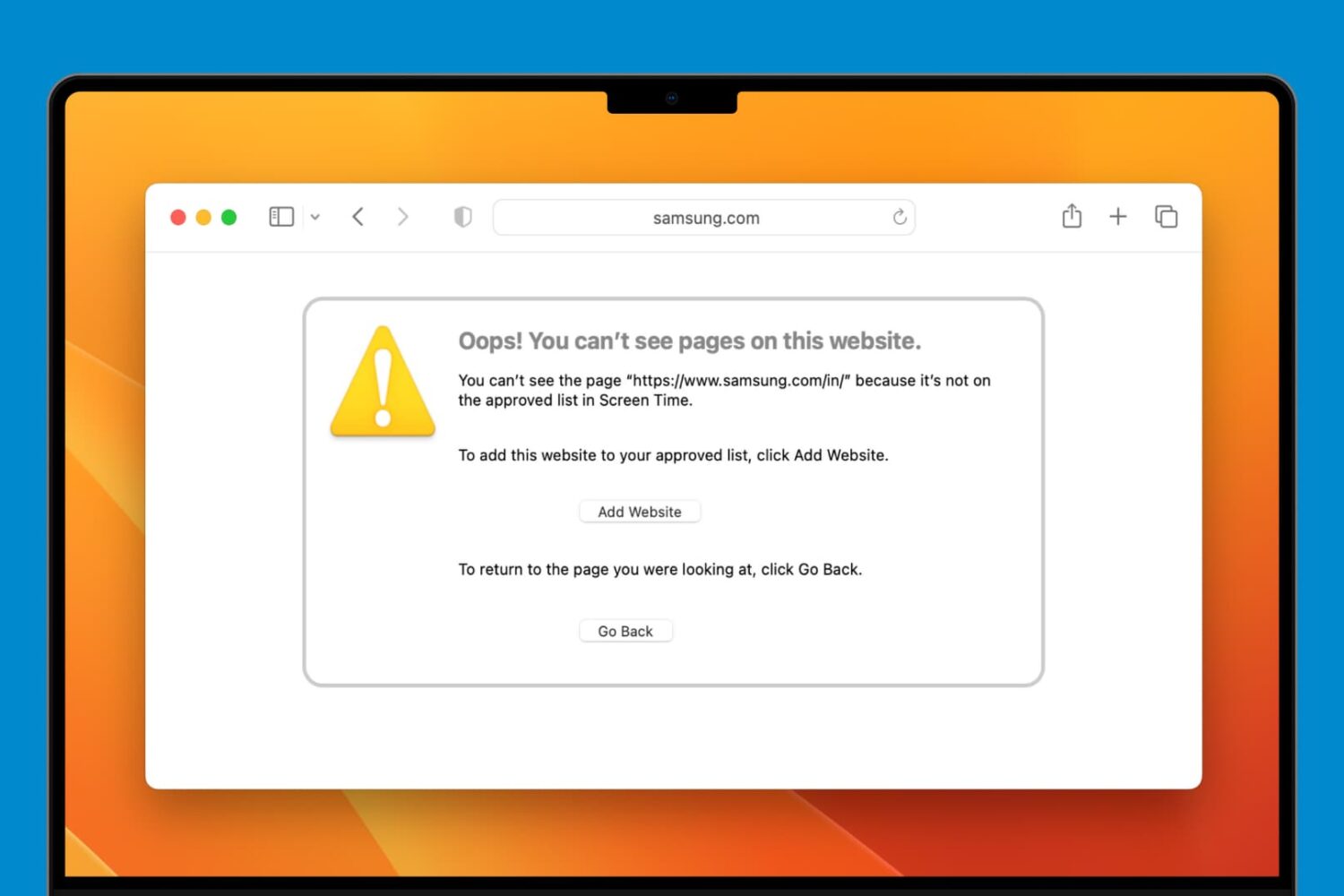
Learn how to block adult, sensitive, or distracting websites on a Mac with built-in Screen Time parental controls or allow only specific ones to keep your child safe online.

You can improve your movie and TV show viewing experience by using playlists in the Apple TV app. Here’s how to create and manage a playlist in the TV app on Mac and take binge-watching to the next level.

Reading the news on your iPhone is a great way to stay up to date no matter where you are. So, having an app on your Apple Watch that lets you view the latest headlines and breaking news stories means you’re always in-the-know.
With this list of the best Apple Watch news apps, you can decide which one or more you should put on your wrist.
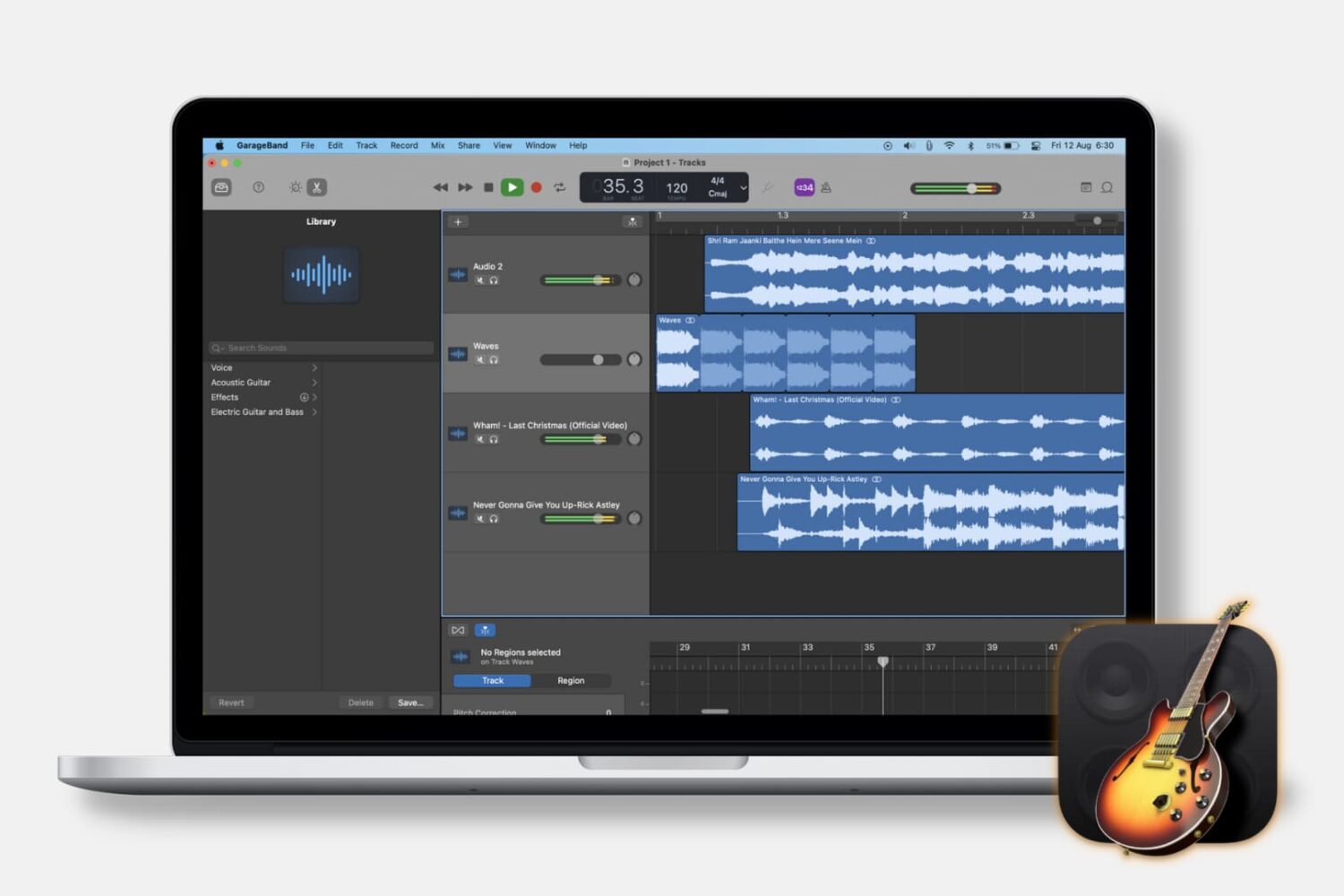
When you’re making music in GarageBand, you may want to pull in other types of audio. Maybe you have a song in the Music app or an MP3 file in iCloud that you want to use in your tune. This tutorial will show you how to import music and audio files into GarageBand on both Mac and iOS.
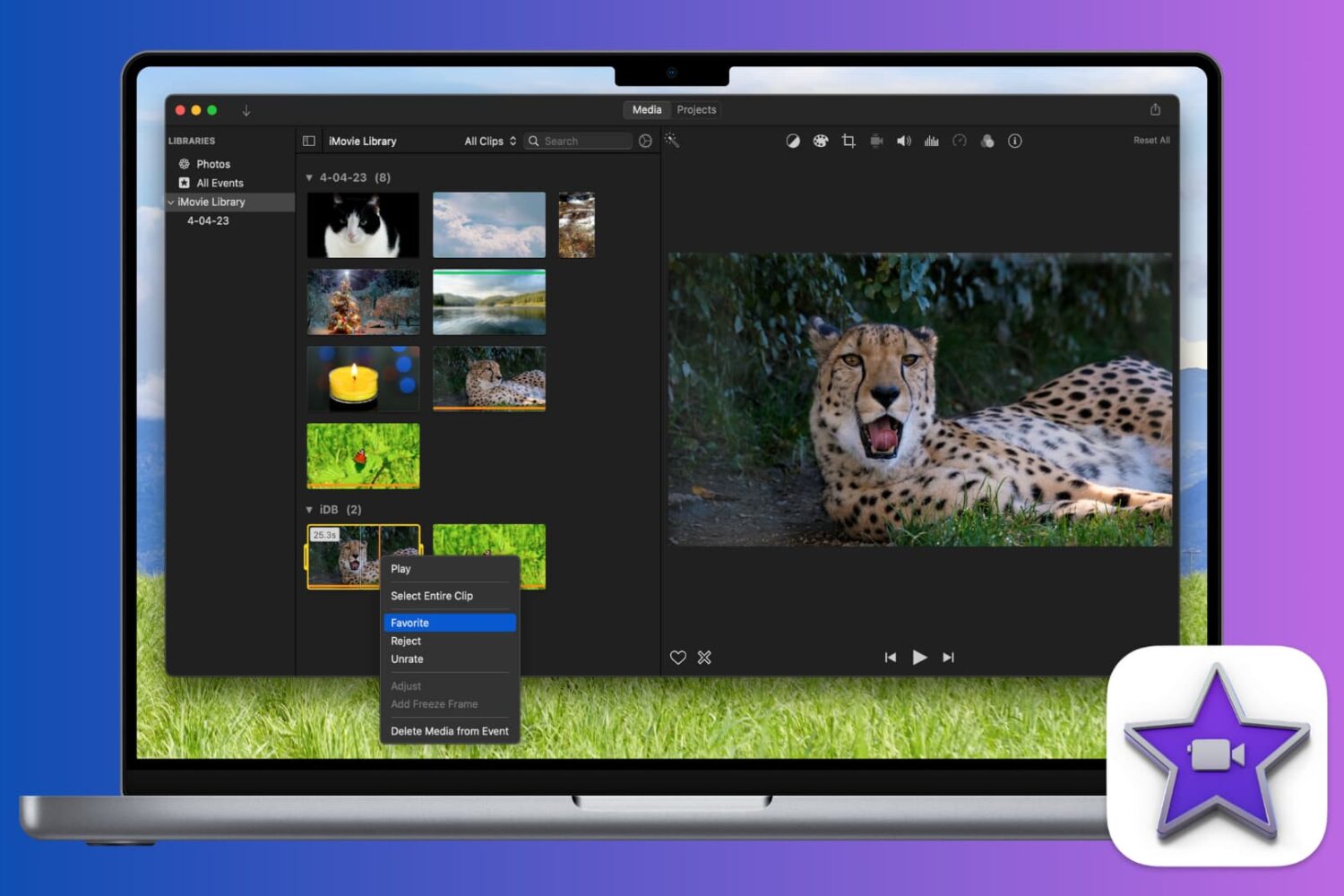
Learn how to mark a video as a favorite or reject it in iMovie when you’re reviewing your clips. This makes keeping and removing clips easy, so you can use the best ones.

From changing your Apple Account email address to checking your Apple Cash Balance, you can access and manage your Apple ID account information right from your Mac’s System Settings, and this guide walks you through it.

If you use QuickTime Player on your Mac to watch videos and movies, you’ll like its Picture-in-Picture (PiP) feature. It will convert the playing video into a small floating window, which you can resize and place anywhere on the screen.
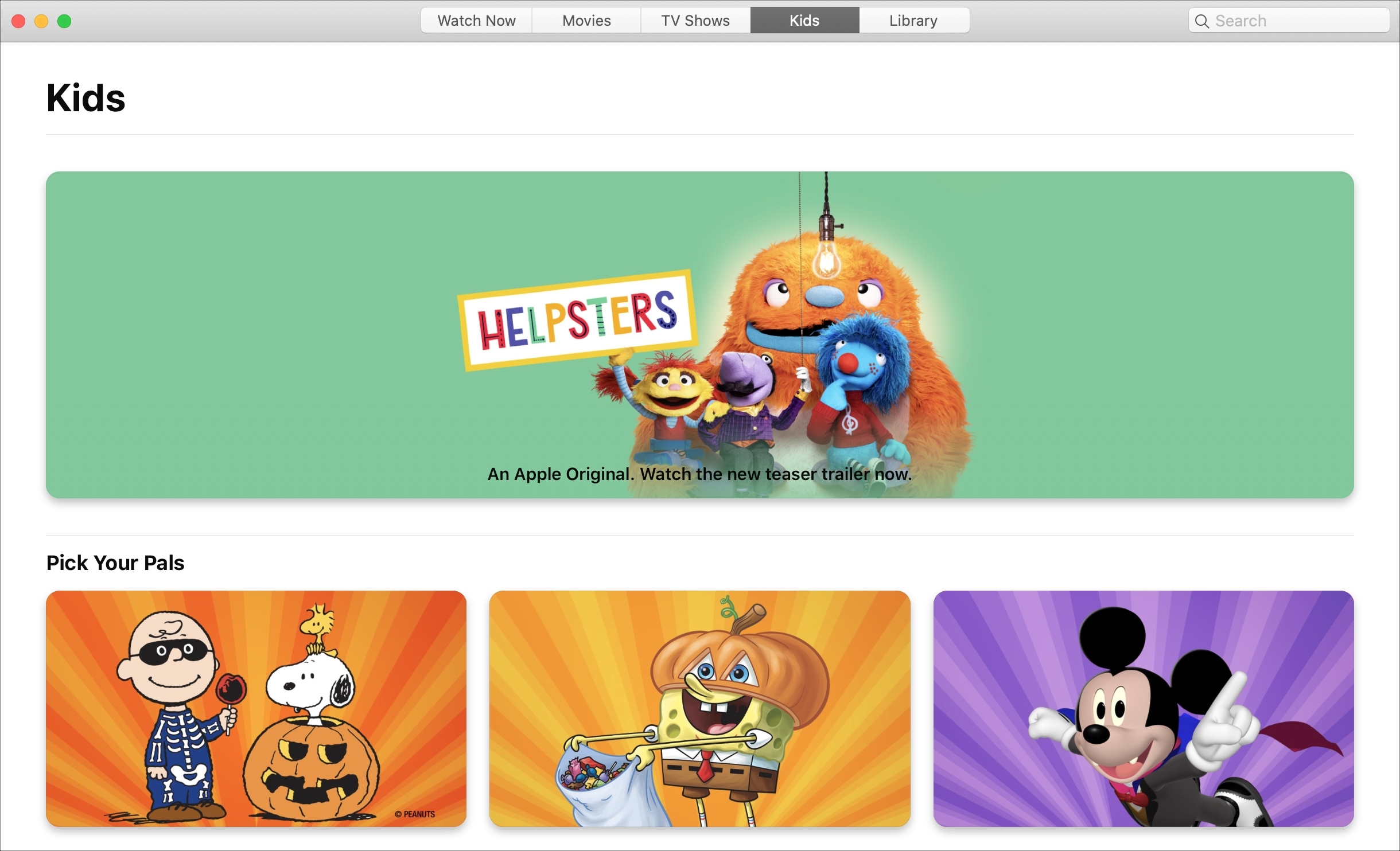
Learn how to block explicit songs, movies, and TV shows in Apple's Music and TV apps on your child's Mac by setting up parental controls to restrict content.

If you use a screen saver on your Apple TV that displays your own photos or those from Apple, then you don’t worry about getting new images on a regular basis. But if you use the Aerial screen savers that Apple offers, you can decide for yourself when to receive new ones.
You may only want new aerial screen savers every month due to their size, or perhaps you want them every day. Either way, here’s how to change how often your Apple TV checks for new screen savers to download.
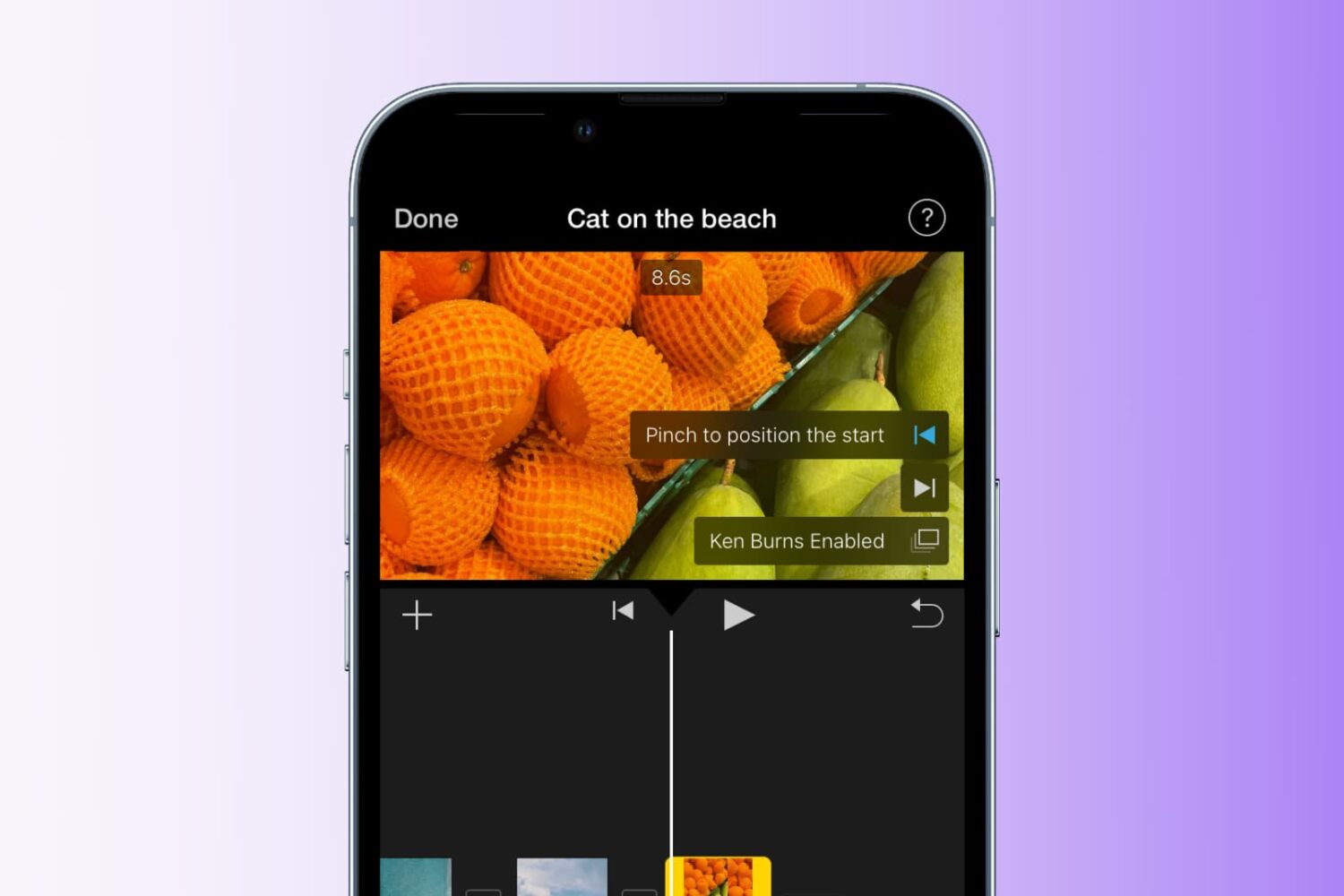
Learn how to add the Ken Burns effect to your images and video clips in iMovie to make them appear as though the camera is moving or zooming in and out, creating a beautiful cinematic effect.
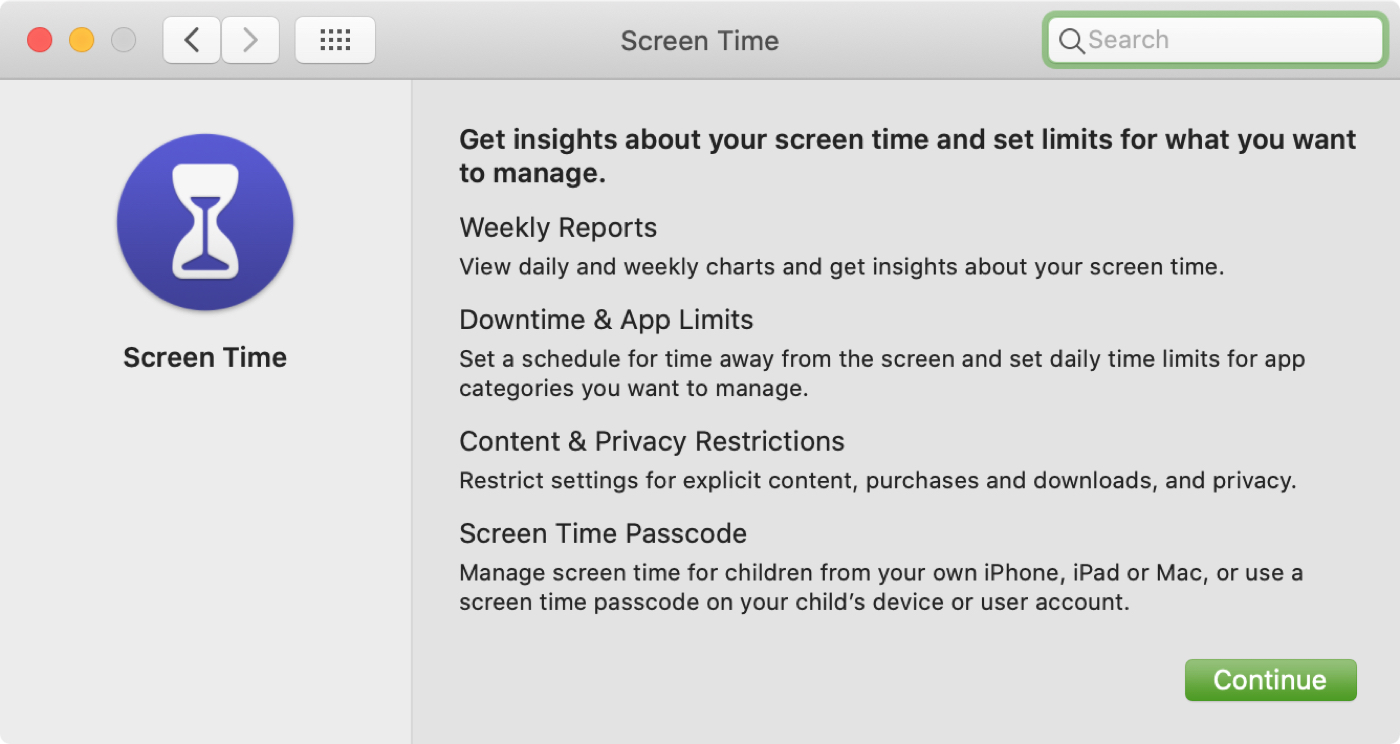
In this tutorial, we will explain how to turn on and use Screen Time on your or your child's Mac to understand device activity, limit app and website usage, set communication limits, and enable restrictions.

Check out this list of the best digital bullet journal apps for iPhone and iPad to capture your meaningful and memorable thoughts on the go.