Want to change the look of your Mail app? Check out these handy tips to use sidebar, column, previews, and more to personalize your inbox for increased productivity.
How to change the layout of your inbox in Mail on Mac

Want to change the look of your Mail app? Check out these handy tips to use sidebar, column, previews, and more to personalize your inbox for increased productivity.
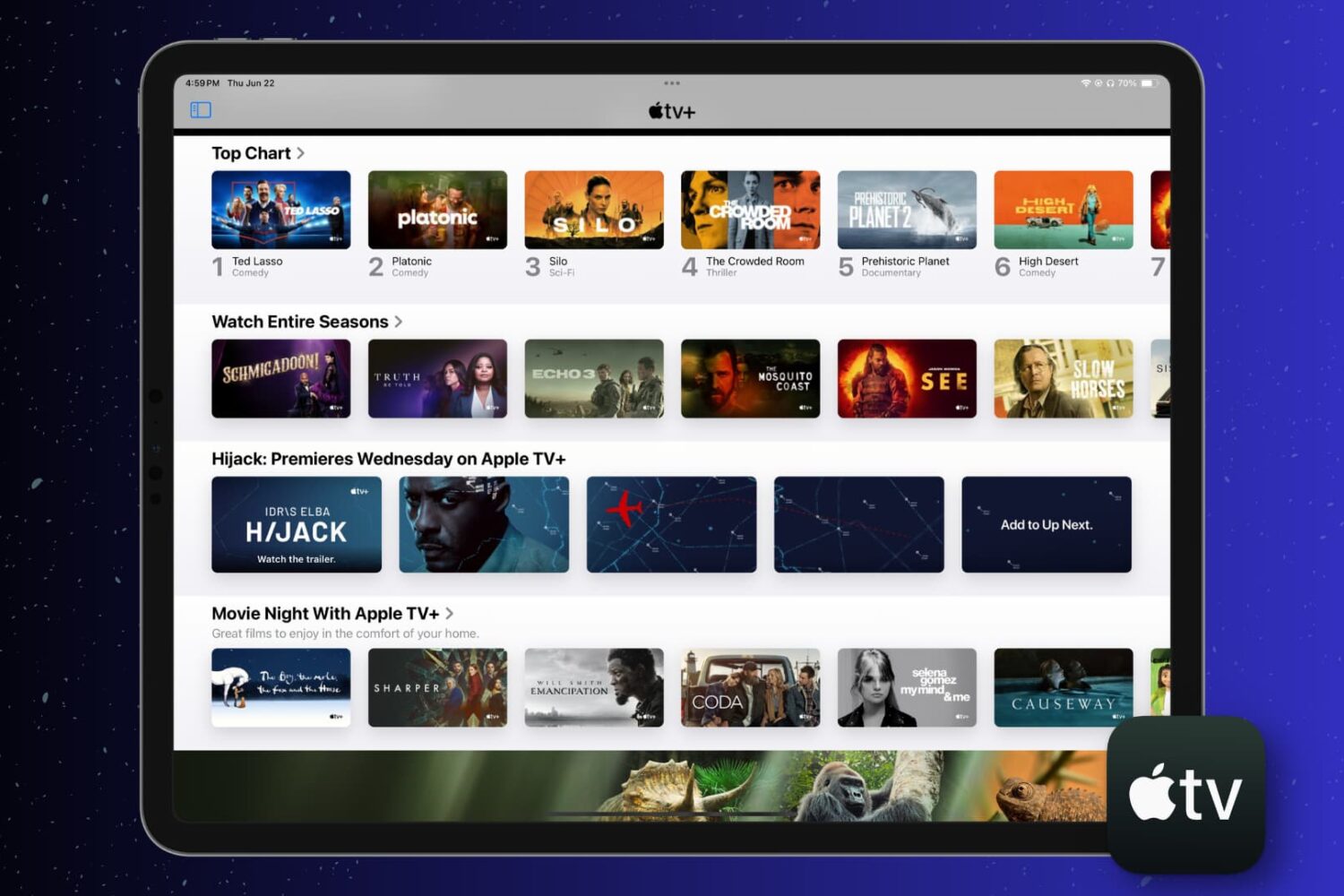
This short tutorial walks you through how to automatically delete shows you’ve watched or simply clear your play history in the Apple TV app on your iPhone, iPad, and Mac.
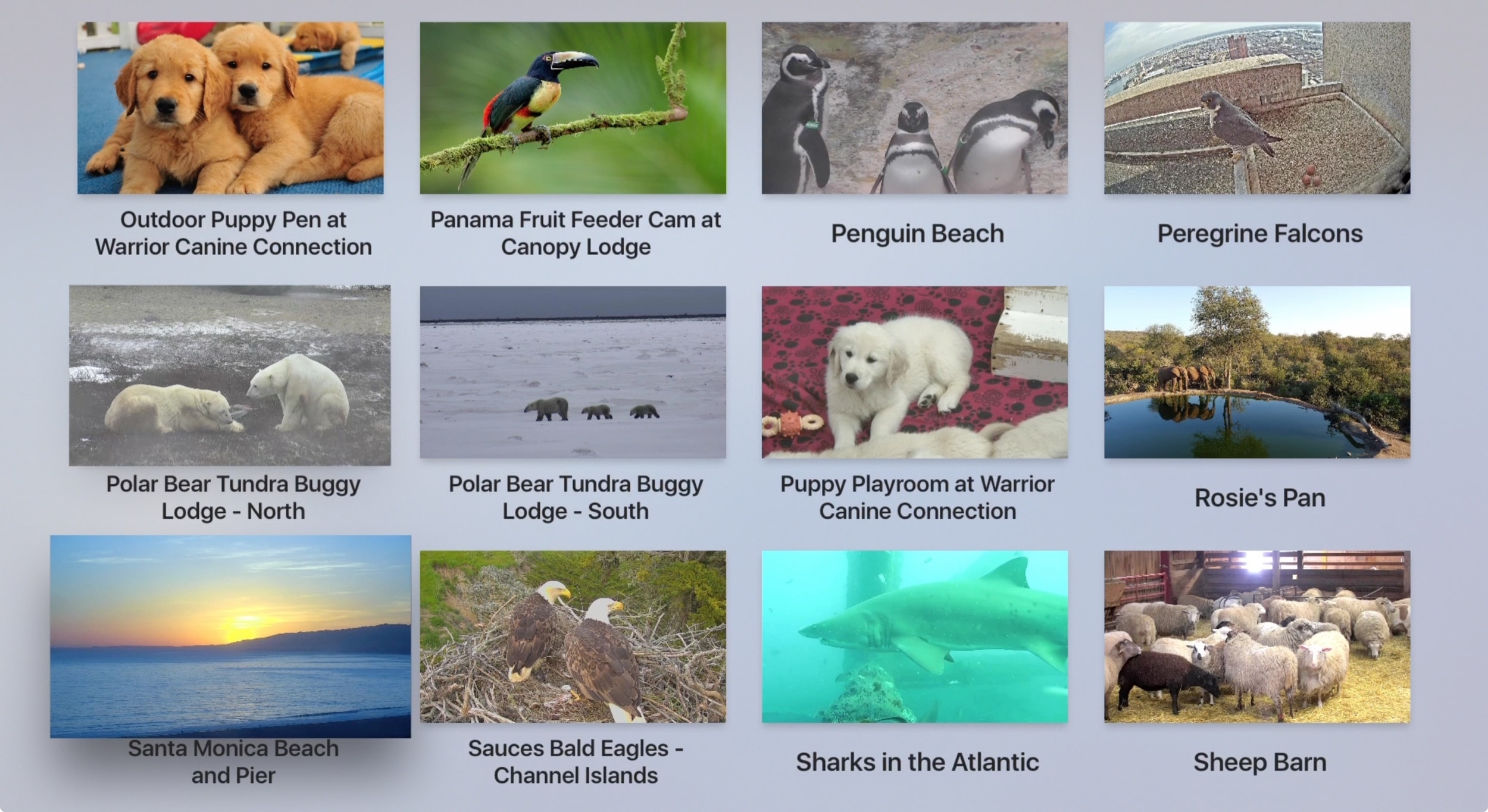
If you’re an animal lover like me, then you never get tired of photos or videos of all types of animals. From dogs and cats to lions and tigers, animals can be fascinating to watch. When you can’t check out wildlife in person or just want a fun way to enjoy your love of animals, then turn on your Apple TV.
We’ve assembled a list of the best free Apple TV apps for animal lovers, just for you.

The Find My app, available on iOS and Mac, is a terrific tool for staying up to date on where your favorite people go and tracking down missing devices, all in one spot. With the host of features in the Find My app, one that stands out is the Notification function. You can receive an alert when someone else leaves or arrives at a location, as well as notify them when you leave or arrive at yours.
Not only are these notifications convenient for staying in the know, but they can help you and your loved ones have peace of mind. Here’s what you can do with the Notifications and how to set them up in the Find My app.
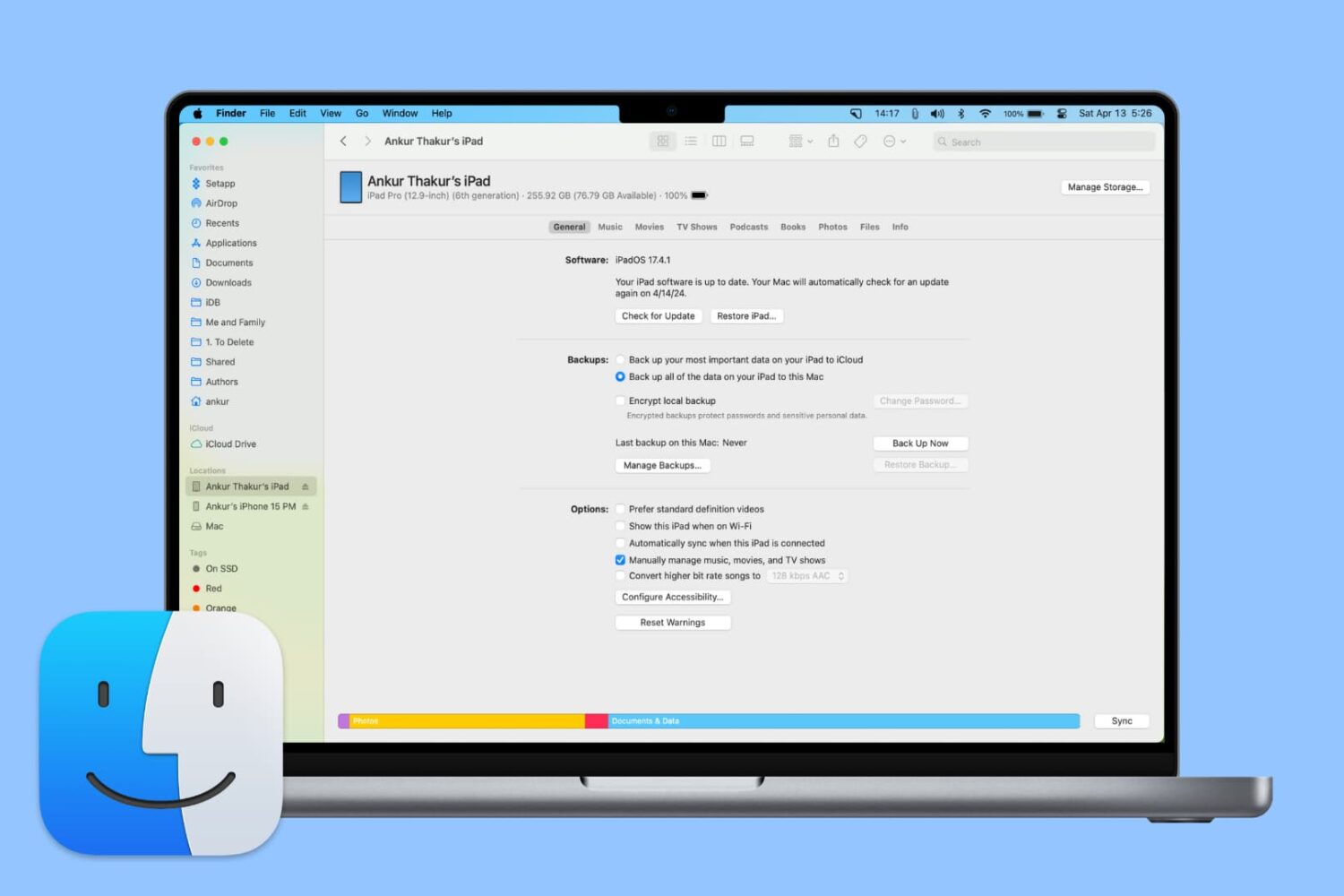
From adding music to updating or restoring devices, learn all the important things you can do on your iPhone or iPad using Finder on Mac.

Learn how to use the picture in picture feature in Apple's Safari browser to watch web videos from websites like YouTube while doing something else on your Mac.

Learn how to quickly unsubscribe from newsletters and promotional emails with just two taps in the Mail app on iPhone, iPad, and Mac if you’re getting flooded by unwanted emails.
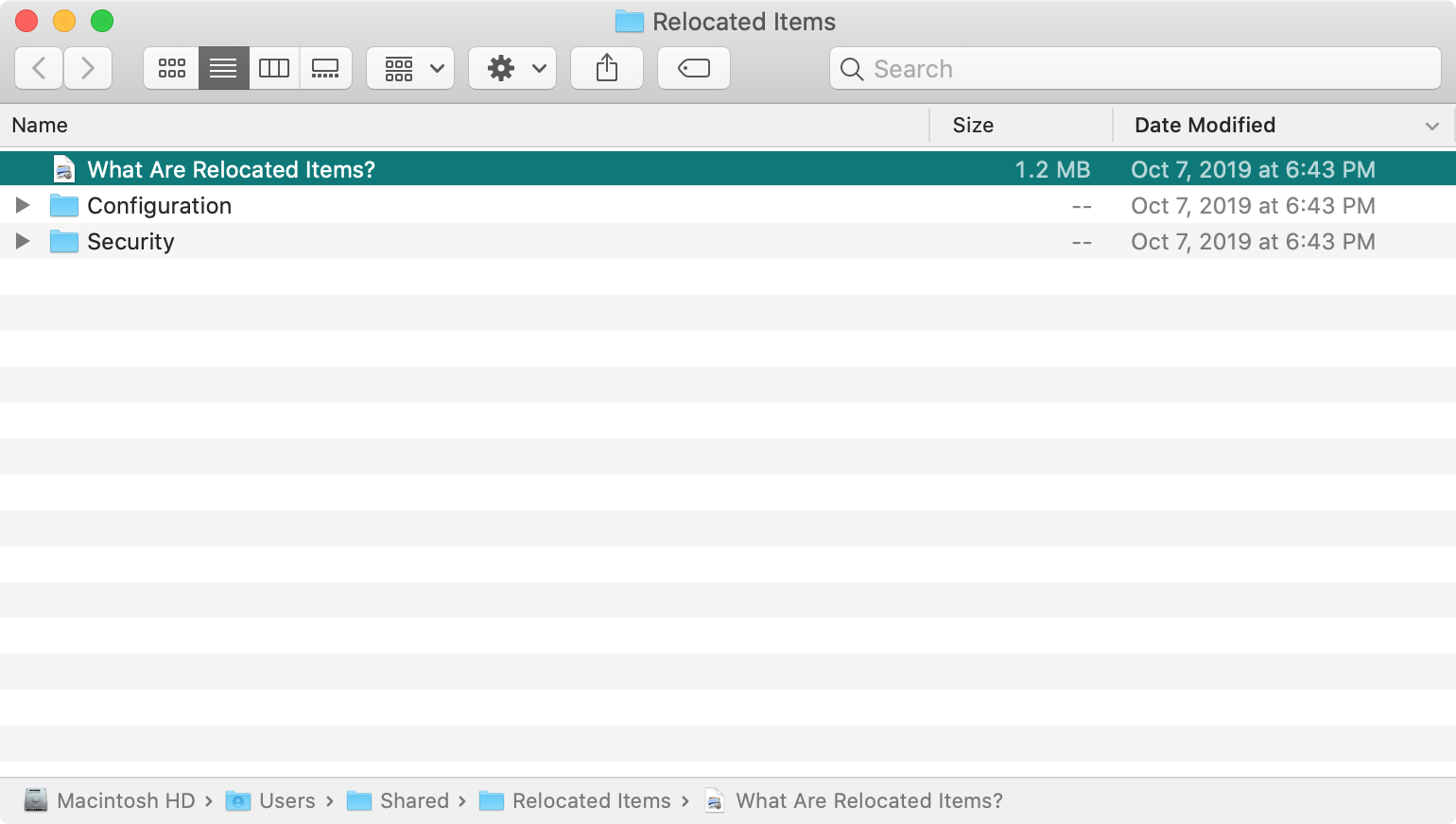
If you’ve recently upgraded to macOS Catalina, you may have noticed a new folder shortcut on your desktop called Relocated Items. But what in the world is the folder for and what are you supposed to do with it?
Here’s what the Relocated Items folder is all about on macOS Catalina.

Gone are the days in standing in line for hours to get tickets to an upcoming event. Now you can browse, search, and order tickets right from your device. Whether it’s a live concert, theater show, sports game, or local event, you can find and buy tickets right from your couch.
To give you a helping hand, we’ve assembled this list of the best iPhone apps for event tickets.

Find out what a station is in the Apple Podcasts app and how to create, play, and delete it on your iPhone, iPad, and Mac.

Learn how to understand the chart and data you see for app usage, notifications, and pickups in the Screen Time settings to get better insights into how you use your Mac.
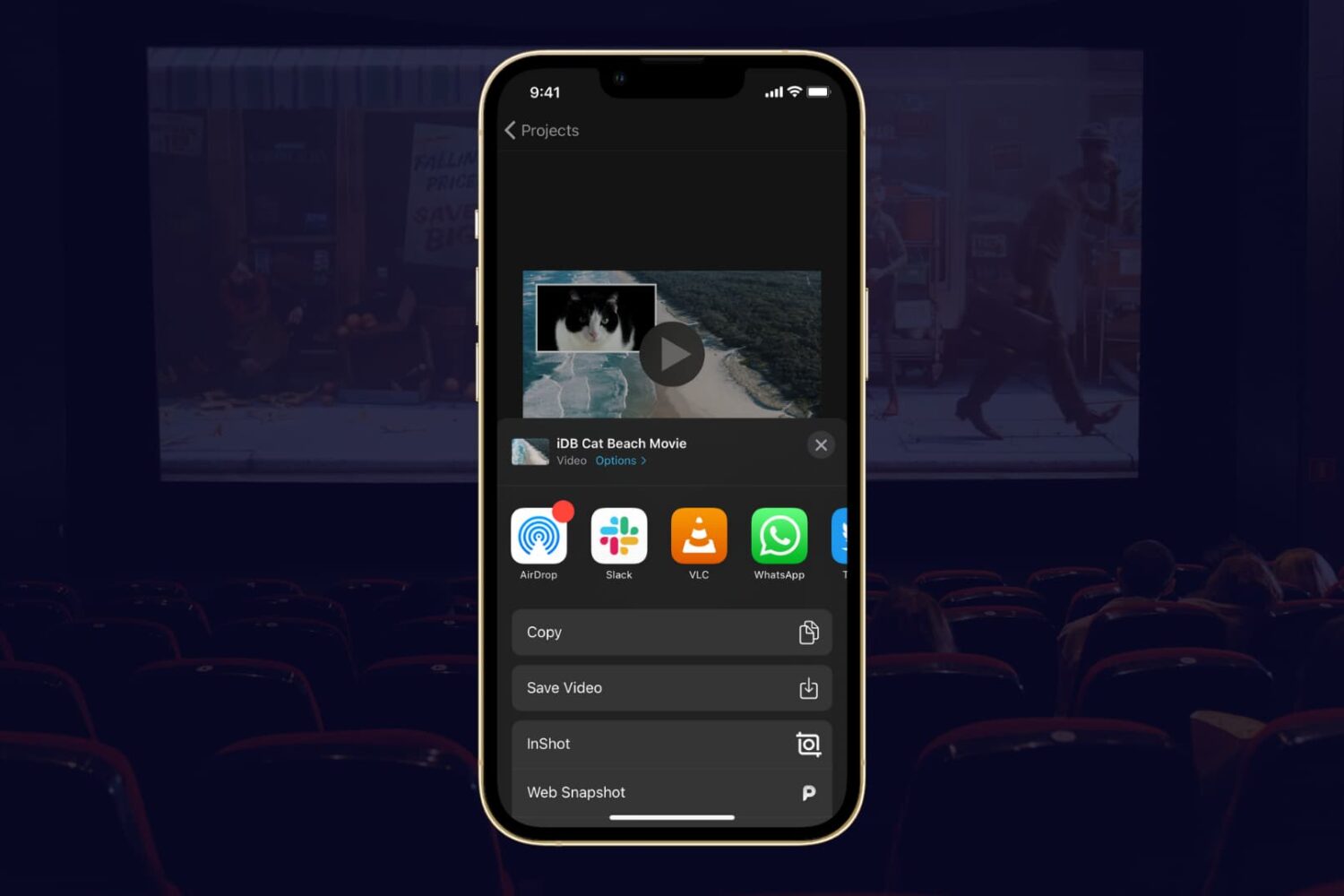
If you completed your movie magic in iMovie and want to share your creation, the app makes it easy. You have a few different options to export a movie directly or save it as a file to do with what you wish.
If you have a finished project that you’re ready to share, here’s how to export a movie in iMovie on Mac, iPad, and iPhone.