Learn how to enhance your presentation with a slide background or border in the Apple Keynote app on iPhone, iPad, and Mac.
How to add backgrounds and borders to slides in Keynote
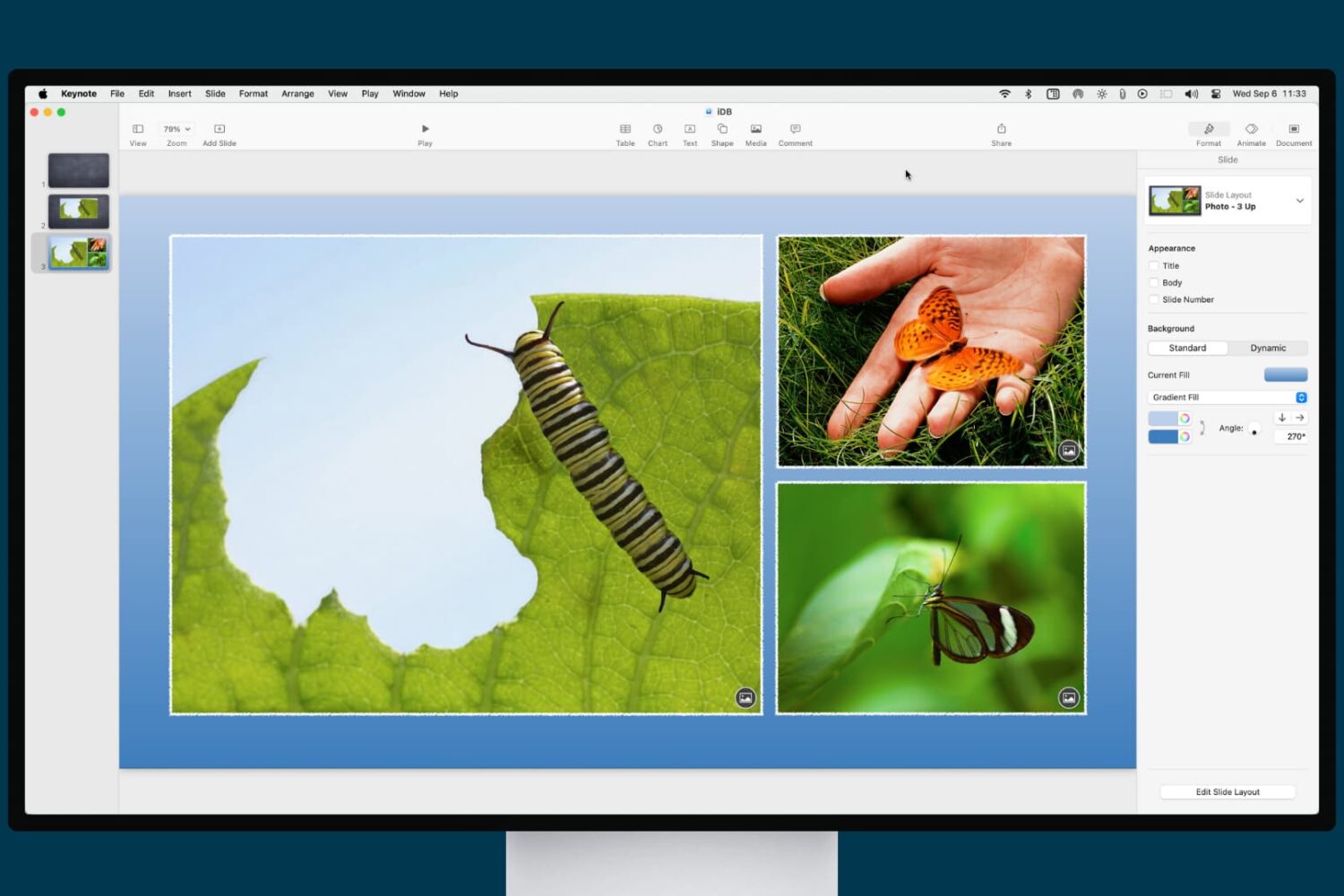
Learn how to enhance your presentation with a slide background or border in the Apple Keynote app on iPhone, iPad, and Mac.

Learn how to clear Apple Maps location history on your iPhone, iPad, and Mac to safeguard your privacy and enhance your security.
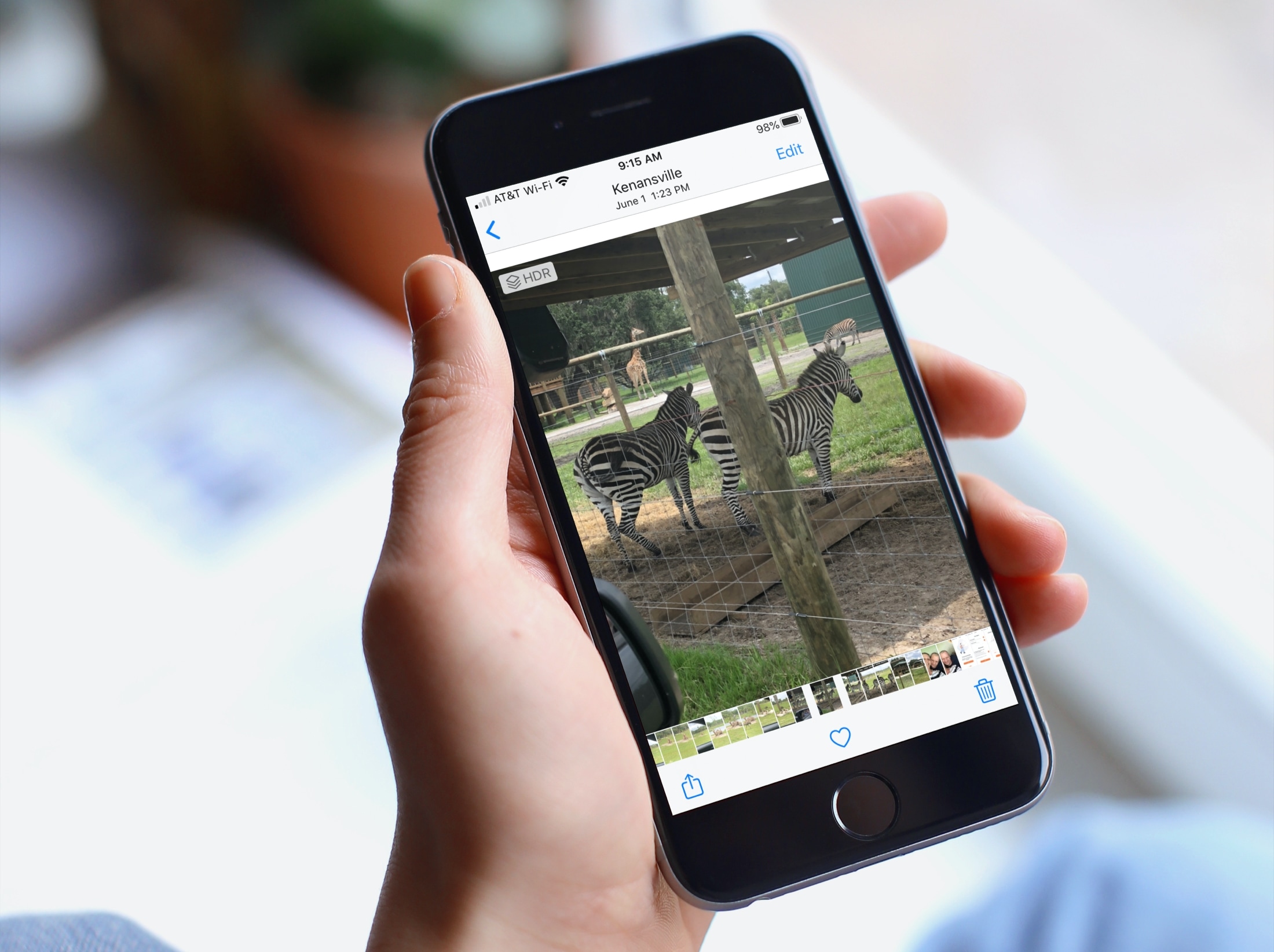
When you’re browsing through your pictures in the Photos app, you might notice that Live Photos and videos automatically play. And while this can be convenient if you’re just reliving some memories, it can be distracting if you’re looking for something in particular. If you’re someone with motion sickness, it can even cause extra discomfort. So, here’s how to deactivate the autoplay feature for videos and Live Photos in the Apple Photos app.

Learn how to set up Personal Hotspot on your iPhone to share your cellular data with family members, giving them access automatically or with your approval.
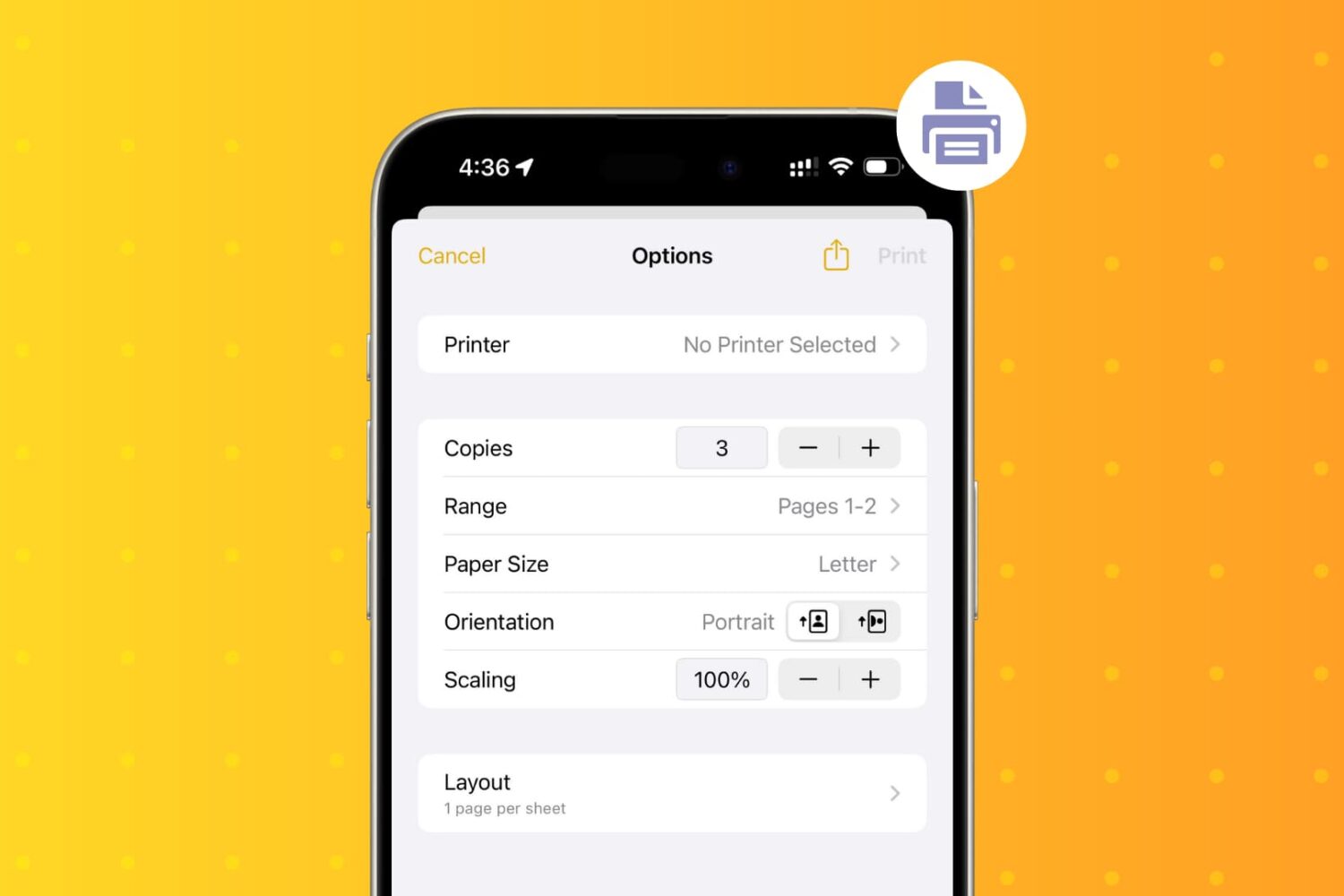
Learn how to wirelessly print PDFs, documents, or images from your iPhone and iPad using an AirPrint printer.
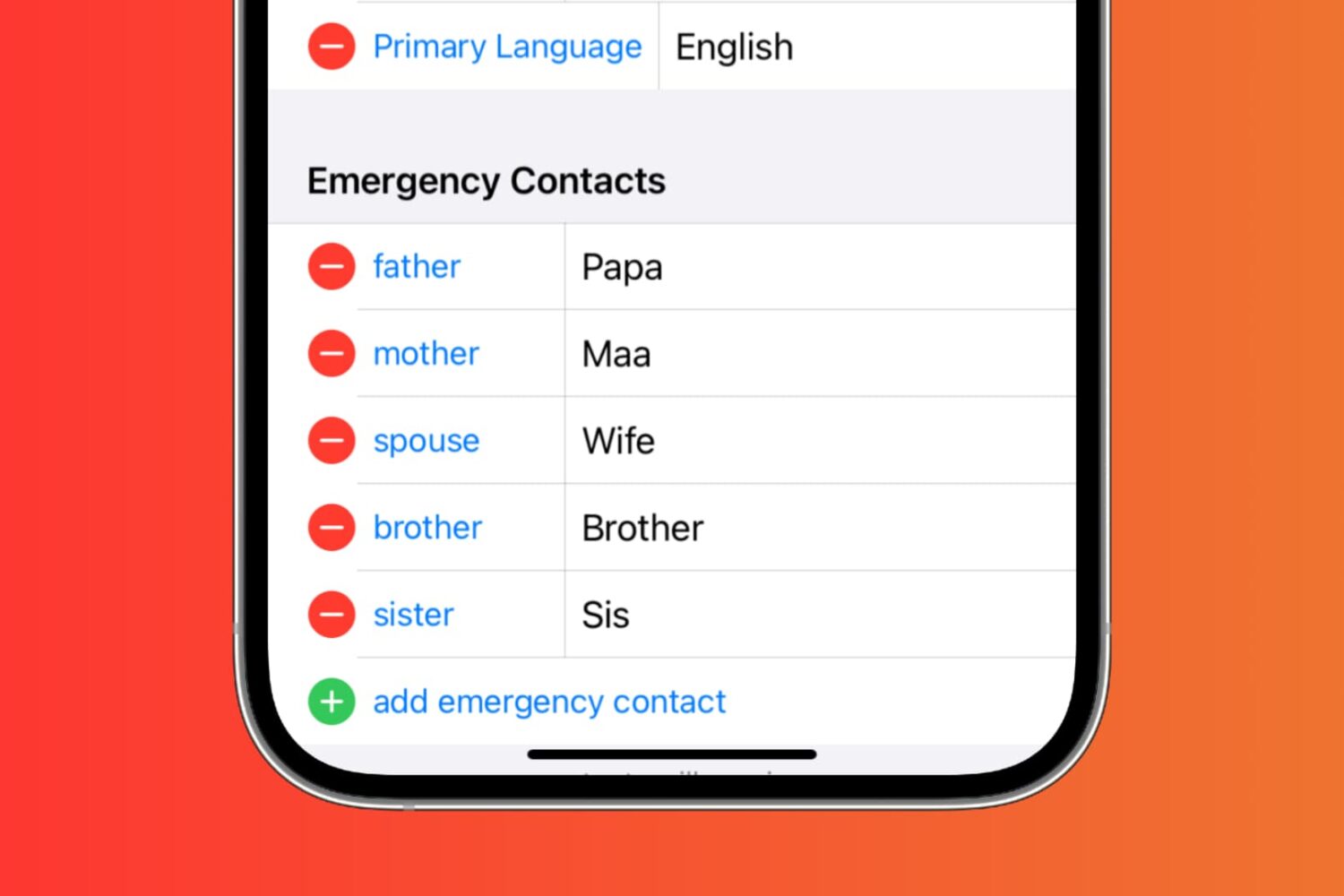
In this tutorial, we’ll show you how to set up emergency contacts on your iPhone. Since it only takes a minute or two, it’s worth your time. Hopefully, you’ll never need to use them, but if you do, they’ll be ready.
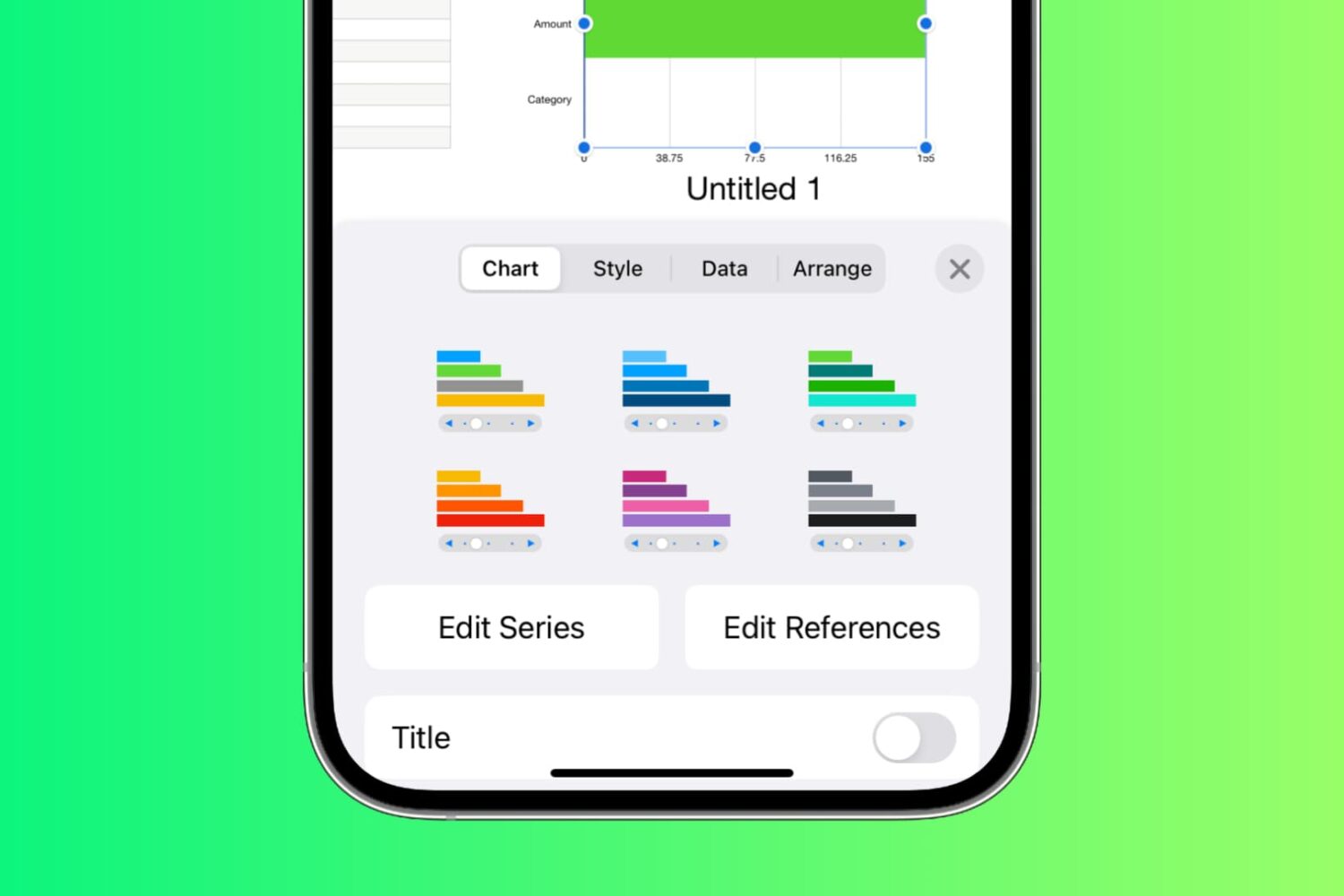
Learn how to create and work with Interactive Charts in the Numbers app on Mac, iPad, and iPhone to display your data in a chart that you can control.

Automator on Mac is a terrific tool for creating workflows, applications, and other automations that can speed up tasks and make life easier. In order for you to focus on the workflows you’re creating, take a look at this list of keyboard shortcuts for Automator on Mac.

Learn how to quickly reduce a document’s file size in the Pages, Numbers, and Keynote apps on your Mac if you’re having trouble sending or sharing it due to its large size.
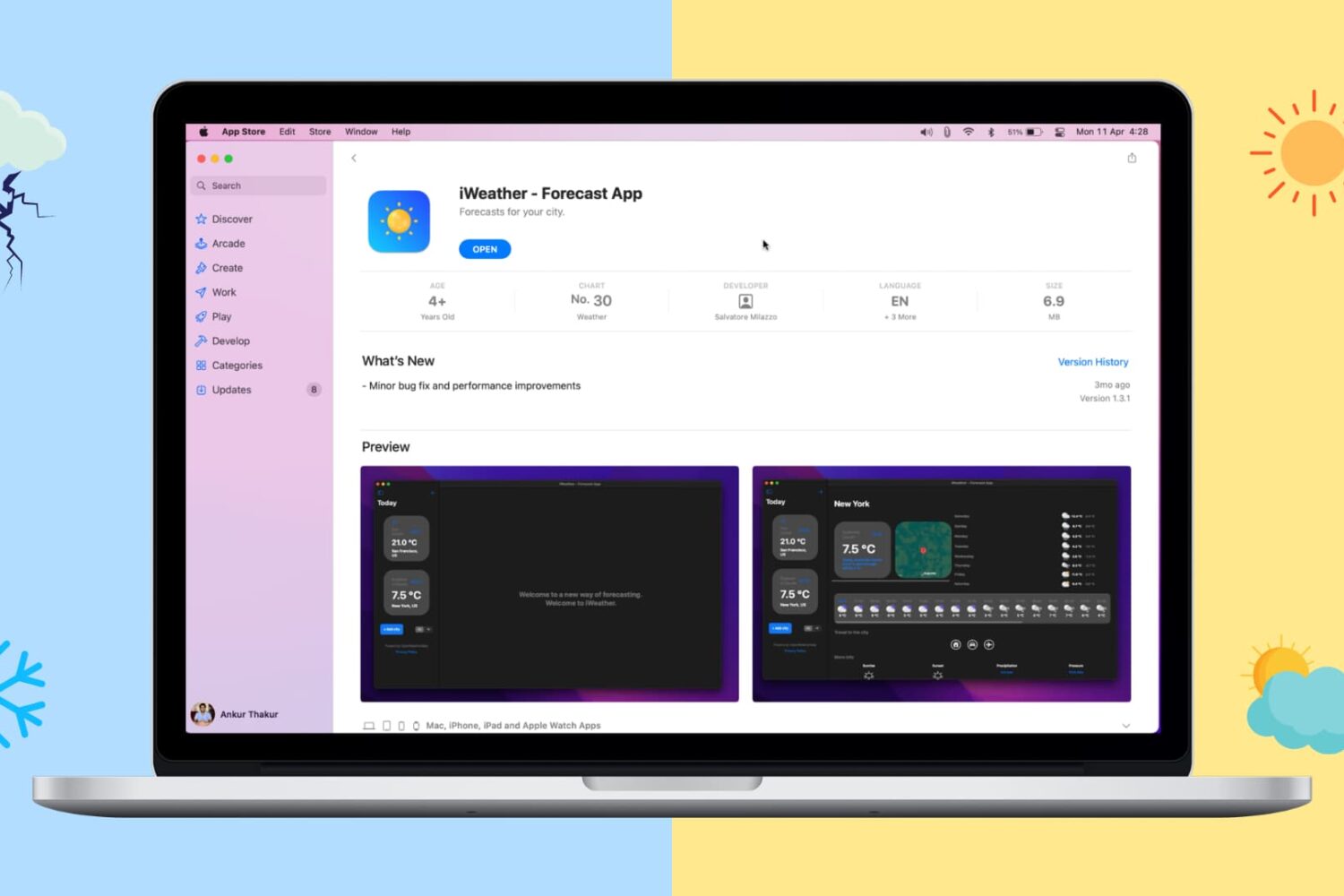
Looking to keep tabs on the weather from your Mac? Here are the top 5 free weather apps for Mac that offer great features.

Learn how to use Siri suggestions in the Mail app on your iPhone, iPad, and Mac to add events to your Calendar or people to your Contacts, streamlining your email experience and saving time.
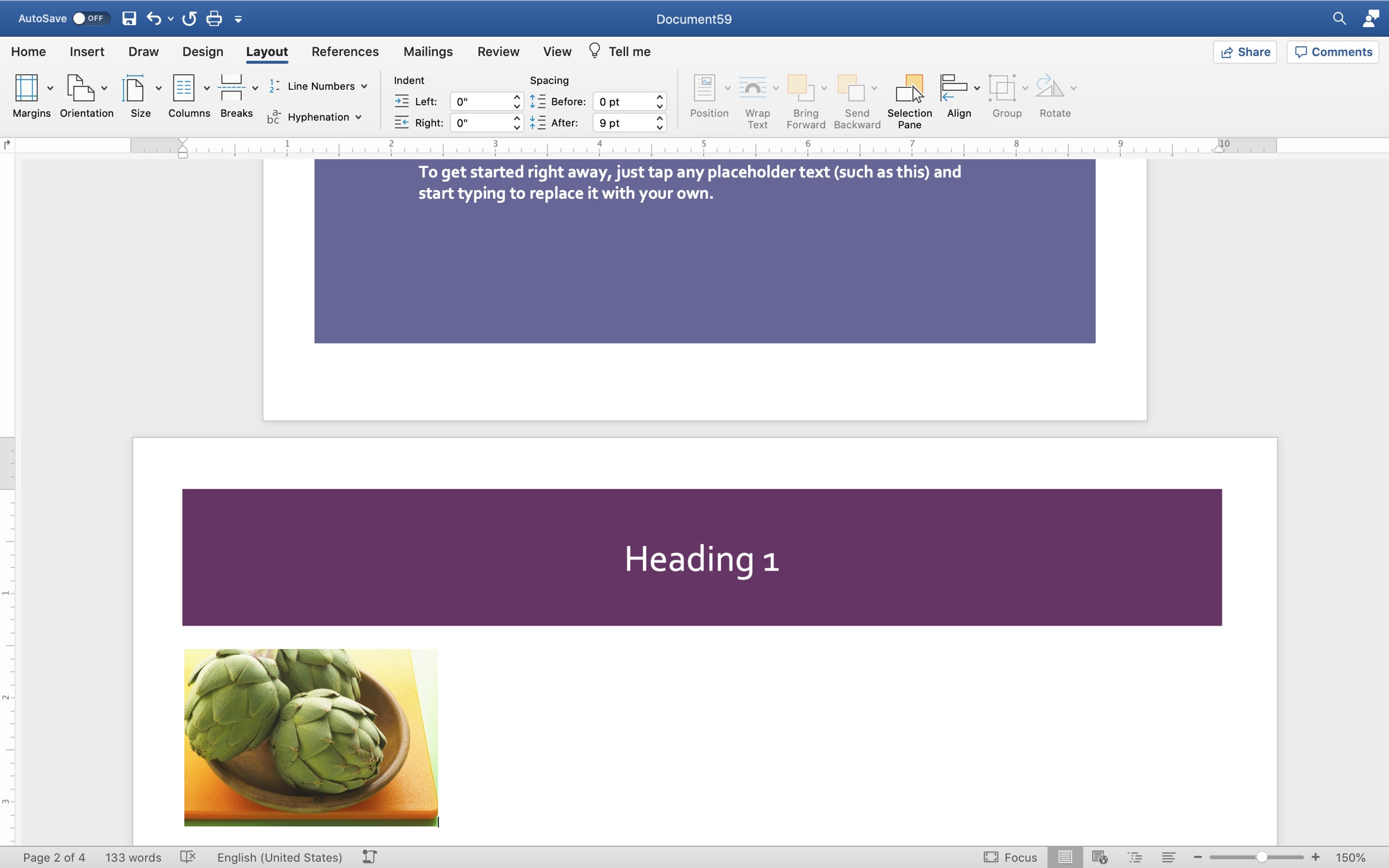
Some recently asked on Twitter how to add a landscape page to a portrait document in Pages. Unfortunately, the answer is, you can’t. Why not is a mystery. But if you have access to Microsoft Word, you can mix page orientations there.
This is convenient for many types of documents. You may want to insert a table or spreadsheet of data, include a landscape-view, full-page image, or create a brochure or pamphlet that requires both portrait and landscape pages.
If you’re willing and able to open your document in Word, here’s how to mix portrait and landscape pages in one document.