Learn how to create a picture collage in the Google Photos app on your iPhone, iPad, Android device, or computer to combine multiple photographs into one image.
How to create a picture collage in Google Photos
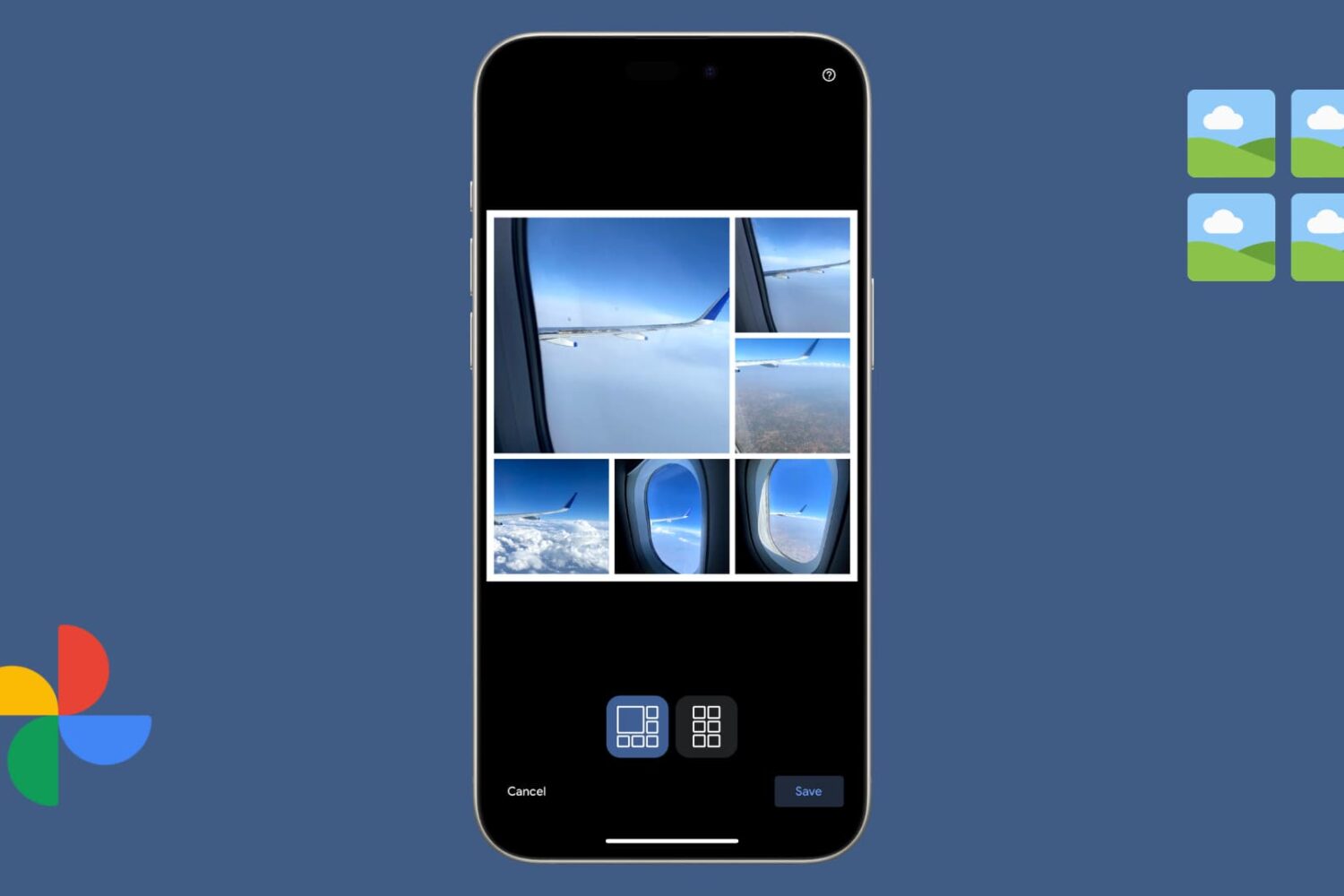
Learn how to create a picture collage in the Google Photos app on your iPhone, iPad, Android device, or computer to combine multiple photographs into one image.
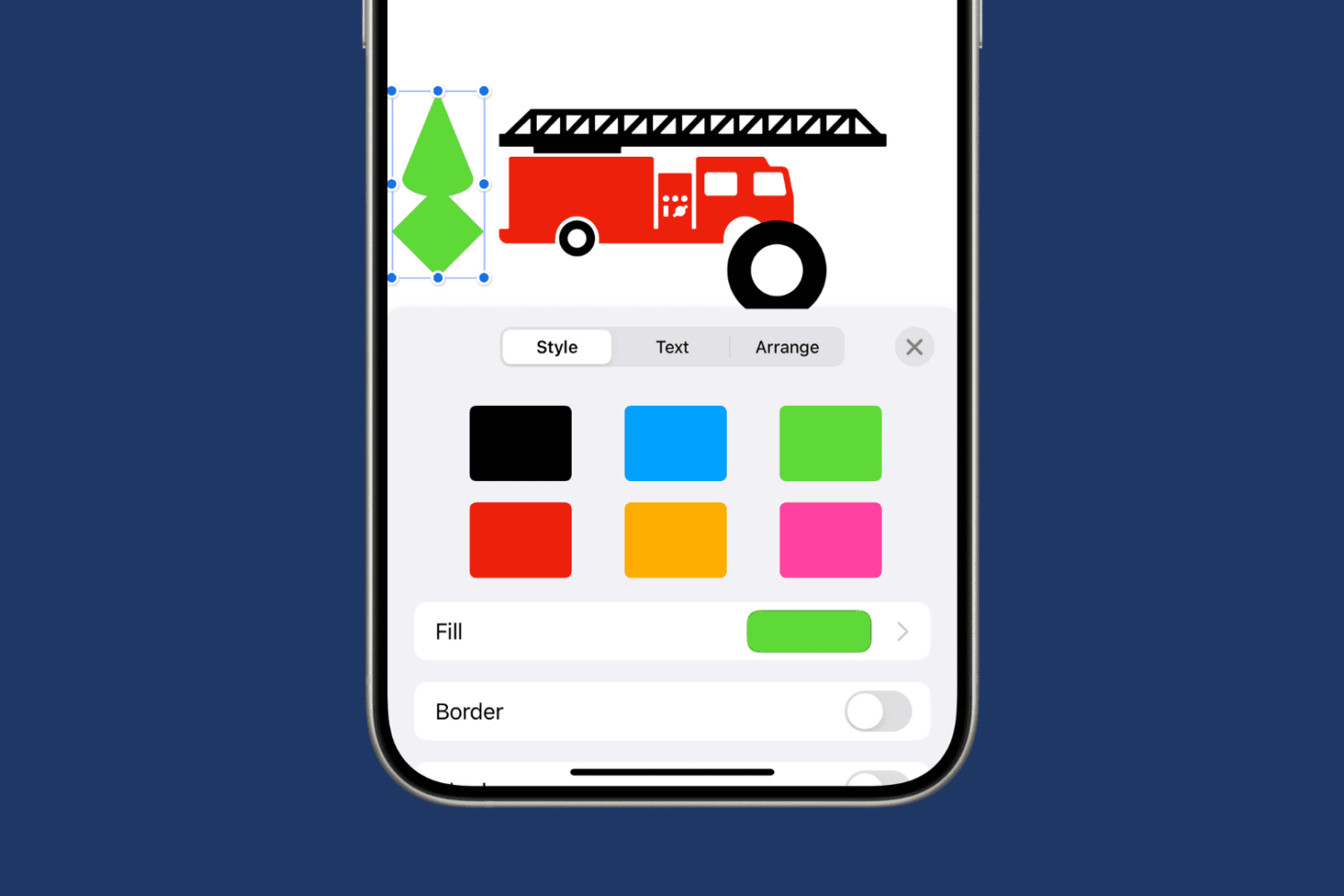
Learn how to merge multiple shapes into one or break up a complex shape into individual parts in Apple Pages, Numbers, and Keynote apps on your Mac, iPad, and iPhone.
Find out how to add a word to your Mac’s dictionary so it stops being tagged as misspelled and no longer shows a red dotted line underneath when you type it.
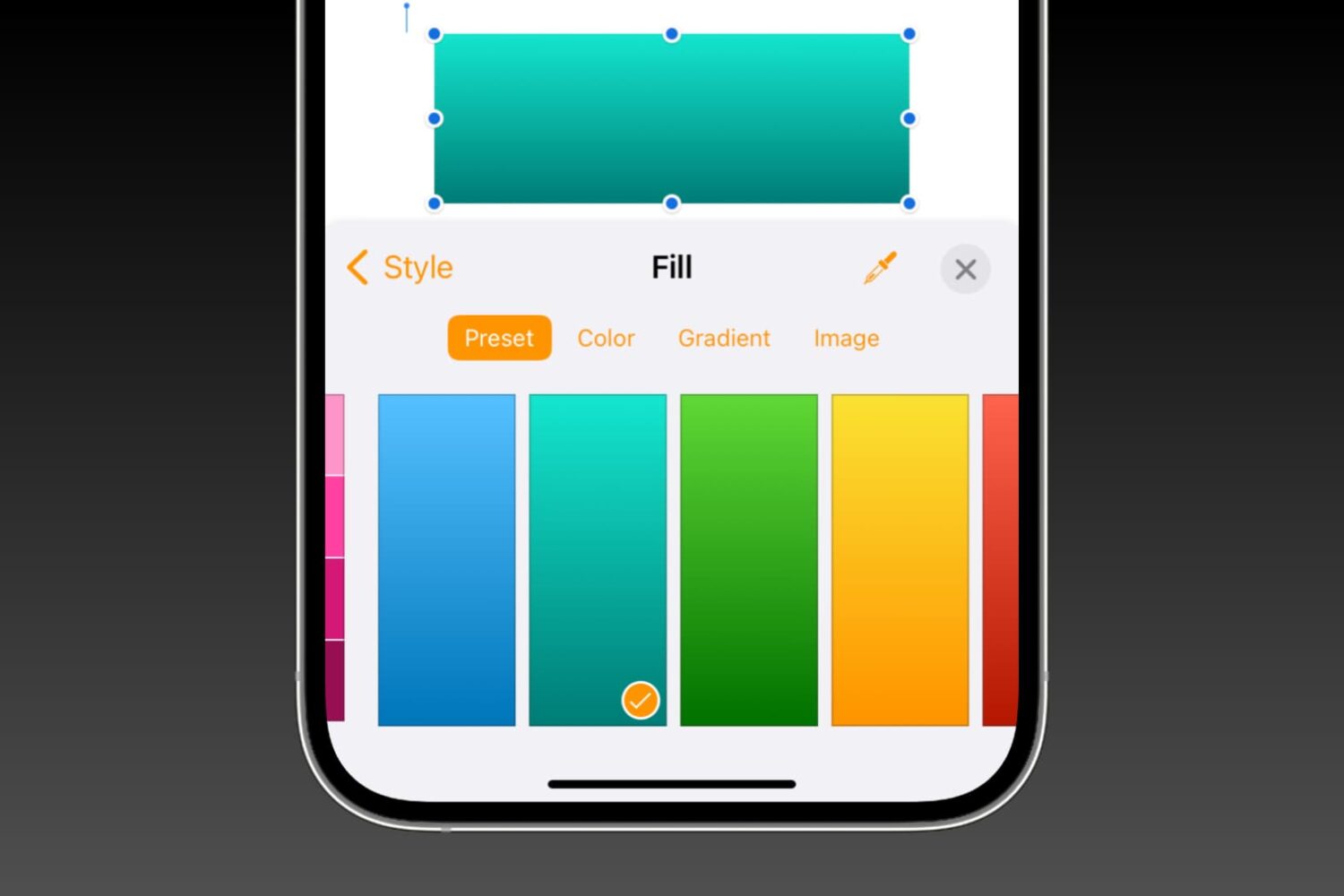
Learn how to fill shapes with specific colors, nifty gradients, or photos in the Pages, Numbers, and Keynote apps on Mac, iPhone, and iPad to make them more meaningful or beautify their appearance.
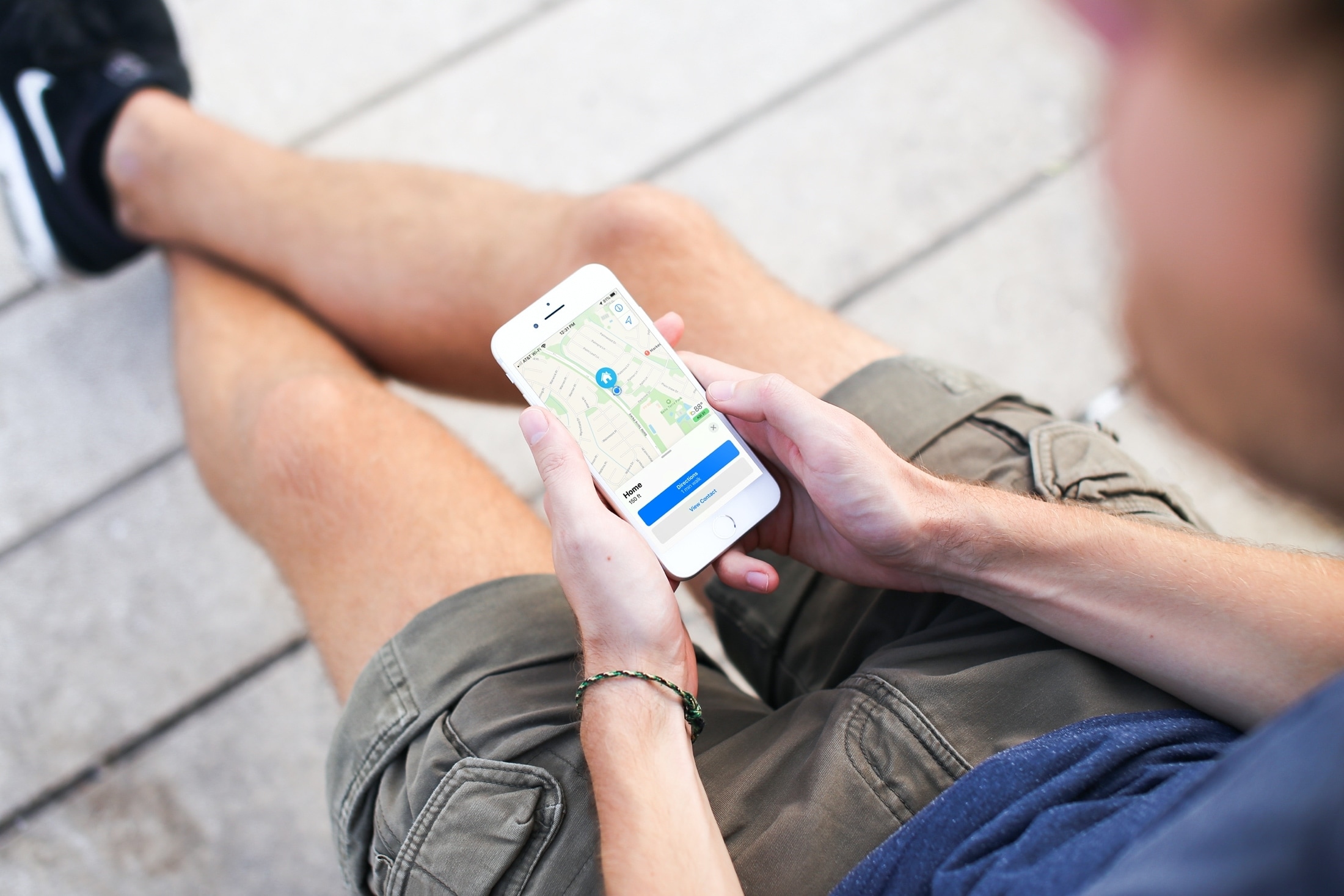
Need to change your home address in Apple Maps? This tutorial shows you how to do it on iPhone, iPad, and Mac.
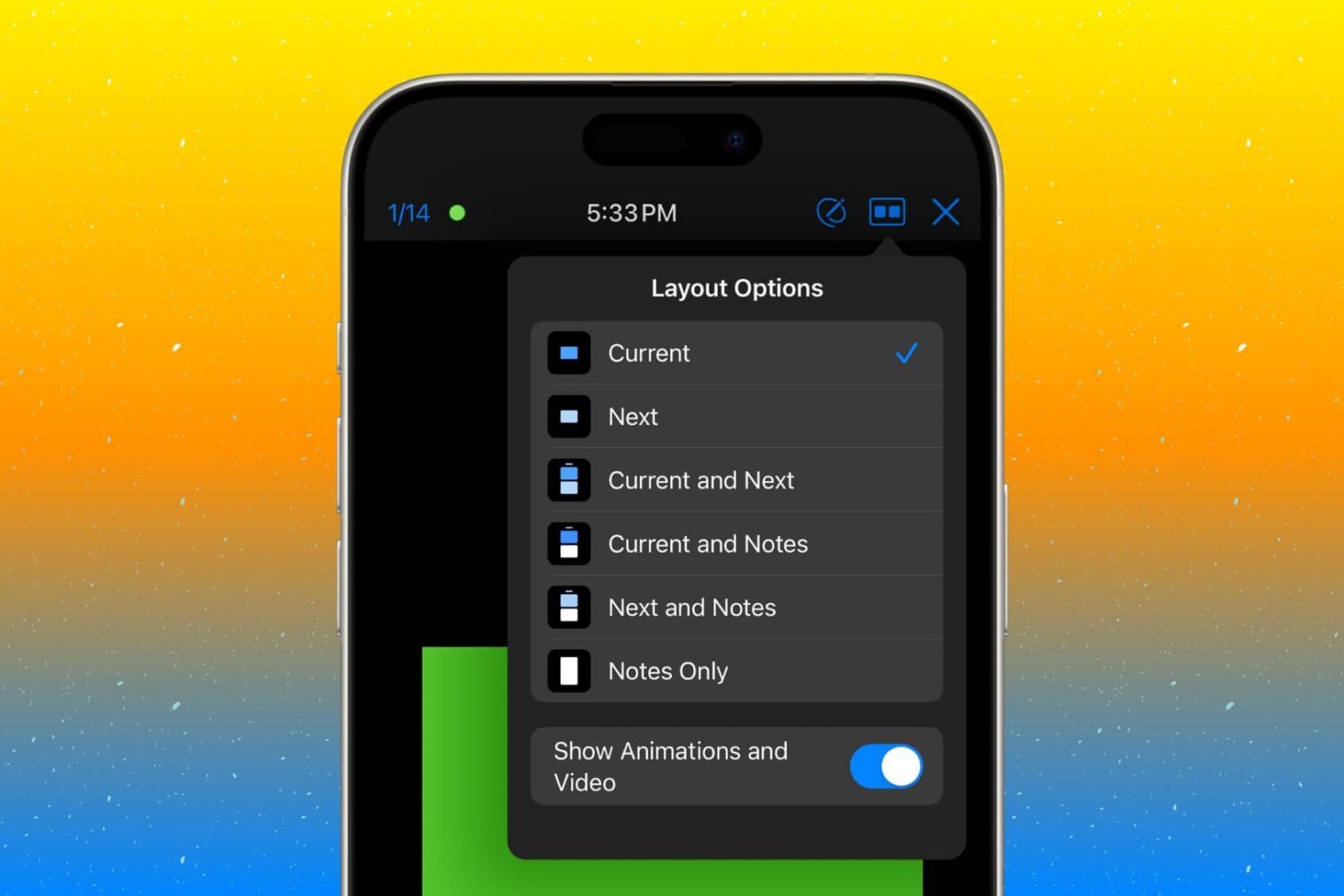
Customize the presenter display feature in the Keynote app on your Mac, iPad, and iPhone so you’re ready for your next presentation.
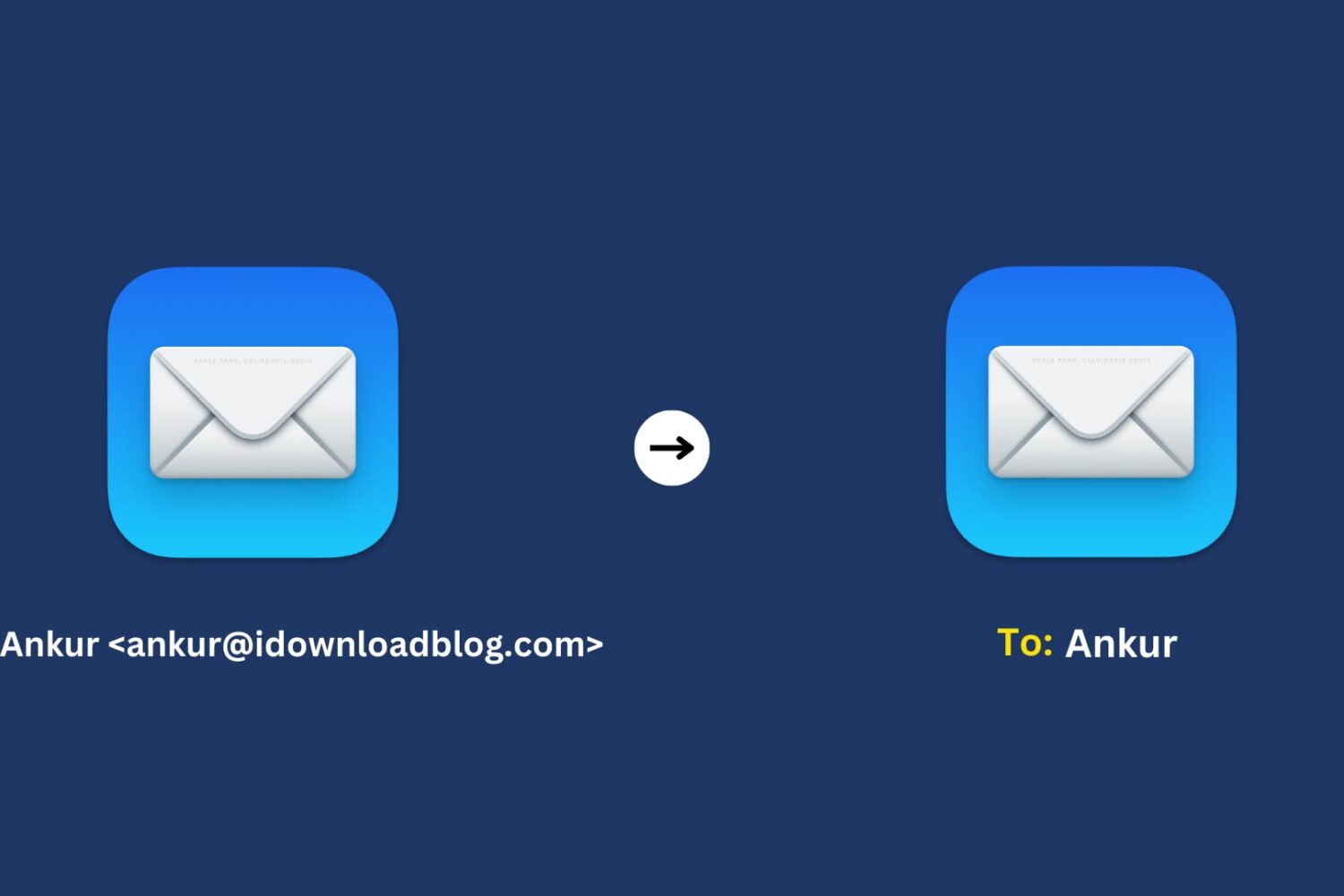
Learn how to use the Smart Address feature in the Mac Mail app to display only the recipient’s name instead of their full name and email address.
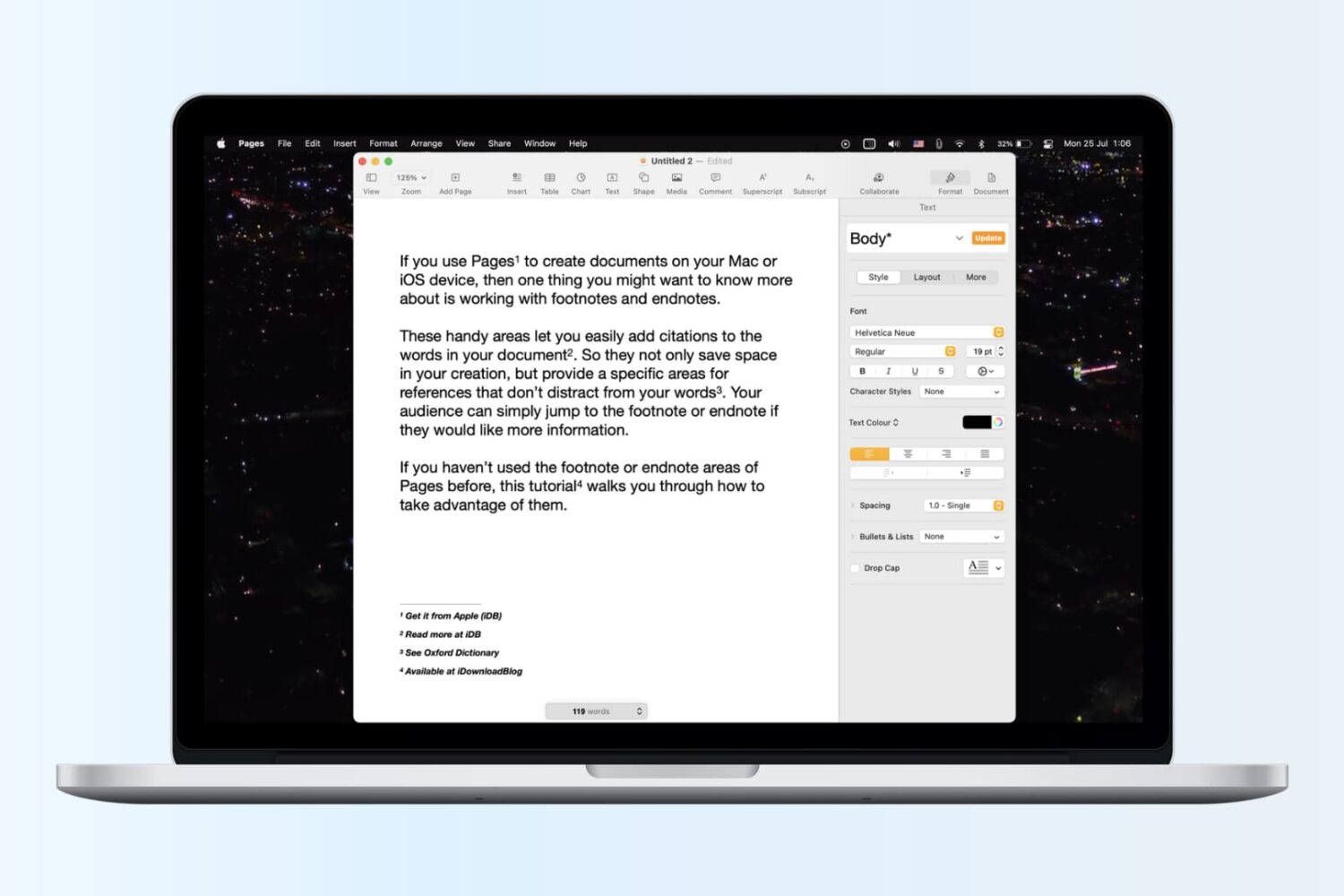
Learn how to insert footnotes and endnotes in Apple Pages documents on your Mac, iPad, or iPhone to reference or cite sources in a professional manner.

Learn how to create and use folders and subfolders in the Apple Mail app on your iPhone, iPad, and Mac to keep your emails better organized.
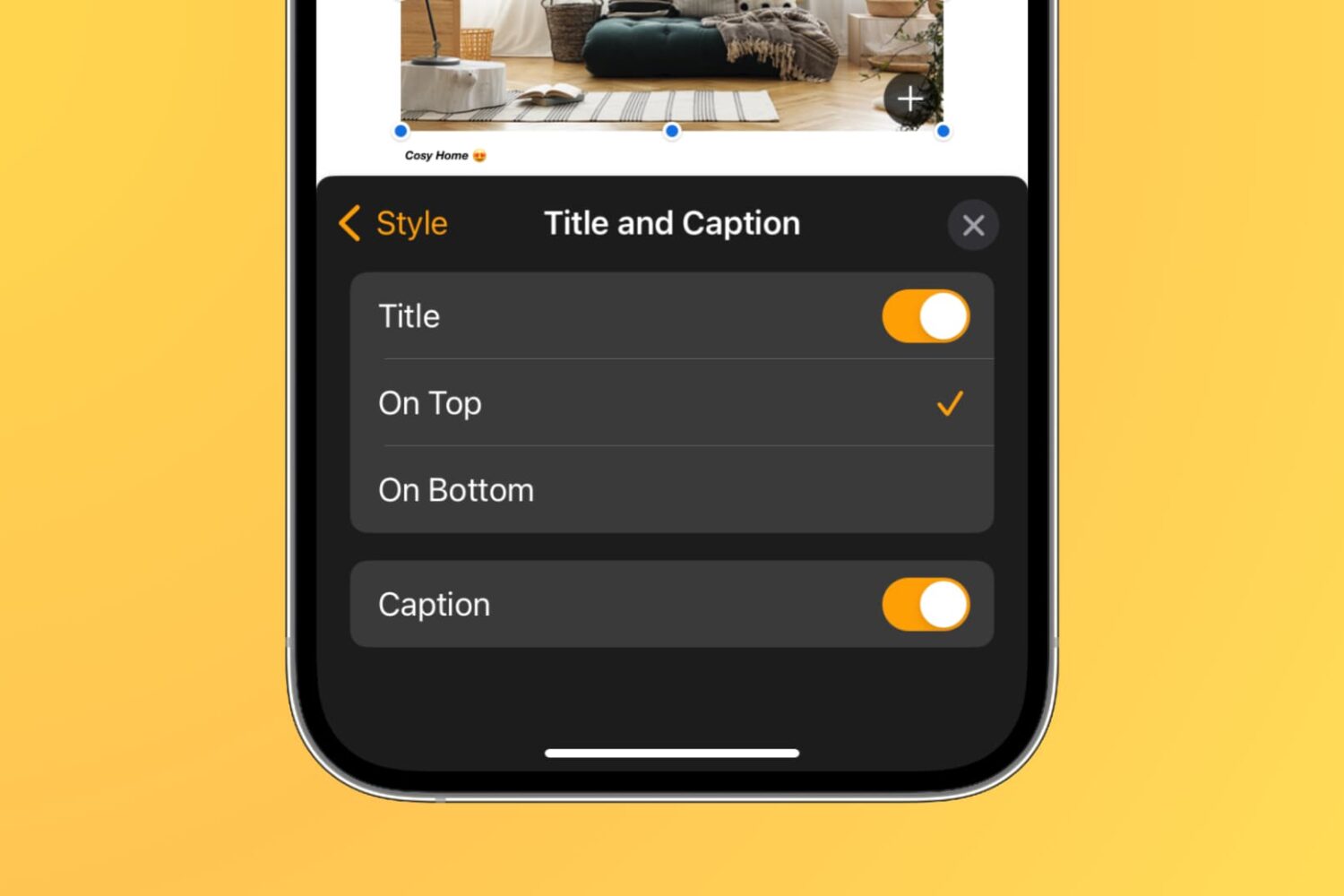
Learn how to add captions and titles to photos, videos, shapes, and other objects in your documents, spreadsheets, and presentations to provide descriptions, citations, or references.
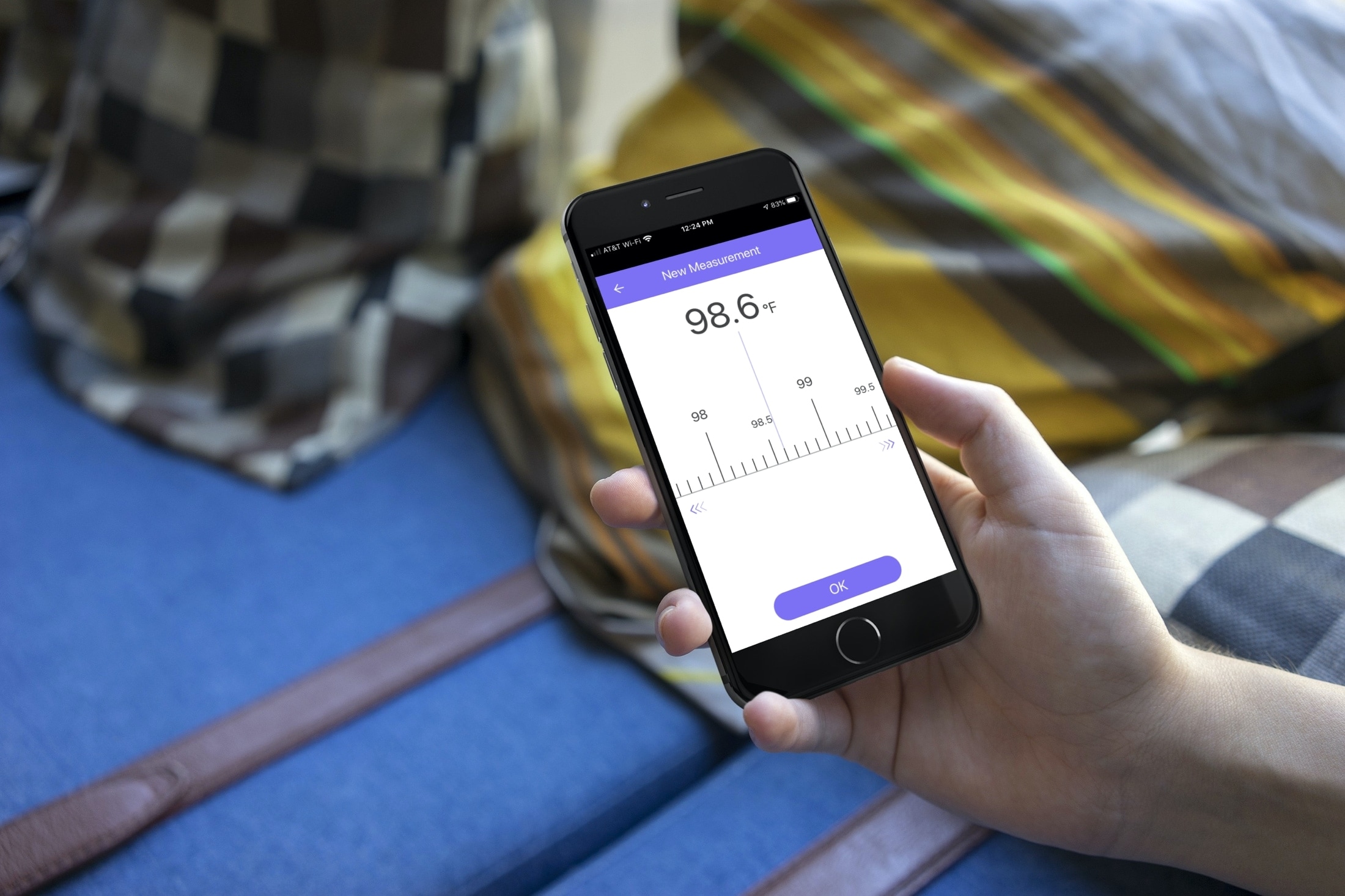
When you or your child is sick, monitoring a fever is crucial. But, not everyone has a fancy smart thermometer that captures and tracks body temperature on your iPhone.
So, for simple body temperature tracking, these apps for iPhone come in super handy. Whether it’s for yourself, a child, or another loved one, you can log body temperatures, be aware of changes, and have a record for your physician.
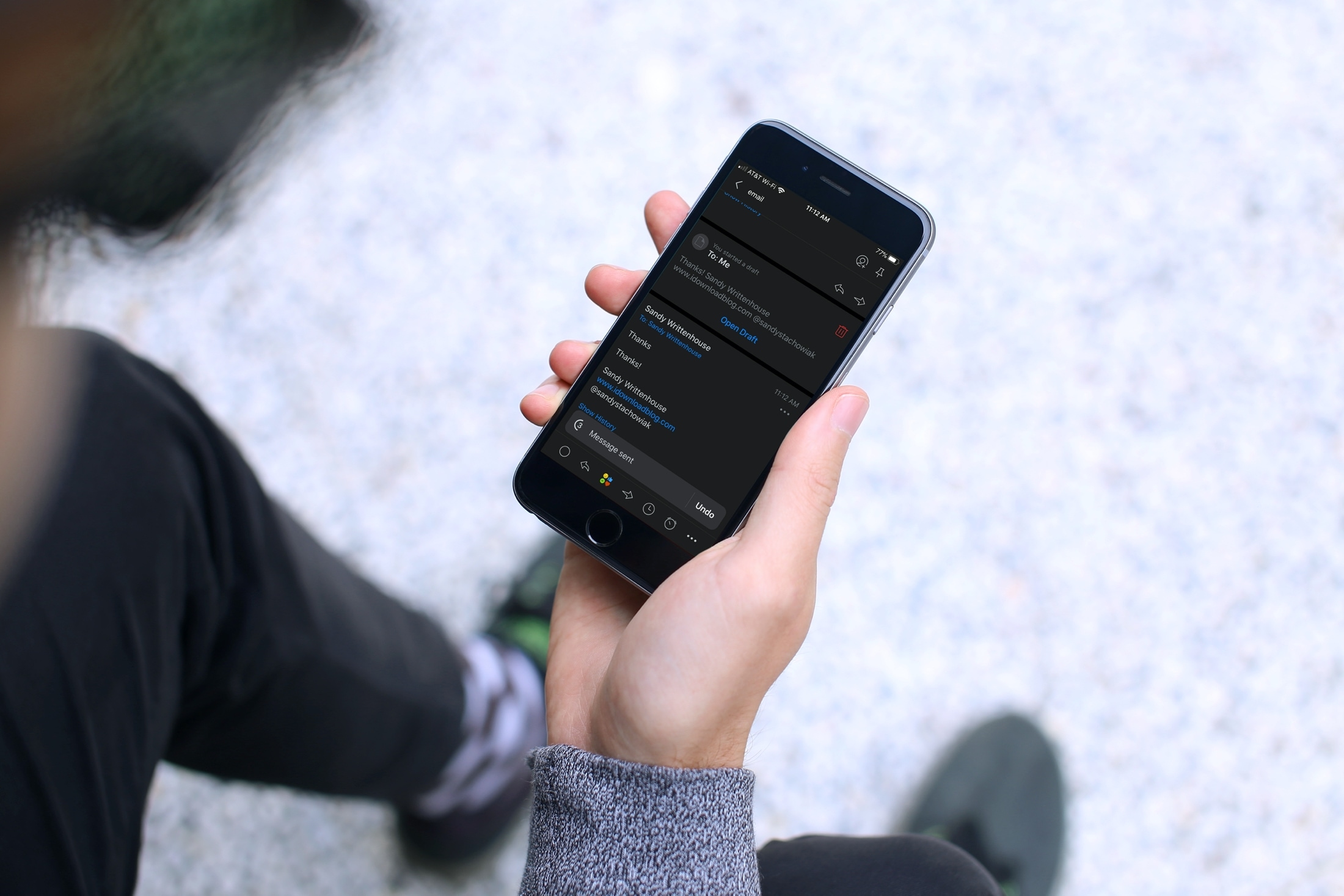
Have you ever sent an email that you wish you hadn’t? Maybe you forgot something like an attachment or perhaps you wrote something you shouldn’t have? Apple’s Mail app on iOS and Mac doesn’t currently give you the option to unsend an email you sent. But, the Spark email app does.
If you’re new to the app or simply haven’t had the need to recall an email, this tutorial shows you how to unsend an email in Spark on iPhone, iPad, and Mac.