Check out these quick tips to customize your Mac’s desktop and create a personalized, productive workspace.
Easy tips to personalize your Mac desktop

Check out these quick tips to customize your Mac’s desktop and create a personalized, productive workspace.

Learn how to watermark your documents in Apple's Pages app on the iPhone, iPad, and Mac with custom text like "confidential" or an image like a brand logo.

Find out how to use the power of automation in the Home app on your iPhone, iPad, or Mac to create simple rules that automatically control your smart accessories, depending on various pre-configured conditions.
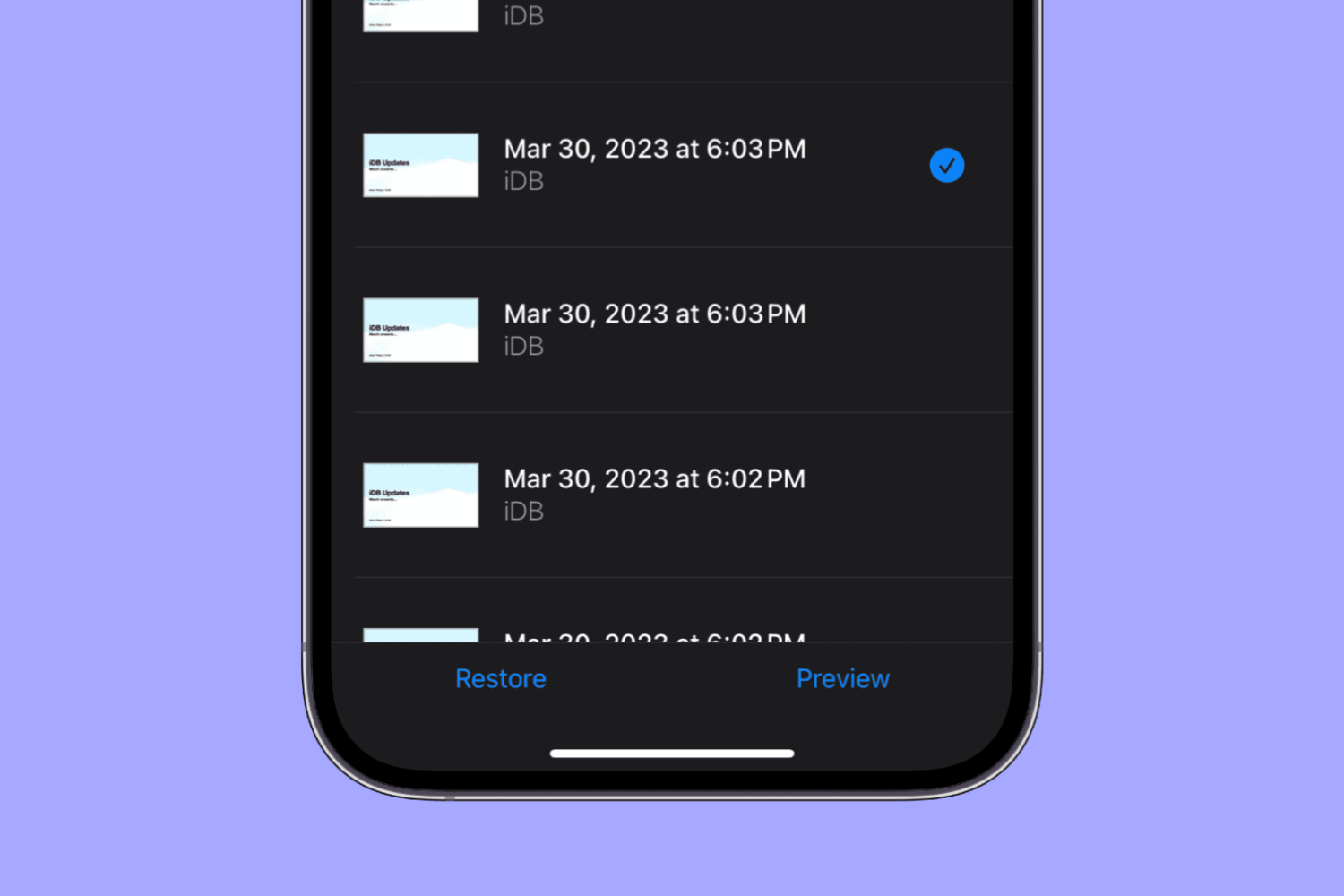
Learn how to view and restore previous versions of a document, spreadsheet, or presentation in the Pages, Numbers, and Keynote apps on your iPhone or iPad.
Learn how to open a Safari webpage in Google Chrome, Firefox, or another browser in an instant without having to copy and paste the URL manually.

If you use Skype calls for things like interviews or meetings, you might not realize that you can record those calls instead of trying to capture everything by taking notes.
You can record audio and video Skype-to-Skype calls with a simple tap. Those recordings will then be available for you to save or share. If this is new to you, we’ll show you how to record your Skype calls in iPhone.
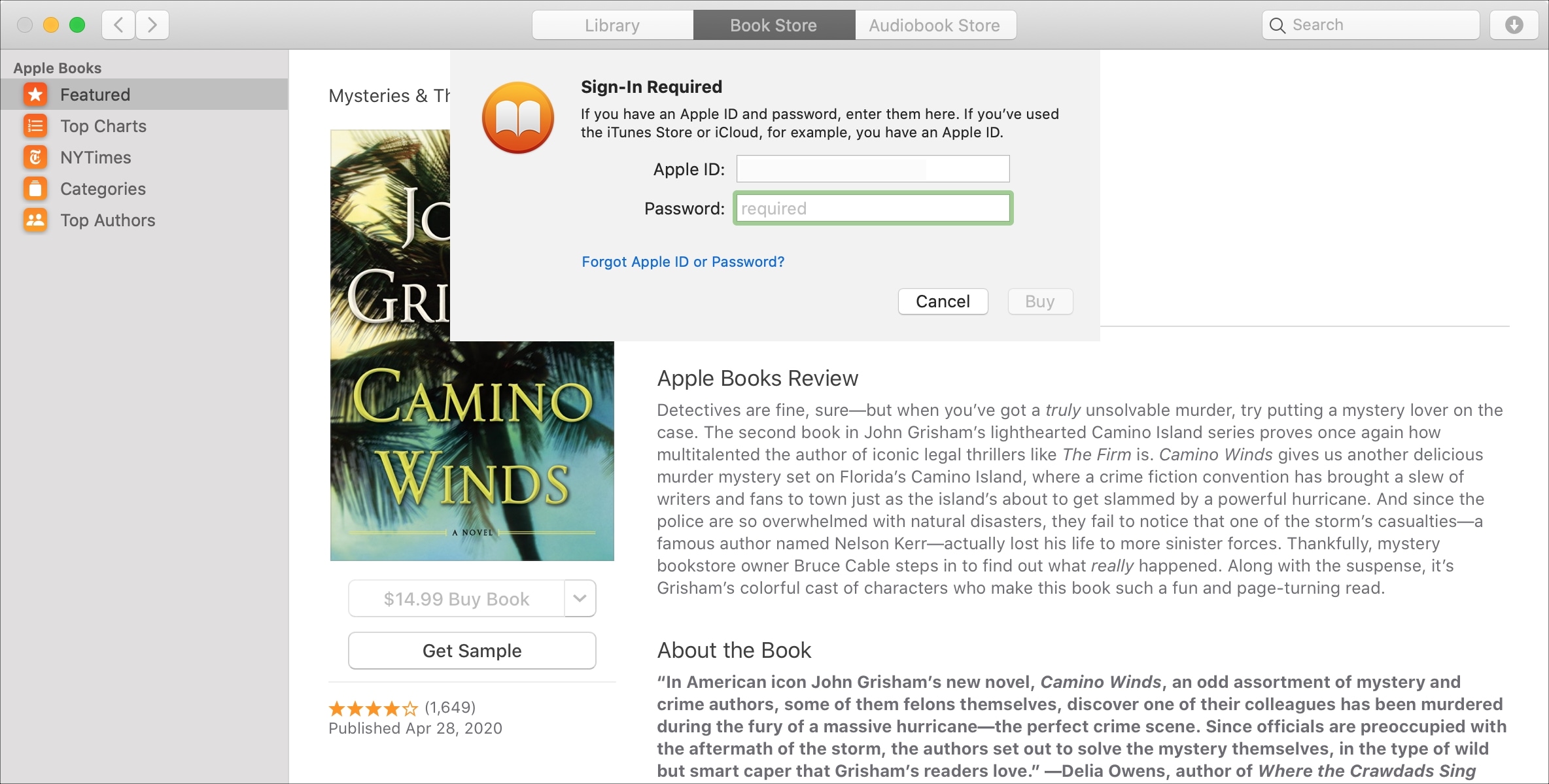
If you purchase books often in the Books app on your device, then it may get tiresome having to enter your password each time. This is especially true if you’re downloading several books in a short time that you’re saving to read later.
While entering your password for purchases is always the safest route, you can set your password to only be required after 15 minutes of the first purchase. That way, if you want to purchase a handful of books at one time, you don’t have to enter your password for each one.
In this tutorial, we’ll show you how to change your password settings for purchases in the Books app on Mac, iPhone, and iPad.
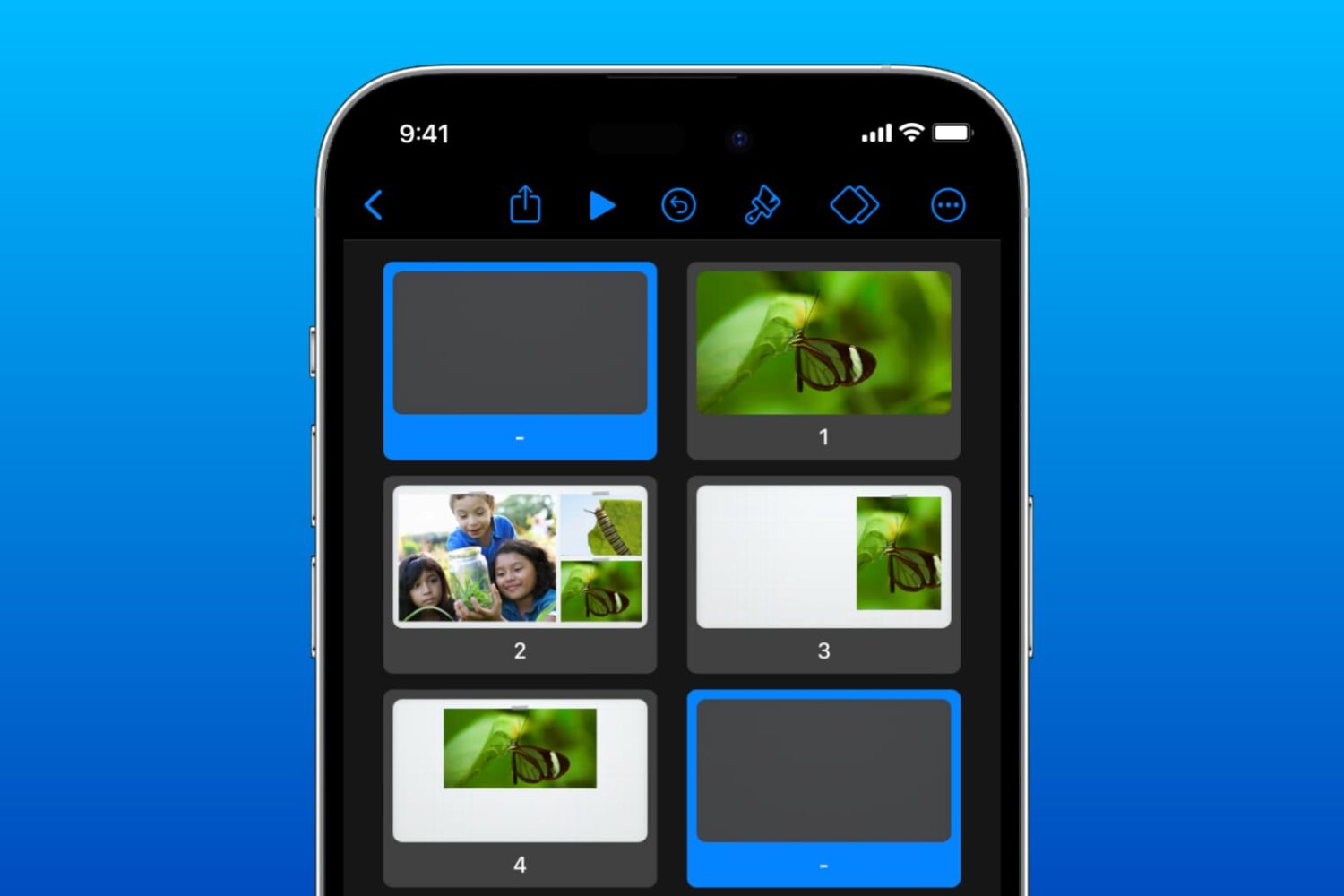
Learn how to use the Skip and Unskip Slides feature in the Keynote app on iPhone, iPad, and Mac if you have different versions of the same slide but only want to show one during your presentation.
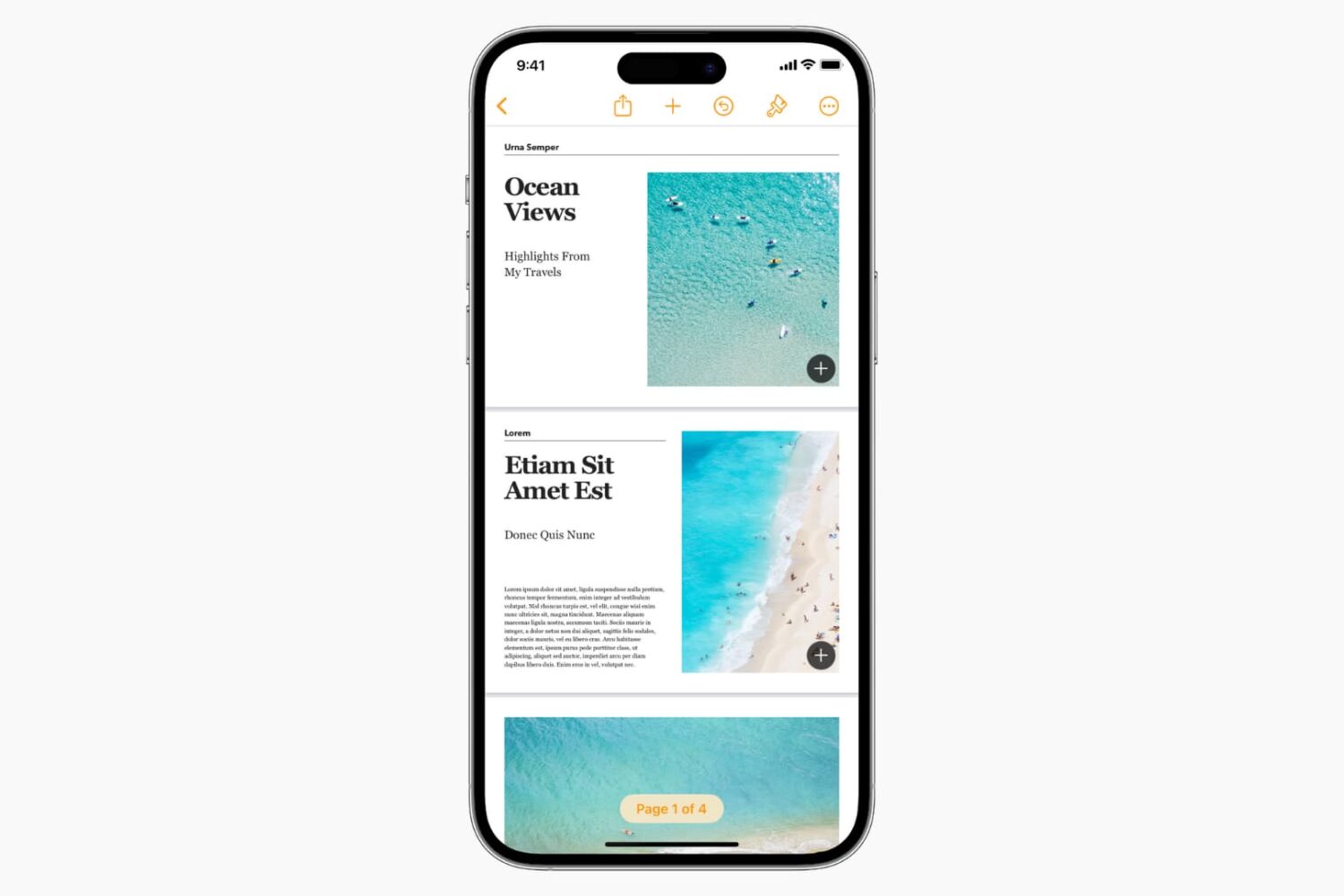
If you’re ready to pen your first novel, this tutorial shows you how to create a book in the Pages app directly from your Mac, iPad, and iPhone to make things easier.

Do you have complex slides and need more room to work? In this tutorial, we’ll show you how to expand the workspace in Keynote around your slides.
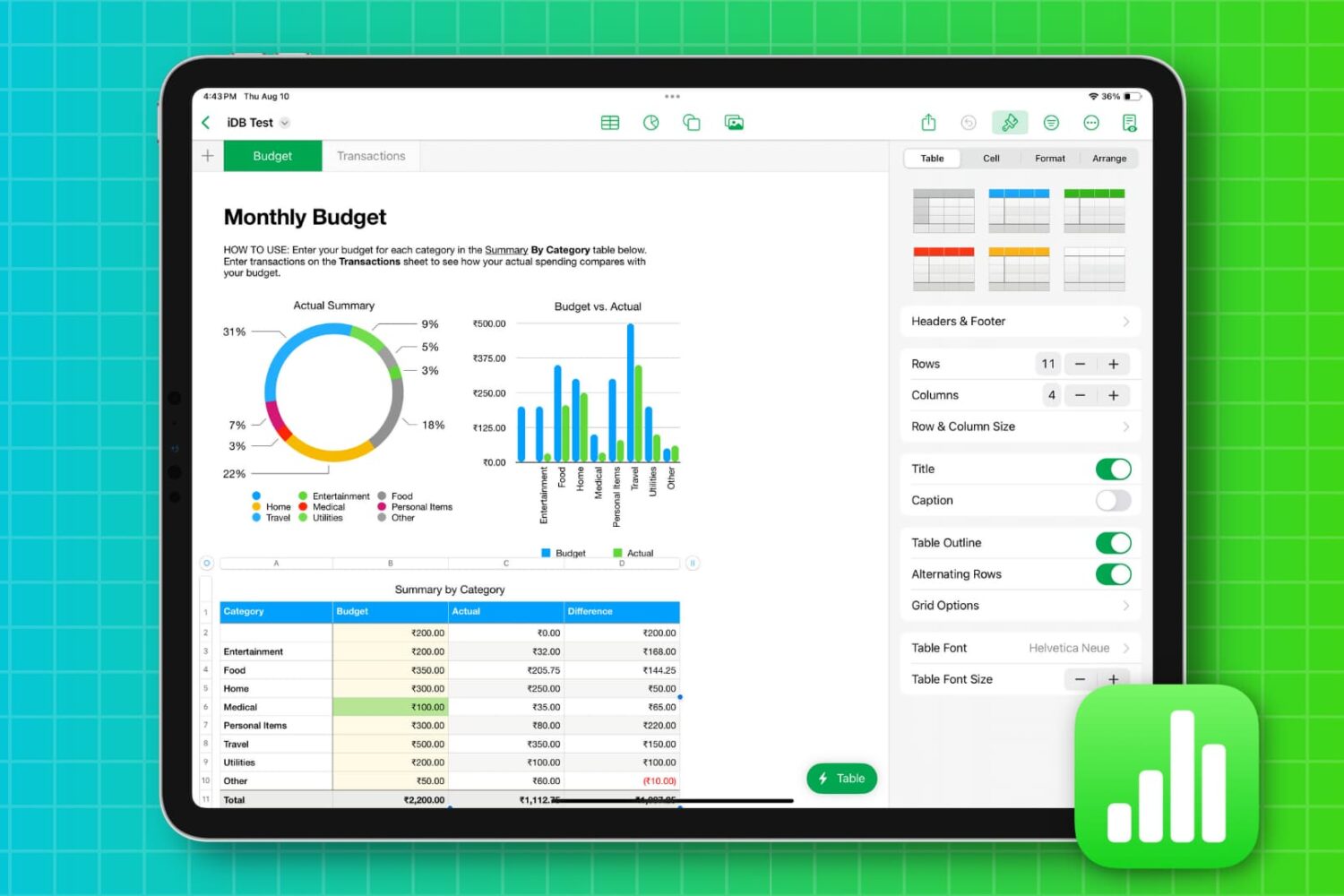
Learn how to style a table in the Numbers app on your Mac, iPhone, or iPad to change the table’s appearance and make it visually appealing.

Displaying the objects you use in your documents the right way can make all the difference. Whether it’s a text box, image, or shape, you’re putting that object there for a reason. So, if you need to make it just right, this tutorial shows you how.