Learn how to harness the full potential of Siri on your Mac to control system settings for enhanced productivity and convenience.
How to use Siri to control System Settings on your Mac
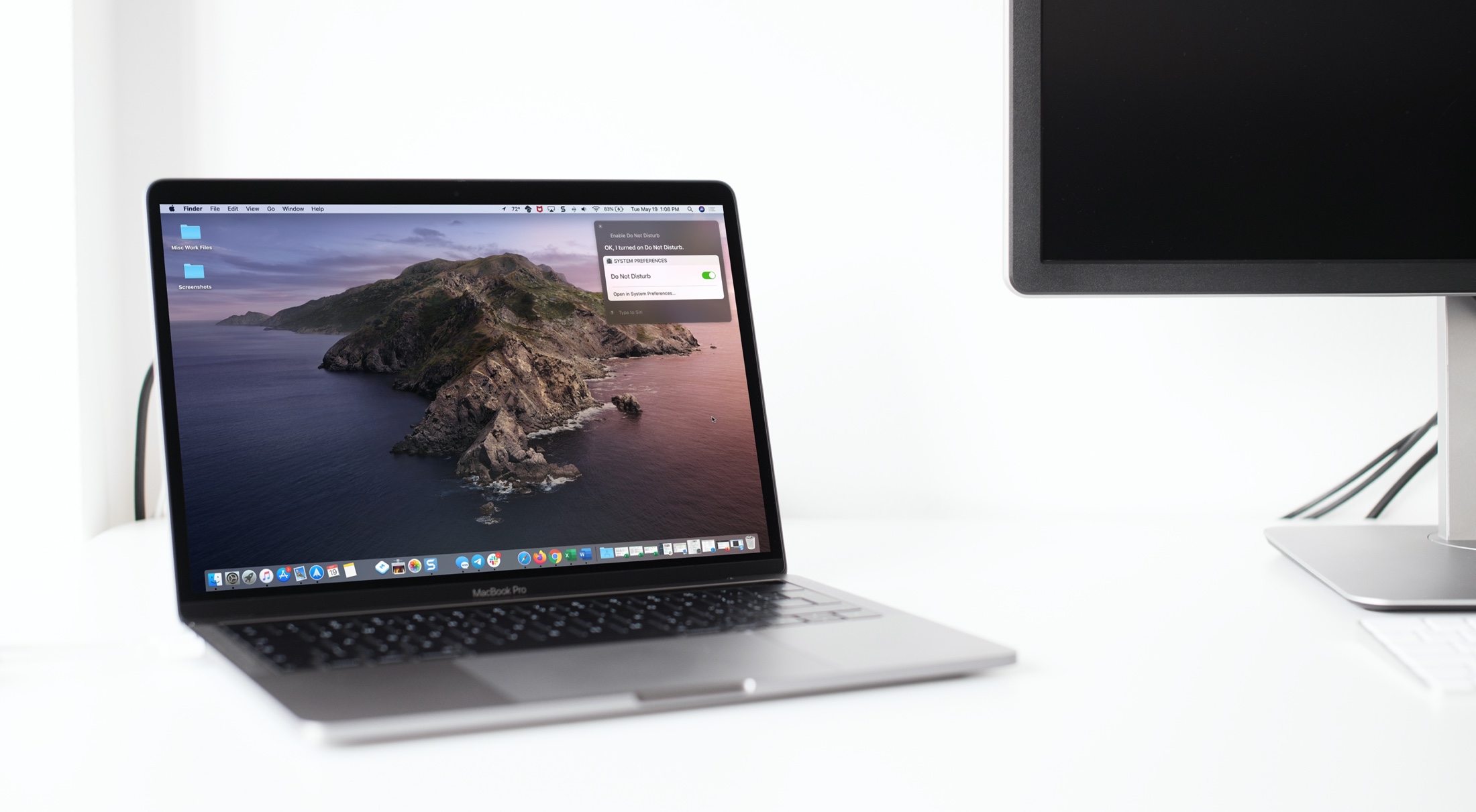
Learn how to harness the full potential of Siri on your Mac to control system settings for enhanced productivity and convenience.
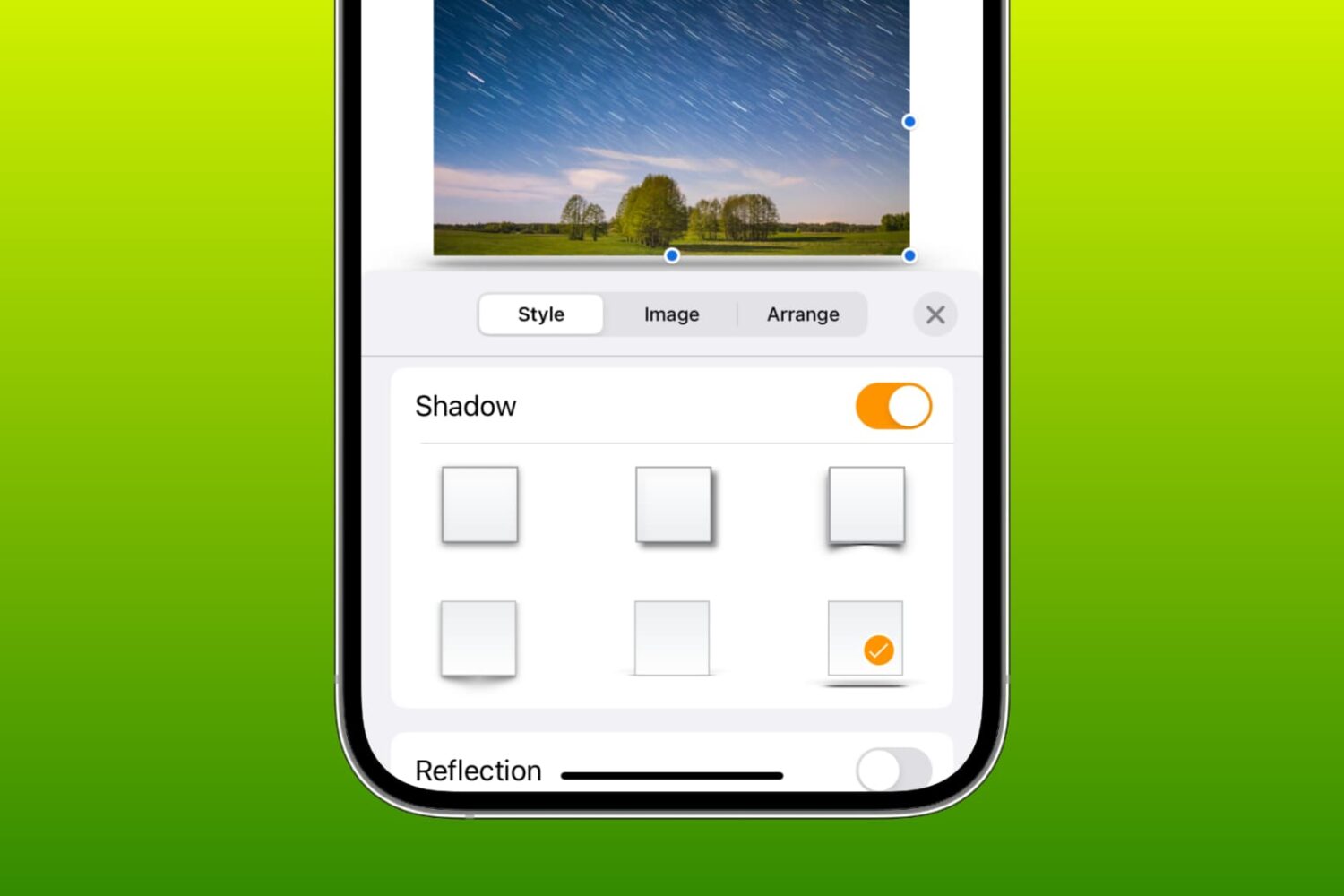
Learn how to add a shadow effect or reflection to a photo, text box, or shape in a Pages, Numbers, or Keynote document on your iPhone, iPad, or Mac.
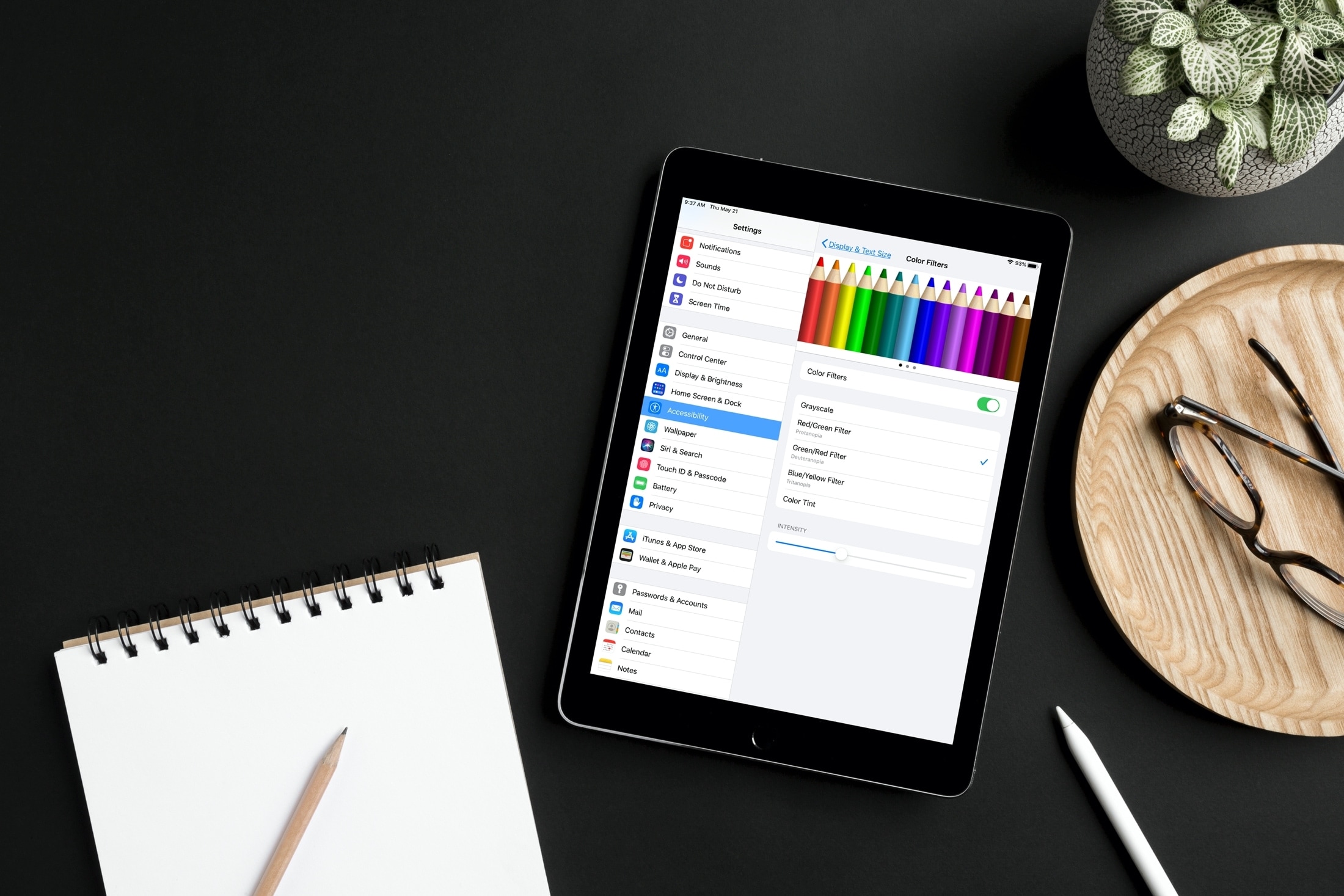
Learn how to adjust your iPhone or iPad’s color settings to invert colors, apply color filters, increase contrast, and more, making the screen more pleasing to your eyes.

Check out news stories, add or remove symbols, and zip around the Stocks app on your Mac with this list of helpful keyboard shortcuts.

You probably already use a password manager for your device or stick with iCloud Keychain. But if you have a lot a of saved logins and passwords in Firefox on your computer, the Firefox Lockwise app gives you those credentials to use on your iPhone or iPad.
The app is secured with your password, Touch ID, or Face ID and gives you adjustable settings to keep your details safe. Here, we’ll show you how to sign up, verify, and use Firefox Lockwise.

In this tutorial, we’ll explain what burst mode is on iPhone, how to use it to capture the perfect shot, and then keep the best pictures while getting rid of the rest.
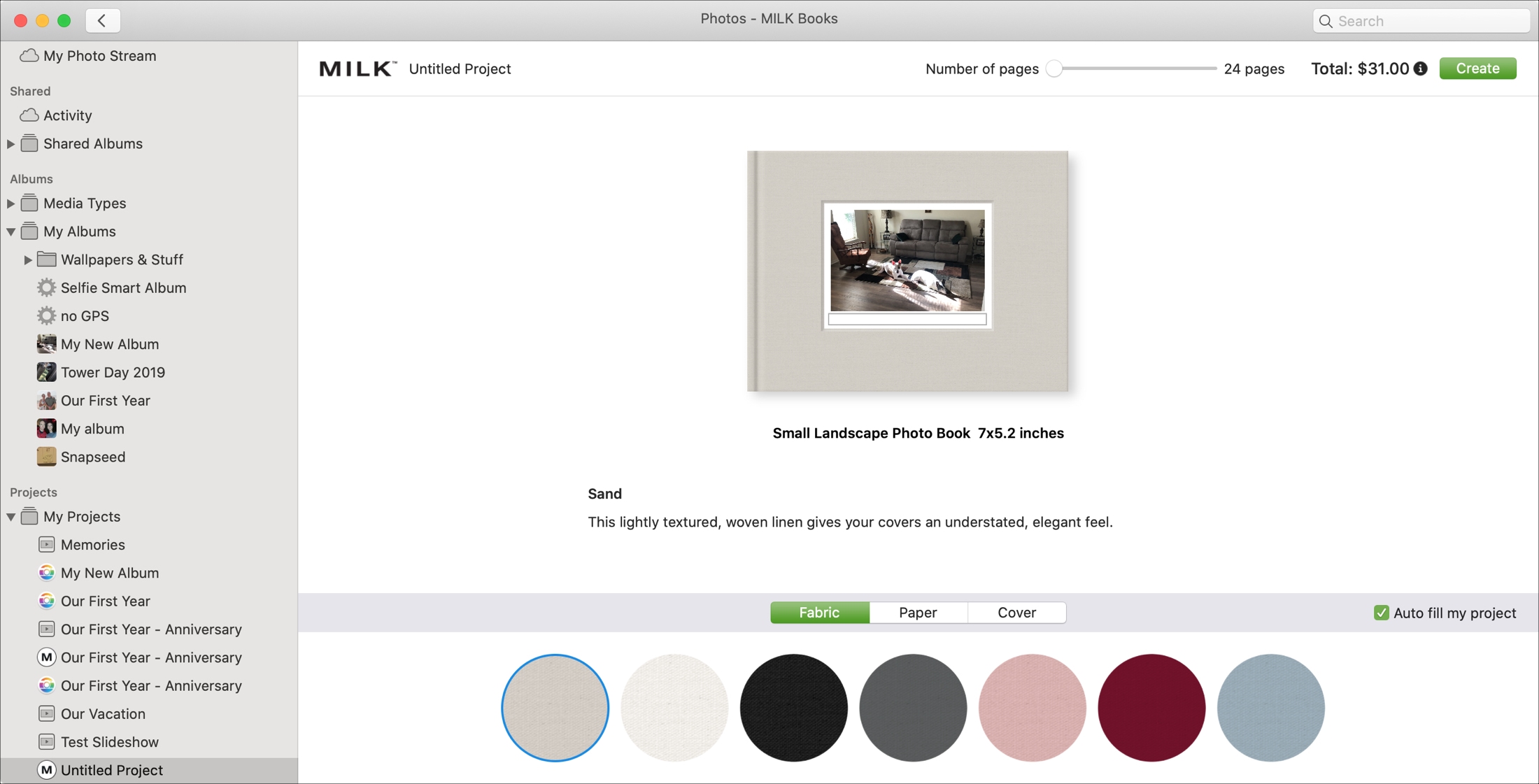
If you have tons of pictures in the Photos app on your Mac that include photos you sync from iPhone or iPad, then take advantage of making something with those great memories.
These awesome apps connect to the Photos app on Mac so you can create photo books, calendars, wall hangings, and more. If you’re ready to create something cool, check out these best Photos extensions for Mac.

Learn about some quick ways to customize the macOS login screen to make your Mac more personalized, functional, and welcoming when you power it on or wake it up from sleep.

You might use QuickTime Player on your Mac to watch movies, edit videos, or record your screen. And for the various tasks you can perform in this handy tool comes a bunch of keyboard shortcuts.
For managing the app window, movie viewing and playback, and editing videos, here are the keyboard shortcuts for QuickTime Player on Mac you can use.

Use these handy keyboard shortcuts next time you use Find My on your Mac, so you can move around, take action, or zoom in even faster.
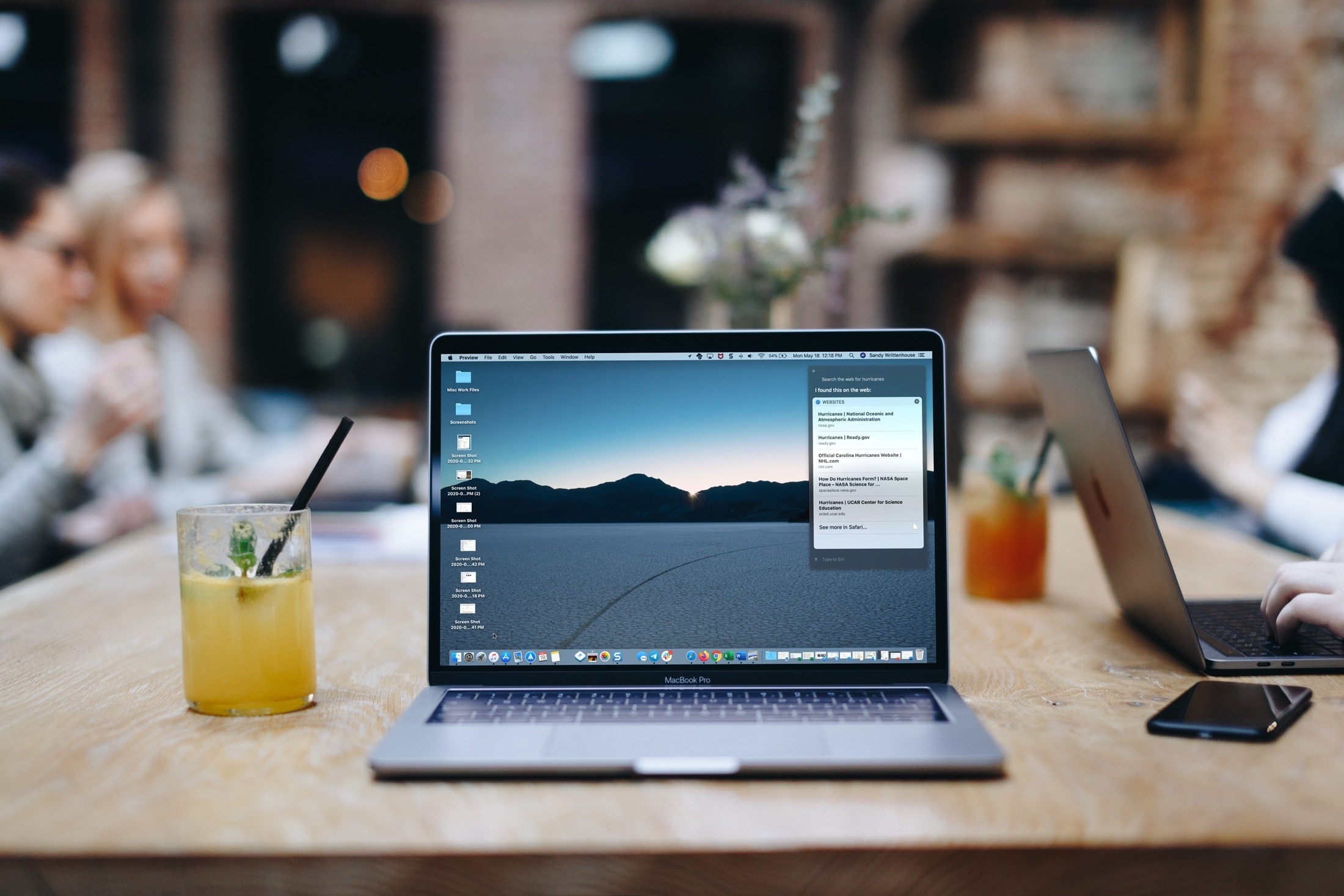
Learn how to use the Siri voice assistant on your Mac to search the web, find pictures, and more -- without leaving the app you are in.
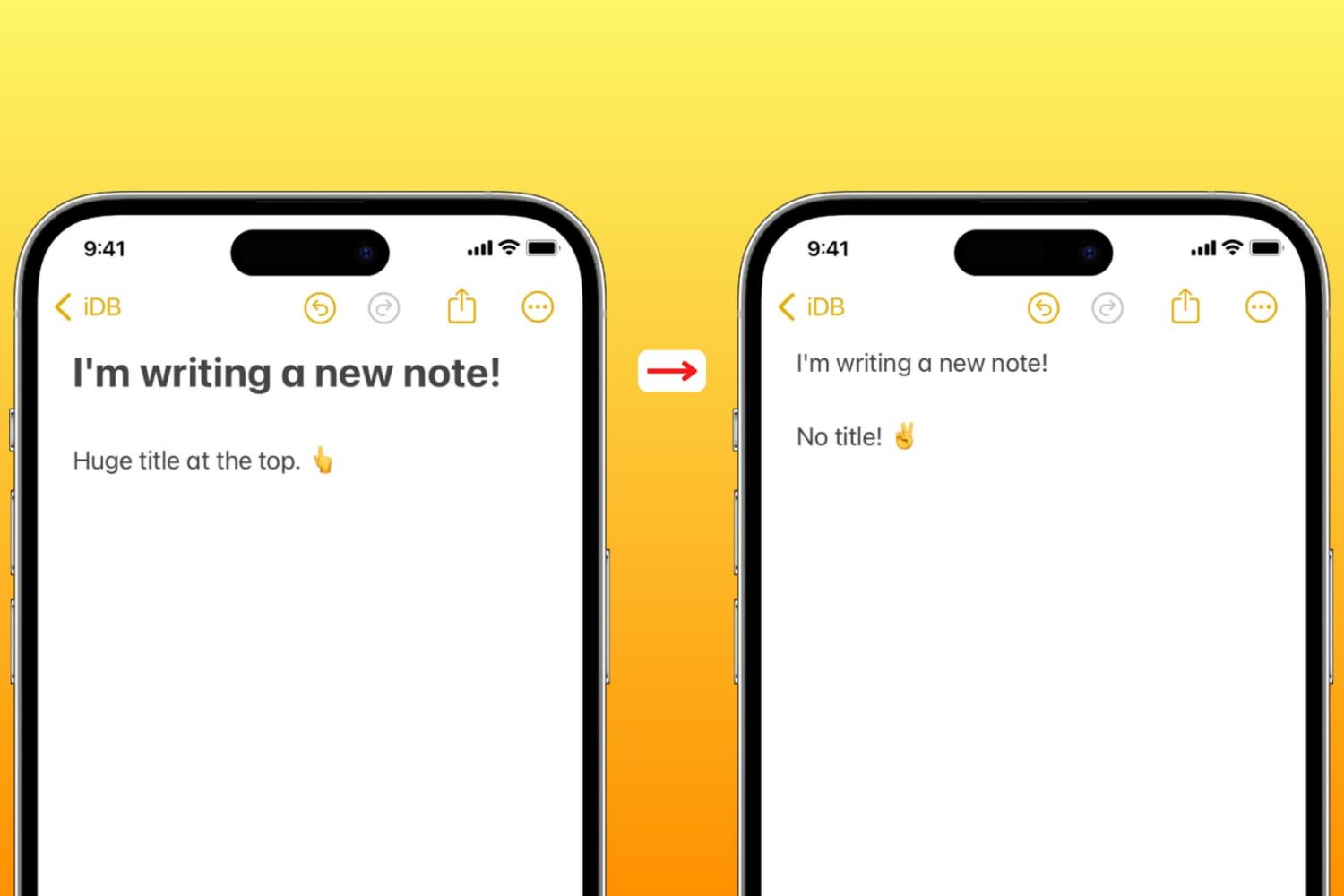
Learn how to set the Apple Notes app on your iPhone, iPad, and Mac to start new notes with a smaller font instead of large title text.