Did you recently buy an Apple TV? In this guide, we will show you where to find some common settings and apps on your Apple TV.
Where is that on Apple TV?

Did you recently buy an Apple TV? In this guide, we will show you where to find some common settings and apps on your Apple TV.

If you own a Kindle Paperwhite, there may come a time when you want information about the device. Whether you need to troubleshoot a problem, want to see if you have the latest firmware, or simply want to know how much space you have left, it’s easier than you might think.
Here, we’ll show you how to find your serial number, firmware version, and available space on Kindle Paperwhite.

Use the Sort By option in the Apple Mail app on your Mac to organize your emails based on two dozen parameters.
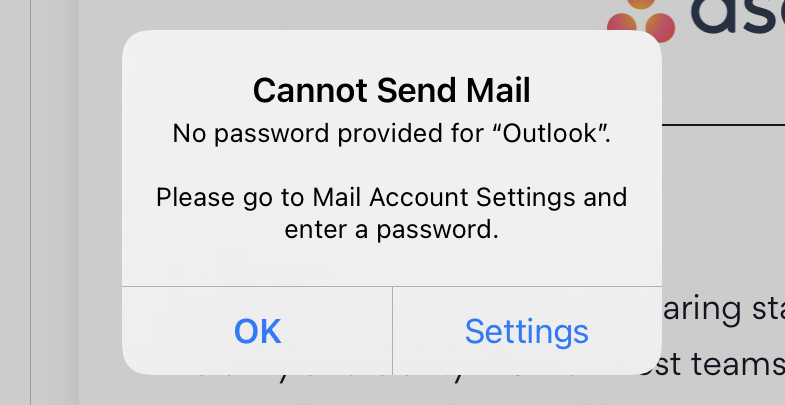
If you have a Hotmail or Outlook email account that’s set up in Mail on iPhone or iPad, then you may have been running into this issue since the releases of updates to iOS 14 and iPadOS 14. You repeatedly get a pop-up message asking you for your email account password. Guess what? You’re not alone.

In this guide, we’ll answer some of the most common questions about where to find something on your Apple Watch.
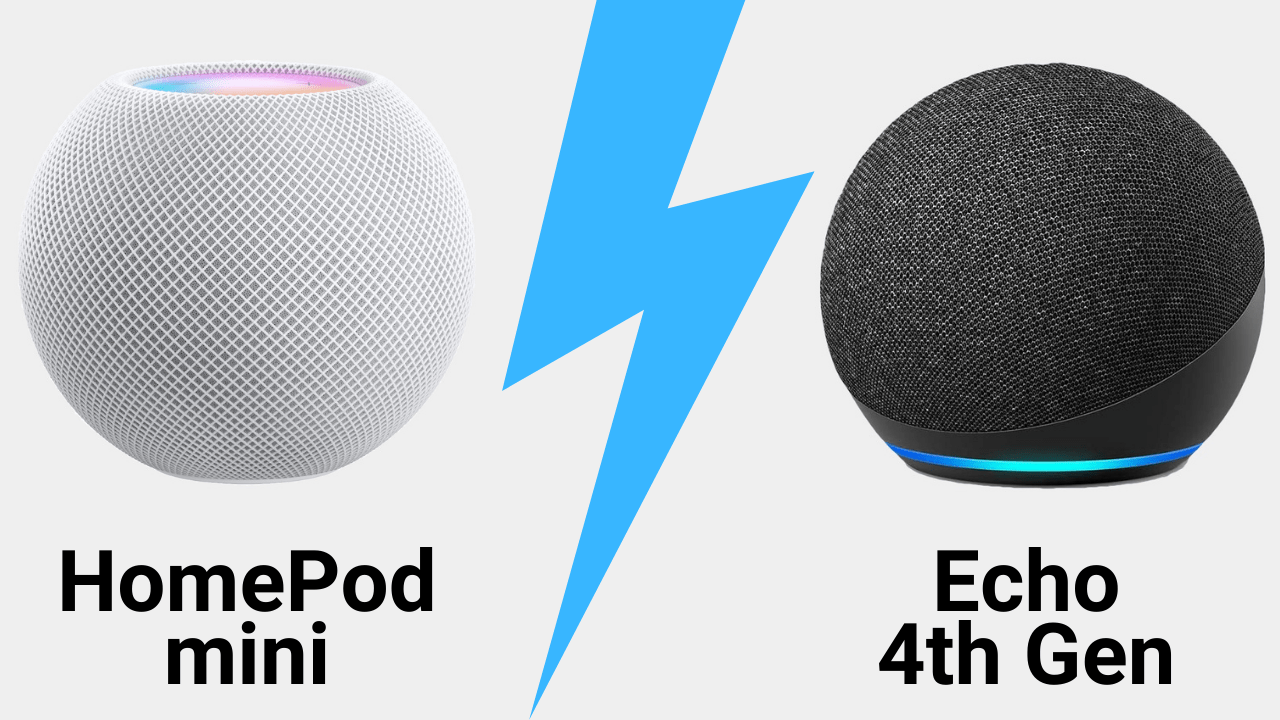
Apple introduced a tinier version of its popular HomePod called HomePod mini. This smart speaker is not only smaller in size, but also in price as compared to its parent. Both of these features put the HomePod mini more in the running as a direct competitor to the Amazon Echo.
Whether for yourself or a gift for a loved one, you might be trying to decide between the two (or three including the Amazon Echo Dot). To help, we have a comparison of HomePod mini versus Amazon Echo. Hopefully this will help you pick the best smart speaker for your home or someone else’s.

With augmented reality (AR) apps, you can put objects right in front of you. We’ve already shown you some of the best AR apps for home design. These apps let you see what furniture, wall décor, and more look like in your own home before you shell out the cash.
If you want to take augmented reality a step further, check out these free educational AR apps for your iPhone or iPad. You can discover constellations and stars, use a geometric calculator, explore historic civilizations, and even learn to draw.
Take advantage of technology and expand your mind at the same time with these educational augmented reality apps.

In this tutorial, we will show you how to customize the settings for VoiceOver announcements and hints on your Mac to fine-tune your experience.

Maybe you just purchased your first Mac, or maybe you only perform certain tasks on it each day. In these situations, it can be difficult to find items you’re unfamiliar with when you need them. From big things like applications to small ones like the trash, we’ll help you find the most commonly looked-for items on your Mac.

Some people have already downloaded, installed, and gotten used to macOS Big Sur. The newness has probably already worn off for them! But if you’re still contemplating whether or not you should, aren’t sure if you’re Mac model can handle it, or just want some basic questions answered, here’s your macOS Big Sur FAQ.

This guide goes over some of the most common things that people, especially new users, look for on their iOS devices and where to find them.
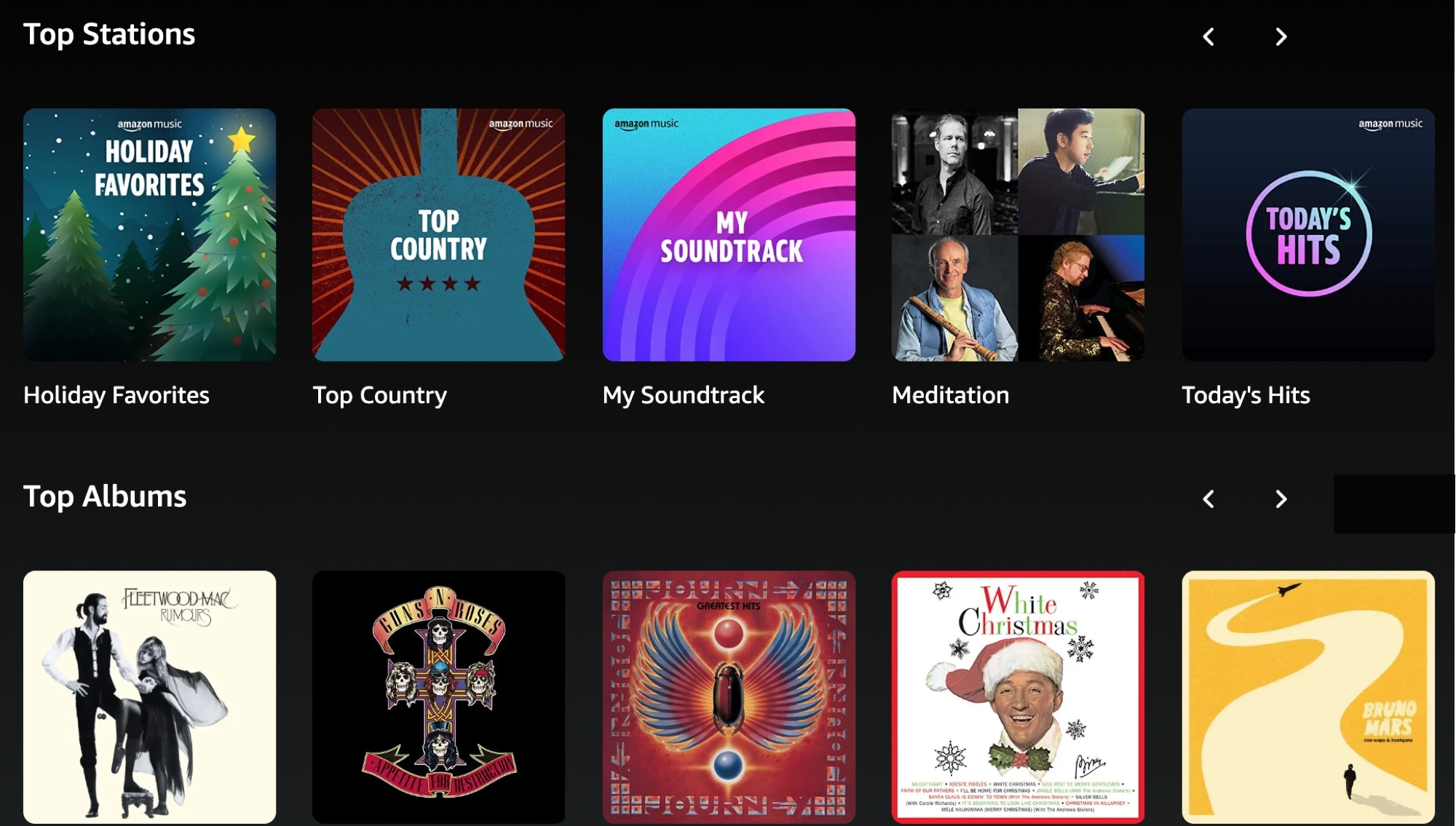
If you love music, then you probably subscribe to Apple Music and jump right to it on your Mac when you’re in the mood to groove. But that may also mean that you dabble in more than one music source.
Maybe you also use Spotify to share playlists with pals who enjoy those services. Or perhaps you even pop on an FM radio station from the time to time just for something different or for a favorite radio show.
There’s no reason you can’t have more than one app on your Mac for songs and radio shows. So if you’re thinking of trying something new, check out this list of the best music and radio apps for your Mac.