In this guide, we will show you how to control your HomeKit accessories, rooms, and settings in the Home app directly from your Mac.
How to get started and use the Home app on Mac
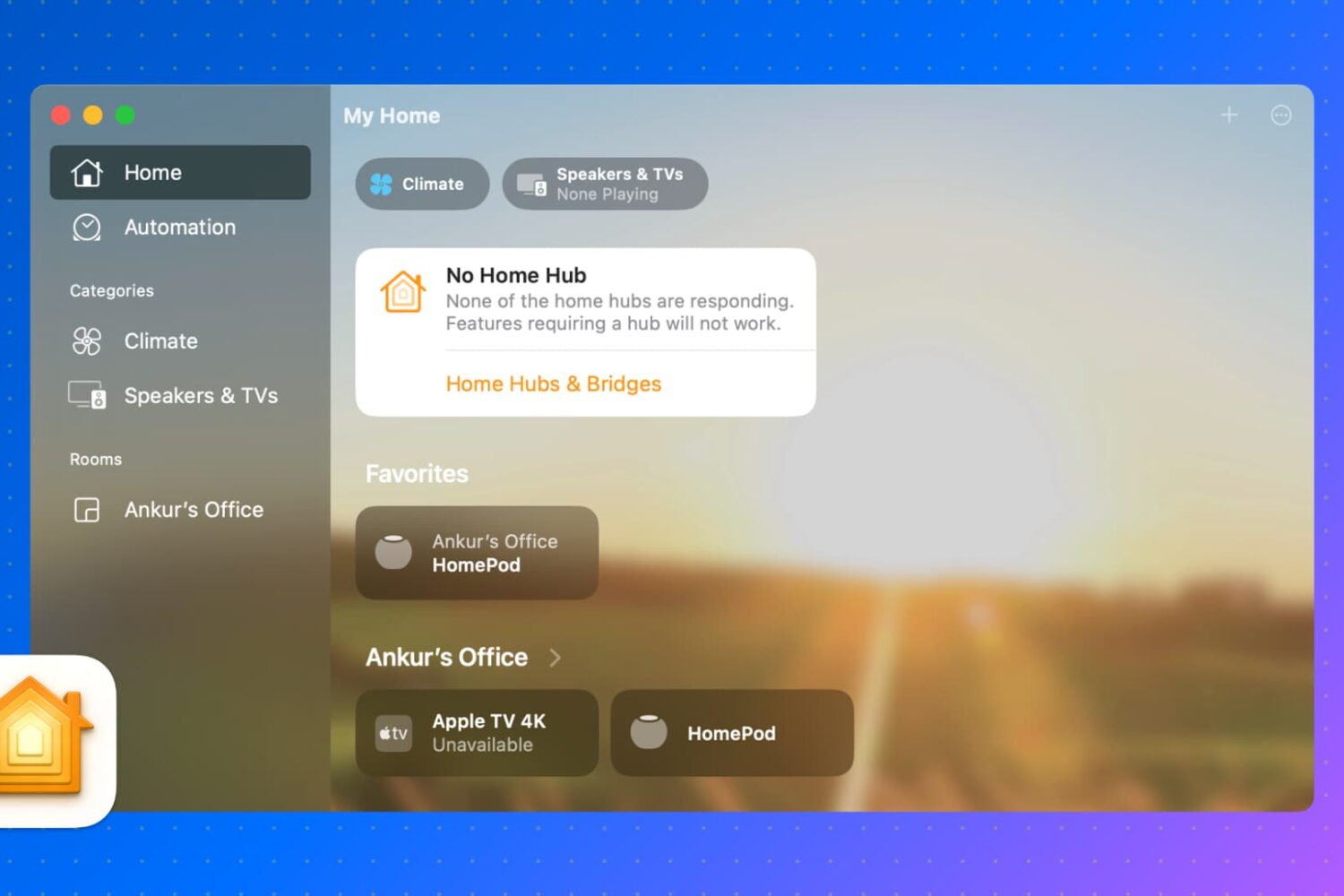
In this guide, we will show you how to control your HomeKit accessories, rooms, and settings in the Home app directly from your Mac.
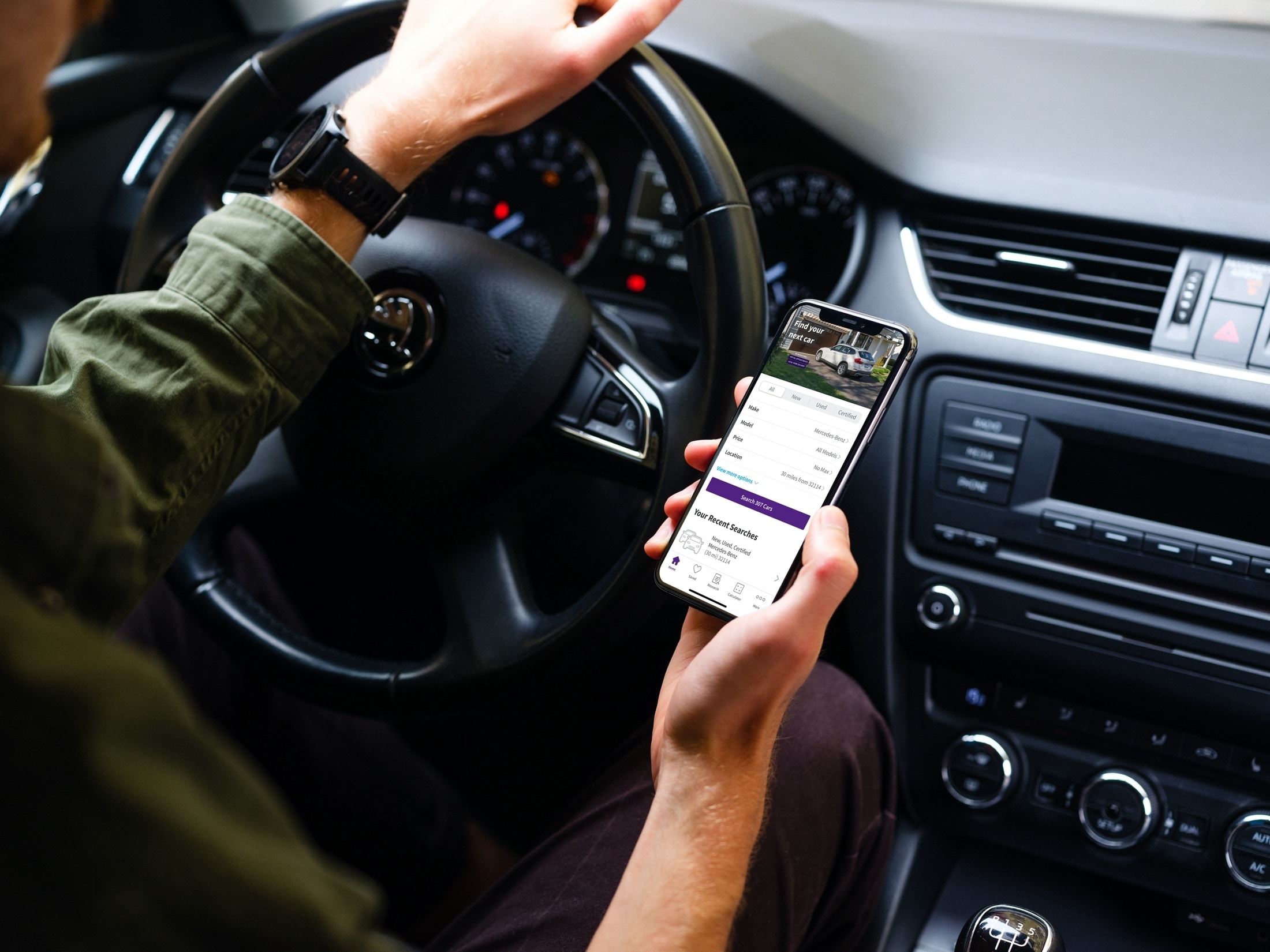
Things certainly have changed when it comes to shopping. You no longer have to deal with traffic, crowds, and checkout lines. You can buy almost anything you want online or from an app. So when you’re ready to purchase a new vehicle, why not do it the same way?
Now of course, you’ll want to see that car in person, take it for a test drive, and make sure it’s in great condition, especially if it’s used. But you can get a jumpstart on your vehicle purchase with a handy app on your iOS device.
These car buying apps for iPhone and iPad let you find the right vehicle for you before you head out the door to see it. Instead of traveling from one car lot to another, check out these convenient apps for finding a new vehicle.
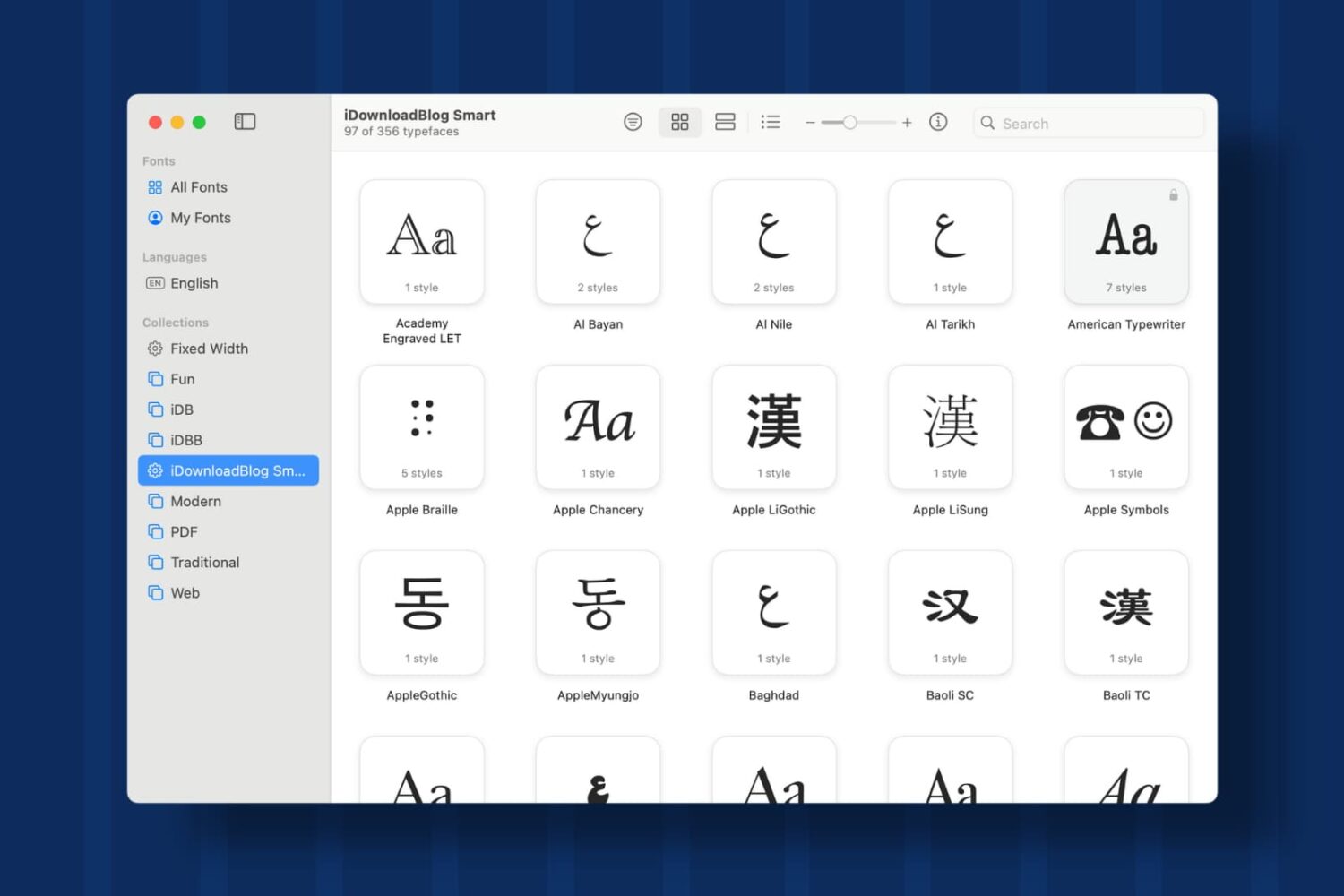
Learn how to create Collections and Smart Collections in Font Book on Mac, which are ideal when you quickly need a specific group of fonts.
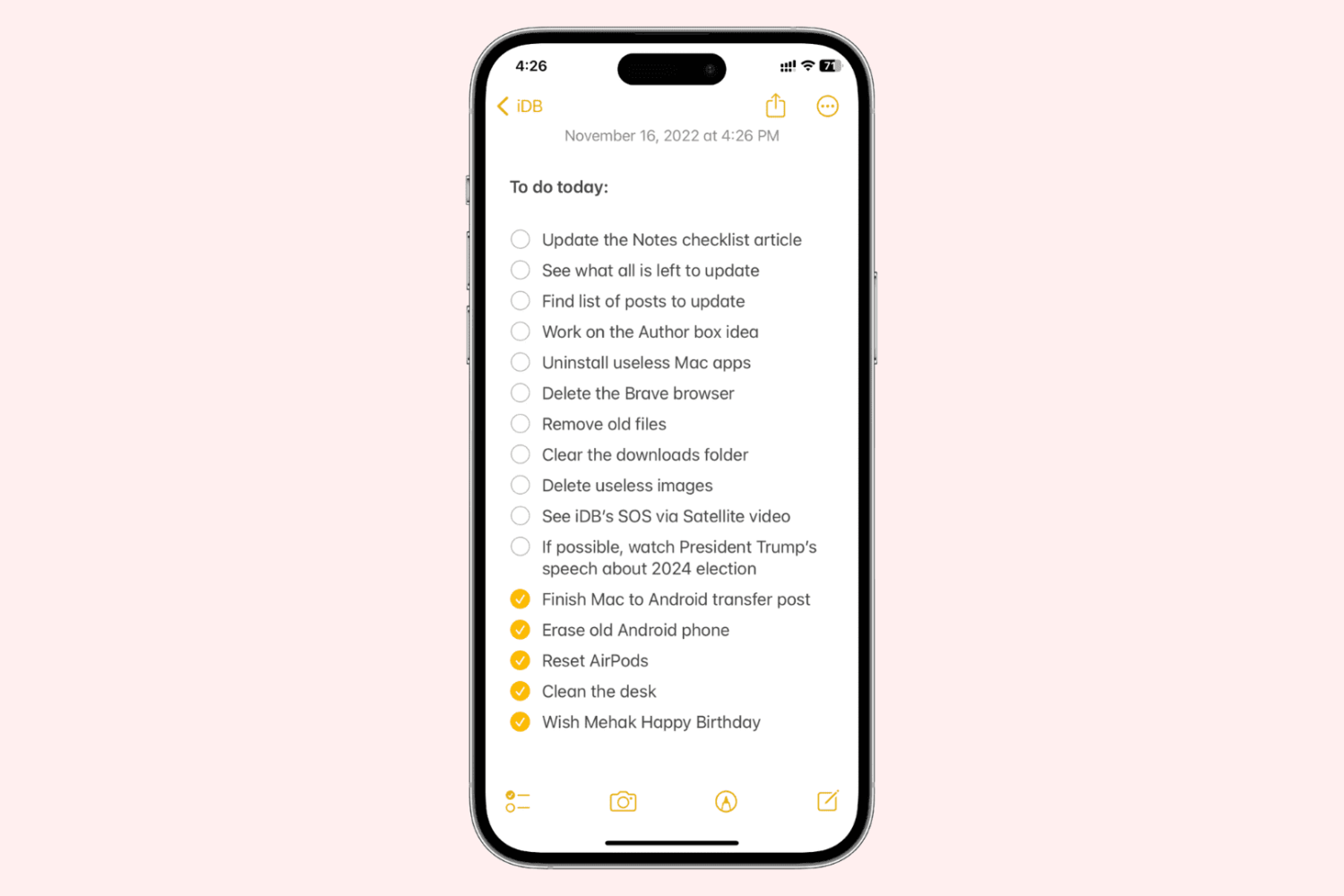
Learn how to enable a setting to sort completed checklist items in the Notes app for you and keep pending list items right at the top.
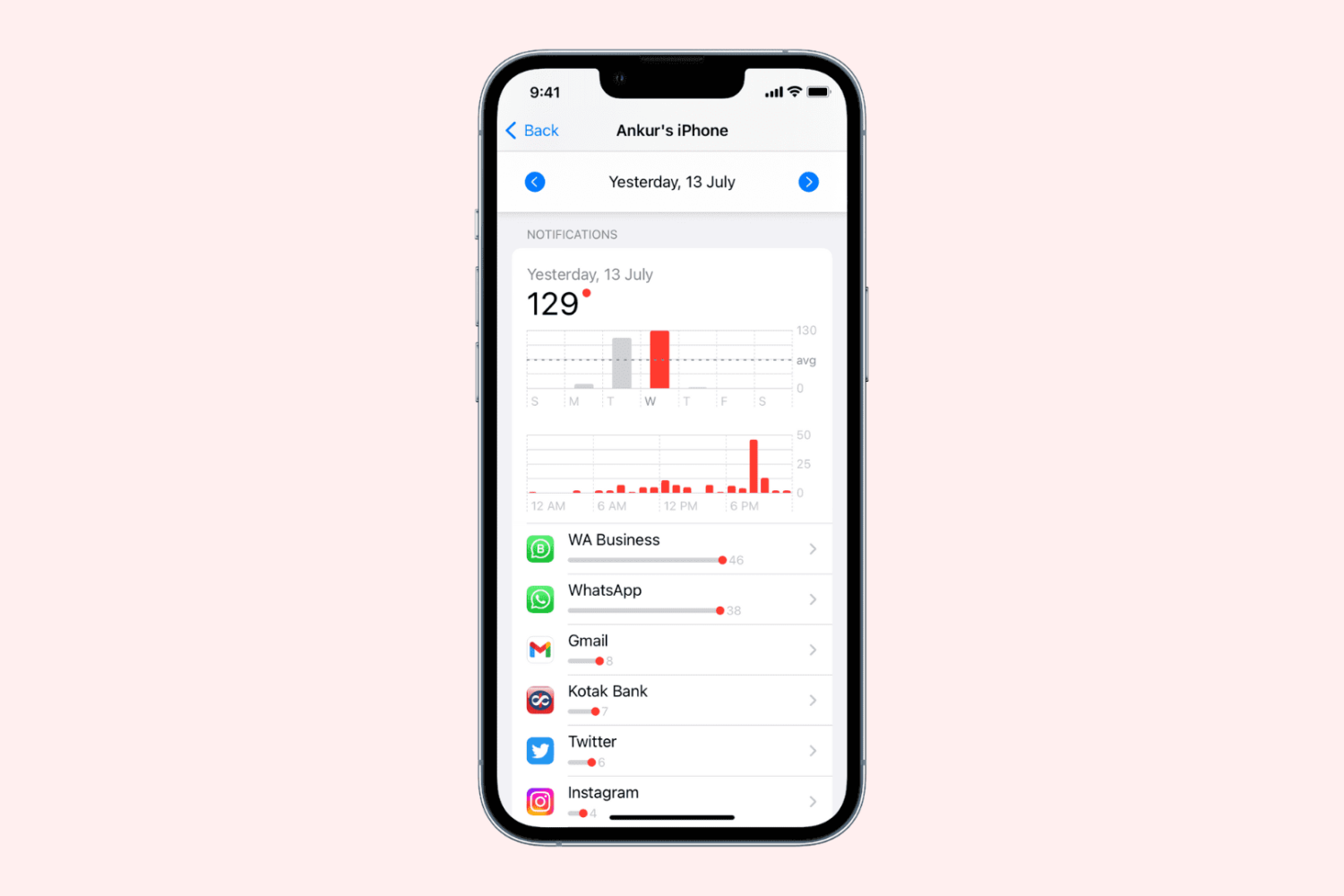
Learn how to find out how many notifications you’ve been receiving on your iPhone, iPad, or Mac, and which apps sent all these alerts.
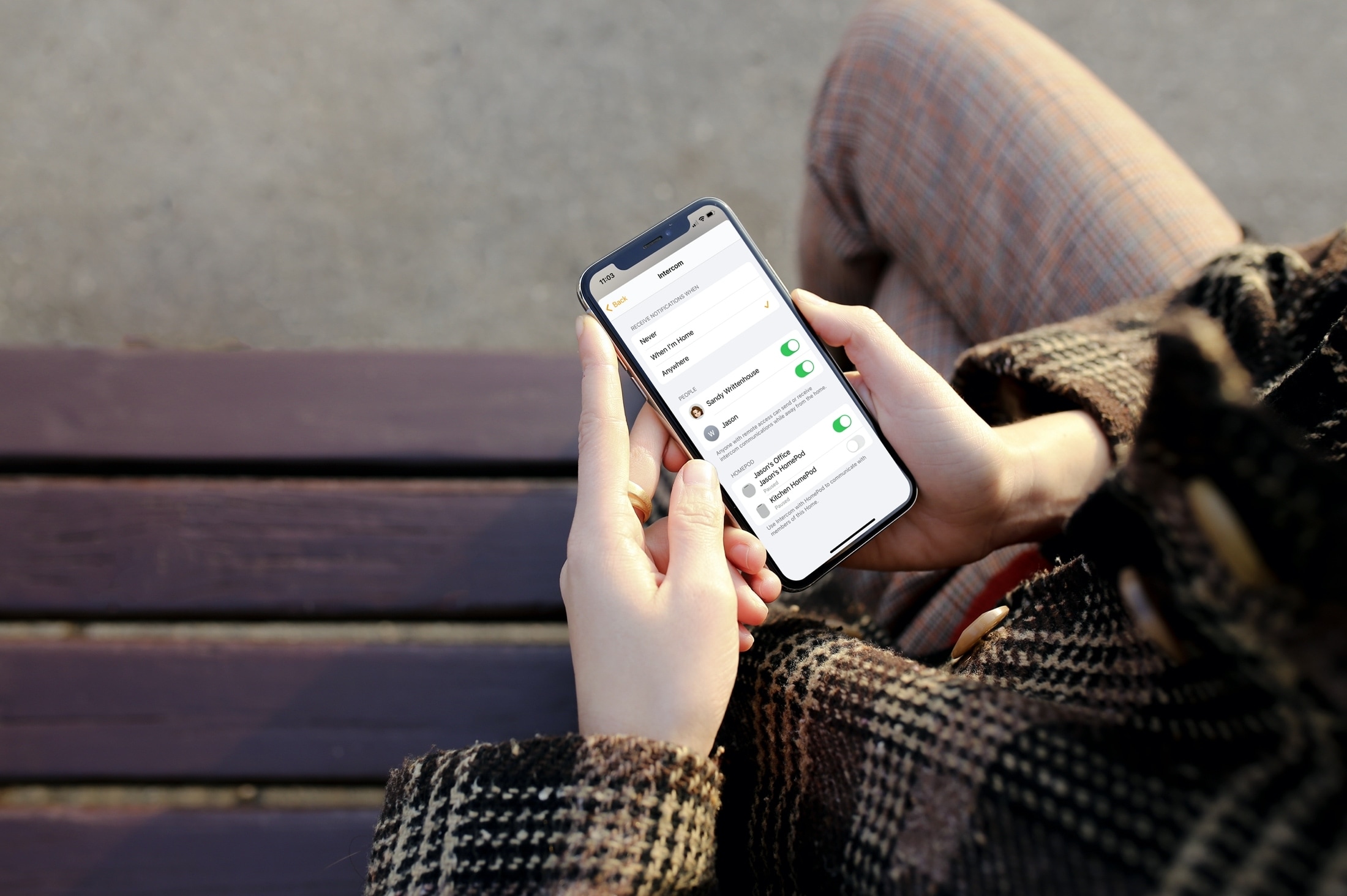
In this tutorial, we’ll show you how to use the Intercom feature on HomePod and customize its settings to make the most out of this cool feature.
Forgot who your phone carrier is? Here are seven ways to check what cellular carrier your iPhone is currently on.

Create an Apple ID or iCloud account for your child so they can have their own Apple Account on their iPhone, iPad, Apple Watch, or Mac and take full advantage of the features that come with it.
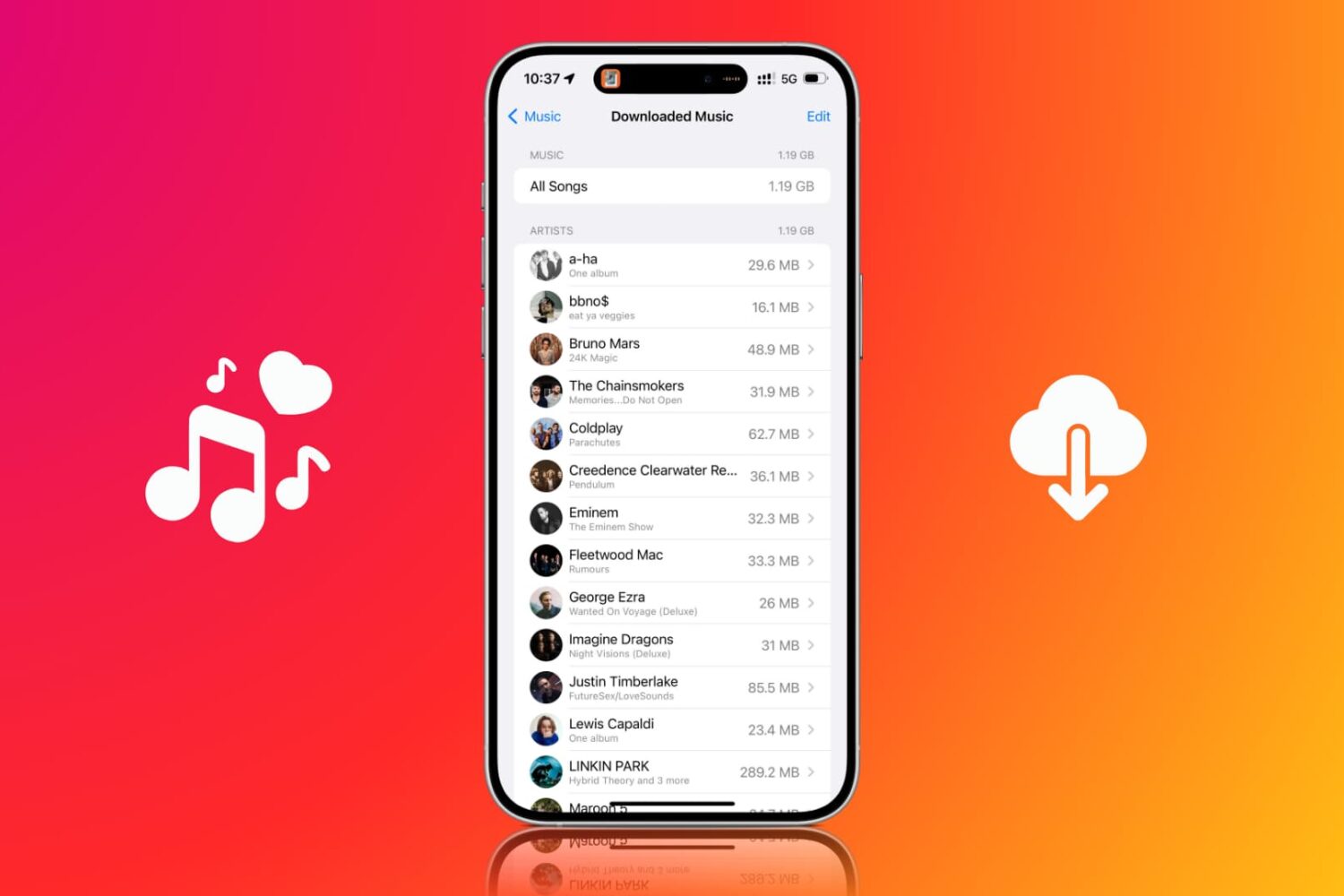
Use the Optimize Storage feature to limit how much space downloaded Apple Music songs take up on your iPhone and iPad.
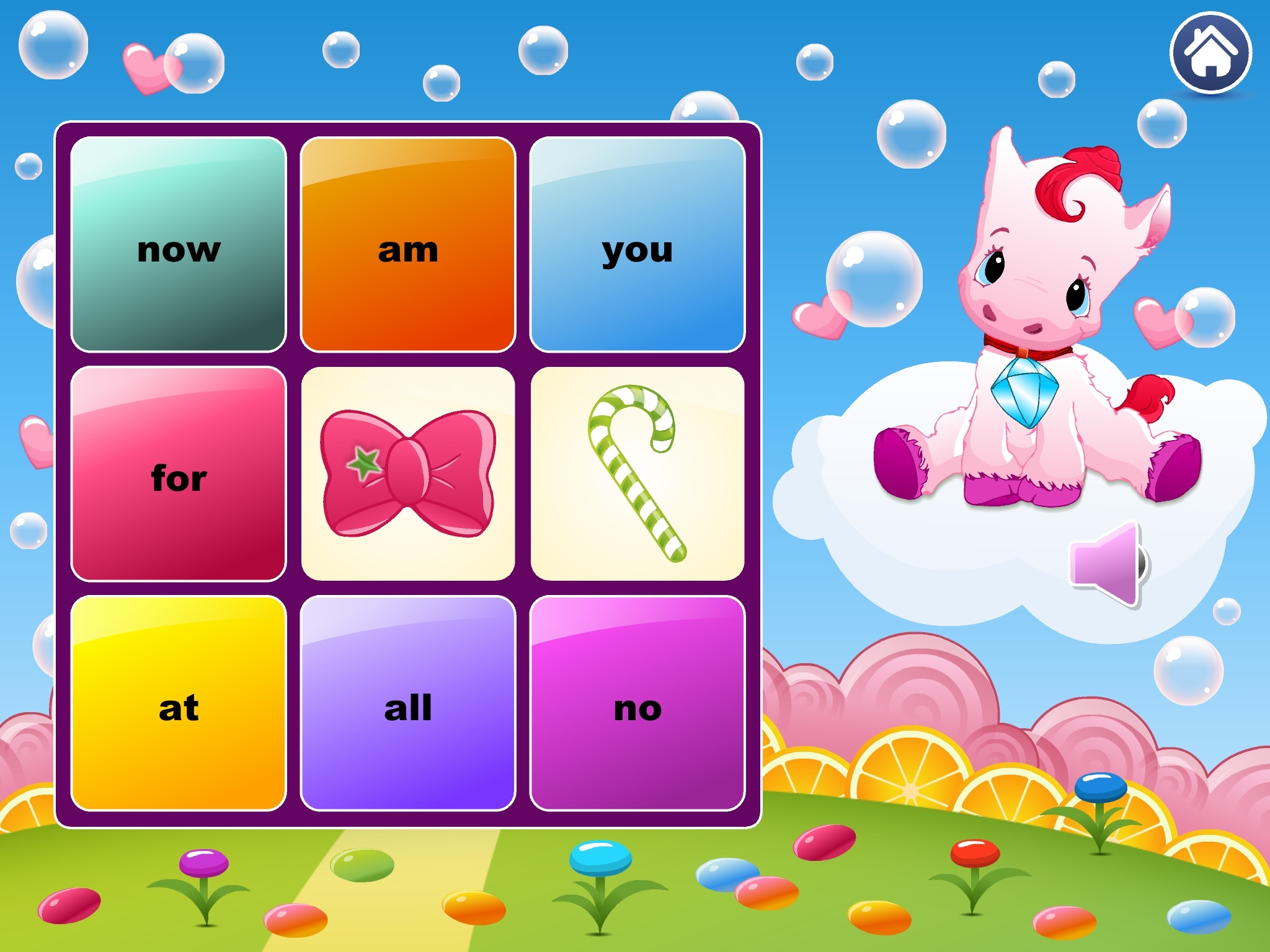
Teaching children to recognize sight words is important when they’re just learning to read. Knowing those common words that they can spot easily and not have to sound out helps them focus on tougher words.
For helping the youngster in your life, you can download sight word apps for iPhone and iPad. These digital tools can reinforce what they learn from you and their teachers. Plus, apps like these give them fun and entertaining ways to learn, which makes education more interesting.
Take a look at this list of apps for kids to learn sight words and see which one or more you think your child would enjoy!
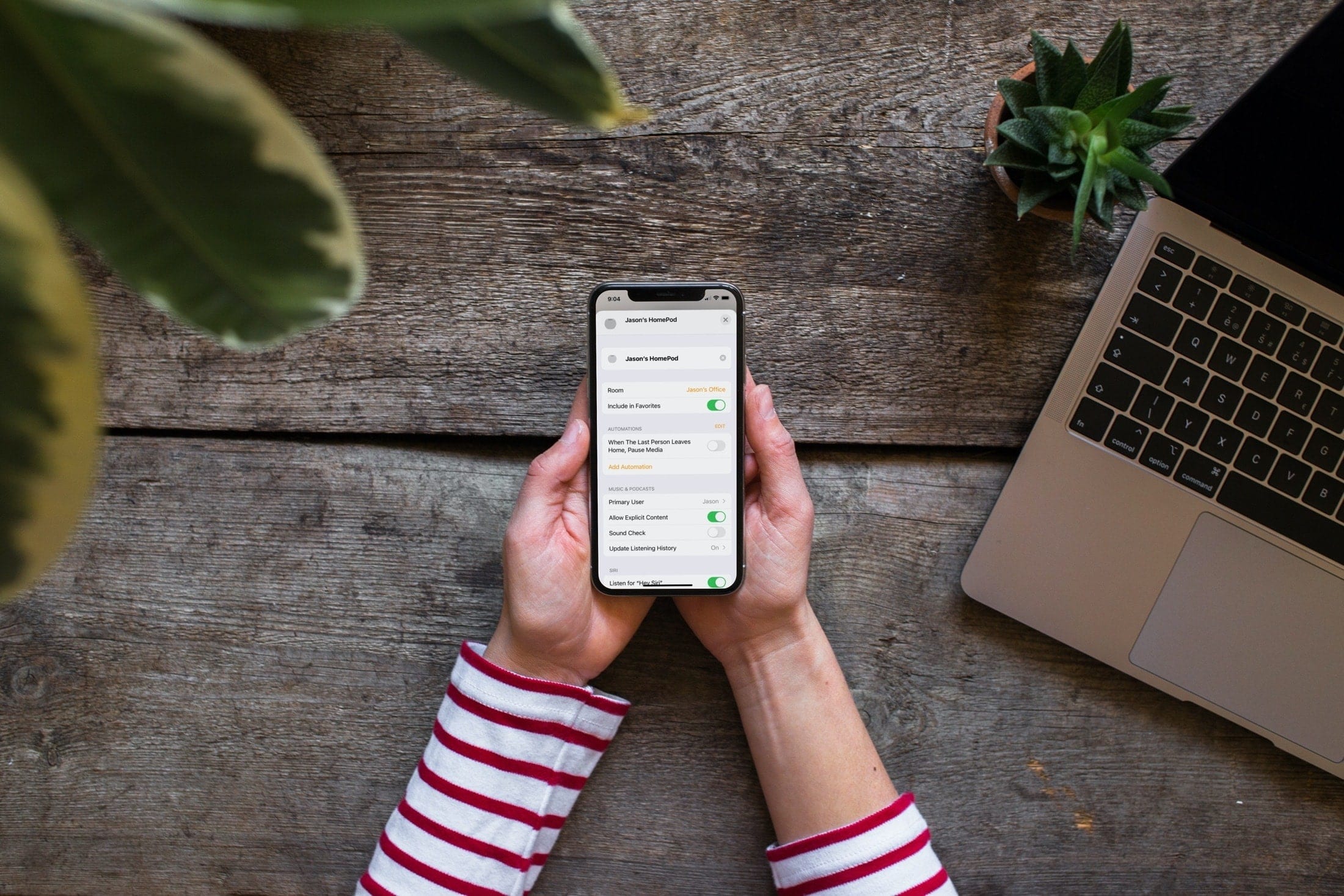
Follow these steps to set up a Primary User on HomePod, ideal for multiple-user households with a main user for each speaker.