Boost your productivity by exploring these tips for efficiently searching notes and quickly locating what you need on your Mac.
5 tips for using Search in the Notes app on your Mac like a pro
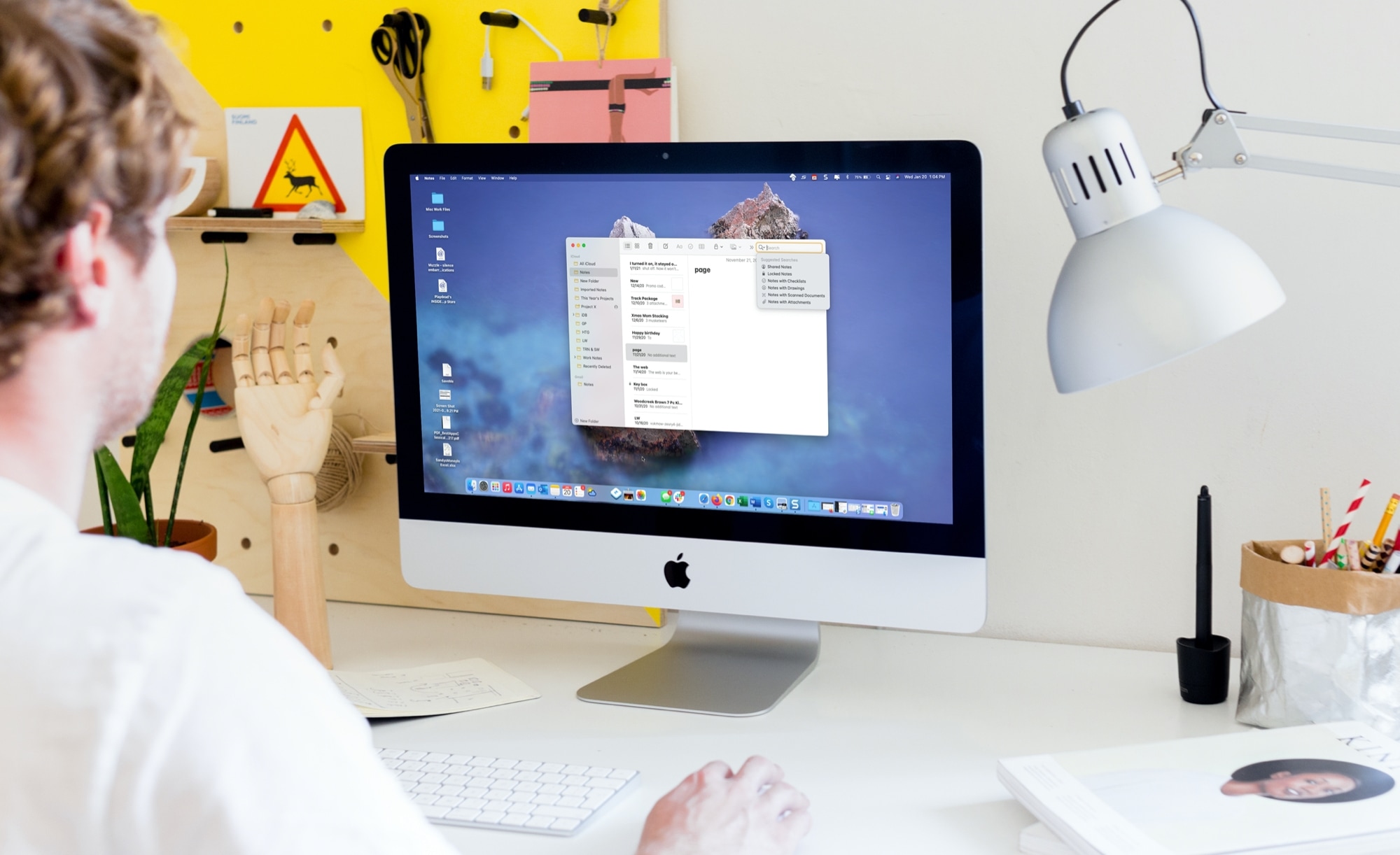
Boost your productivity by exploring these tips for efficiently searching notes and quickly locating what you need on your Mac.
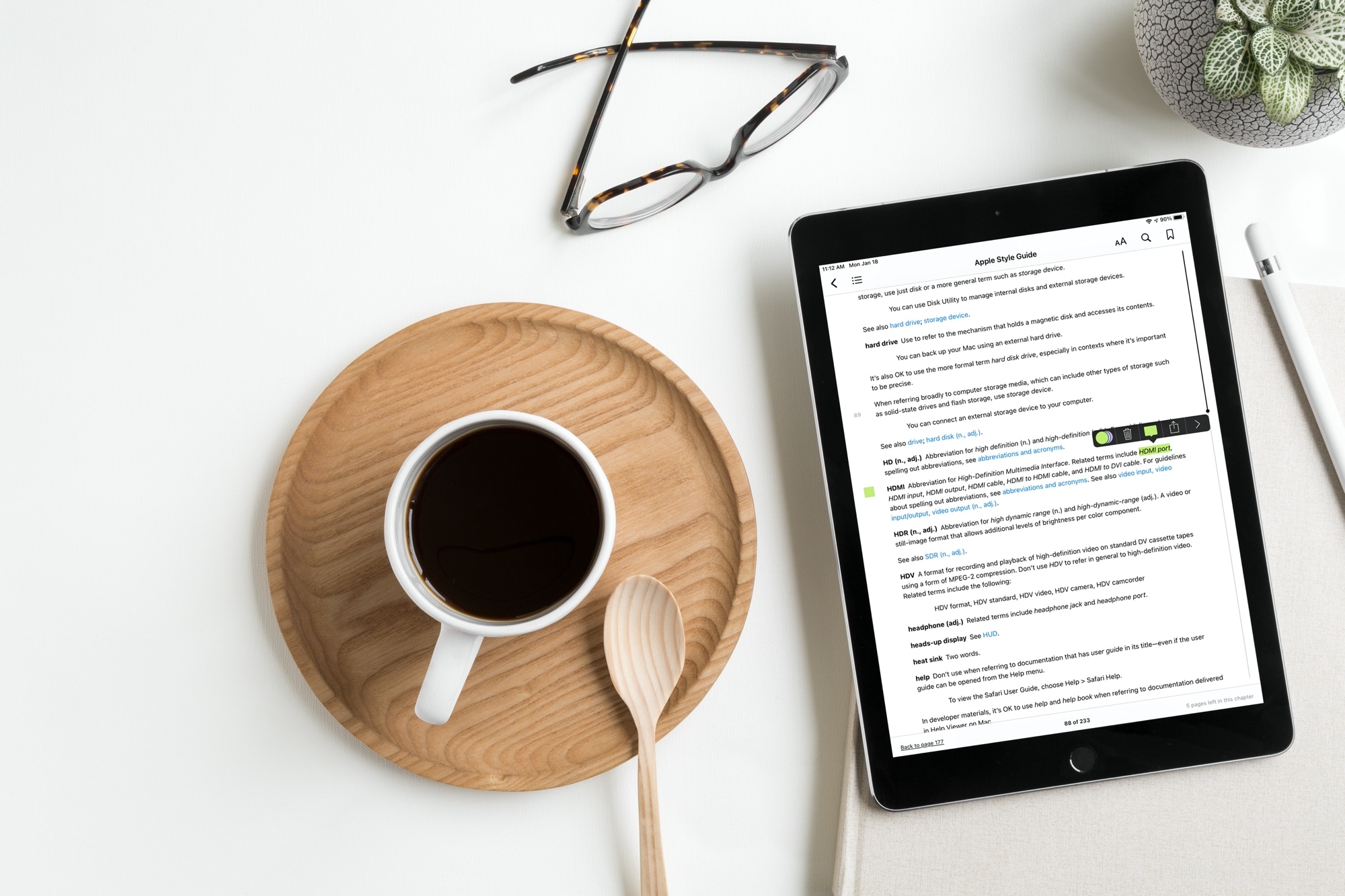
Learn how to use your Apple Pencil in Books on your iPad, whether to highlight a passage, add a note, use Look Up, annotate PDFs, and more.

Check out the top photo printing apps for iPhone and iPad to turn your digital memories into actual printouts to frame or gift to someone else.
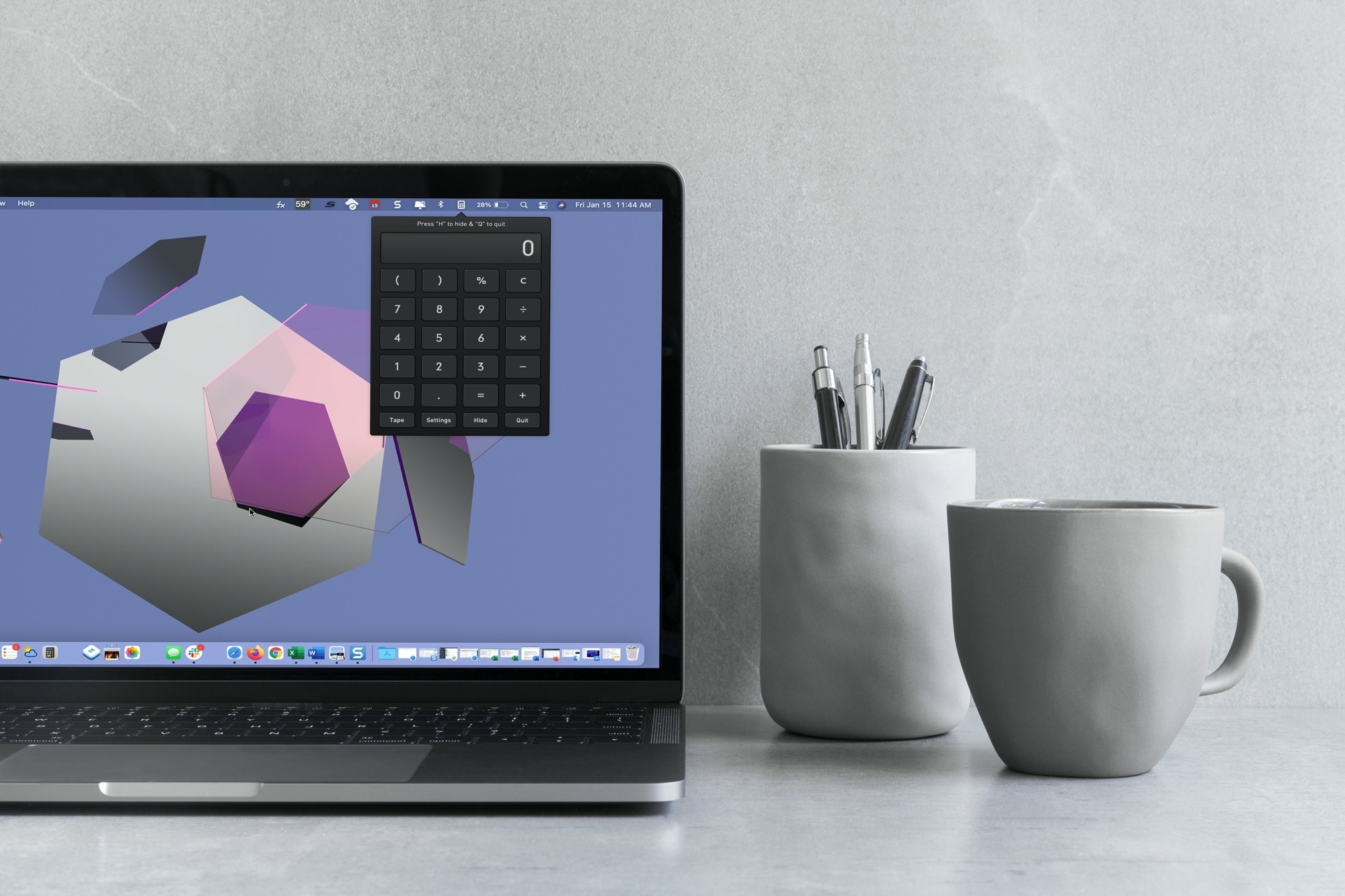
With macOS Big Sur and later, you can no longer enjoy quick access to interactive widgets in the Notification Center. Sure, you can still see widgets for things like the weather and a world clock, but you can’t perform calculations in a few clicks like before.
You can use Spotlight Search for simple equations in a hurry, but if you need a little more, you have to open the Calculator app. Since a calculator is one of those utilities you don’t want to have to hunt for, we’ll show you some alternatives to replace your missing widget.
Here you’ll find calculator apps for your menu bar along with shortcuts to open your existing Mac Calculator app from the Dock and using your keyboard. Review the options and see which one is the best fit for your needs.
Learn how to manage file and folder permissions on Mac and allow read only, write only, editing access, as well as no access at all.
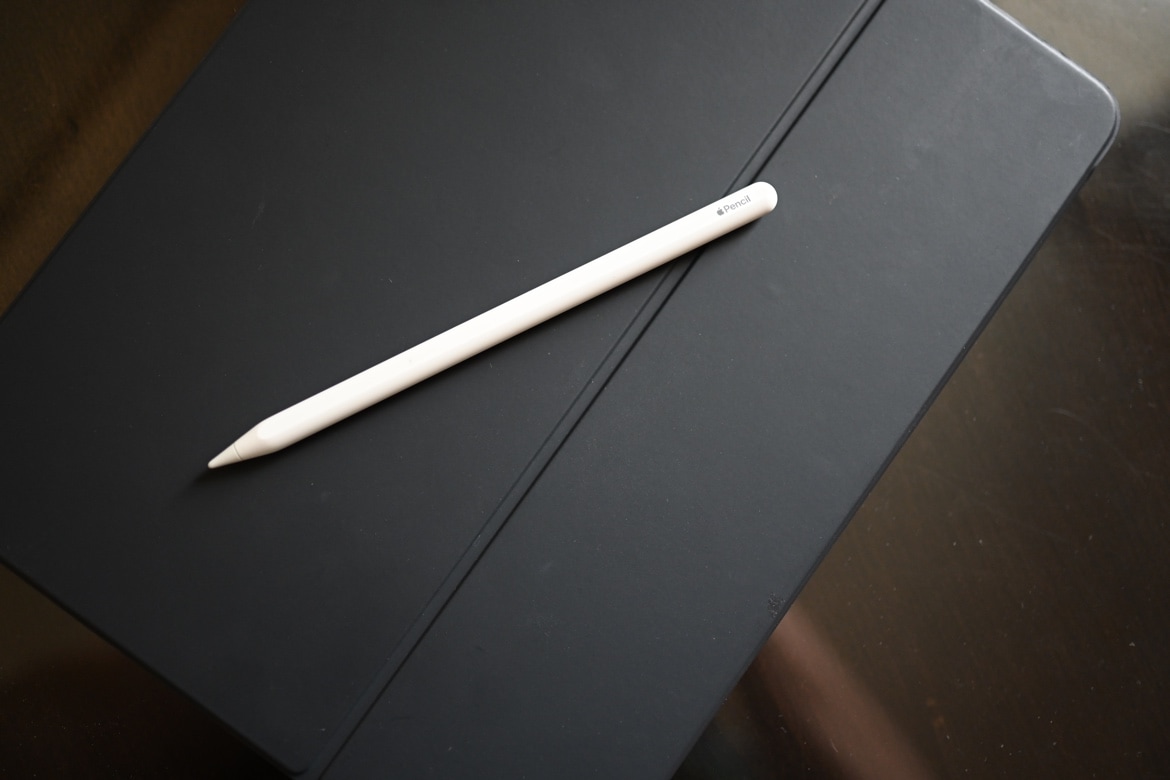
Maybe you just got an Apple Pencil or a new iPad and want to use this convenient combo. But for some reason, unknown to you, you can’t pair your Apple Pencil with your iPad. In this tutorial, we’ll explain several methods to remedy this situation, beginning with which Apple Pencils work with which iPads.

In this tutorial, we’ll show you how to organize your new fonts and styles by creating a Font Book library on Mac. You can also set the library as the default location for new fonts.
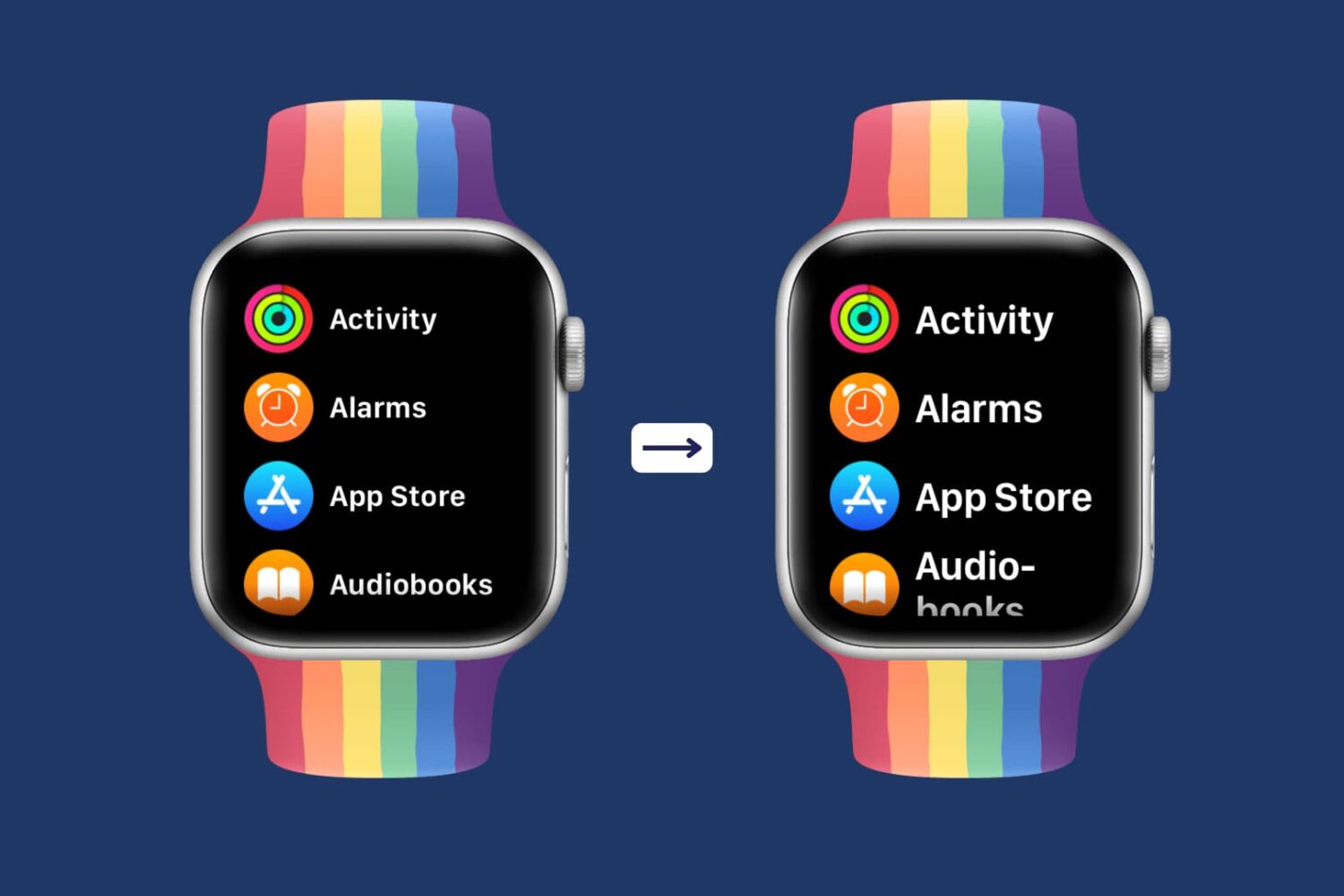
Having difficulty seeing the small text on the already small Apple Watch screen? This tutorial shows you how to increase the text size of your Apple Watch so that it becomes easier to read the text and use your smartwatch comfortably.

As you build your Kindle Paperwhite library, it can quickly become unmanageable. The more books you get, the more screens you have to flip through to find the book you want when you’re in the mood to read it. We’ve shown you how to create Collections on your Kindle Paperwhite. This is a terrific way to keep similar books together, making them easier to find.
But, you have additional ways to manage your library. You can sort your books, filter to find specific ones, and search by keyword. And you can do all of this right on your device or on the Amazon website. Here, we’ll show you how to manage, filter, and sort your Kindle Paperwhite library.

Leverage the power of built-in Automator to quickly open your favorite apps using custom keyboard shortcuts on Mac.
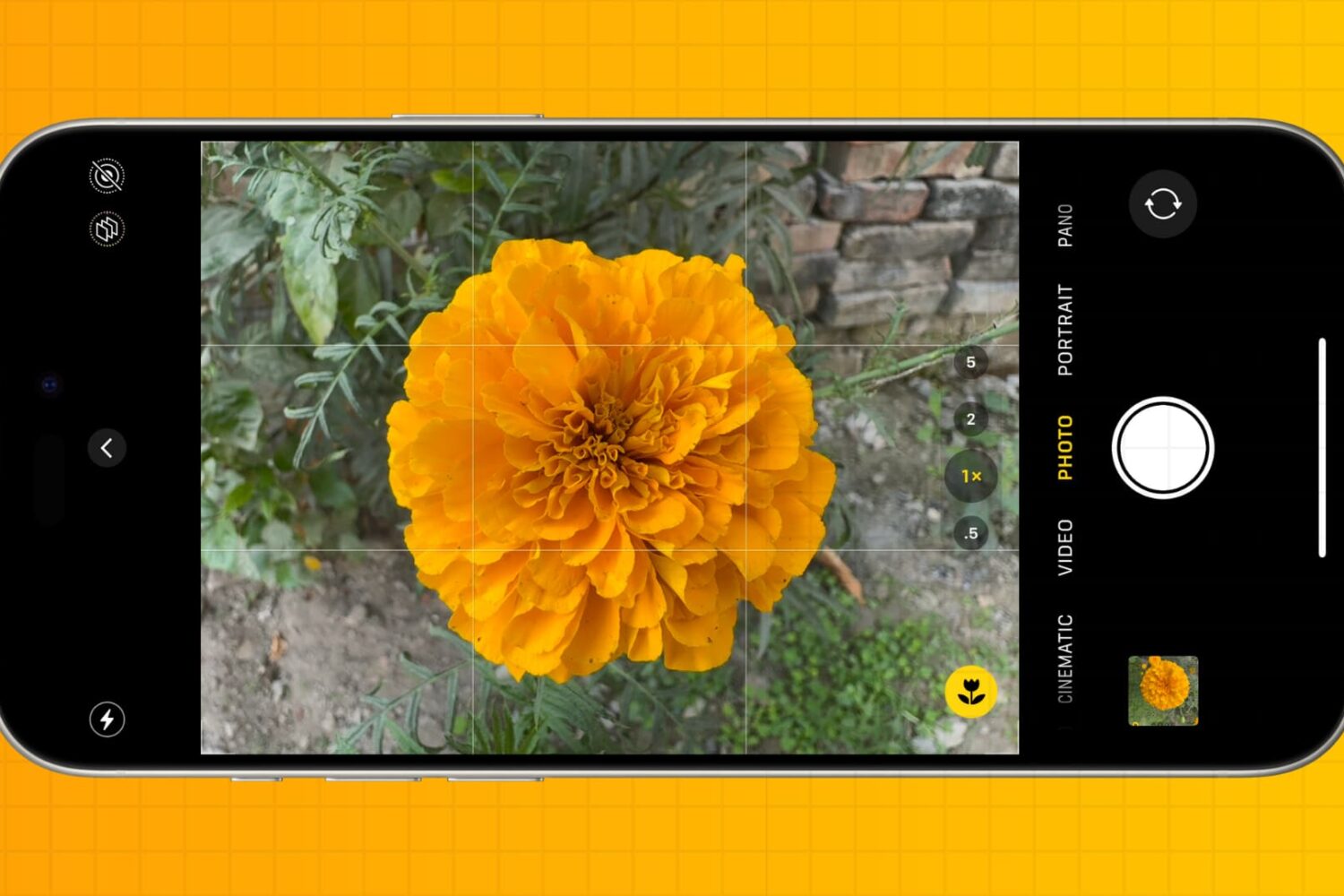
You don’t have to be a professional photographer to take amazing photos. Check out these five quick iPhone camera tips to make a few tweaks and capture better pictures every time.
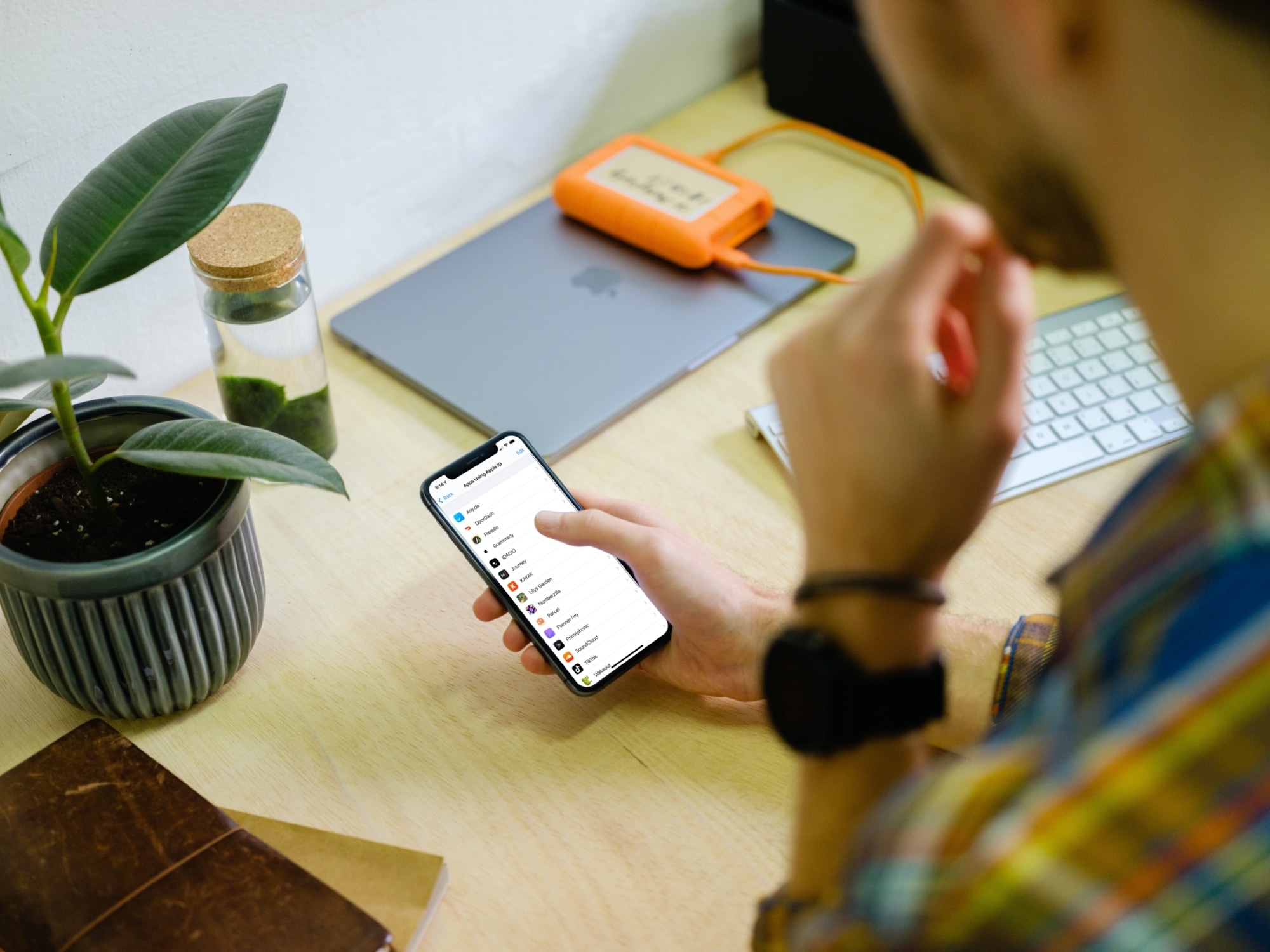
Learn how to use Sign in with Apple on your iPhone, iPad, Mac, Safari, Google Chrome, or another web browser for an easier way to create accounts and sign in to apps and websites.