Jeff Benjamin

Jeff has been with iDownloadBlog since 2010, acting as resident video specialist, and tutorial expert. He earned his degree in Computer Network Systems back in 2001, but decided Cisco routers and the like just weren’t for him. Since then, he’s been heavily involved with online writing. He’s written for numerous tech and video game sites since the late 1990′s, and has a knack for explaining things in a simple, clear, and concise manner. Jeff works primarily from the east coast on his Retina Macbook Pro, and shoots video with a Canon DSLR. During downtime he likes to travel the world, visiting the various Apple Stores across the globe. You can email him at jeff [at] idownloadblog.com and follow him on Twitter @JeffBenjam or on Google+.

RippleBoard: add ripple effects to the iOS Home screen

RippleBoard is a new tweak that brings tap indicators to the iOS Home screen. Whenever you tap the screen, or launch an app, you get a cool little ripple effect on the Home screen.

But RippleBoard isn't just limited to on screen taps. As you'll see from the tweak's preferences, there are other things that you can do with RippleBoard, including customizing the range and duration of the ripple effects.
Aeuria LS is a beautiful Lock screen tweak for iOS

Great standout tweaks seem to be few and far between as of late, but the developer of Aeuria LS obviously has other thoughts about the matter. Aeuria LS is an original and wonderful-looking Lock screen tweak for jailbroken devices, that presents the current time in a unique manner.

Conceptualized by Zach Williams and programmed by Bryce Pauken, Aeuria LS is one of the best looking jailbreak tweaks that I've seen in a while. It brings a Lock screen clock interface to the iPhone that features customizations by clock type, time format, clock face font, color, blur, and more.

It's a simple looking tweak that you'll find to be incredibly deep, and a technical work of art once you delve into its preferences. Have a look at our video overview of Aeuria LS for more details.

IllLookLater: prevent iPhone screen wake when receiving notifications

Do you find that many of your incoming notifications don't warrant the awakening of the Lock screen on your iPhone? Perhaps you think that waking up your iPhone every time you receive a notification is a waste of precious battery.

If you feel that way, then you may want to look into IllLookLater, a recent jailbreak tweak that's available on Cydia's BigBoss repo free of charge. IllLookLater makes it so that you can limit the amount of apps that wake the Lock screen when receiving a notification. In other words, it lets you pick and choose the apps that you deem worthy.

Color Convos: assign colors to Messages app conversations

Color Convos is a jailbreak tweak that serves as a Messages app addon. It lets you quickly assign different colors to the outgoing message bubbles in a Messages app conversation.

Why is this useful? The developer presents an interesting use case scenario. He suggests that Color Convos will make it easier to discern who you are sending a message to, ensuring that you are sending messages to the correct contact, lending peace of mind.

Does Color Convos work as expected? Have a look at our walkthrough to find out.

LongScreen now supports combining Apple Watch screenshots

One of my favorite screenshot managing apps on iOS, LongScreen, has been updated to support Apple Watch screenshots. This means that you can now combine multiple Apple Watch screenshots into a single screenshot, all on your iPhone.

The app, which is well-known for its ability to combine iPhone screenshots with padding and a cleaned up status bar, is now on version 1.3.

You can purchase LongScreen from the App Store for only $2.99, a price that's totally worth it when you consider the time that you can save from using it.

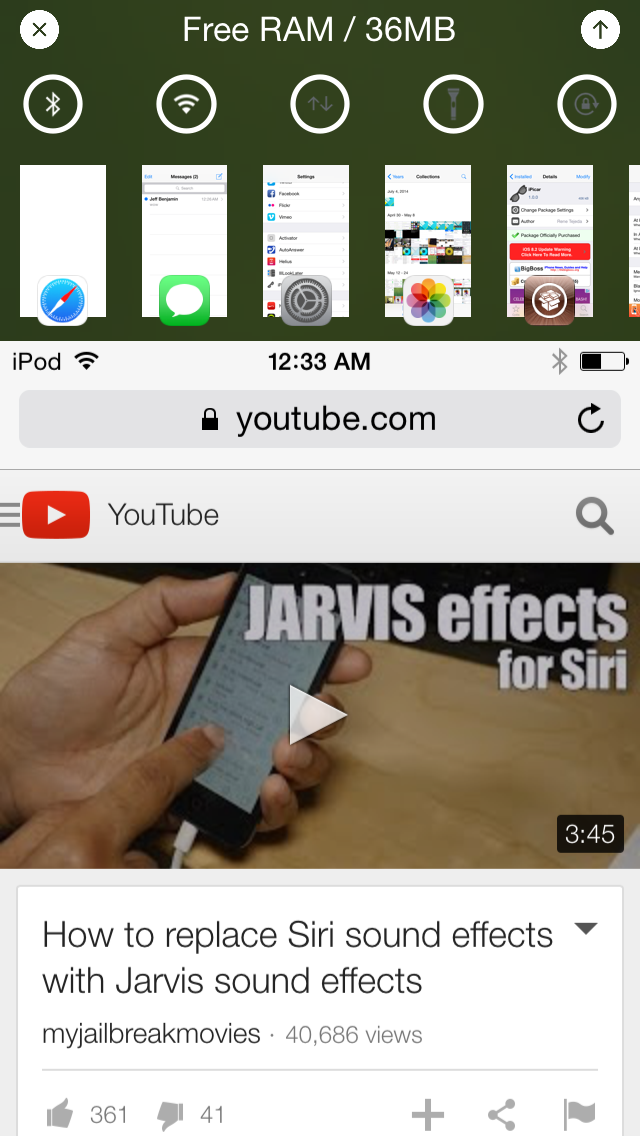
Alternatum brings an app switcher and toggles to Reachability

Alternatum is yet another jailbreak tweak that piggybacks on the Reachability feature introduced with the iPhone 6 and iPhone 6 Plus. It allows you to add a host of new features to the Reachability view such as an app switcher, toggles and more.

Unfortunately, I don't currently own any jailbroken devices that feature Reachability, but Alternatum does bring the ability to use a simple Activator gesture to mimic Reachability. Does it work well?

ADKeys: assign an image as your keyboard background color

ADKeys, which stands for adaptable keys, is a tweak that lets you change up the background and key cap color of the keyboard in iOS. By doing so, you can match up your keyboard color with other areas or your iPhone, such as your current wallpaper or theme.

If you can manage to handle the tweak's frustrating preferences, then you may be able to obtain the look you're going for. Have a glance at our walkthrough for a bit more detail.

iOS 9 security & jailbreaking: there’s no such thing as impossible

Recent reports are claiming that Apple's upcoming iOS update—iOS 9—will make it more difficult to jailbreak iPhones and iPads going forward. Some are even stating that it will be nearly impossible to jailbreak an iPhone running iOS 9.

The reason? Rootless—the kernel-level security feature that was discussed earlier today. This new feature is said to prevent malware, increase the safety of extensions and preserve the security of sensitive data.

When it's all said and done, Apple's security efforts in iOS 9 appear to be its most prolific since iOS 5. It could make it more of a challenge for jailbreakers and hackers.

But impossible? There's nothing that's impossible when it comes to security. More difficult? Perhaps. More challenging? Maybe. But impossible?

How to use glances as app shortcuts

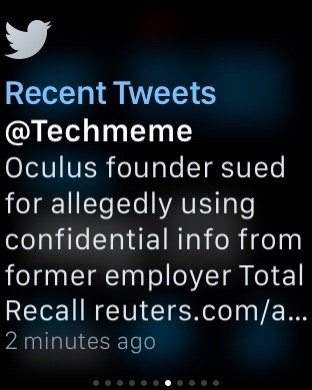
Glances are the quick information summaries of apps that are accessible by swiping up from the bottom of the watch face on your Apple Watch. In a previous post we told you all about glances, how to use configure them and how to use them.

But there's an additional thing that you should know about glances that is proving to be extremely useful for Apple Watch users. You see, a glance can be used as a direct shortcut to the app that it represents.

In this post, which is a part of our larger Apple Watch guide, we'll show you how to use glances as app shortcuts on your Apple Watch.