Jeff Benjamin

Jeff has been with iDownloadBlog since 2010, acting as resident video specialist, and tutorial expert. He earned his degree in Computer Network Systems back in 2001, but decided Cisco routers and the like just weren’t for him. Since then, he’s been heavily involved with online writing. He’s written for numerous tech and video game sites since the late 1990′s, and has a knack for explaining things in a simple, clear, and concise manner. Jeff works primarily from the east coast on his Retina Macbook Pro, and shoots video with a Canon DSLR. During downtime he likes to travel the world, visiting the various Apple Stores across the globe. You can email him at jeff [at] idownloadblog.com and follow him on Twitter @JeffBenjam or on Google+.

How to manage reminders on Apple Watch

If you've been looking for an official Reminders app for the Apple Watch, your search has been in vain. That's because there simply isn't an app dedicated to Reminders on the Apple Watch like there is on the iPhone.

That doesn't mean that the Apple Watch is incapable of both managing reminders and setting reminders. Actually, with the help of Siri, it's easy to set up reminders on Apple Watch.

Take a glance at this latest entry into our full Apple Watch tutorial for a look at how to effectively set and manage reminders on the small screen.
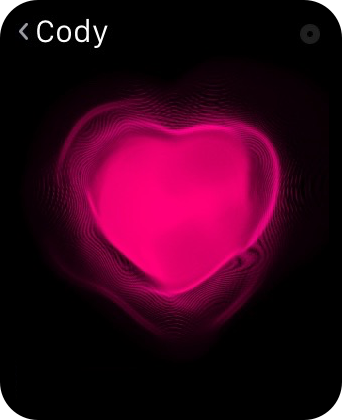
How to use Digital Touch to send sketches, taps, and heartbeats on Apple Watch

The Digital Touch features available on Apple Watch are some of the device's most personal qualities. With it, you can do things like send sketches, taps, and yes, even your heartbeat, to friends. These three aspects make up the whole of the highly touted Digital Touch feature-set on Apple Watch. In this post, we'll break down how to send sketches, taps, and heartbeats with ease.

How to track stocks on your Apple Watch

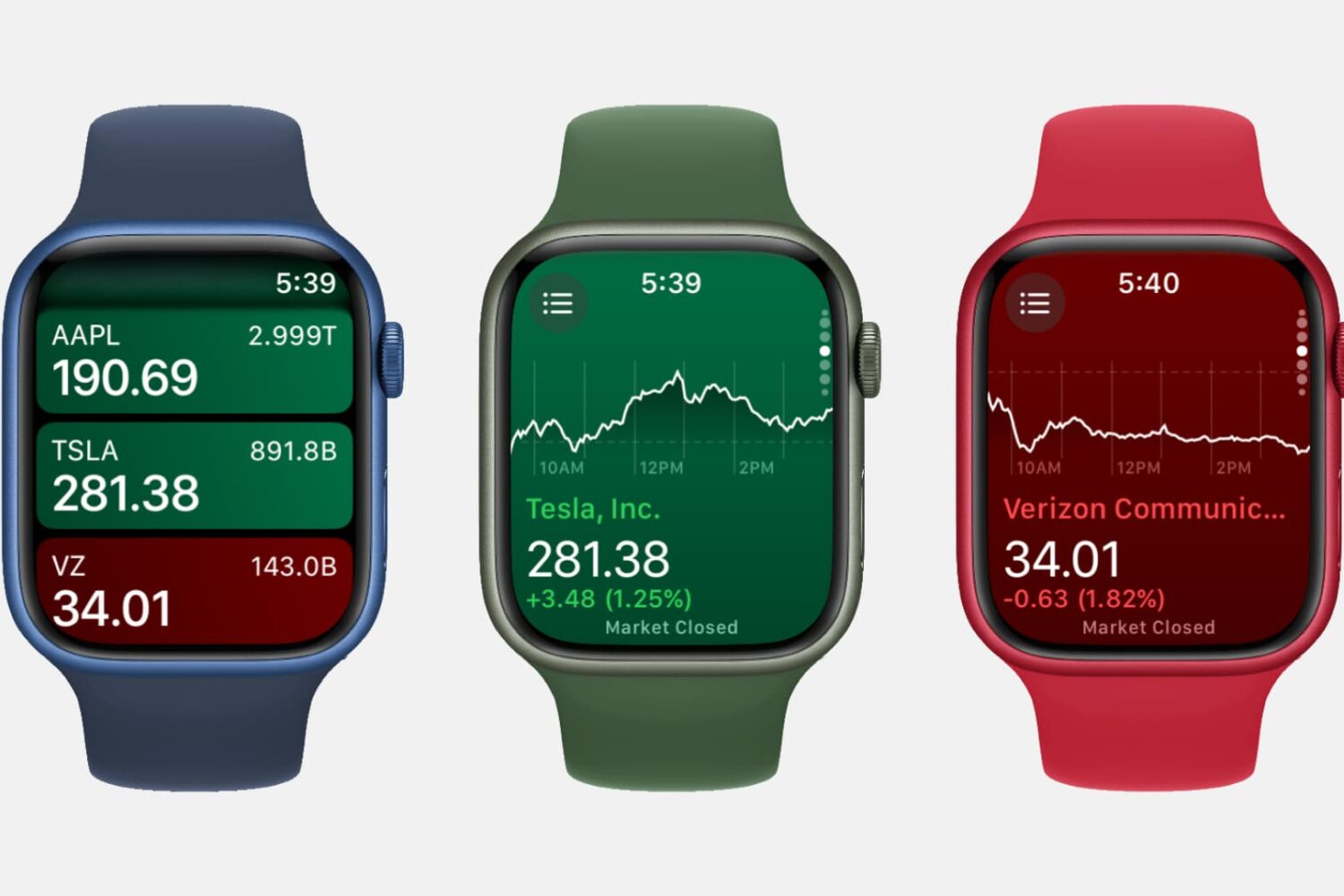
Three Apple Watch mockups showing the Stocks app

Featuring a built-in Stocks app and the ability to check on a stock via Siri, the Apple Watch is a great tool for quickly garnering info on the stocks that interest you, allowing you to keep track of your favorite companies’ financials right from your wrist.

How to use your Apple Watch stopwatch like a pro

Stopwatch on Apple Watch

The Apple Watch, as you might have guessed, is really good at timekeeping. Unsurprisingly, it comes bundled with a stopwatch function that works as both a full-fledged app and a watch face complication. In this post, which is a continuation of our Apple Watch tips series, we'll show you how to get the most out of the stopwatch functionality on your Apple Watch.

New tweak brings iOS notifications to Xiaomi’s Mi Band

XiaoMi's recently launched US online store doesn't carry any actual smartphone hardware yet, but you can buy hardware like headphones, battery packs, and a fitness device called the Mi Band.

The Mi Band is akin to some FitBit models, in that it's slim, understated, and lacks a touch screen. Due to the tracker's lack of battery draining features, it gets really good battery life upwards of 30 days.

Perhaps the most attractive thing about the Mi Band is the price. Retailing for just $14.99, it's much more affordable than any dedicated fitness tracker I've ever seen, let alone a full-featured device like the Apple Watch.

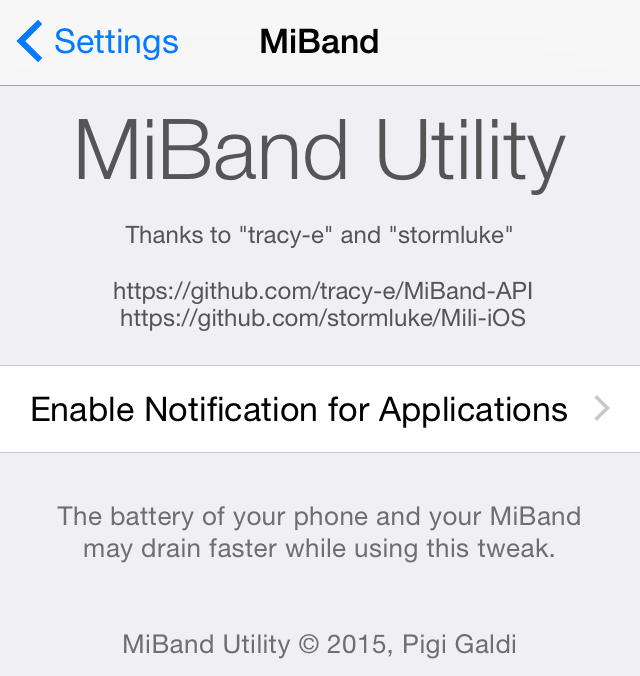
When paired with a Xiaomi smartphone, the Mi Band can alert you to things like phone calls by using vibration. Wouldn't it be cool if it could alert you to notifications for certain iOS apps as well? Now it can, courtesy of a new jailbreak tweak called MiBand Utility from developer Pigi Galdi.

‘Gauss’ spices up the Music app with impressive blur effects

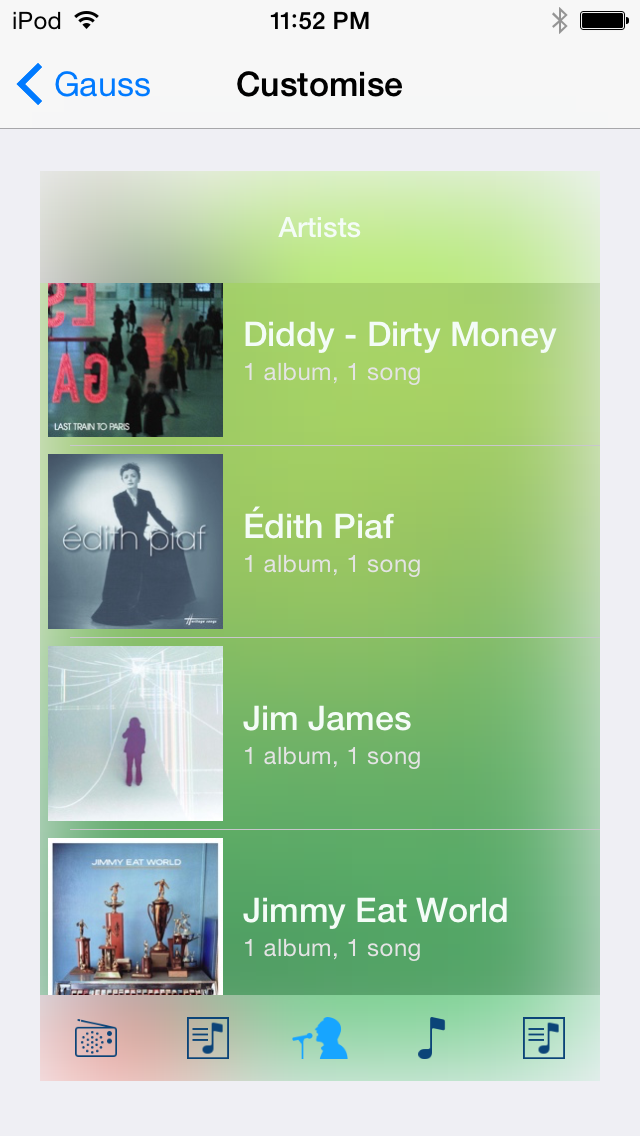
Gauss—which is named after German mathematician Karl Gauss, from which the Gaussian Blur derives its name—is a jailbreak tweak that adds blur, tint color, and text color effects to the stock Music app. Gauss lets you change up the blur radius, saturation, and more. You can even preview the look of the changes via the tweak's preferences.

StopAutoDelete stops the iOS cursor from deleting entire words

When you hold the delete button on the iOS keyboard, eventually the cursor will start to delete entire words in an effort to speed up the deletion process. While at times, this comes in handy from a speed perspective, I often find it more of a nuisance; it seems to always delete words that I had no intention of removing.

StopAutoDelete is a jailbreak tweak that slows down deleting on iOS, placing a sort of limiter on deleting and preventing whole words from being delete at once. Have a look at our video walkthrough for a full explanation.

Recents is a jailbreak tweak for viewing recent calls in Notification Center

Recents is a new jailbreak tweak that allows you to view recent phone calls and FaceTime calls directly in Notification Center. With the $1.49 package, which comes with a free trial, you can make calls directly from Notification Center, even if your device is locked.

By adding a tab next to the Today and Notifications tabs in Notification Center, Recents lets you view incoming, outgoing and missed calls with ease. It also lets you delete individual calls, all calls, and it works with a variety of other jailbreak tweaks such as Copic and LockInfo.