Jeff Benjamin

Jeff has been with iDownloadBlog since 2010, acting as resident video specialist, and tutorial expert. He earned his degree in Computer Network Systems back in 2001, but decided Cisco routers and the like just weren’t for him. Since then, he’s been heavily involved with online writing. He’s written for numerous tech and video game sites since the late 1990′s, and has a knack for explaining things in a simple, clear, and concise manner. Jeff works primarily from the east coast on his Retina Macbook Pro, and shoots video with a Canon DSLR. During downtime he likes to travel the world, visiting the various Apple Stores across the globe. You can email him at jeff [at] idownloadblog.com and follow him on Twitter @JeffBenjam or on Google+.

Review: HazeOver dims background apps on Mac to reduce distraction

There never seems to be a shortage of apps that promote focusing on a single task, especially writing apps. And then you have hardware like the iPad, which forces you to focus on a single app at a time.

With the Mac, focusing has never been that easy, because multitasking is at its core.

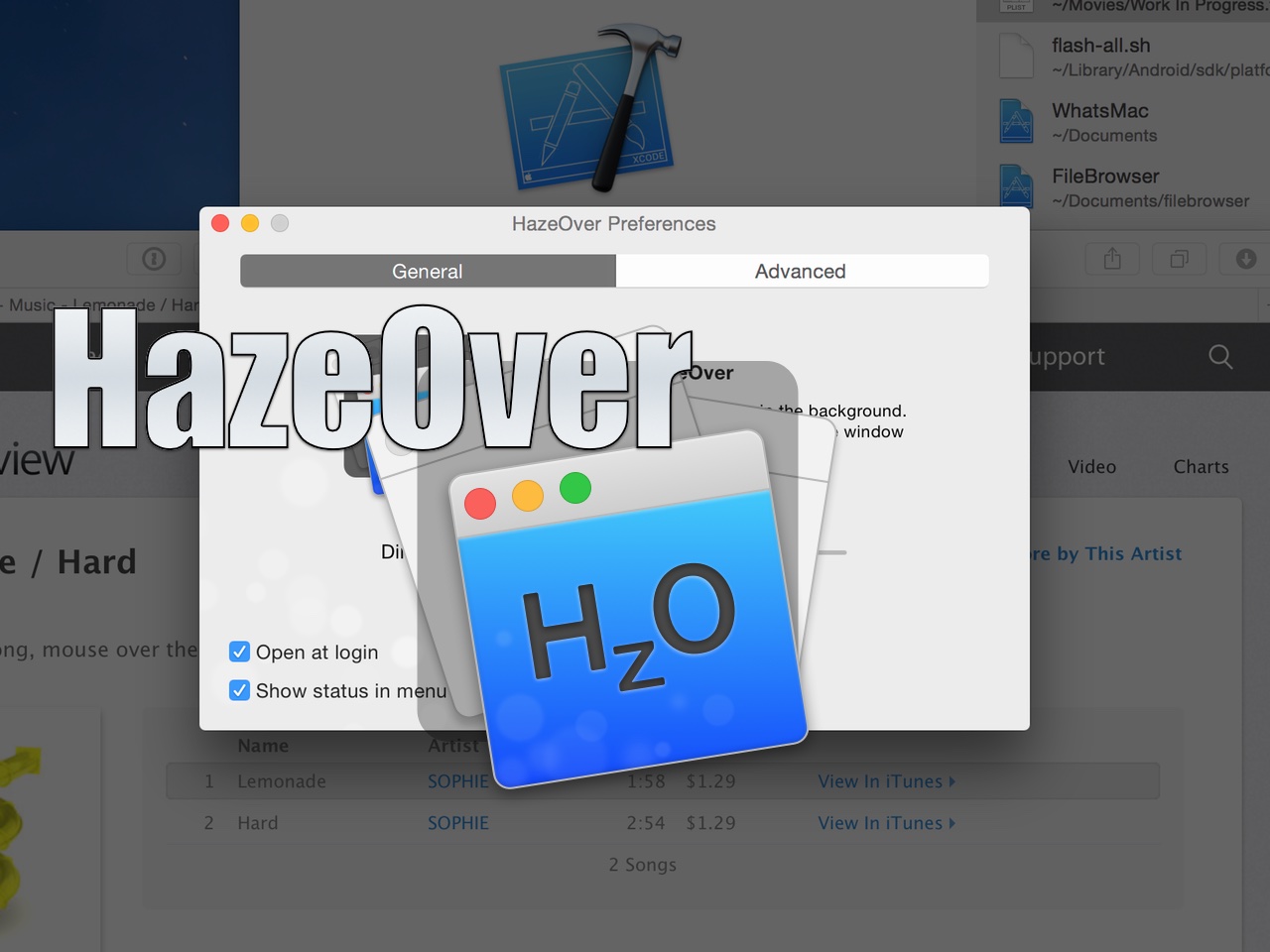
HazeOver is a new Mac App Store utility that seeks to change the way we work on the Mac. By dimming background apps, it aims to help users focus on one app at a time by reducing distractions from surrounding apps. You can still have other apps open, they’ll just be dimmed in such a way that they’re less noticeable.

Does the idea work? Check out our video walkthrough for all of the details.

Let’s Talk iOS 084: Google line slash zero

Episode 84: A detailed discussion of Google I/O and Google's business model. Jony Ive's new promotion. The unicode bug that crashes your iPhone. The downsides of Apple Watch. Native Apple Watch apps. Cody travels with his Apple Watch for the first time.

Subscribe on iTunes

Support Let's Talk iOS: please fill out this quick survey

Thunderbolt 3 will feature USB Type-C and be twice as fast as its predecessor

Today, Intel announced the next revision to Thunderbolt, aptly entitled Thunderbolt 3. While it's no surprise that the revision brings increased bandwidth (40Gbps vs 20Gbps) to the specification, the biggest news is the adoption of the new USB Type-C connector.

Instead of using Mini DisplayPort, which Thunderbolt has used since its inception, Intel is "skating where the puck is headed" and jumping to USB Type-C. This presents many potential benefits to the end user.

Apple showcases seven new “Shot on iPhone 6” videos

As it turns out, the iPhone is pretty good at shooting video, too. To further prove its point, Apple has expanded its "Shot on iPhone 6" campaign, which it kicked off back in March.

The seven new videos, which feature various scenes and styles mated with music from iTunes, showcases the versatility of the camera built in to the iPhone 6 and 6 Plus. Some of the videos even feature time-lapse and slow motion effects, both features of the stock Camera app in iOS 8.

Review: Magnet window manager for OS X

The ability to snap windows side-by-side has been one of my most missed features since switching from Microsoft Windows years ago. Fortunately, there have been quite a few apps over the years that have provided window snapping on the Mac.

One such app, HyperDock, has been my go-to app of sorts for managing windows on OS X. Another app, BetterSnapTool, is also popular among Mac users for window management.

But today, Sebastien made me aware of yet another window management tool. I have to admit that I was skeptical at first, because I've I didn't see how anything could be much better than HyperDoc for my needs, but I stand corrected.

Magnet ($1.99) is a really good Mac App Store release that focuses solely on window management, and does a very good job. It has several key features that have made me seriously contemplate switching over to it full time. Watch our video review to see what I mean.

WeatherPeek will bring quick weather highlights to the Home screen

WeatherPeek, an upcoming jailbreak tweak from the AtomDevTeam, does something pretty cool—it allows you to use a simple "peek" gesture while on the first Home screen page to see current and upcoming weather info for a designated area. The peek gesture is basically a swipe and hold gesture that reveals the weather information hidden off screen. Watch our video inside to see what I mean.

BlurryLaunch: remix the iOS app-launching animation

BlurryLaunch is a simple new jailbreak tweak that adds a a smooth blur effect to the app-launching animation. The tweak, which is available for download free of charge from Cydia, includes several blur themes to add custom colors to the launch animation as well. Watch our video walkthrough to see how it works in action.

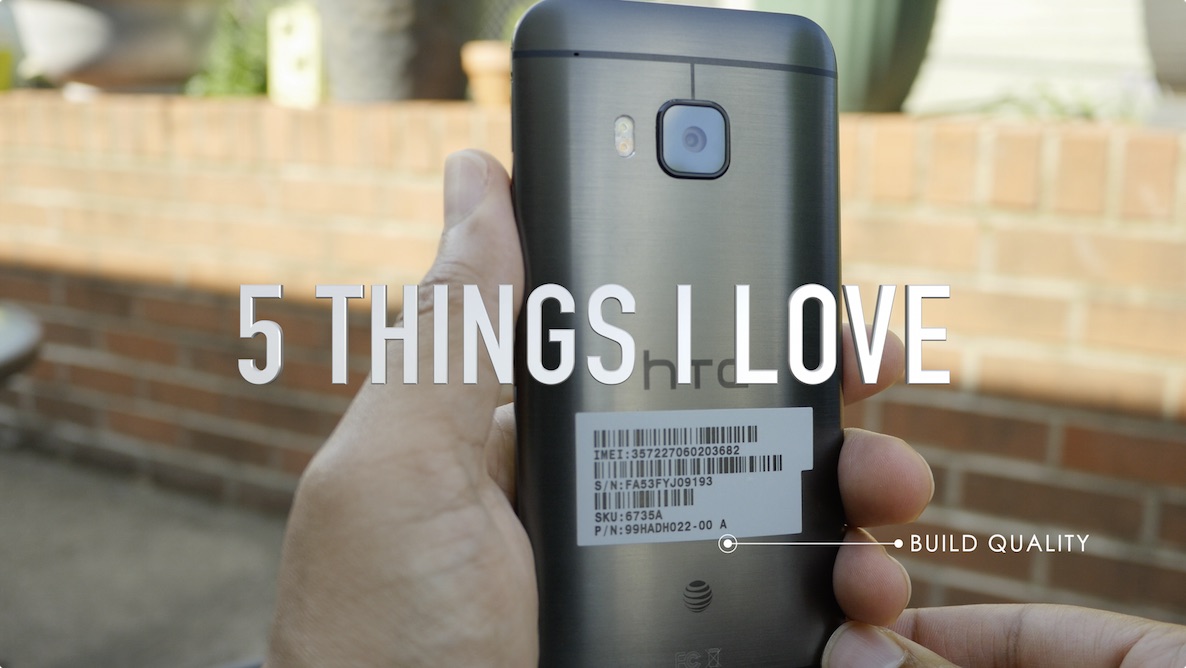
Review: HTC One M9 from an iPhone user’s perspective

The HTC One M9 is the latest flagship phone from HTC and it doesn't divert from what has made the HTC One line stand out among other releases from Android OEMs. If the all metal Galaxy S6 and S6 Edge didn't exist, then the HTC One would stand head and shoulders above the rest of the Android competition from a design standpoint. But even with Samsung's recent change in design taste, the HTC One M9 is one of the, if not the best looking Android smartphone that money can buy.

As a full time iPhone user, I feel like I have a unique perspective to lend to those of you who may be interested in the M9, or those of you who just want to know how other flagship phones are doing outside of the Apple ecosystem. In this post, I'll discuss 5 features that I love about the HTC One M9, and 5 features that aren't so hot. Be sure to tune in to our full video review as well.

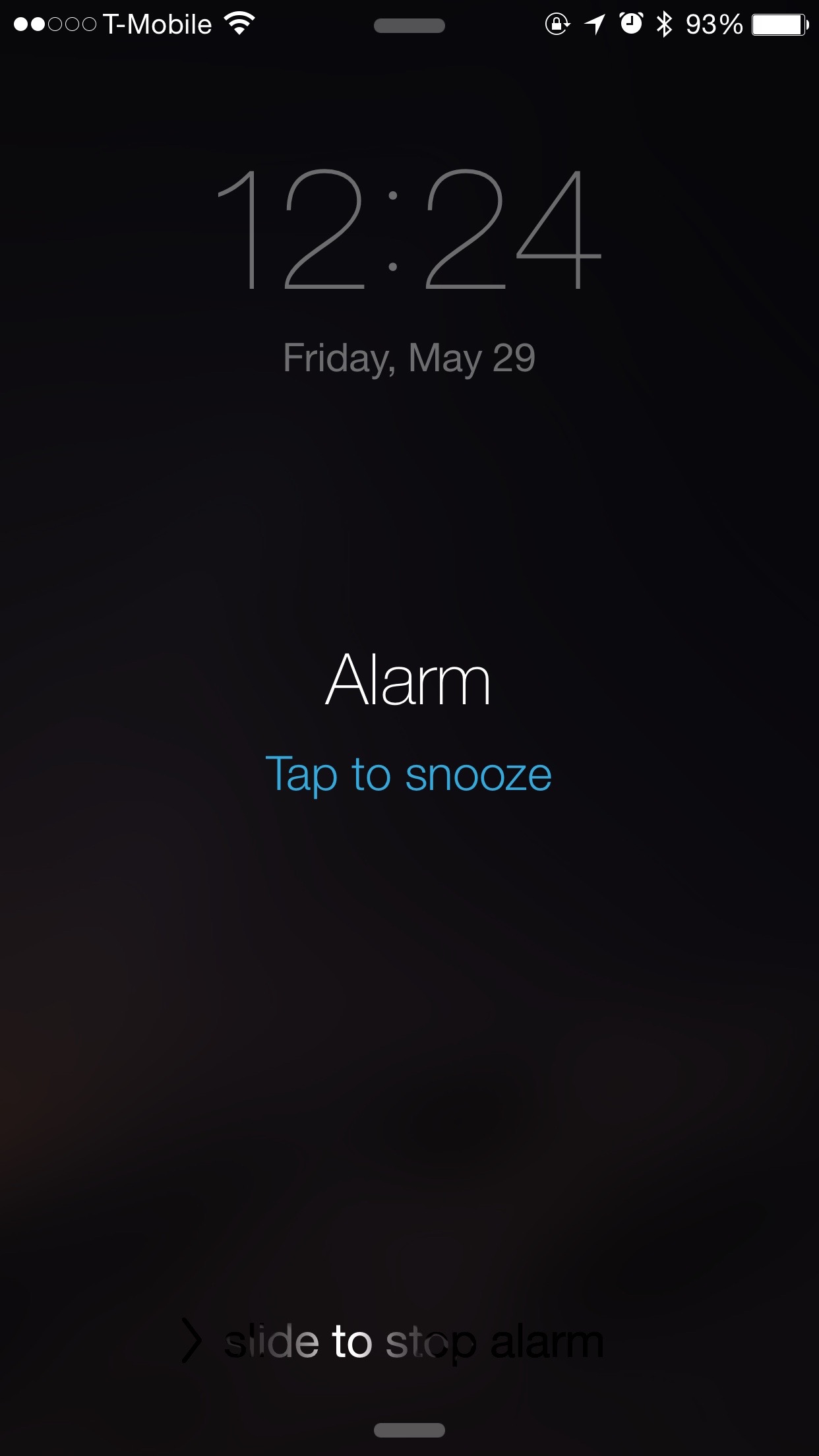
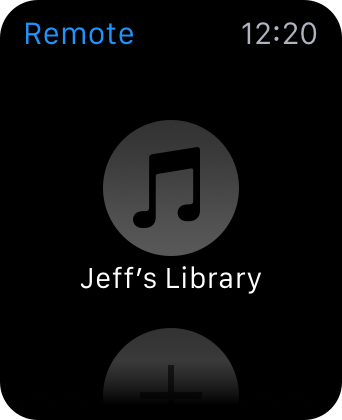
How to snooze or dismiss an iPhone alarm from Apple Watch

Since some of the features on Apple Watch and iPhone are mirrored between each other, one may think that Alarm clocks set on Apple Watch would appear on the iPhone and vice versa. This is only somewhat true.

As it turns out, Alarms set on Apple Watch do not appear on iPhone and alarms set on iPhone do not appear on Apple Watch. Sort of.

Confused? In this post, we clarify the way that Alarm clocks work between the Apple Watch and iPhone.

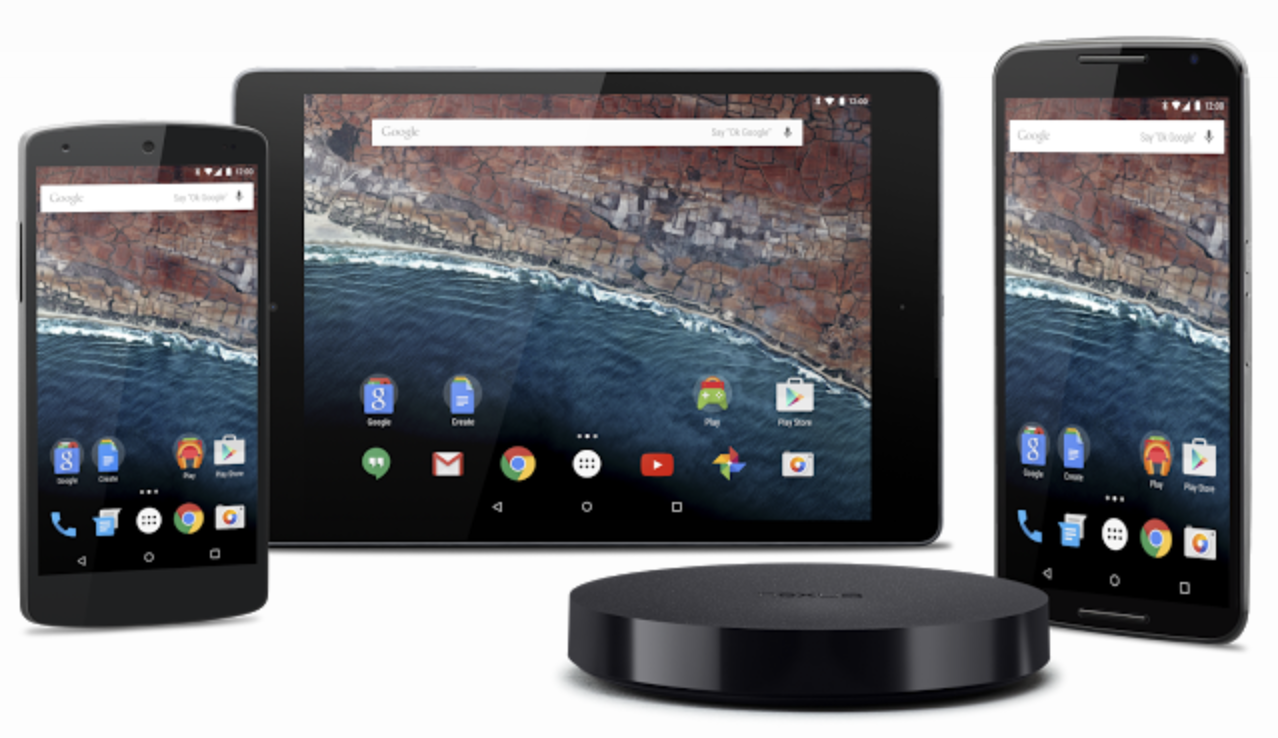
Android M: Six headlining features from Google’s upcoming mobile OS update

Google's annual I/O conference is currently going on in San Francisco, and as expected, Android M, its latest update to Android, was officially unveiled. Although lots of new features will be packed in with Android M, six of those features were brought to the forefront during the beginning of the I/O keynote.

Google states that Android M is rethinking fundamental aspects of how the platform has worked for years, and focuses on polish and quality and improving the core user experience. From what we've seen thus far, we'd have to agree.

The following six areas—App Permissions, Web Experience, App Links, Android Pay, Fingerprint Support, and Power & Charging—were specially highlighted as new features for Android M. What do these new features mean for Android and the future of mobile?