Jeff Benjamin

Jeff has been with iDownloadBlog since 2010, acting as resident video specialist, and tutorial expert. He earned his degree in Computer Network Systems back in 2001, but decided Cisco routers and the like just weren’t for him. Since then, he’s been heavily involved with online writing. He’s written for numerous tech and video game sites since the late 1990′s, and has a knack for explaining things in a simple, clear, and concise manner. Jeff works primarily from the east coast on his Retina Macbook Pro, and shoots video with a Canon DSLR. During downtime he likes to travel the world, visiting the various Apple Stores across the globe. You can email him at jeff [at] idownloadblog.com and follow him on Twitter @JeffBenjam or on Google+.

Philips Hue Personal Wireless Lighting Unboxing

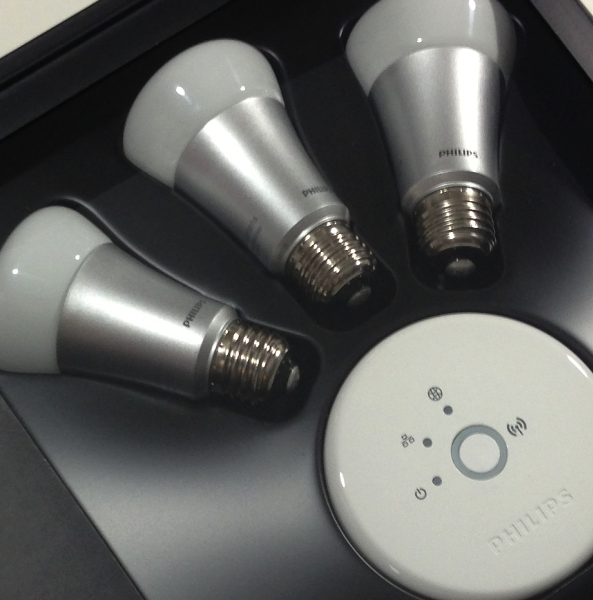
I know, I'm crazy like that, but I just couldn't pass up the chance to try something this cool. I bought a Philips Hue Starter Kit for $199.95. That's more than half the price of an iPad mini for a few lightbulbs. But these aren't any ordinary lightbulbs, as you read in our post yesterday.

The Philips Hue starter kit allows you to dynamically change the colors and lighting of a room using a handy iOS app. You can even turn on your lights while away from home all from your iPhone. Needless to say, my curiosity got the best of me, and I simply couldn't resist the chance to try something like that out. Check out my unboxing inside, and stay tuned for the full review...
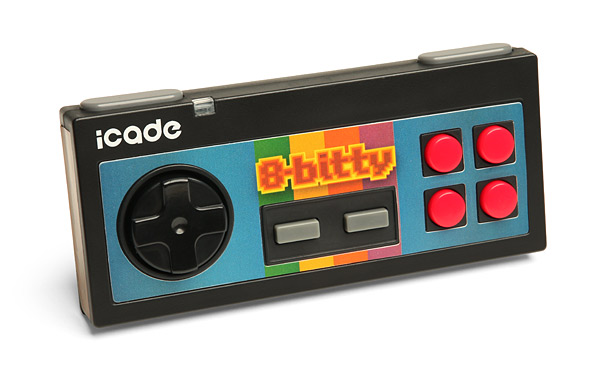
The iCade 8-Bitty Unboxing

I recently got my hands on an iCade 8-Bitty Bluetooth controller from Think Geek. The controller harkens back to the 8-Bit days with its boxy design, hence its name.

The 8-Bitty plays nice with all iOS devices, and even works with Android phones and tablets as well. Take a look inside as I unbox the controller, and check back soon for a more in-depth review...

iPad 4th generation benchmark shows 1GB of RAM, 1.4Ghz CPU, blows away predecessors

We think it's safe to say that the upcoming iPad 4th generation release will be a beast of a machine. In fact, the 4th generation iPad more than doubles the overall Geekbench benchmark score of the iPad 2. It also more than doubles the score of the incumbent iPad 3.

Whereas many complained about the iPad 3's relative lack of processing power when compared to the iPad 2 (in some cases, the iPad 2 outperformed the New iPad due to the strain placed on it by the Retina Display), you will not have that problem with the latest iPad iteration.

As Primate Labs points out, some of the first Geekbench scores are beginning to make themselves available online, and it paints a telling picture about the horsepower inside the iPad 4's inconspicuous casing...

PassHack allows you to hide stock apps directly from Passbook

We already told you about Rag3Hack, the non-jailbreak solution to hiding stock apps on iOS. Now the folks behind Rag3Hack are back with PassHack. PassHack is essentially the same thing, except for now, you can easily access the URLs necessary to hide stock apps from the convenience of Passbook.

This solution actually has no bearing on Passbook besides the fact that it contains a pass with the URL schemes on its rear. Look at it as a handy bookmark to all of your favorite Rag3Hack URLs. Take a look inside as our video shows you the details...

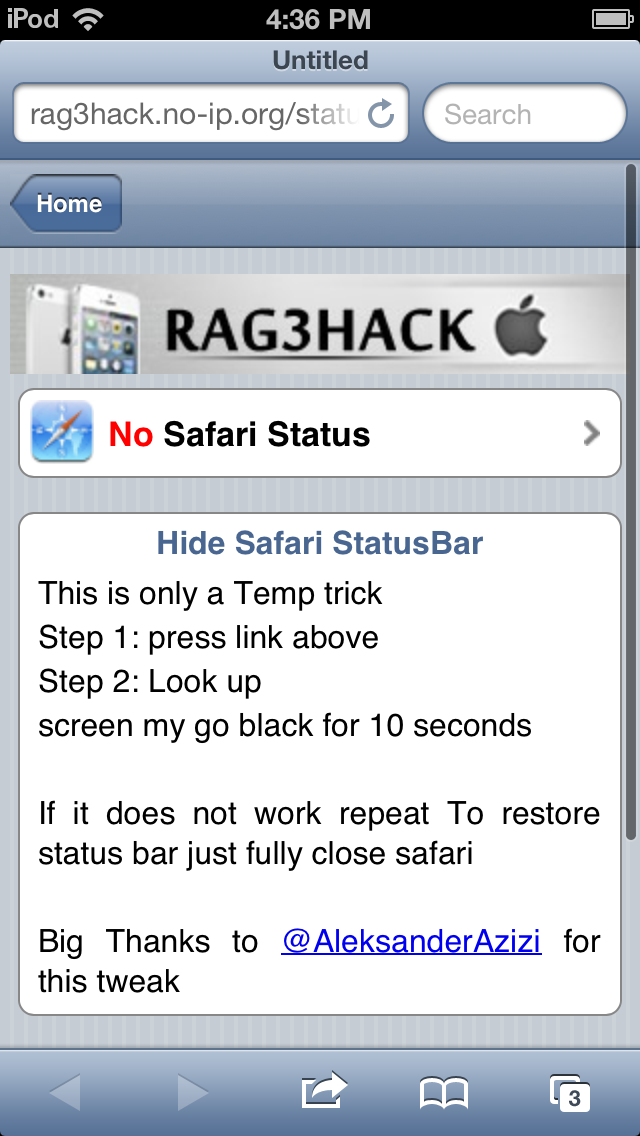
How to hide the status bar in Safari, no jailbreak required

Rag3Hack is at it again. Hot on the heels of his non-jailbreak solution for hiding stock iOS apps, comes a new trick that allows you to hide the status bar in Safari. This is useful because it allows you to gain more screen real estate since there's no full screen mode in portrait mode.

Take a look at our video demonstration inside for more details on Rag3Hack's latest...

iPad vs Surface boot speed test

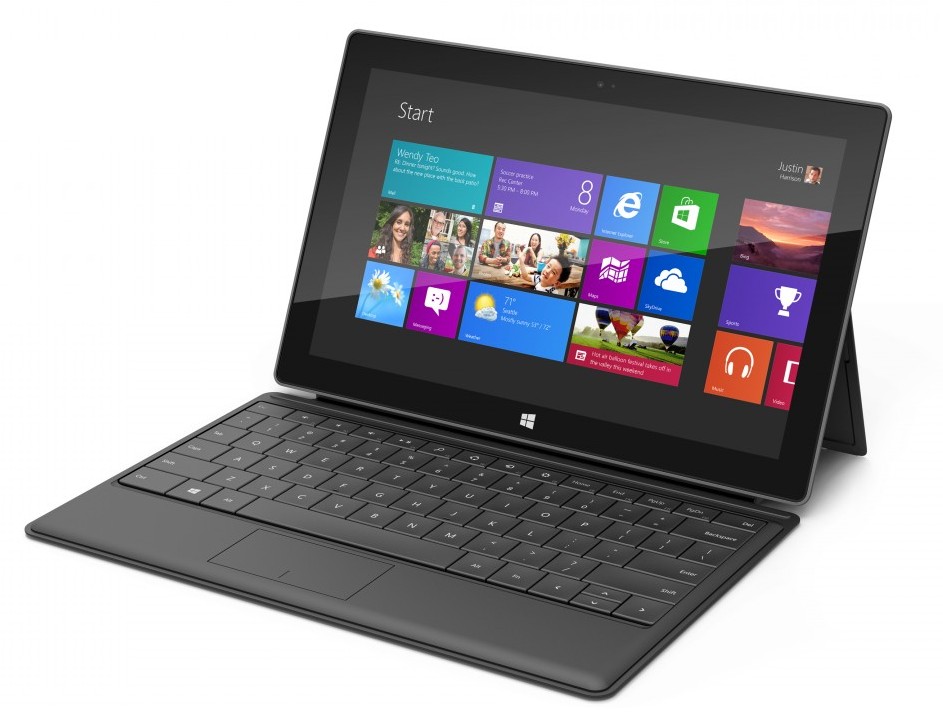
Just a few minutes ago, I pitted the newly released Microsoft Surface against the 3rd generation iPad with Retina Display. Keep in mind that neither tablet is a slouch when it comes to specs, and that this isn't exactly a scientific test. Still, some of you might be surprised as to which tablet came out on top in a cold boot speed test.

I won't spoil the results, but if you're interested in seeing it for yourself, head inside and check out our iPad vs Microsoft Surface boot test video...

iPad vs Surface: size and dimensions

The Microsoft Surface launched today to quite a bit of fanfare. I just received my unit via FedEx a few hours ago. Although I've yet to actually power on the unit (such is the life of a tech blogger), I have thoroughly inspected its hardware.

In the following video, I compare the Surface's dimensions and weight to that of the iPad 3. It's an interesting look at two wildly different tablets on pretty much every level. Take a gander...

This jailbreak tweak lets you unlock your iPhone with a pinch

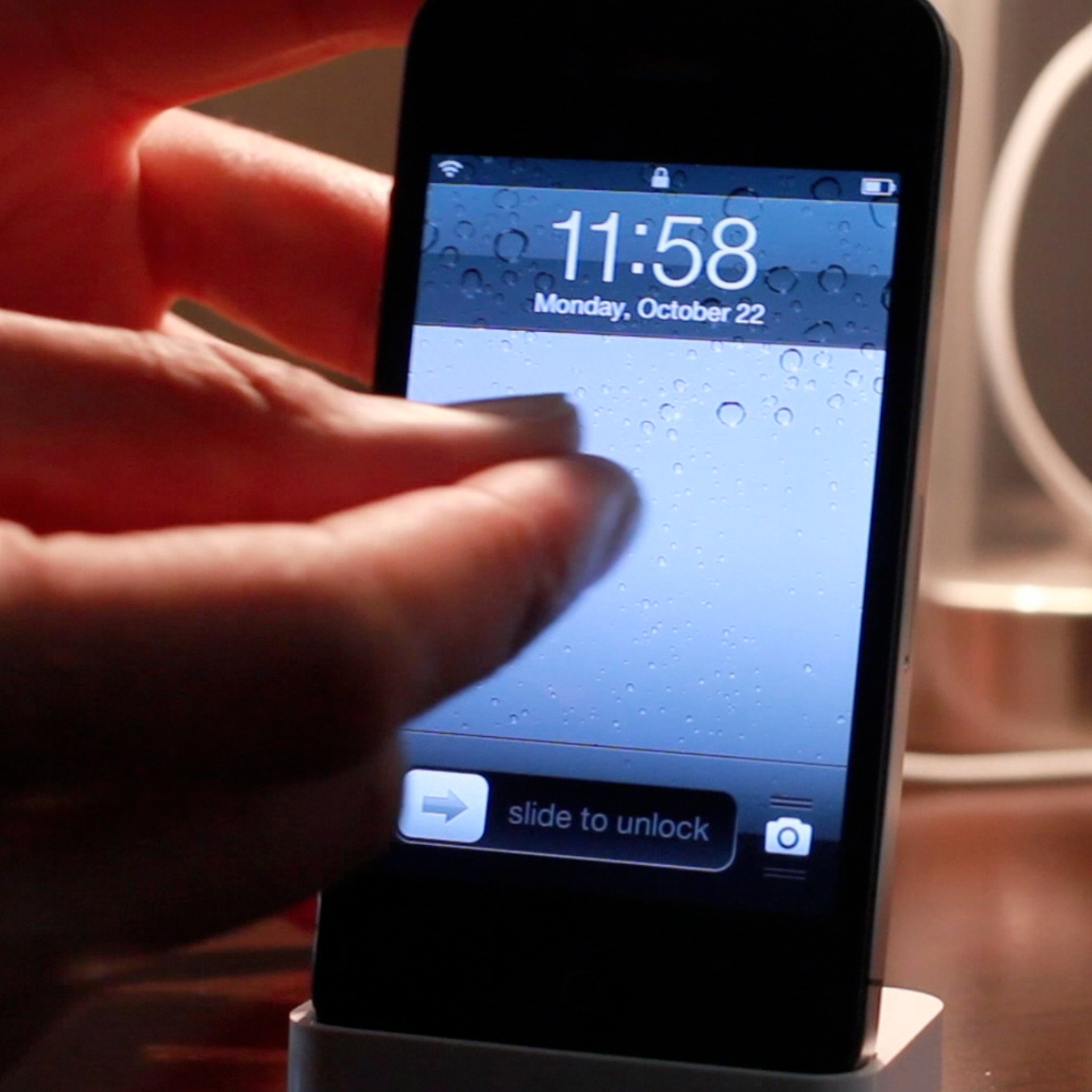
If you're looking for an alternative way to unlock your iOS device, there's no shortage of tweaks available on Cydia for you to do so. In fact, pinch to unlock is a recently released tweak that allows you to do just that. Instead of sliding to unlock, the tweak allows you to perform a two finger gesture as a means to unlock.

Interestingly, you don't have to actually perform a pinch gesture in order to unlock your device. Pinch to unlock readily accepts any two finger gesture on your Lock screen as a means to gain access to your device. Check inside for the full video...

How to kill all running apps with a swipe

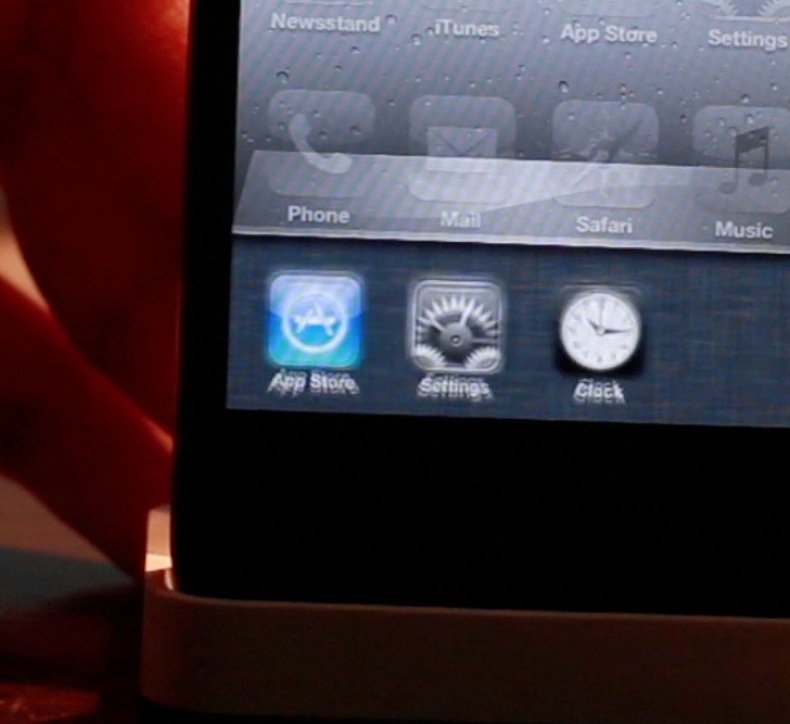
SwipeAway is a new jailbreak tweak that allows you to easily kill running apps with a simple swipe within iOS' App Switcher. The tweak includes two options in the Settings app: the ability to swipe up, or swipe down to invoke the killing measure.

This certainly isn't the first tweak that allows you to kill all running apps, but it's likely one of the more intuitive methods for doing so. Take a look at our full video walkthrough inside for all of the details.

How to create animations on your SpringBoard by shaking your device

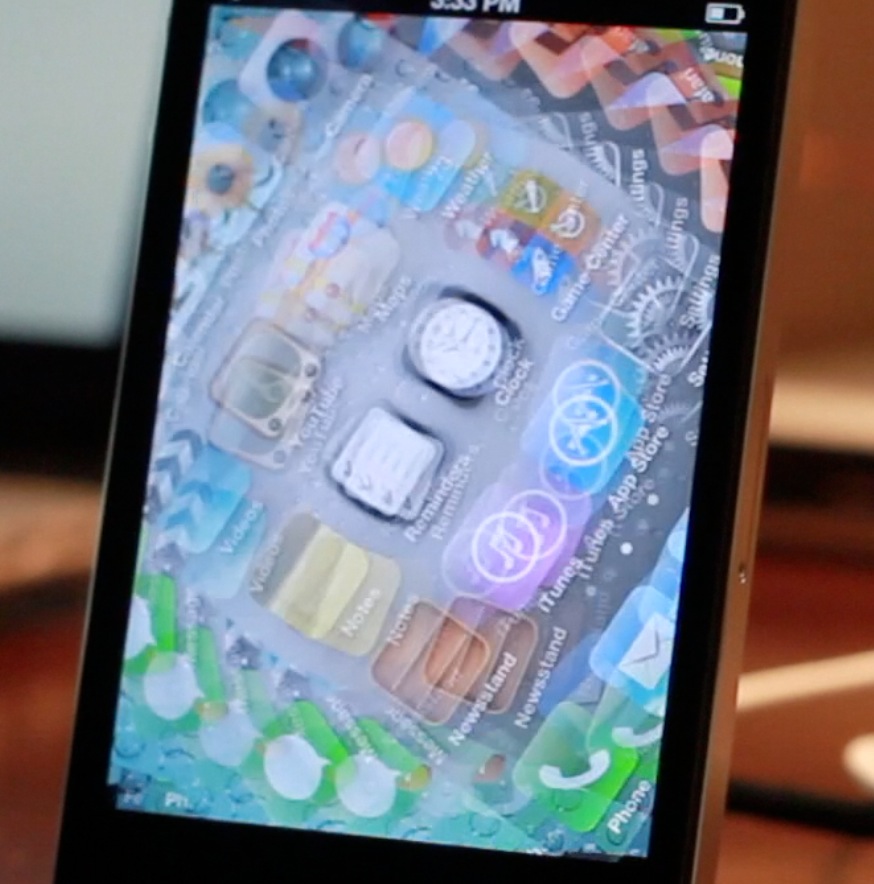
Some jailbreak tweaks serve no purpose as far as productivity or utility is concerned. Some tweaks are simply made to show off to your friends and family. ShakeAnimation fits squarely into this category. This isn't a tweak that you purchase to gain additional functionality on your iOS device. Instead, it's a tweak that you install solely to show off what you can do with your device.

As its name states, ShakeAnimation allows you to gain several different animations on your device with a simple shake. There are quite a few animations contained within the settings, and you can invoke them in a variety of areas such as the Lock screen, or Home screen. Talking about it can only tell you show much. For a tweak like this you really need to visualize it to get the full gist of it. Take a look at our video inside for a full visualization of ShakeAnimation in action...

How Apple planned for the iPad mini with improved Multi-Touch in iOS 6

It's always good to think two or three steps ahead to prepare for any situation, and that's obviously what Apple's been doing when it comes to the iPad mini, and iOS 6.

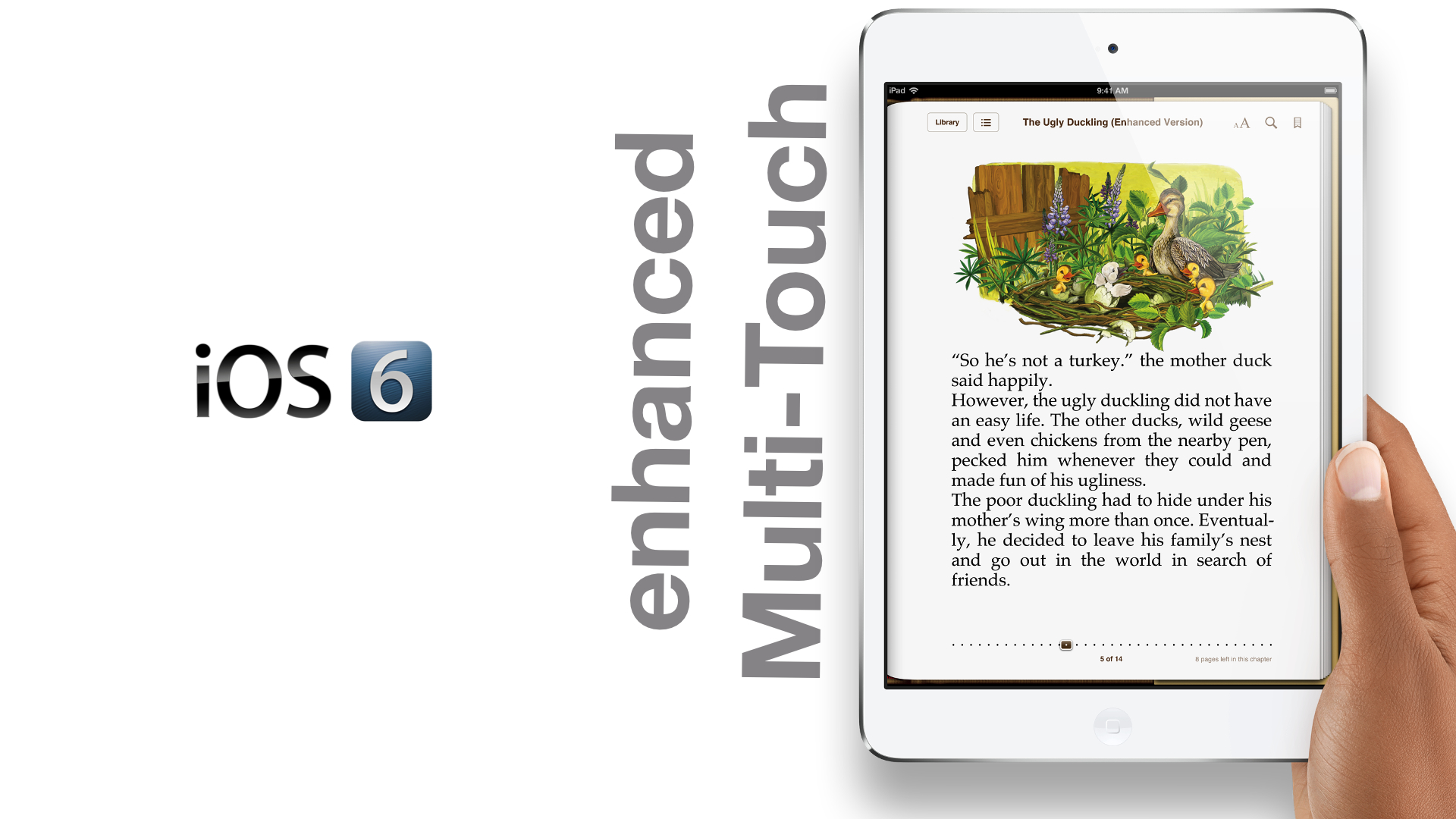
As we told you about earlier, improvements needed to be added to iOS' Multi-Touch in order to accommodate the smaller bezel of the iPad mini. With the mini, you no longer have the luxury of a half-inch bezel wrapping around the screen like the bigger iPad models.

That means that fingers and thumbs will now rest on the actual screen of the device instead of the bezel, and this would in turn result in a litany of false positive finger inputs. If the iPad mini shipped with iOS 5, such an issue would be a major problem.

Fortunately, as iPhoneinCanada points out, Apple planned well ahead in advance for such a scenario. As it turns out, the iPhone and iPod touch versions of iOS 6 shipped with improved Multi-Touch out of the gate. Take a look inside as we compare iOS 5's Multi-Touch detection, with the improved and iPad mini ready iOS 6.

The iPad mini keynote in less than 4 minutes

http://www.youtube.com/watch?v=yU3JXHbDT-Q

If you dont have time to devote an hour and twelve minutes to watch Apple's iPad mini keynote, then get a load of this. We've compiled most of the crucial information in an easily consumable nugget that's less than 4 minutes.

What's your favorite part of the keynote?