Jeff Benjamin

Jeff has been with iDownloadBlog since 2010, acting as resident video specialist, and tutorial expert. He earned his degree in Computer Network Systems back in 2001, but decided Cisco routers and the like just weren’t for him. Since then, he’s been heavily involved with online writing. He’s written for numerous tech and video game sites since the late 1990′s, and has a knack for explaining things in a simple, clear, and concise manner. Jeff works primarily from the east coast on his Retina Macbook Pro, and shoots video with a Canon DSLR. During downtime he likes to travel the world, visiting the various Apple Stores across the globe. You can email him at jeff [at] idownloadblog.com and follow him on Twitter @JeffBenjam or on Google+.

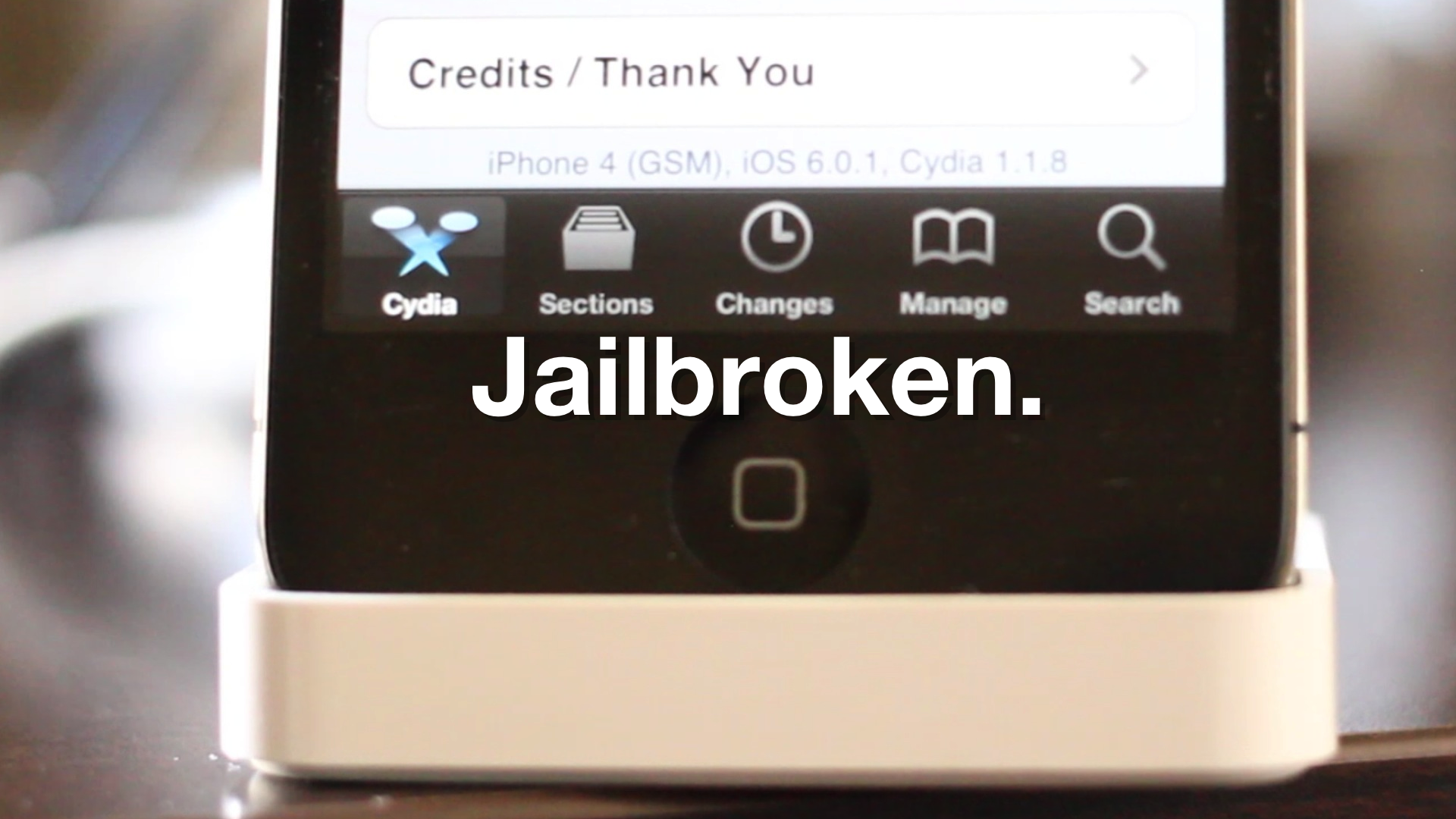
How to jailbreak iOS 6 and iOS 6.0.1 with Sn0wBreeze 2.9.7

If you're a Windows user, and you've been dying for an update to Sn0wBreeze, then your wait is over. As we posted earlier, Sn0wBreeze was updated to 2.9.7, and with it comes tethered support for pre-A5 devices running iOS 6 and iOS 6.0.1

For those of you who've been holding off until a Sn0wBreeze update, we've created a handy tutorial for you to follow, which shows you how to jailbreak iOS 6 and iOS 6.1 using Sn0wBreeze on Windows. Take a look inside for the full details...
Sn0wBreeze 2.9.7 updated with iOS 6.0 and iOS 6.0.1 jailbreak support

iH8sn0w just updated his popular Windows jailbreak tool, Sn0wBreeze, to support the latest public firmware for pre-A5 iOS devices. The update brings support to iOS 6.0 and iOS 6.0.1 tethered jailbreaks for those devices.

Eligible hardware includes the iPhone 4, and the iPhone 3GS. Sn0wBreeze does not work with A5 devices like the iPad 2, or A6 devices like the iPhone 5. This update lends support for the newest public firmware on older devices only. Take a look inside for a taste of what's new with Sn0wBreeze 2.9.7...

InstaSafe can quickly boot your iPhone into safe mode

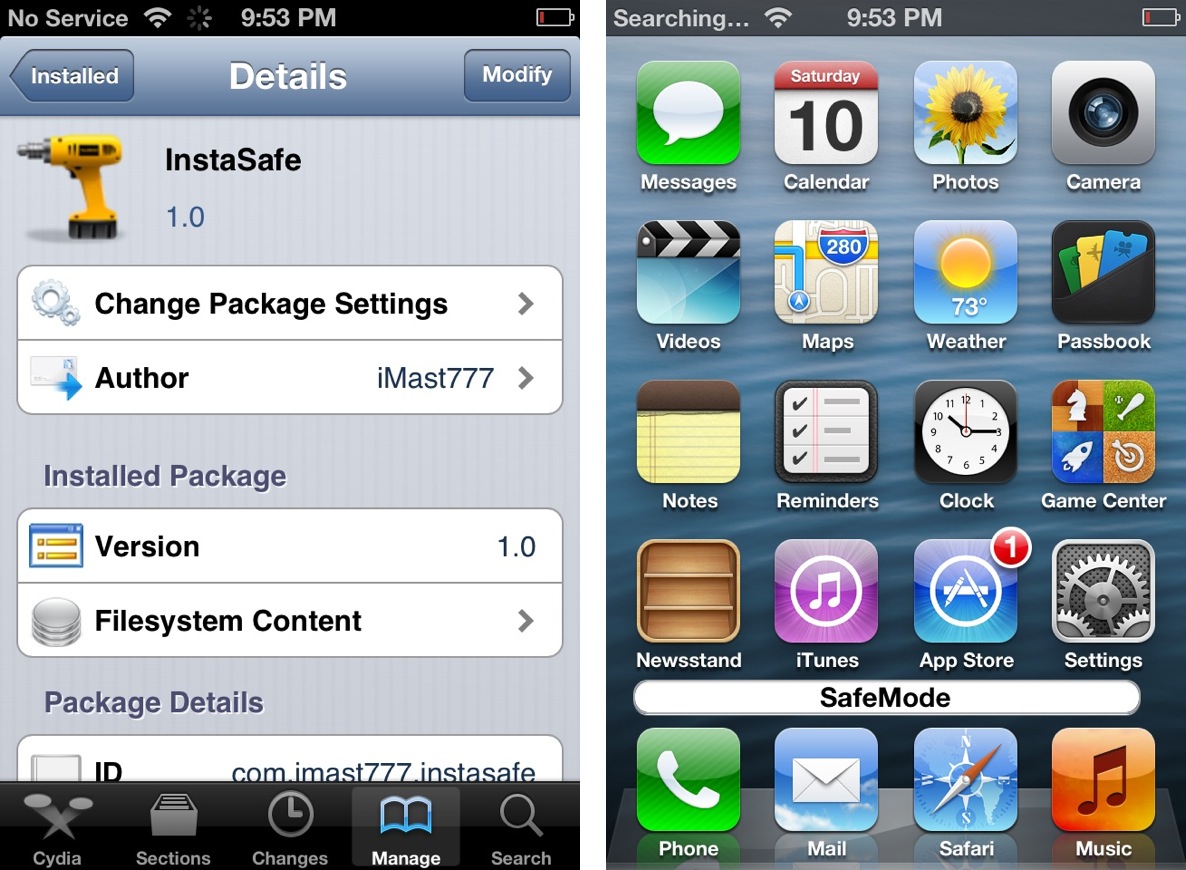
If you need to quickly boot your iDevice into safe mode, there are quite a few options available on Cydia in order to do so. One of the latest tweaks available via Cydia is InstaSafe, which places a dedicated safe mode button conveniently on the SpringBoard.

Take a look inside as we show you how InstaSafe works in this video demonstration...

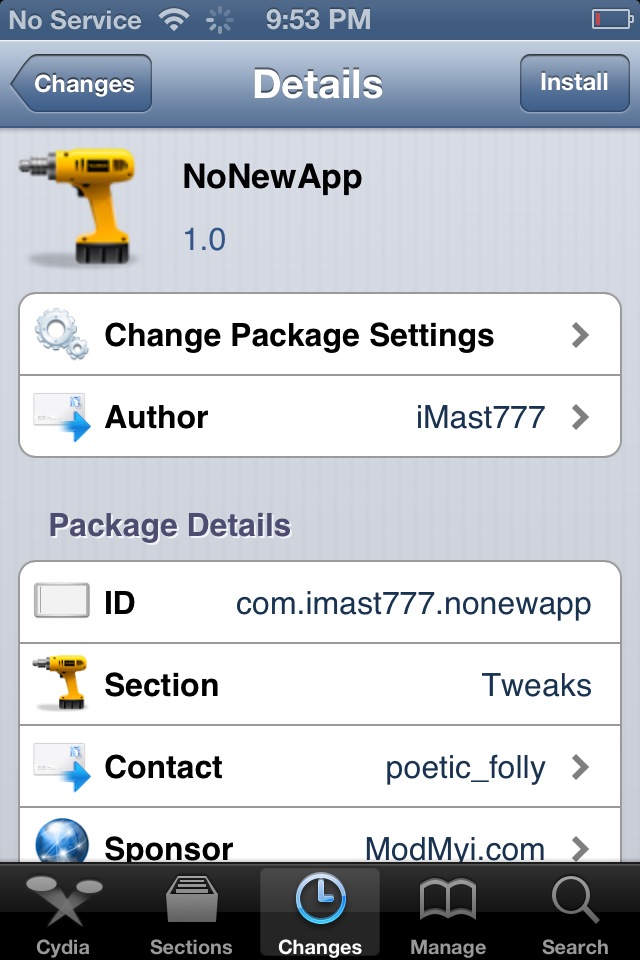
NoNewApp removes “new” badging from newly installed apps

Do you find yourself hating the "new" badge that appears on newly installed apps from the App Store? I must admit, that even if I have no intentions of using a newly downloaded app right away, I'll at least open it once to rid it of that ugly badge.

If you happen to jailbroken, there's an even easier way to get rid of the eyesore, and it's called NoNewApp. NoNewApp is a recently released jailbreak tweak that prevents the "new" badge from appearing on newly downloaded apps.

Want to see how it works? Take a look inside for our full video walkthrough...

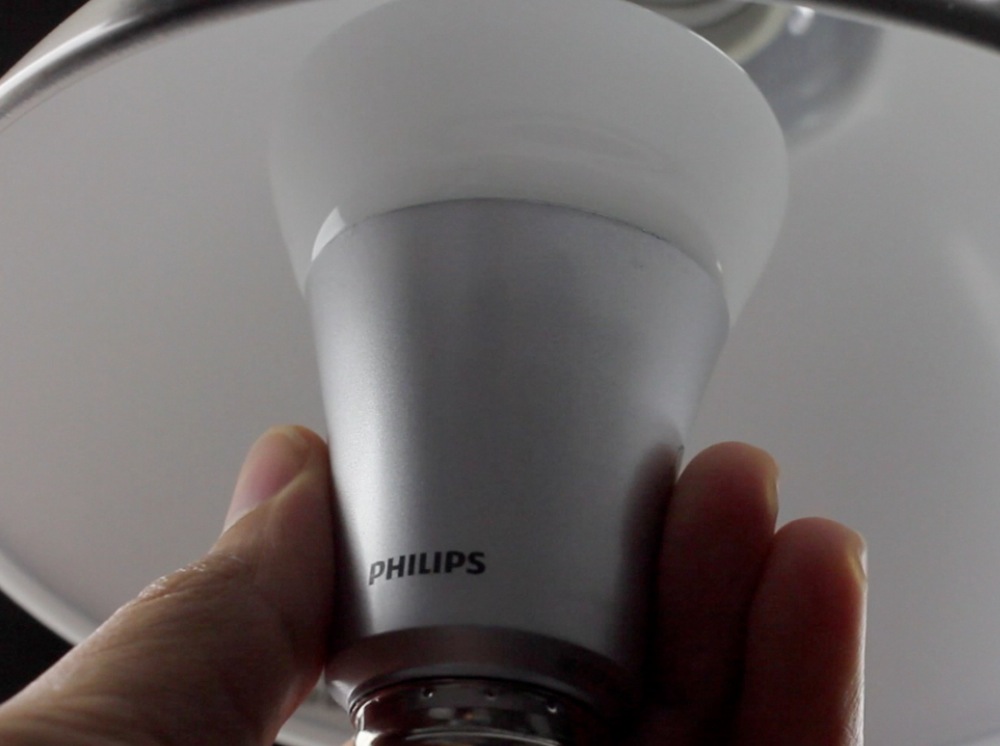
Philips Hue personal wireless lighting review

$199 for a lightbulb? Are you crazy?

Well, first of all, there are three lightbulbs included with the package, not just one.

Secondly, these aren’t your parent’s lightbulbs.

Lastly, yes, I'm a little crazy when it comes to tech.

Indeed, the Hue personal wireless lighting starter kit from Philips is expensive; we’ve established that both here and here already. But disregard the price for a minute, and check out our full video review inside to see exactly how these bulbs work...

Ryan Petrich releases his own Siri inspired Google voice search tweak

Hot on the heels of another jailbreak tweak that allows you to search the new Google Search app using only your voice, comes Activoice — a similar tweak from Ryan Petrich.

Like the NowNow tweak that we covered yesterday, Activoice allows you to easily invoke the new voice portion of the Google Search app similar to the way that you using Activator. Take a look inside for our hands on video coverage of the tweak in action.

Apple’s iPad mini versus Google’s Nexus 7

The closest competitor to the iPad mini is obviously Google's Nexus 7 tablet. Some may even argue that Apple felt compelled to push out the mini due to the success that Google's diminutive tablet offering has experienced.

Although it's been a while since I've dusted off my Nexus 7, there's simply no denying that it's a solid offering in many areas. I sung the device's praises, and even Sebastien, who has been a bit more critical of the device, had some nice things to say about it.

Whatever the case may be, it's pretty obvious that Apple has drawn a line in the sand with the iPad mini, and it too, is quite the compelling offering. How do the two compare? We thought you'd never ask. Check out our head-to-head comparison video inside...

iPad 4th generation unboxing

http://www.youtube.com/watch?v=TteaMDNQbdQ

It's a little weird that I'm unboxing what is basically the same product that I unboxed back in March, but that's the way the product cycle rolls these days.

True, the new iPad 4 features a CPU that is twice as fast, and graphics that are twice as fast. It also features an updated FaceTime HD camera for high def video calling, along with the new Lightning connector. With all that said, practically everything else is exactly the same as the iPad 3, and it comes in at the exact same form factor.

As you can see, for the first time I opted to get an iPad in White. This will help me to quickly tell the difference between this and the previous generation iPad.

What about you? Did you decide to get an iPad 4, or are you holding out for a more drastic upgrade?

iPad mini unboxing

http://www.youtube.com/watch?v=PeR0n0r00pk

I went to several Walmart's last night at midnight in search of the elusive iPad mini, but alas, no dice. Fortunately I already had one ordered from the Apple Store as a backup plan.

I literally just received my mini in the mail via FedEx about 30 minutes ago. As always, I could hardly contain myself, but I made myself wait before tearing open the box so I could showcase this unboxing on video for you guys.

Have you received your iPad mini yet? What do you think about it thus far? Stay tuned, as we'll have tons of comparison articles and videos in the coming hours and days.

How to jailbreak iOS 6.1 beta

If you're a developer wishing to jailbreak your pre-A5 device running iOS 6.1 beta, then you'll be happy to know that it can be easily done using the same method we used to jailbreak the iOS 6.0.1 public release.

This is, of course, a tethered jailbreak, and it only works with pre-A5 devices like the iPhone 4, or the iPhone 3GS. For the full video tutorial, check inside...

How to jailbreak iOS 6.0.1

iOS 6.0.1 was just released a few minutes ago, but we've already confirmed it can be jailbroken right now using the existing jailbreak tools for iOS 6.

Although RedSn0w was recently updated to 0.9.15b3, the update doesn't yet include support for iOS 6. That's okay, because you can still point at the already supported iOS 6 firmware and successfully jailbreak iOS 6.0.1.

Check inside for the full video walkthrough that shows how.

iPad mini Smart Cover unboxed

http://www.youtube.com/watch?v=pabjjDgimoA

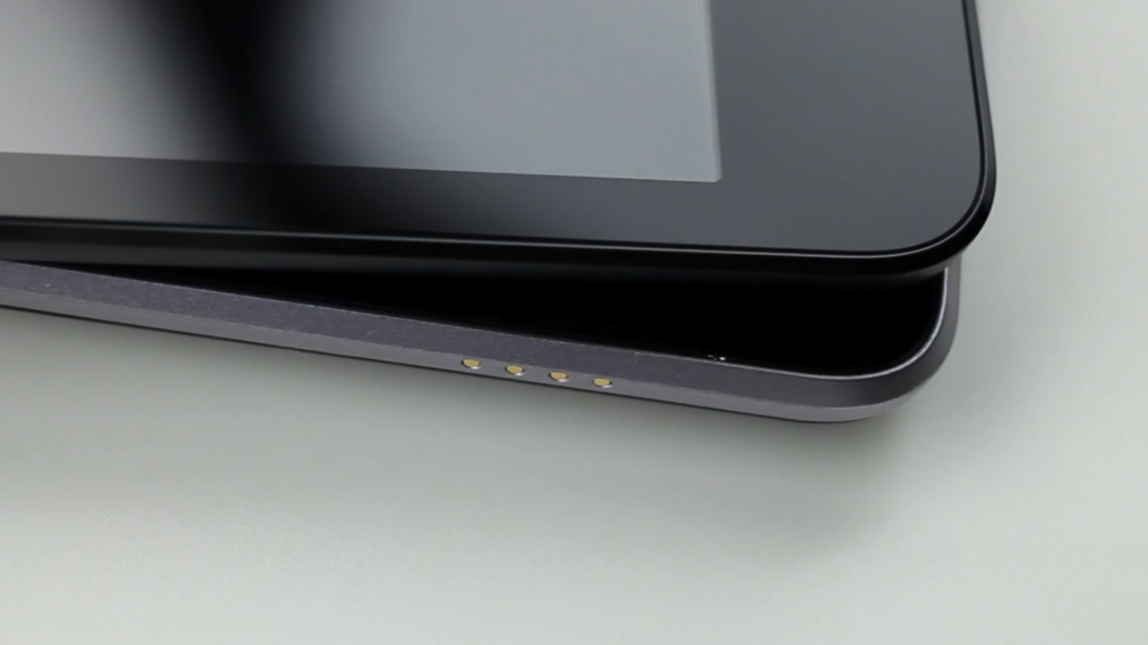
There's really not a lot to say here, because if you've ever used a Smart Cover before, you know exactly what to expect. With that said, there are, as we've previously noted, some changes with the way the hinge attaches to the iPad mini.

The magnets are now wrapped in polyurethane and micro-fiber, presumably to prevent the Smart Cover from scratching the mini's surface like full sized Smart Covers have been known to do. The all enclosed hinge also serves up a cleaner look when compared to its big brother.

What do you think? Have you ordered a Smart Cover to go with your iPad mini?