Jeff Benjamin

Jeff has been with iDownloadBlog since 2010, acting as resident video specialist, and tutorial expert. He earned his degree in Computer Network Systems back in 2001, but decided Cisco routers and the like just weren’t for him. Since then, he’s been heavily involved with online writing. He’s written for numerous tech and video game sites since the late 1990′s, and has a knack for explaining things in a simple, clear, and concise manner. Jeff works primarily from the east coast on his Retina Macbook Pro, and shoots video with a Canon DSLR. During downtime he likes to travel the world, visiting the various Apple Stores across the globe. You can email him at jeff [at] idownloadblog.com and follow him on Twitter @JeffBenjam or on Google+.

The iPhone 5 Lightning Dock review

As most of you probably know by now, Apple has no plans to create a first party dock like it has for previous versions of the iPhone. That's unfortunate, since I rely on a dock for doing videos and such, and I know plenty of others miss it as well.

The only recourse us iPhone 5 owners have, is to opt for a third party product. One such product is The Lightning Dock, a dock comprised of a solid piece of aluminum, which can be ordered in one of four configurations.

After ordering my Lightning Dock back on October 5th, I finally received it in the mail yesterday via USPS. Needless to say, I was stoked to finally have a dock that could function with new Lightning enabled devices like the iPhone 5, iPod touch 5th gen, and even the iPad mini.

Take a look inside for our hands-on video walkthrough and review...
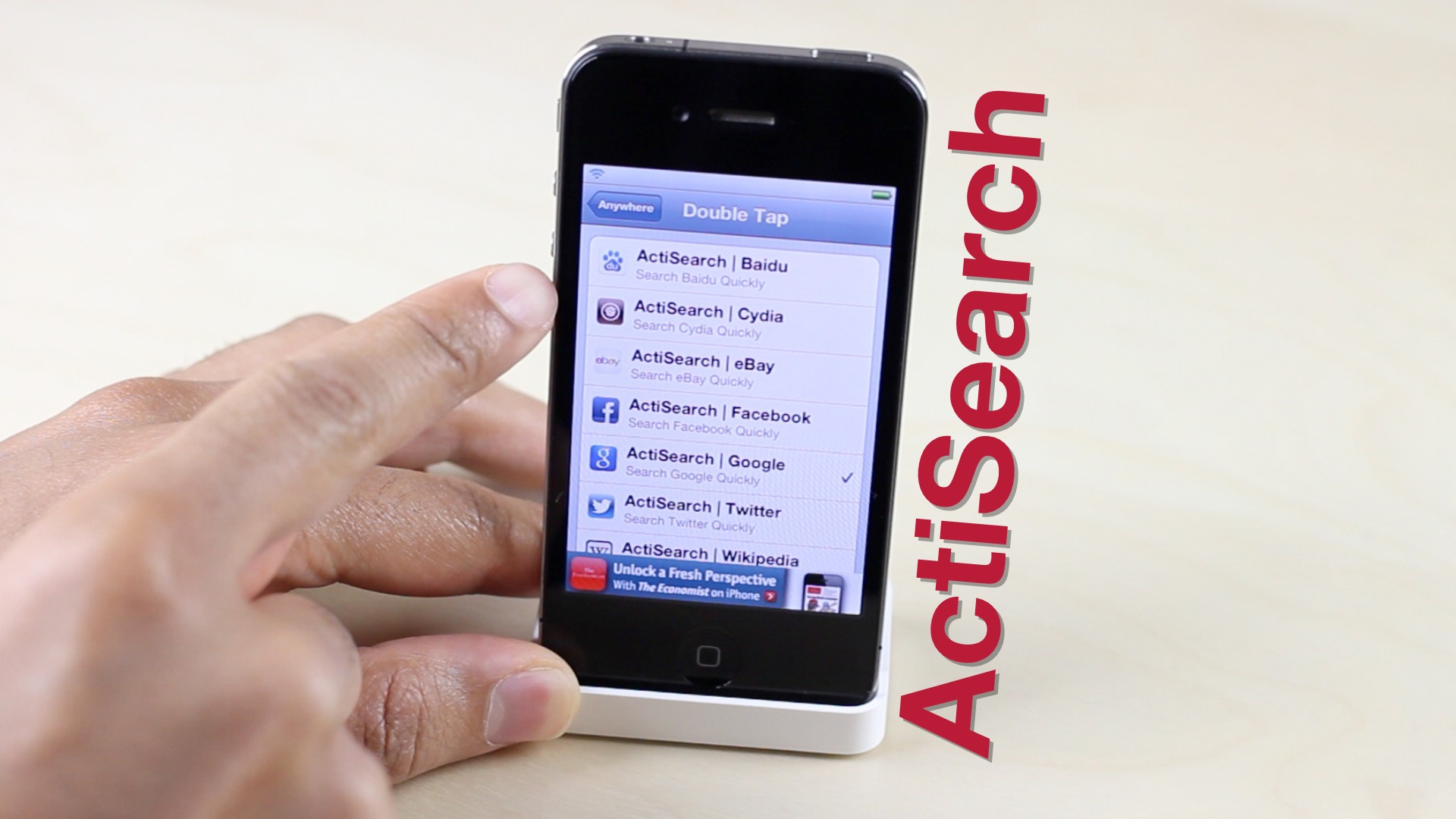
ActiSearch uses Activator gestures to search Cydia, Facebook, YouTube, and more

ActiSearch is a new jailbreak tweak that uses Activator Gestures as a means to invoke searches to some of your favorite websites and social platforms. You can choose to configure a single site to a single Activator gesture, or configure multiple activator gestures with multiple sites.

ActiSearch, as you may have guessed, is a simple to use jailbreak tweak that makes it easy to find what you're looking for if your desired site is included among the supported list of sites. Take a look at our video walkthrough for the details.

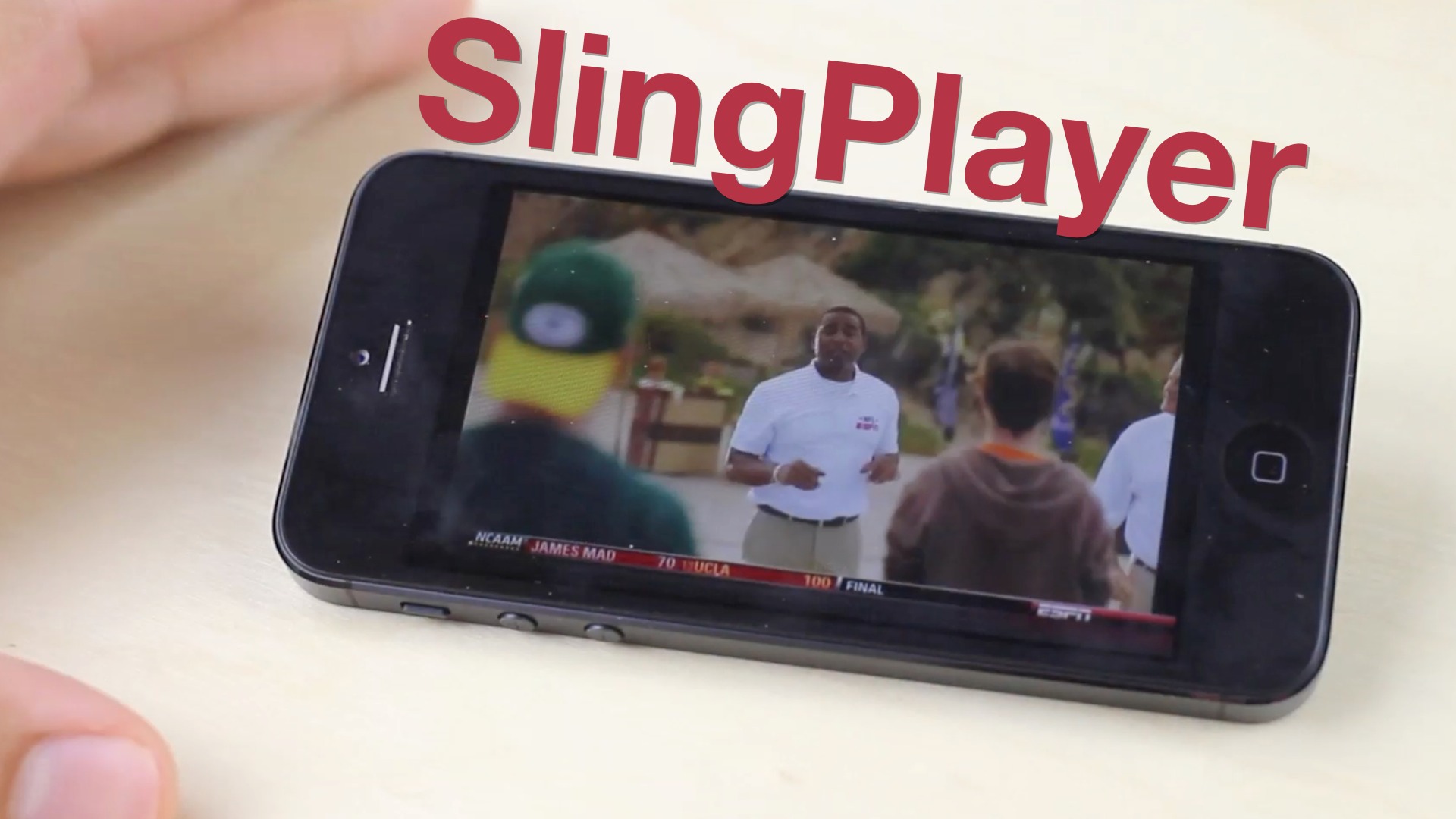
The SlingBox is worth a look for cable TV or satellite subscribers

I give up. Actually, I gave up. At least temporarily that is.

I tried to be a responsible cable cutter. I ditched cable TV years ago, but I've admittedly let it back into my life. I've been a Netflix advocate, a Hulu user, and I love my Apple TV. Still, I've failed.

I've used a Boxee Box. I've gone as far as to build a dedicated HTPC running Windows Media Center. Now If that doesn't tell you how far I went to kick cable TV out of my life permanently, I don't know what will.

How did this happen, you may ask? How did someone who fought tooth and nail to maintain their status as a permanent cable cutter let the "enemy" back into the household? One word. Sports.

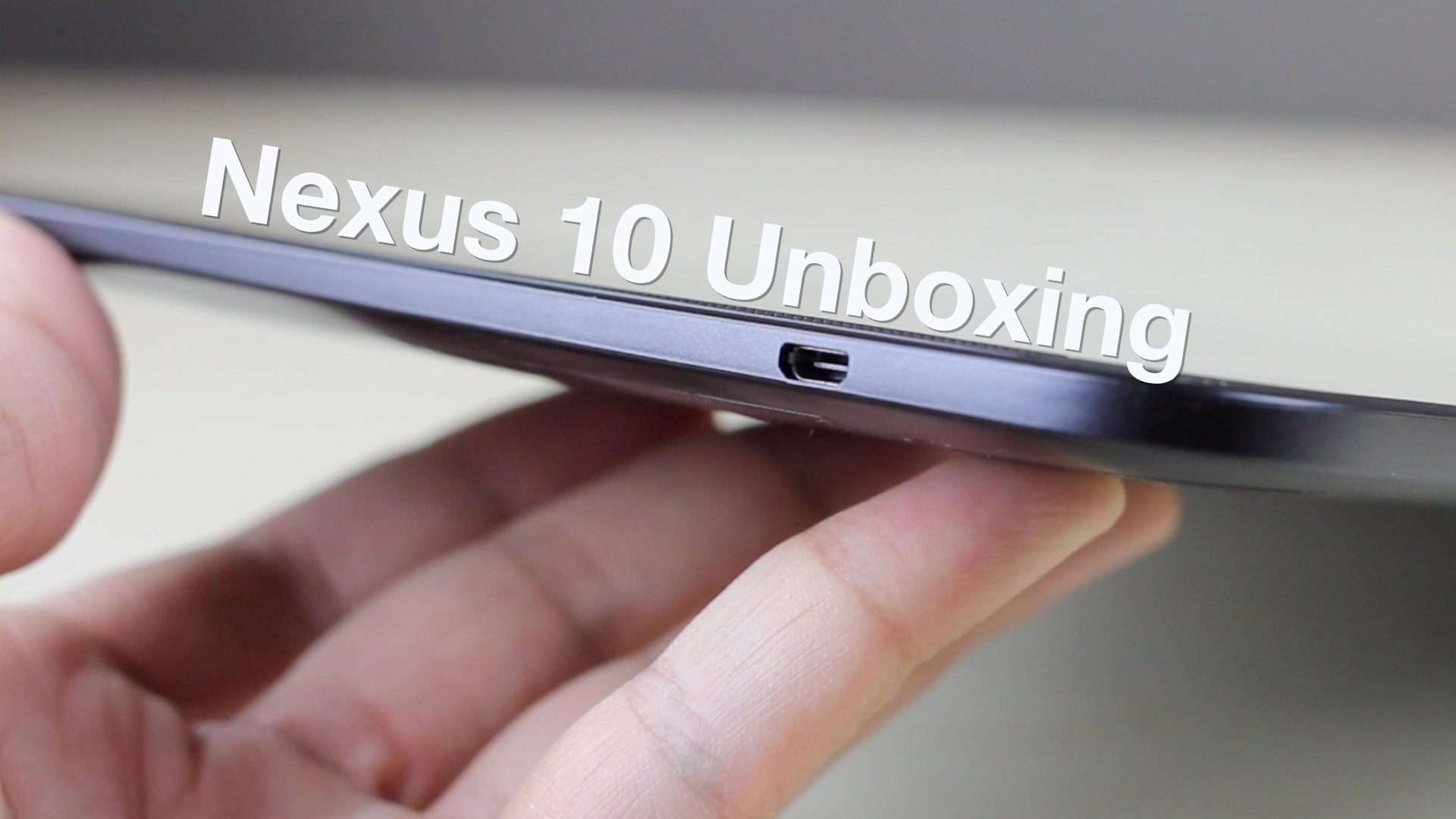
Google Nexus 10 unboxing and first impressions

Today I got my hands on the Google Nexus 10 in order to do a proper comparison with the iPad, and to stay up to date on the iPad's closest competitors. As you'll recall, I already did a review of the Nexus 7, and came away with a favorable impression of the device.

For the Nexus 10, a lot is the same as the Nexus 7, but a lot has changed as well. The most obvious difference is the form factor. This tablet competes directly with the iPad as far as size is concerned. You'll also notice a fairly original design, and one of the best, if not the best, screens on a tablet that you've ever seen...

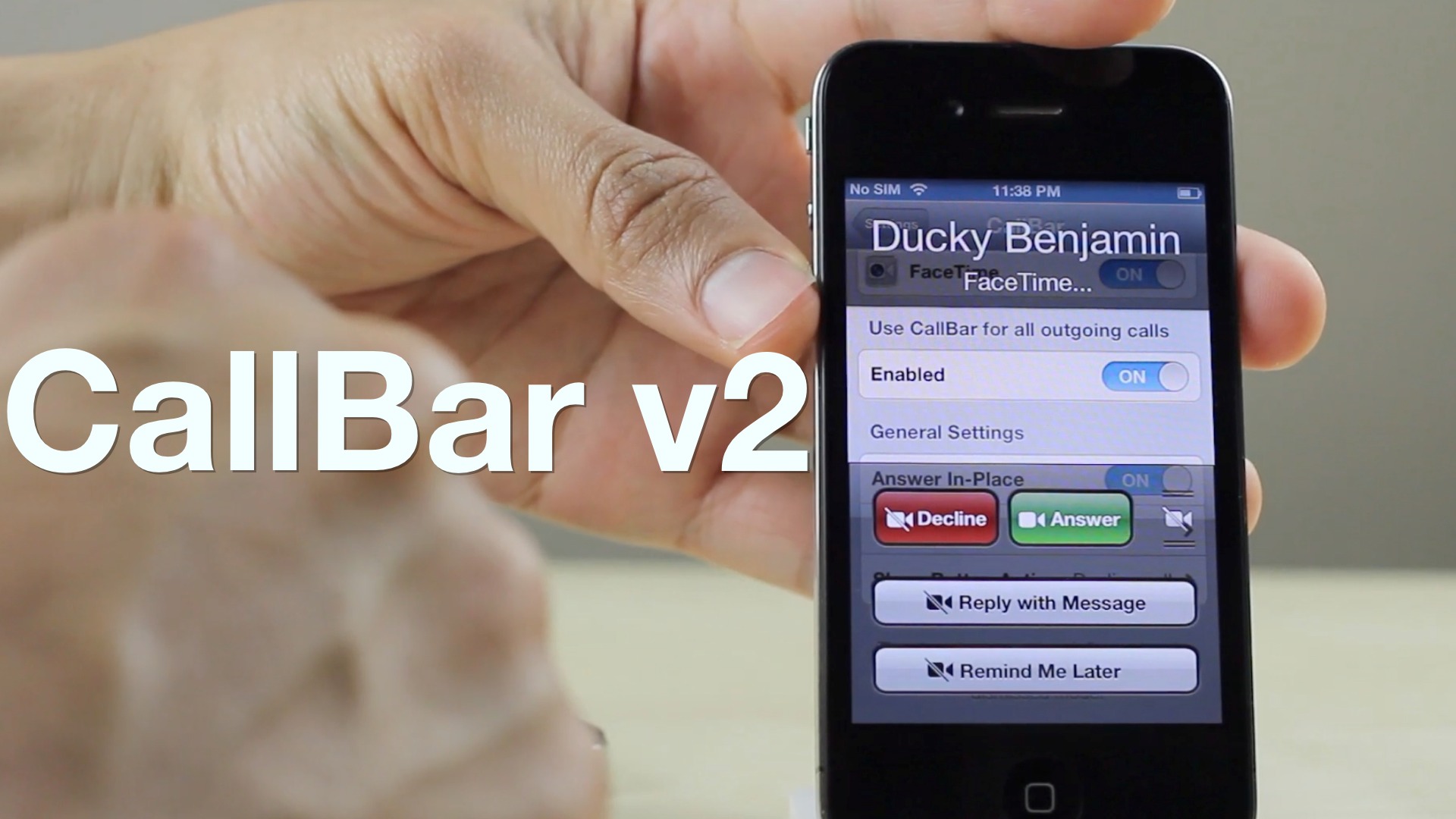
CallBar v2 brings iOS 6 support and other new features to our favorite Phone app tweak

CallBar v2 is now available on Cydia's BigBoss repo, and it brings iOS 6 support and a host of additional new features to the popular telephony tweak for jailbroken iPhones. One thing I noticed by looking at the change log, and from using CallBar v2, is that it is a very refined experience. Elias Limneos and Joshua Tucker spent a lot of time stamping out bugs present in previous versions, and it shows.

While fixes are nice, new and improved features are even better, and CallBar v2 benefits from a number of them. First of all, there's true iOS 6 support built right in. I was able to test CallBar v2 on both an iOS 6.x and iOS 5.x device, and they both worked pretty much identical to one another.

For those of you who still may feel a little reluctant to upgrade to iOS 6, you'll no doubt appreciate how CallBar v2 brings many of the iOS 6 phone features to iOS 5.x. Options that are normally only available on the latest firmware like "Reply with Messsage" and "Remind me Later", are now available on iOS 5, and they work exactly as you would expect.

As we normally tend to do, we've created a video walkthrough that showcases some of the new features present in CallBar v2. We invite you inside to take a look at our video, along with more details concerning the new upgrade...

How to add Facebook, Twitter, and more search options to Spotlight

The awkwardly named SLightEnhancerSearch, is a recently released jailbreak tweak that adds a ton of new search options to the stock Spotlight search on iOS. When it was first released, I ran into many issues with the tweak, namely, the search options not showing up on the Spotlight page when enabled.

The tweak was updated today, and the developer seems to have stamped out all of the bugs that plagued the initial release. SLightEnhancerSearch, as silly as its name may be, is a quality jailbreak tweak that many will no doubt find useful...

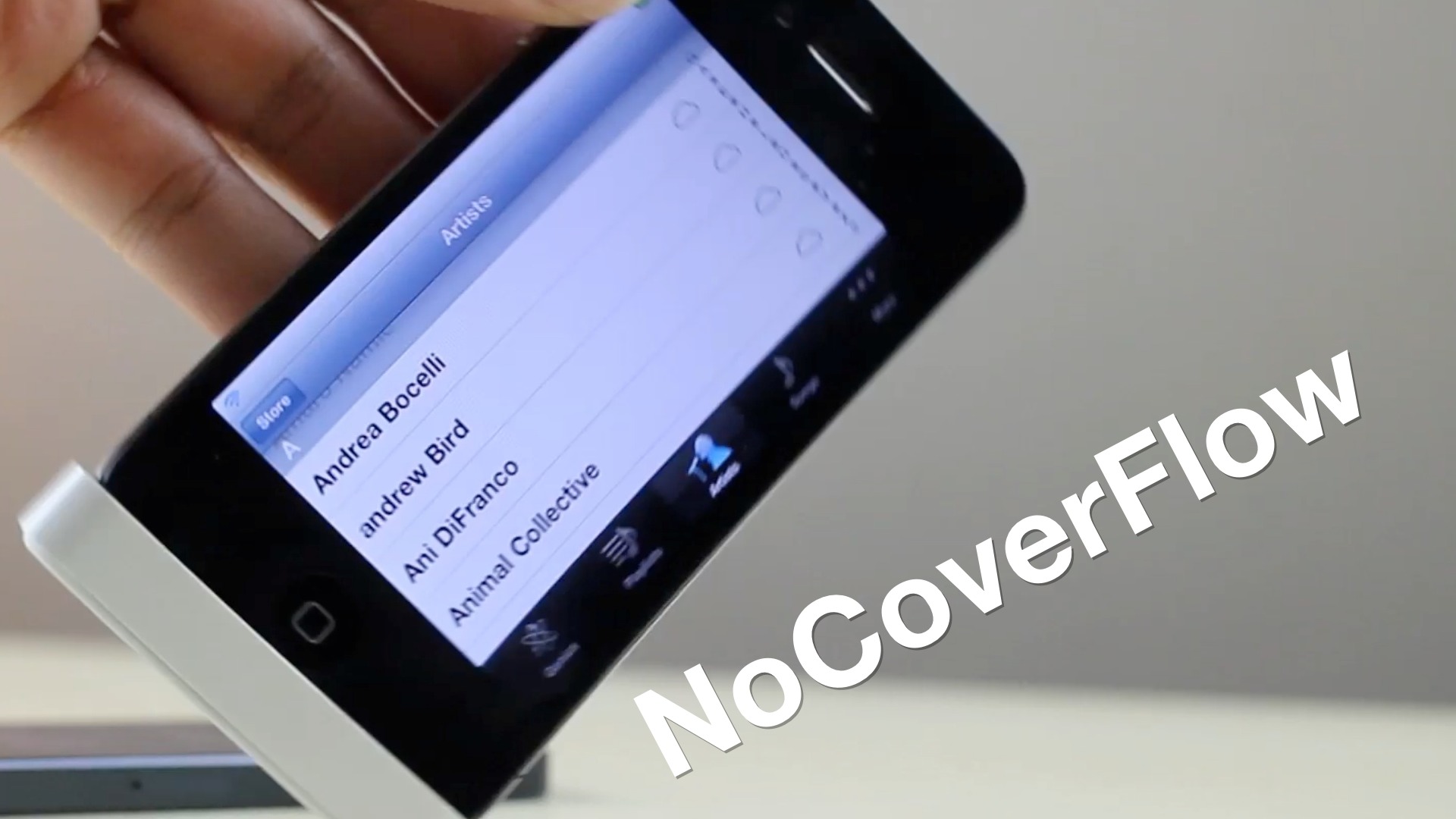
How to disable Cover Flow in the Music app with NoCoverFlow

Cover Flow is a nice feature, but that's more due to its visual appeal than actual functionality is concerned. If you hate Cover Flow, then you'll be happy to know that it can be easily disabled by means of this new jailbreak tweak.

NoCoverFlow is a tweak from jailbreak developer, Ryan Petrich. With a quick installation, it will easily rid your stock Music app of Cover Flow if you so desire to do so. Take a look at our video walkthrough inside to see NoCoverFlow in action.

Battery Status provides spoken and pop-up battery alerts

Battery Status is a jailbreak tweak that will keep you informed about the status of your iOS device's battery. Battery Status provides either a spoken or pop-up alert, or a combination of the two — with both outlaying your current battery life situation.

This $0.99 tweak will tell you how much battery life you have remaining, how much you need to get to 100%, and how long it will take you to get to a fully charged battery. Take a look at our video walkthrough inside for a full synopsis of how it works.

Dial allows you to dial and text friends from a variety of places

Dial is a brand new tweak that allows you to use a dialer to text or call your friends and family from the App Switcher, Siri interface, or from Spotlight. The tweak has options to outright replace both Siri and the App Switcher, or to be invoked in tandem with the two.

In principal this might sound like a good idea. Wait a minute...let's not kid ourselves, it sounds like a terrible idea, but I was hoping that the execution would surprise me and change my mind. It didn't. Even still, there may be some of you out there who will appreciate Dial for what it is. With that in mind, we've created a video walkthrough showing how the tweak works.

How to jailbreak iOS 6.1 beta 2 with RedSn0w 0.9.15b3

If you're a developer, then you might be interested in jailbreaking the latest beta version of iOS — iOS 6.1 beta 2. The beta was just released today, and like we always do, we've created a video tutorial that shows how to successfully jailbreak it if you happen to be a developer.

Take a look inside as we walk you through the iOS 6.1 beta 2 jailbreak process step-by-step.

WebOffline for Chrome brings offline web page reading to Google’s iOS browser

WebOffline for Chrome is a new jailbreak tweak that integrates offline reading capability directly into the Google Chrome browser for iOS. As someone who does a lot of offline reading, and as someone who's a huge Google Chrome proponent, this sounded like the perfect tweak for me. Sadly, the tweak falls short due to its bugs.

As you'll see in our hands-on video, WebOffline for Chrome has tons of potential, but unfortunately it needs a few more hours in the oven before it's really ready for primetime.

Accelerate significantly speeds up iOS animations

Are your finding the iOS experience to be a bit on the slow side? Are you using an older iOS device, and finding it to be unbearably sluggish? If you're jailbroken, and this has been your experience, then you might want to give this new tweak a go.

Accelerate is a recently released jailbreak tweak that speeds up the animations within iOS. While it's technically not making the experience any faster, the perceived speed increase may go a long way towards curing your blues.

Take a gander at our video inside for a demonstration that shows how it works.