Jeff Benjamin

Jeff has been with iDownloadBlog since 2010, acting as resident video specialist, and tutorial expert. He earned his degree in Computer Network Systems back in 2001, but decided Cisco routers and the like just weren’t for him. Since then, he’s been heavily involved with online writing. He’s written for numerous tech and video game sites since the late 1990′s, and has a knack for explaining things in a simple, clear, and concise manner. Jeff works primarily from the east coast on his Retina Macbook Pro, and shoots video with a Canon DSLR. During downtime he likes to travel the world, visiting the various Apple Stores across the globe. You can email him at jeff [at] idownloadblog.com and follow him on Twitter @JeffBenjam or on Google+.

3 reasons why jailbreaking is waning in popularity

It's no secret — jailbreaking just isn't as popular as it once was. In fact, in the past 10 days or so, only a couple of jailbreak tweaks have been released that were worth noting.

For such a strong community, we're beginning to enter unprecedented territory. If you take an in-depth look at the current situation, a few obvious reasons stand out as to why jailbreaking is on a downturn.

Take a look inside, as I've compiled 3 reasons as to why jailbreaking is declining in popularity...
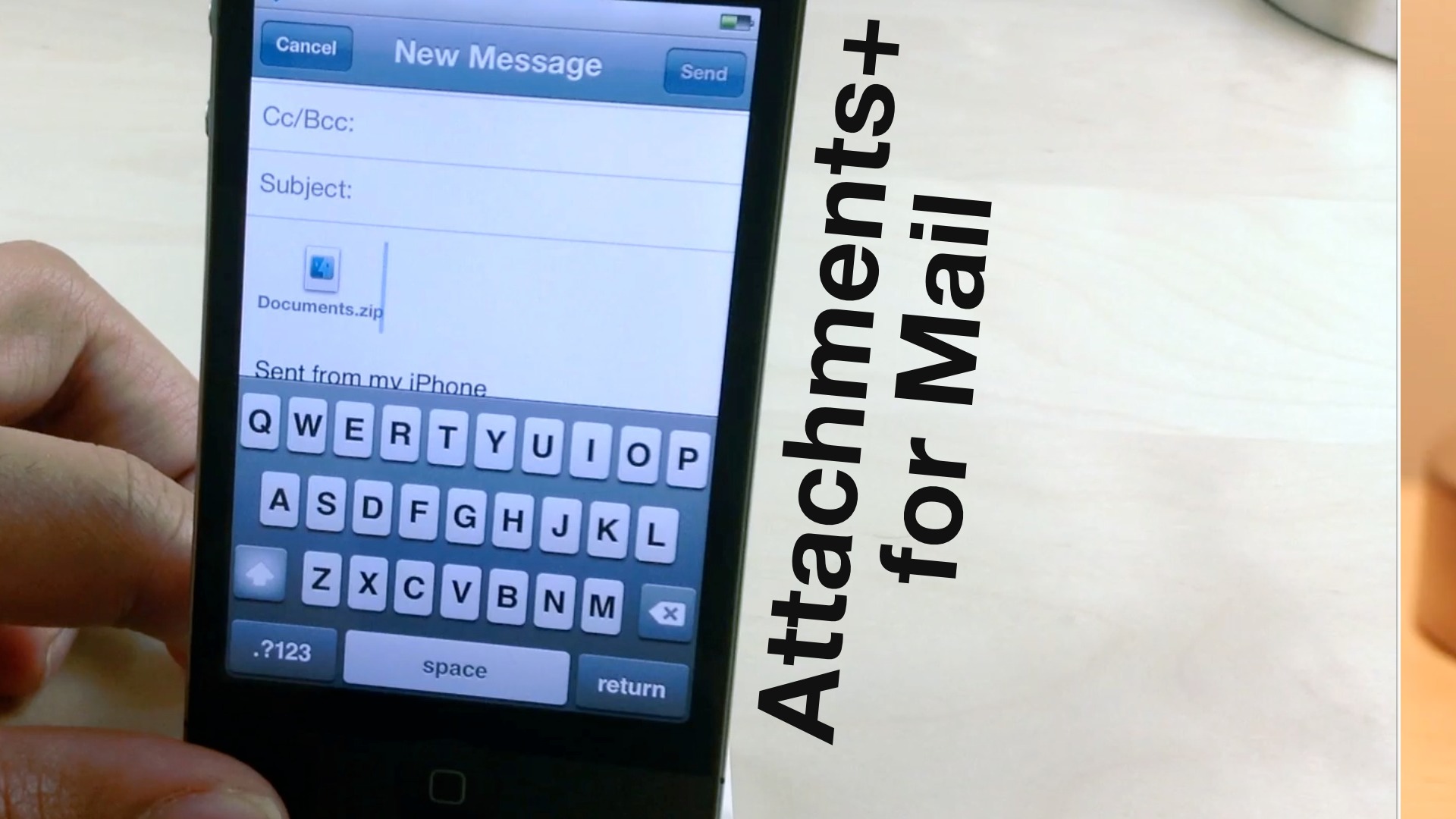
Attachments+ for Mail adds powerful options to the stock Mail app

Attachments+ for Mail is a new jailbreak tweak that modifies iOS's stock Mail app to be able to handle a wide array of attachments. It integrates directly with libfinder to provide an iFile-like interface to peruse iOS' native file structure.

Attachments+ for Mail allows you to attach files of any type directly from the file system by means of the copy and paste menu. The ability to preview files, attach multiple files, and compress files prior to attaching, is also present. Check out our full video walkthrough of the tweak in action inside...

How to jailbreak iOS 6.1 beta 3

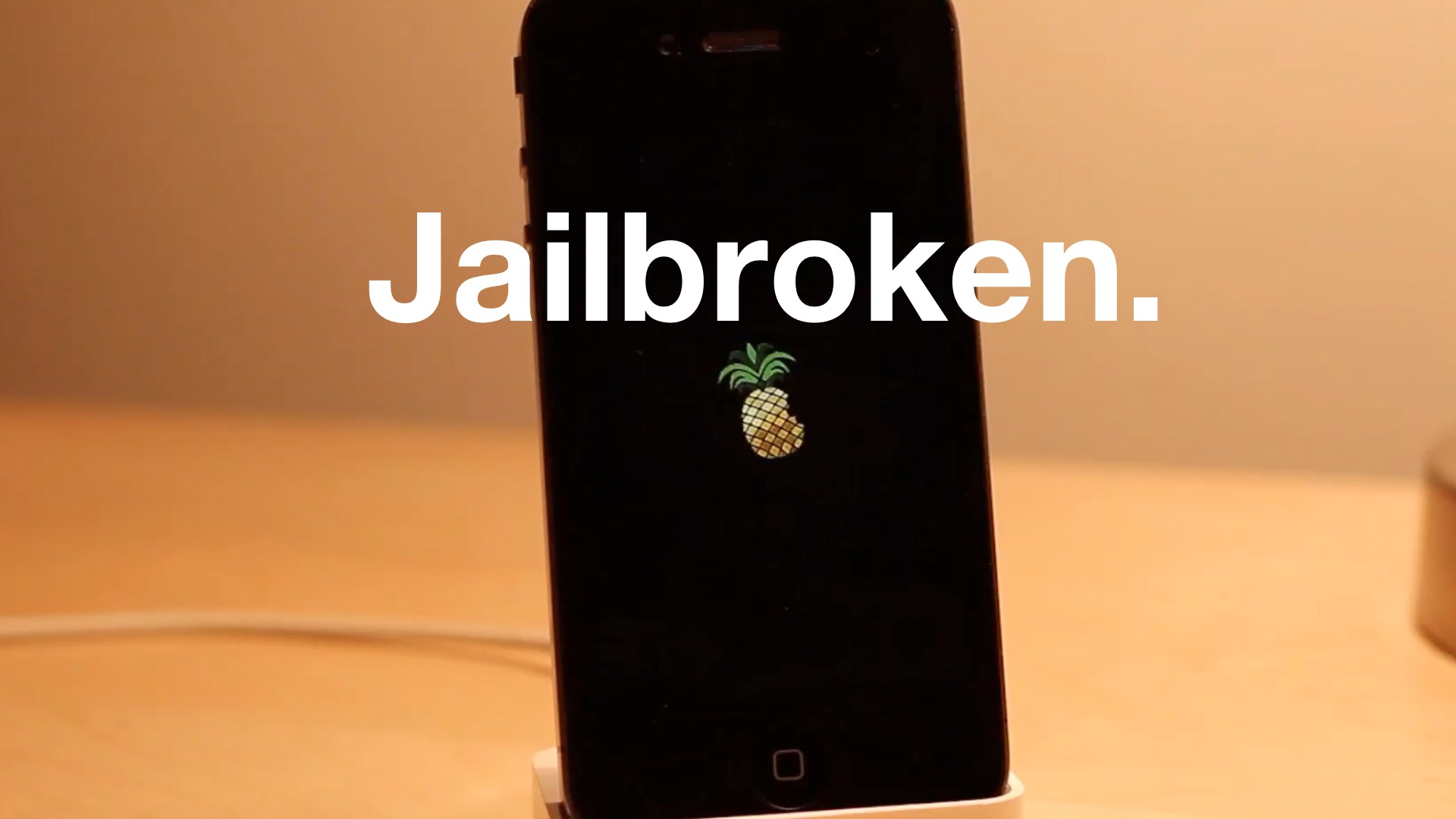
iOS 6.1 beta 3 has been released to developers, and as we always do, we show you how to jailbreak it. This jailbreak is a tethered jailbreak, and works with pre-A5 devices like the iPhone 4, iPhone 3GS, or iPod touch 4th gen. It also should be reiterated that the jailbreak is for developers only.

Take a look inside as we showcase on video how to jailbreak iOS 6.1 beta 3.

Weblin — yet another “Cydia alternative”

First, let me just say that this rant isn't strictly about Weblin. It's about any such service — past or future. Please read this before trying to create the next Cydia alternative.

I speak totally for myself when I say this, but I'm sick and tired of these so-called Cydia alternatives. They are usually slow, unresponsive, and serve no real purpose. Not only that, but they potentially leave you at risk security wise, and their legality falls somewhere in a grey area.

Weblin is yet the latest such "alternative". Now this review isn't meant to be harsh. Okay, who am I kidding, it is meant to be harsh, but it's in no way trying to disrespect an obviously talented developer behind the project. The problem is that these alternatives serve no purpose. They don't do anything that Cydia doesn't already do 100 times better, and for that reason they are pointless to me.

You'll see what I mean inside. Take a look as I take Weblin for a spin on video...

Glif+ iPhone 5 tripod mount review

Yesterday, I finally received my Glif tripod mount for the iPhone 5. For anyone who's ever tried to take respectable photos or videos using the iPhone, then you know how indispensable a good tripod mount can be.

For someone like myself who's constantly shooting video, a tripod mount is an absolute necessity if I ever desire to switch from a DSLR and shoot video with my iOS device. Perhaps you noticed a few videos in the past where I've incorporated video from my iPhone 5? Needless to say, it wasn't a very pretty sight.

Although other tripod mounting solutions exist, the Glif from Studio Neat was among the first to solve the problem. It's also one of the easiest to use. Take a look inside as I examine it on video...

‘ImmediateSend’ allows you to quickly reply to iMessages or SMS messages

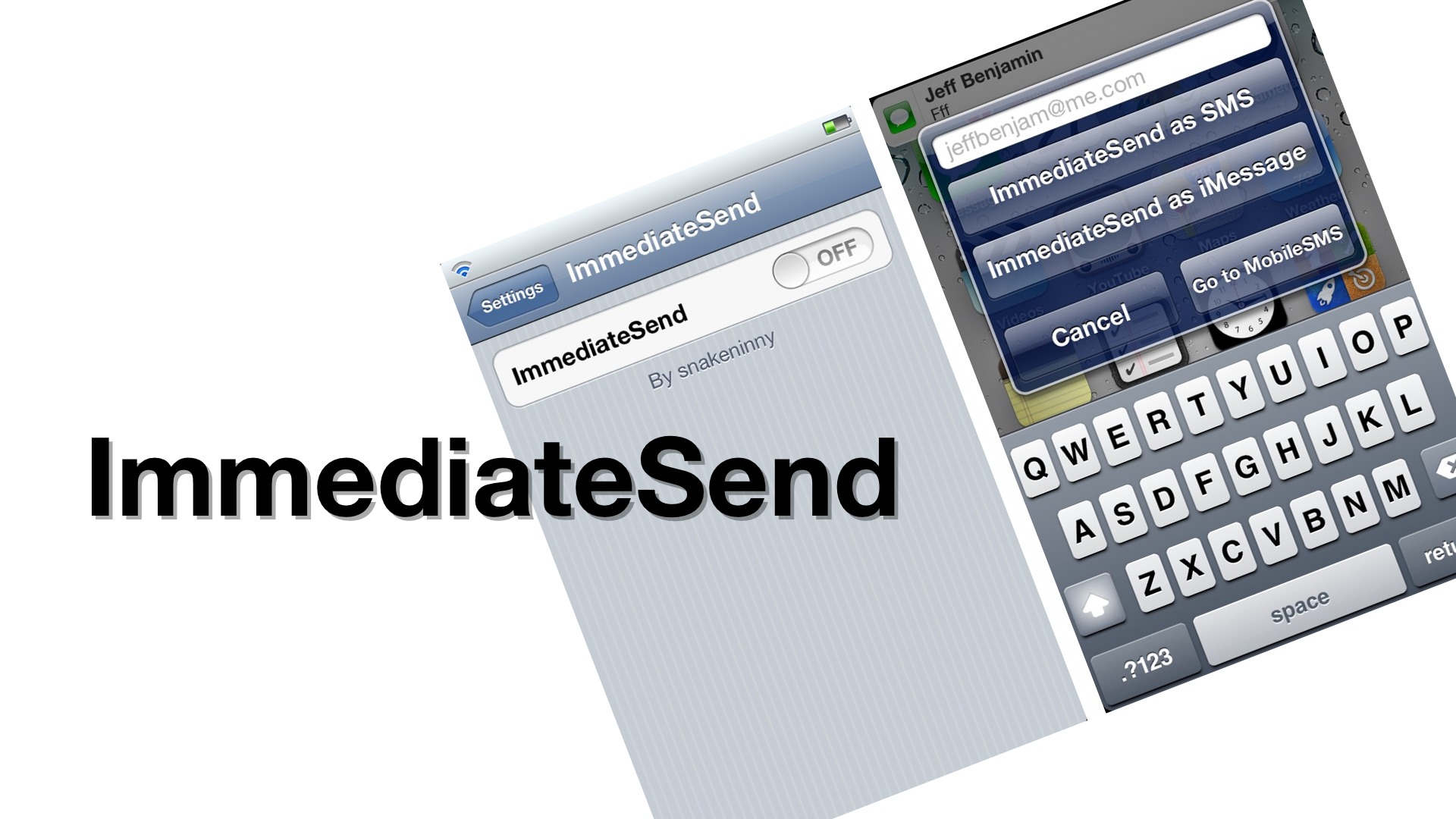
ImmediateSend is a jailbreak tweak that allows you to send immediate replies to an ongoing text or iMessage conversation. The tweak assumes that you already know the context of the ongoing conversation, so it avoids opening the full body of the chat window to save time.

Instead of the full chat body window, you are instead prompted to send responses to messages via a quick entry text window. This window contains options to reply as an SMS, iMessage, or to open the body of the chat for a full overview of the conversation at hand. Take a look inside for a video walkthrough of ImmediateSend...

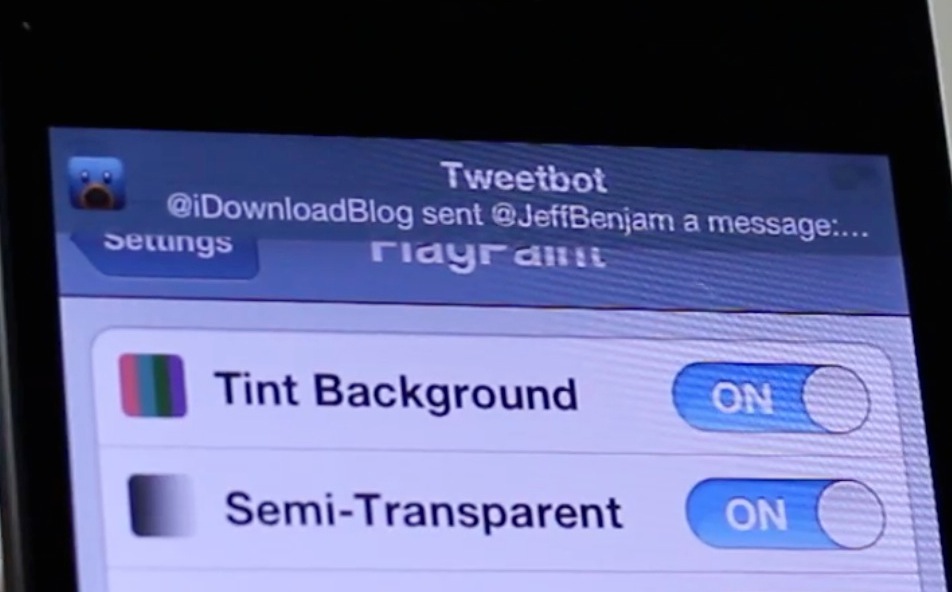
‘FlagPaint’ changes banner notification colors on a per app basis

Cydia tends to go through phases as far as innovative jailbreak tweaks go. Sometimes there seems to be an abundance of new tweaks gracing the store every day, and other times it seems like the dry spells never end.

In my opinion, we're in the middle of one of those dry spells. That's not to say there aren't a few jailbreak tweaks here and there seeking to do something innovative, it just means that such releases seem to be few and far between.

FlagPaint falls firmly in the category of innovative. Rather that duplicate functionality that's already available on Cydia, the developer of FlagPaint sought out to do something original. Take a look inside for the details...

jLauncher replaces the stock App Switcher with something better

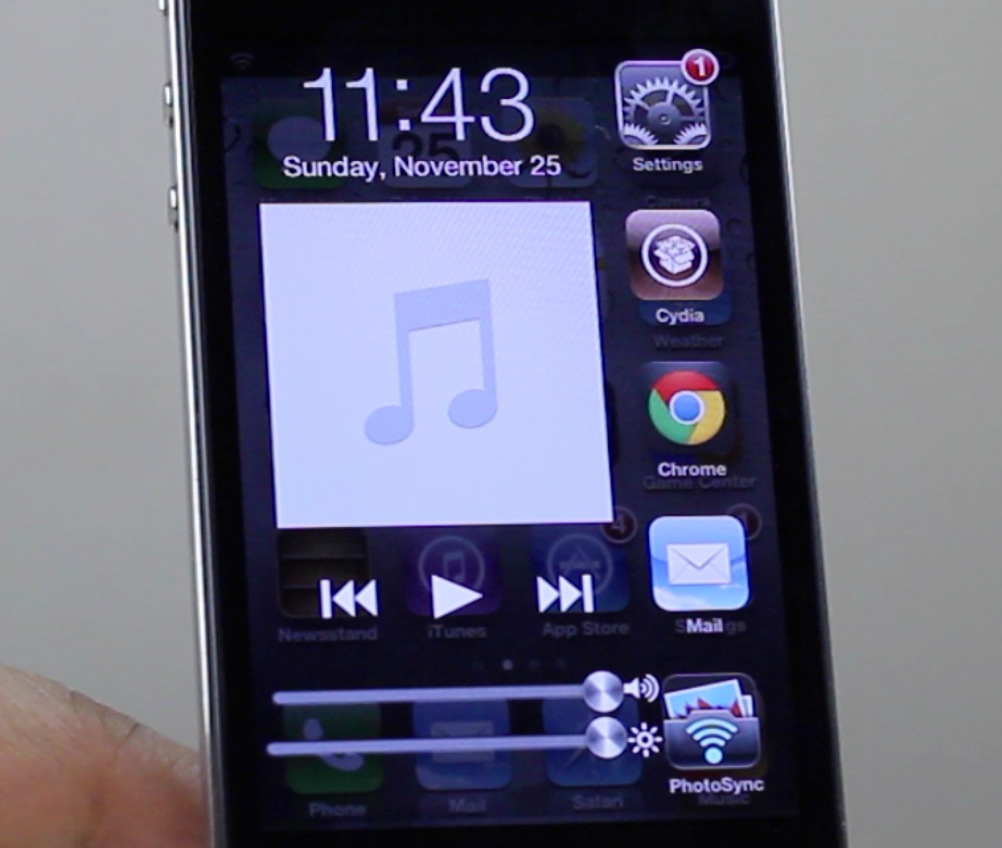
Are you looking for something to spice up the iPhone's stock App Switcher? If so, then look no further than jLauncher, a new jailbreak tweak available on Cydia that aims to outright replace the App Switcher.

Unlike the stock App Switcher, jLauncher features all options on a single page. That means that items like music controls, recently used apps, brightness, and volume controls are all contained on the same page.

Making the case for going case-less

I decided to go completely case-less. Most of you guys probably think I already do that, since I never have a case on my devices when I'm filming a new video.

But that, as it turns out, hasn't been so. I used to only keep my iPhone nude for aesthetic purposes on film. As soon as I hit the shutter release on my camera to stop filming, back in the case she went.

Then I read something that changed my perspective on things. After seeing this post by John Gruber, I started thinking. Why are we so obsessed with encapsulating our devices in protective covering? Aren't we ridding ourselves of the pleasure of using it as it was intended and designed to be used?

I decided to embark on an experiment. One that could prove costly, but at the same time provide me with a since of liberation. I was going to go case-less...

Tales of a connected home: how iOS is changing modern living

I'm a huge proponent of using technology to make my life easier, especially around the home. Technology for the home has been around for quite some time in the form of home automation systems, lighting, and so forth. Unfortunately, such systems have been extremely pricey in the past, or overly confusing to setup and maintain.

Enter the smartphone.

Smartphones, and in particular the iPhone, have served as a great equalizer over the past few years. I can do things with my phone that I never would have dreamed of just a few years ago, and it gets better with each passing year.

Inside, I'll reflect on some of the cool things that I've been able to accomplish lately with my iPhone, along with videos and links to articles that cover the subjects more in-depth. Have a look...

5 excellent jailbreak tweaks to improve search on iOS

Searching is something we do day in and day out. It's an integral part of the desktop experience, so it only makes sense that it's something we do often on mobile devices as well.

Searching on the iPhone, while adequate, has always left a little something to be desired when compared to competing operating systems like Android. It only makes sense, considering Android is the product of Google — the creator of the world's best and most popular search engine.

If you're jailbroken, however, you have many more choices when it comes to search on iOS. There are search improvements for Spotlight, voice search enhancements, Notification Center search options, and much, much, more. Jailbreaking is a great way to get more out of your device, and that's why we've taken the liberty to compile a list highlighting some of the best jailbreak tweaks for search...

Universal Video Downloader allows you to extract video from outside apps

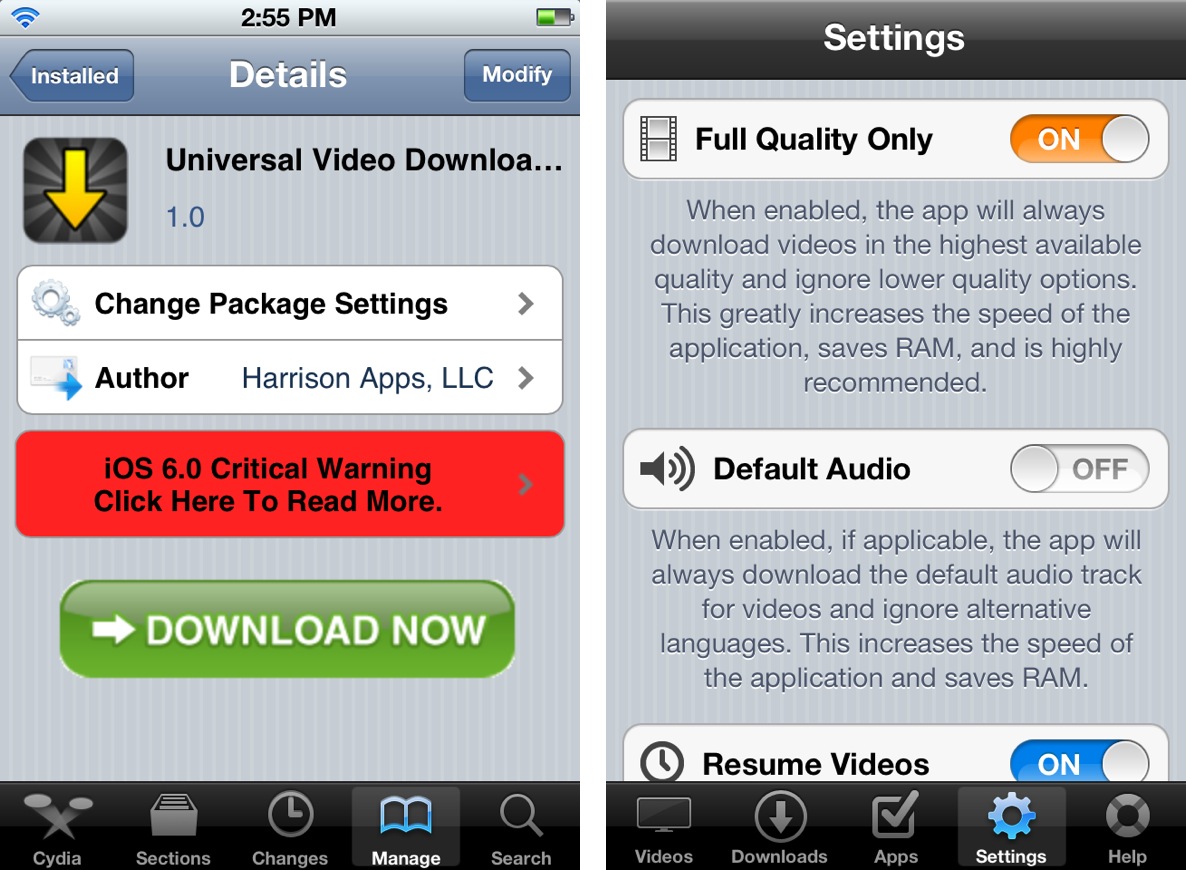
Universal Video Downloader is a jailbreak tweak that allows you to extract video from any app. It's a tweak that makes it totally feasible to download an iTunes trailer, or other video content for offline use.

Obviously, as with any app of this nature, it is possible to use it for more unscrupulous means, but as we always do at iDB, we urge you to use the app like it was intended to be used — for legitimate purposes. Want to see how it works? Take a look inside as we take Universal Video Downloader for a spin.