Jeff Benjamin

Jeff has been with iDownloadBlog since 2010, acting as resident video specialist, and tutorial expert. He earned his degree in Computer Network Systems back in 2001, but decided Cisco routers and the like just weren’t for him. Since then, he’s been heavily involved with online writing. He’s written for numerous tech and video game sites since the late 1990′s, and has a knack for explaining things in a simple, clear, and concise manner. Jeff works primarily from the east coast on his Retina Macbook Pro, and shoots video with a Canon DSLR. During downtime he likes to travel the world, visiting the various Apple Stores across the globe. You can email him at jeff [at] idownloadblog.com and follow him on Twitter @JeffBenjam or on Google+.

How to improve the look of Google Maps on a jailbroken iPad

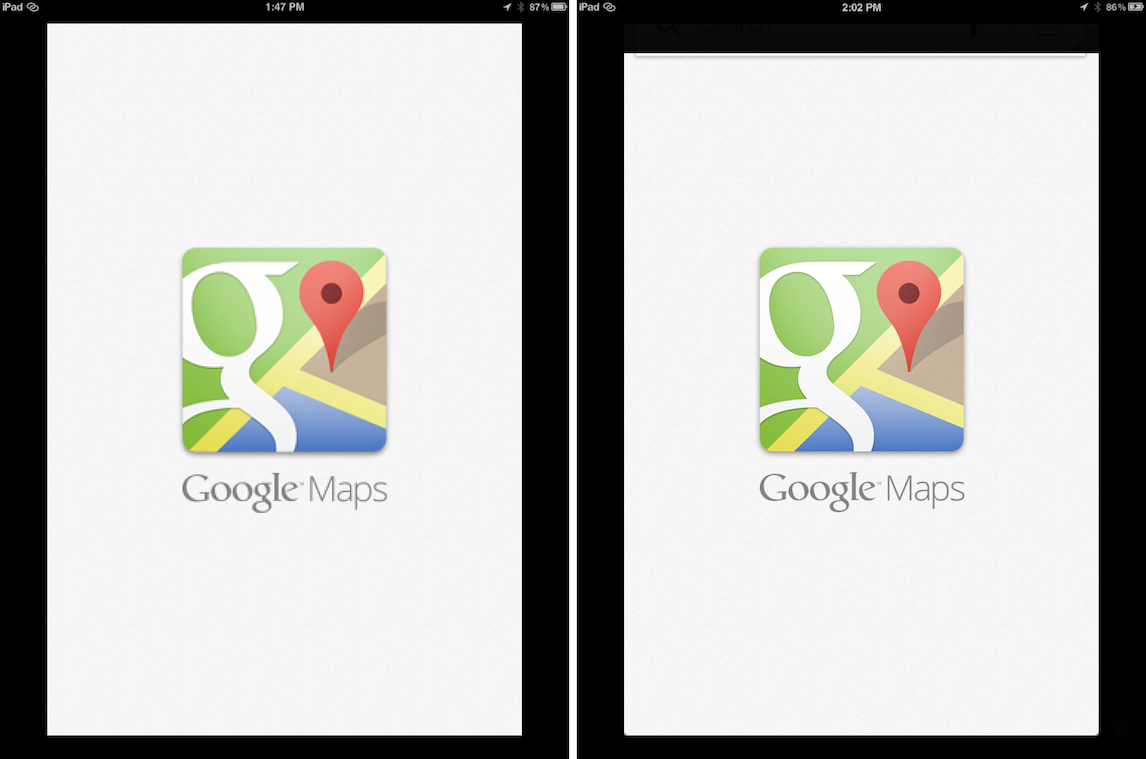
Last night, Google released its new version of iOS maps to much fanfare, but sadly, iPad owners were left without a version designed for the larger display.

True, you can always run Google Maps in 2x mode on the iPad, but truth to be told, it looks hideous when doing so. Thankfully, one of our favorite jailbreak tweaks for the iPad always seems to come to the rescue when there's a big iPhone only release.

RetinaPad, a tweak by Ryan Petrich that we've covered extensively in the past, allows you to run Google Maps, and any other iPhone app for that matter, using the 2x mode assets included with the app. This not only provides a full screen experience, but significantly improved visuals in full screen as well...


The Daily Recap – Dec 12, 2012 edition

http://www.youtube.com/watch?v=GRLq-OGgags

Welcome to The Daily Recap for December 12th, 2012. Watch our video above for a quick look at some of the top stories from the day in less than two minutes. If you missed out on any of today’s big news, this is an excellent way for you to get caught up fast.

For your convenience, you’ll also find links to all of the stories listed in today’s recap inside...

Google to release iOS maps app tonight

After much wait, it seems that Google is finally set to release its iOS maps app tonight.

As you'll no doubt recall, Google Maps was the stock maps app on iOS on up until it was usurped by Apple's own flavor of maps beginning with iOS 6. Of course, that didn't go down so well for Apple, as its Maps app was critically panned for being ugly at best, and dangerously inaccurate at worst.

The Apple Maps debacle got so bad that a public apology was posted by Apple CEO Tim Cook, and Scott Forstall, the man behind Apple Maps, was relieved of his duties.

Now, after months of speculation and wait, AllThingsD is reporting that Google will release its iOS maps comeback tonight...

As expected, the Dream JB is a fake – updated

Okay, I'll bite. Again.

Yesterday I called out the developer of "Dream JB" for promising to bring a jailbreak to the iPhone 5 when he knew good and well that he couldn't fulfill that promise.

Understandably, a lot of readers were miffed that I had the audacity to dash their hopes for a jailbreak. We've waited a long time for a jailbreak for iOS 6 and the iPhone 5, so it didn't really surprise me when I was labeled a pessimist, although I was surprised a bit that my journalistic integrity was questioned. Fair enough, I was pretty positive that in due time this "jailbreak" would be exposed for what it really was.

Due time came today.

As I stated, I too wish for a jailbreak, it's in my best interest to have one...but I and many others saw through this for what it was — a fake. Now the developer has released a video showcasing his fake work. And although it's a pretty ambitious job of fakery, at the end of the day it's still fake.

The Daily Recap – Dec 11, 2012 edition

http://www.youtube.com/watch?v=mq2-taRl-Nk

Welcome to The Daily Recap for December 11th, 2012. Watch our video for a quick look at some of the top stories from the day in less than two minutes. If you missed out on any of today's big news, this is a great way for you to get caught up fast.

For your convenience, you'll also find links to all of the stories listed in today's recap inside...

Reports of an iPhone 5 jailbreak releasing on December 22nd are probably fake – updated

Over the last few weeks there's been a slight buzz about a so-called iPhone 5 jailbreak from some unknown and unproven entity. So as not to draw attention to the folks behind what is almost assuredly a hoax, we'll refrain from linking or name dropping.

The bottom line is this, if you don't see word from a respectable member of the community, a member from proven teams like the Chronic Dev Team or the iPhone Dev Team, then it's almost always fake. Please don't get hyped up over something that isn't real, only to be highly disappointed in a few weeks...

Binary Clock replaces your iPhone’s stock Lock screen clock

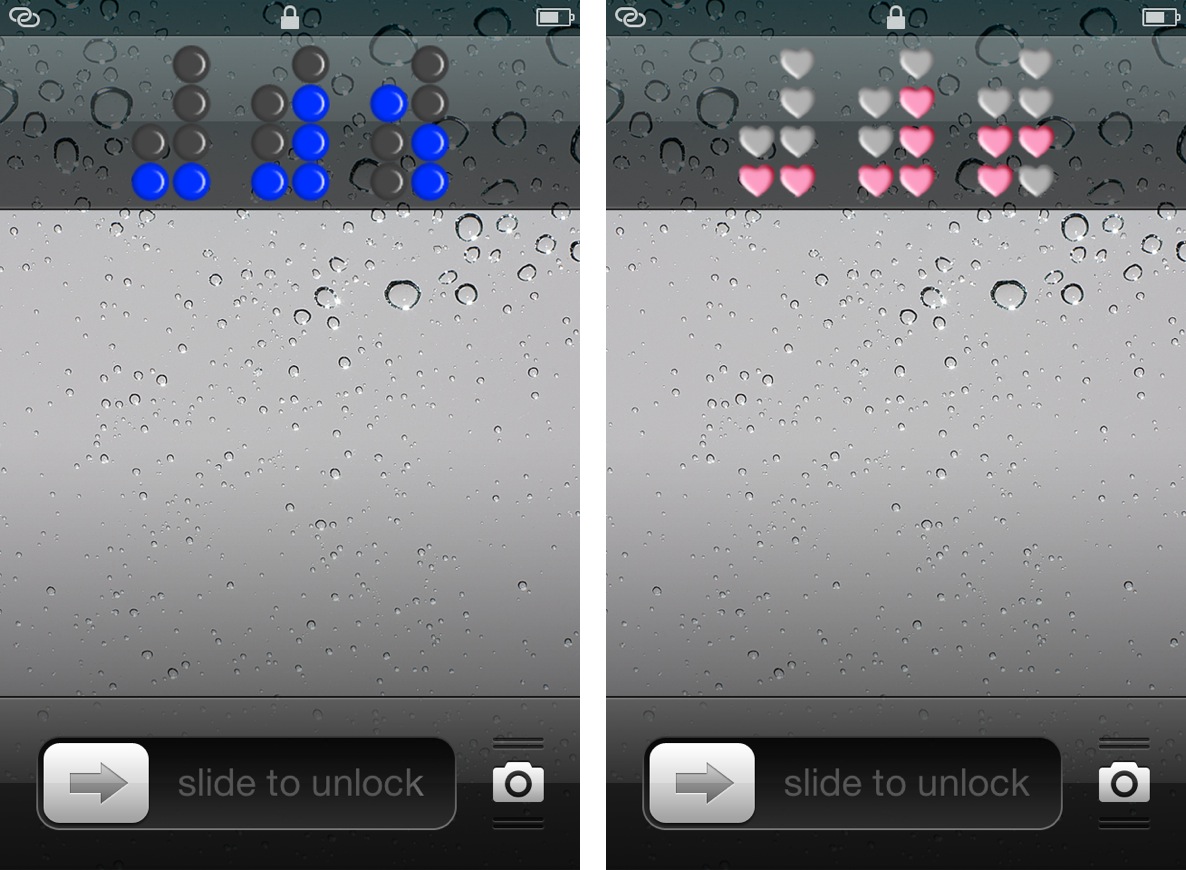
Binary Clock is a new jailbreak tweak that outright replaces the stock Lock screen clock on an iOS device. The tweak features over a dozen different themes of various colors or shapes, along with the ability to hide or show the Lock screen date string.

Obviously, you'll need to know how to tell time in binary, unless your plan is to simply stare aimlessly at the pretty flashing lights. Don't worry, inside I'll not only showcase this awesome tweak, but I'll also teach you how to tell time in binary in less than a couple of minutes.

The Daily Recap – Dec 10, 2012 edition

http://www.youtube.com/watch?v=QTCqoY6N-RI

I've been working on these recap videos for the past week, but today is the first day that I've posted one on iDB. It's basically a culmination of all of the top stories from the day, with some Emmy nominated commentary by yours truly.

I'll be working on making subtle improvements to the style as time goes on, but the basic concept remains the same. If you missed some of our content throughout the day, then The Daily Recap is a great way to get caught up with all of the important Apple related tidbits.

HUD Pro adds additional options to the iPhone’s volume HUD

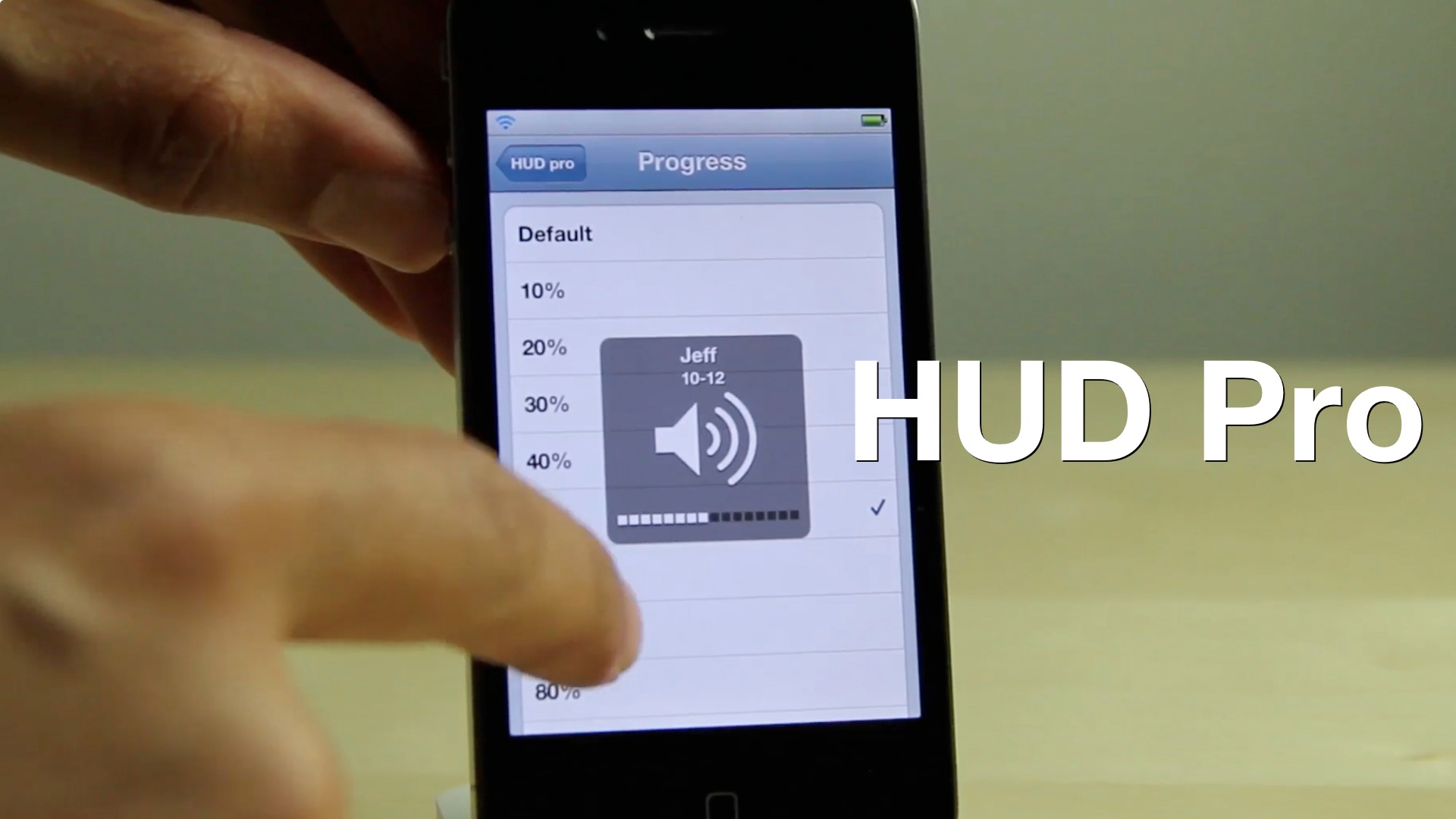
Looking to add some additional functionality to the iPhone's volume HUD? If so, then you might want to take a look at HUD Pro — a new jailbreak tweak available on Cydia's MacCiti repo.

At $1.50, I feel HUD Pro is a bit pricey for what it offers. It features things that venture more toward the gimmicky side than actually being useful, but perhaps this video will make it easier for you to decide on that...

How to easily adjust brightness on iPhone and iPod touch with BrightVol

BrightVol is a new jailbreak tweak, which allows you to adjust the brightness settings of an iPhone or iPod touch using the device's hardware volume buttons.

While similar tweaks have been created in the past, none of them, to my knowledge, allows you to dynamically switch between brightness settings and traditional volume settings as easy. BrightVol allows you to do just that, and that's what really separates it from the rest of the pack. Take a look inside for our full video walkthrough...

Here’s how the Apple TV’s new Bluetooth keyboard support works

Earlier today we told you about how the latest beta version of the Apple TV firmware adds Bluetooth keyboard support. Why Apple is just now getting around to adding support for keyboards is anyone's guess, but it's better late than never.

No longer will you have to tediously type in hidden WiFi SSIDs and passwords in order to setup a WiFi connection. No longer will you tear your hair out in frustration as you search YouTube for your favorite videos from iDB.

We've downloaded the beta version of the latest Apple TV firmware, and tested out the Bluetooth keyboard support for ourselves. Now we'd like to share with you the entire setup process just to show you how incredibly easy it all is. Take a look inside...

Transloader: download files remotely to your Mac via iOS

Transloader is a new Mac app available on the Mac App Store, which allows you to remotely download files to your Mac via an iOS app. The two apps speak to each other via iCloud, with the iOS app acting as a means to forward a download URL for the listening client running on the Mac.

If you're like me and always on the go, Transloader is a great way to save time by downloading files while away from the home or office. Take a look at our video walkthrough inside for a glance into how it works.