Jeff Benjamin

Jeff has been with iDownloadBlog since 2010, acting as resident video specialist, and tutorial expert. He earned his degree in Computer Network Systems back in 2001, but decided Cisco routers and the like just weren’t for him. Since then, he’s been heavily involved with online writing. He’s written for numerous tech and video game sites since the late 1990′s, and has a knack for explaining things in a simple, clear, and concise manner. Jeff works primarily from the east coast on his Retina Macbook Pro, and shoots video with a Canon DSLR. During downtime he likes to travel the world, visiting the various Apple Stores across the globe. You can email him at jeff [at] idownloadblog.com and follow him on Twitter @JeffBenjam or on Google+.

The Daily Recap – Dec 20, 2012 edition

http://www.youtube.com/watch?v=wCHjuw-z_lA

Welcome to The Daily Recap for December 20th, 2012. Watch our video for a quick look at some of the top stories from the day in less than two minutes. If you missed out on any of today's big news, this is a great way for you to get caught up fast.

For your convenience, you'll also find links to all of the stories listed in today's recap inside...

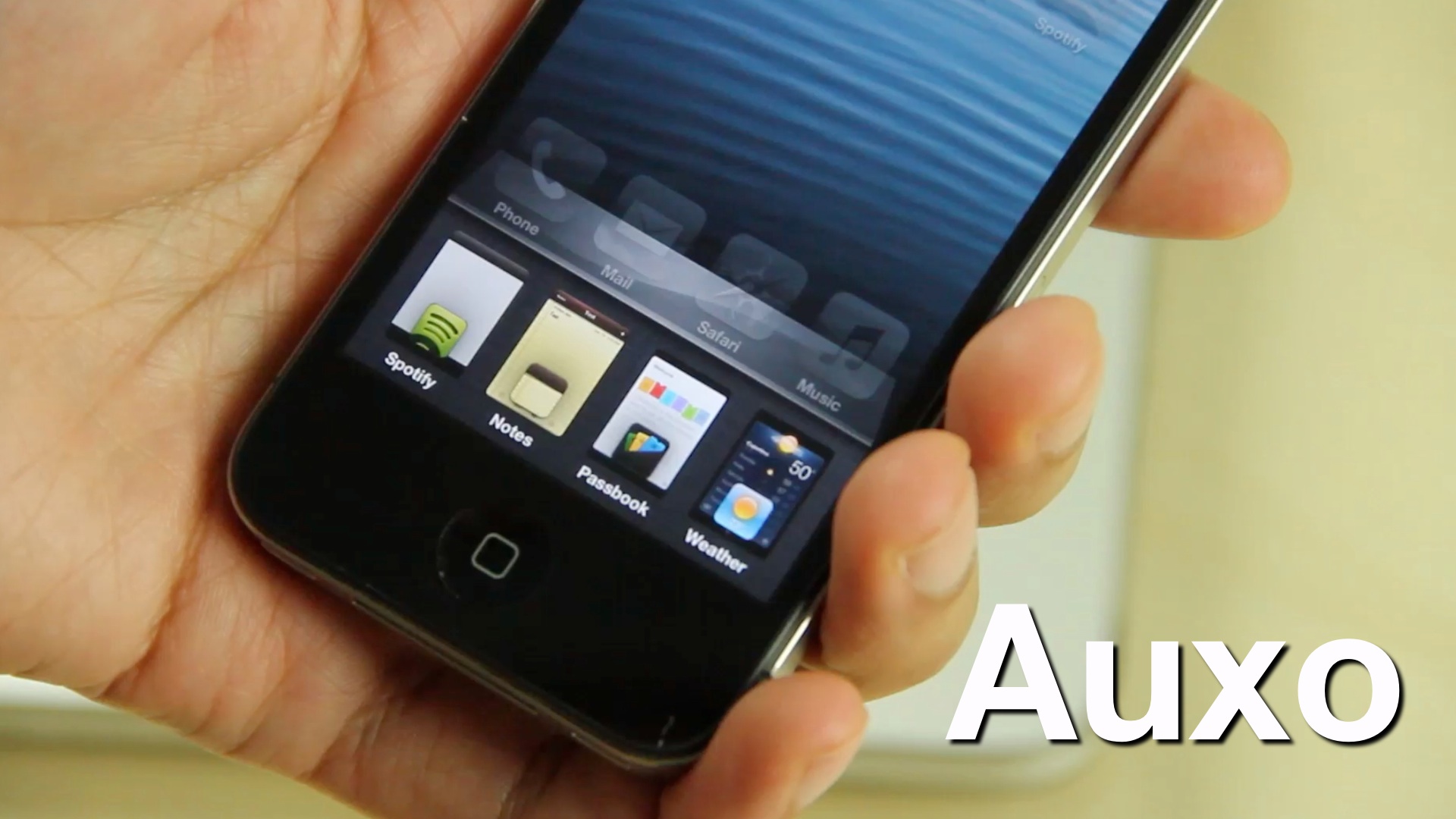
Auxo completely reinvigorates the iOS app switcher

Back in October we posted a tidbit on an iOS app switcher concept that was making waves across the Internet. Initially posted on The Verge forums, designer @Sentry_NC's concept was met with approval by many, including readers here on iDB.

A lot of times, though, these sorts of things never go anywhere. Concept photos and videos are nice, but rarely do they evolve into anything more than that. Well, I'm happy to tell you that Sentry's concept hasn't followed the status quo in this regard. Bent on making his concept a reality, he collaborated with developers, Jack Willis, and JamieD360, to bring the idea to fruition.

We've been fortunate enough to gain access to the final build of the real live working tweak. Auxo is its name, and changing the stock iOS app switcher for the better is the game...

The Daily Recap – Dec 19, 2012 edition

http://www.youtube.com/watch?v=UZ61grpnRP8

Welcome to The Daily Recap for December 19th, 2012. Watch our video for a quick look at some of the top stories from the day in less than two minutes. If you missed out on any of today's big news, this is a great way for you to get caught up fast.

For your convenience, you'll also find links to all of the stories listed in today's recap inside...

The Daily Recap – Dec 18, 2012 edition

http://www.youtube.com/watch?v=AKHjc3UeyRc

Welcome to The Daily Recap for December 18th, 2012. Watch our video for a quick look at some of the top stories from the day in less than two minutes. If you missed out on any of today's big news, this is a great way for you to get caught up fast.

For your convenience, you'll also find links to all of the stories listed in today's recap inside...

The Daily Recap – Dec 17, 2012 edition

http://www.youtube.com/watch?v=pvGKc823ZgQ

Welcome to The Daily Recap for December 17th, 2012. Watch our video for a quick look at some of the top stories from the day in less than two minutes. If you missed out on any of today's big news, this is a great way for you to get caught up fast.

For your convenience, you'll also find links to all of the stories listed in today's recap inside...

Nito Installer allows you to easily install nitoTV and XBMC on a jailbroken Apple TV

Thanks to the folks over at FireCore, both jailbreaking and installing useful jailbreak apps on an Apple TV 2 is about as easy as it gets. FireCore's jailbreak tool — Seas0npass — is incredibly simple, and it's free.

Likewise, FireCore's application package — aTV Flash (black) — is extremely simple as well, though there is a charge associated with using it. Pretty much everything that you can install using aTV flash (black) can be accomplished on your own with a bit of know how, but its simplicity makes the package worth the money.

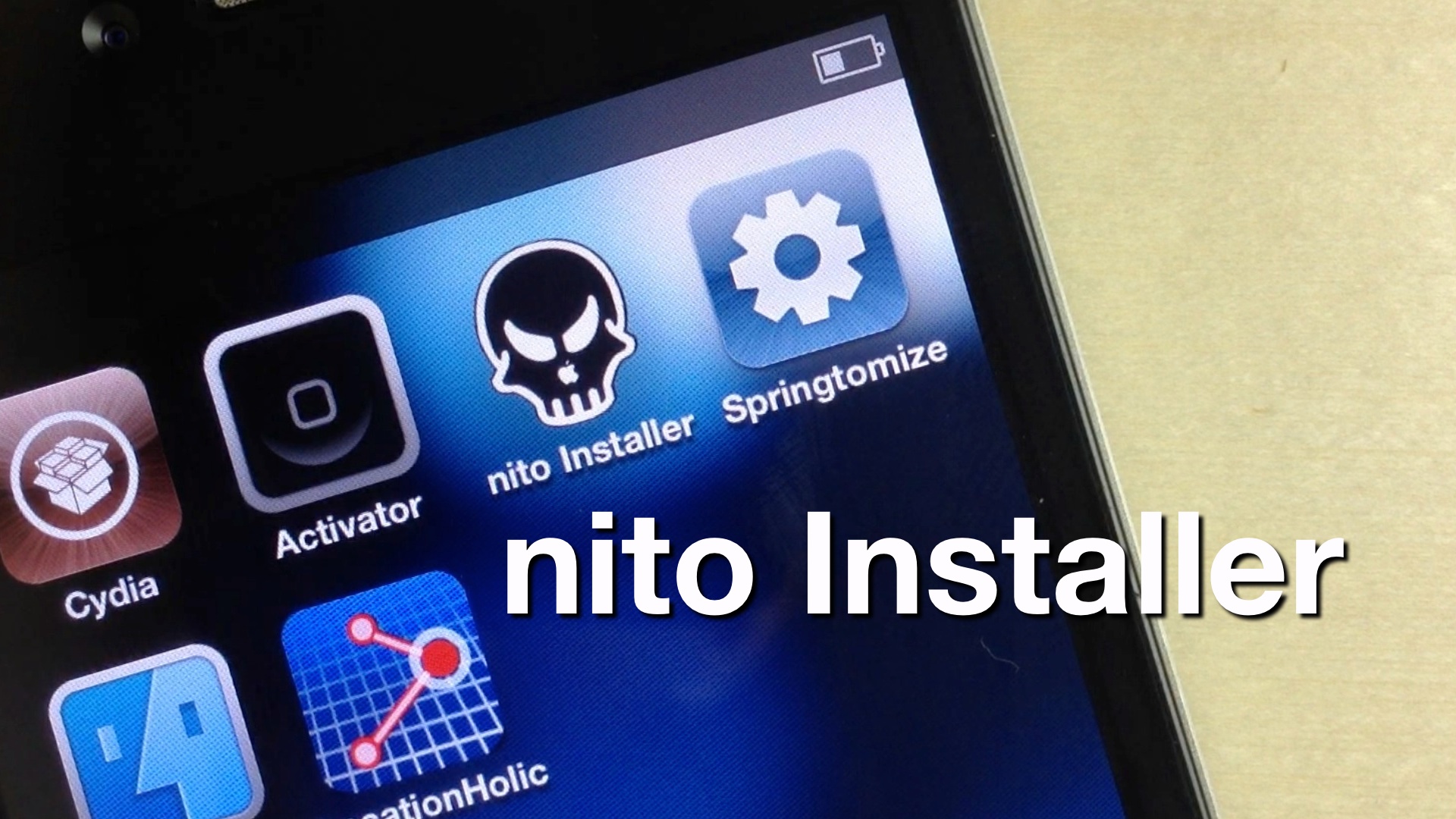
Now Kevin Bradley, better known in hacking circles as nitoTV, has created his own easy to use installer, appropriately called, nito Installer. Unlike aTV flash (black), his version is free and runs directly on an iOS device like the iPhone or iPad.

Want to see how it works? Take a look inside as we take nito Installer for a spin...
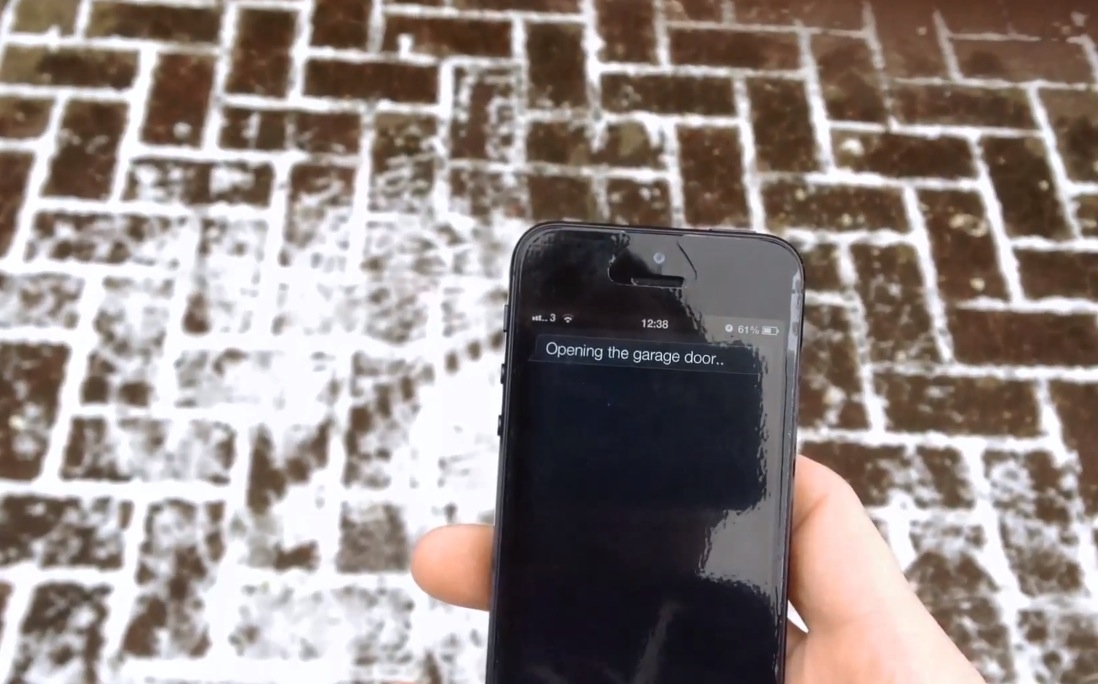
Watch this guy open his garage door with Siri

It's been a while since we've seen any cool Siri Proxy videos. At one time they were all the rage, with people starting cars, adjusting thermostats, and more, all via Apple's virtual assistant.

Now that the newness of Siri has worn off, Siri hacks and proxy usage has kind of died down. That is, until now. With the help of a friend — the credit card sized Rasberry Pi computer — this guy is able to open up his garage using only his voice.

How to jailbreak iOS 6.1 beta 4

Apple seeded the 4th beta installment of iOS 6.1 just a while ago, and it's now available as both a delta update, and a direct download via Apple's developer portal.

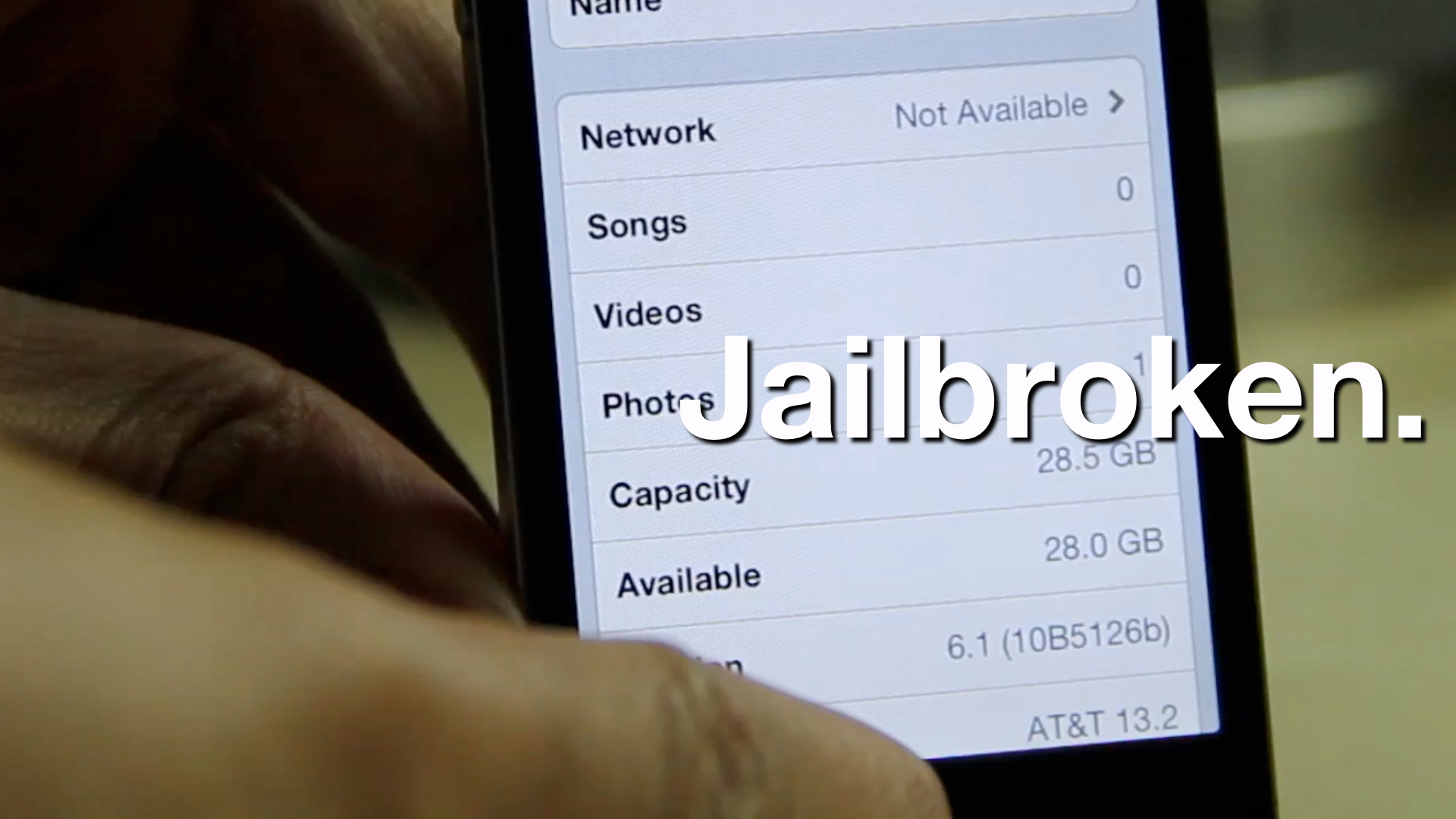
As we always strive to do, we've taken it upon ourselves to jailbreak iOS 6.1 beta 4 as a confirmation that it can be done. Inside, we'll show you the exact steps that you need to take in order to do the same on your qualifying iOS 6 beta 4 device.

iOS 6.1 beta 4 released to developers for all iOS devices

Apple has released what is reportedly its final iOS 6.1 beta a few minutes ago, when it pushed out iOS 6.1 beta 4 for all iOS devices including the iPhone, iPad, iPod touch, and Apple TV.

Existing beta users can access the latest update via the General > Software Update section of the Settings.app. This delta update rings in at a modest 56.5 MB, while the full fledged update comes in at 896 MB when downloaded directly from Apple's developer portal.

The Daily Recap – Dec 14, 2012 edition

http://www.youtube.com/watch?v=223fP5QAp9s

Welcome to The Daily Recap for December 14th, 2012. Watch our video for a quick look at some of the top stories from the day in less than two minutes. If you missed out on any of today's big news, this is a great way for you to get caught up fast.

For your convenience, you'll also find links to all of the stories listed in today's recap inside...

‘MapsOpener’ makes Google Maps the default Maps app on iOS

Google Maps is back on iOS, but there's just one problem -- Apple's stock maps app still remains default, so all of your maps links will open in Apple's version instead of Google's.

Thankfully, we knew it was only a matter of time before a jailbreak solution appeared to skirt around this issue. That solution is called MapsOpener -- a brand new jailbreak tweak that forces maps links to open up in Google Maps...

The Daily Recap – Dec 13, 2012 edition

http://www.youtube.com/watch?v=qTsYGun6l0M

Welcome to The Daily Recap for December 13th, 2012. Watch our video for a quick look at some of the top stories from the day in less than two minutes. If you missed out on any of today's big news, this is a great way for you to get caught up fast.

For your convenience, you'll also find links to all of the stories listed in today's recap inside...